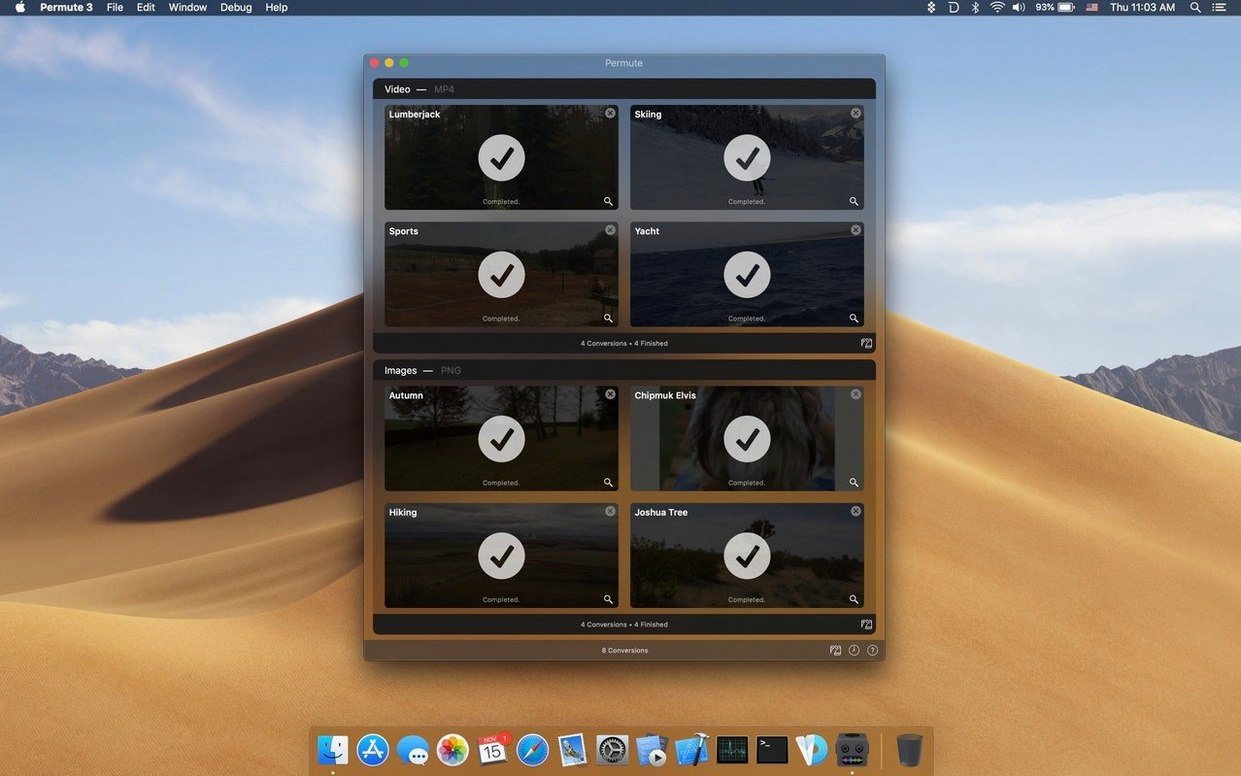
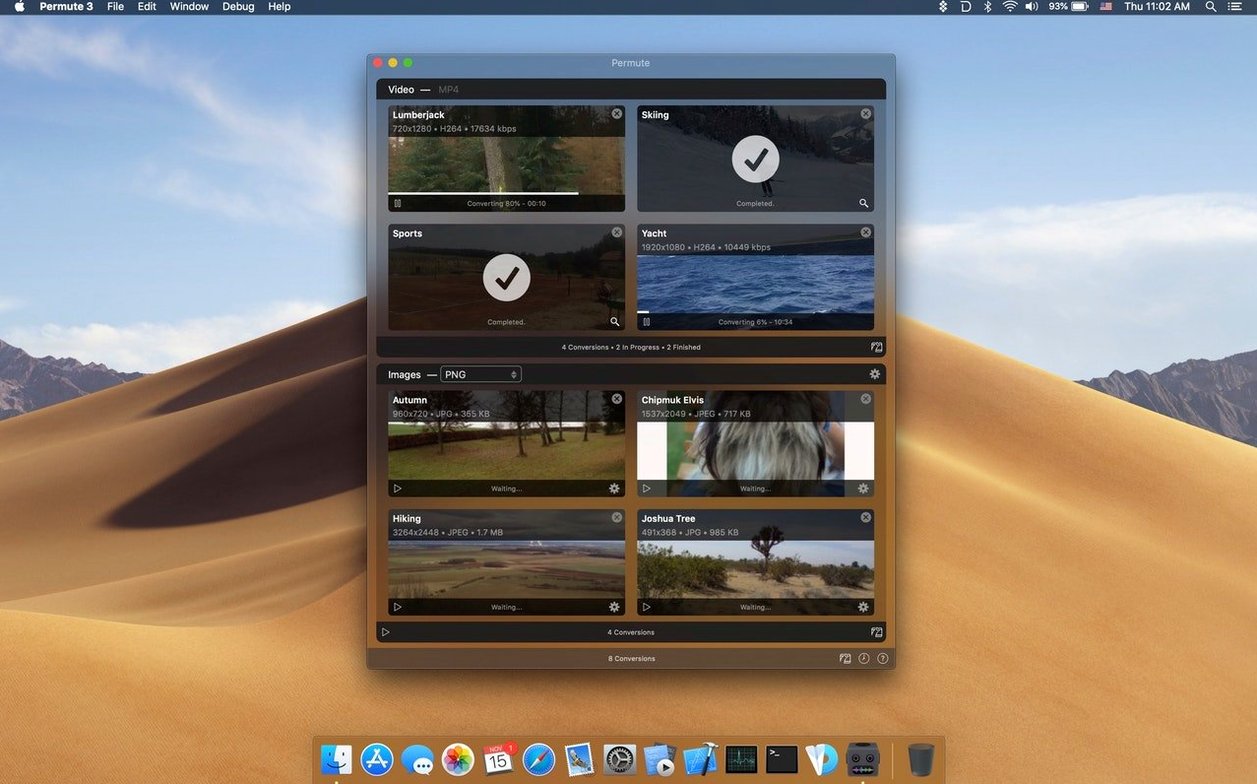
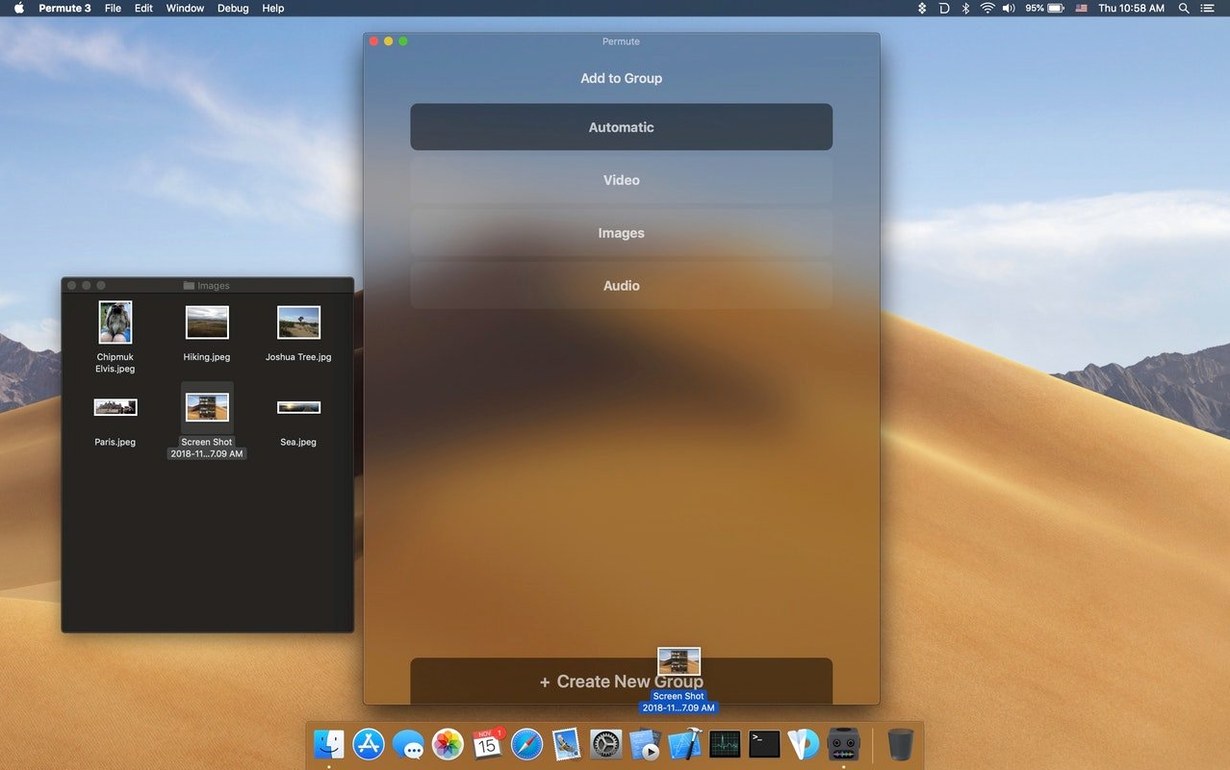
The batch conversion queue feels like the quiet MVP here. Drop in a folder of clips, set one output format, and Permute 4 works through the list without asking twice. It uses FFmpeg libraries under the hood, so the format coverage runs wide: video, audio, images, and a few file types you wouldn't expect from a tool this plain-looking.
Video, Audio, Image Conversion Plus Subtitle Merging
- Video files to other video formats
- Audio files to other audio formats
- Image files to other image formats
- Adding a subtitle track to a video
The subtitle option is the kind of thing that saves a separate step in another app. Select the video, pick the subtitle file, and the output arrives with the track embedded.
Apple Silicon Macs for No-Fuss Media Format Shuffling
Small teams who deal with mismatched media files on a Mac. No preset sprawl, no timeline view. Just convert and move on. Built for Apple Silicon and the current macOS release.
Drag a Folder of iPhone Clips Straight Into the Queue
You open Permute to a single window with a blank canvas. Drag a folder of iPhone footage onto it — the queue populates instantly. Each clip shows a thumbnail, duration, and the output format you last used.
- Set the target. Click the format dropdown on the first clip and choose HEVC (High Quality). Hold Option and click a second clip — the same format applies to the whole queue.
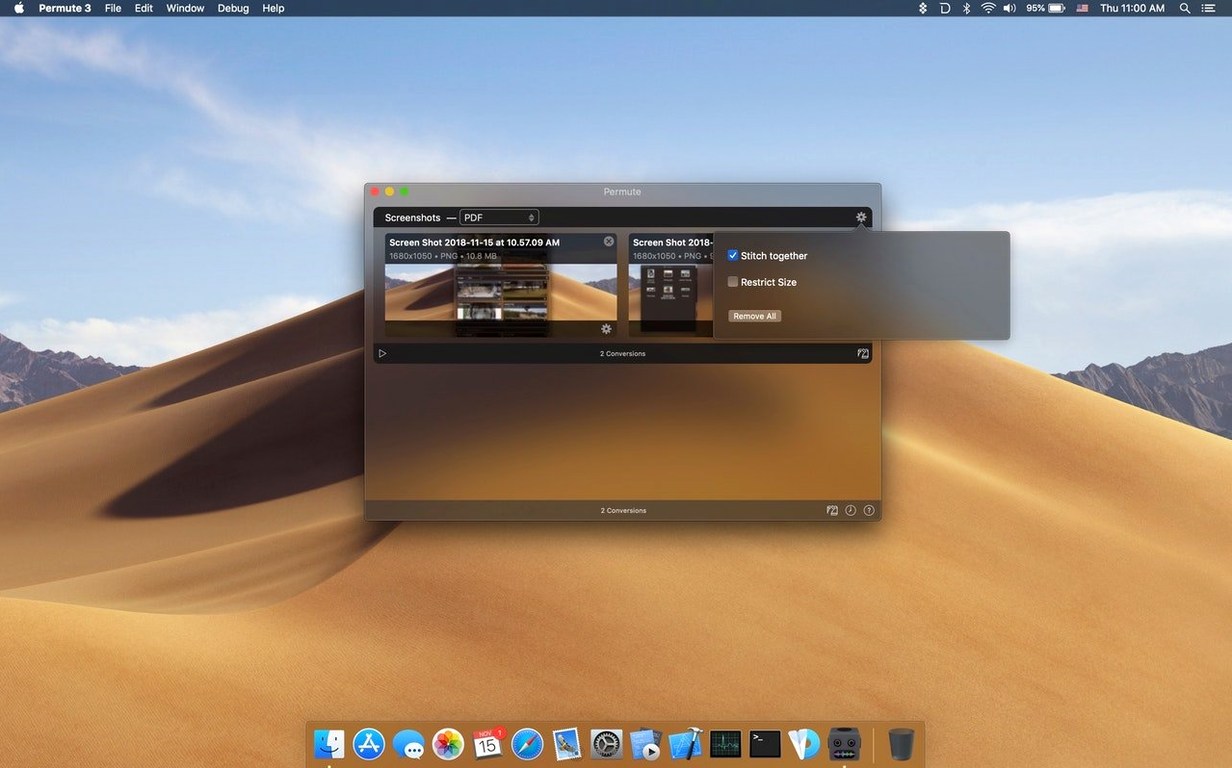
- Adjust one setting. The gear icon reveals a slider for quality, a resolution picker, and a toggle for preserving HDR metadata. You set 80% on the slider and lock the resolution to 1080p.
- Hit Convert. A progress ring fills beside each file. The app processes four clips in parallel, one per performance core. You drag in a subtitle file while it runs — the queue adds it as a new item without pausing the batch.
- Collect the results. A Finder button opens the output folder. Original files sit untouched; Permute writes copies with a suffix in the filename.
The whole session takes under a minute of your attention. The rest is watching a progress bar or switching to another task.
Rebuilt Engine Sheds Transcode Warm-Up Time
Version 4.0 moved Permute onto a new foundation: Apple Silicon only, macOS 26 minimum. The developer rebuilt the conversion engine to use the MediaExtension framework where possible, which shows in shorter warm-up time before a transcode starts.
The interface flattened. Fewer nested preferences, no toolbar customization panels that scroll. The format picker now groups outputs by category — Video, Audio, Image, Other — instead of one long list. For everyday use, that means less hunting for WebM or Opus when you need them twice a month.
Subtitles got a quiet upgrade too. Earlier versions burned subtitles into the video stream by default. The current release embeds them as a selectable track unless you explicitly check the burn-in option. That single change removes a common re-convert situation.
Subtitling a presentation recording, end to end
A client sends you a 45-minute MOV recorded at their office, plus an SRT file transcribed from the audio. You need a compact MP4 with the subtitles embedded, ready for their internal portal.
- Drop the MOV into Permute. The queue shows one item. Format defaults to whatever you used last — switch it to MP4 (H.265).
- Attach the subtitle track. Click the subtitle icon below the thumbnail, select the SRT. The preview area confirms the track is listed, not burned in.
- Set dimensions. The source is 4K; the portal caps at 1080p. Open the gear, set resolution to 1920×1080, quality to 75%.
- Start the conversion. For a file this size, the progress ring moves in steady increments. The app uses hardware acceleration on the M-series chip, so the fan stays quiet.
- Verify one detail. Open the result in QuickTime Player. Tap the subtitle button — the track is there, timing intact. File size dropped from 12 GB to roughly 900 MB.
The workflow replaces a three-app chain: one tool to transcode the video, another to mux the subtitles, and a third to resize. Here it's one queue, one pass.
- macOS 26 or later
- Apple Silicon
Questions I get before install
Does Permute 4 run on Intel Macs?
The current release targets Apple Silicon Macs running macOS 26 or later.
Comments 0
Sign in to leave a comment.Sign inCreate an account
No comments yet. If a step is still there after you install it, say so.
More in Video Converters
All in Video Converters Movavi Video Converter
Reshapes video, audio, and image files for a different screen or editor.
19 steps saved
 Macxvideo AI
Upscales and cleans up footage while handling format conversions in one go.
15 steps saved
 VideoByte BD-DVD Ripper
Converts a Blu-ray disc into a compact MP4 ready for Plex or a tablet.
21 steps saved
 Updated
VideoProc Converter AI
Combines video conversion, downloading, screen recording and AI upscaling in one window.
23 steps saved
 VideoProc Converter
Batch-transcodes footage from any camera or phone into an editor-friendly format.
17 steps saved
 ViWizard Spotify Music Converter
Turns Spotify tracks and playlists into standalone audio files with intact tags.
18 steps saved
 Wondershare UniConverter
Transcodes video and audio between formats and converts DVD content to common files.
20 steps saved
 EditReady
Converts raw camera footage into edit-ready clips without the clutter of a general converter.