
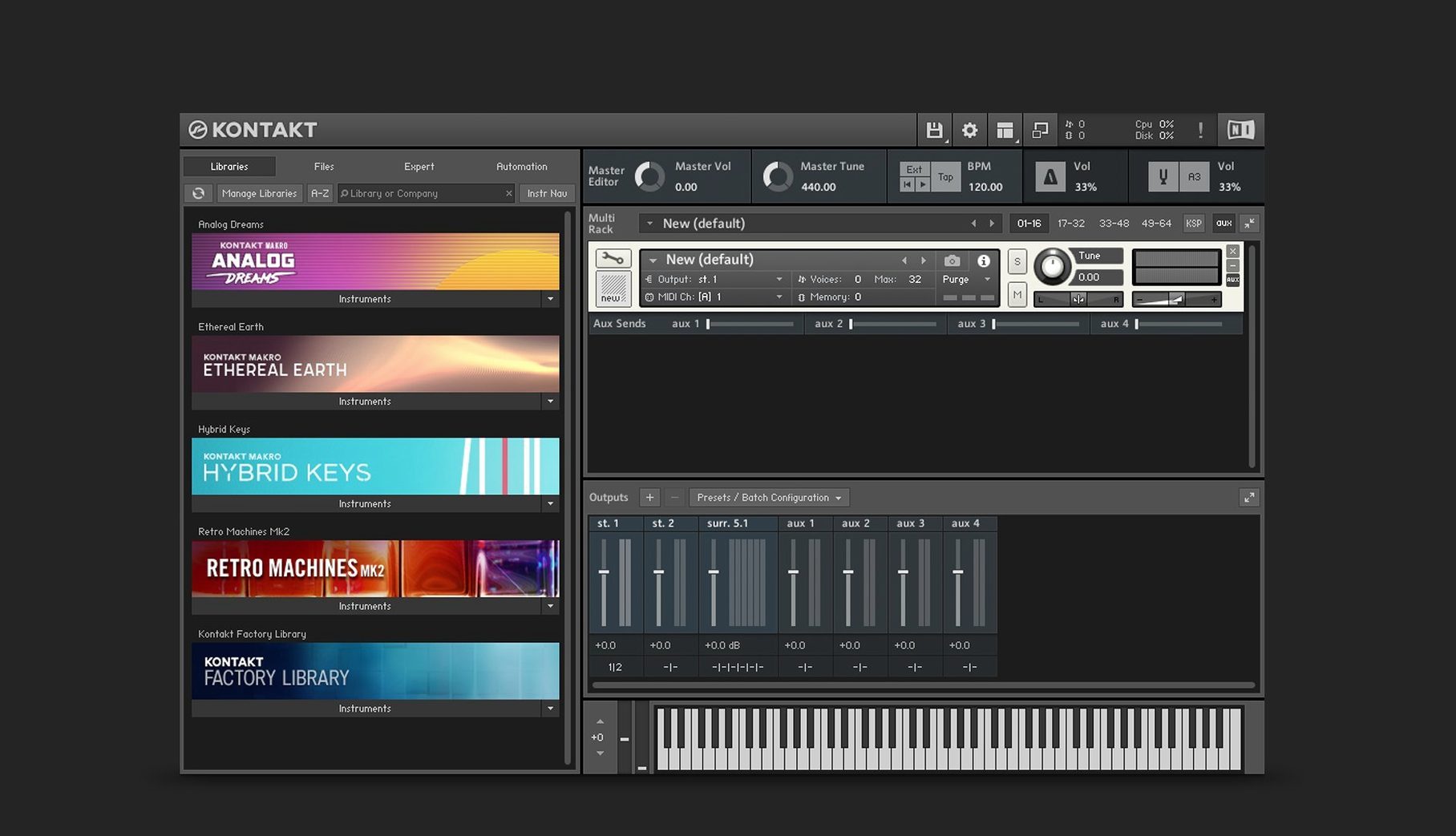
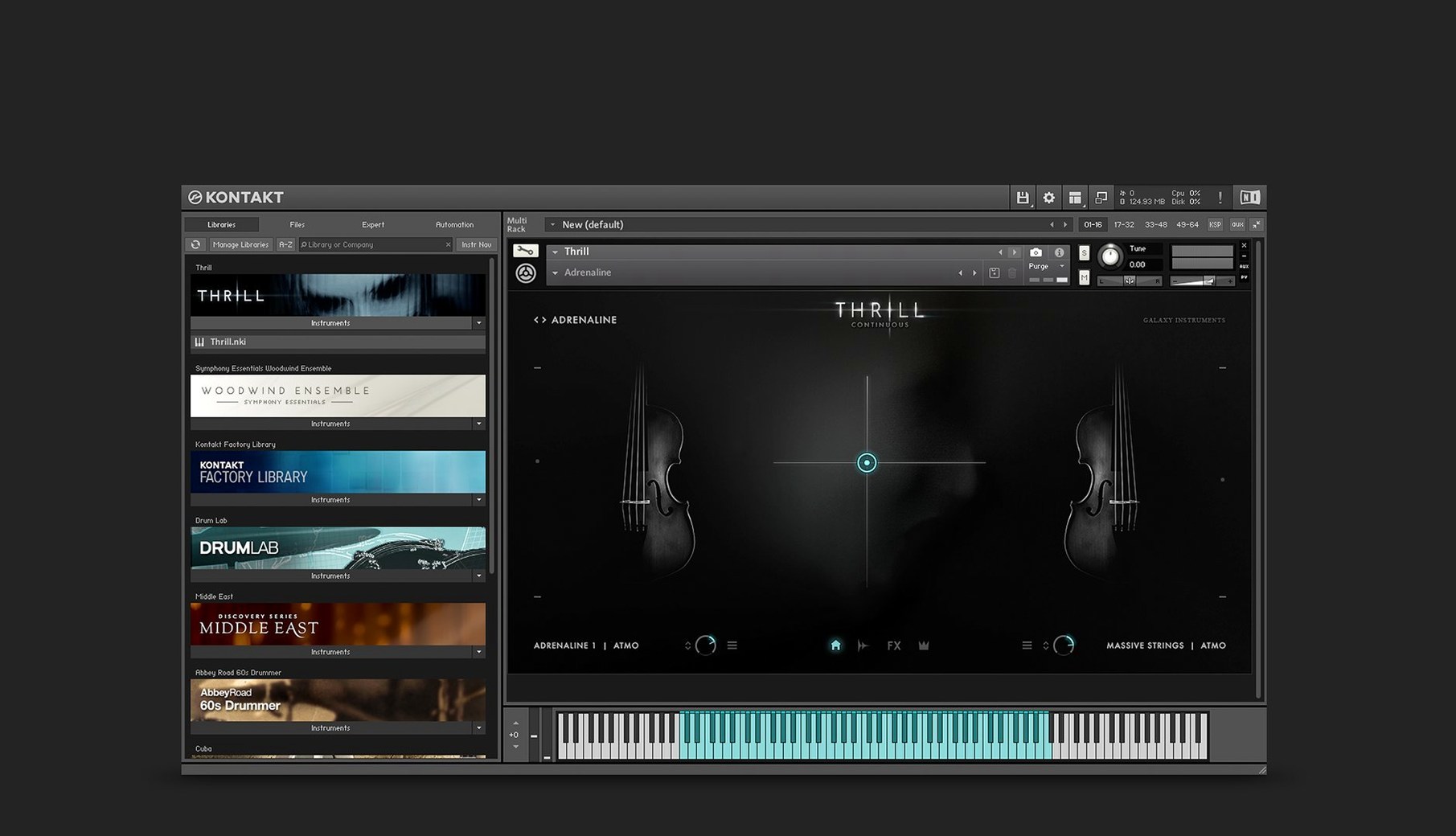
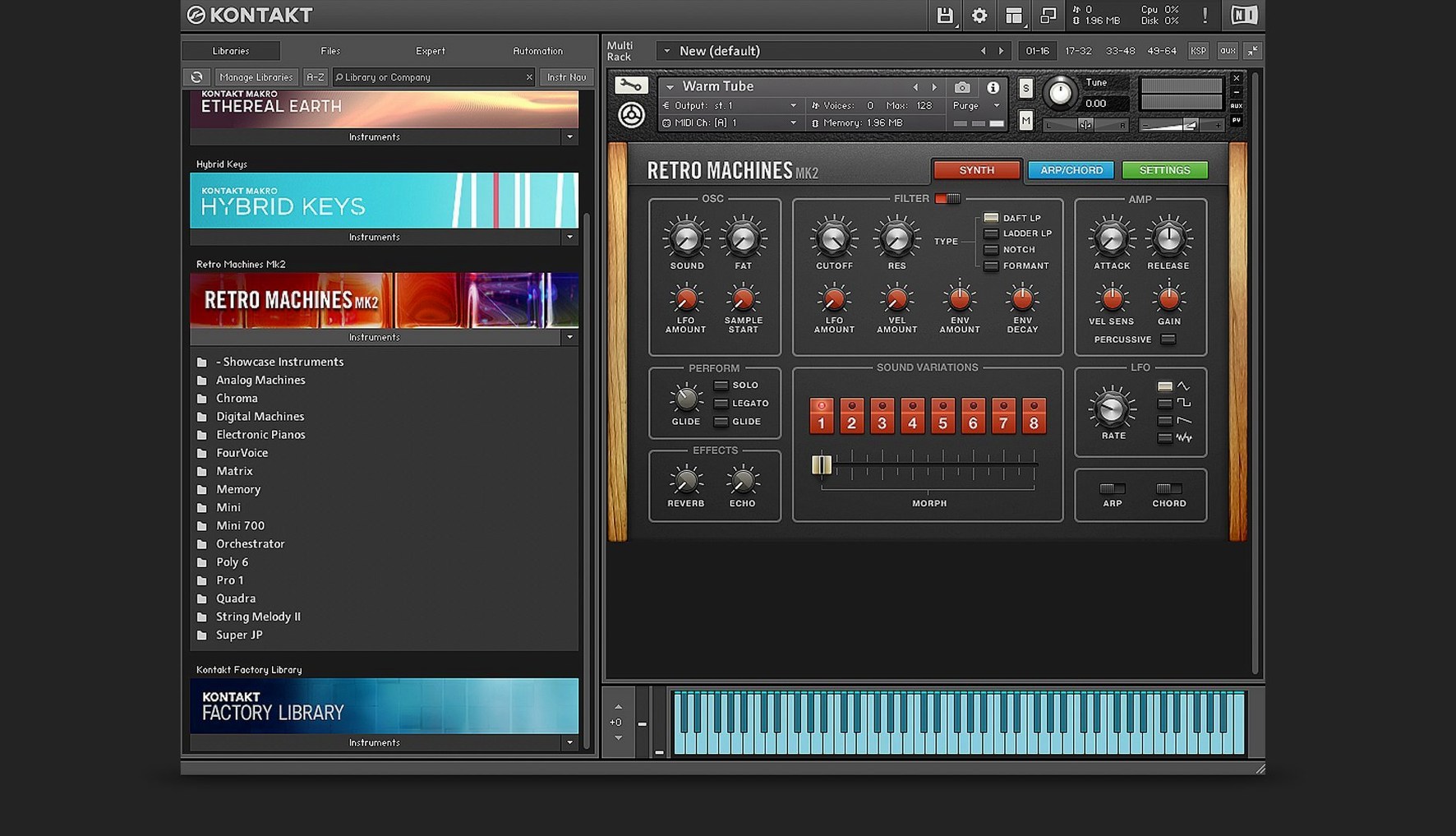
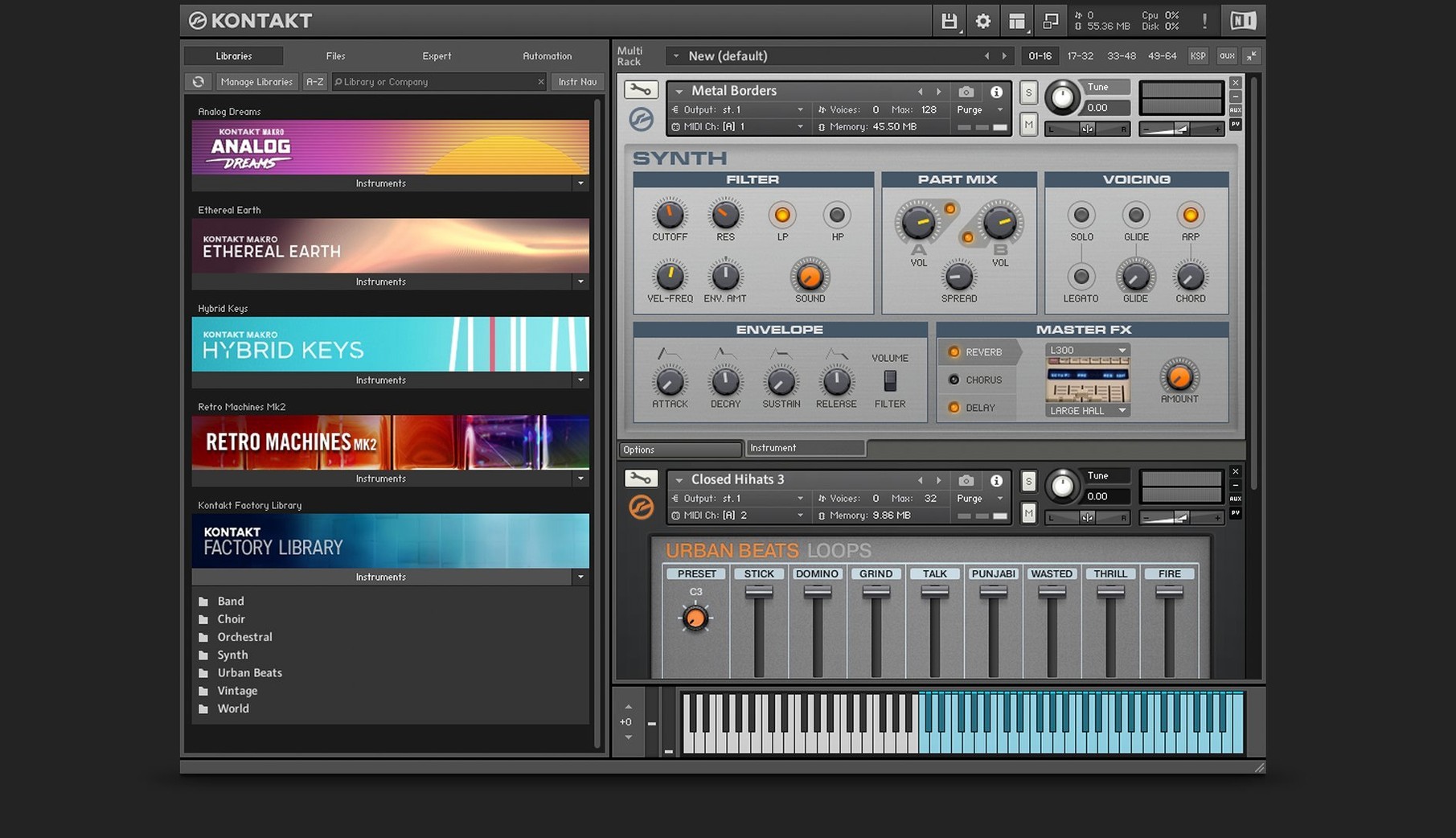
A second Form shaper joins the Wavetable module. That one change signals how Kontakt 8 refines the sampler's engine without overhauling everything you rely on.
What does the new side pane do?
It connects Tools directly to loaded instruments. MIDI manipulation, Leap for loops and one-shot samples — the side pane keeps creative processors within reach instead of buried in menus.
Does Kontakt 8 look different on high-DPI screens?
Yes. Komplete UI replaces the older interface framework, so text and controls stay sharp on Retina and scaled displays. The new Default view presents instruments with less clutter.
Adaptive Resonance still guards against artifacts
Kontakt 8 still runs standalone or as a VST, AU, and AAX plug-in. Komplete Script remains the building language for instruments. Adaptive Resonance still adjusts filter characteristics automatically to keep resonance peaks from causing unwanted artifacts.
Kontakt 8 sits beside Kontakt 7 without conflict
Does Kontakt 8 replace Kontakt 7, or can they coexist? They sit side by side without conflict — different application bundles, separate preferences. You can keep older projects pointing at Kontakt 7 while loading new instruments in version 8. No migration headache.
What about libraries bought years ago? Anything that ran in Kontakt 6 or 7 loads here. The platform is backward-compatible by design. TimeMachine Pro time-stretching from Kontakt 6 still works, and the instrument bus system with its 16 internal stereo buses remains intact.
Do I need Native Access? Yes. It handles downloading, activating, and updating the sampler and your libraries. Without it, you cannot authorise instruments. The process is straightforward: sign in, let it scan, activate what you own.
Will my CPU survive? The wavetable engine got hungrier with the extra Form shaper and modulation oscillator, but the sampler itself is lean on resources. We cover real-world performance below.
Orchestral templates land at 9–11 GB on an M1
Loading times feel snappier than Kontakt 7 on Apple Silicon Macs. Komplete UI renders instruments with less redraw lag, especially libraries with dense graphic skins. On an M1 with 16 GB of RAM, a 40-instrument orchestral template settles around 9–11 GB memory pressure — about 10% lighter than the same session under Kontakt 7.
The new Wavetable module is the exception. Stack three instances with dual Form shapers and the modulation oscillator active, and you will notice the fan. That combination leans on the CPU more than the core sampler ever does. For most producers working with standard libraries — strings, brass, keys — resource use is predictable and well-behaved.
Stability holds up under AU and VST3 in Logic Pro and Ableton Live. Crashes during our sessions were rare, always traceable to third-party libraries that needed updates. The standalone app is rock solid for sketching ideas before a DAW even opens.
How Kontakt 8 fits with other apps and macOS
AU, VST3, and AAX support mean it slots into Logic, Live, Cubase, Pro Tools, and Bitwig without friction. The standalone mode pairs naturally with system audio routing — combine it with BlackHole or Loopback, and you can sample audio from any app on your Mac without leaving the sampler.
Komplete UI plays well with Stage Manager and Spaces. Resize the window, drag it to a second display, and controls stay crisp. MIDI Learn works with any class-compliant controller macOS recognises. Map Leap's performance controls to a knob bank, and the sampler becomes a live instrument without touching a mouse.
Spotlight integration is absent — Native Access manages libraries, not Finder. But you can drag samples from Finder directly onto Leap's pads, which makes the macOS drag-and-drop convention feel native rather than bolted on.
Comparisons with similar Mac samplers
Kontakt 8 vs. Logic Pro Sampler (Multi-Sampler)
Logic's built-in sampler is quick to map and lightweight. For a handful of one-shot drums or a basic piano, it wins on speed. Kontakt pulls ahead the moment you need round-robins, true legato scripting, or third-party library compatibility. Logic Sampler cannot host instruments built with Komplete Script, and its modulation routing is shallow next to Kontakt's side-pane Tools and per-voice modulation stack.
Kontakt 8 vs. UVI Falcon
Falcon is deeper under the hood — semi-modular oscillators, scripting, and effects that rival dedicated plugins. It is also heavier to learn. Kontakt 8 counters with a larger library ecosystem and the Leap / Tools workflow, which gets results faster. Falcon rewards sound designers who build from scratch; Kontakt rewards producers who need an instrument playing within minutes of downloading it.
Kontakt 8 vs. Steinberg HALion 7
HALion's wavetable and granular engines are excellent, and its macro page designer is more flexible than Kontakt's Default view. But HALion's third-party library market is smaller. If your workflow depends on Kontakt-exclusive libraries — and most orchestral and character instruments are — HALion cannot substitute. It complements rather than replaces.
What's new in 8.14
New
- Global parameters editor and patch saving added to the Default View.
- Claude AI integration inside Komplete UI Builder — prototype and validate interfaces from Figma mockups.
Improved
- Sidebar browser now separates content lists from preset lists; both adapt their layout automatically.
- Sidebar, overlay browser, and hardware browser share state and sort order more reliably.
- Komplete UI updated to version 1.10.
- Another batch of instrument and processing tool headers refreshed.
Fixed
- Crash when loading older instruments in Kontakt versions newer than 8.11.1.
- Intermittent crash selecting an instrument header in Rack View.
- Partial clipping of the interface on some older instruments.
- Memory usage display in the Classic View header.
- Screen flickering and interface freezes in Cubase on Windows.
- Missing content in the browser sidebar.
- Library migration for non-Player libraries in projects with multiple Kontakt instances.
- Snapshot switching that could break the audio engine on certain Apple Silicon machines.
- DAW processes lingering after closing a project that contained Kontakt.
- Audio artifacts when using the Program Out command in a chain with a processing instrument.
- LFO tempo sync with the DAW in instruments that use those modulators.
- Memory release issue that had persisted since version 6.3.2.
The separate Leap tab in the browser is gone — Leap instruments now live under the Instruments section.
- macOS 14 or later
- Apple Silicon or Intel 64-bit
Questions I get before install
Can I run Kontakt 8 on an Apple Silicon Mac?
Yes. Version 8.13.1 supports ARM and x86 64-bit architectures on macOS 14 and later.
What plug-in formats does Kontakt 8 support?
It works as a VST, AU, and AAX plug-in inside any compatible host sequencer or DAW.
Comments 0
Sign in to leave a comment.Sign inCreate an account
No comments yet. If a step is still there after you install it, say so.
More in Mac Apps
All in Mac Apps LanScan
Scans every active network interface and lists connected devices automatically.
6 steps saved
 LaunchOS
Replaces the default app launcher with a grid you arrange on your own terms.
18 steps saved
 Updated
KeyKey
Adjusts typing drills to focus on the keys that slow you down most.
18 steps saved
 Keyboard Maestro
Builds macros that resize windows, control apps, and chain repetitive steps into one trigger.
10 steps saved
 LightBurn
Designs artwork and controls laser cutters from a single layout, editing, and output tool.
21 steps saved
 LilyView
Opens images straight from folders in a chromeless window that stays out of your way.
15 steps saved
 Jump Desktop
Connects to remote screens with a protocol that adapts encoding to keep sessions responsive.
12 steps saved
 Juicy: Battery Alerts & Health
Surfaces battery health and cycle count in the menu bar before the service warning appears.