
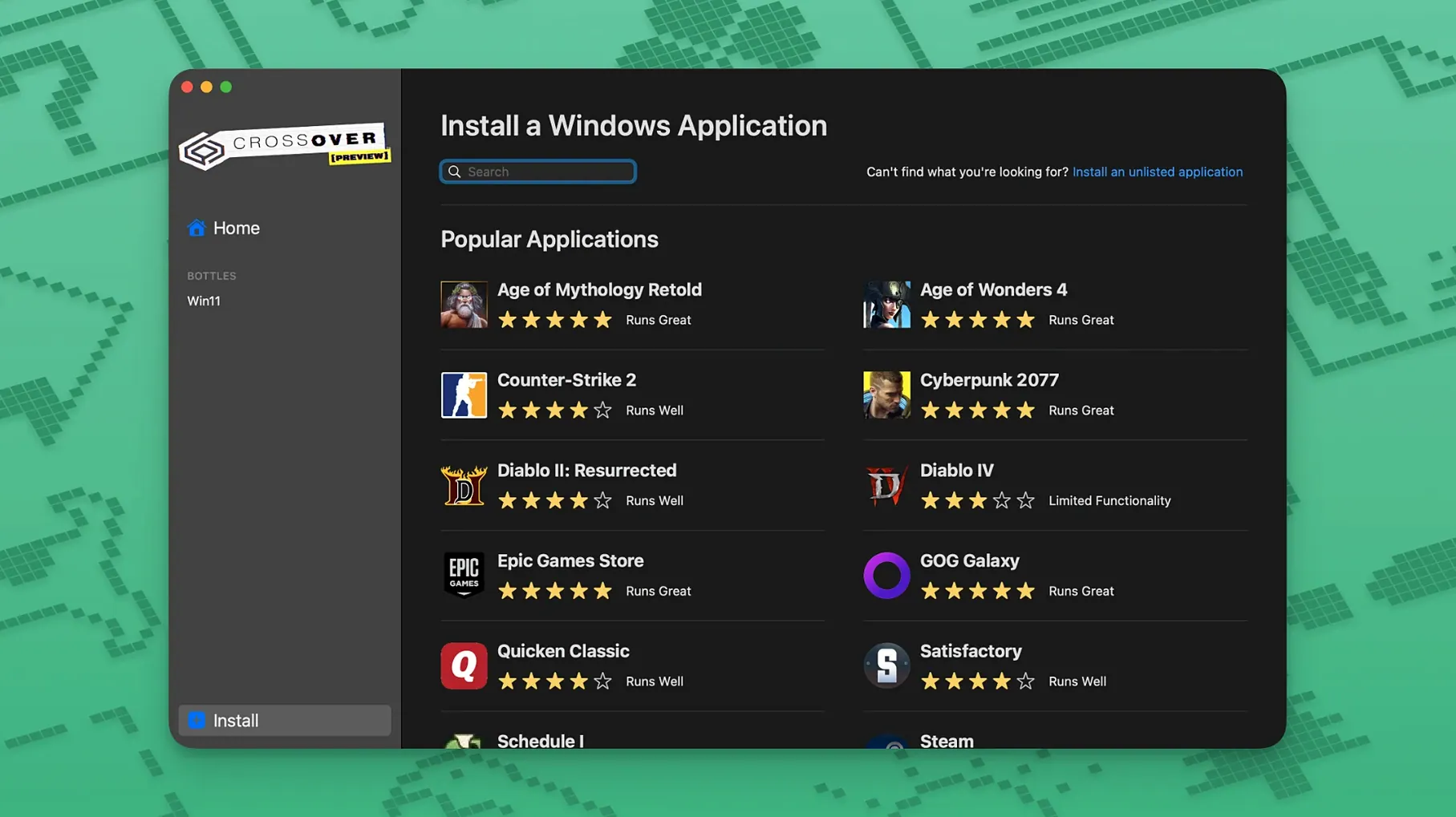
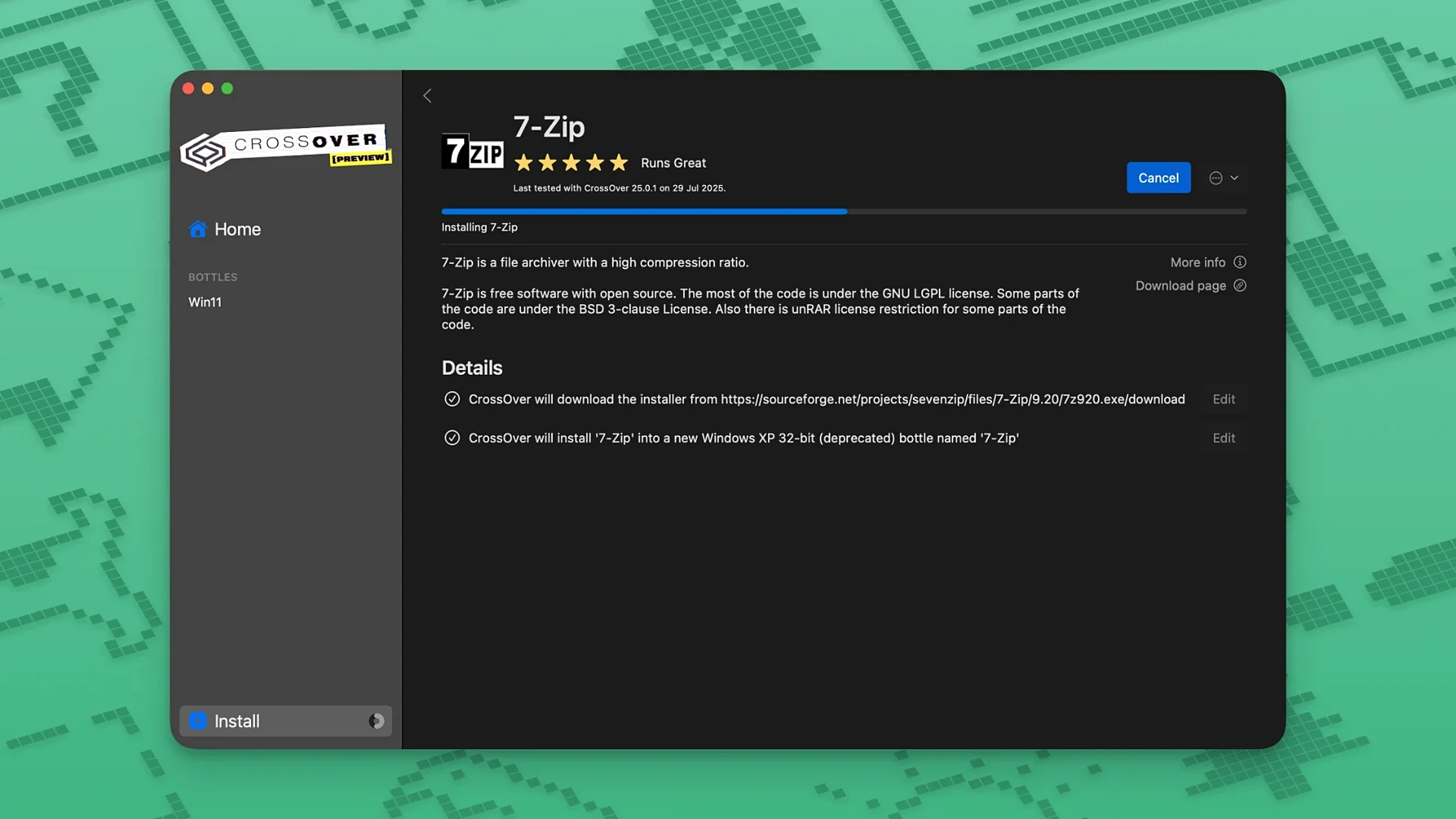
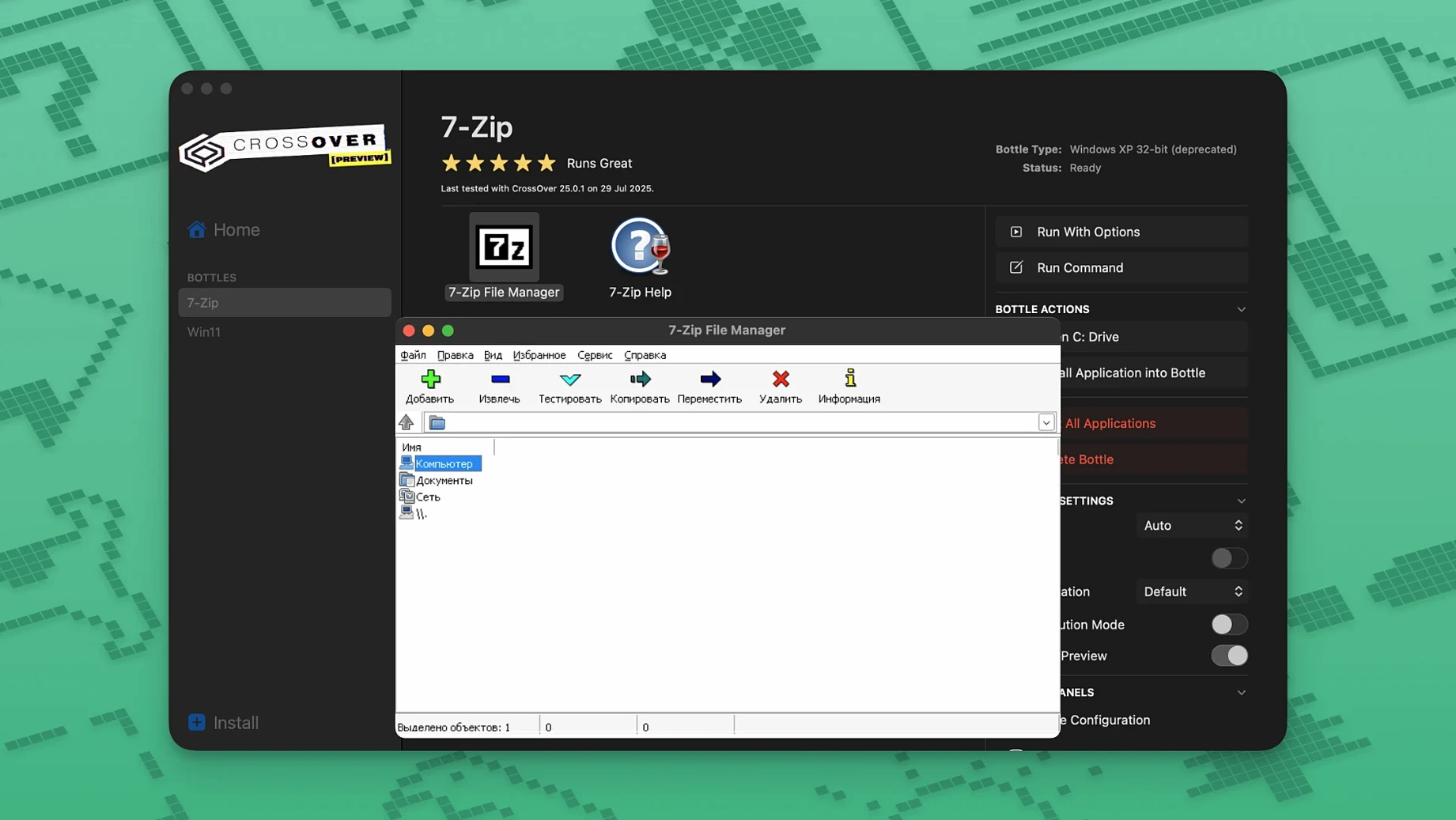
Version 26.3.0 arrived as a patch release. It restores three broken workflows: Diablo IV launching again after its game update, Epic Games Launcher downloads working on Mac, and the GOG Galaxy client loading properly. With those fixes in place, the core promise remains—translate Windows commands so select apps run on macOS without the weight of a full Windows install.
- Does CrossOver install Windows? No. It translates API calls on the fly.
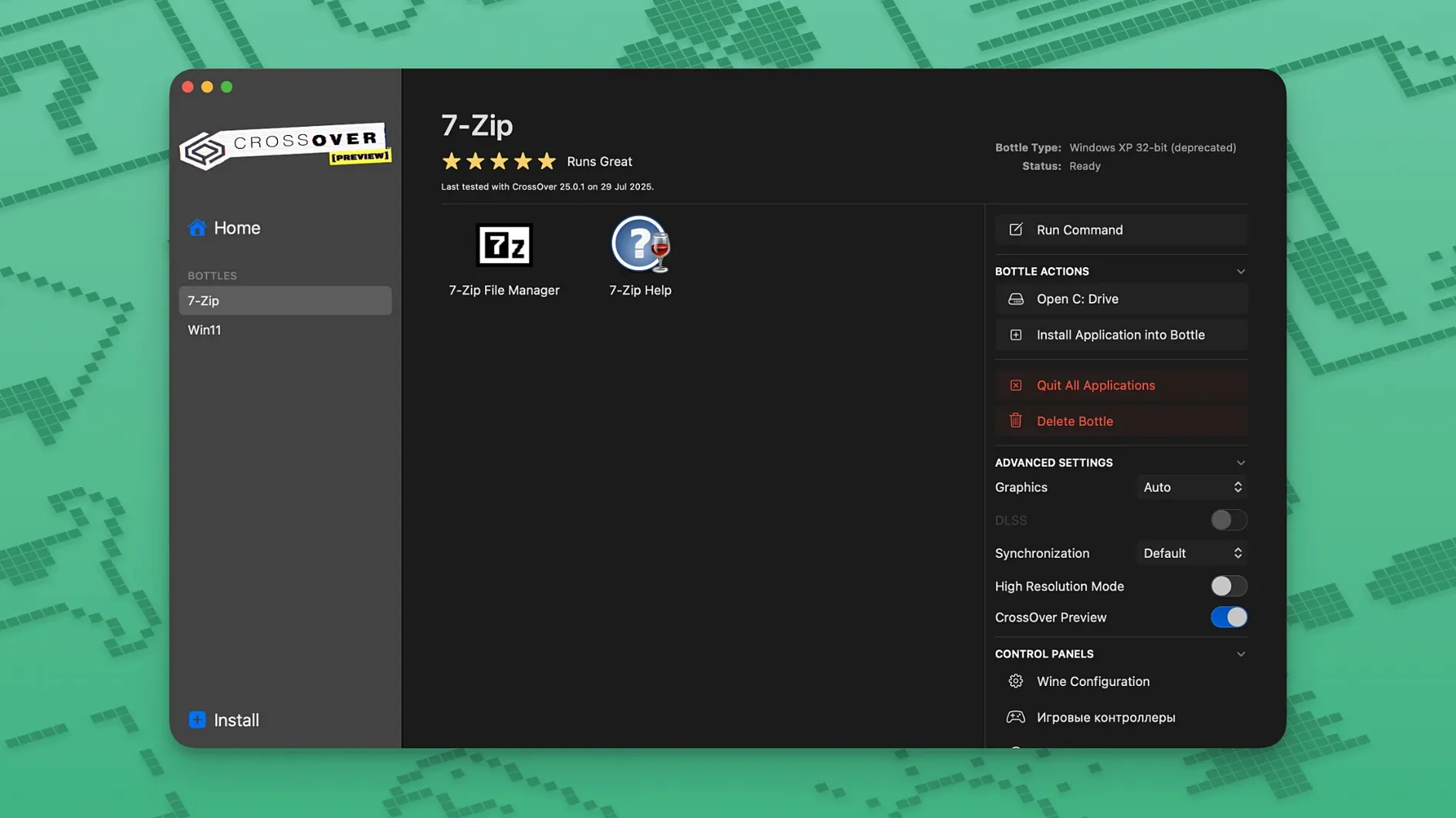
- What is a bottle? A self-contained environment with its own C drive, folder structure, and registry.
- Which apps work? Many productivity tools and games run well. Unsupported Wine applications may be unstable or fail.
- CrossOver Mac vs Linux? Same engine, different host. Both skip the Windows licence.
It is not a guarantee of universal compatibility. But for a curated set of Windows software, it replaces a VM with something lighter. When a crossover download mac user wants to skip the virtual machine layer, this is how they do it.
How CrossOver fits into a macOS workflow
CrossOver does not sit in isolation. It connects with the Finder, Spotlight, and macOS file associations once you tell it to.
- Finder integration — Right-click a
.exeor.msifile and choose Open With CrossOver. The installer runs inside whichever bottle you pick. - Spotlight — Windows applications installed via CrossOver appear in Spotlight searches if the bottle is indexed. Launch them directly without opening the CrossOver interface first.
- File associations — Some Windows apps register themselves for file types. A Windows text editor can become the default for
.txtfiles if you set it in macOS Finder's Get Info panel. - macOS menu bar — CrossOver tucks into the menu bar while running. Bottle management, program launch, and quit commands sit one click away.
- Clipboard sharing — Copy text on the Mac side, paste into a Windows app inside a bottle. It works the other way too. No extra configuration needed.
Containers stay isolated. A misbehaving Windows program cannot scribble over your Mac's system files. Each bottle's virtual C drive lives inside ~/Library/Application Support/CrossOver/Bottles/. Back up that folder and you have a snapshot of every Windows app and its settings.
Targeted Fixes for Diablo IV and Two Broken Workflows
Three targeted fixes define this release. Each one restores a workflow that broke because an external service changed something on its end.
Diablo IV stopped launching after a game patch. The launcher would spin, then quit. Version 26.3.0 adjusts how CrossOver handles the updated game client's graphics initialisation calls. Players who had shelved the game can pick up where they left off.
Epic Games Launcher downloads failed on Mac after an upstream update changed how the launcher validates its connection. CrossOver now routes those validation requests correctly. Installing and updating games from the Epic library works again without terminal workarounds.
GOG Galaxy refused to load its interface after a client update. The fix addresses how the Galaxy client enumerates its own dependencies inside a bottle. The storefront, library view, and cloud-save sync return to normal.
These are not feature additions. They are maintenance patches that keep existing setups functional when external services shift. For a crossover mac free setup relying on a specific game launcher, version 26.3.0 is the difference between a working evening and a troubleshooting session.
Choosing Your First Bottle Preset on an Intel Mac
Installation on Intel Macs running Catalina or later follows a specific sequence. After that, a few habits make the first week smoother.
- Pick the right bottle type — CrossOver offers presets for Windows 10, Windows 8, and Windows 7 bottles. Match the bottle to the application's documented requirements. A legacy utility written for Windows 7 may behave oddly inside a Windows 10 bottle.
- Install into a test bottle first — Create a disposable bottle, run the installer there, confirm the app works, then reinstall into a permanent bottle. It keeps your main bottles clean from abandoned installs.
- Enable DXVK and ESync per bottle — In the bottle settings, toggle DXVK for DirectX-heavy applications and ESync for CPU-bound programs. These two switches resolve more graphics and performance quirks than any other single change.
- Check the CrossOver compatibility database — Before struggling with an obscure installer flag, look up the application on the CodeWeavers site. Other users have often documented the exact tweak, DLL override, or Wine version switch that works.
- Set up a backup routine — Copy the
Bottlesfolder to an external drive weekly. If a Windows update inside a bottle breaks something, you can restore the entire environment in minutes.
Memory Use Mirrors the App, Not a Fixed VM Overhead
CrossOver 26.3.0 runs as a single process per bottle, not a virtual machine. RAM use reflects the application inside the bottle rather than a fixed overhead. A lightweight Windows editor might sit at 120 MB. A game with high-resolution assets pushes memory higher, just as it would in Windows.
CPU translation is the main cost. CrossOver translates Windows API calls to macOS equivalents in real time. On Intel hardware, the translation path is direct. Compute-intensive tasks—video encoding inside a Windows app, for example—run noticeably slower than they would on bare-metal Windows, but the gap is narrower than a full virtualisation layer.
Stability varies by application. Programs with official CrossOver support rarely crash. Unsupported applications, especially those that rely on kernel-level drivers or anti-cheat systems, may fail outright or behave unpredictably. The 26.3.0 fixes target the supported tier: apps that worked before, broke due to external changes, and now work again.
Bottle startup time stays under three seconds on an Intel Mac with an SSD. Once running, switching between a Windows app and native macOS windows is instantaneous. No desktop mode, no full-screen VM toggle. The Windows program sits in its own window like any other Mac application.
For a crossover cracked scenario that skips the Windows licence entirely, the resource profile matters less than the compatibility surface. CrossOver does not emulate hardware, so it avoids the memory tax of a virtual machine. That leaves more RAM available for the application itself—useful when a CrossOver torrent Mac setup runs on older Intel hardware with limited memory headroom.
The 26.3.0 build feels stable in sustained use. The three patched launchers no longer interrupt workflows that depend on them. Background bottle processes stay quiet when no Windows application is open, and the menu bar agent consumes negligible CPU while idle.
CrossOver 20261015-x86_64-FEX is now available. Release notes are published on the CodeWeavers site.
- macOS 10.15 or later
- Intel 64-bit Mac
Questions I get before install
Can CrossOver run all Windows applications?
No. Supported applications work reliably, but unsupported Wine applications may be unstable or not launch at all.
What does a bottle contain?
Each bottle includes its own C drive, subfolders, and a dedicated registry, keeping programs isolated.
Comments 0
Sign in to leave a comment.Sign inCreate an account
No comments yet. If a step is still there after you install it, say so.
More in Mac Apps
All in Mac Apps Updated
Cubase
Records, arranges and mixes music with deep MIDI editing and scoring tools.
11 steps saved
 CorelDRAW
Puts vector, layout, and photo editing in one native Mac workspace.
21 steps saved
 Cursor Pro
Magnifies the pointer so a room follows your walkthrough without squinting.
4 steps saved
 Cycling '74 Max
Patches together custom audio, MIDI and visual tools from connectable objects.
7 steps saved
 Updated
Compresto
Shrinks video and image files offline before you email or post them.
17 steps saved
 DaisyDisk
Maps disk usage as an interactive sunburst chart so you spot what is eating space in seconds.
21 steps saved
 Commander One PRO
Unzips, connects to FTP, and searches files inside one dual-pane window.
7 steps saved
 Color Finale
Lets you grade inside the Final Cut Pro timeline with no roundtripping.