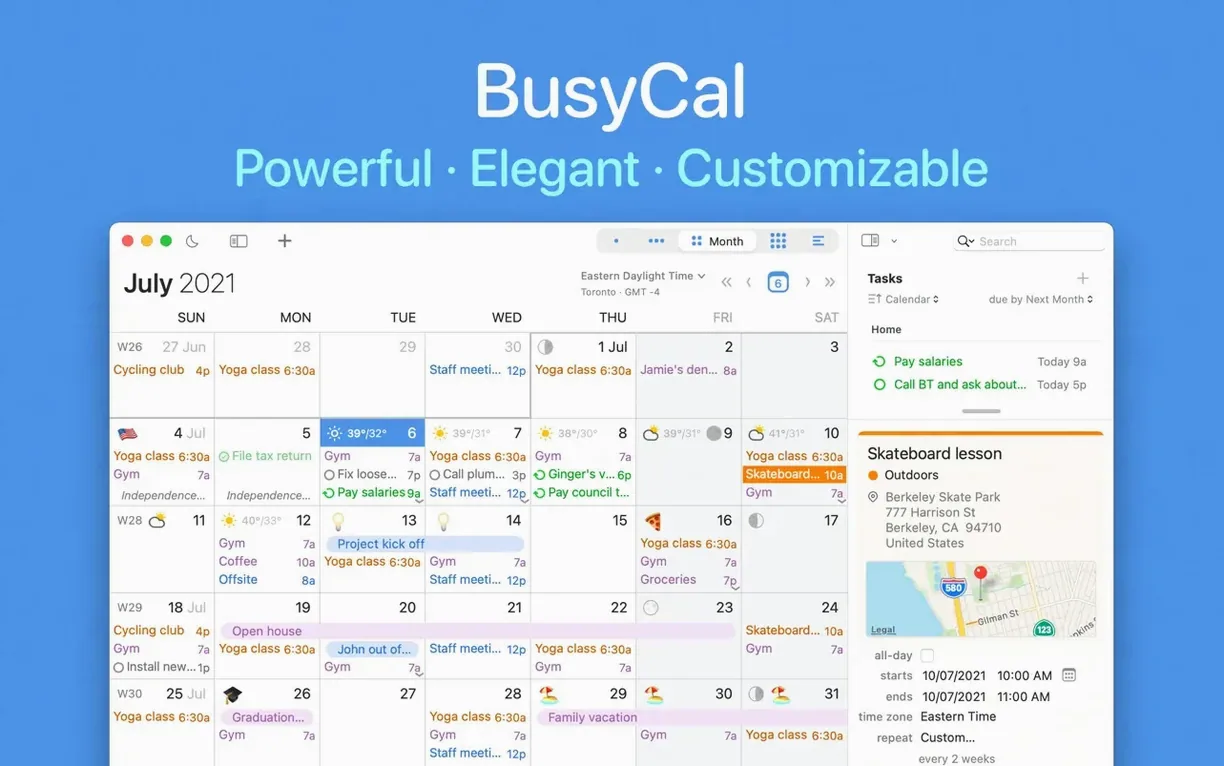
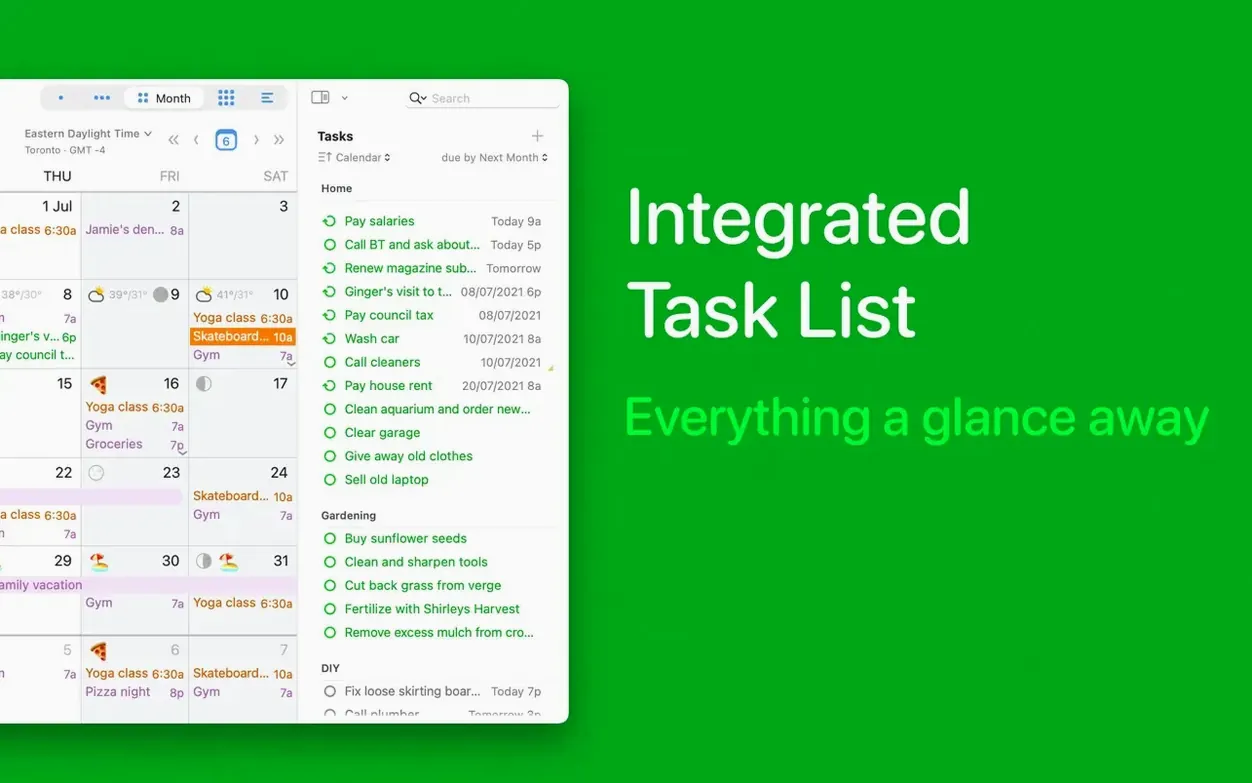
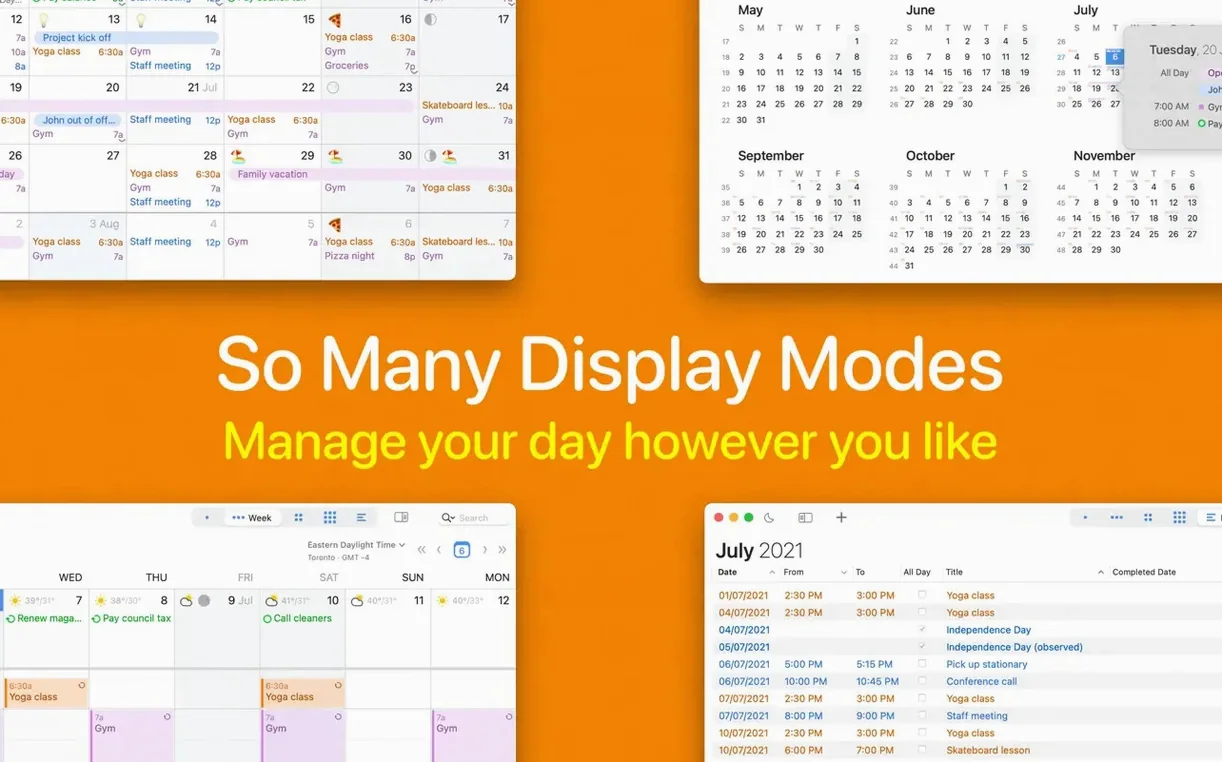
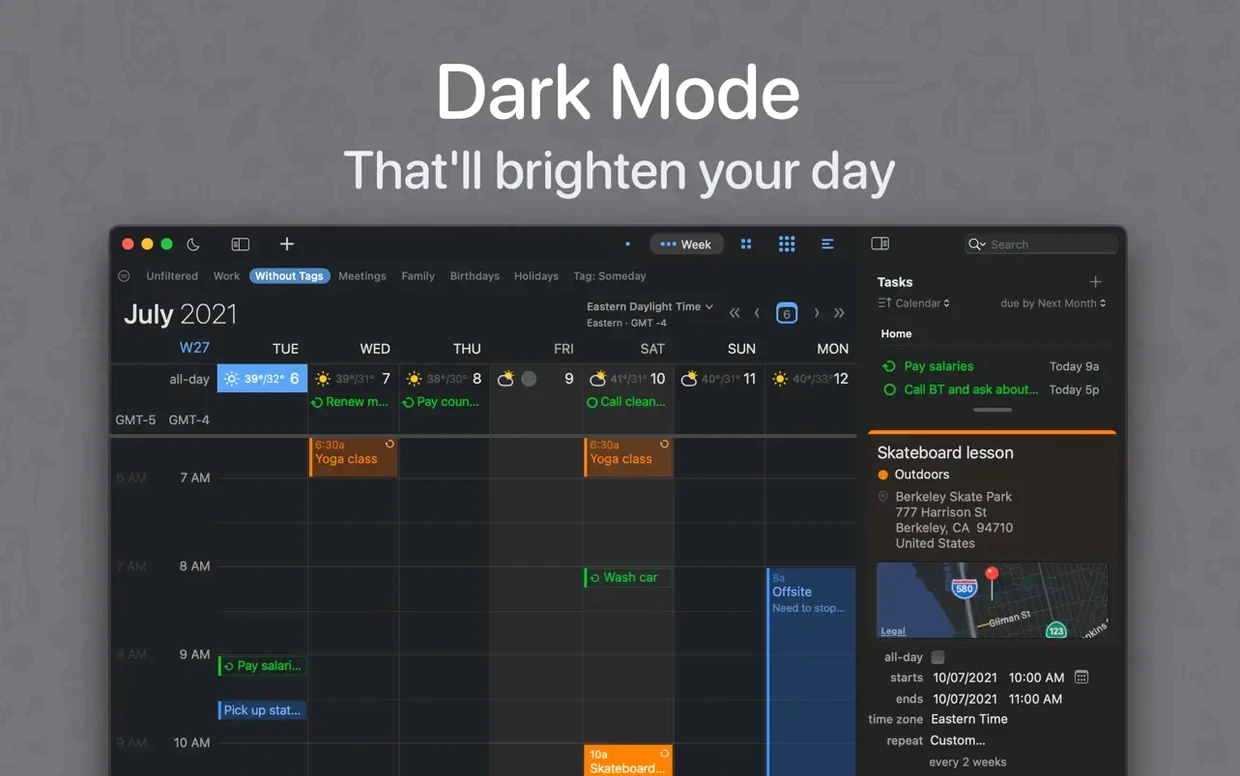
Think of BusyCal as the built-in Apple Calendar after a productivity audit. It looks familiar—same week and month grids—but it bundles Reminders into the same view, so your tasks live beside your appointments instead of in a separate silo.
Unified tasks and events with weather-aware calendar sharing
- People who manage tasks and events in one place instead of flipping between Calendar and Reminders
- Teams that need shared calendars with travel time and availability tracking
- Anyone who wants weather forecasts, moon phases, and week numbers baked into the calendar grid
- Users who rely on natural language entry for quick event creation
macOS 13+ requirement and a learning curve beyond basic Calendar
- Requires macOS 13 or later; optimized for Apple Silicon
- Interface language is English or Russian only
- Version 3.3.3 adds Russian localization
- Feature depth means a learning curve for those coming from the basic Calendar app
Fluid month scrolling across six synced accounts without beachballs
BusyCal 3.3.3 stays responsive even with a half-dozen synced accounts pulling from iCloud, Google, and Exchange. Month view scrolling is fluid on Apple Silicon Macs, and the app rarely beachballs during heavy refresh cycles. Memory use settles around 180–240 MB in normal use—noticeable but fair for an app that merges two Apple services into one window.
Sync reliability is the bigger win. Google Calendar colour changes, custom event hues, and shared-family edits appear within seconds, not minutes. Crashes are rare in daily work; the few hangs we saw traced back to network stalls, not the app itself.
Weather icons flag venue risks while Reminders stay in the same grid
Mornings start with a single glance at the month grid. Weather icons next to each date flag outdoor-venue risks, while the integrated Reminders list shows pending vendor calls without switching apps. A client sends a venue walk-through request by email—dragging the message onto the BusyCal dock icon creates an event with the subject line pre-filled and the email body as the note.
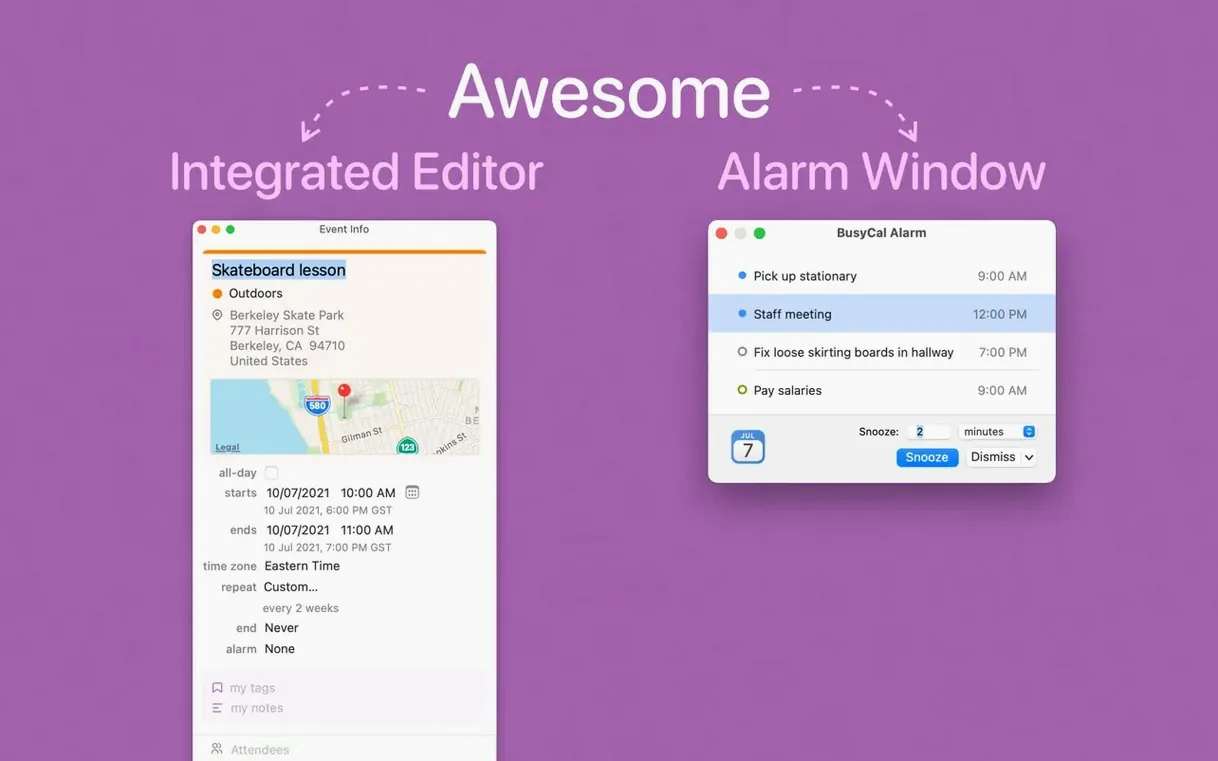
By midday, travel time blocks appear automatically between the studio visit and the afternoon tasting. The info panel stays hidden until a task is selected, keeping the screen clean on a 13-inch MacBook Air. Late afternoon, a regex-based Find and Replace swaps “TBC” for “confirmed” across thirty-two caterer follow-up tasks in one pass. By six, the week is colour-coded, travel is accounted for, and the task list is empty—without once opening Reminders or Apple Calendar.
- New — Russian localization.
- New — Expanded Google Calendar palette and custom event colours.
- New — Task list font setting in Appearance > Fonts.
- New — Option to hide the Info Panel when nothing is selected.
- Improved — Find and Replace supports regular expressions with capture groups and backreferences.
- macOS 13 or later
- Apple Silicon or Intel Mac
Comments 0
Sign in to leave a comment.Sign inCreate an account
No comments yet. If a step is still there after you install it, say so.
More in Office
All in Office Updated
ClickClack - Typing Trainer
Sharpens typing form with drills that respond to your actual habits.
9 steps saved
 Updated
Complete Anatomy
Turns a flat screen into a layered, manipulable model of the human body.
5 steps saved
 Dato
Puts your full calendar and world clocks directly in the menu bar.
15 steps saved
 Updated
EndNote
Inserts citations and builds the bibliography inside your document as you write.
16 steps saved
 Updated
Final Draft
Auto-formats script elements and remembers character names so you write without stopping.
22 steps saved
 GoodNotes
Replaces paper notebooks with searchable, rearrangable digital ones.
23 steps saved
 GraphPad Prism
Organizes and graphs repeated experiments without duplicating work.
22 steps saved
 Updated
iA Writer
Strips away formatting so you focus on structure and phrasing, then export to any format.