
Technical authors, journalists, and academics who live in plain text. iA Writer is a Markdown editor that strips away formatting decisions so you handle structure and phrasing first, then export to whatever tool the next person needs—DOCX, HTML, or a designed PDF.
Export to DOCX without the formatting drift
It does not compete. You draft cleanly in iA Writer, then export to DOCX when a colleague requires tracked changes. The app handles the conversion so you skip the formatting drift that happens when pasting plain text into Word.
Command Palette packs export and formatting into one shortcut
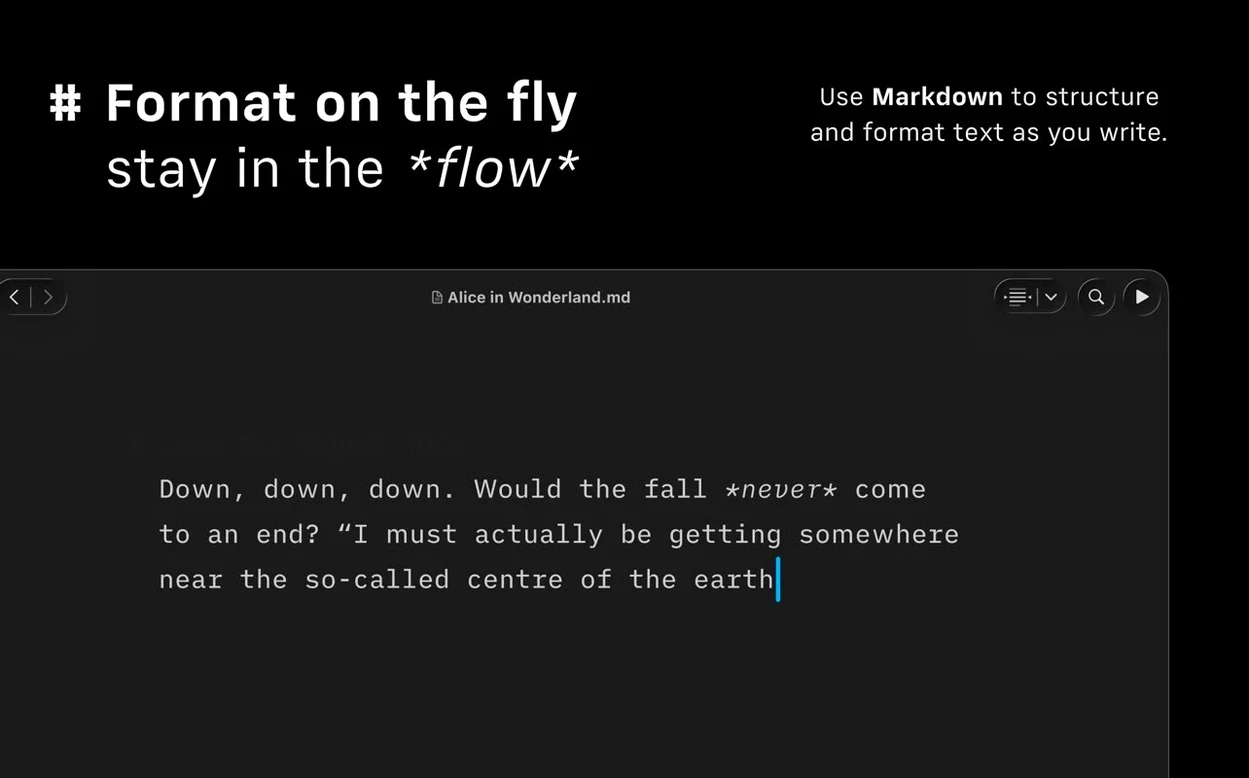
Write once, output many ways. Export to HTML for a blog, PDF for a reviewer, or DOCX for a publisher. The new Command Palette in version 8 puts formatting, export, and authorship actions under a single keyboard shortcut, so your hands stay on the keys.
Does it support the Mac’s accessibility tools?
Yes. VoiceOver reads your text aloud, Voice Control handles navigation, and Reduced Motion respects your system setting. Dark mode is built in, matching macOS appearance preferences automatically.
Library scrolls smoothly with hundreds of Markdown files
Version 8.0.9 runs quietly in the background. On both Apple Silicon and Intel Macs, launch time stays under two seconds, and a library with several hundred Markdown files scrolls without stutter. Memory use sits low enough that keeping the app open beside a browser and a reference PDF causes no pressure.
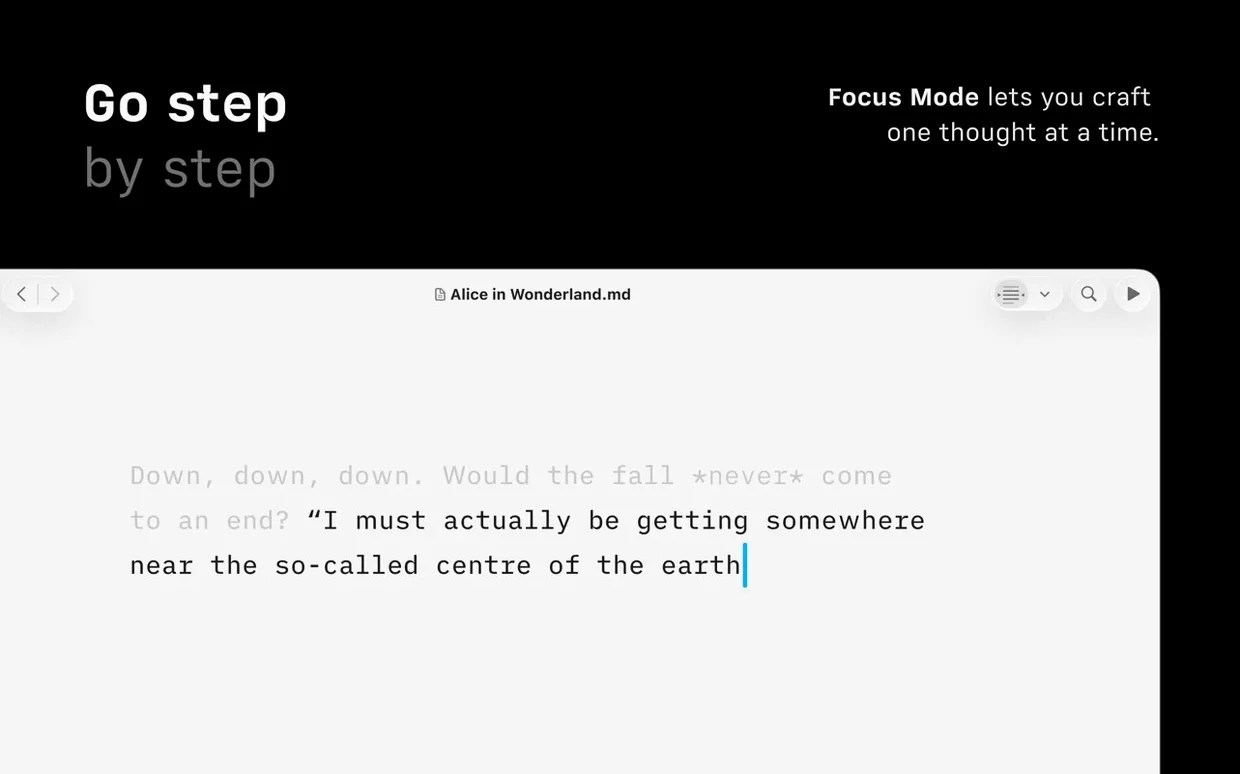
Long sessions feel stable. Autosave is constant and silent; switching between documents, even large ones with embedded images, does not trigger beachballs. The focus mode itself adds no measurable lag—dimming is instant, and typing remains immediate.
Jump to any heading by typing a fragment
- Quick Search in Document Outline — press the shortcut, type a heading fragment, and jump straight to that section in a long draft.
- Command Palette — formatting, export, and authorship actions sit in one place. Less menu hunting.
- Compact Library layout — hides dates and text excerpts so the file list shows only titles. Useful when you organize by naming convention.
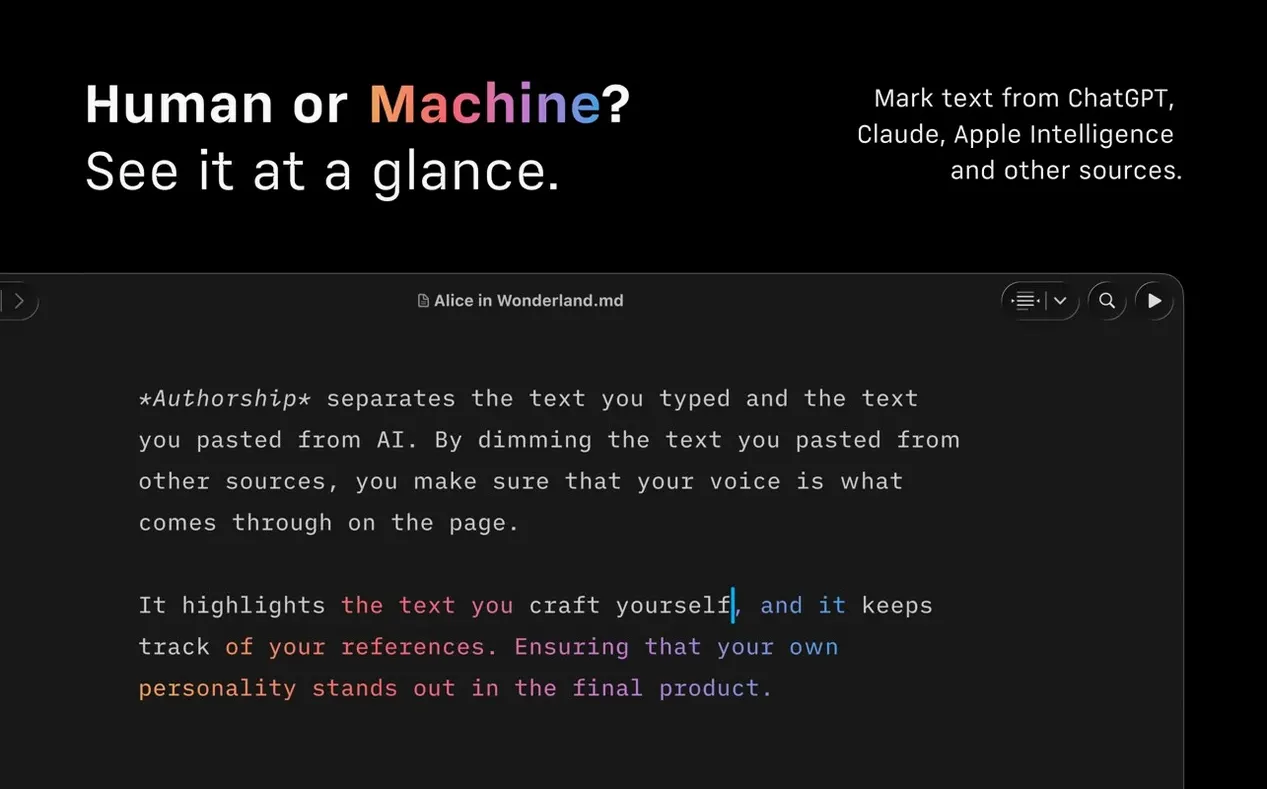
- Authorship indicators — author colours appear in menus, which helps when several people contribute to the same text.
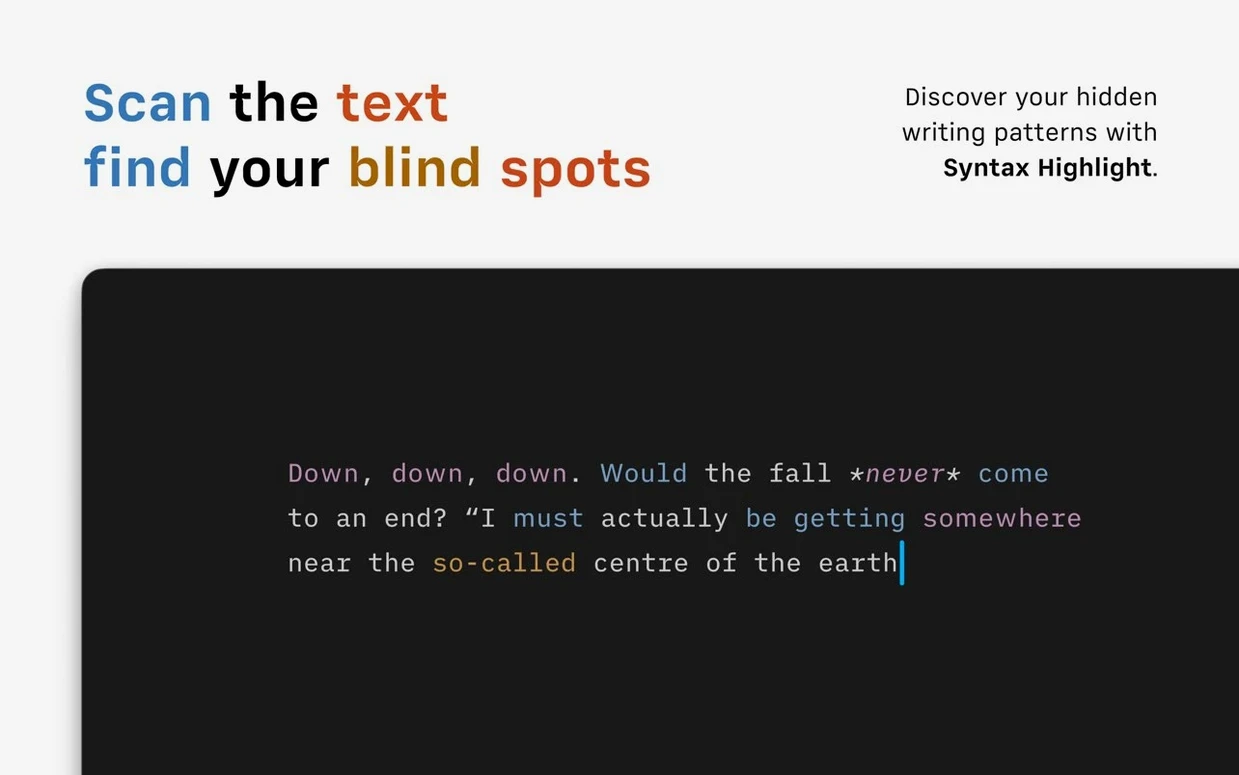
- Syntax highlighting — extra adjectives, weak verbs, and repeated nouns get flagged gently. You decide whether to act on it.
Publish straight to WordPress or Medium from plain text
People who draft in plain text and publish to multiple destinations. Bloggers who post to WordPress or Medium skip the copy-paste dance because publishing is built in. Students who need a clean PDF for submission use the customizable templates. Technical writers exporting DOCX for review avoid formatting drift entirely.
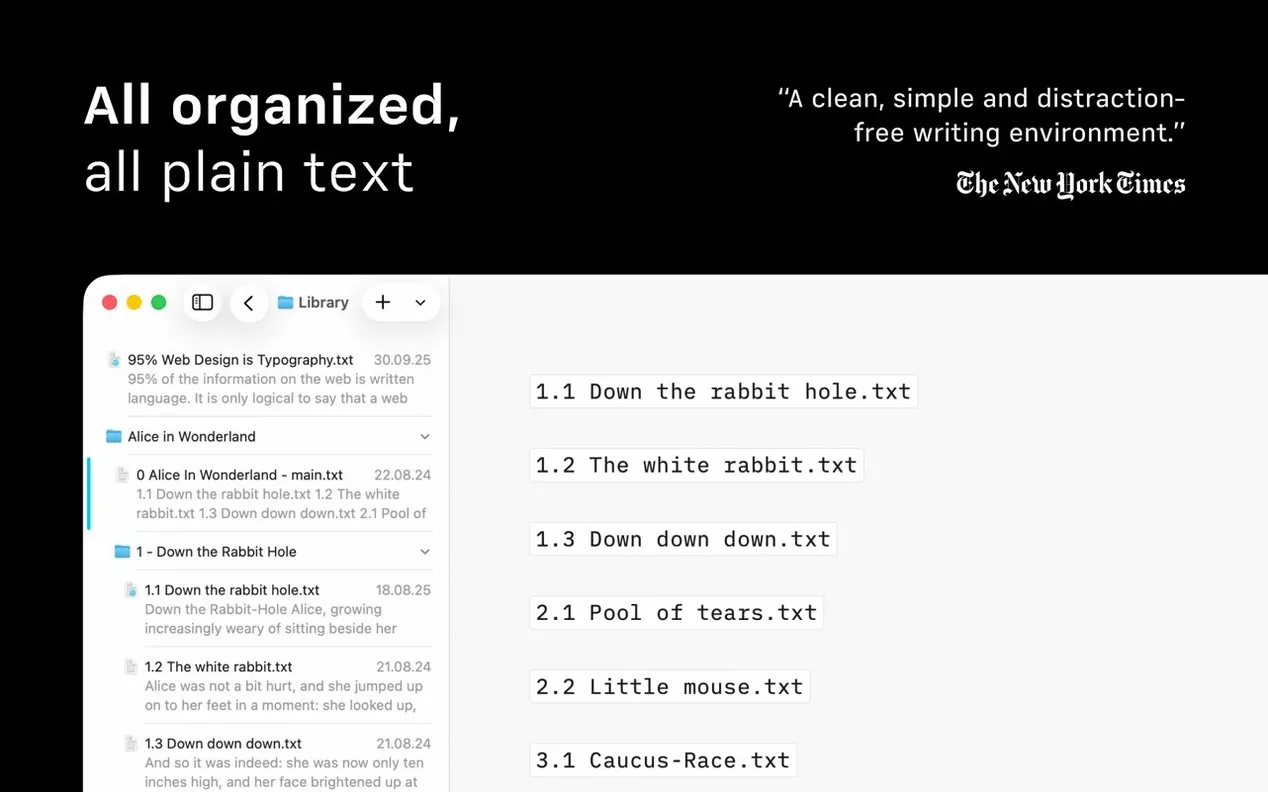
Editors who manage a high volume of short pieces benefit most from the Library view, where documents from different cloud services appear in one window. Anyone who writes for long stretches without touching the mouse will notice how little friction sits between the idea and the sentence.
Version 8.1.2 for Mac is now available through the Mac App Store.
- macOS 10.15 or later
- Apple Silicon or Intel 64-bit processor
Questions I get before install
Can I see a document’s structure at a glance?
Yes. Version 8 adds Document Outline navigation with Quick Search, letting you jump between headings instantly.
Comments 0
Sign in to leave a comment.Sign inCreate an account
No comments yet. If a step is still there after you install it, say so.
More in Office
All in Office GraphPad Prism
Organizes and graphs repeated experiments without duplicating work.
22 steps saved
 GoodNotes
Replaces paper notebooks with searchable, rearrangable digital ones.
16 steps saved
 Updated
Final Draft
Auto-formats script elements and remembers character names so you write without stopping.
15 steps saved
 Updated
EndNote
Inserts citations and builds the bibliography inside your document as you write.
19 steps saved
 Microsoft Excel
Builds budgets, forecasts and reports in spreadsheets the whole team can edit.
11 steps saved
 Microsoft Office
Gives a team six tools for documents, spreadsheets, and presentations.
13 steps saved
 Microsoft Outlook
Puts mail and calendar in one window so you stop switching apps.
11 steps saved
 Microsoft PowerPoint
Builds presentation decks that move past static bullet points.