
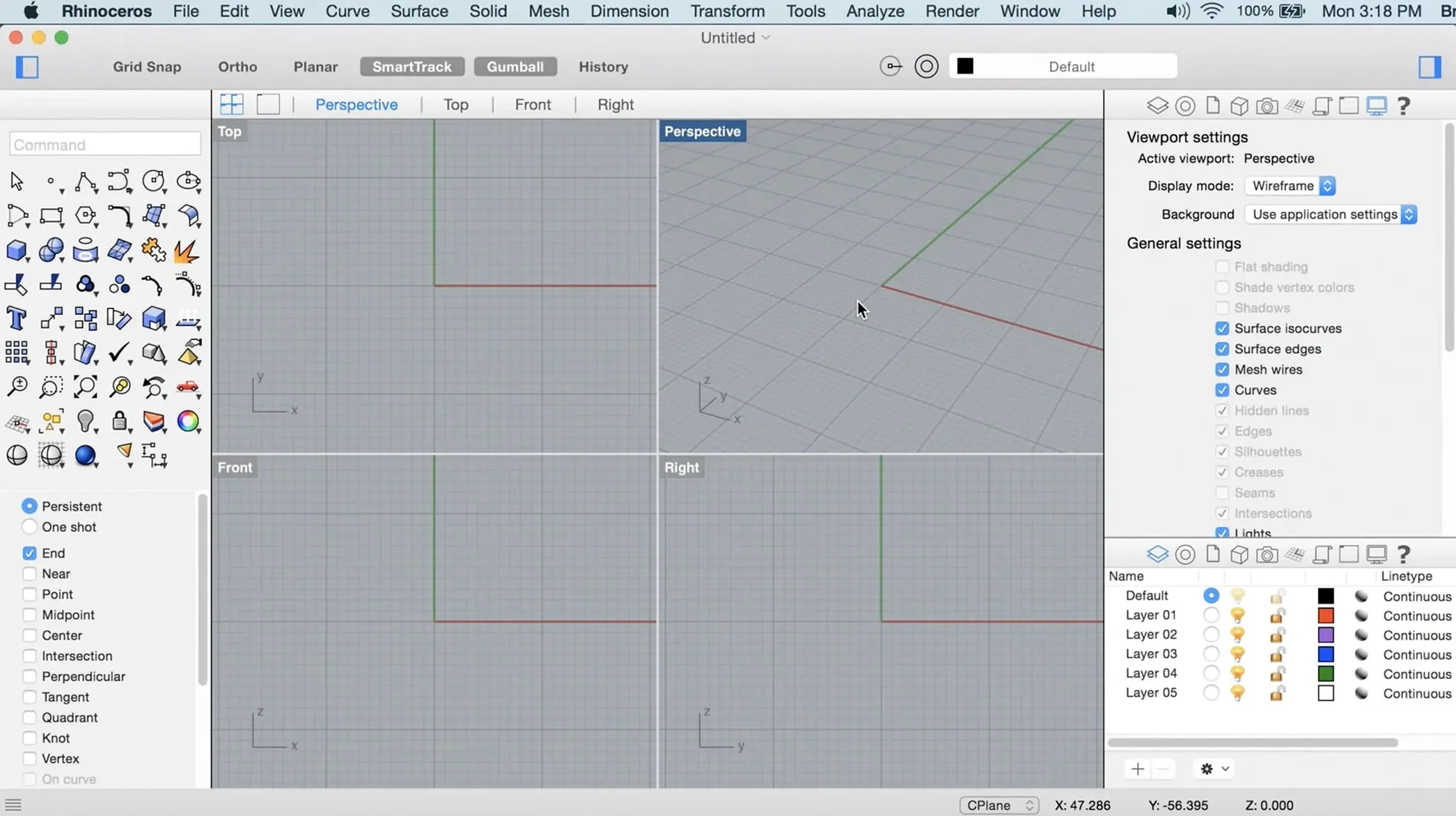
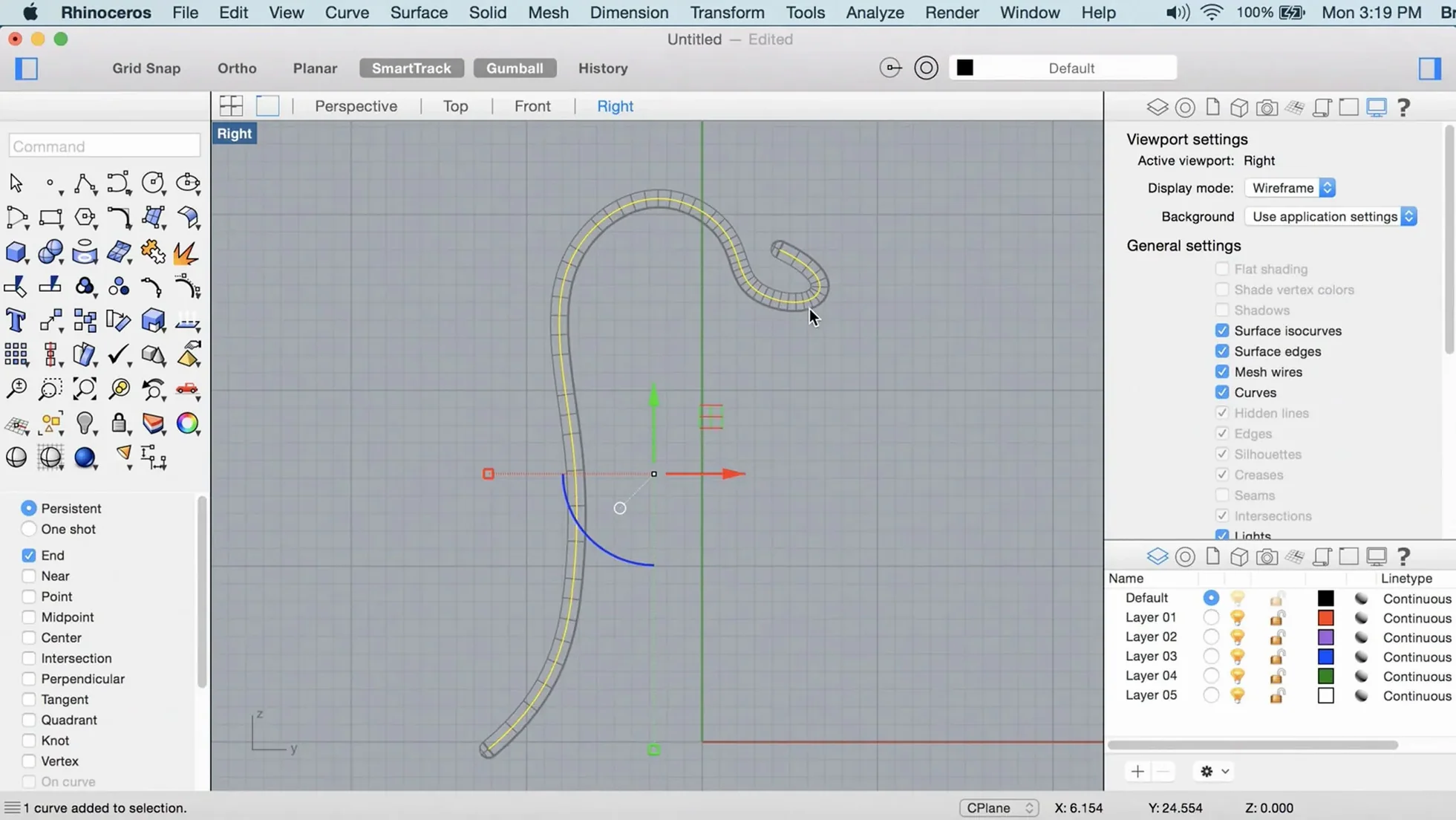
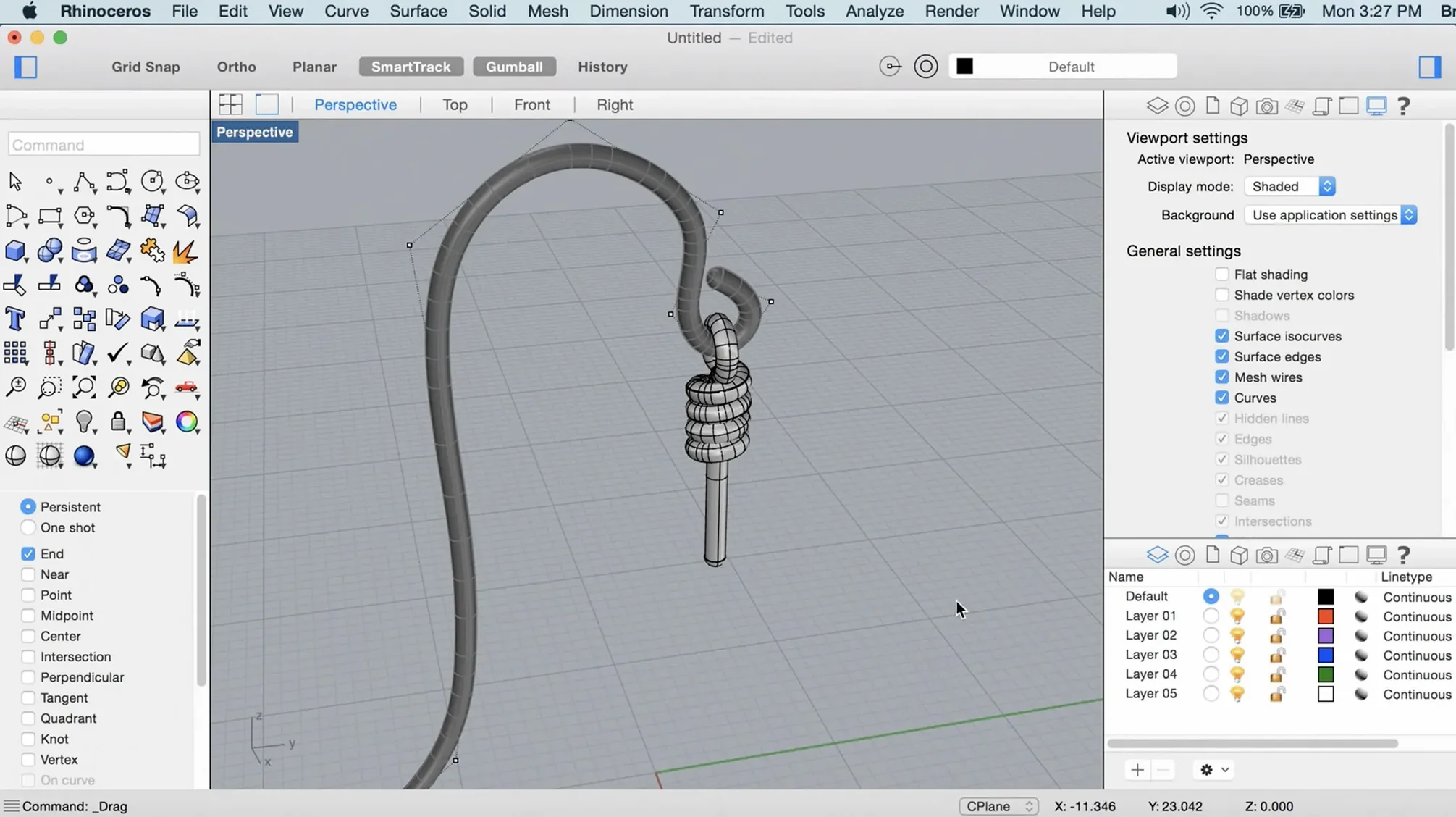
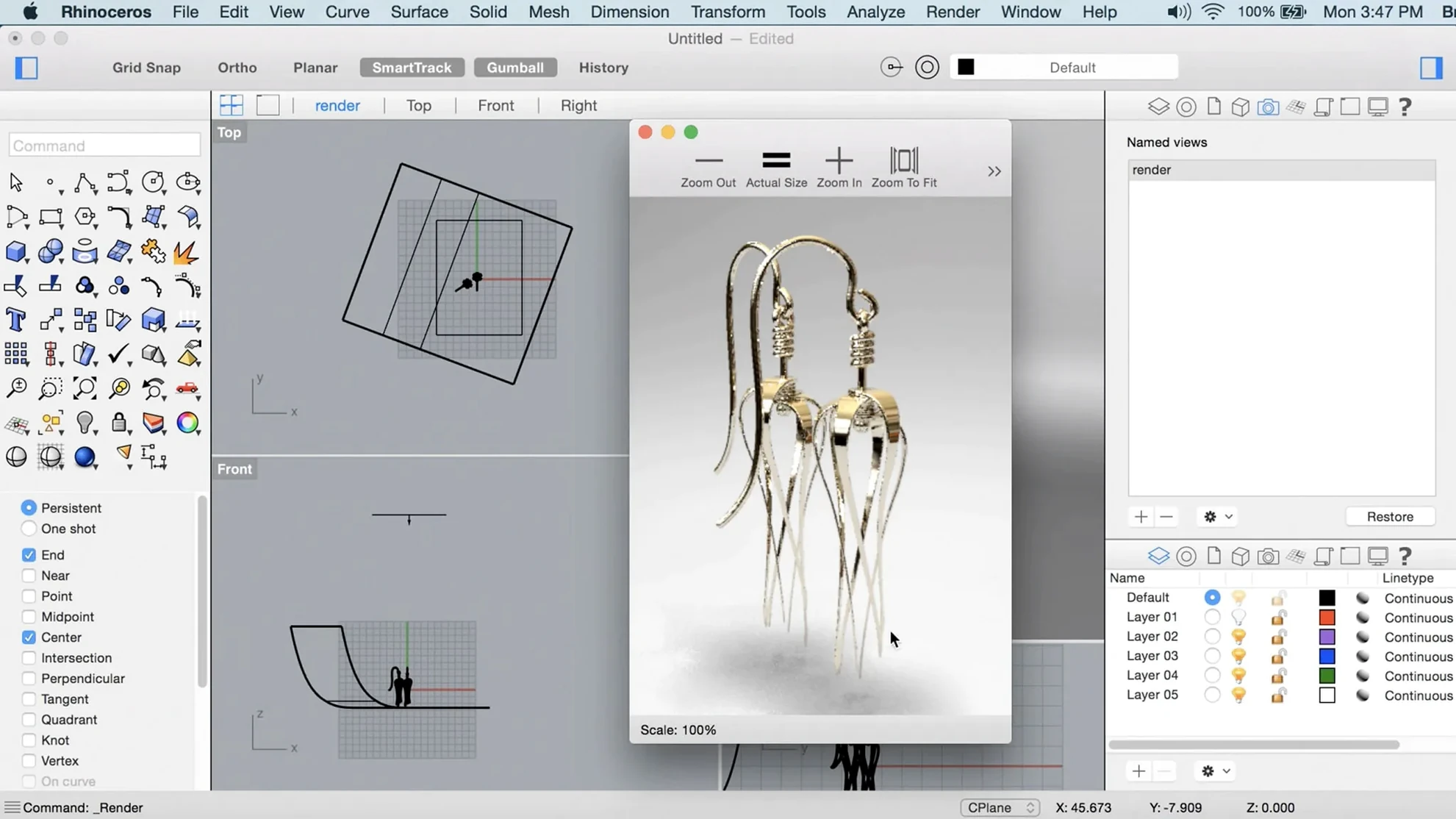
Rhino is a surface modeller built around NURBS geometry, now running natively on Apple Silicon with a Metal-accelerated viewport.
NURBS modelling — creates, edits, and analyzes mathematically precise curves, surfaces, and solids. Not polygon approximation.
SubD creases — new in version 8. Lets you hold sharp edges inside subdivision surfaces without adding control loops.
ShrinkWrap — generates a watertight mesh around existing geometry. Useful for 3D printing prep or cleaning up scan data.
File compatibility — reads and writes STEP, IGES, DWG, DXF, STL, OBJ, and a dozen other formats so models move between tools without rebuilding.
Interface languages — ships in Russian, English, German, Spanish, Italian, Korean, Polish, Portuguese, French, Czech, Japanese, and both Chinese scripts. Switch from the preferences panel.
Metal viewport proves it’s a real Mac app, not a port
Does Rhino for Mac feel like a port, or is it a proper macOS app? The Metal viewport answers that question. Zoom, pan, and orbit stay fluid on Apple Silicon machines — no laggy OpenGL translation layer underneath. The interface uses native Mac conventions: standard open/save dialogs, a proper menu bar, and support for Spaces and Stage Manager. If you last tried it before version 8, the difference is sharp.
Another recurring question: will it open my old .3dm files? Yes — backwards compatibility goes back decades. Models created in Rhino 3, 4, or 5 open without conversion. The file format hasn't changed; new features like SubD creases save as additional data that older versions ignore gracefully.
People also ask about Grasshopper. The visual programming environment runs alongside Rhino, not inside a separate window. On Mac, Grasshopper now supports the same data types as Windows — a gap that stayed open for years. If parametric design is your main reason for downloading, that parity matters.
What about rendering? Rhino 8 ships with a rebuilt Cycles-based renderer. It's not a toy preview engine; it handles physically-based materials, depth of field, and denoising. Metal compute shaders accelerate it on Mac, so an M2 or M3 chip cuts render times noticeably compared to CPU-only mode.
Gatekeeper blocks launch — run the friendly script first
Gatekeeper blocking the app on first launch. This is expected with a disk-image install. Run the bundled Open Gatekeeper friendly script, then press Enter in Terminal when prompted. After that, drag the app to Applications and launch it normally. The Terminal window does one job and closes — no ongoing background process.
Viewport goes black or flickers on an external display. Almost always a Metal synchronisation hiccup with a particular monitor. First fix to try: toggle the display mode from Preferences > View > OpenGL, then restart Rhino. If the external screen is an older 4K unit running through a hub, plug it directly into the Mac. Metal's display timing gets fussy through some third-party docks.
SpaceMouse or 3Dconnexion device not responding. The latest 3Dconnexion driver for macOS must be installed separately — Rhino doesn't bundle it. After the driver install, restart Rhino and check Preferences > Mouse > 3Dconnexion. If the device still does nothing, open the 3Dconnexion settings panel and assign Rhino as a recognised application; the auto-detection sometimes misses.
SubD creases look soft after export to another package. Crease data is Rhino-specific. When you export to OBJ or FBX, apply the Convert SubD to Mesh command first, with a high enough polygon count to hold the sharp edges. Then export the resulting mesh. Skipping the conversion step sends a coarse triangulation that ignores crease tags.
50 000 NURBS surfaces orbit at 60 fps on M1 Pro
Opening a model with 50 000 NURBS surfaces on an M1 Pro with 16 GB RAM takes about four seconds — cold launch included. That same model orbits at 60 fps in the shaded viewport with antialiasing on. The Metal render path earns its keep.
Memory pressure stays moderate. Rhino holds around 1.8–2.4 GB with a typical architectural model loaded, and the macOS memory compressor keeps that footprint tight. On a 32 GB machine, several large models can stay open side by side without swapping. The only real spike comes from the Cycles renderer: a complex scene with hundreds of materials can push 6–8 GB during a high-resolution render. For that reason, 16 GB is the sensible floor, not a conservative suggestion.
Stability across days of work has been uneventful — the kind that doesn't make headlines. Crash-on-save bugs that plagued earlier Mac releases appear to be gone in 8.30.26103.11002. The autosave system writes timestamped backups to a ~/Rhino Autosave folder and keeps the last 10 versions, so even a rare quit recovers cleanly.
One quirk worth knowing: the first render after waking the machine from sleep sometimes runs 20–30% slower. A quick viewport toggle or switching the renderer to CPU and back to GPU resets whatever Metal pipeline state gets stale. Not a deal-breaker, but reproducible enough to mention.
How Rhino fits with other apps and macOS
Import and export do the heavy lifting for pipeline work. Architects round-trip between Rhino and Archicad or Vectorworks via DWG, keeping layers and blocks intact. Product designers move surfaces to Fusion 360 or SolidWorks through STEP — solids stay watertight if the original geometry was clean. For 3D printing, the ShrinkWrap command generates a single closed mesh that slicers like PrusaSlicer or Cura swallow without repair steps.
Adobe Illustrator reads Rhino's AI export for linework; curves land as editable vector paths with proper stroke weights. Make2D remains the bridge for fabrication drawings — it projects flat views from 3D models and writes them as curves, ready for laser-cutting templates or CNC toolpath generation.
On the macOS side, Handoff and iCloud aren't part of the picture — Rhino saves to its own file format and doesn't hook into Apple's sync services. What works well is Quick Look: .3dm files show a thumbnail preview in Finder, so spotting the right model in a folder of iterations doesn't require opening each one. Spotlight indexes the text inside Rhino's notes panel too, which helps when you embed material specs or client instructions directly in the file.
Grasshopper definitions can reference external files — CSVs, image sequences, point clouds — and the Mac version handles relative paths the same way Windows does. Sharing definitions between team members on different operating systems no longer requires path surgery. That alone removes a long-standing collaboration friction point for mixed-OS studios.
- New — ShrinkWrap wraps meshes and loose geometry into a closed, watertight mesh.
- New — SubD Creases for controlling edge sharpness on subdivision models.
- Improved — Metal-based graphics on Mac and a more customizable interface.
- Improved — Faster render engine.
- macOS 12.4 Monterey or later
- Apple Silicon or Intel 64-bit processor
- 8 GB RAM minimum
- 10 GB free disk space
- Multi-button mouse with scroll wheel recommended
Comments 0
Sign in to leave a comment.Sign inCreate an account
No comments yet. If a step is still there after you install it, say so.
More in CAD & 3D
All in CAD & 3D Updated
SketchUp Pro
Blocks out building volumes and adds detail with solid modelling tools.
17 steps saved
 Updated
Plasticity
Shapes solids directly without a parametric history tree holding you back.
6 steps saved
 Pixologic Zbrush
Sculpts high-resolution characters and organic forms like digital clay.
21 steps saved
 Sweet Home
Turns a flat floor plan into a textured, navigable 3D scene without learning CAD.
23 steps saved
 TouchDesigner
Replaces text-based coding with a network of operators for real-time media.
5 steps saved
 Vectorworks
Connects 2D drawing and 3D modelling for architecture, landscape and entertainment design.
17 steps saved
 Maya
Keeps keyframing, cloth, rigging, and rendering inside a single application.
6 steps saved
 MAXON Cinema
Handles product rendering, character rigging, and walkthroughs in one package.