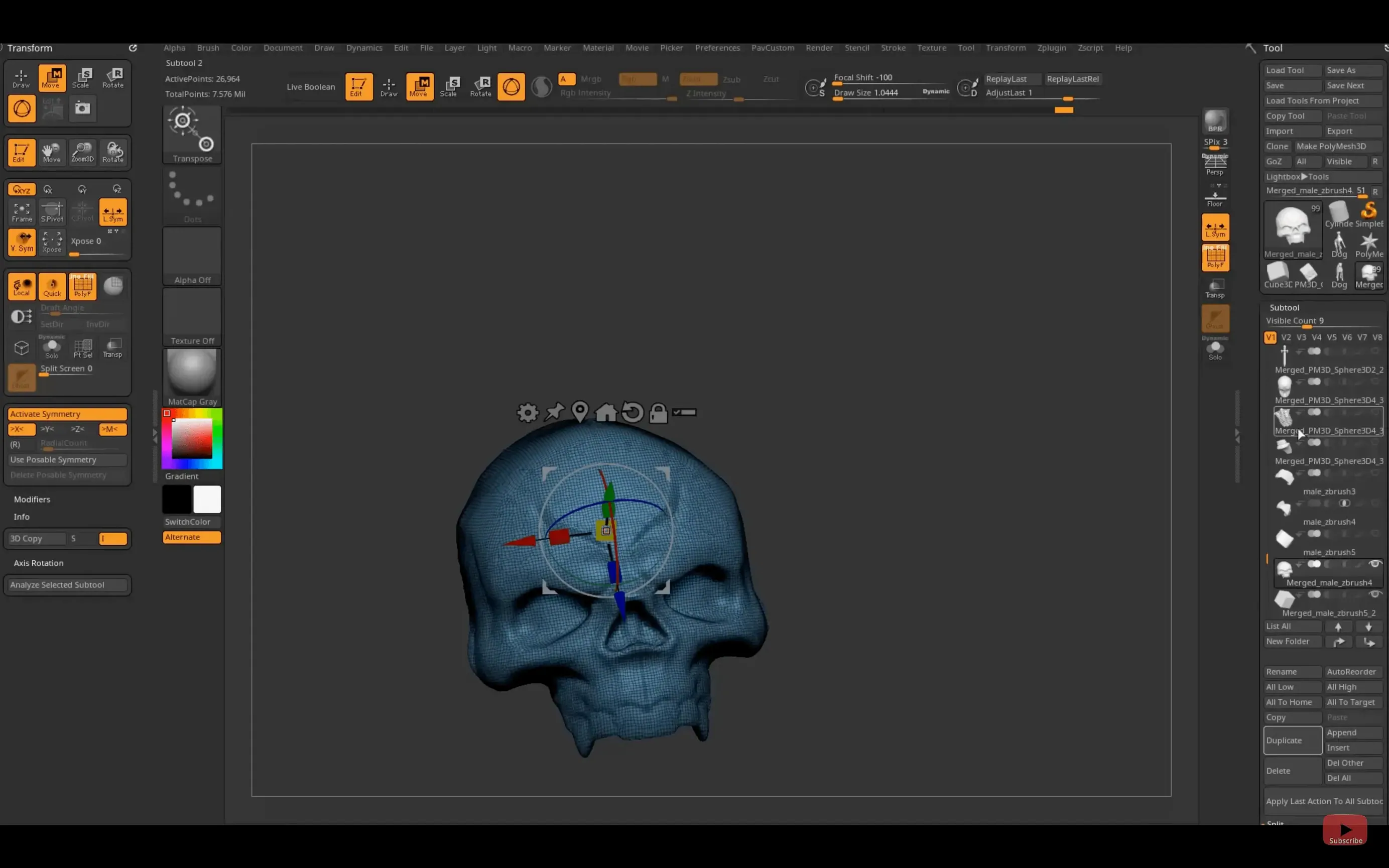
If Photoshop is your tool for 2D pixels, ZBrush is its 3D equivalent for polygons — a vast, deep workshop that simulates sculpting with real clay, layer by layer, on a digital armature. It doesn't replace a CAD modeler; it sits next to it, handling the organic, high-resolution detail that parametric tools struggle with.
Sculpt and detail after block-out
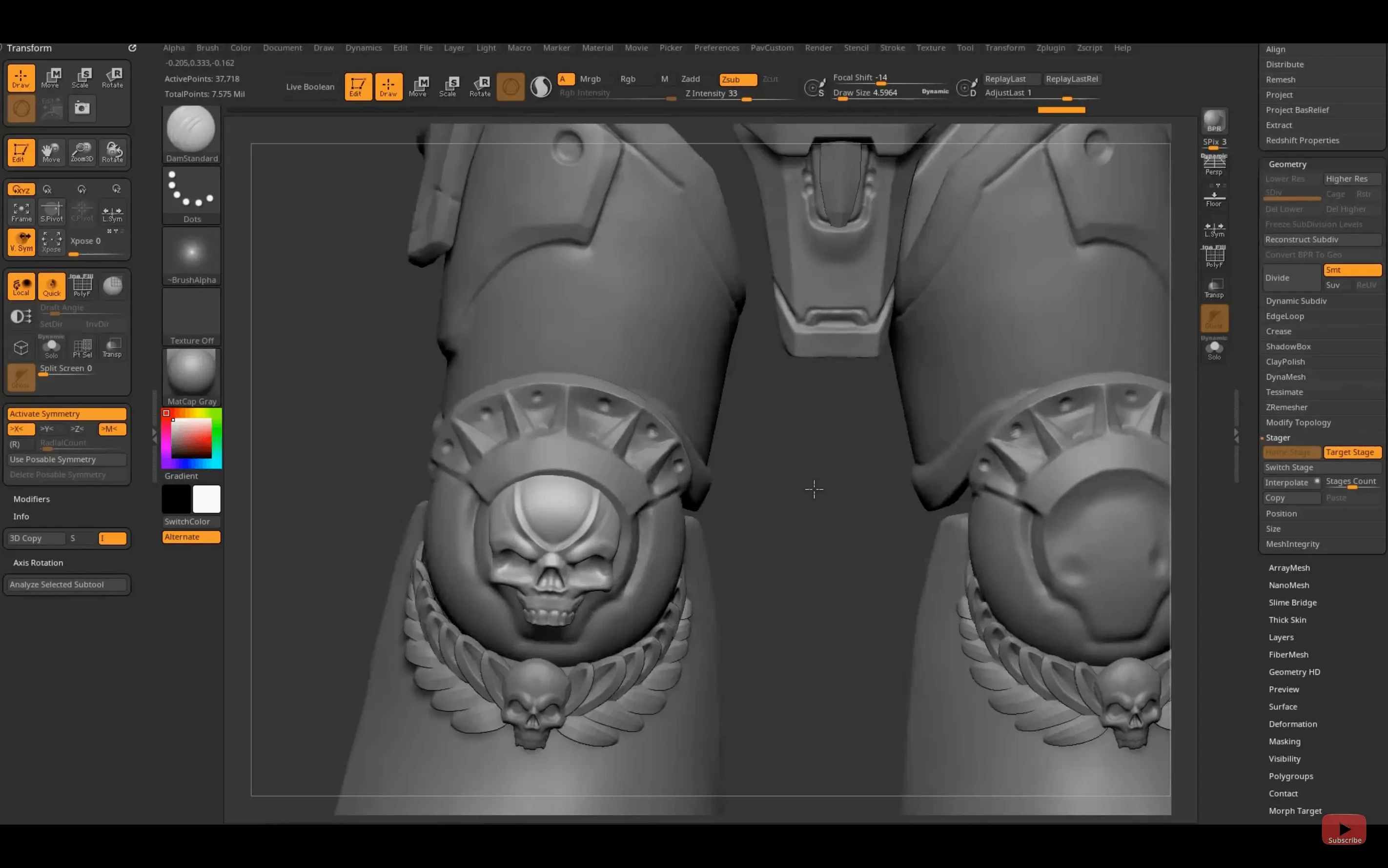
Start a base mesh in Blender or Maya, then push, pull, and carve millions of polygons in ZBrush for skin pores, fabric folds, and weathered edges.
Paint directly onto 3D surfaces
Skip the UV layout headache early on. PolyPaint lets you apply colour straight onto the model while you sculpt, switching between form and texture without leaving the canvas.
Bridge to your render pipeline
The new Substance Bridge sends a model to Substance Painter in one click. GoZ updates keep Maya and 3ds Max connections current, so your finished high-res detail moves cleanly into layout and rendering apps.
Sculpting, Not a Full Pipeline Replacement
Does ZBrush replace Blender or Maya? No. It handles the sculpting and detailing stage. Block-out, rigging, animation, and final rendering still happen in your main 3D package. ZBrush sits in the middle of that pipeline, not at either end.
Will it run on my Mac? Any Mac on macOS 12.6 or later works, whether Apple Silicon or Intel. The installer covers both architectures, so there is no separate build to track down.
Is the interface hard to learn? It is unlike any other app. Menus wrap around the canvas, brushes live in palettes, and many actions need a keyboard shortcut. Expect a few days of orientation before it feels natural. Artists coming from traditional sculpting often adapt faster than those coming from polygonal modelers.
Does it work with a mouse, or do I need a tablet? A mouse works, but pressure sensitivity from a pen tablet changes how brushes behave. Without it, you lose much of the sculpting feel that makes ZBrush worth using.
GoZ and Substance Bridge Tethering
ZBrush is not a standalone island. The GoZ bridge pushes models into Maya, 3ds Max, and other tools without exporting files manually. The Substance Bridge in version 2026.2.1 sends a model straight into Substance Painter for texturing, preserving the high-res detail you sculpted.
On macOS, the app cooperates with standard system features. Files save as ZPR or ZTL projects, readable by other artists on the same version. Screenshots, reference images, and texture maps drag in from Finder or Photos. The Render palette can output still frames to any folder you choose, and macOS colour management keeps on-screen tones consistent with other Creative Cloud or Maxon apps.
- GoZ — one-click export to Maya, 3ds Max, Cinema 4D
- Substance Bridge — direct transfer to Substance Painter
- OBJ, FBX, STL — universal exchange for print and game engines
- macOS Quick Look — preview ZBrush project thumbnails in Finder
- iCloud Drive or external SSD — store active projects for access across machines
Start on a Sphere to Build Hand Memory
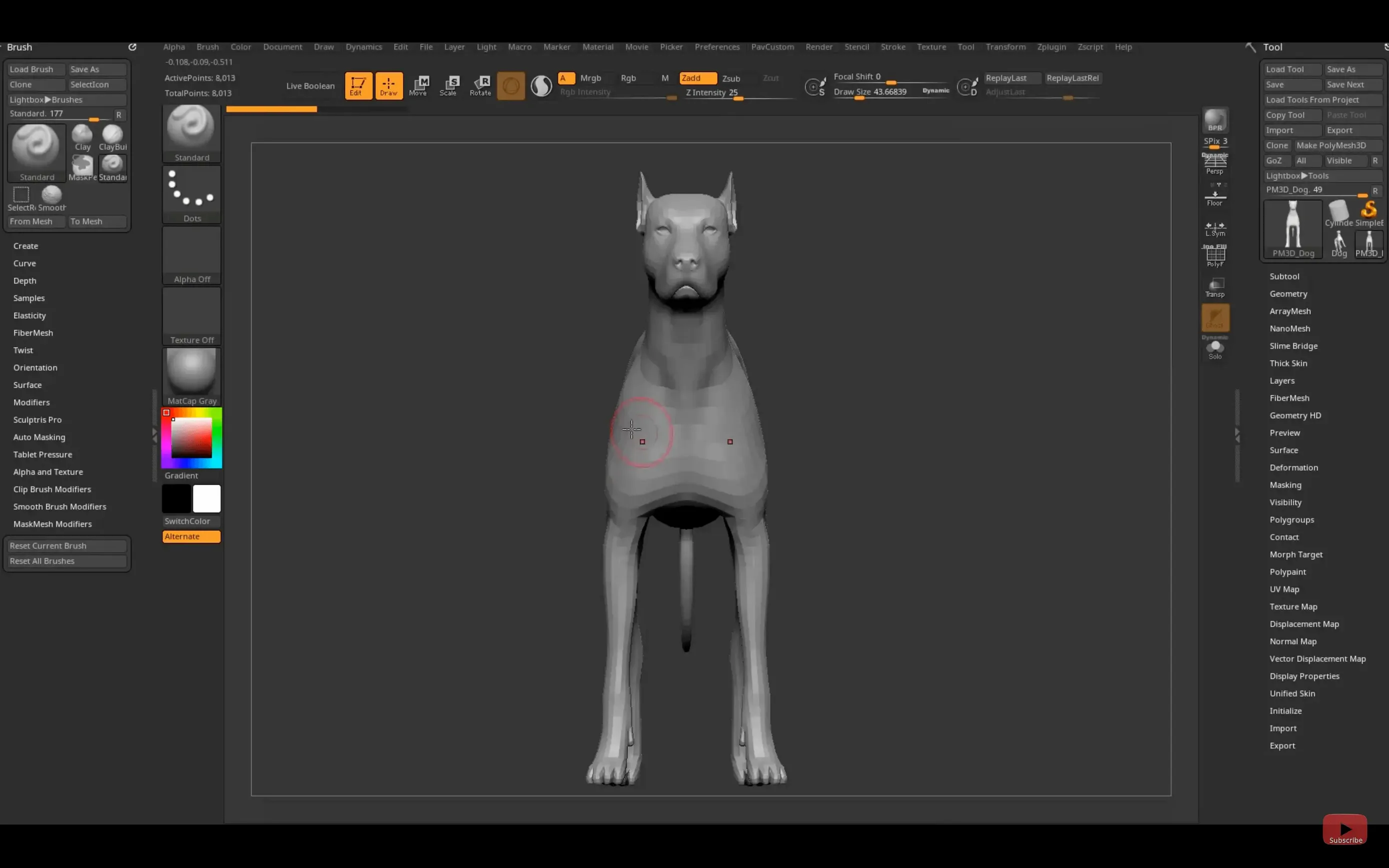
Start with a simple sphere, not a character bust. Load the default project, pick the Standard brush, and spend an hour pulling and smoothing. That builds the hand memory before you touch DynaMesh or subdivision levels.
- Set your tablet driver to full pressure range, then calibrate brush intensity in the Brush palette.
- Assign a shortcut for
Frame— it centres the model when you lose it off-canvas, which happens constantly at first. - Turn on Auto Save in the Preferences. Set the interval to 10 minutes.
- Test one GoZ export to your main 3D app on day one, not after you have finished a sculpt.
- Create a custom UI layout once you know which palettes you actually use, and save it.
Resist the urge to jump into ZSpheres and advanced brushes in the first week. The core loop — sculpt, smooth, mask, move — covers most organic work. Everything else is refinement on top of that loop.
- New — Substance Bridge: one-click transfer of your ZBrush model to Substance Painter.
- New — Custom hotkey sets can be saved and shared on iPad.
- Improved — GoZ support updated for Maya 2026 and 3ds Max 2026.
- macOS 12.6 or later.
- Apple Silicon or Intel 64-bit processor.
Questions I get before install
Does ZBrush run natively on Apple Silicon Macs?
Yes, the macOS version runs natively on both Apple Silicon and Intel 64-bit Macs with macOS 12.6 or later.
Can I use ZBrush with my existing 3D software?
GoZ provides direct, updated bridges to Maya 2026, 3ds Max 2026, and other major 3D tools for transferring models back and forth.
What languages does the ZBrush interface support?
The interface is available in English, German, Spanish, French, Japanese, Korean, and Simplified Chinese.
Comments 0
Sign in to leave a comment.Sign inCreate an account
No comments yet. If a step is still there after you install it, say so.
More in CAD & 3D
All in CAD & 3D Updated
Plasticity
Shapes solids directly without a parametric history tree holding you back.
19 steps saved
 Rhino
Creates mathematically precise curves and surfaces, not polygon approximations.
19 steps saved
 Updated
SketchUp Pro
Blocks out building volumes and adds detail with solid modelling tools.
21 steps saved
 Sweet Home
Turns a flat floor plan into a textured, navigable 3D scene without learning CAD.
17 steps saved
 Maya
Keeps keyframing, cloth, rigging, and rendering inside a single application.
6 steps saved
 MAXON Cinema
Handles product rendering, character rigging, and walkthroughs in one package.
17 steps saved
 Marvelous Designer
Drapes realistic 3D garments onto character models for fashion and film.
4 steps saved
 Marmoset Toolbag
Lights and renders a 3D asset quickly for look dev and portfolio shots.