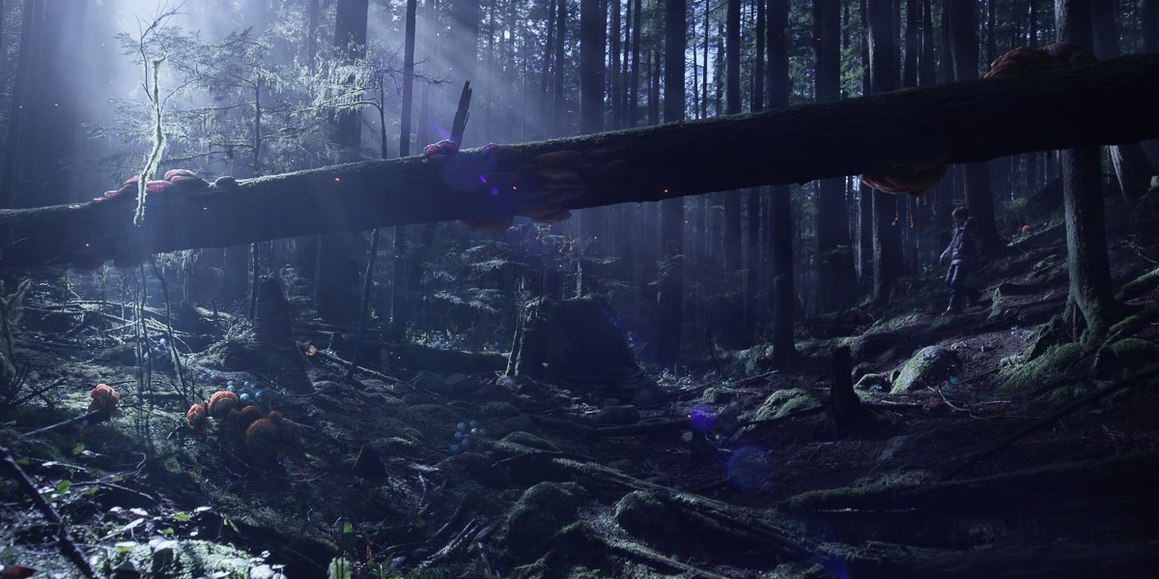

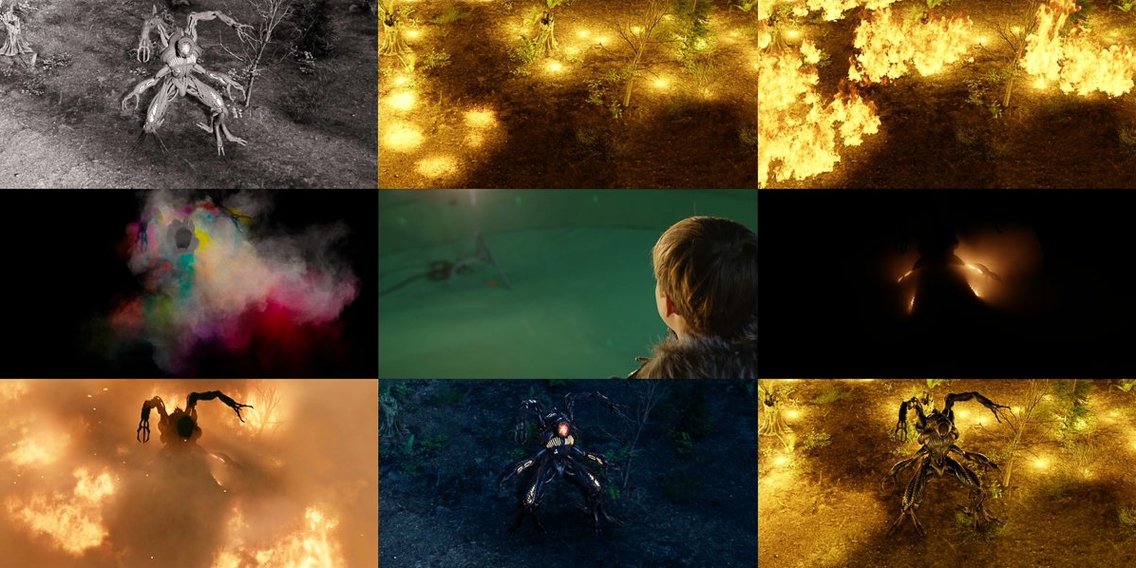

Character animation, simulation and final rendering usually live in separate tools. Maya keeps keyframing, cloth, rigging and Arnold rendering in one application.
What is Autodesk Maya?
It's a complete 3D content creation application covering modeling, animation, simulation, rendering, and compositing. Studios and independent artists use it for high-end character work, complex environments, and visual effects.
Deep, Extensible Toolset for Film and Game Specialists
Animators, technical artists, modelers, and FX specialists working in film, television, and game development. It suits anyone who needs a deep, extensible toolset rather than a simplified entry-level app.
What can you build with it?
You can model with polygons, NURBS, and subdivision surfaces, then sculpt details directly. Rig characters with inverse kinematics and scripted controls. Simulate fur, hair, cloth, liquids, and gases. The toolset moves from a rough block-out to a finished render in a single pipeline.
Custom Pipeline Scripting with C++, Python, and MEL
Maya works alongside MotionBuilder for motion capture, Mudbox for detailed sculpting, and 3ds Max for game level work. A C++ API plus Python and MEL scripting let technical directors build custom pipelines around it.
Where Maya fits in a macOS studio
Maya taps into macOS colour management so the viewport and final renders share a single colour pipeline. The app respects Mission Control and multiple Spaces — artists often keep the perspective view fullscreen on one desktop while parking the UV Editor and Node Editor on a second. Arnold renders can be queued directly to a render farm, and the scene assembly tools pull USD, Alembic, and FBX files from disk without importing everything into a master file.
Skip the Defaults: Project Folder and Three-Button Mouse Setup
Skip the defaults for a quicker start:
- Set a project folder immediately. File > Project Window creates a clean directory structure. Scenes, textures, and caches stay findable instead of scattering across Downloads.
- Configure the three-button mouse. Maya expects a dedicated middle button for tumble and pan. A Magic Mouse alone fights the navigation shortcuts.
- Turn on AutoSave. The preference lives under Files/Projects. A 10-minute interval saves hours of rework when a complex sim crashes timeline scrubbing.
- Switch to Arnold in the Render Settings. It's the bundled renderer and integrates with the Hypershade material workflow without extra setup.
- Open the Script Editor and run a simple MEL command. Even
polySphere;shows whether scripting is live and ready for custom tools.
- New — MotionMaker can train custom animation models from your own data.
- Improved — Smart Bevel is faster and more reliable on complex edges.
- Fixed — Timeline scrubbing, GPU Override, IGES export, Flow Retopology, and Smart Bevel issues.
- macOS 14 or later
- Apple Silicon or Intel processor
- 8 GB RAM
- 7 GB free disk space
- Three-button mouse
Questions I get before install
What renderer does Maya use?
Maya ships with Arnold, a production-grade path tracer for creating previews and final-frame renders.
Can I extend Maya with scripting?
Yes, it supports MEL, Python, Qt Designer, PySide, and a full C++ API for building custom tools and automation.
What macOS versions are supported?
Maya 2027 requires macOS 14 or later (14, 15 and 26 are listed) and runs on both Apple Silicon and Intel Macs.
Comments 0
Sign in to leave a comment.Sign inCreate an account
No comments yet. If a step is still there after you install it, say so.
More in CAD & 3D
All in CAD & 3D MAXON Cinema
Handles product rendering, character rigging, and walkthroughs in one package.
17 steps saved
 Marvelous Designer
Drapes realistic 3D garments onto character models for fashion and film.
4 steps saved
 Marmoset Toolbag
Lights and renders a 3D asset quickly for look dev and portfolio shots.
8 steps saved
 Updated
Live Home 3D Pro
Shows clients the finished renovation before a single wall goes up.
17 steps saved
 KeyShot
Renders physically accurate product visuals from CAD data with real-time global illumination.
6 steps saved
 Pixologic Zbrush
Sculpts high-resolution characters and organic forms like digital clay.
17 steps saved
 Updated
Plasticity
Shapes solids directly without a parametric history tree holding you back.
9 steps saved
 Garden Planner
Drags plants and surfaces onto a canvas to arrange outdoor spaces.