
An industrial designer blocks out a product housing in a single afternoon. A motion graphics artist rigs a character for a broadcast spot. A small studio renders a client walkthrough overnight. Cinema 4D handles all three without forcing anyone into the same workflow.
What Cinema 4D actually does
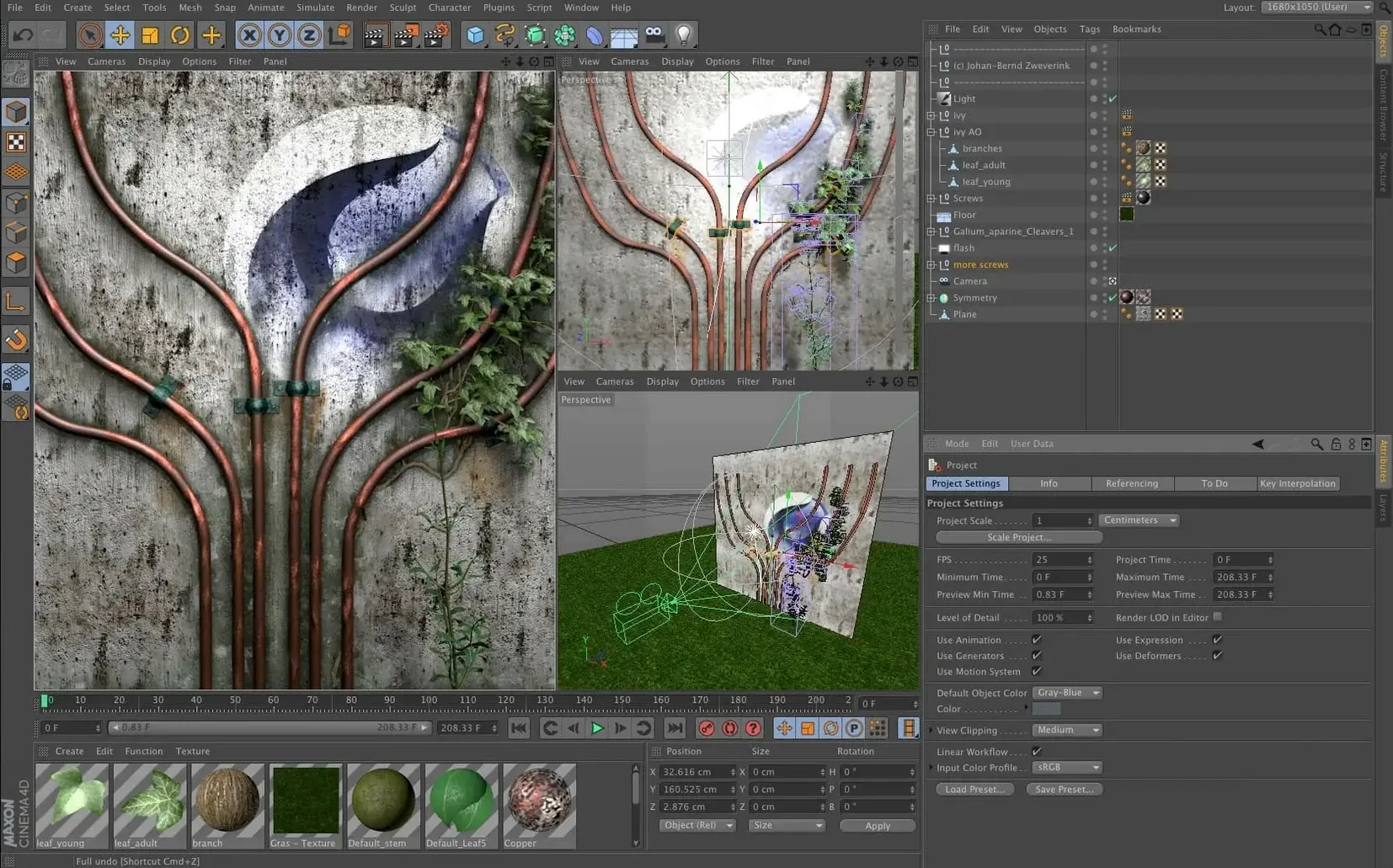
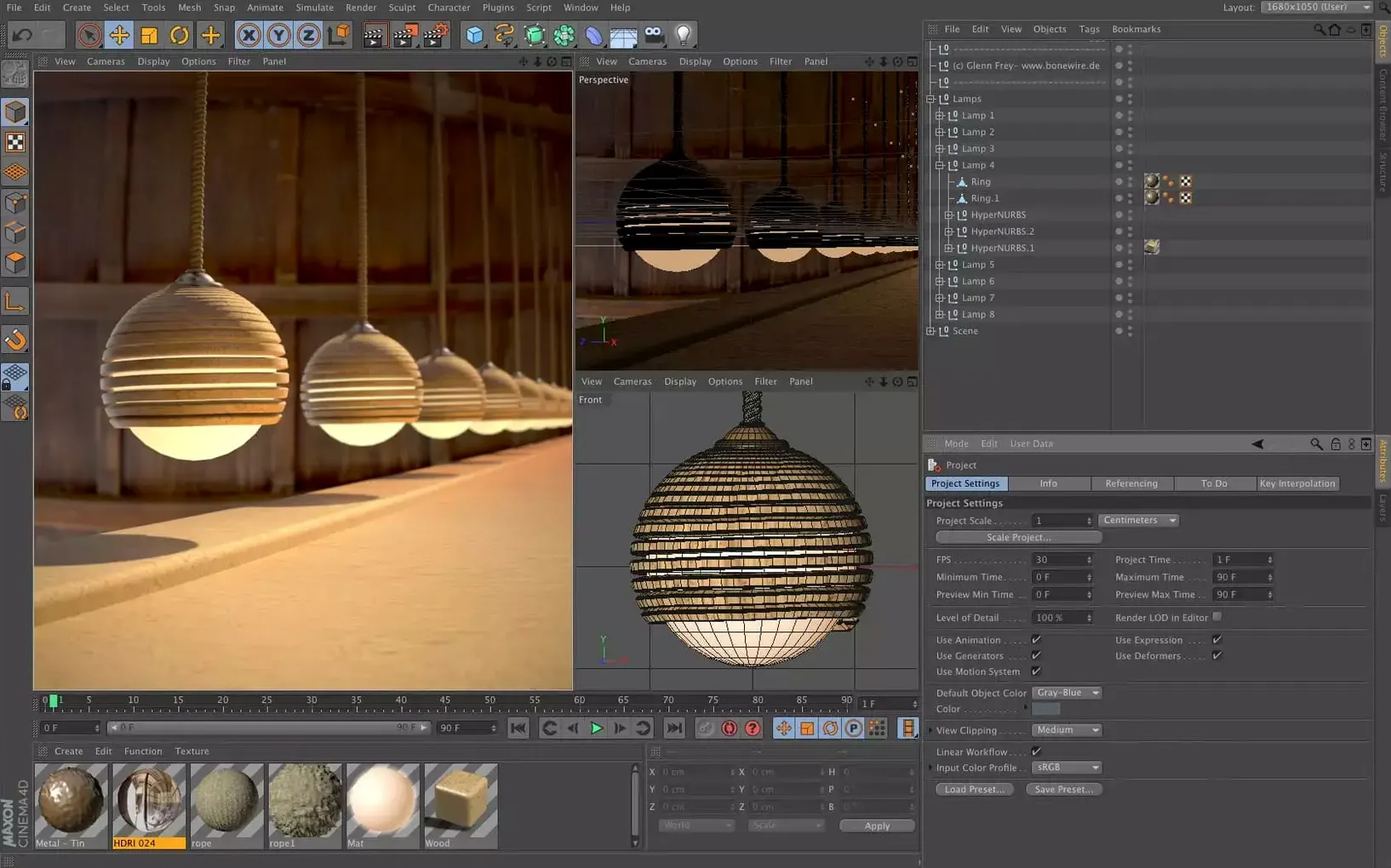
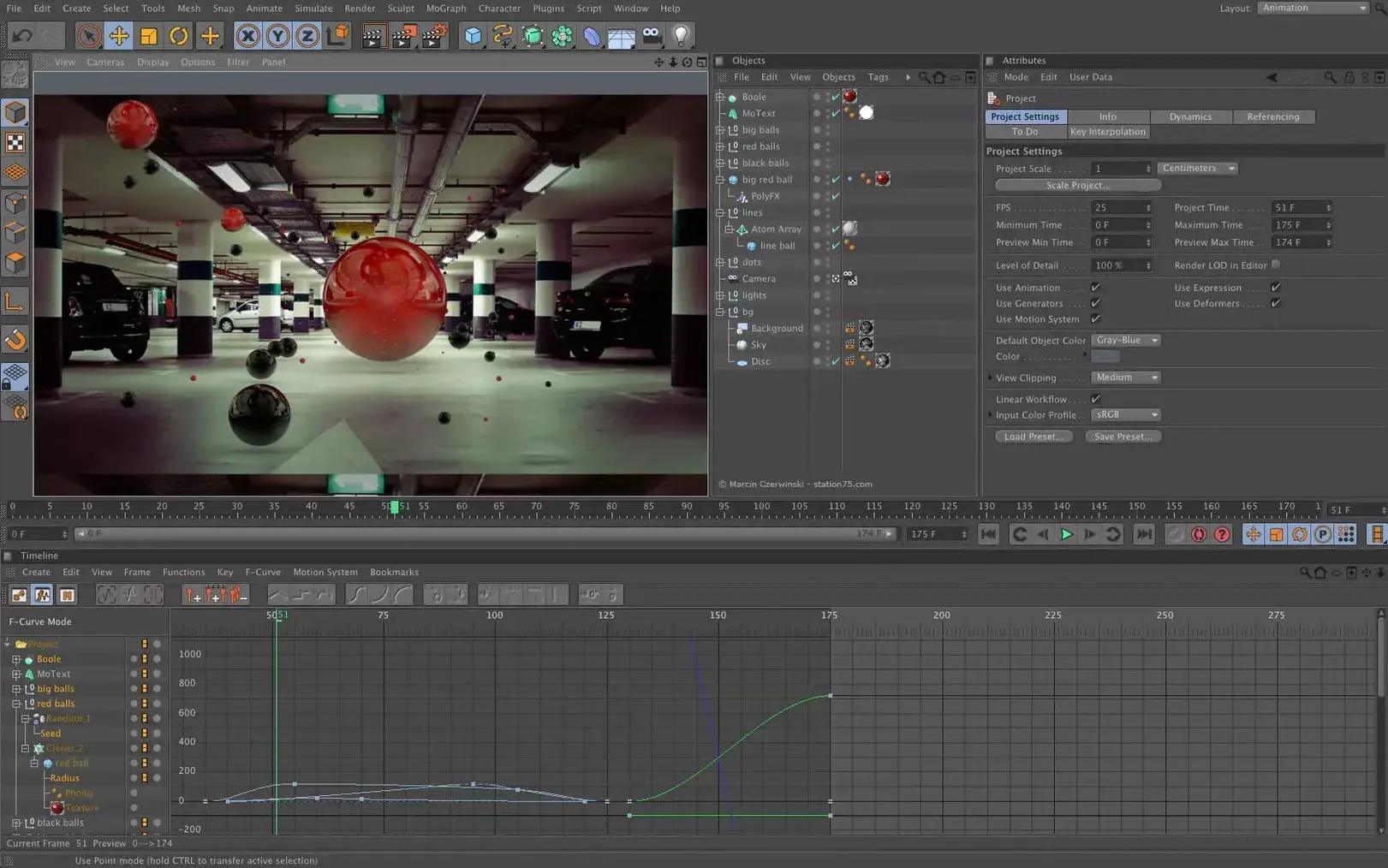
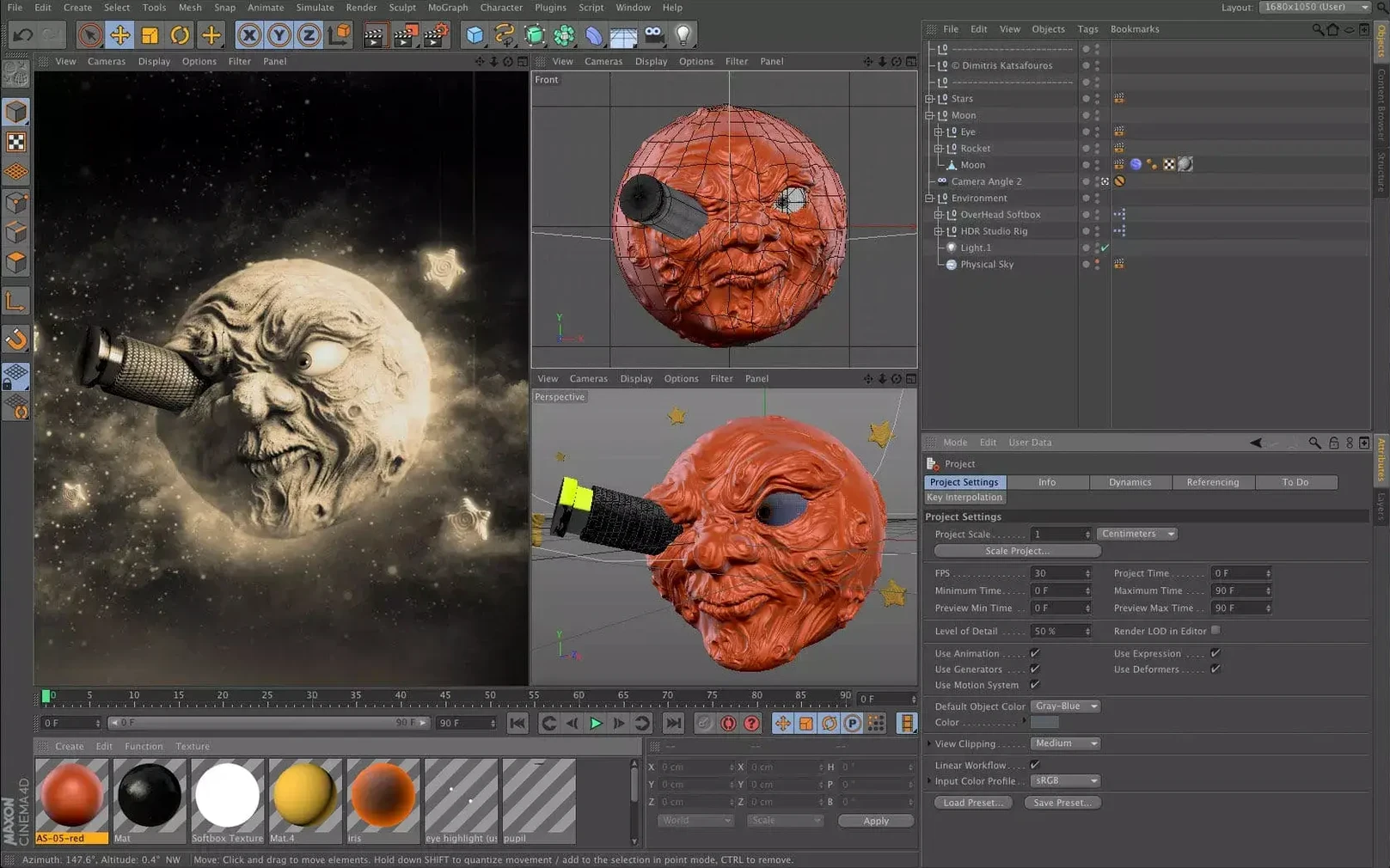
Cinema 4D is Maxon’s professional 3D application for modeling, animation, simulation, and rendering. It produces stills and sequences for broadcast, film, product visualization, and game art. The toolset covers polygonal and spline-based modeling, rigging, dynamics, particles, and a physically based render engine. Scene nodes, the Scene Manager, and Capsules govern data import and procedural spline work, so complex setups stay editable without collapsing the stack.
Motion designers, generalists, and the daily-driver studio
The software suits motion designers who need fast iteration, studios that want a single package from blocking to final render, and 3D generalists juggling multiple disciplines. It is less of a specialist’s monolith and more of a daily driver that rewards familiarity with speed. If your work crosses modeling, animation, and rendering in a single day, the application is built for that tempo.
Where Cinema 4D sits among Mac 3D apps
Blender offers a capable, open-source alternative with a deep feature set, but its interface demands more memorization. Cinema 4D prioritizes discoverability — tool tabs and context-sensitive property panels mean you spend less time hunting through menus. For a motion designer who needs to model, light, and animate inside a single day, that layout difference compounds fast.
Maya leads in character animation pipelines, particularly for feature film rigging. Cinema 4D does not chase that same specialization. Instead, it gives generalists a unified MoGraph toolset, a responsive viewport, and Redshift integration that does not feel bolted on. If you regularly produce title sequences, product shots, or concert visuals, Cinema 4D maps more cleanly to the task.
Houdini dominates simulation-heavy work. Its node-based approach is unmatched for complex destruction and fluid setups. Cinema 4D’s simulation tools handle rigid bodies, cloth, and soft bodies competently, but they trade raw power for speed of setup. Studios often pair the two: Houdini for FX simulations, Cinema 4D for layout, lighting, and rendering.
Alembic and USD pipelines that connect to After Effects and Unreal
Cinema 4D reads and writes formats that keep it working alongside other tools. Export Alembic or USD to send animated geometry into After Effects or Unreal Engine. Import OBJ or FBX from CAD applications for product visualization. The built-in Takes system lets you store multiple render passes inside one file, which compositors in After Effects or DaVinci Resolve can reassemble without guesswork.
On macOS, Cinema 4D respects native colour management and supports Sidecar, so you can park tool palettes on an iPad when working on a MacBook. The viewport uses Metal acceleration, and the software runs natively on both Apple Silicon and Intel hardware. That means a Mac Studio handles viewport playback and Redshift rendering without translation overhead.
For teams sharing assets, Cinema 4D’s Asset Browser connects to local or network storage. Capsules — reusable, node-based generator setups — drop into the Object Manager like standard primitives. One artist builds a parametric bookshelf Capsule; another drops it into a scene without touching a node graph. The workflow stays legible across disciplines.
- New — Cinema 4D 2024.2, released December 11, 2023.
- macOS 11 or later
- Apple Silicon or 64-bit Intel processor
Questions I get before install
Which macOS versions does Cinema 4D support?
It requires macOS 11 or later and runs natively on both Apple Silicon and 64-bit Intel architectures.
What languages is the Cinema 4D interface available in?
The interface supports English, German, Arabic, Spanish, Italian, Simplified Chinese, Korean, Polish, French, Czech, and Japanese.
What kind of software is Cinema 4D?
It is a professional 3D solution for modeling, animation, simulation, and rendering, developed by Maxon.
Comments 0
Sign in to leave a comment.Sign inCreate an account
No comments yet. If a step is still there after you install it, say so.
More in CAD & 3D
All in CAD & 3D Maya
Keeps keyframing, cloth, rigging, and rendering inside a single application.
17 steps saved
 Marvelous Designer
Drapes realistic 3D garments onto character models for fashion and film.
4 steps saved
 Marmoset Toolbag
Lights and renders a 3D asset quickly for look dev and portfolio shots.
8 steps saved
 Updated
Live Home 3D Pro
Shows clients the finished renovation before a single wall goes up.
17 steps saved
 KeyShot
Renders physically accurate product visuals from CAD data with real-time global illumination.
6 steps saved
 Pixologic Zbrush
Sculpts high-resolution characters and organic forms like digital clay.
17 steps saved
 Updated
Plasticity
Shapes solids directly without a parametric history tree holding you back.
9 steps saved
 Garden Planner
Drags plants and surfaces onto a canvas to arrange outdoor spaces.