
Marvelous Designer runs on any Mac that handles macOS 12 (Monterey) or newer, with native support for both Apple Silicon and Intel processors. This build is 2024.2.
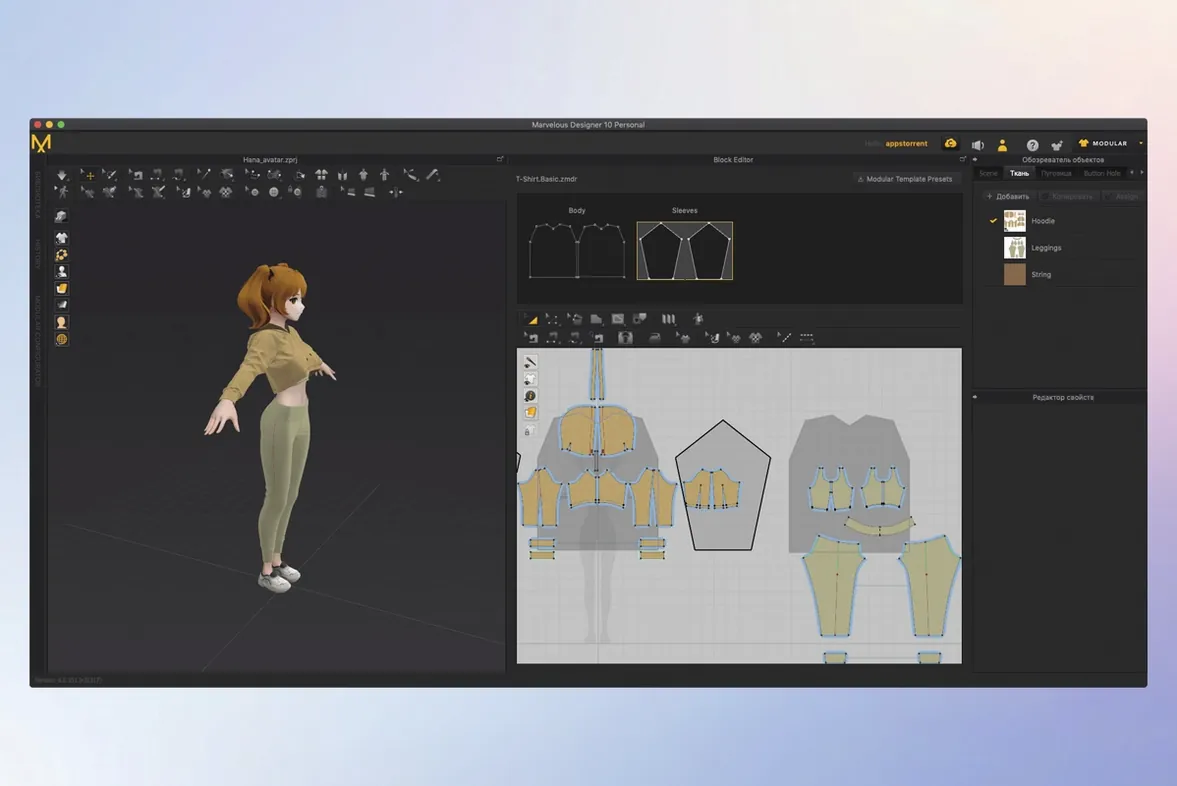
A practical session often starts with a simple block shirt. You bring in a character model — an Alembic or USD file works — and trace the garment panels right onto the 3D form. The point placement tools let you draw a front piece, a back piece and two sleeves as flat pattern outlines. Hit sew, and the software stitches them together around the avatar. The fabric drops, drapes and settles with accurate fold behaviour, all recalculated in real time as you adjust.
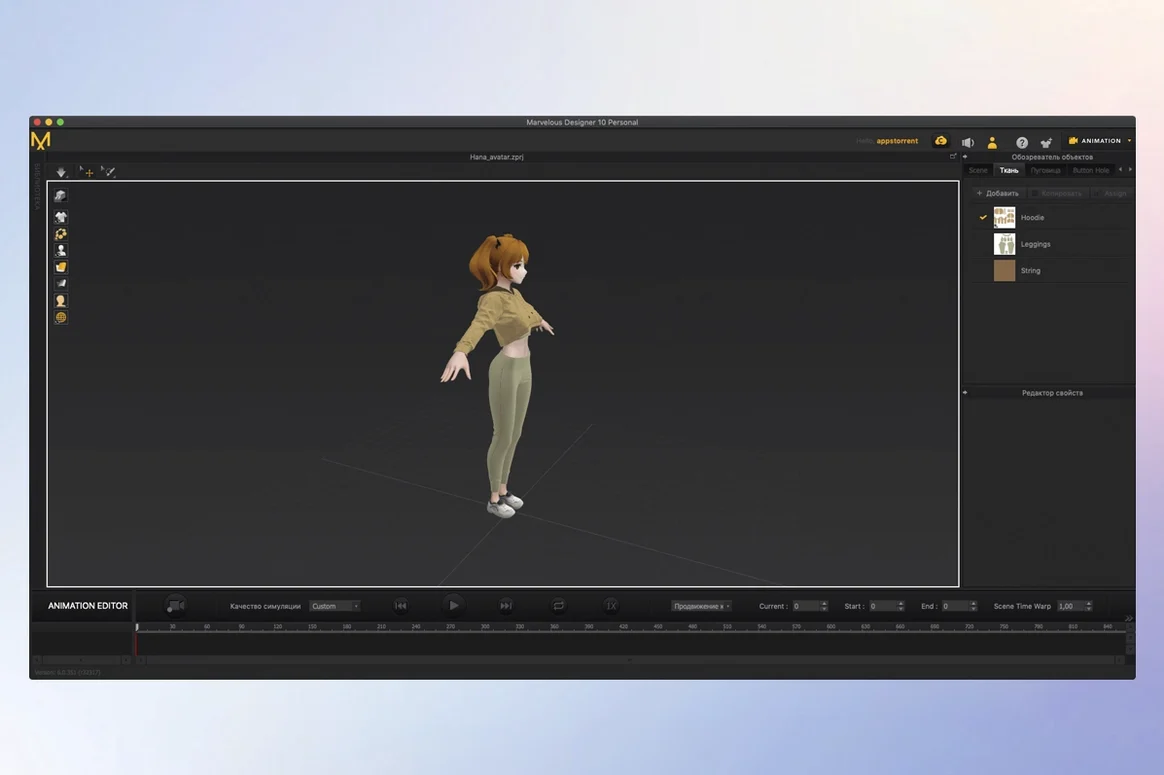
From there you refine the fit. You can pin a shoulder, pull a hem, or add a belt contact point to see how tension changes. Switch the avatar to a walking animation and the cloth motion records naturally — no separate physics pass required. The same session handles everything from sketching the initial pattern to exporting a shaded turntable render.
Beginners get up to speed quickly with the built-in learning materials. Garment sketching, template-based rigging in EveryWear and USD/Alembic import and export round out the toolset.
Details Worth Knowing
Right-click a pattern piece and choose Layer Clone instead of ordinary copy. The clone inherits sewing relationships, so lining snaps into place without re-pinning every edge.
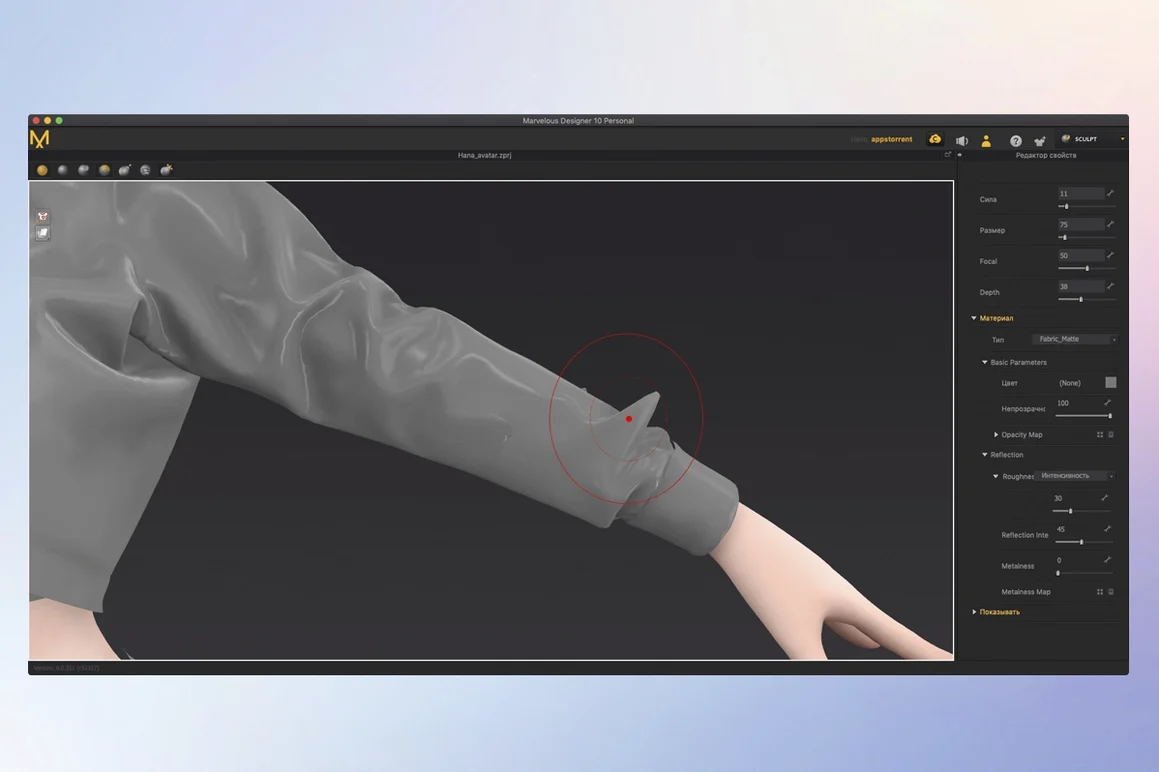
Hold Shift while dragging a fabric preset onto a panel. The texture scale locks to real-world units, avoiding stretched prints when you resize the pattern later. The same modifier works inside the Property Editor — press Shift before adjusting any slider to move in finer increments.
The simulation bar remembers two states. Tap Space to toggle between a draped result and the flat arrangement. Use it constantly while editing seams; one keypress shows whether the new stitching pulls correctly.
Select any internal line, open the context menu, and pick Convert to Elastic. A plain cut turns into a gathered seam in one step — no manual pleating required. Combine this with the Pressure slider under Fabric Properties to inflate sections like down-filled jackets.
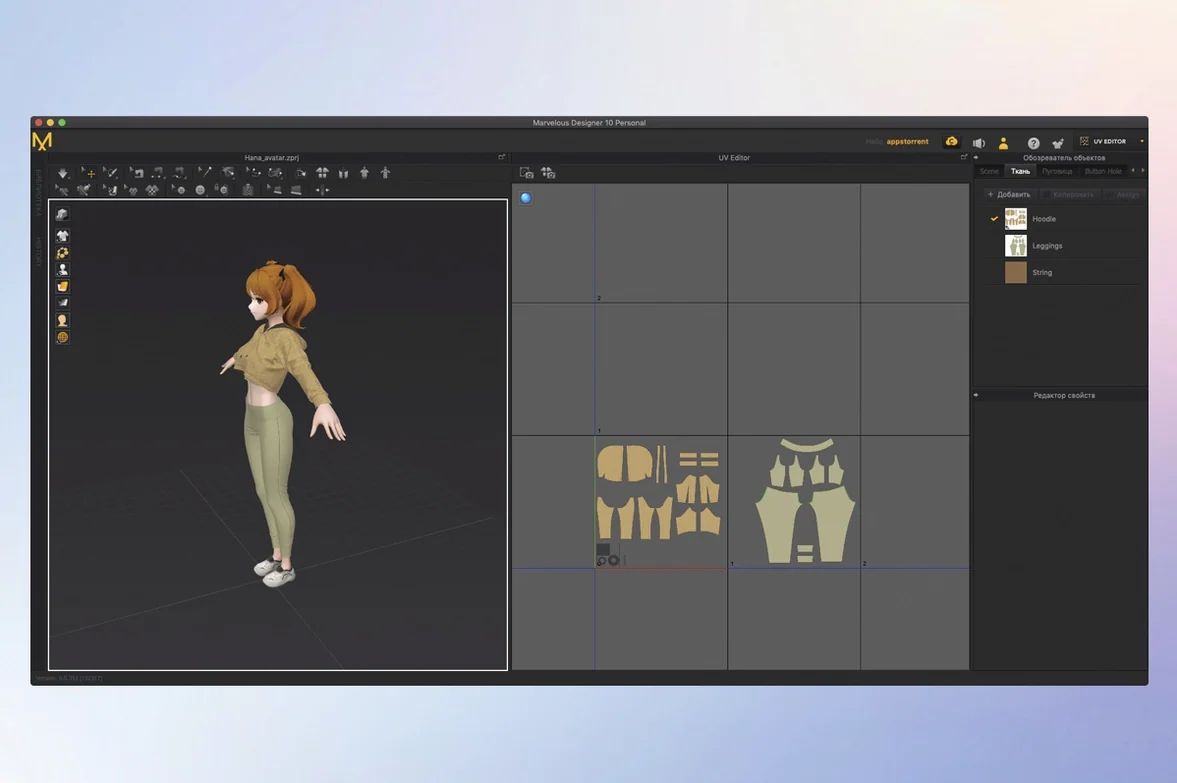
Need a quick colourway test? Duplicate a fabric tab in the Object Browser, change its diffuse map, then assign without touching UVs. All panels using that material update immediately.
Skipping Arrangement Points Before Simulation
The most common mistake: skipping the Arrangement Points step before simulation. Dropping a pattern near the avatar without pinning a shoulder or centre-front point makes the cloth fall to the floor. Place at least three arrangement points — one on each shoulder, one at the back neck — and the garment wraps the body on the first run.
Many ignore the Simulation Properties window entirely. Leaving the default particle distance at 20 gives fast feedback, but final draping needs 8 or lower. Tight folds on a dress shirt will not resolve otherwise, and users blame the fabric settings when the solver simply lacks resolution.
Another habit: sewing all seams before running a single simulation. Work panel by panel — simulate the bodice, check the fit, then attach the sleeves. Debugging a misaligned armhole is far easier with fewer variables moving at once.
Beginners also miss that Freeze is per-garment, not global. Right-click any garment in the Scene list and freeze it. The rest keep simulating while you work on one piece. Forgetting this slows down heavy scenes, especially when the wrong fabric recalculates with every click.
One last shortcut worth embedding early: Ctrl+Shift+D resets a 3D window to a clean default view. When the camera drifts and zoom feels off, that combination restores orientation faster than manual framing — a small habit that saves minutes across a session.
- macOS 12 (Monterey) or later
- Apple Silicon or Intel processor
Questions I get before install
What kind of garments can I create in Marvelous Designer?
You can create virtual 3D clothing ranging from simple shirts to detailed dresses with complex folds, as well as full uniforms.
Does Marvelous Designer work with animated characters?
Yes, it can simulate and record realistic clothing motion on moving characters, handling the drape and fold behaviour dynamically.
Comments 0
Sign in to leave a comment.Sign inCreate an account
No comments yet. If a step is still there after you install it, say so.
More in CAD & 3D
All in CAD & 3D Marmoset Toolbag
Lights and renders a 3D asset quickly for look dev and portfolio shots.
6 steps saved
 MAXON Cinema
Handles product rendering, character rigging, and walkthroughs in one package.
17 steps saved
 Maya
Keeps keyframing, cloth, rigging, and rendering inside a single application.
8 steps saved
 Updated
Live Home 3D Pro
Shows clients the finished renovation before a single wall goes up.
17 steps saved
 KeyShot
Renders physically accurate product visuals from CAD data with real-time global illumination.
6 steps saved
 Pixologic Zbrush
Sculpts high-resolution characters and organic forms like digital clay.
17 steps saved
 Updated
Plasticity
Shapes solids directly without a parametric history tree holding you back.
9 steps saved
 Garden Planner
Drags plants and surfaces onto a canvas to arrange outdoor spaces.