

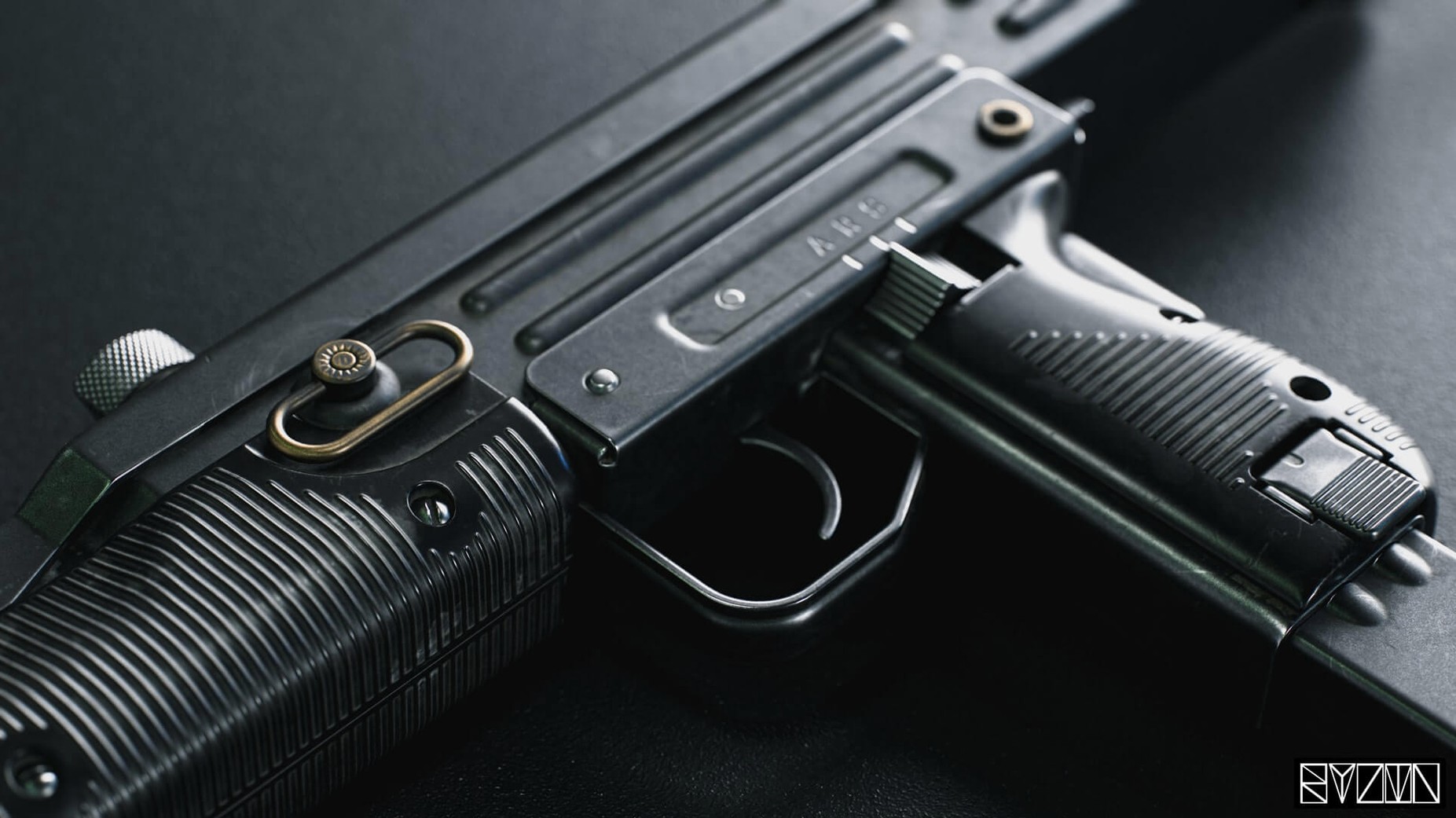

Marmoset Toolbag is a tool artists reach for when they need to see a 3D asset in its best light, fast. It serves character artists, prop modellers, and environment designers who want a focused space for look development and portfolio captures without the overhead of a full production suite.
Where should a newcomer start with lighting?
Import a model, then add volumetric fog from the scene objects menu. It gives depth to a scene immediately. Pair it with an HDRI sky for physically accurate ambient light, then drop in a few spot lights to shape the subject.
What material feature gives the quickest quality win?
Open the emissive shader and assign a UV set explicitly. The selectable UV support lets you control glow placement without rebuilding the mesh. It is a small setting that makes a large difference in a portfolio turntable.
Lossless Normal Display Preserves Edge Crispness
Check the Viewer settings for lossless normal map display. It preserves fine surface detail that compressed previews discard. This matters most for hard-surface models where edge crispness is the point.
Can I reuse scene setup from another application?
Yes. When you import an FBX file, enable the option to bring in lights and cameras from the source scene. It saves rebuilding a lighting rig from scratch and gives you a familiar starting point for further tweaks.
Viewport Preview Masks Sampling Noise
New users often treat the viewport like a final render. The real-time preview is close, but it hides sampling noise that the offline renderer resolves. The fix: switch to the render output tab and check a small region at full quality before exporting a full frame.
Another early habit is ignoring the shadow bias on spot and point lights. A value left at the default can produce light leaks or floating geometry on thin meshes. Adjust it per light, especially on character feet touching ground planes.
Overpacking a scene with lights is the third pattern. Three well-placed sources with tuned radii and temperatures read better than twelve competing hotspots. When the eye does not know where to land, delete half the lights and push the remaining ones farther apart.
Auto Mesh Refresh Tracks DCC Saves
Auto mesh updates. Change a model in your DCC, save it, and the viewport refreshes without a manual re-import. Artists hopping between Blender or Maya and Toolbag miss this until they notice the countdown timer in the status bar.
Camera limits for Viewer exports. When you send a turntable to ArtStation or a client, you can lock the orbit range so the viewer cannot tumble the asset upside down. The setting lives in the camera properties, not the export dialogue, which is why it gets overlooked.
Additive background blending. For renders headed into a comp, switch the Viewer background mode to additive. It delivers a straight-alpha result that composites cleanly over any plate, no premultiplication cleanup required.
Variant filtering during export. When a project has texture variants, the export preset can filter them by name. It avoids manually toggling visibility per variant set and cuts the chance of shipping the wrong combination.
How Toolbag compares with similar Mac apps
KeyShot. KeyShot excels at product-viz and translucent materials. Toolbag gives you a material editor that is closer to a game engine, with explicit control over shader modules, UV sets, and mesh maps. For real-time character presentation, Toolbag moves faster.
Blender Eevee. Eevee is capable and free, but it asks you to manage viewport denoising and sample counts inside a full DCC. Toolbag strips that down to a dedicated look-dev window. Artists who want a standalone renderer with less UI noise tend to prefer the single-purpose tool.
Cinema 4D viewport. C4D's viewport is handy for motion graphics, yet its real-time fidelity is secondary to the offline render pipeline. Toolbag sits on the other side of that divide: everything is built for the viewport first, so what you see while lighting is what the final capture records.
Users searching for a Marmoset Toolbag torrent or a Marmoset Toolbag 4 download often want a quick way to test the real-time pipeline on macOS before committing to a larger workflow change. The Intel build runs on 10.15 and later, which covers most machines still in active 3D use.
- Fixed — Tooltips no longer crash on mixed-resolution display setups.
- Fixed — The tooltip display option in preferences works correctly again.
- Fixed — Window elements no longer go out of bounds on widescreen monitors.
- Fixed — The window no longer flickers after changing monitor DPI scaling.
- Fixed — Text is no longer blurry at 125% and 175% display scales.
- macOS 10.15 or later
- Intel processor
Comments 0
Sign in to leave a comment.Sign inCreate an account
No comments yet. If a step is still there after you install it, say so.
More in CAD & 3D
All in CAD & 3D Marvelous Designer
Drapes realistic 3D garments onto character models for fashion and film.
6 steps saved
 MAXON Cinema
Handles product rendering, character rigging, and walkthroughs in one package.
17 steps saved
 Maya
Keeps keyframing, cloth, rigging, and rendering inside a single application.
8 steps saved
 Updated
Live Home 3D Pro
Shows clients the finished renovation before a single wall goes up.
17 steps saved
 KeyShot
Renders physically accurate product visuals from CAD data with real-time global illumination.
6 steps saved
 Pixologic Zbrush
Sculpts high-resolution characters and organic forms like digital clay.
17 steps saved
 Updated
Plasticity
Shapes solids directly without a parametric history tree holding you back.
9 steps saved
 Garden Planner
Drags plants and surfaces onto a canvas to arrange outdoor spaces.