
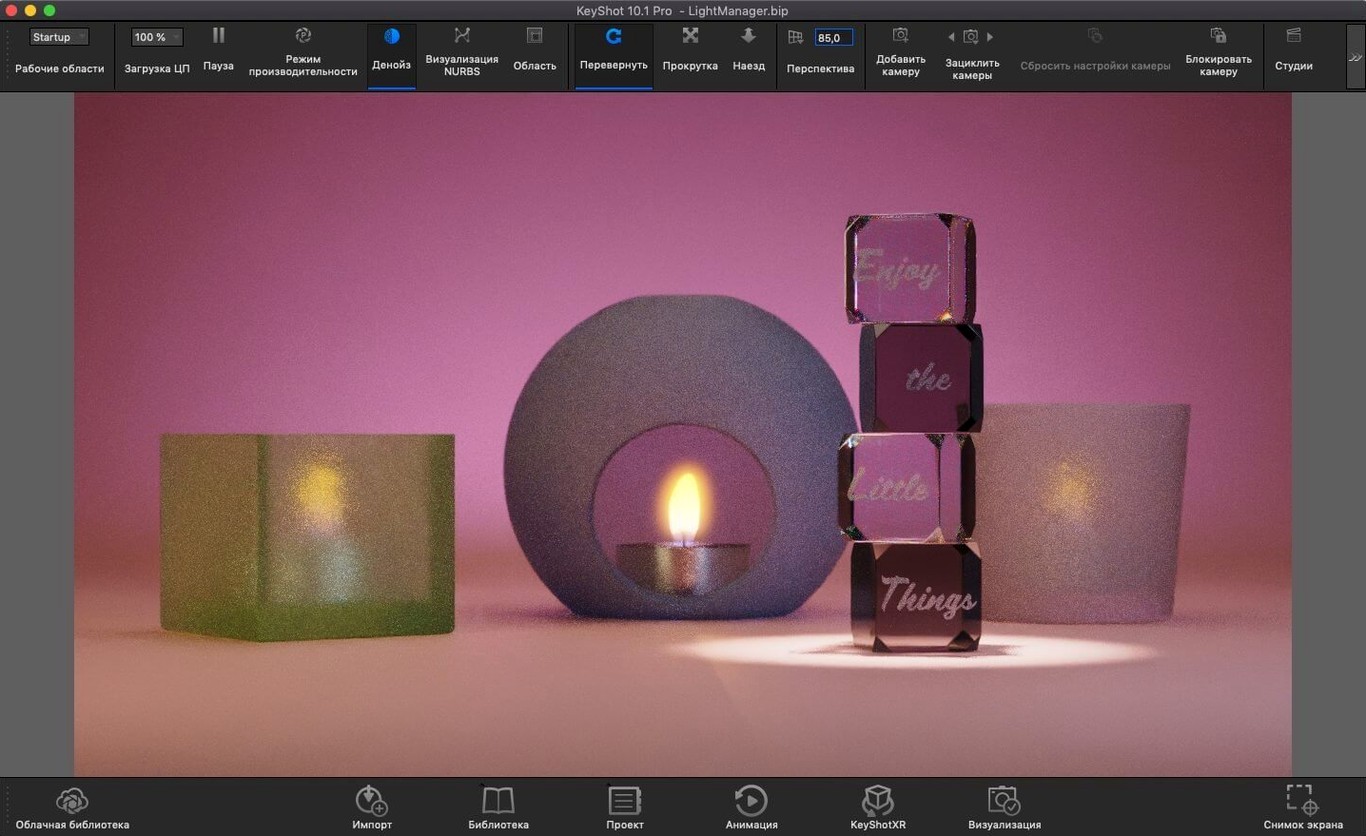
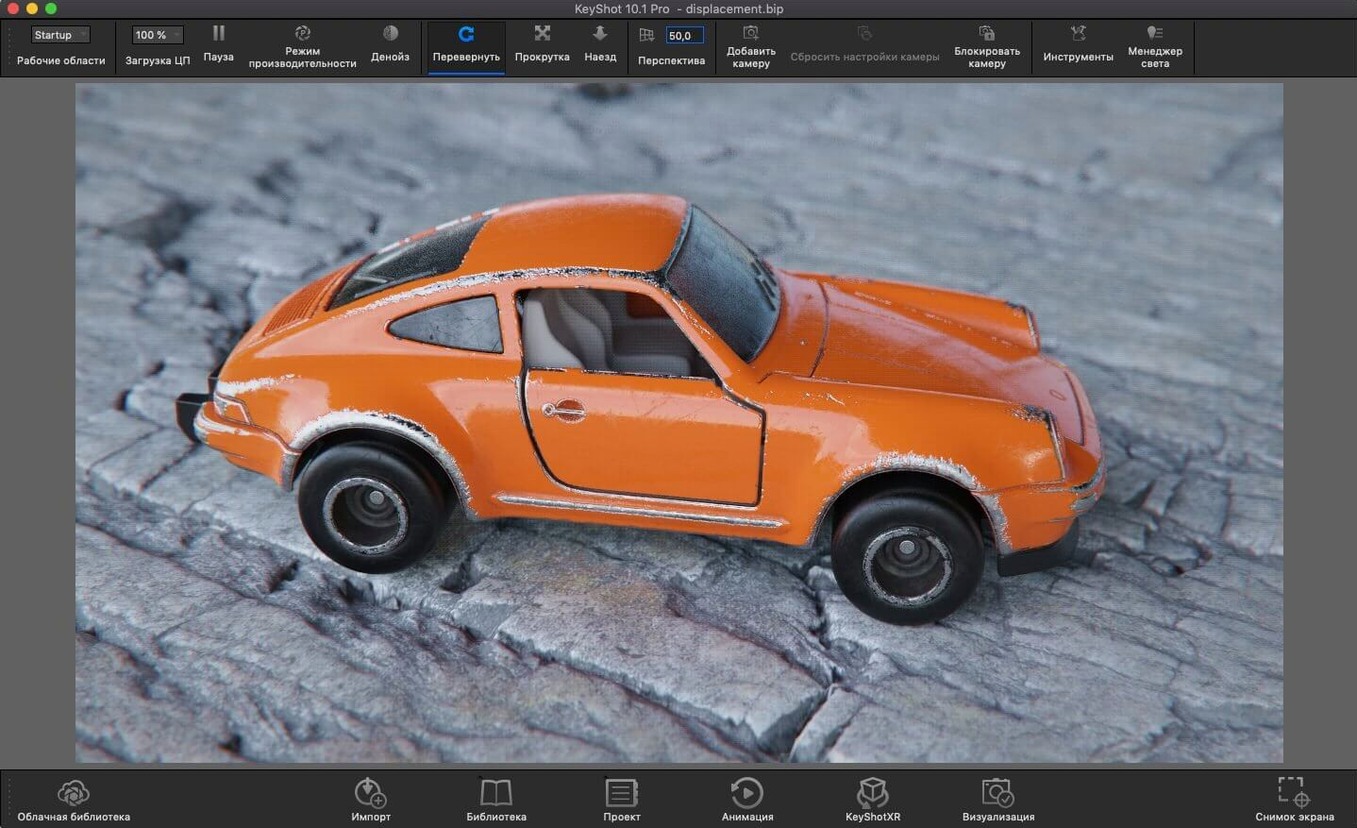
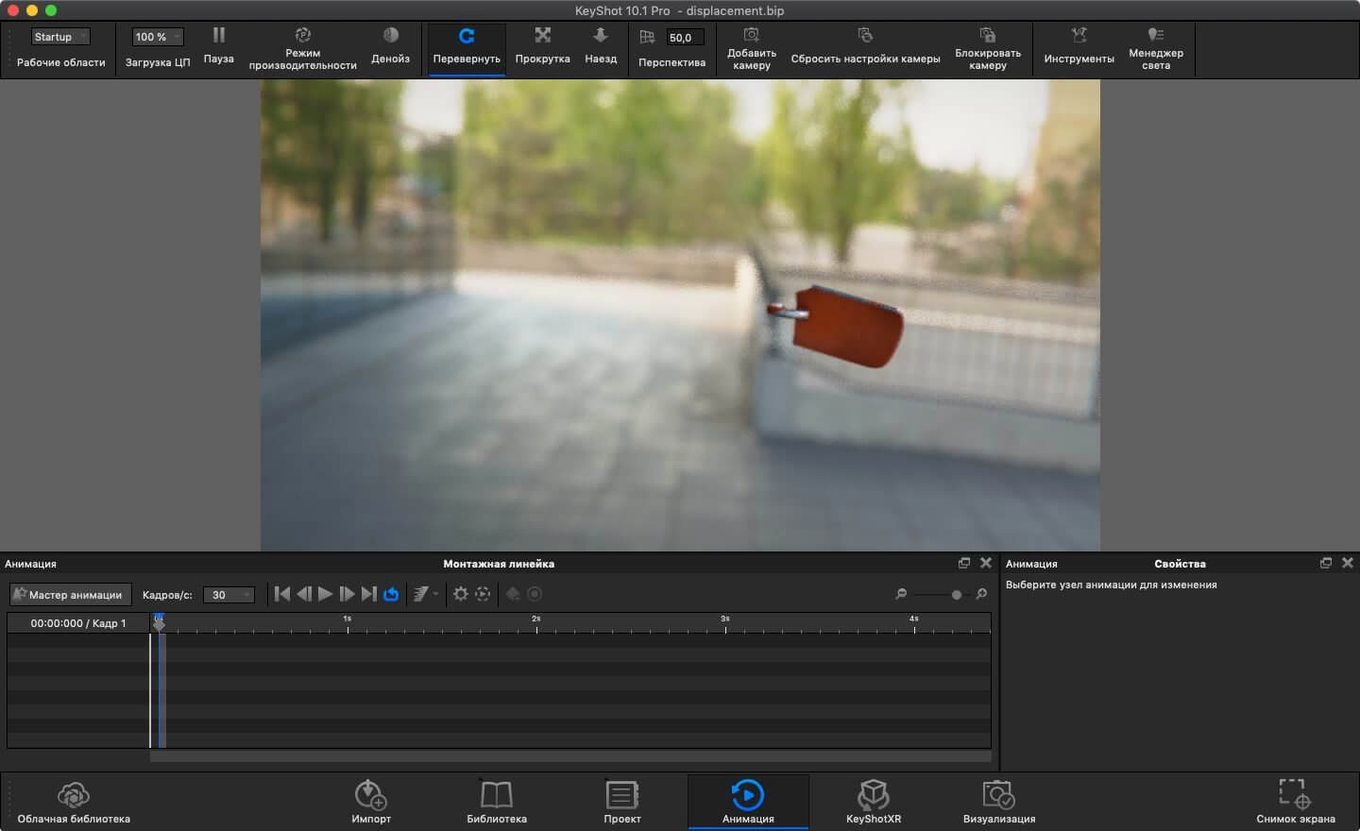
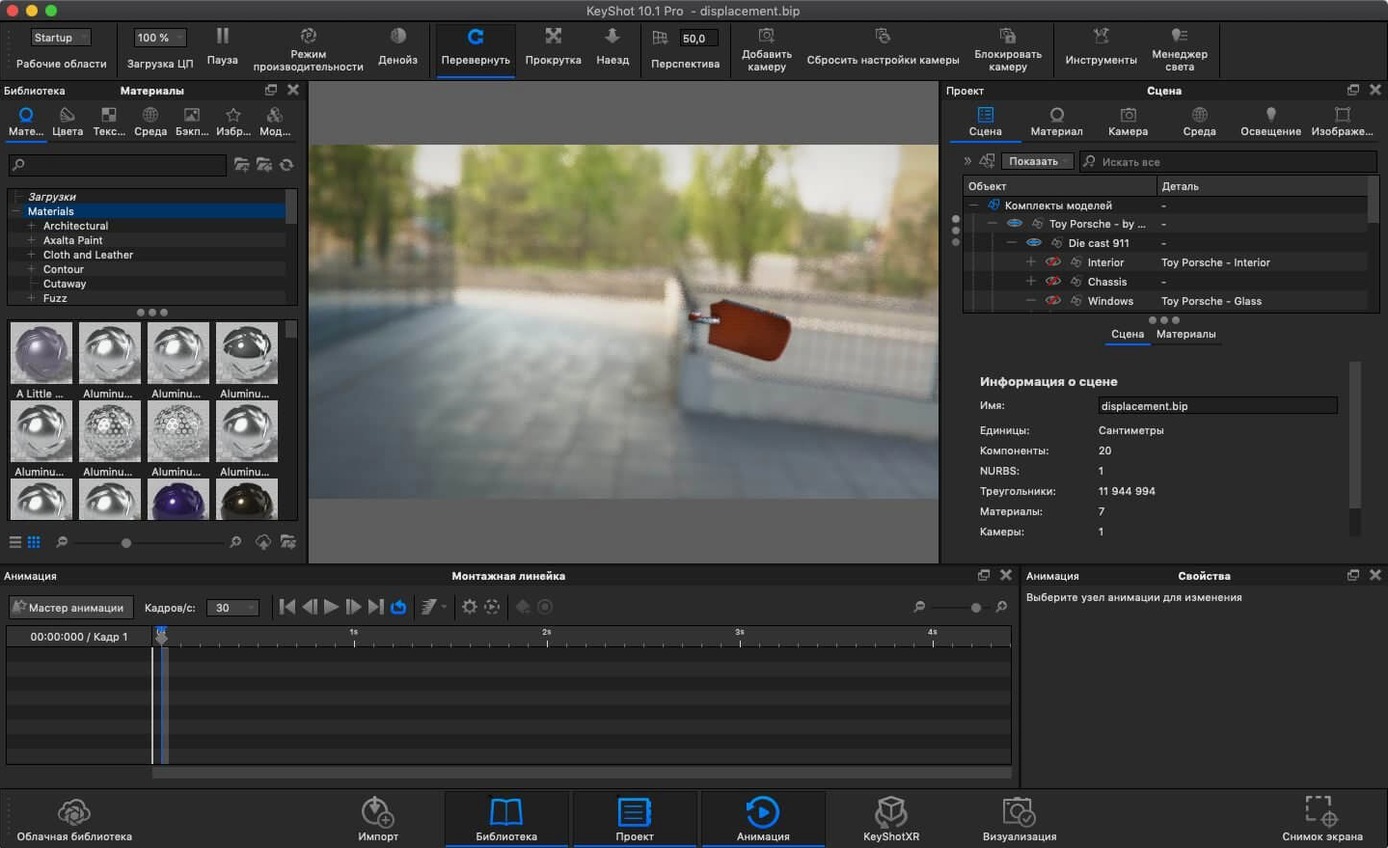
KeyShot Studio 2025.1 refines physical light placement with a new Light Tool and adds a hotkey for Add Studio. The scripting API now supports the Re-tessellate Tool, and exports expand to USD, USDz, and GLB for augmented reality workflows.
Physically based materials and global illumination drive every render. The engine calculates photon mapping, caustics, and inter-object light bouncing without manual setup. HDRI lighting and environment reflections slot into place, while ambient occlusion and shadow casting handle depth without extra passes.
File compatibility covers the common manufacturing chain—OBJ, FBX, STEP, IGES, JT, Parasolid, and Collada all import directly. The interface runs in a dozen languages, from Japanese to Czech, on both Apple Silicon and Intel 64-bit Macs.
For product shots that need multiple lighting setups, the new Light Tool speeds up physical light placement. Export a USDz file and drop the model into an AR viewer without leaving the app.
Before you install—questions worth asking
Will KeyShot run on an older Mac with Intel silicon? Yes. The 2025.1 build runs on Intel 64-bit and Apple Silicon Macs from macOS 12 onward. Performance on older Intel machines depends on scene complexity—large IGES assemblies with transparent materials will push the CPU harder, but a well-spec'd iMac from 2019 handles product shots without complaint.
Does the standalone app need a modelling program installed? No. KeyShot opens OBJ, STEP, FBX, Parasolid, and a dozen other formats directly. You can drag a SolidWorks part file onto the dock icon and start rendering. The plugin workflow is optional—useful for live sync with Rhinoceros or SketchUp, but not required.
What about material libraries—are they included? The base download comes with starter materials and environments. Third-party material packs in .mtl or .kpkg format load through the Library window. The new Planar Light material type in 2025.1 sits alongside existing physically based shaders; assign it to geometry and it acts as an emissive surface that contributes to scene lighting.
Can I export for the web or AR without extra tools? USDz and GLB export are built in as of this version. A single export produces a file ready for Apple's AR Quick Look or a web-based <model-viewer> embed. No post-conversion step needed.
From STEP file to glass bottle mockup in one session
Someone working in food packaging needs client approval on a bottle redesign before the mould gets cut. They import a STEP file from the CAD team, assign a translucent glass material, and drop an HDRI studio environment onto the scene. The real-time viewport updates immediately—no render queue wait.
They place two physical lights using the new Light Tool: one warm key at 45 degrees, one cooler fill opposite. The client asks to see the label artwork under daylight conditions, so they swap the environment to an outdoor HDRI and export a USDz. The client opens it on an iPhone, rotates the bottle in AR, and signs off. The whole round takes under an hour.
The shape outputs mentioned in searches—KeyShot crack Mac, KeyShot download torrent—reflect how many packaging designers first encounter the software. They need to test heavy STEP files on Mac hardware before committing. The direct-import workflow lets them do that without installing a CAD suite.
Dial in real-time view sharpness and auto-save timing
- Real-time render resolution. Open Preferences → General and set the real-time view to match your display's native resolution. The default often undersamples on Retina screens, which makes material previews softer than they need to be.
- Auto-save interval. KeyShot doesn't auto-save by default. Under Preferences → General, enable auto-save and set the interval to 15 minutes. Large scenes with photon mapping can spike RAM use; losing two hours of lighting work to a crash is avoidable.
- Performance mode. On Apple Silicon, switch Performance mode to "Maximum Performance" when the Mac is plugged in. For Intel laptops running on battery, keep it on "Balanced"—the GPU throttling difference is noticeable during turntable animations.
- Material sampling defaults. Head to Preferences → Advanced and increase the Global Illumination sampling from the default 16 to 32. The render time cost is modest, but interior reflections and refractions clean up noticeably, especially in glass assemblies.
- Light gizmo size. The new Light Tool in 2025.1 ships with large default gizmos. Scale them down in the Tool settings panel if you're working on small products like electronics housings—the oversized controls obscure the geometry you're trying to light.
Power users chasing a torrent KeyShot or a KeyShot 2024 crack often land on older builds. The 2025.1 version brings enough export and lighting improvements—USD export alone changes how studios share assets—that an older build leaves visible gaps in a Mac-based pipeline.
- New — Light Tool for placing Physical Lights.
- New — Hotkey for Add Studio.
- New — Re-tessellate Tool support in the Scripting API.
- macOS 12 or later
- Apple Silicon or Intel 64-bit processor
Questions I get before install
What file formats does KeyShot support for import?
KeyShot imports OBJ, FBX, 3DS, IGES, STEP, JT, Collada, and Parasolid files directly.
Comments 0
Sign in to leave a comment.Sign inCreate an account
No comments yet. If a step is still there after you install it, say so.
More in CAD & 3D
All in CAD & 3D Updated
Live Home 3D Pro
Shows clients the finished renovation before a single wall goes up.
4 steps saved
 Marmoset Toolbag
Lights and renders a 3D asset quickly for look dev and portfolio shots.
17 steps saved
 Marvelous Designer
Drapes realistic 3D garments onto character models for fashion and film.
6 steps saved
 MAXON Cinema
Handles product rendering, character rigging, and walkthroughs in one package.
17 steps saved
 Maya
Keeps keyframing, cloth, rigging, and rendering inside a single application.
9 steps saved
 Garden Planner
Drags plants and surfaces onto a canvas to arrange outdoor spaces.
4 steps saved
 CorelCAD
Drafts 2D plans and 3D parts in a DWG-native CAD workspace.
6 steps saved
 Pixologic Zbrush
Sculpts high-resolution characters and organic forms like digital clay.