
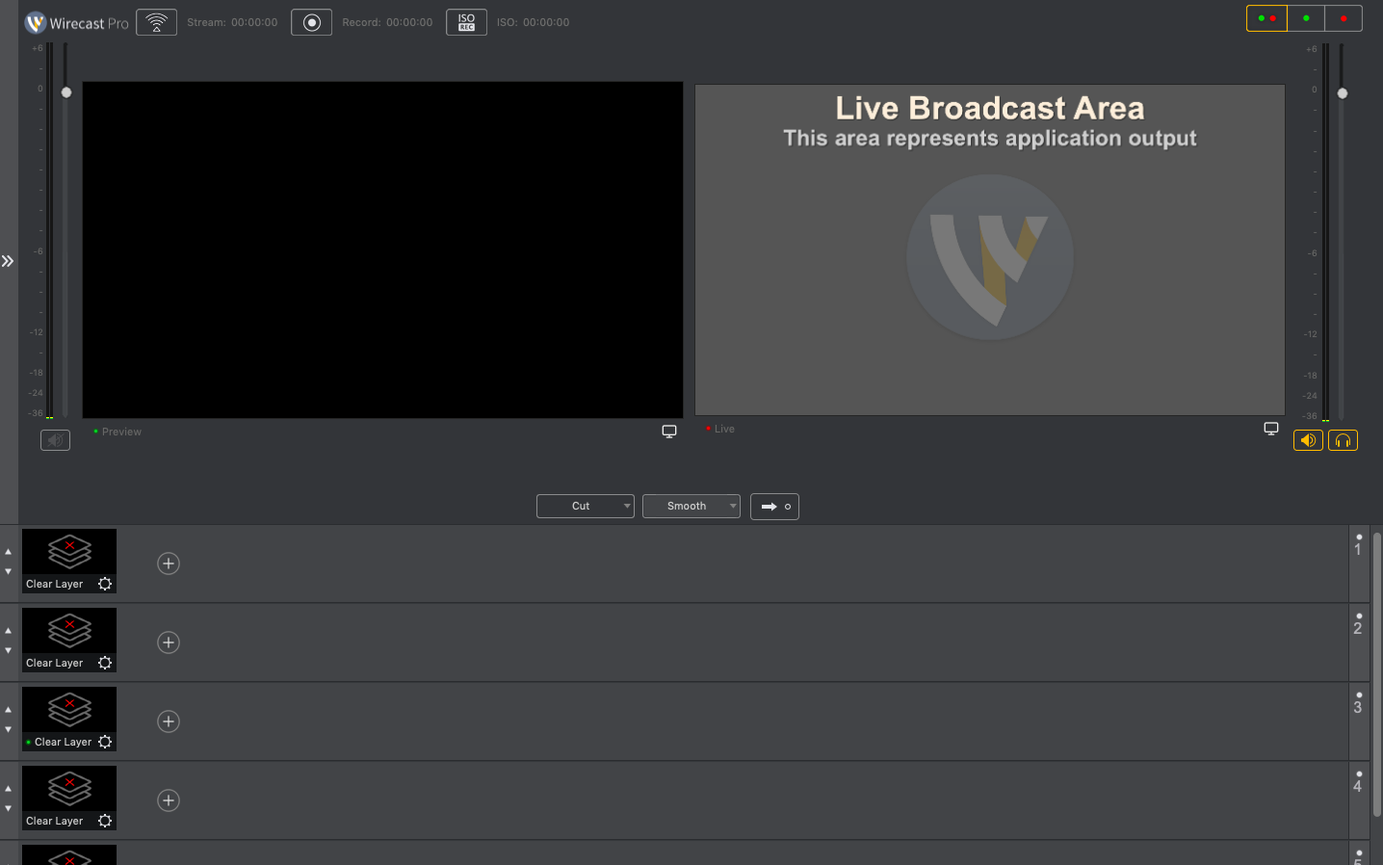
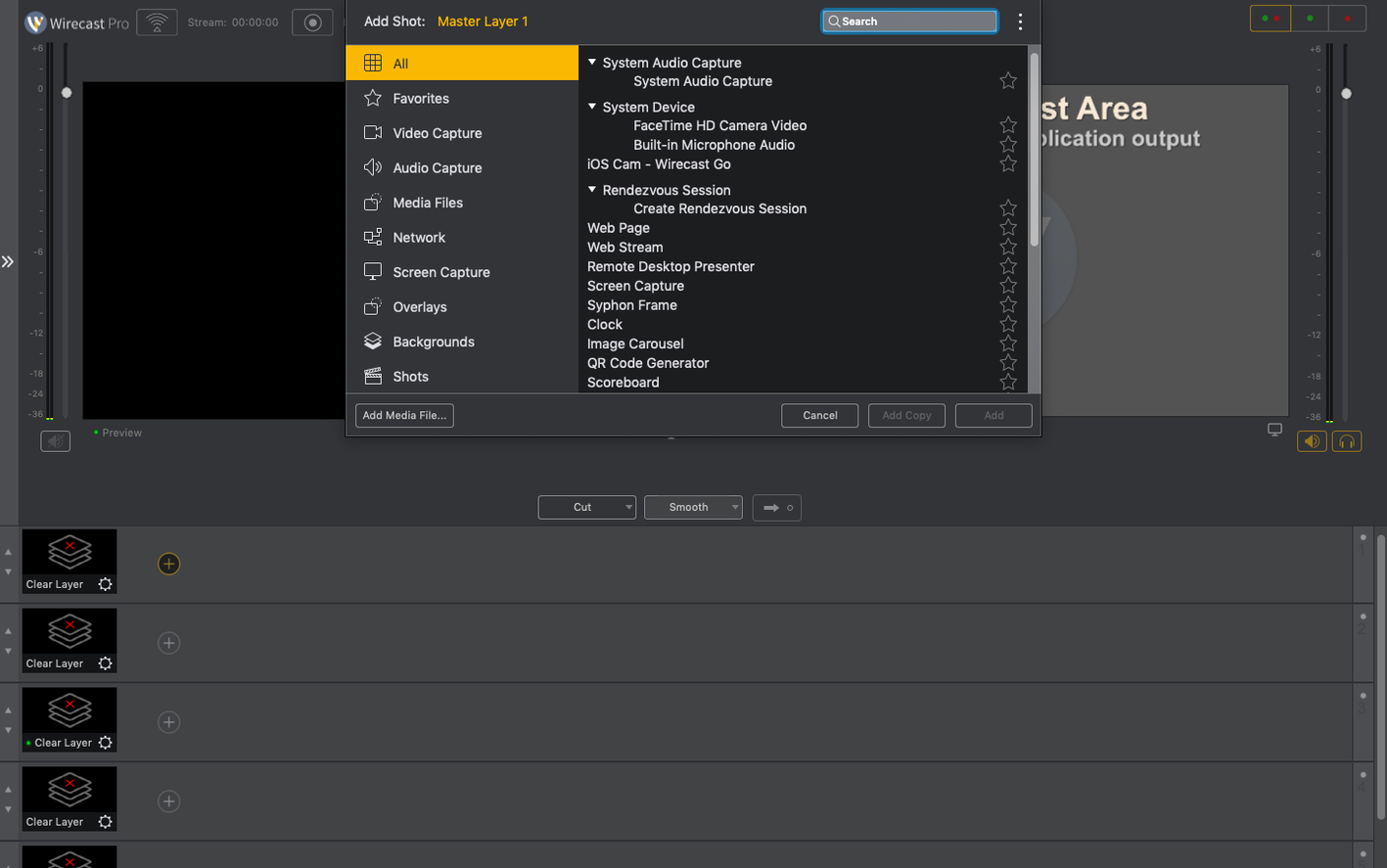
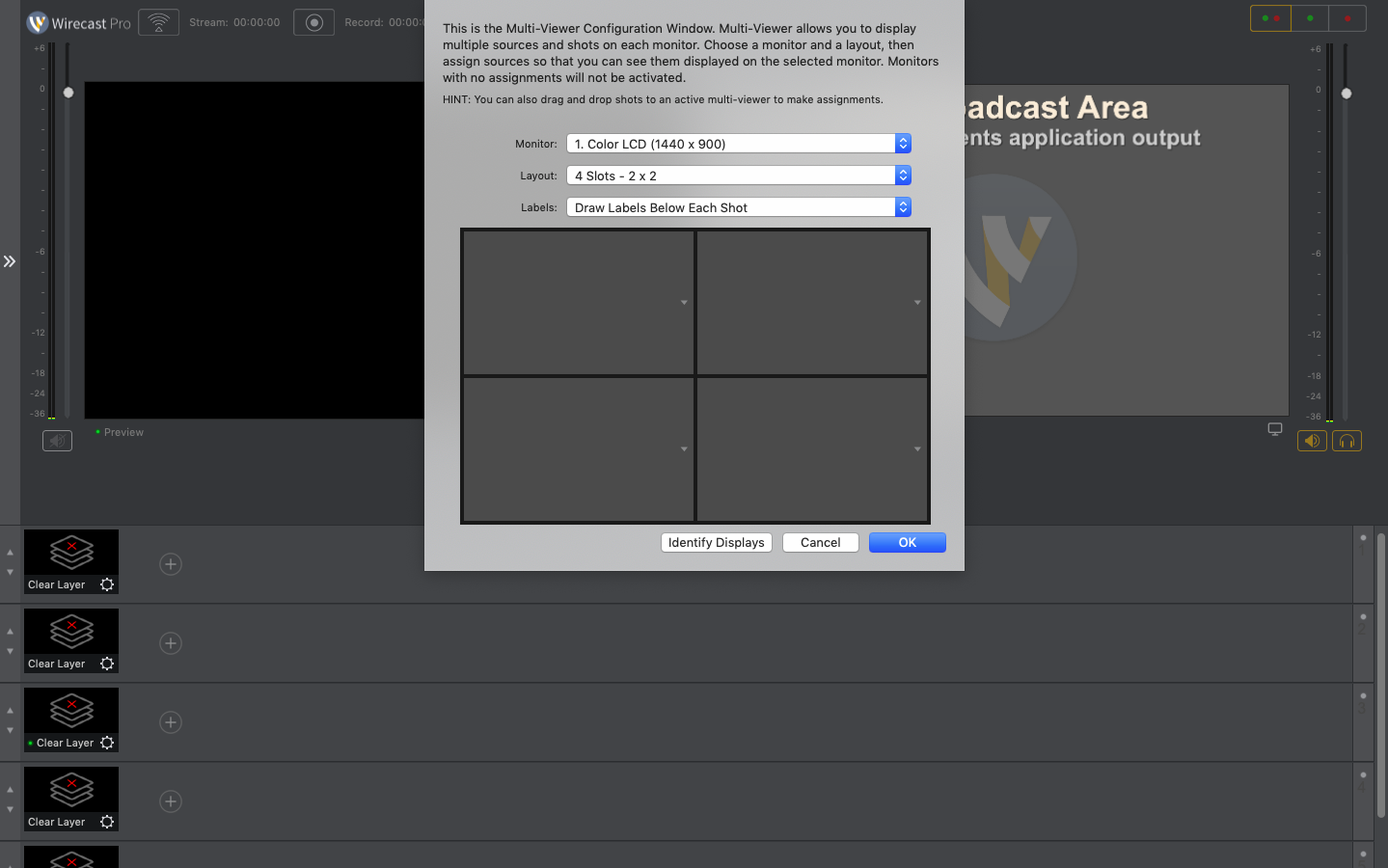
Wirecast 16.5 is a live video streaming and recording application used in small TV and production studios to capture interviews, shows, and events. It replaces the complexity of hardware switchers with a software-based control room. After you install it, orient yourself by trying a handful of core actions that form the backbone of most productions.
- Add a local NDI source and confirm the discontinuous-frame flag appears correctly in the source settings.
- Configure a shot using one of the 30 built-in title and caption styles over a live camera feed.
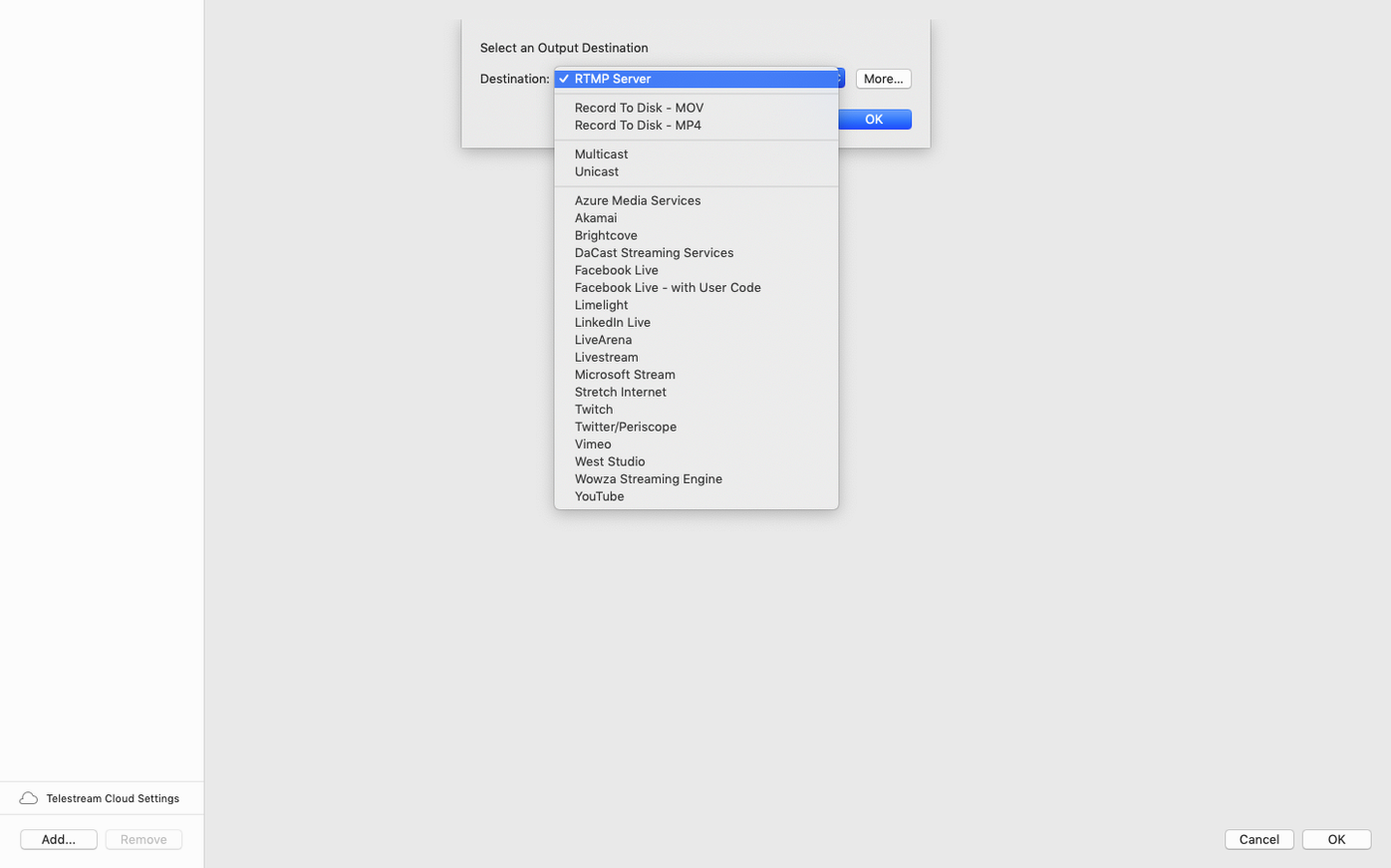
- Record a short test segment to disk—no streaming destination required—to check sync and encoding.
- Set up a virtual camera output and verify the feed appears in another application like QuickTime Player.
- Build a simple two-shot interview layout with a locked wide shot and a close-up on a second source.
These steps touch the main pillars: sources, layers, output, and recording. Once you can move through them without friction, you have a reliable base for a full production workflow.
Professional Titling and NDI, Not an OBS Clone
Does Wirecast Pro replace OBS, or do they serve different purposes? Wirecast Pro sits in a different category. OBS handles the basics of scene switching and streaming for free. Wirecast Pro adds professional titling, multi-channel audio routing, replay, and NDI management that OBS requires plugins to approximate. If your production involves paid clients, live sports overlays, or ISO recording of individual sources alongside the program feed, Wirecast Pro removes the assembly work. For a solo streamer pushing gameplay to Twitch, it is overkill. For a studio juggling three cameras, graphics, and a live scoreboard, it is the right tool.
How steep is the learning curve on macOS? The interface is dense. Expect a week of evening practice before you move through a full production without hesitating. The shot layers, audio mixer, and NDI source management each use their own panel logic. Once those panel relationships click, speed picks up. Users coming from hardware switchers often adapt faster than those coming from simpler streaming apps, because the terminology and signal flow mirror a physical control room.
Does the virtual camera still cause issues on Mac? The 16.5.4 release addressed the most common hang-up: corporate IT policies that block the virtual microphone driver no longer prevent the virtual camera from functioning. If you previously had the virtual camera greyed out on a managed Mac, this build resolves it. The fix is specific, so standard unmanaged machines rarely saw the problem.
What happens with PTZ NDI cameras? Some PTZ models stopped being detected on macOS in earlier 16.x builds. The 16.5.4 update restores discovery for those cameras. If you had a camera drop off your NDI source list after an update, this version brings it back without additional configuration.
Loading a Show Template 45 Minutes Before Air
A volunteer-run station broadcasts a weekly current-affairs roundtable. They use Wirecast Pro on an M1 Mac mini with three NDI camera feeds and a USB audio interface. The producer arrives 45 minutes before air.
They load the saved show template—a three-shot layout with a title card, lower-third strap for guest names, and the station logo pinned to the top-right corner. The NDI sources auto-populate. One PTZ camera had been missing since a macOS update, but the 16.5.4 build detects it immediately. They adjust the discontinuous-frame flag on the NDI source settings, a small housekeeping step that prevents glitches if the network jitters later.
During the live hour, the producer switches between the wide shot and individual close-ups while editing the lower-third text on the fly as guests rotate in and out. A separate ISO recording of each camera feed runs to disk for later clip extraction. No stream goes out—this is an internal archive session—so they rely on the local recording engine. After the show, the three ISOs and the program mix land in the designated folder, named by date, ready for the editor.
Scoreboard Overlays and Instant Replay Without Extra Tools
Live sports producers. The built-in scoreboard templates and instant replay controls turn a two-camera gymnasium setup into a broadcast that looks produced. No external CG software required.
Small production studios. Studios recording interviews, music sessions, or panel shows benefit from ISO recording and the 30-title library. They can deliver a polished program feed while preserving individual camera angles for post-production.
Event streaming contractors. A freelancer covering conferences and ceremonies needs a single tool that handles venue NDI networks, logo insertion, and multi-format output. Wirecast Pro consolidates those tasks and runs on a MacBook Pro on-site.
Community and public-access stations. Volunteer crews with rotating personnel appreciate template-based workflows. A producer can save a show layout once and recall it weekly, reducing setup time and mistakes.
Users who gain less are solo streamers with a single camera and no graphics demands, or teams already committed to a hardware-switcher ecosystem. The app thrives when your production involves multiple sources, live titling, and a need for clean, repeatable session files.
- macOS 11 or later
- Apple Silicon or Intel 64-bit
Questions I get before install
Does Wirecast 16.5 support NDI cameras on macOS?
Yes. The 16.5.4 update includes a fix for detecting certain PTZ NDI cameras on macOS and adds a discontinuous-frame flag for NDI sources.
What is a virtual camera in Wirecast?
A virtual camera output makes your Wirecast production appear as a webcam source in other applications. Version 16.5.4 fixed an issue where it would not work if a corporate IT policy blocked the virtual microphone driver.
Can I record without streaming live?
Absolutely. Wirecast lets you record high-quality files directly to disk for later editing, which is a great way to test your setup before going live.
Comments 0
Sign in to leave a comment.Sign inCreate an account
No comments yet. If a step is still there after you install it, say so.
More in Mac Apps
All in Mac Apps Wipr
Strips ads, trackers, and cookie popups from Safari pages before they download.
19 steps saved
 WinZip Mac Pro
Shrinks files, locks them with encryption, and gets them where they need to go.
4 steps saved
 Updated
Wins
Arranges and snaps application windows into layouts without dragging edges pixel by pixel.
5 steps saved
 Wondershare Filmora
Trims clips, straightens horizons, and adds text overlays on a simple timeline.
13 steps saved
 Wondershare Recoverit
Recovers files from drives that no longer mount in macOS, including lost partitions.
10 steps saved
 Winclone Pro
Backs up only the blocks that changed in your Windows partition for faster, smaller snapshots.
5 steps saved
 WidgetWall
Adds a collection of functional widgets and stickers right onto your desktop.
6 steps saved
 Updated
WhatCable Pro
Decodes a USB-C cable's hidden speed and power ratings from its e-marker chip.