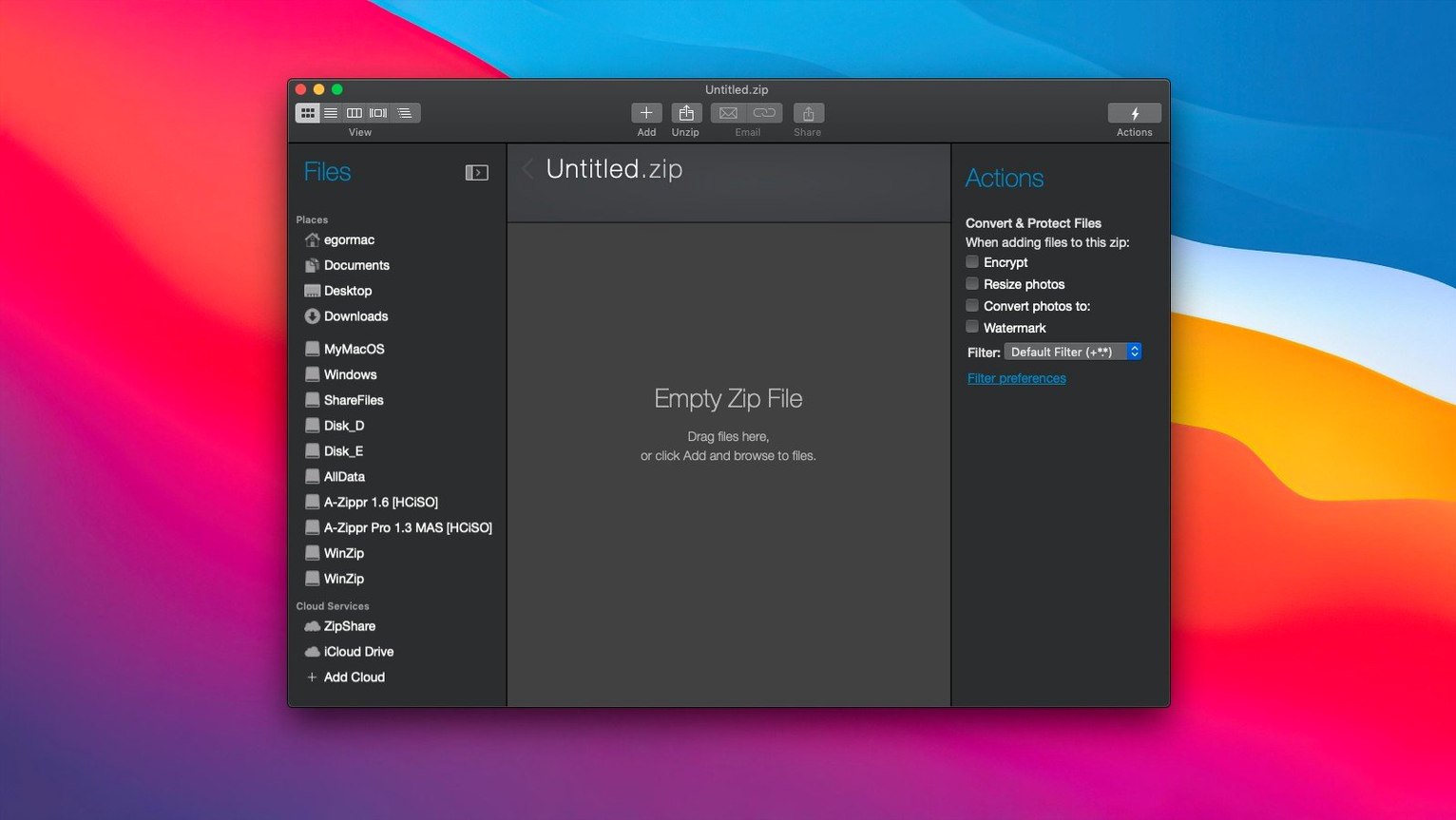
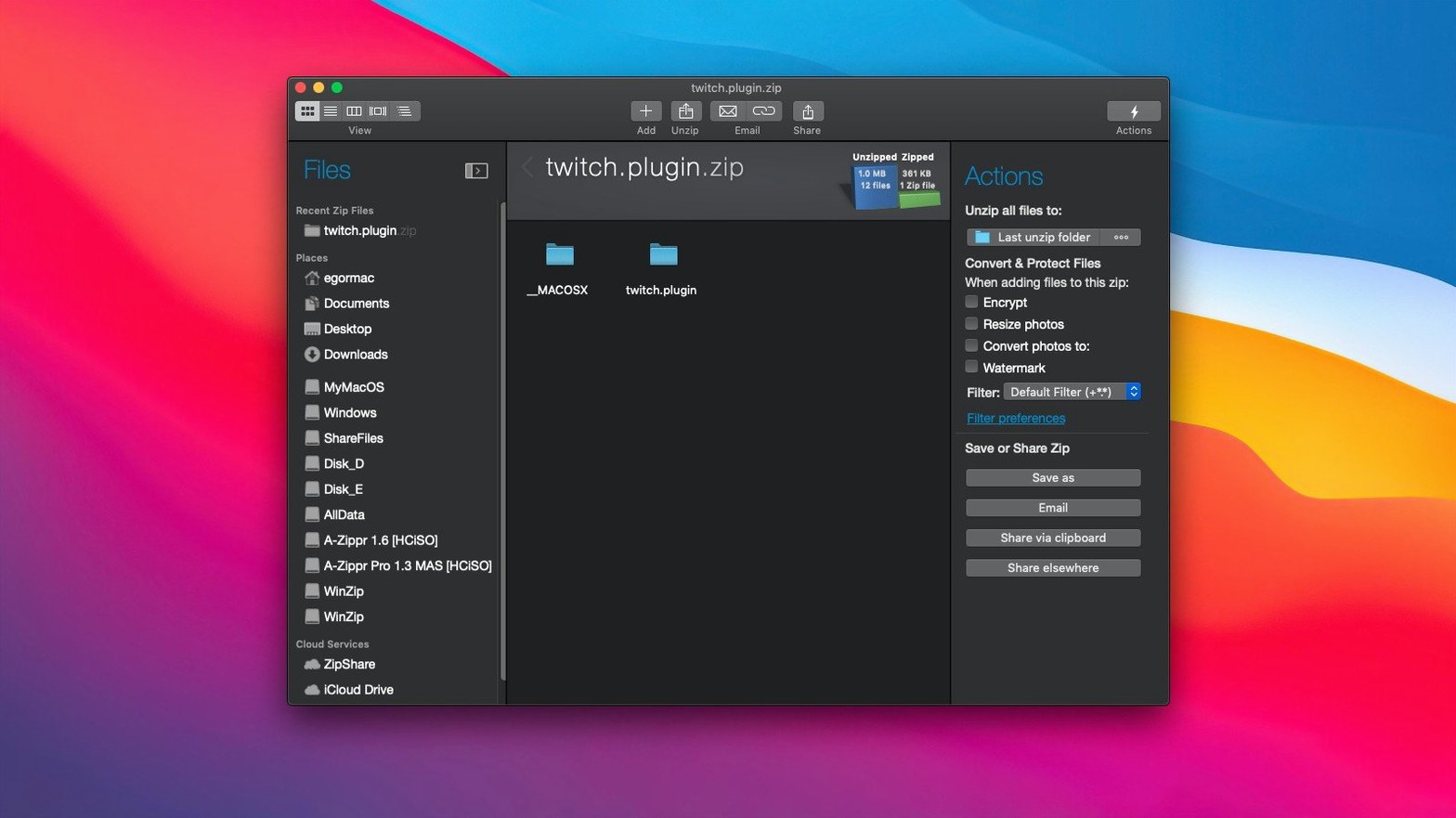
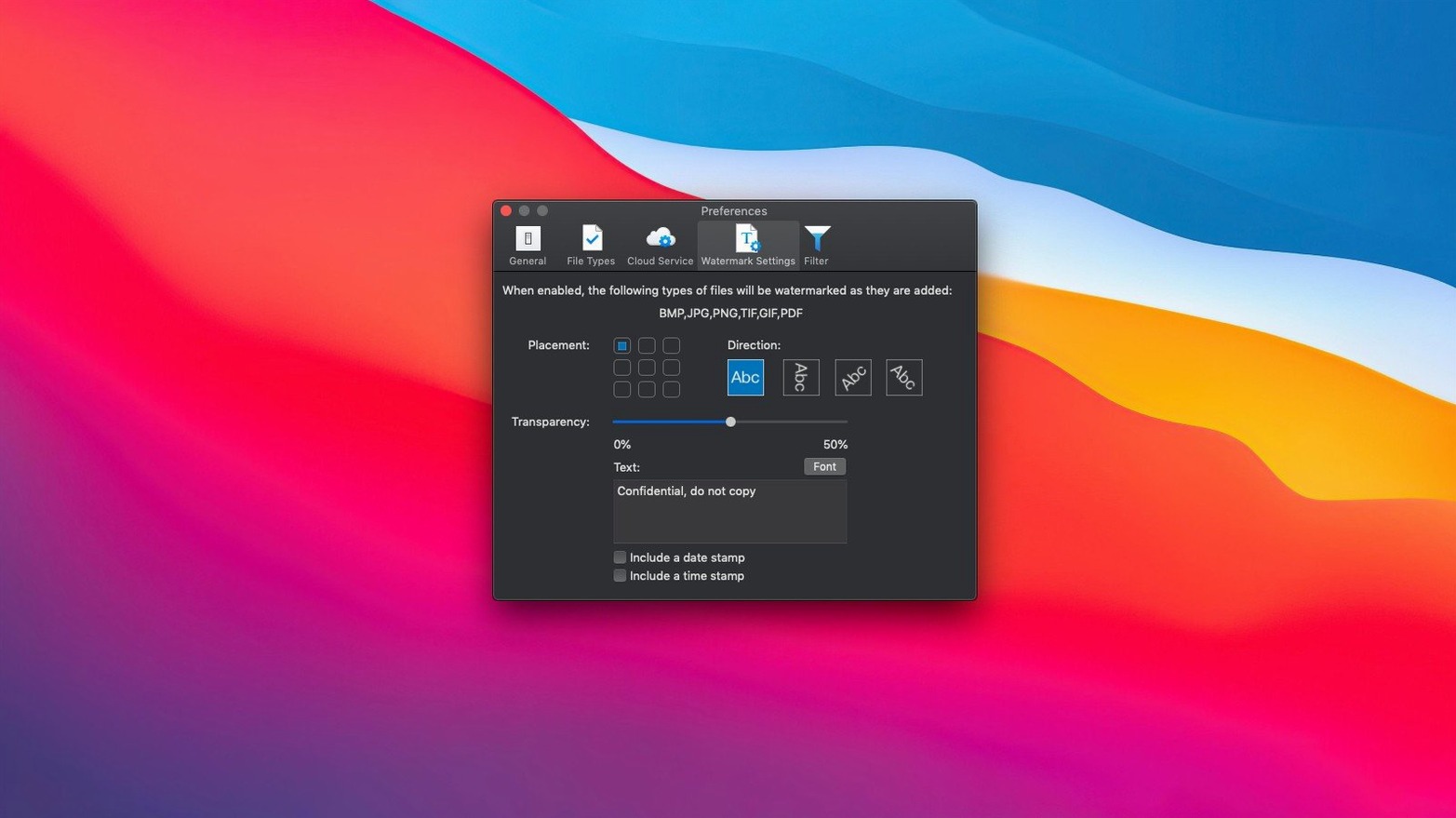
Version 12.0.7282 introduces a reworked interface that feels more direct on macOS. The core job remains the same: shrink files, lock them with encryption, and get them where they need to go with less friction.
macOS 10.15 or Newer, Intel and Apple Silicon Included
It requires macOS 10.15 or later. The official spec calls for an Intel 64-bit processor, and it runs natively on Apple Silicon as well. If your machine meets that, you are set.
What does it connect to?
It links directly to iCloud Drive, Dropbox, and Google Drive. You can zip and place files into any connected cloud folder without leaving the app.
What file tasks does it handle?
It compresses archives to reclaim disk space and encrypts sensitive files. Drag-and-drop archiving, email attachment optimization, and a set of file productivity tools round out the package.
Password-Protecting a 280 MB Client Deliverable in One Bundle
Imagine a freelance designer wrapping up a client project on a Tuesday afternoon. The deliverables include a 280 MB folder of high-res mockups, a contract PDF, and a folder of raw notes. The brief asks for one organized, password-protected bundle uploaded to Dropbox.
She selects the three items in Finder, right-clicks, and chooses Add to Zip File. WinZip Mac Pro opens its main panel with the items listed. She clicks the Encrypt toggle, types a strong password, and sets the compression method to Best compression. She names the archive Project-Deliverables.zip and clicks Save.
The app crunches the 280 MB folder down to 94 MB. She then drags the new zip file from the recent-items list onto the Dropbox icon inside WinZip’s cloud panel. The file uploads directly — no Finder copy step, no browser upload. She copies the share link from Dropbox, pastes it into an email, and sends it to the client. Three minutes total.
Architects, Video Editors, and Designers Who Email Large Bundles
Three groups of users tend to notice the biggest difference.
- Professionals who trade large attachments daily. Architects, video editors, and designers who email bundles or drop them into Slack threads benefit from format conversion and aggressive compression. The built-in cloud connectors save them from the download–recompress–reupload dance.
- Anyone handling legacy archives. If you receive RAR, 7Z, LHA, or TAR files from partners or older systems, the instant conversion to Zip or ZipX removes the need for separate extraction tools.
- Privacy-conscious users on shared machines. The encryption workflow is short enough to become a habit. That matters for accountants, HR staff, and consultants who routinely send sensitive documents and cannot afford a multi-step encryption routine.
Casual users who compress a folder once a quarter may find Finder’s built-in compressor enough. For everyone else, the productivity gain comes from eliminating small, repetitive steps.
Switch to Best Compression for Emailed Archives
Out of the box, the app works with sensible defaults. A few adjustments make it fit tighter.
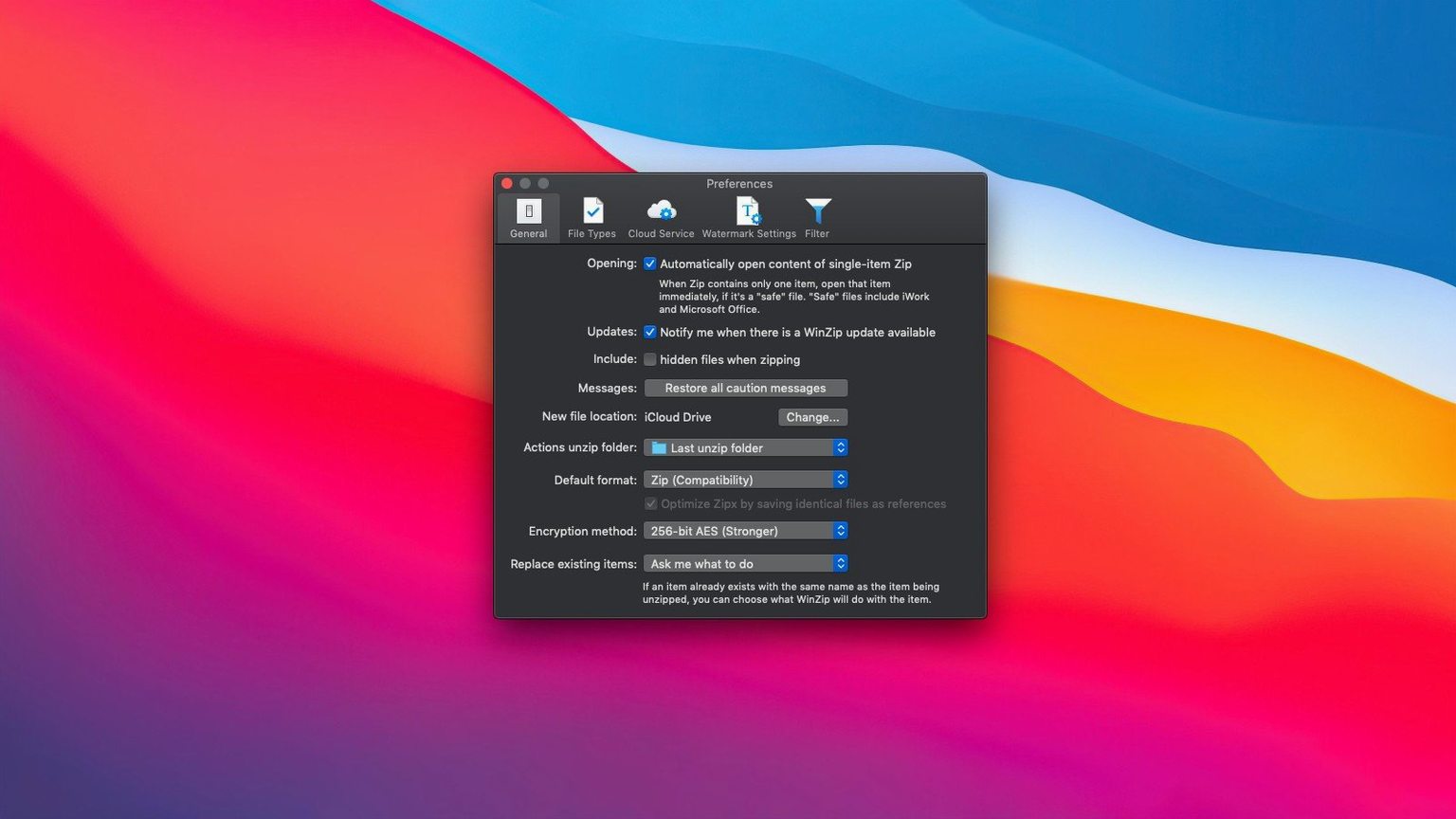
- Default compression level. The factory setting balances speed and size. Switch it to Best compression if you regularly email archives or push them to cloud storage with size limits. The extra seconds per archive pay off in smaller uploads.
- Cloud accounts. Connect iCloud Drive, Dropbox, and Google Drive early. Once linked, the cloud panel appears in the save dialog and the main window, which changes how you think about archive destinations.
- Duplicate file detection. Enable this under Preferences. When you zip project folders that contain versioned copies of the same asset, the tool flags duplicates before they bloat the archive.
- Clipboard integration. Turn on clipboard support if you build archives from scattered sources. Select a group of files in Finder, copy them, and paste directly into a new or existing Zip file in the app.
These four changes take under two minutes and shape the daily experience more than any other preference in the panel.
- New — Refreshed interface designed for macOS.
- macOS 10.15 or later
- Intel 64-bit or Apple Silicon processor
Questions I get before install
Does WinZip Mac Pro run on Apple Silicon?
Yes. The current build supports both Intel and Apple Silicon Macs running macOS 10.15 or later.
Can I encrypt files with it?
Absolutely. Encryption is a core feature, letting you password-protect archives before sharing or storing them.
Which cloud services does it work with?
It connects straight to iCloud Drive, Dropbox, and Google Drive, so you can compress directly into those locations.
Comments 0
Sign in to leave a comment.Sign inCreate an account
No comments yet. If a step is still there after you install it, say so.
More in Mac Apps
All in Mac Apps Updated
Wins
Arranges and snaps application windows into layouts without dragging edges pixel by pixel.
5 steps saved
 Wipr
Strips ads, trackers, and cookie popups from Safari pages before they download.
4 steps saved
 Updated
Wirecast Pro
Replaces a hardware switcher with a software control room for live video production.
10 steps saved
 Winclone Pro
Backs up only the blocks that changed in your Windows partition for faster, smaller snapshots.
5 steps saved
 WidgetWall
Adds a collection of functional widgets and stickers right onto your desktop.
5 steps saved
 Wondershare Filmora
Trims clips, straightens horizons, and adds text overlays on a simple timeline.
6 steps saved
 Updated
WhatCable Pro
Decodes a USB-C cable's hidden speed and power ratings from its e-marker chip.
13 steps saved
 Wondershare Recoverit
Recovers files from drives that no longer mount in macOS, including lost partitions.