
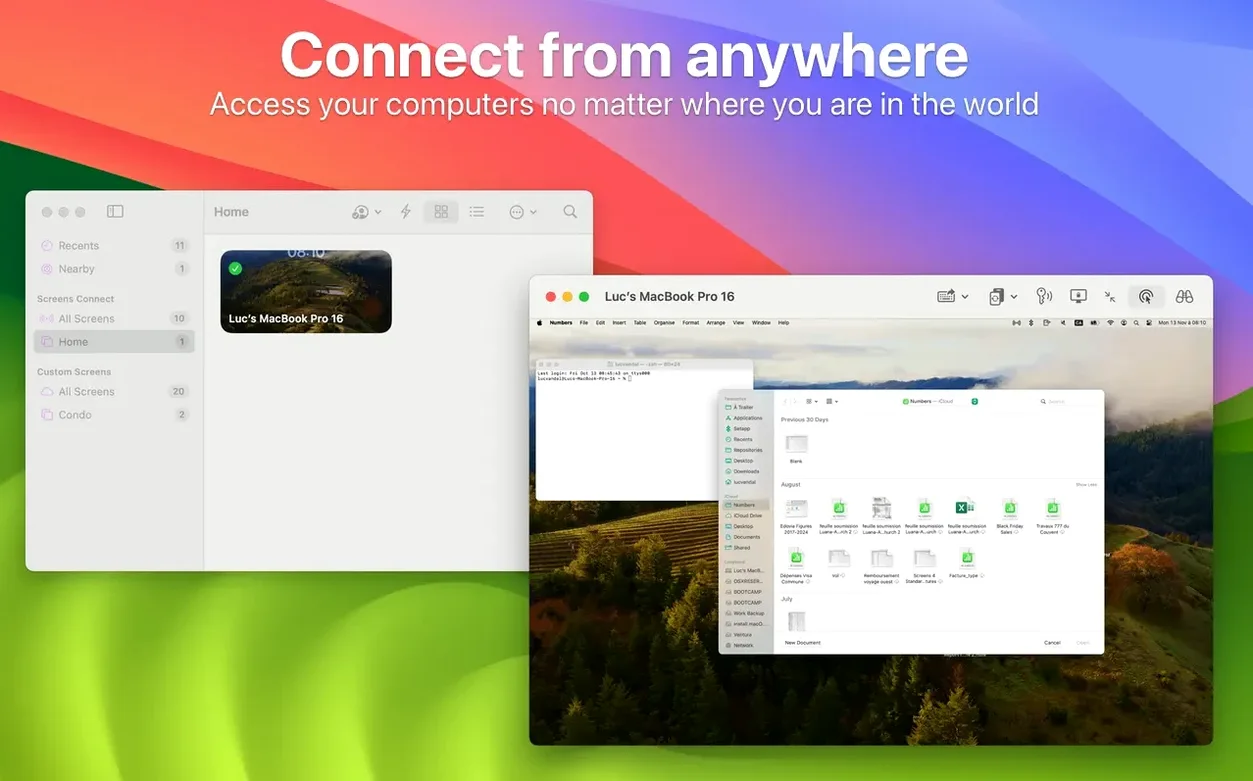
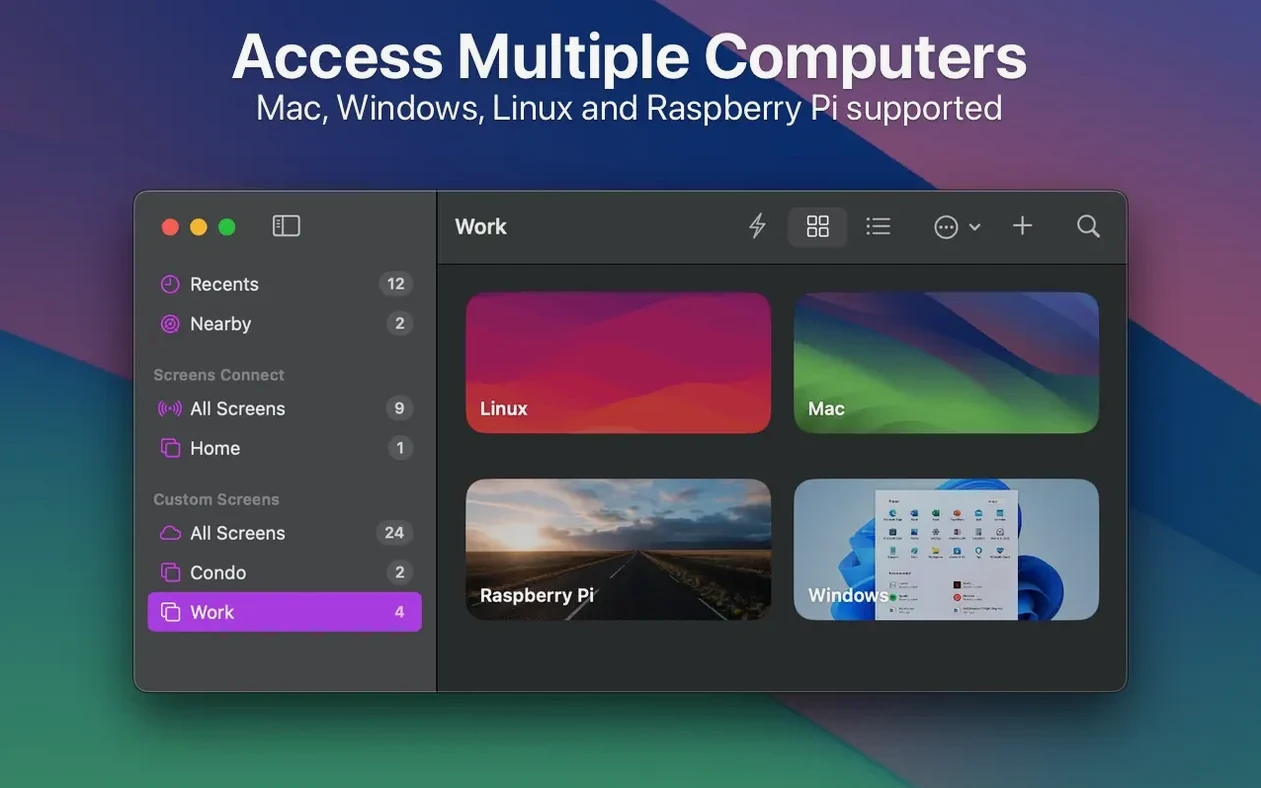
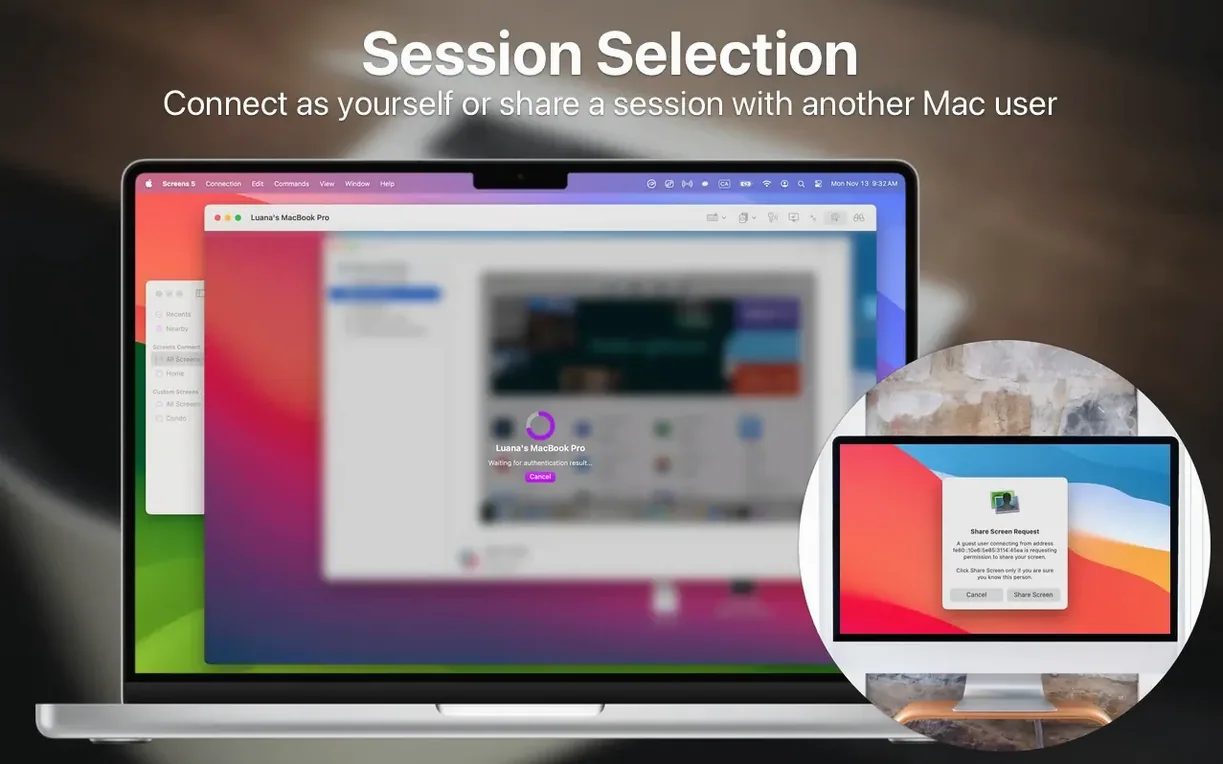
Version 5.9.2 adds system-level reach: Siri, Shortcuts, Spotlight, and a Quick Connect widget now sit alongside the main app. Custom grid ordering lets you drag connections into an order that matches how you actually work.
macOS 14 minimum and Apple Silicon support
- macOS 14 or later
- Apple Silicon or Intel 64-bit
No separate utility is required for basic use, but Screens Connect on the target Mac or Windows computer enables access from anywhere over the internet.
Drag-and-drop transfers and adaptive quality
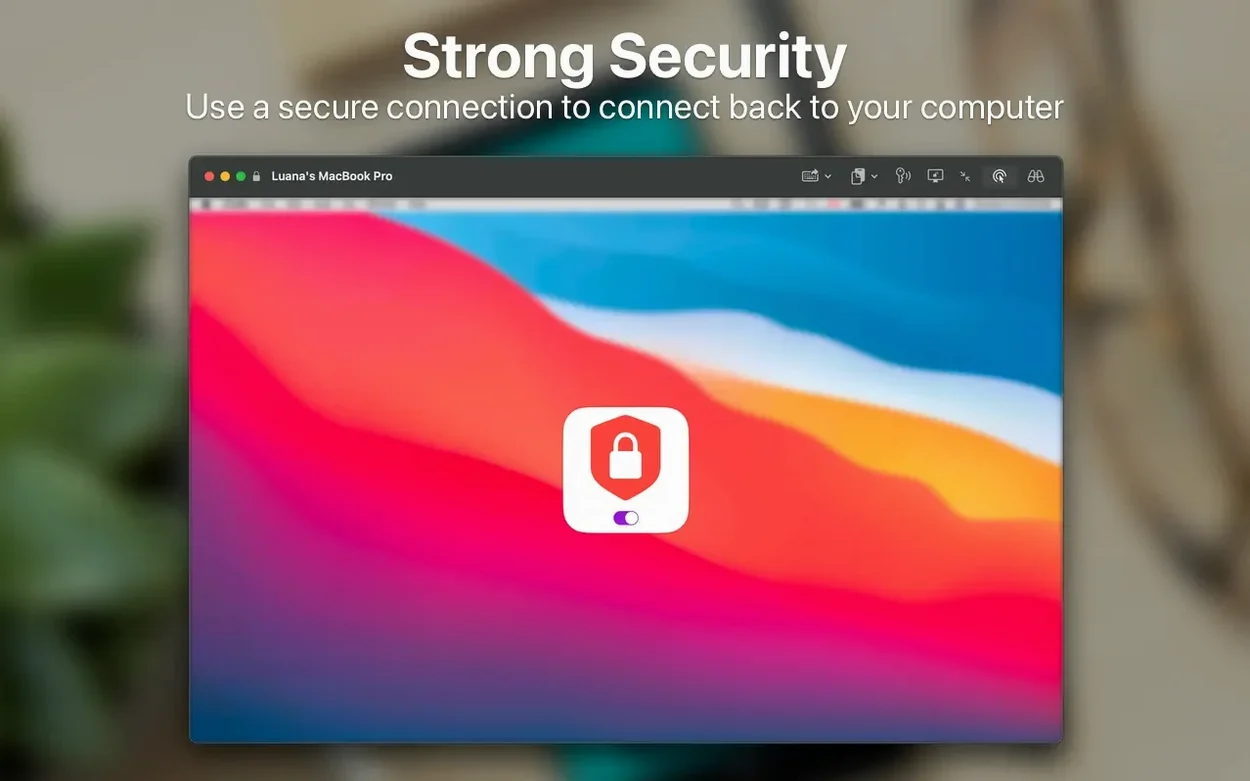
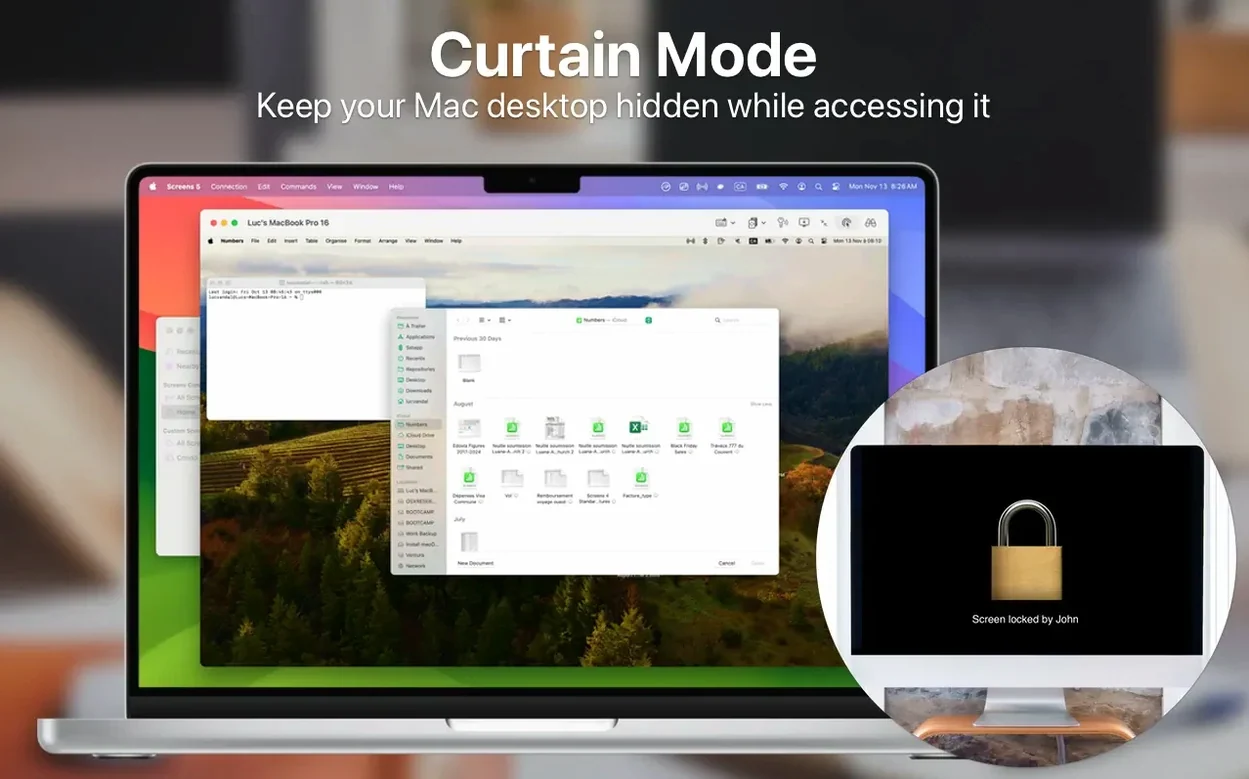
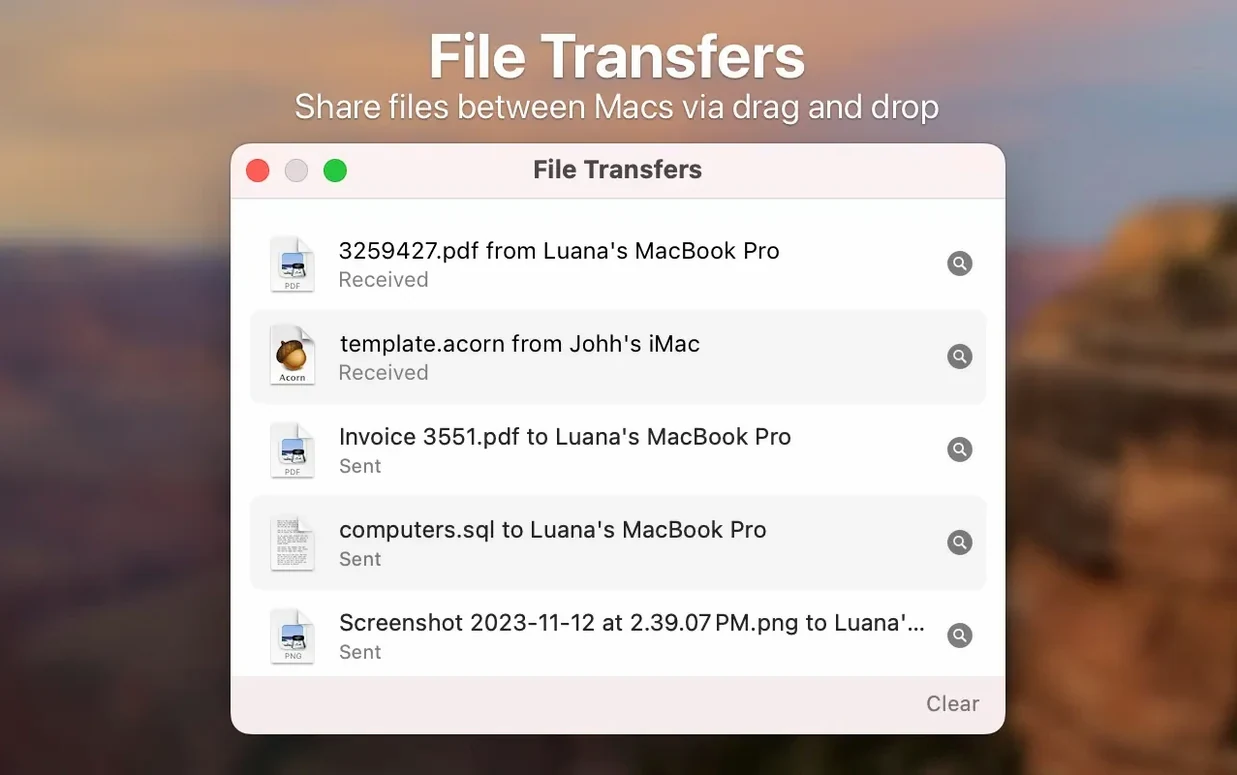
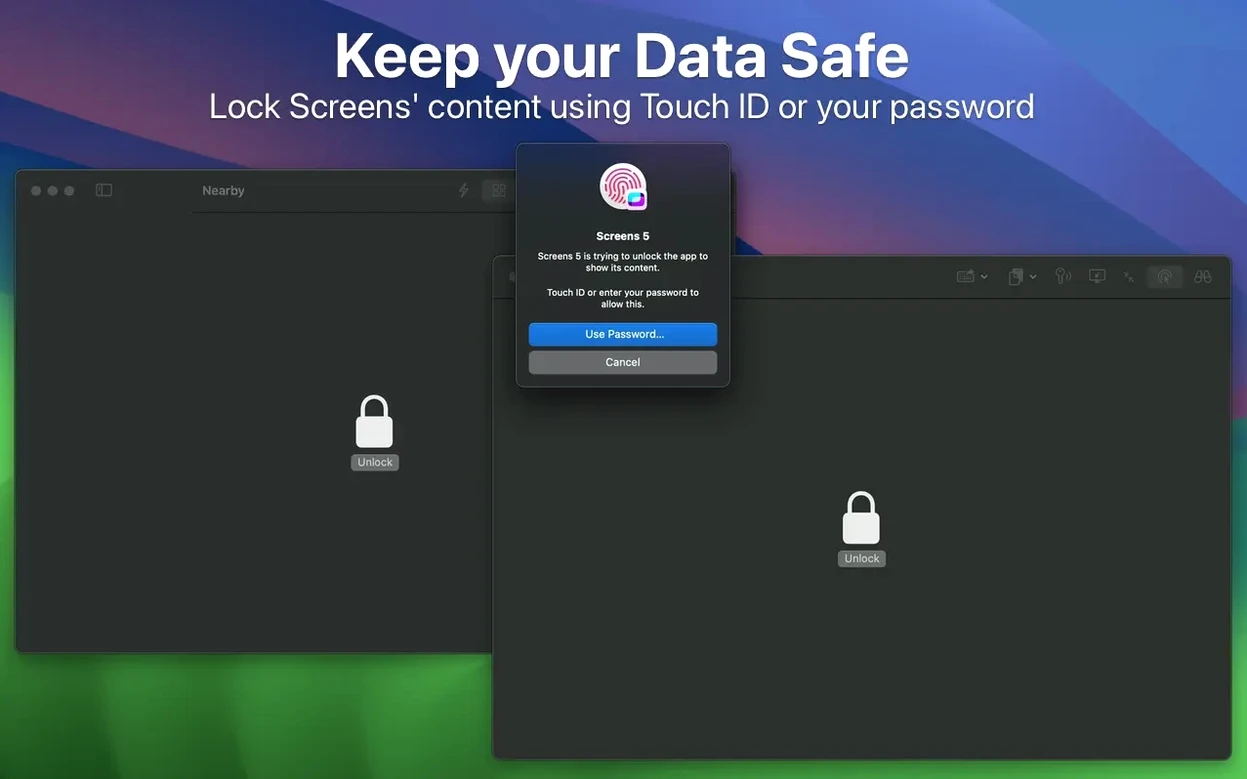
The core job is simple: reach another computer and work as if you were in front of it. Screens 5 handles one-tap password entry, drag-and-drop file transfer between Macs, adaptive quality on slow connections, and Curtain Mode on a Mac that hides the screen from anyone nearby. Sessions run through a secure channel, and you can send commands to a computer before disconnecting. Data syncs through iCloud or Dropbox.
One-click support sessions with Screens Express
People who support family members across town get immediate value from Screens 5. Starting a shared session with Screens Express removes the guesswork for the person on the other end — they accept a request instead of configuring a router. Curtain Mode keeps sensitive screens private while you fix a problem.
Administrators managing a handful of Macs, Windows boxes, or Linux machines gain a single pane for saved connections. Grouping those connections by client, location, or purpose turns a flat list into a quick-launch control panel. One-tap password entry and SSH key support cut seconds from every reconnect.
Anyone who switches between two displays on a remote Mac often will use the display-picker daily. The shared clipboard — text, links, and images — removes the friction of emailing yourself a URL or a screenshot just to move it one metre across a network.
What the 5.9.x line changed in practice
The Connect action landed in Siri, Shortcuts, and Spotlight. Before 5.9, reaching a regular machine meant opening the app and tapping or clicking. Now a Shortcut can fire up a session as part of a larger routine — run a backup, then connect to the office Mac. The Quick Connect widget puts a single saved machine one swipe away in Notification Centre, handy for a server you check three times a day.
Custom grid ordering, added in the same cycle, lets you drag tiles into a sequence that reflects priority rather than alphabet. If your mornings begin with the bookkeeping Mac and end with the media server, you arrange them left-to-right and top-to-bottom accordingly. A Screens 5 for Mac cracked search phrase sometimes surfaces in forums, and if you go that route, verifying the build's code signature against Edovia's certificate helps ensure the connection engine runs without unexpected dropouts.
Version 5.9.4 is available now. This release concentrates on stability refinements and compatibility updates under the hood.
- macOS 14 or later
- Apple Silicon or Intel 64-bit processor
Questions I get before install
Does Screens 5 work on Intel Macs?
Yes. The app lists Apple Silicon and Intel 64-bit architectures, with macOS 14 as the minimum version.
How do I access a computer from outside my network?
Install Screens Connect on the Mac or Windows computer you want to reach. It enables connections from anywhere over the internet.
Comments 0
Sign in to leave a comment.Sign inCreate an account
No comments yet. If a step is still there after you install it, say so.
More in Mac Apps
All in Mac Apps ScreenFlow
Records the screen and supplies editing tools to turn a raw take into a finished video.
19 steps saved
 Updated
Screen Studio
Records your screen and gives you editing tools to finish the take in one app.
10 steps saved
 Sensei
Monitors hardware health, performance, and storage directly from the menu bar.
18 steps saved
 Updated
Serato DJ Pro
Mixes tracks live with controllers, effects and smart key matching.
17 steps saved
 Serato Studio
Turns a DJ workflow into a beat-making environment built around stems and cue points.
19 steps saved
 Shadowrocket
Routes your Mac's network requests through different proxies based on custom rules.
19 steps saved
 Shottr
Floats a fast, local markup tool over your screen without switching contexts.
19 steps saved
 RightFont
Lets you preview and activate fonts without opening Font Book.