
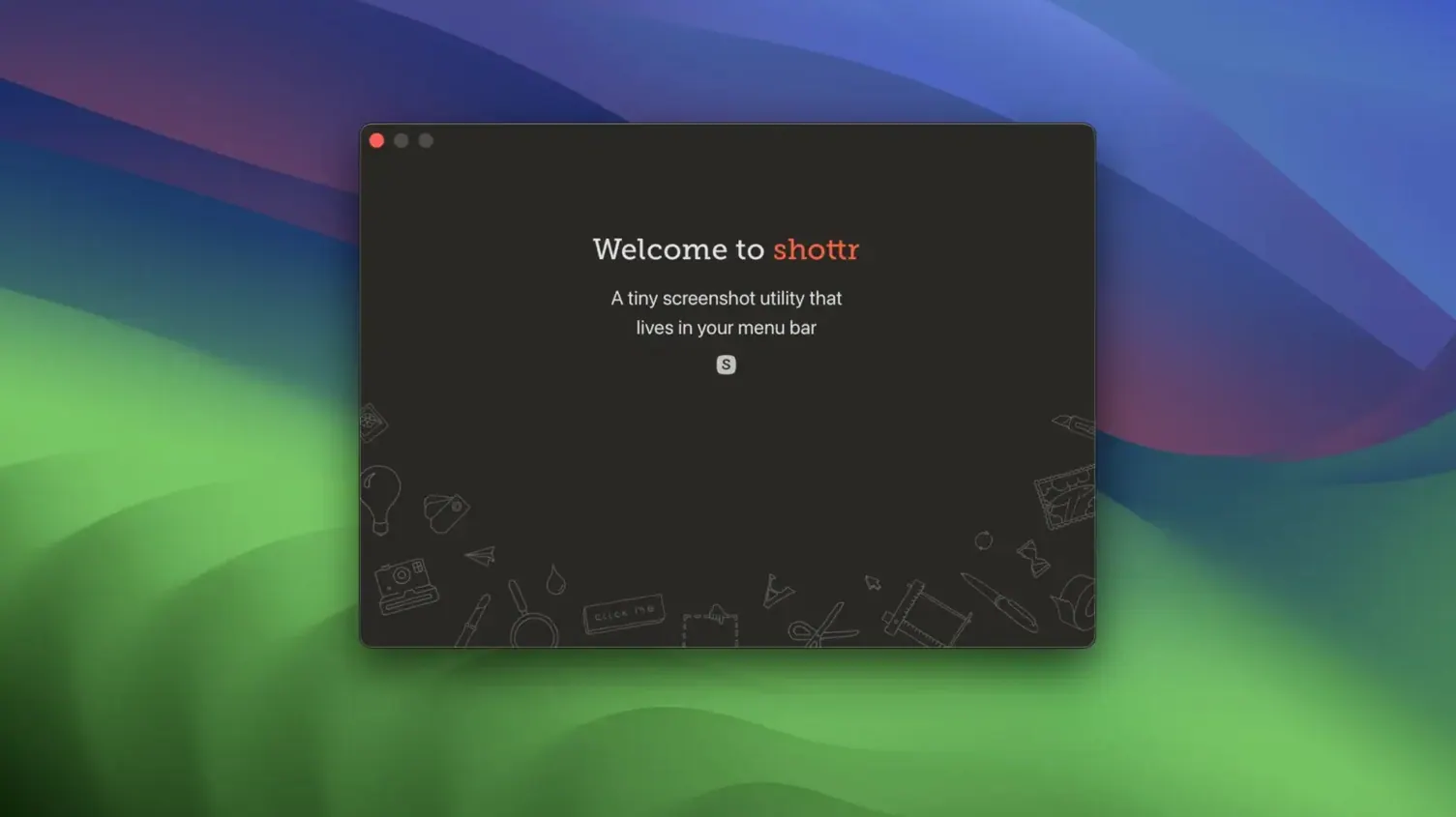
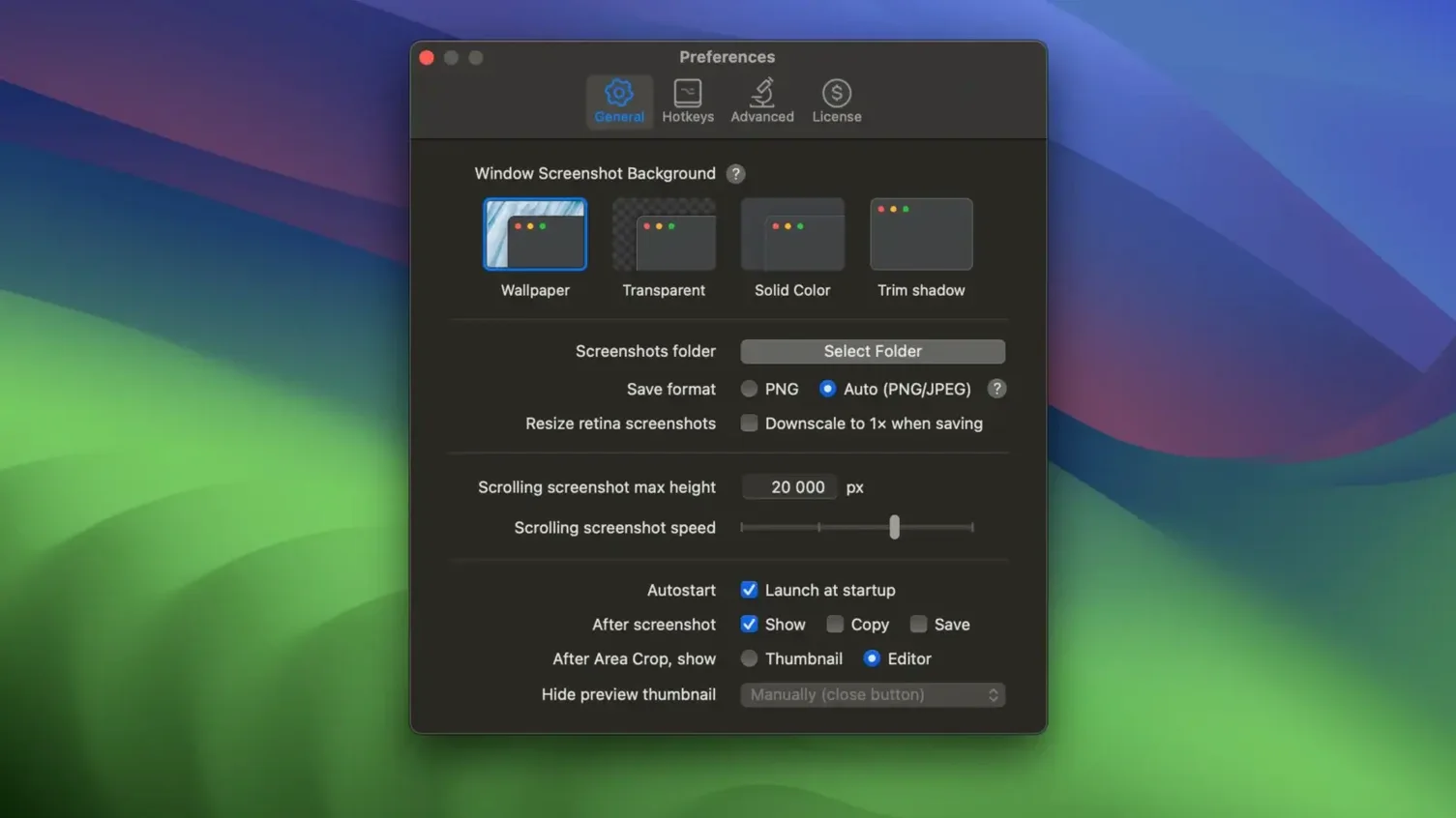
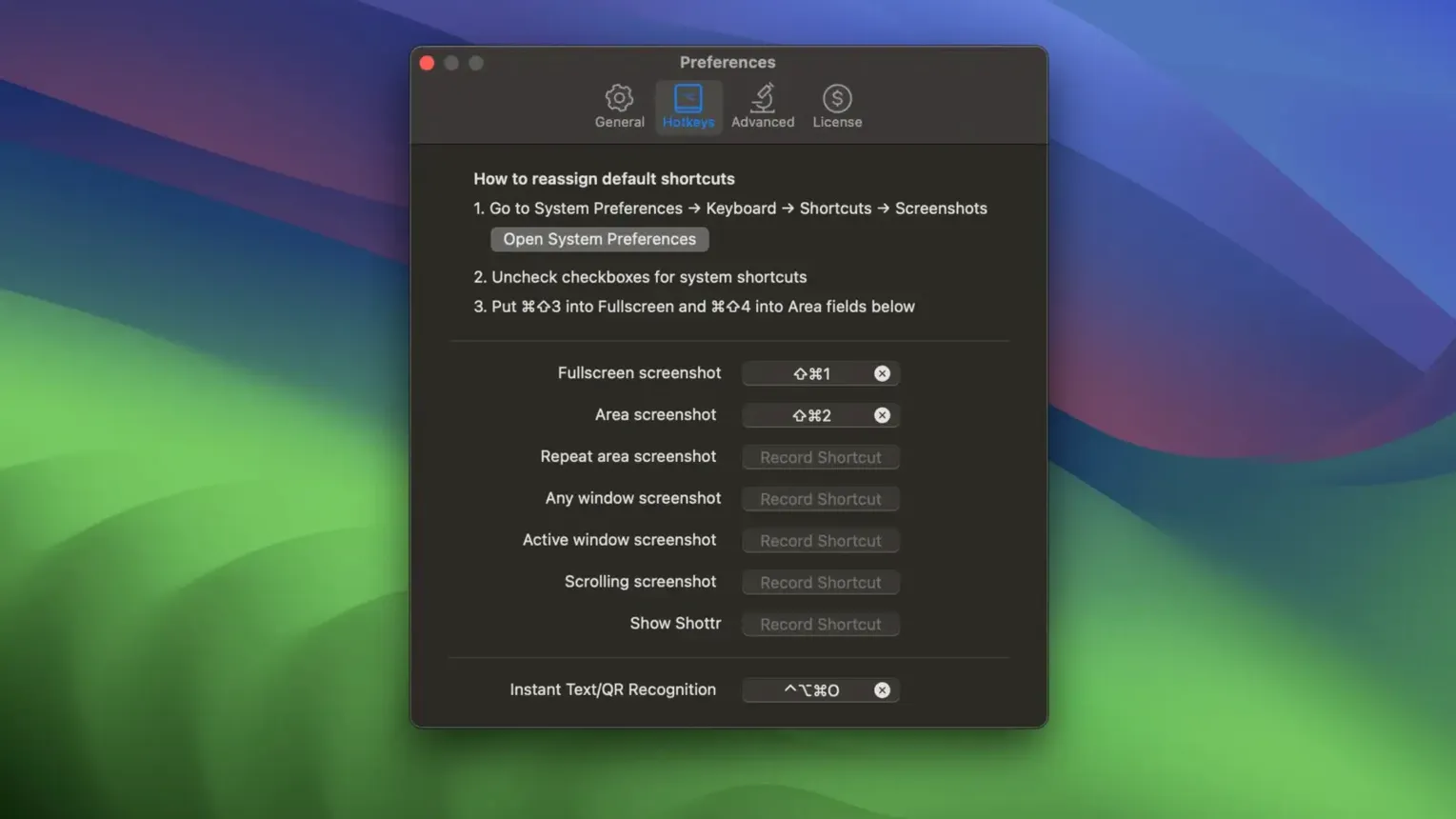
Every pixel counts when you mark up a screenshot. Shottr saves those pixels by giving you fast, local tools that stay out of your way. It opens in a float over your work, so you never leave the screen you are capturing.
Start with the ruler and colour picker
Newcomers often miss the two simplest utilities, and they are the ones you will reach for daily. Press the hotkey, move the crosshair, and Shottr becomes a screen ruler — it reports distances in points along the vertical and horizontal axes. No more guessing padding or alignment. The colour picker works the same way. Hover over any pixel and the hex code lands on your clipboard. Designers, front-end developers and anyone who builds slide decks will wonder how they worked without it.
Then let it read what you cannot retype
Shottr’s OCR engine extracts text from a locked-down image so you can paste it into a note, a ticket or a search field. It also decodes QR codes on-screen without a phone. When a capture needs more context, scrolling capture grabs an entire tall window or webpage in one continuous image. Annotations — arrows, boxes, text, highlights and a blur tool for sensitive details — appear in a slim toolbar. Cloud upload generates a short shareable link, and the overlay feature lets you place one image on another, useful for comparing mock-ups against live builds.
A real workflow: from bug report to shared mark-up
Say a button misaligns on a long settings page. Press the Shottr hotkey and choose Scrolling capture. Drag across the window; Shottr stitches the full height into a single PNG. The capture opens in the editor. Use the screen ruler overlay to measure the gap between the button and its label — 6 points instead of the expected 12. Draw a red box around the offender, add an arrow with the text “6pt gap,” and blur the account email visible in the sidebar. Hit Cmd-U to upload. Copy the link and paste it into your issue tracker. The whole sequence takes under forty seconds.
What Shottr grabs that macOS screenshots skip
Does Shottr replace the built-in macOS screenshot tools? It can, if you let it. You map Shottr to the same shortcuts and it steps in for region, window and full-screen captures. The system tools stay available — Shottr just adds annotation, measurement and OCR on top.
Will scrolling capture work with every app? Not every app. It works well with standard Cocoa windows, most web browsers, and anything that scrolls natively. Some custom-drawn interfaces — a few Java apps or older cross-platform toolkits — may not scroll reliably.
How heavy is the app on an older Intel Mac? Light. The binary is a few megabytes, and all processing happens on-device. The OCR engine loads a small language model the first time you use it, then stays dormant until you trigger it again.
Shottr 1.9.3 rolls up the latest round of fixes and small refinements from the developer.
- macOS 10.15 or later
- Apple Silicon or Intel 64‑bit
Questions I get before install
What macOS version does Shottr need?
It requires macOS 10.15 Catalina or later and runs natively on both Intel and Apple Silicon Macs.
Can Shottr capture a whole scrolling webpage?
Yes, its scrolling capture feature records an entire tall window or webpage as one continuous image file.
Does Shottr recognise text inside screenshots?
It includes OCR that extracts text from captures and can also read QR codes directly from the screen.
Comments 0
Sign in to leave a comment.Sign inCreate an account
No comments yet. If a step is still there after you install it, say so.
More in Mac Apps
All in Mac Apps Shadowrocket
Routes your Mac's network requests through different proxies based on custom rules.
15 steps saved
 Sketch
Moves a design from a blank artboard to reusable, scalable components.
15 steps saved
 SlapMac
Triggers a custom action when you tap your MacBook with a set sensitivity.
17 steps saved
 Serato Studio
Turns a DJ workflow into a beat-making environment built around stems and cue points.
18 steps saved
 Updated
Serato DJ Pro
Mixes tracks live with controllers, effects and smart key matching.
10 steps saved
 Sensei
Monitors hardware health, performance, and storage directly from the menu bar.
17 steps saved
 Slidepad
Keeps web apps accessible in a slide-over panel that hides at the screen edge.
22 steps saved
 Updated
Screens 5
Lets you reach and arrange remote screens through Siri, Shortcuts, or the menu bar.