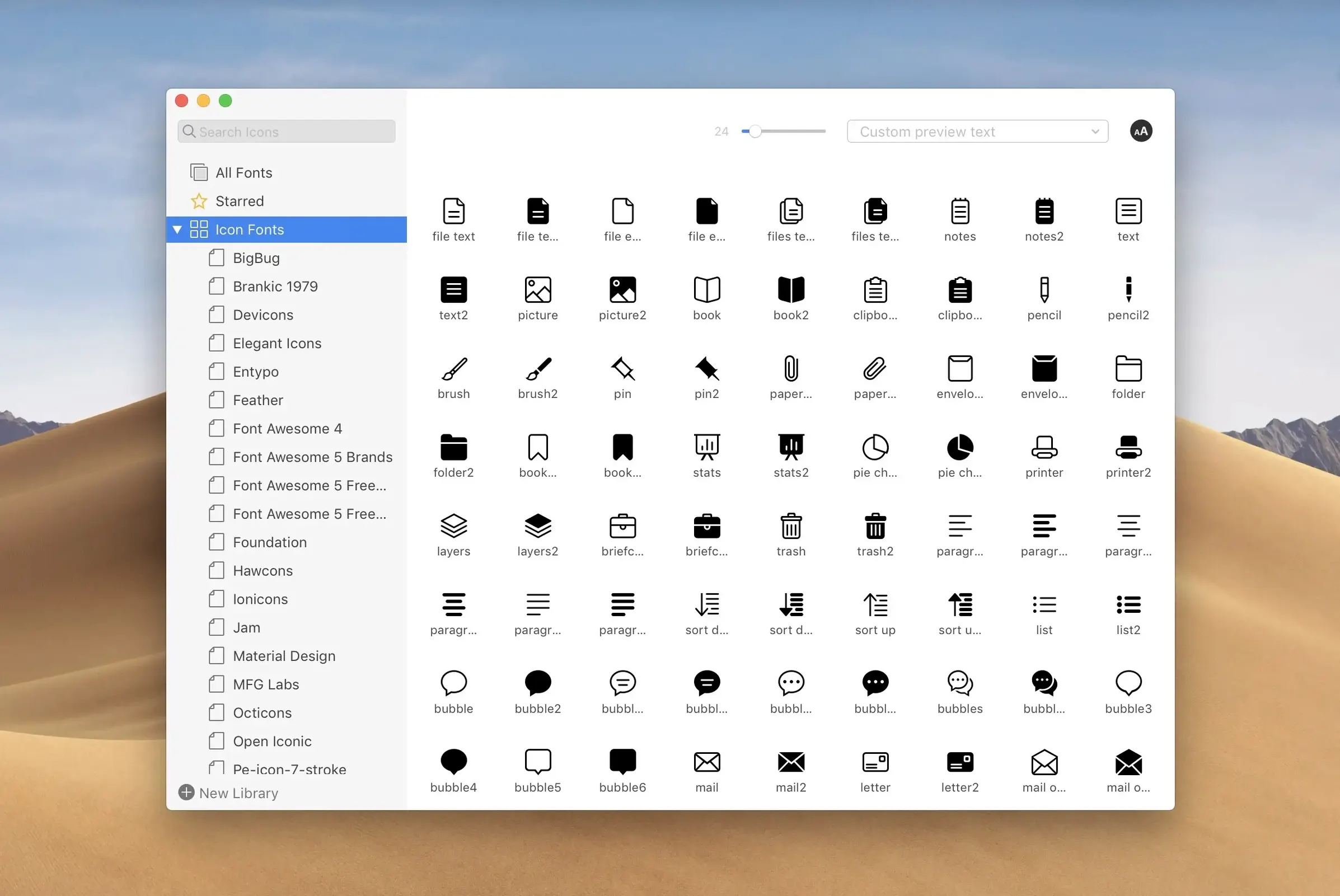
RightFont is a Mac font manager that gives designers a clean, direct way to preview, organize, and activate fonts without touching Font Book.
Check Fonts Without Installing Them
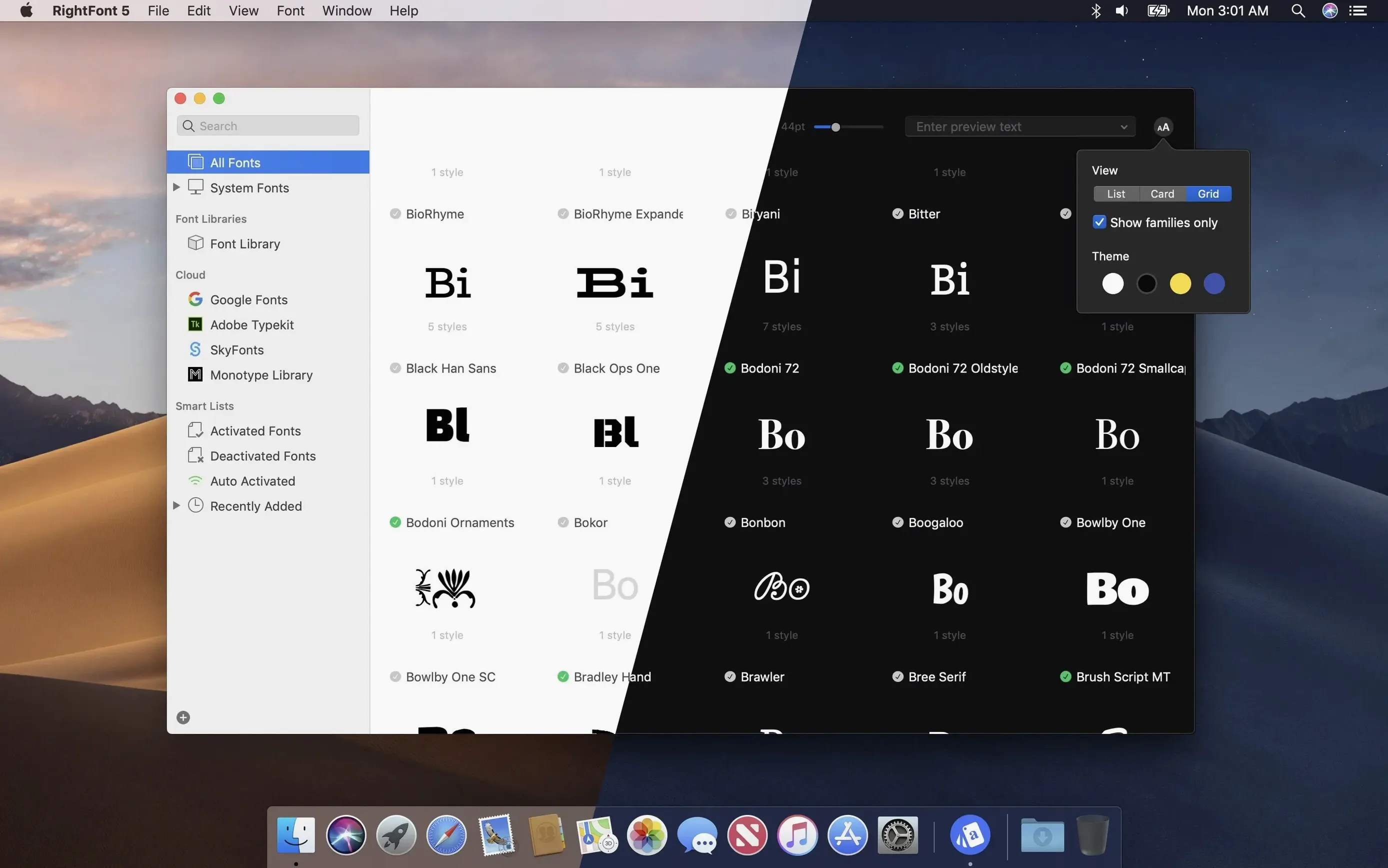
Preview any font on disk or in a cloud folder. You can scroll through a live sample and compare family members side by side before you commit.
Organize Type into Clean Lists
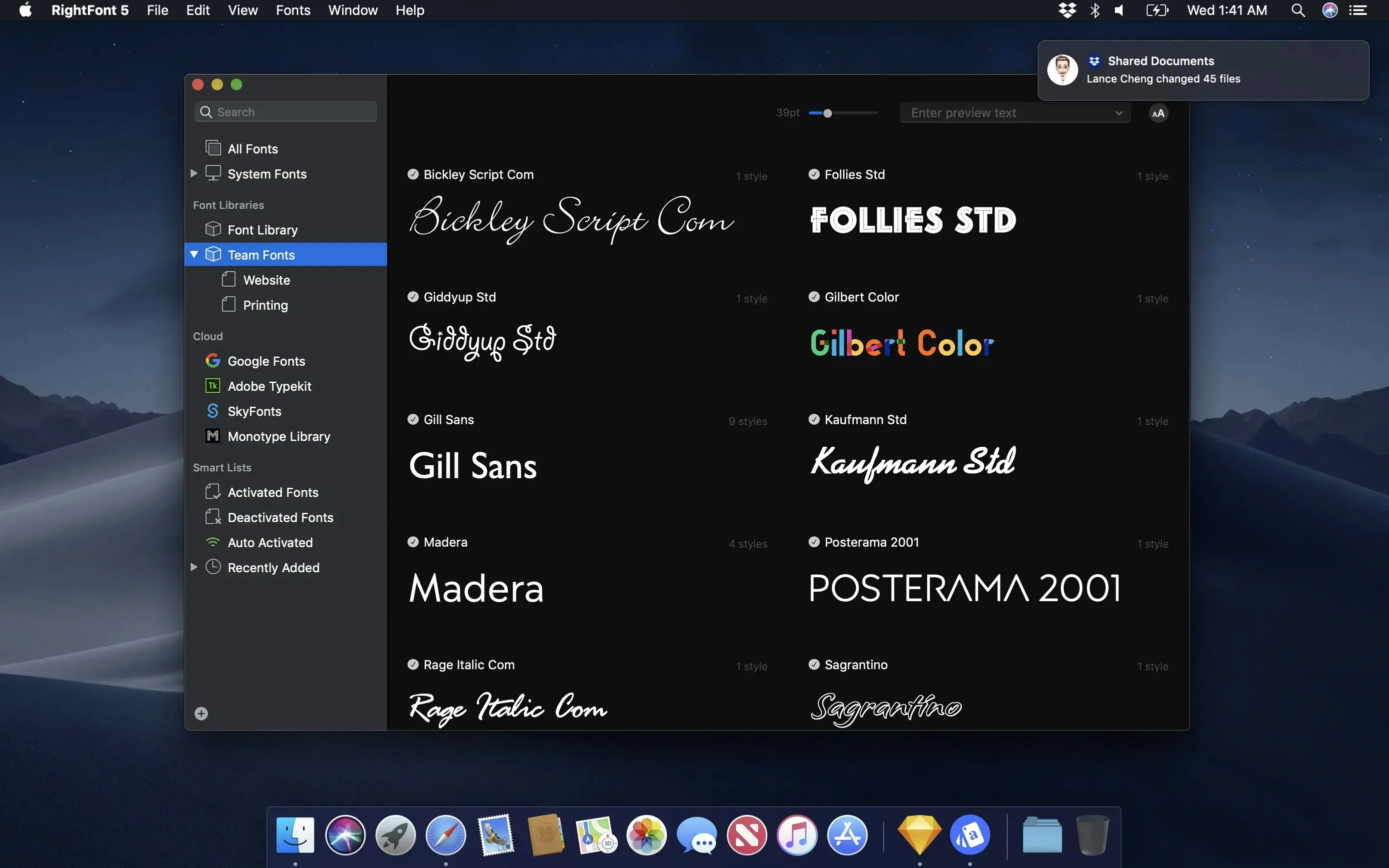
Build font lists for specific clients or projects. Filter by classification, width, and weight, then drag folders to share or back up your collection.
Access Fonts Directly in Creative Apps
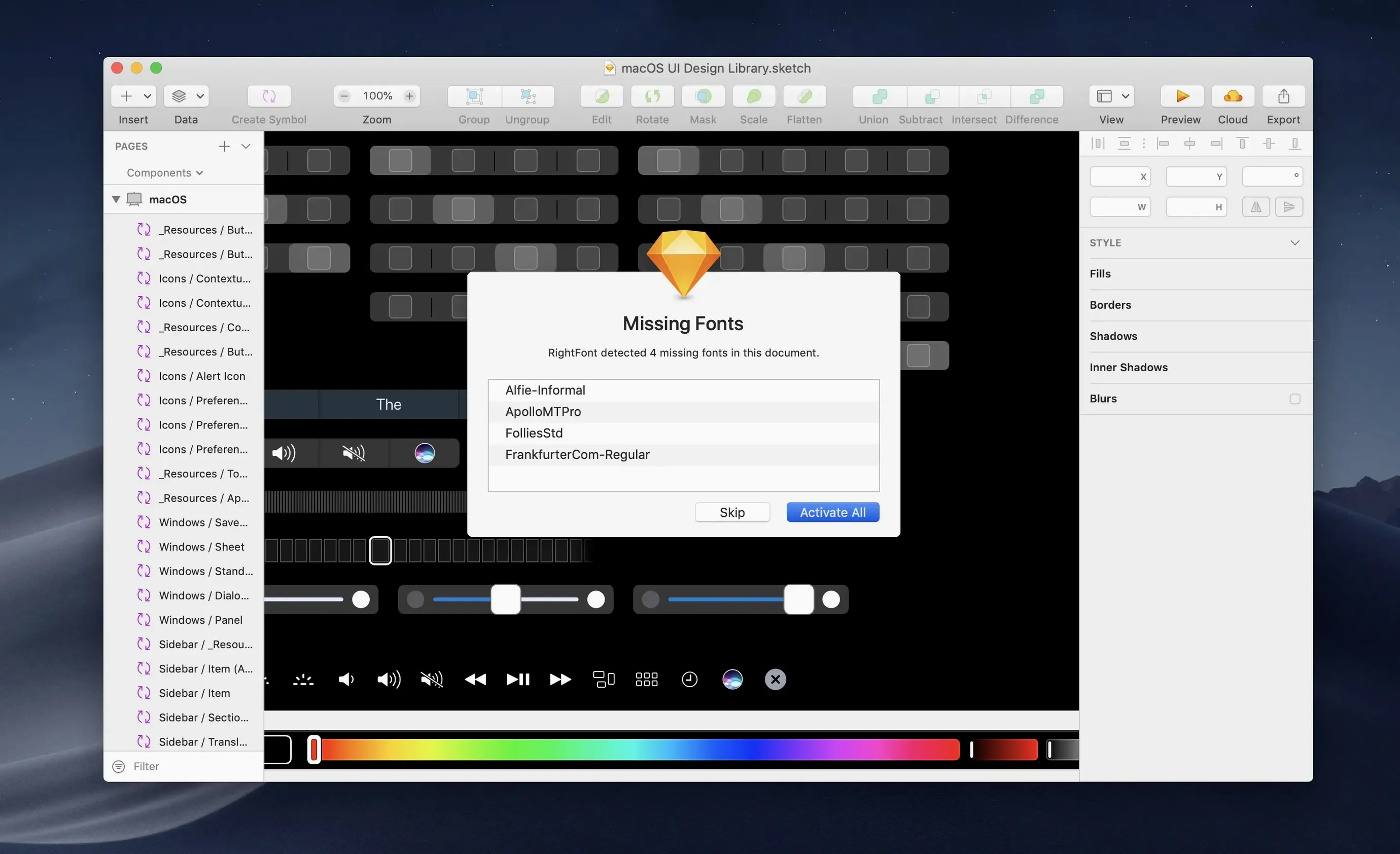
RightFont connects straight to Adobe Illustrator, Photoshop, InDesign, Sketch, and QuarkXPress. Activate a font from the menu bar and it appears in your design tool immediately.
Bad Adobe Sync? Start with a Full App Restart
Most issues trace back to how fonts are imported or how macOS indexes them. A few quick checks resolve the bulk of them.
- Font shows in RightFont but not in an Adobe app — Quit the Adobe app completely, then relaunch it. Version 10.2.1 includes fixes for Illustrator and QuarkXPress, so make sure you are on the current build.
- Import stalls or reports unsupported files — The import progress now shows a finalization stage and a count of unsupported files. Move those files out of the folder and re-run the import.
- Tags disappear after reorganizing — Drag subtags back to the main Tags section. This is expected behaviour in 10.2.1, not data loss.
- Font activated but design tool does not see it — Disable the font, wait a moment, then activate it again from the RightFont menu bar item. This forces the design tool to refresh its font cache.
- Large library feels slow — Split fonts into project-based lists and keep the active list small. RightFont stays responsive when the working set is focused.
Activating Only the Six Display Cuts for a Packaging Refresh
A brand designer working on a packaging refresh pulls together three client font families across two cloud folders. She creates a list called Marlow Packaging, filters by weight to isolate the display cuts, and activates only the six fonts the layouts actually need. In Illustrator, she double-clicks a text layer and switches from the old serif to the new display face without opening Font Book. When the client sends a revised logo file with a new typeface, she drags the folder into RightFont, previews the family, and tags the approved cuts under Client approved. At the end of the week, she drags the whole list to a shared folder for the production team. Nothing gets installed system-wide by accident, and the client handoff includes exactly the fonts that were used.
Running Two Font Managers Side by Side Without Conflicts
Does RightFont replace Font Book? It does not uninstall anything, but it gives you a faster way to do what Font Book does slowly. You can keep Font Book untouched and use RightFont as your primary font workflow.
Will it slow down my Mac? The app is light by design. The menu bar helper stays quiet until you open it, and font activation happens on demand rather than at login.
Does it work on Apple silicon? Yes. RightFont runs natively on both Intel-based Macs and Apple silicon Macs, with macOS 11 or later required.
Can I use it with Adobe apps I already have installed? RightFont connects directly to Illustrator, Photoshop, InDesign, Sketch, and QuarkXPress. No extra plug-ins to install for the core workflow.
How do I move fonts between two Macs? Export a font list or a folder of fonts from one machine, then drag it into RightFont on the other. The library structure comes across with the files.
Is the right font download available for macOS only? RightFont is made exclusively for Mac. Windows users need a different tool for the same job.
- New — Subtag support: drag subtags back to the main Tags section.
- Improved — Import progress now shows a finalization stage and counts unsupported files for more reliable imports.
- Fixed — Compatibility issues in Adobe Illustrator, QuarkXPress, and macOS 27.
- macOS 11 or newer
- Intel or Apple Silicon Mac
Questions I get before install
Does RightFont work on Apple Silicon Macs?
Yes. RightFont runs natively on both Intel-based Macs and Apple silicon Macs and requires macOS 11 or newer.
Comments 0
Sign in to leave a comment.Sign inCreate an account
No comments yet. If a step is still there after you install it, say so.
More in Mac Apps
All in Mac Apps Raycast Pro
Launches apps, runs commands and searches everything from one keyboard bar.
10 steps saved
 RAR Extractor
Unpacks multiple password-protected archives into the folders you choose.
6 steps saved
 RapidWeaver 9
Builds websites visually with themes and add-ons, no coding required.
19 steps saved
 Updated
Screen Studio
Records your screen and gives you editing tools to finish the take in one app.
5 steps saved
 ScreenFlow
Records the screen and supplies editing tools to turn a raw take into a finished video.
18 steps saved
 Radio Silence
Cuts off internet access for the apps you select, then stays quiet.
22 steps saved
 Updated
Screens 5
Lets you reach and arrange remote screens through Siri, Shortcuts, or the menu bar.
16 steps saved
 QuarkXPress
Sets automatic layout rules that respond as you type.