
If you already build screens in Sketch or Figma, Principle is where those static mockups get motion and interactivity. It reads your artboards and turns them into clickable, scrollable prototypes.
What it is
Prototyping tool — a Mac app by Daniel Hooper for designing animated and interactive user interfaces.
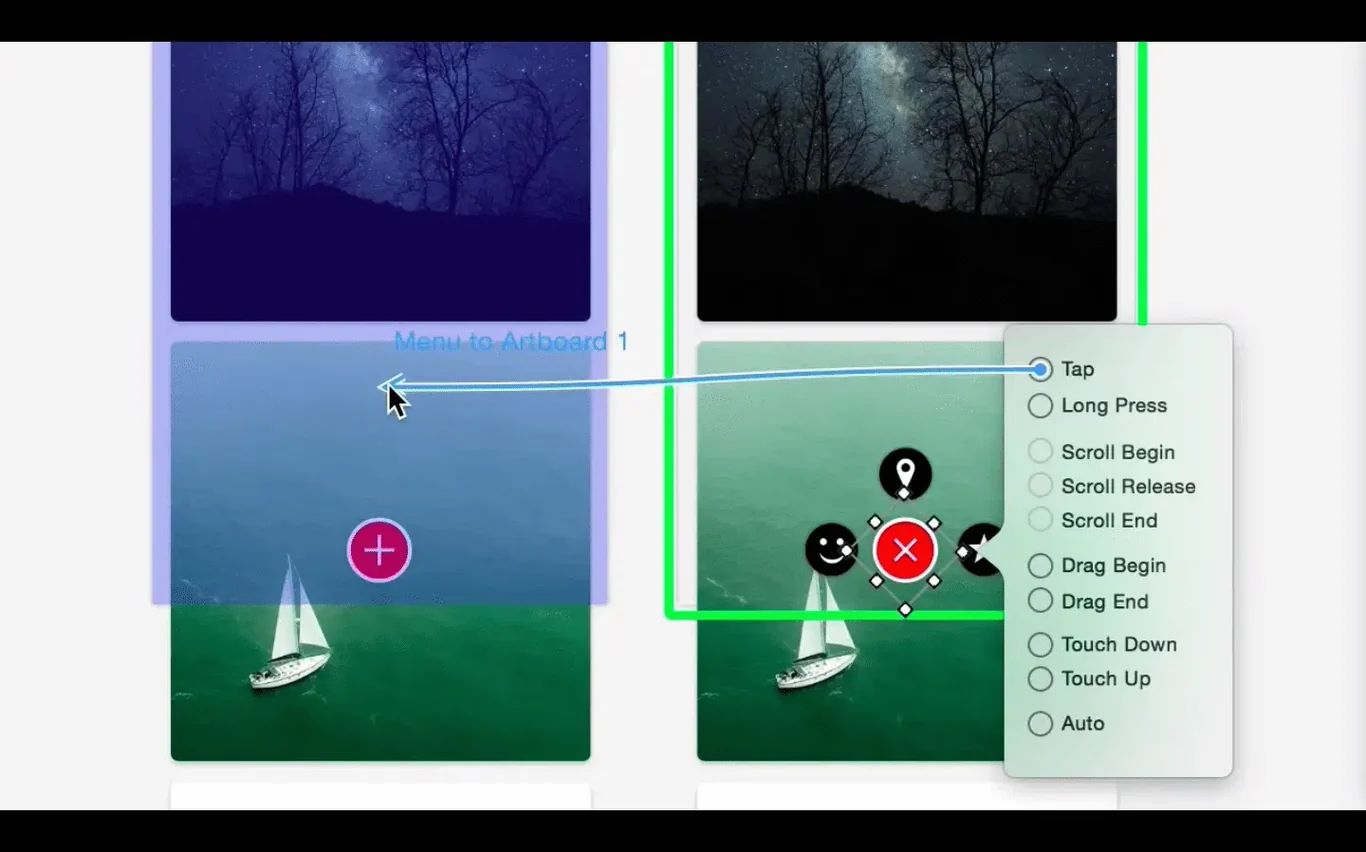
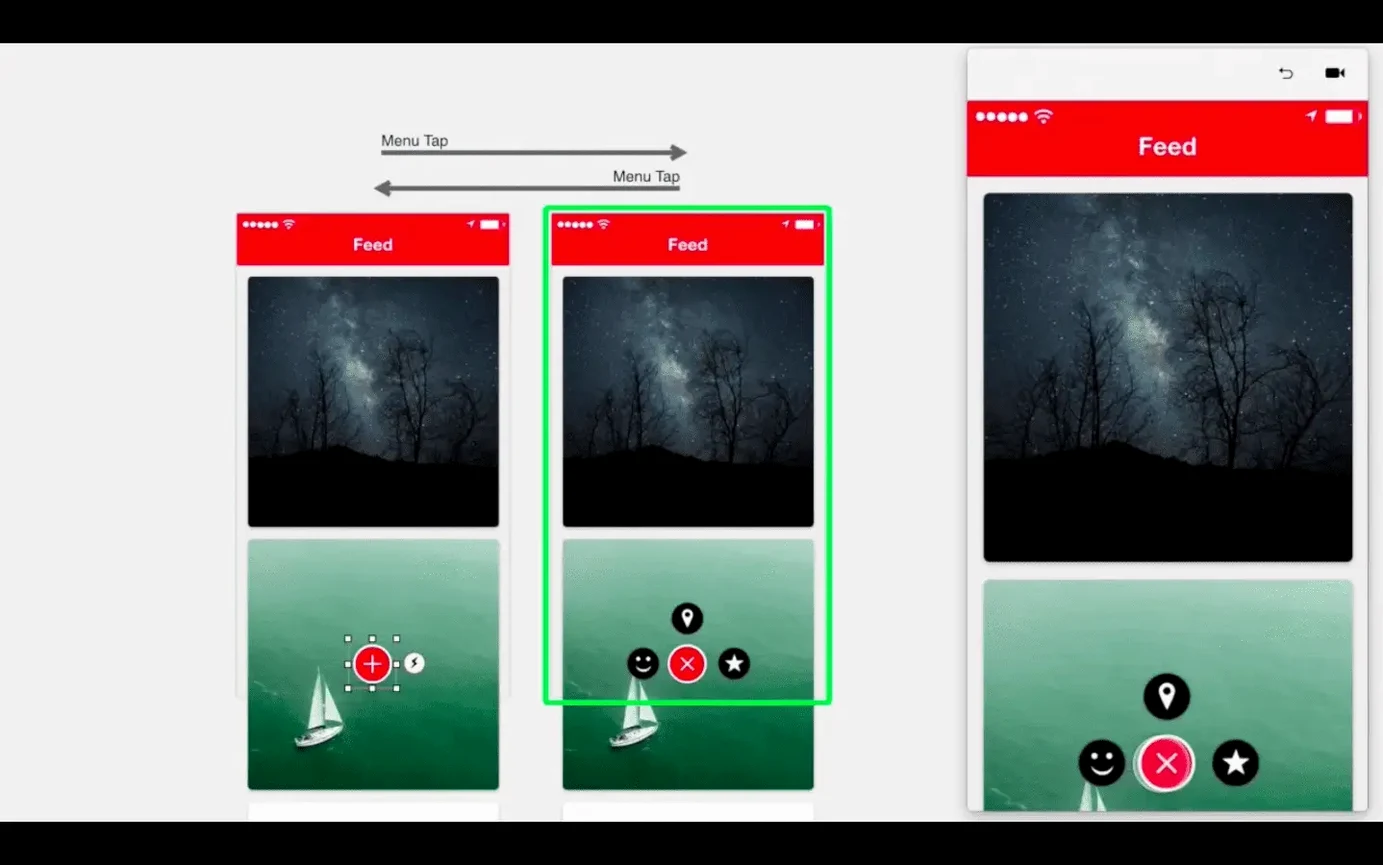
Artboards — the canvas for each screen in a prototype. Principle uses artboards as the building blocks.
Hover and scroll — supports hover events and mouse-wheel scrolling, so desktop and website prototypes behave like the real thing.
Full-screen mode — previews a project without any chrome around it.
Standalone Mac export — saves a prototype as a separate Mac app. A colleague can open it without owning Principle.
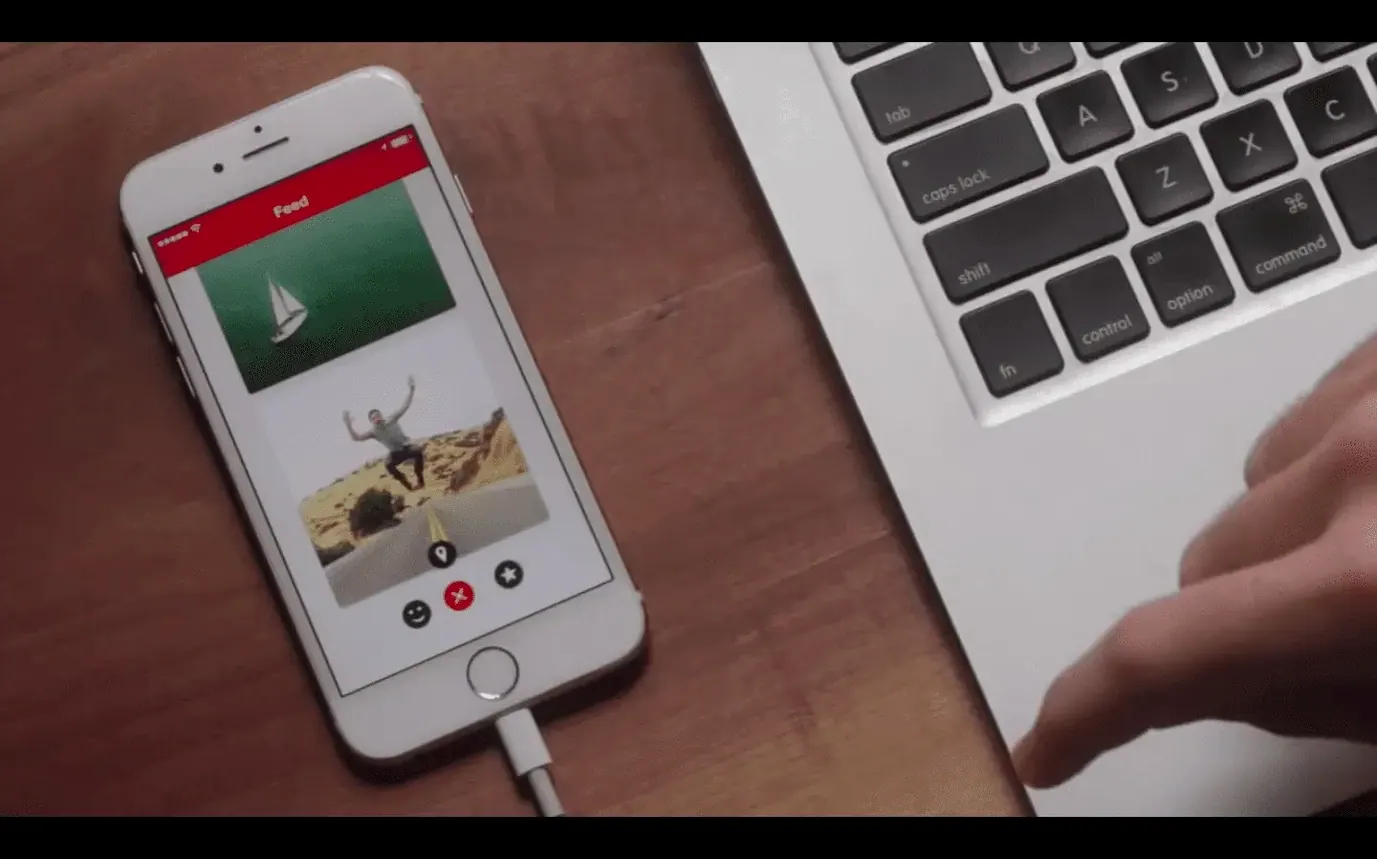
Principle Mirror for iOS — companion app that shows a live preview of the prototype on an iPhone or iPad while you work on the Mac.
Auto Save silently guards every prototype state
Version 6.43 keeps the core workflow familiar, but the daily experience has settled around a few refinements. Auto Save runs quietly in the background, so a prototype is always current even after a crash or an accidental close. Full-screen previews feel tighter on newer macOS releases, and the Retina interface stays sharp on high-density displays.
For designers who move between Intel and Apple Silicon machines, the app runs across both architectures without a separate build. That matters when a team hands a prototype file back and forth between an older iMac and a newer MacBook.
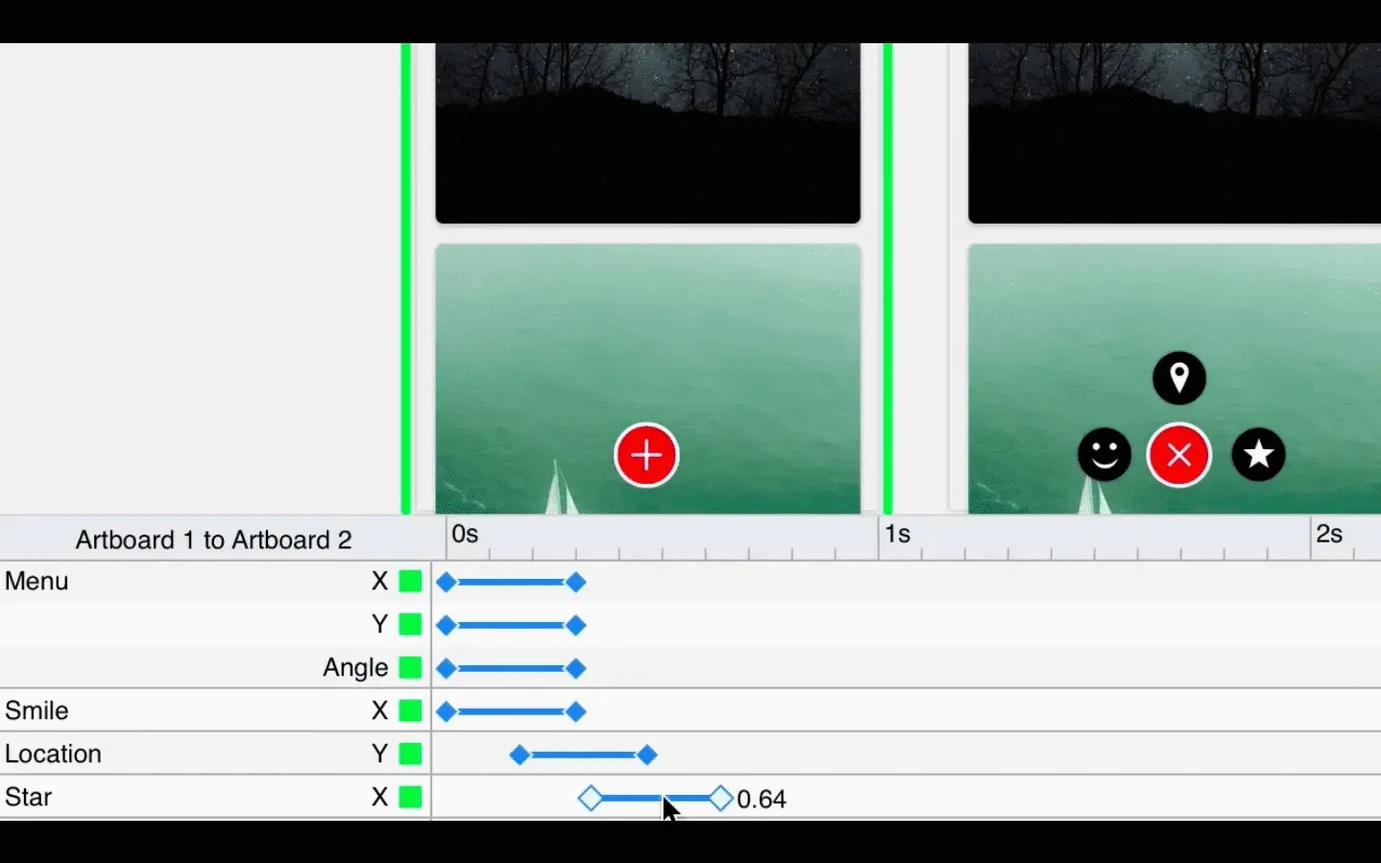
Release notes for 6.43 were not published, so the most visible changes show up as stability improvements and smoother hover states in exported Mac apps. The animation timeline remains the centre of the workflow, with no new learning curve added to the existing toolset.
Point Auto Save to your project folder
- Turn on Auto Save immediately — it is already built in, but check the save location so prototypes land in a project folder, not the default Documents directory.
- Set the preview window to full screen during client reviews — it removes distraction and makes a prototype read like a finished product.
- Pair Principle Mirror on iOS early — a live preview on a phone shows gesture timing and scroll feel that a Mac window cannot.
- Adjust hover and scroll triggers per artboard — default settings suit basic flows, but a desktop prototype often needs slower scroll speed or a longer hover delay.
- macOS 10.14 or later
- Intel processor (64-bit)
- Interface language: English
Questions I get before install
Can Principle export a prototype that others can open?
Yes. Principle exports a standalone Mac app from a project. The person opening it does not need their own copy of Principle.
Does Principle run on Apple Silicon Macs?
The current version is a 64-bit Intel app. It runs on Apple Silicon Macs through Rosetta 2; a native Apple Silicon build is not specified in the latest release.
Comments 0
Sign in to leave a comment.Sign inCreate an account
No comments yet. If a step is still there after you install it, say so.
More in Mac Apps
All in Mac Apps Prizmo Pro
Captures, cleans, and recognizes text in scans with curved-page correction.
22 steps saved
 ProPresenter
Runs multi-layer slides, video, and audio for venues where the show cannot stop.
15 steps saved
 Updated
Presentify
Annotates and highlights anything on your screen, regardless of the app underneath.
19 steps saved
 Updated
PowerPhotos
Splits one massive Photos library into smaller, manageable ones.
23 steps saved
 PyCharm
Catches type errors and syntax problems before you run the script.
22 steps saved
 Updated
QLab
Puts every show cue under one roof so the operator sees a single timeline.
22 steps saved
 PopClip
Surfaces a relevant action the moment you select text or a link.
16 steps saved
 QuarkXPress
Sets automatic layout rules that respond as you type.