
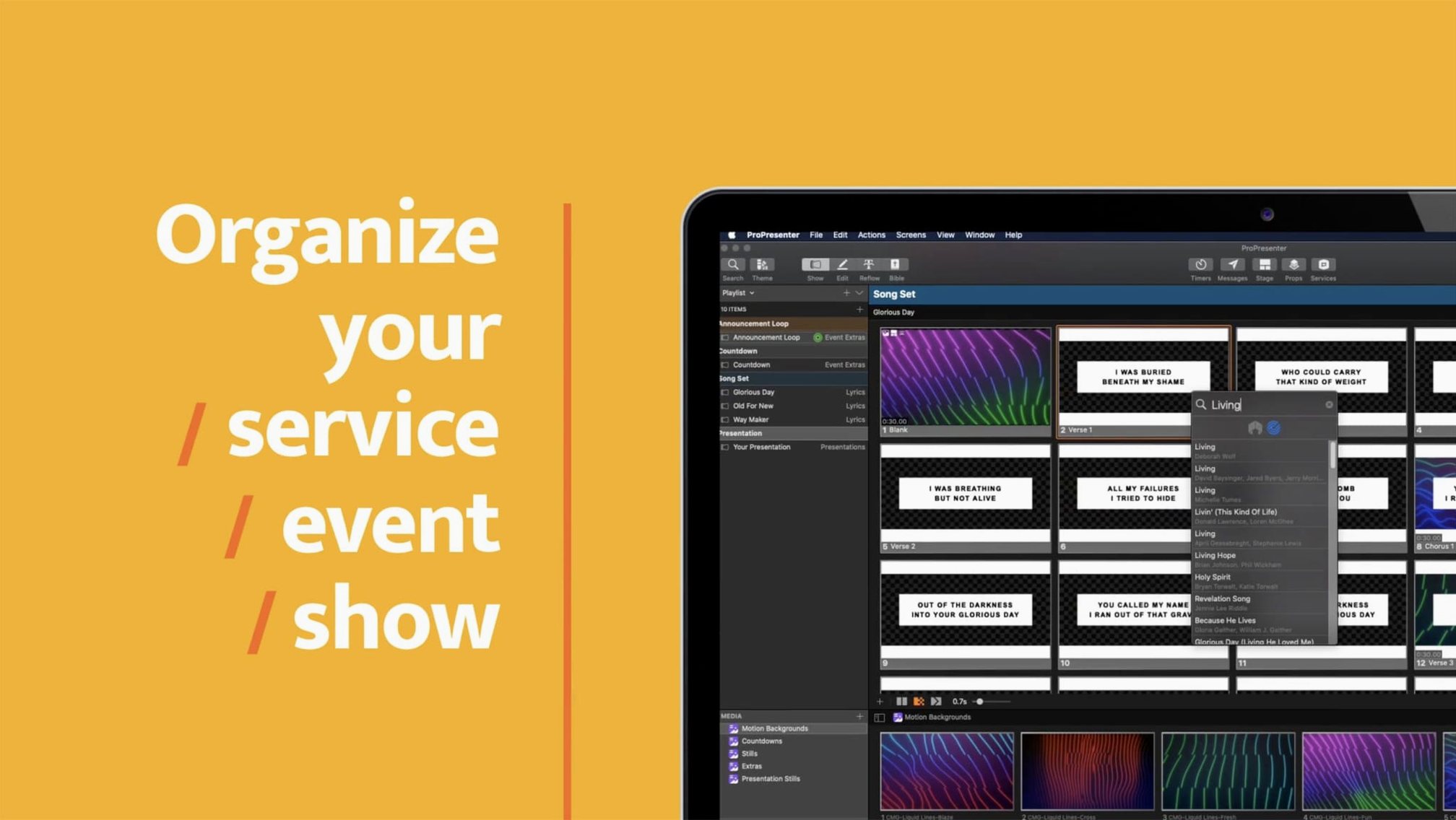
ProPresenter is live production software that puts video, audio, and multi-layer slides under one roof—built for venues where the show can't stop.
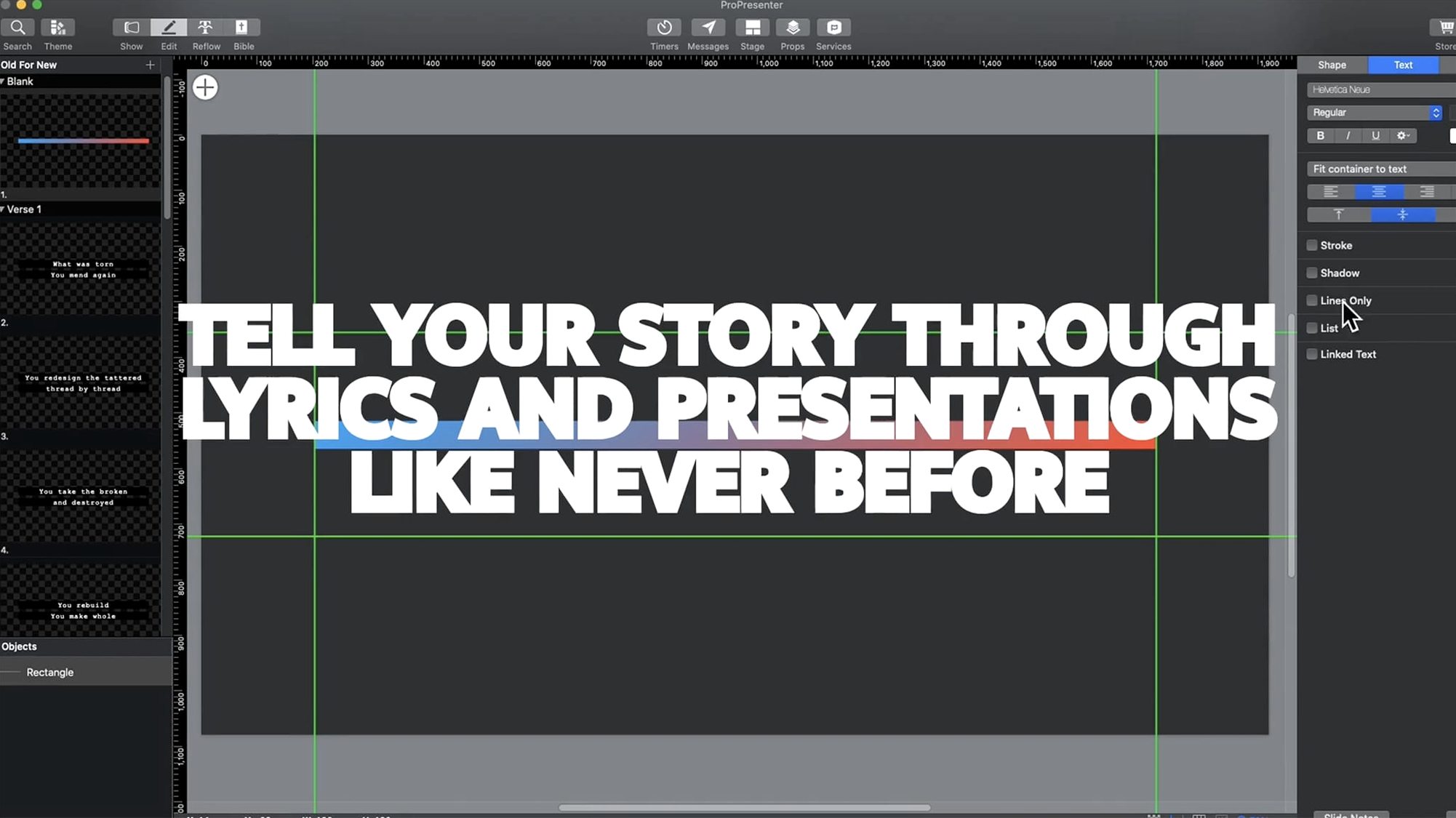
- Build the slide deck. The editor supports up to 8 layers of content per slide. Stack text, photos, live video feeds, and shapes without leaving the canvas.
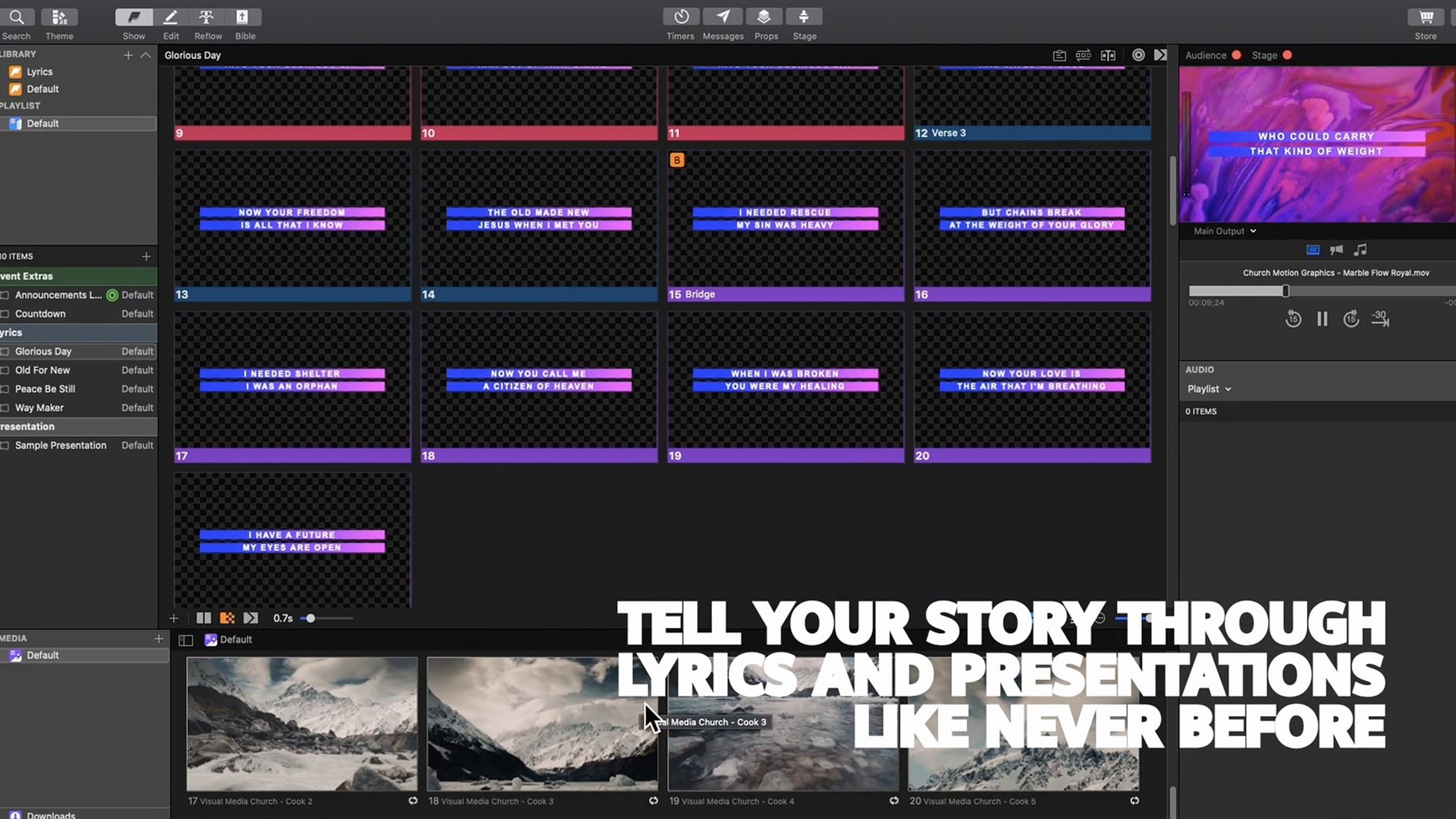
- Add media cues. Drop video and audio files directly into the playlist. Playback triggers on cue, with no visible player chrome—the audience sees only the output you send.
- Share the signal. On a Mac, ProPresenter can hand off its output to other compatible applications. Feed lyrics to a livestream encoder, or route lower-thirds to a broadcast switcher on the same machine.
- Control from anywhere. The ProPresenter Remote app lets a second operator advance slides, trigger videos, or adjust a quotation on screen while the main machine stays locked down at front-of-house.
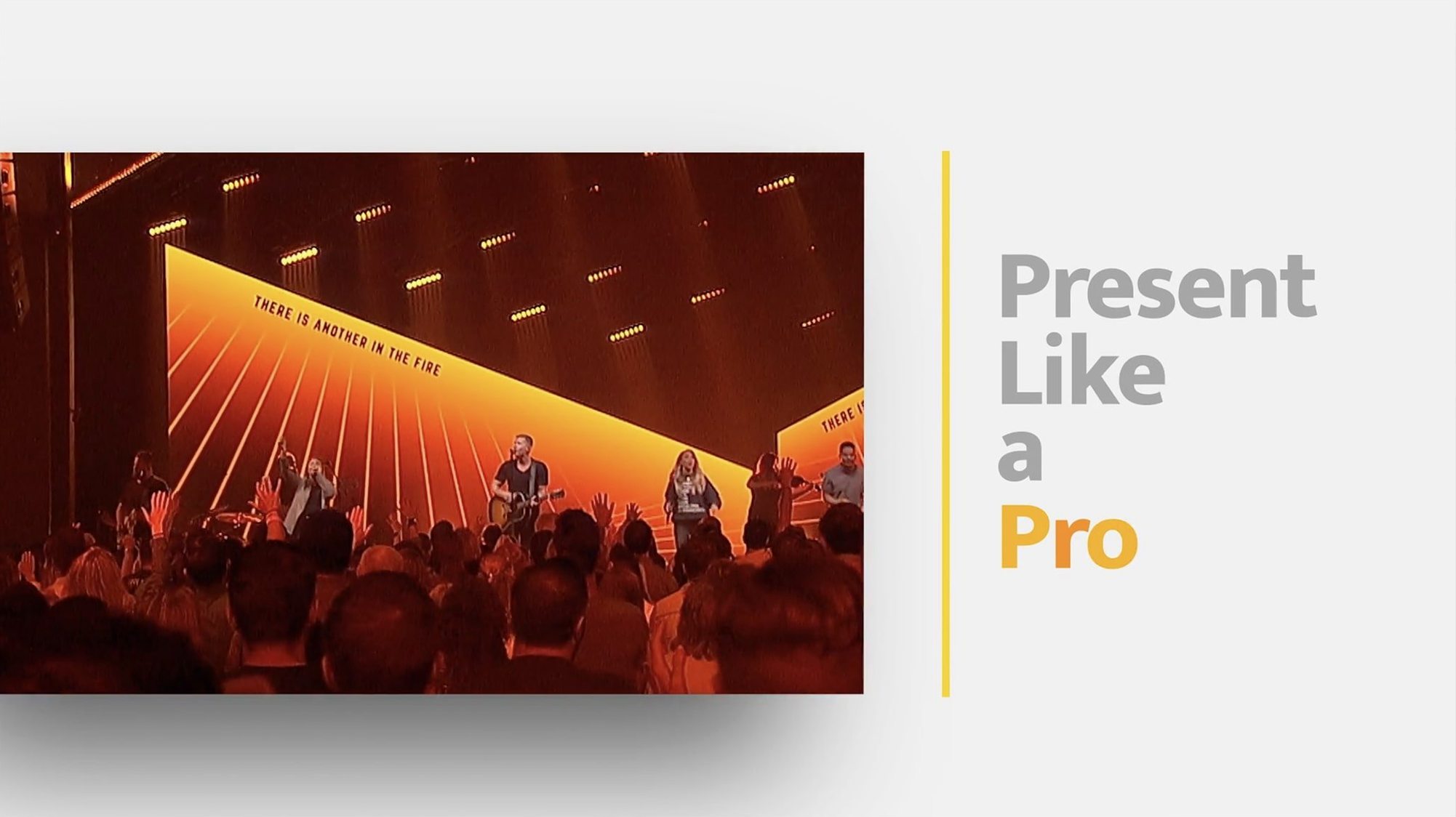
Originally built for houses of worship, the tool now runs in corporate ballrooms and broadcast control rooms. The thread that ties those settings together is the same: a show that moves fast, a volunteer or small crew running it, and no room for a slide to appear out of place.
Check your Mac’s macOS and chip compatibility
Most questions come down to two things: whether the Mac can handle it, and whether the operator can learn it fast enough. The first one is easy to answer. Version 7.16.3 runs on macOS 10.15 or later, on both Apple Silicon and Intel machines. A 2019 MacBook Pro will do fine for a single-screen setup. For multiple stage displays plus a livestream feed, plan for more RAM and a machine you can dedicate to the show—not one shared with email and browser tabs.
The second question matters more in practice. ProPresenter rewards an afternoon of setup. Build a few sample slides, wire up a test playlist, and rehearse a transition before Sunday morning or the event rehearsal. The interface is dense because the tool does a lot, but the core path—add a slide, click it, it appears on the output—does not hide behind menus. Volunteers with no video background usually run lyrics and sermon notes after one guided walkthrough.
People also ask about the Remote app. It connects over the local network and mirrors the essential controls: slide advance, media triggers, and text edits. No separate licence or extra setup beyond pairing the device with the main machine.
Common snags, sorted
A few issues repeat across venues. Most have simple fixes.
- Output shows the desktop instead of the presentation. On a Mac, check the display arrangement first. ProPresenter sends its output to the screen you designate, not always the one the OS treats as primary. Set the output destination once in preferences, then save the configuration.
- Video plays with a stutter or drops frames. This usually traces back to the file codec, not the app. Convert unusual formats to H.264 or ProRes before import. Keeping media on the internal drive rather than a slow USB stick also clears up most playback hiccups.
- A slide's text looks fine in the editor but wrong on stage. That is the confidence monitor picking up the wrong layer or a template override. Check which layers the stage display is set to show. Often the fix is unchecking one box, not rebuilding the slide.
- Gatekeeper blocks the first launch. Mount the disk image, run the Gatekeeper-friendly helper, and press Enter in the Terminal window when prompted. Then drag the app to Applications. If macOS still refuses, disable SIP as described in the source notes and try again.
- The Remote app cannot find the Mac. Both devices need to be on the same network segment. Guest Wi-Fi with client isolation will block the connection every time.
One operator, four screens
A mid-sized church runs three Sunday services with one person at the front-of-house desk. The main hall gets lyrics and sermon notes on a large LED wall. A confidence monitor faces the worship leader with the current slide plus a countdown timer. The lobby carries a separate feed with announcements and a muted live camera. A fourth output goes to the online congregation through a streaming encoder on the same Mac.
Before the first service, the operator queues the full order: countdown, welcome slide, three songs with pre-built lyric arrangements, a video announcement, and the sermon outline. Each item sits in a single playlist. During the service, one click advances the hall, lobby, and livestream in sync; the stage display follows its own timer rules. When the pastor quotes a Bible passage not in the notes, the operator types it into the slide editor and it appears on the hall screen before the sentence ends.
No second machine. No separate video mixer. One Mac, one operator, and a schedule that runs itself once it is loaded.
- macOS 10.15 or later
- Intel or Apple Silicon Mac
Questions I get before install
What kind of venues use ProPresenter?
Religious organizations, corporate event teams, and broadcast companies. It was first developed for houses of worship and later adopted by live production crews across industries.
Can I control ProPresenter from another device?
Yes, the ProPresenter Remote app lets you advance slides, trigger videos, and manage on-screen text from a separate device while the main Mac runs the output.
How many content layers can a single slide hold?
The slide editor supports up to 8 layers, so you can combine text, images, live video, and shapes on one slide.
Comments 0
Sign in to leave a comment.Sign inCreate an account
No comments yet. If a step is still there after you install it, say so.
More in Mac Apps
All in Mac Apps Prizmo Pro
Captures, cleans, and recognizes text in scans with curved-page correction.
17 steps saved
 Principle
Turns static Figma or Sketch mockups into clickable, scrollable prototypes.
23 steps saved
 PyCharm
Catches type errors and syntax problems before you run the script.
22 steps saved
 Updated
QLab
Puts every show cue under one roof so the operator sees a single timeline.
15 steps saved
 Updated
Presentify
Annotates and highlights anything on your screen, regardless of the app underneath.
19 steps saved
 Updated
PowerPhotos
Splits one massive Photos library into smaller, manageable ones.
16 steps saved
 QuarkXPress
Sets automatic layout rules that respond as you type.
18 steps saved
 Radio Silence
Cuts off internet access for the apps you select, then stays quiet.