
QuarkXPress 2026 v22.0.1 runs on macOS 26 Tahoe, 15 Sequoia, and 14 Sonoma, requiring macOS 12 or later on both Apple Silicon and Intel 64-bit Macs.
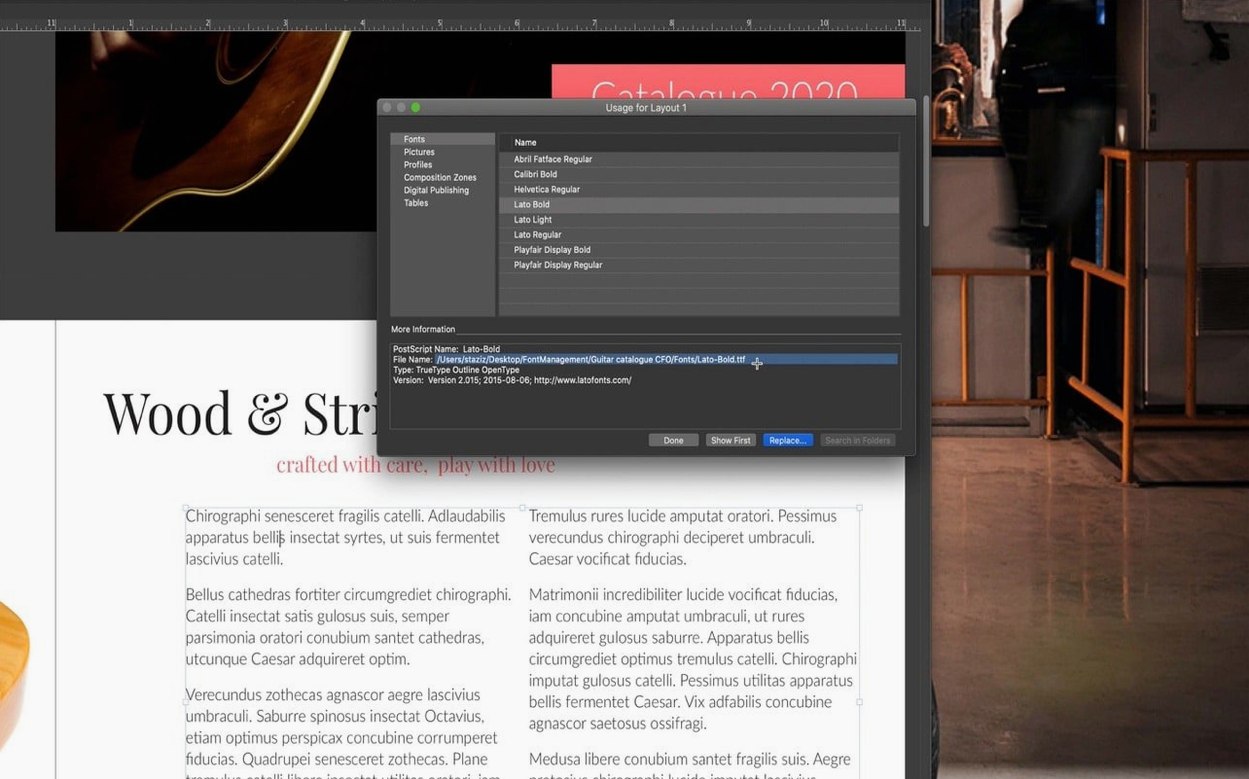
Unicode and OpenType support — handles typography across scripts with precision.
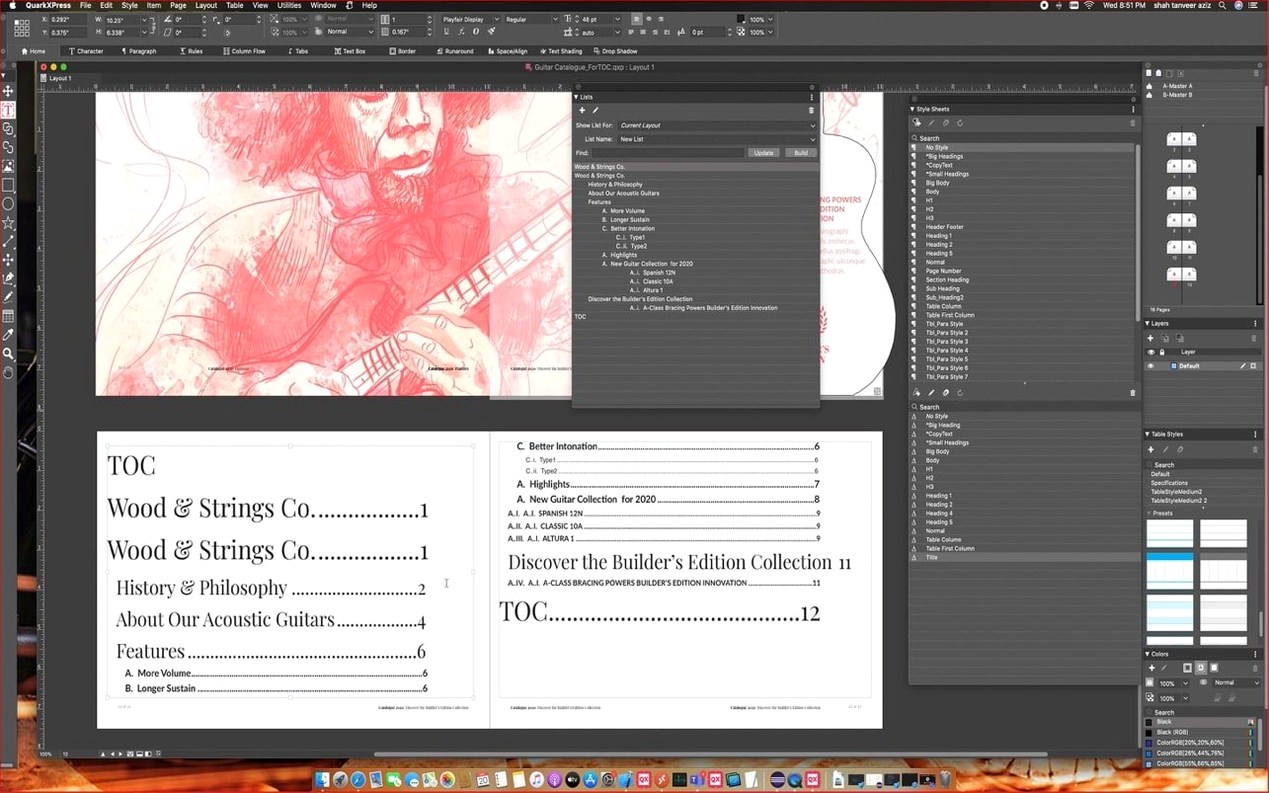
Conditional styles — automatic layout rules that respond as you type.
Callouts — frames and object groups that move with the text they’re anchored to.
List markers — new controls for bulleted and numbered sequences.
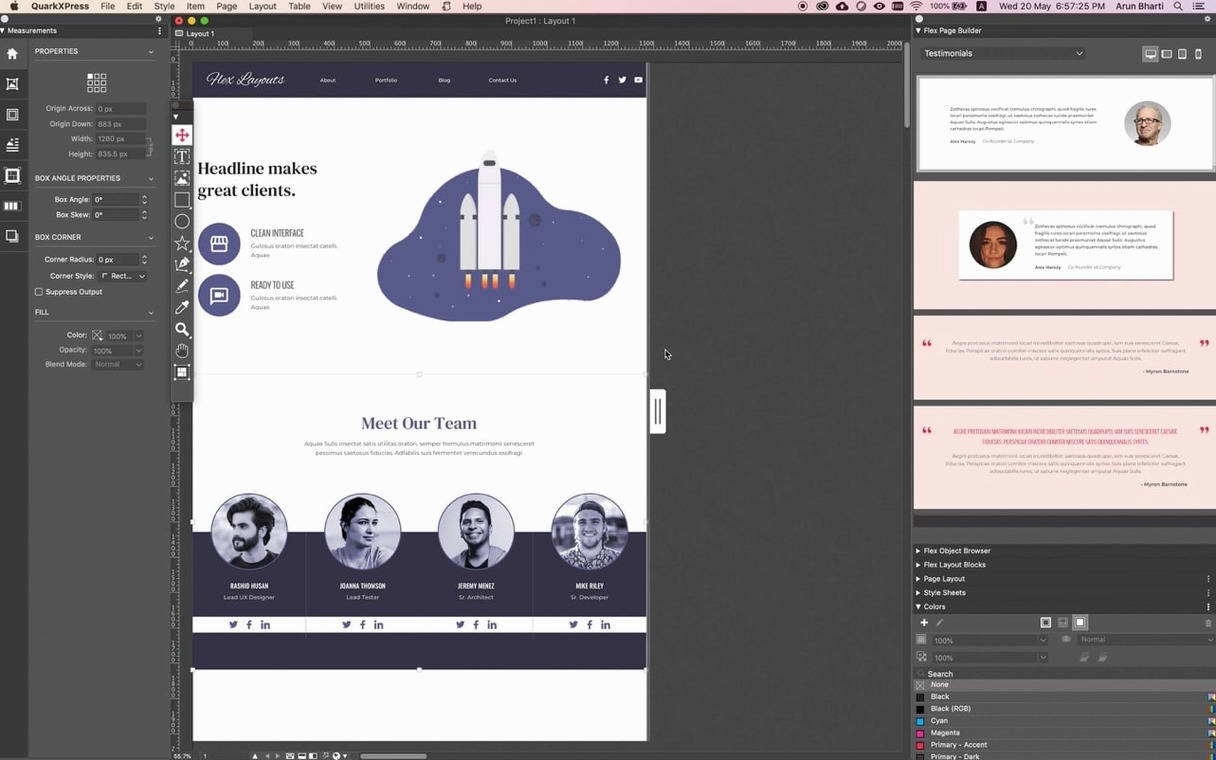
Reflow View — preserves the visual structure when content reflows on a different device.
Single file format — open and print projects created in any region without conversion.
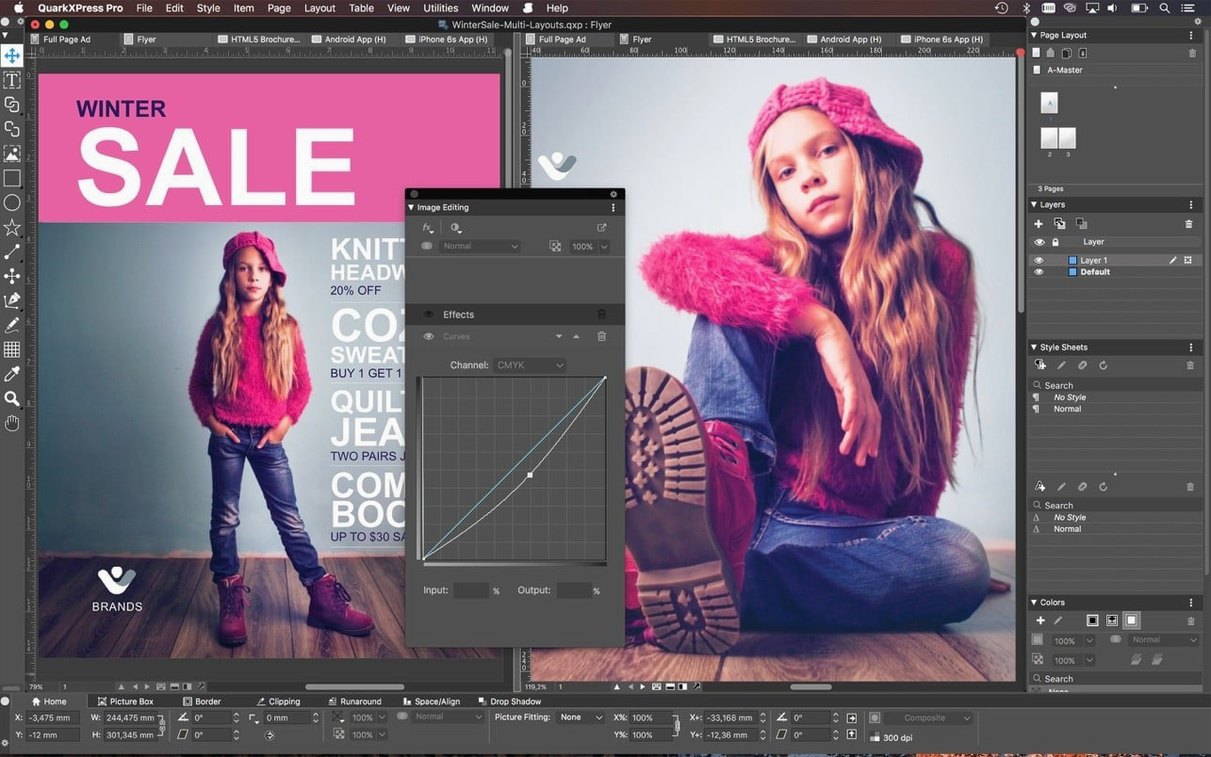
The toolset covers text handling, web page creation, graphic element management, and colour control. The redesigned welcome screen in v22.0.1 gets you into a project faster.
A Single File That Moves Without Conversion
QuarkXPress fits into a working setup rather than demanding one be built around it. The single file format means projects move between machines, regions, and colleagues without export or conversion steps. A layout started on an Intel Mac opens unchanged on Apple Silicon, which matters in mixed offices.
Import paths cover the main design formats:
- Illustrator and Photoshop files — place native artwork without flattening or pre-exporting.
- Unicode and OpenType — typography carries across scripts, from Cyrillic to CJK, with hyphenation dictionaries for over 30 languages.
- ePub export utility — output ebooks for iBooks, Kindle, Nook, and the Blio eReader from the same source file.
macOS features such as drag-and-drop from Finder and system font management behave as expected. Colour handling stays inside QuarkXPress, so no switching to a separate utility for spot colours or trapping. For teams that keep assets in shared folders or cloud storage, the project format travels cleanly — no linked-resource breakage beyond what any layout app would show when files move.
Daily Performance and Stability
QuarkXPress 2026 v22.0.1 is a native build for both Apple Silicon and Intel 64-bit. That shows in launch time and in how quickly complex layouts redraw. Documents with long threaded text chains, placed Illustrator art, and dozens of master pages remain responsive on ordinary hardware.
Memory use is moderate for a page layout application. Idle projects sit quietly; heavy documents with large image sets climb predictably. No unusual background processes or helper services appear after quitting. The app respects macOS energy settings on laptops, which keeps fan noise down during long editing sessions.
Stability holds up well in production. The Story Editor — a full text editing window for article copy — reduces the need to zoom and pan around pages, which in turn means fewer accidental frame moves and fewer redraws. Callouts and conditional styles behave consistently, even when text reflows across hundreds of pages.
The ImageGrid improvements in this release keep master page elements consistent when auto-generating pages. That removes a common source of layout drift in catalog and directory work.
List Markers and Conditional Styles for High-Volume Publishing
Publishers and prepress teams benefit first. The single file format, list markers, and conditional styles shorten production cycles for books, journals, and manuals. The Blio and Kindle export paths cover electronic distribution without a separate conversion step.
Designers who work across print and digital get a practical edge. Reflow View shows how a layout survives reformatting on a different device, so one source file serves both a printed page and a tablet screen. The iPad app creation tools extend that reach further.
Marketing teams with recurring multi-page documents — price lists, product sheets, event programmes — profit from cloning, ImageGrid, and the redesigned welcome screen with project size presets. Setup time drops; consistency improves.
Technical writers and documentation groups gain from Linkster, Story Editor, and the new native equation support introduced in version 22.0. Long structured documents stay manageable without switching to a second tool for text editing.
- New — Native support for mathematical equations.
- Improved — ImageGrid now keeps master page elements consistent across auto-generated pages.
- Improved — Redesigned welcome screen for faster project starts.
- macOS 12 or later
- Apple Silicon or Intel 64-bit processor
Questions I get before install
Which macOS versions does QuarkXPress 2026 support?
Version 22.0.1 requires macOS 12 or later and is compatible with macOS 14 Sonoma, macOS 15 Sequoia, and macOS 26 Tahoe.
Does QuarkXPress run on Apple Silicon Macs?
Yes, version 22.0.1 offers native support for both Apple Silicon and Intel 64-bit Macs.
Comments 0
Sign in to leave a comment.Sign inCreate an account
No comments yet. If a step is still there after you install it, say so.
More in Mac Apps
All in Mac Apps Updated
QLab
Puts every show cue under one roof so the operator sees a single timeline.
18 steps saved
 Radio Silence
Cuts off internet access for the apps you select, then stays quiet.
23 steps saved
 PyCharm
Catches type errors and syntax problems before you run the script.
6 steps saved
 RapidWeaver 9
Builds websites visually with themes and add-ons, no coding required.
10 steps saved
 RAR Extractor
Unpacks multiple password-protected archives into the folders you choose.
22 steps saved
 ProPresenter
Runs multi-layer slides, video, and audio for venues where the show cannot stop.
13 steps saved
 Prizmo Pro
Captures, cleans, and recognizes text in scans with curved-page correction.
11 steps saved
 Raycast Pro
Launches apps, runs commands and searches everything from one keyboard bar.