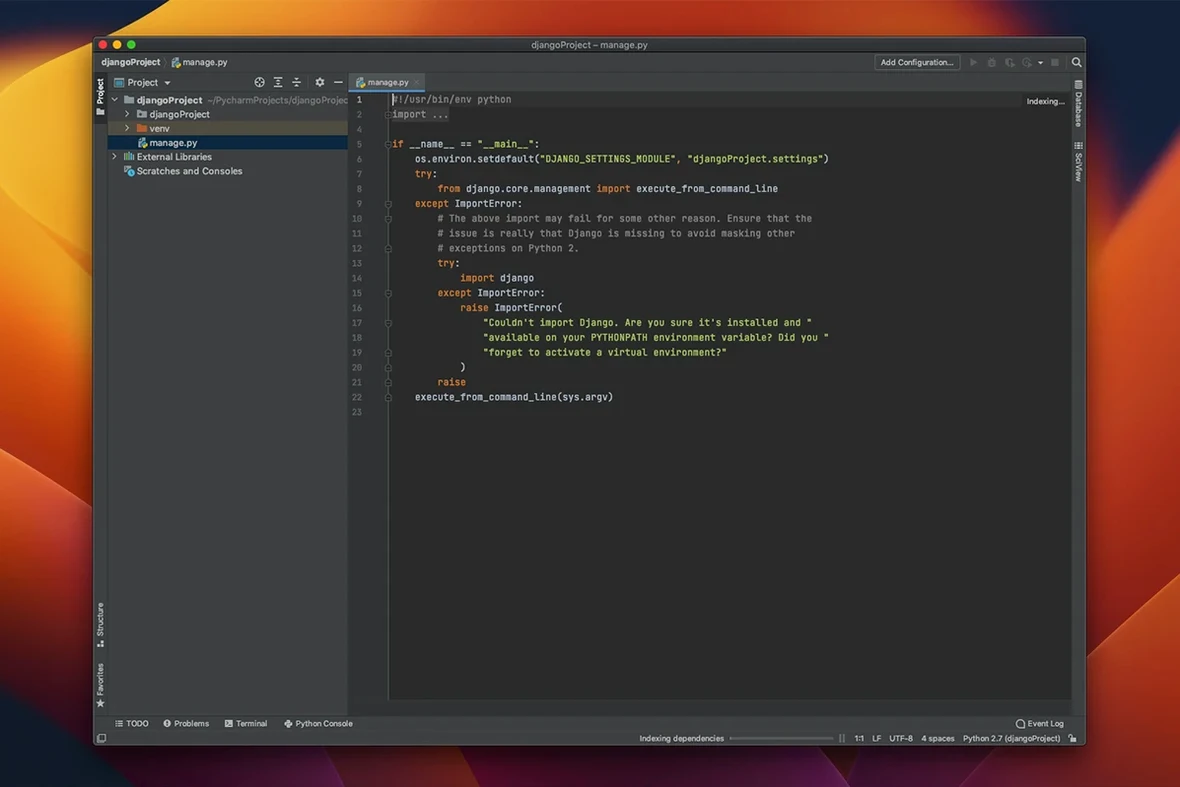
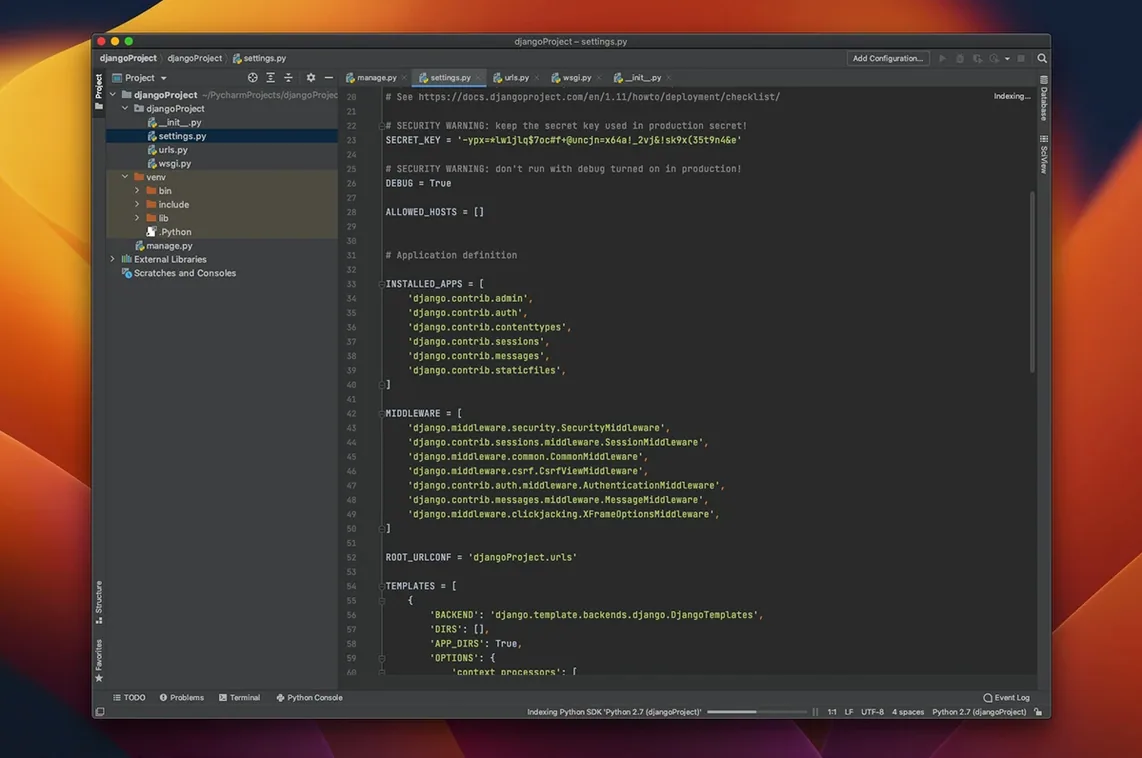
Code completion that understands your project, not just the standard library.
Remote debugging — run, test, and deploy on a remote host or virtual machine directly from the editor.
Error detection — catches type mismatches and syntax problems as you type, before you run the script.
PEP 8 checks — built-in code quality inspections flag style violations without a separate linter.
Jupyter integration — work with notebooks and interactive Python consoles in the core product, no plugin needed.
Web languages — handles JavaScript, TypeScript, HTML/CSS, and SQL inside the same project window.
Double-Shift Search and Local History Snapshots
A few shortcuts in PyCharm save more time than the headline features. Most users discover them months in.
- Double-press Shift opens Search Everywhere. Type a class, a file, a setting, or a Git branch.
- Local History keeps snapshots of every file edit, even without a VCS commit. Right-click a file and choose Local History → Show History to recover a deleted block or an earlier version of a function.
- Structural selection (
Alt+Up/Alt+Downon Mac) expands the selection from a variable to an expression to a full statement. Handy before an extract-method refactor. - Run configurations remember interpreter, environment variables, and working directory per script. Duplicate one with a single click to test a different Python environment.
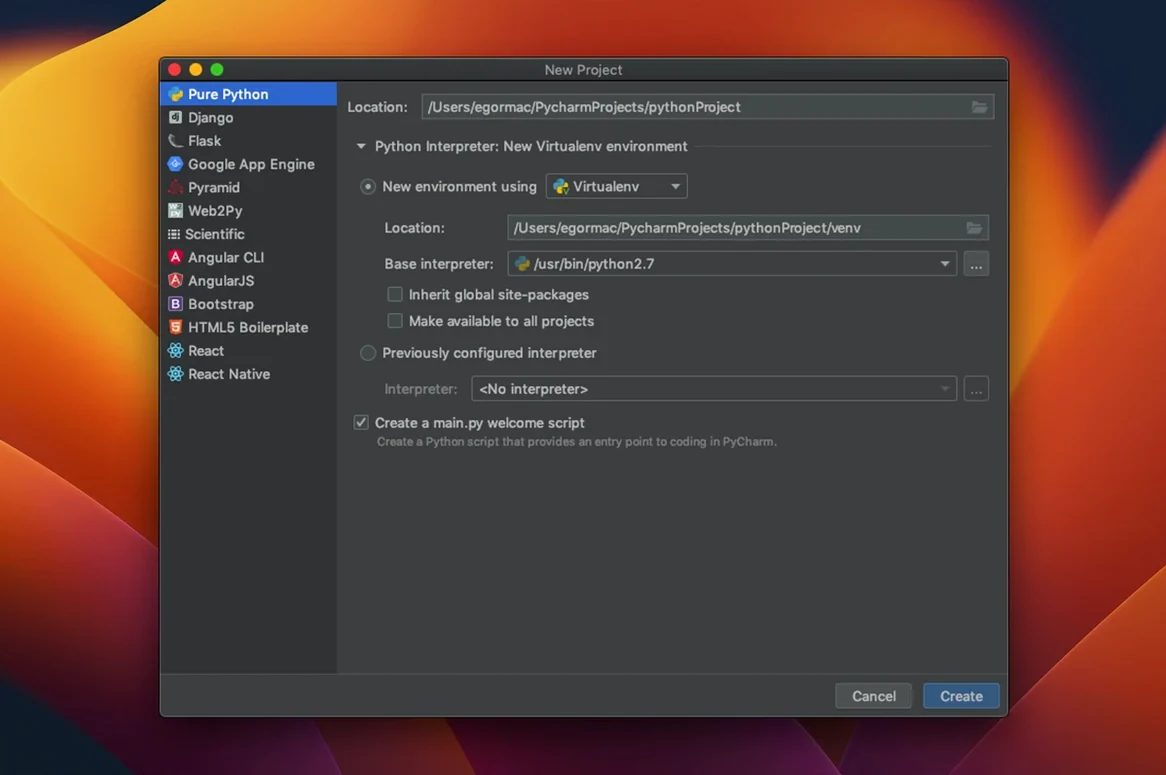
- The integrated terminal starts inside the project's virtual environment automatically when one is configured.
Typing # TODO or # FIXME creates a marker visible in the TODO tool window. The same window groups markers from the whole project, sorted by file.
Cross-Codebase Refactoring vs. Assembled Extensions
VS Code with the Python extension covers many of the same basics: completion, debugging, linting. But PyCharm bundles those pieces into one product with deeper project awareness. Refactorings like Change Signature or Move Class work across an entire codebase, not just the open file. No extension marketplace to assemble first.
Spyder targets scientific Python with a variable explorer and IPython console. PyCharm's scientific mode offers a similar workflow — Matplotlib, NumPy, Jupyter — but adds full web development support and version control integration in the same window.
Sublime Text with plugins stays lighter on resources, but navigation, testing, and database tools require separate packages that don't always agree with each other. If you decide to download PyCharm for Mac, you get one coherent setup instead of a plugin stack to maintain.
- New Type inference from Numpy-style docstrings.
- Improved Type-checking precision for several false-positive cases.
- Fixed Issues in Ruff, Jupyter, Databricks, and interpreter setup.
- macOS 11 or later
- Apple Silicon or Intel processor
Questions I get before install
Does PyCharm support scientific libraries?
Yes, Matplotlib and NumPy are supported, and Jupyter notebook integration is part of the core functionality.
Comments 0
Sign in to leave a comment.Sign inCreate an account
No comments yet. If a step is still there after you install it, say so.
More in Mac Apps
All in Mac Apps Updated
QLab
Puts every show cue under one roof so the operator sees a single timeline.
22 steps saved
 ProPresenter
Runs multi-layer slides, video, and audio for venues where the show cannot stop.
16 steps saved
 QuarkXPress
Sets automatic layout rules that respond as you type.
13 steps saved
 Prizmo Pro
Captures, cleans, and recognizes text in scans with curved-page correction.
17 steps saved
 Principle
Turns static Figma or Sketch mockups into clickable, scrollable prototypes.
18 steps saved
 Radio Silence
Cuts off internet access for the apps you select, then stays quiet.
6 steps saved
 RapidWeaver 9
Builds websites visually with themes and add-ons, no coding required.
15 steps saved
 Updated
Presentify
Annotates and highlights anything on your screen, regardless of the app underneath.