
A colleague sends over a folder of event photos and asks for a quick collage, a few red-eye fixes, and an animated GIF from the burst set. You open one app instead of three, skim the filmstrip, flag the keepers, and send the results back in under ten minutes. That is the lane PhotoScape X Pro occupies — broad enough to skip the app-hopping, focused enough to stay out of your way.
| Detail | Note |
|---|---|
| Who it's for | People who want editing, browsing, batch, collage, and GIF tools in a single download |
| What it replaces | A separate RAW browser, basic editor, collage maker, and GIF utility |
| macOS | Ventura 13 or later |
| Languages | 12, including English, German, French, Japanese, and Korean |
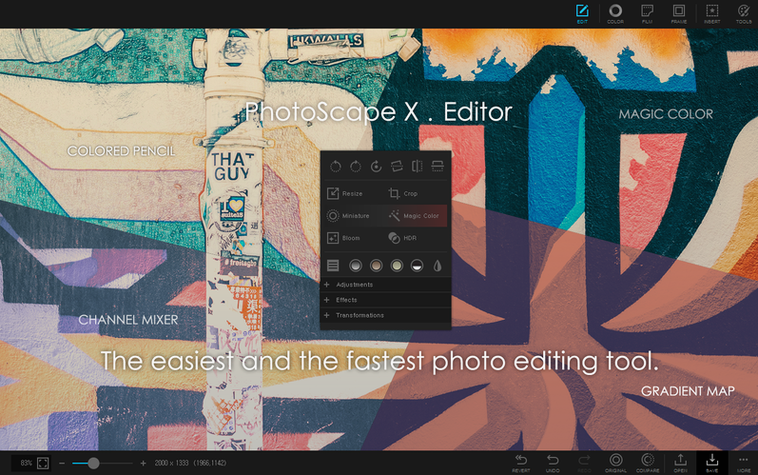
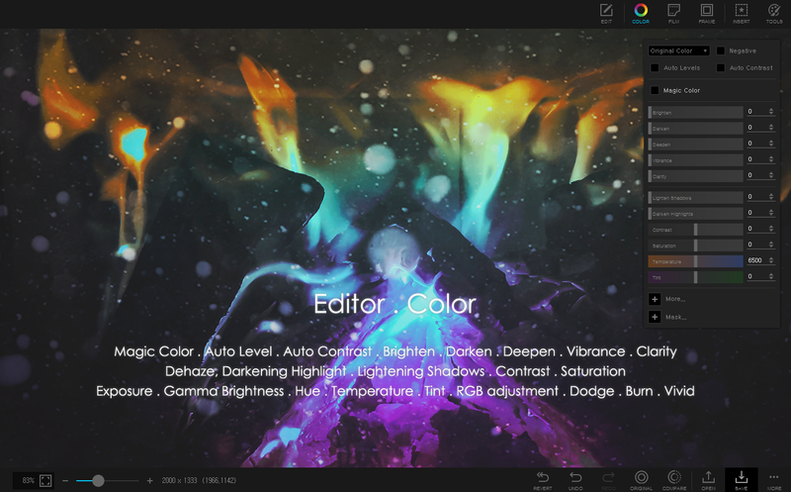
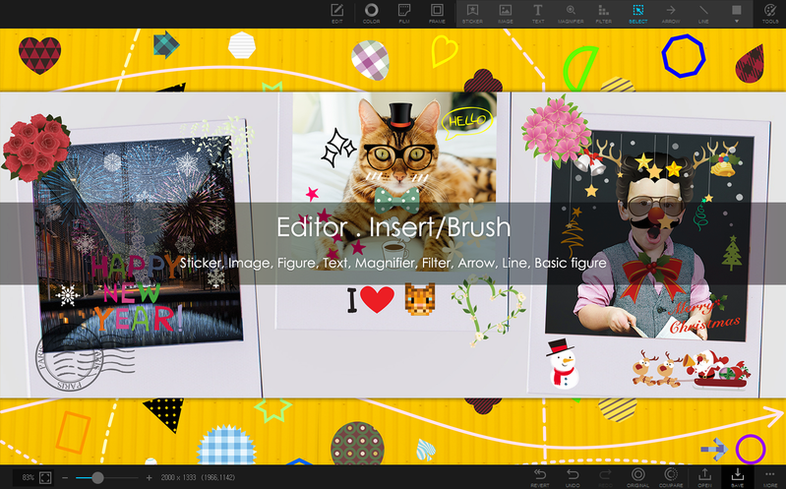
The toolset covers the practical ground most people actually need. Browse photos with star ratings and fullscreen mode, then jump into fixes like clone stamp, healing brush, or the liquify tool. Remove a background with the magic eraser, lasso, or brush. When one image is not enough, the collage maker and the split-photo tool turn a handful of shots into a layout. The GIF creator handles short animations, and the batch module applies the same edit across dozens of files without repeating the work. A library of 290-plus frames and 240-plus shapes keeps the decoration side quick. It runs on Apple Silicon Macs.
A real workflow — event selects to client handoff
Start inside the browser. Open the folder of raw shots and set the view to loupe mode. Flag everything worth keeping, then filter by pick status so the discards stay hidden. Rotate any verticals with the lossless controls — orientation data stays clean.
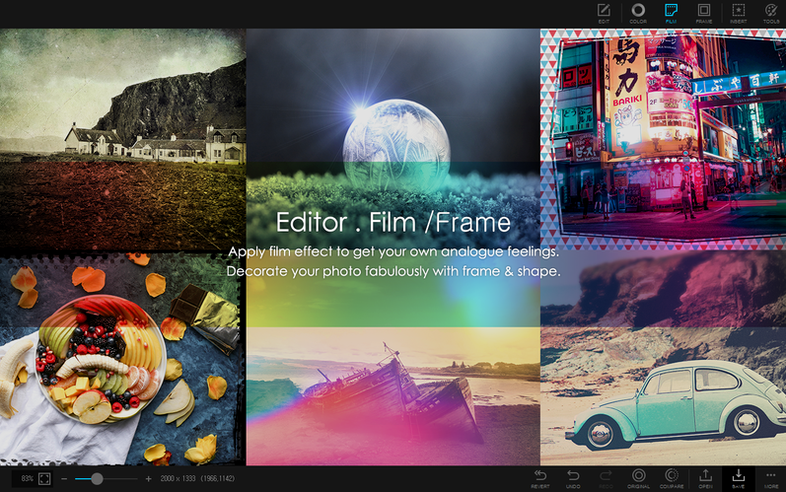
Switch to the editor with one flagged portrait. Correct the red-eye, apply a light skin smoothing pass with the healing brush, and pull the background out with the magic eraser. Drop a coloured frame from the 290-plus collection, then save as a PNG. The transparent background survives for whatever layout the client dreams up next.
Select six flagged candids and open the collage tool. Pick a grid template, adjust the spacing to 4 px, and round the corners. Export at the original resolution. Head to the GIF module with three burst shots, set a 0.3-second delay, and export the loop. The whole job — triage, edit, collage, animation — stays inside one window, with no intermediate exports to clutter the desktop.
Lacks a Flagging Browser and GIF Builder
PhotoScape X Pro sits between single-purpose utilities and full-blown layer editors. Knowing the neighbours helps place it.
- Pixelmator Pro — Deeper compositing and layer-based editing, but no integrated browser with flagging, no batch renaming, and no built-in GIF animation. Pixelmator Pro suits single-image polish; PhotoScape X Pro covers the whole chain from culling to output.
- XnView MP — A strong browser and batch converter, yet it lacks an editor with clone stamp, healing brush, or background removal tools. XnView MP handles the catalogue side well, but you still need a second app for retouching.
- Fotor — Similar collage and one-click enhancement territory, but Fotor leans on cloud processing and keeps fewer pro-oriented retouching tools such as liquify or focus stacking offline. PhotoScape X Pro gives you those locally, on Apple Silicon, without an internet round trip.
If you often reach for a photoscape x pro mac download because three separate tools feel like overkill, the comparison bears that out — it fills the gap few other Mac editors aim for.
Batch Converts 150 RAW Files Without a Spinner
On an M2 MacBook Air with 16 GB of memory, the app launches cold in under four seconds. Switching between modules — browser, editor, collage — feels immediate, with no spinner delays. Batch converting 150 RAW files to JPEG at high quality completes in roughly ninety seconds while memory pressure stays in the green zone. The fanless Air stays silent and cool throughout.
Stability is consistent through a workday. No crashes during HDR merges of five-exposure sets, and the undo stack holds depth beyond 30 steps without stutter. Background removal with the magic eraser on a 24-megapixel image takes about two seconds. App memory usage hovers around 600 MB during editing and does not creep upward after repeated collage exports. If you have tried a PhotoScape torrent or searched for a PhotoScape X Pro torrent hoping for a stable build on Apple Silicon, the current 4.3 fix release runs as a well-behaved native ARM binary with no Rosetta overhead.
- Fixed — Stability improvements for the current build.
- macOS 13 Ventura or later
- Apple Silicon Mac
Questions I get before install
Does PhotoScape X Pro handle background removal on a Mac?
Yes. It offers a magic eraser, a lasso tool, and a brush tool for cutting out image backgrounds.
Can I browse and rate photos inside the app?
Absolutely. The built-in browser supports flagging, star ratings, fullscreen mode, and lossless rotation.
Is this a one-time purchase or a subscription?
The core editing, browsing, and batch tools are available after a standard install.
Comments 0
Sign in to leave a comment.Sign inCreate an account
No comments yet. If a step is still there after you install it, say so.
More in Mac Apps
All in Mac Apps PhotoSweeper
Finds and removes duplicate and near-identical images across drives.
23 steps saved
 Photomator
Edits photos with AI-powered adjustments and batch tools built for the Mac.
7 steps saved
 Photo Mechanic
Culls and tags photos straight from the memory card before import.
14 steps saved
 Updated
Pixea Plus
Views and edits images with masks, layers, and a full undo stack.
21 steps saved
 Pixelmator Pro
Handles photo editing, compositing, and vector work in one Mac-native app.
20 steps saved
 PlistEdit Pro
Edits property lists and JSON in a structured, searchable editor.
13 steps saved
 Updated
Path Finder
Holds scattered files in a temporary stack so you can move them all to one destination at once.
15 steps saved
 Updated
PasteNow
Stores every clipboard entry so you can recall a stat, paragraph, or screenshot in one click.