
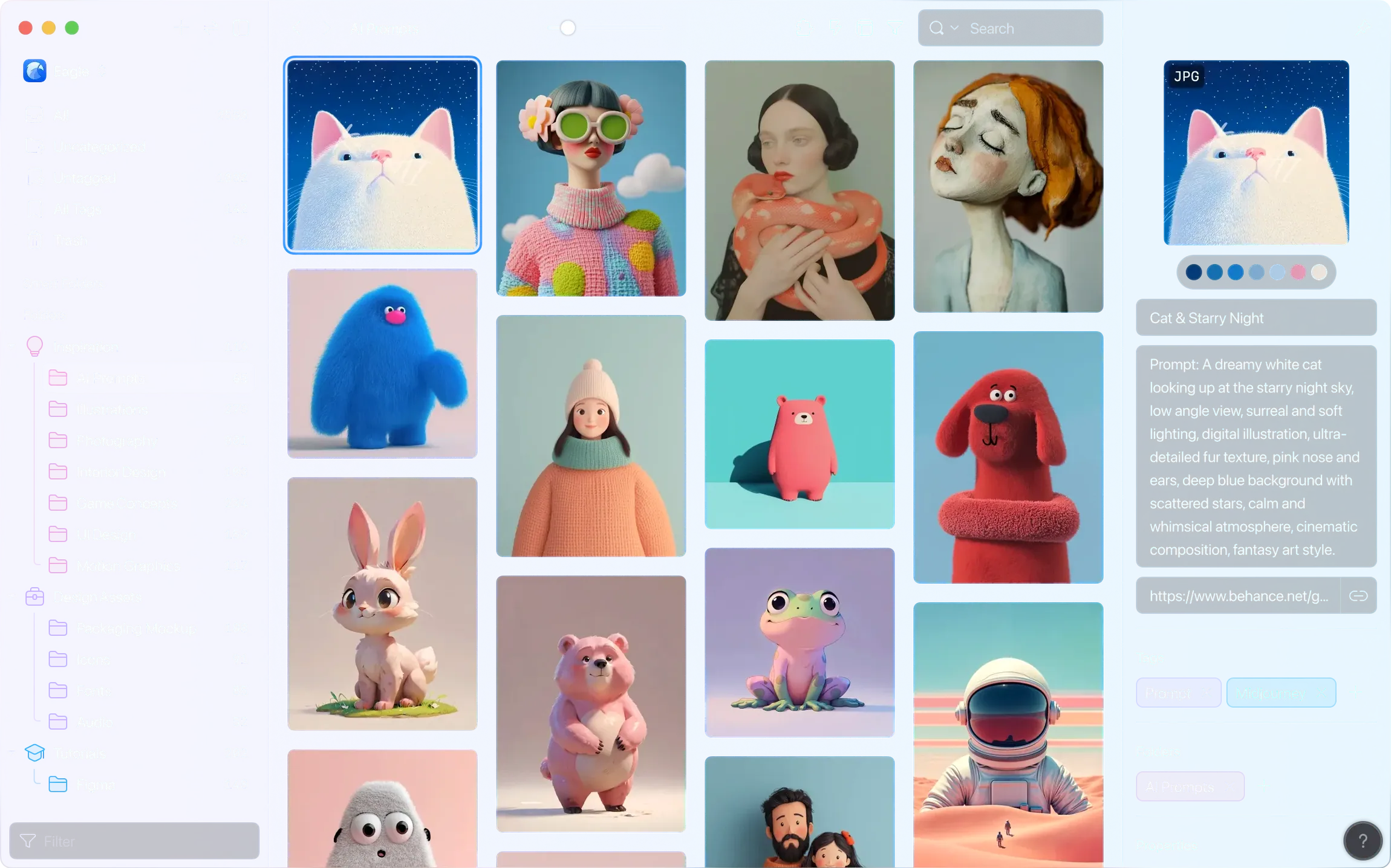

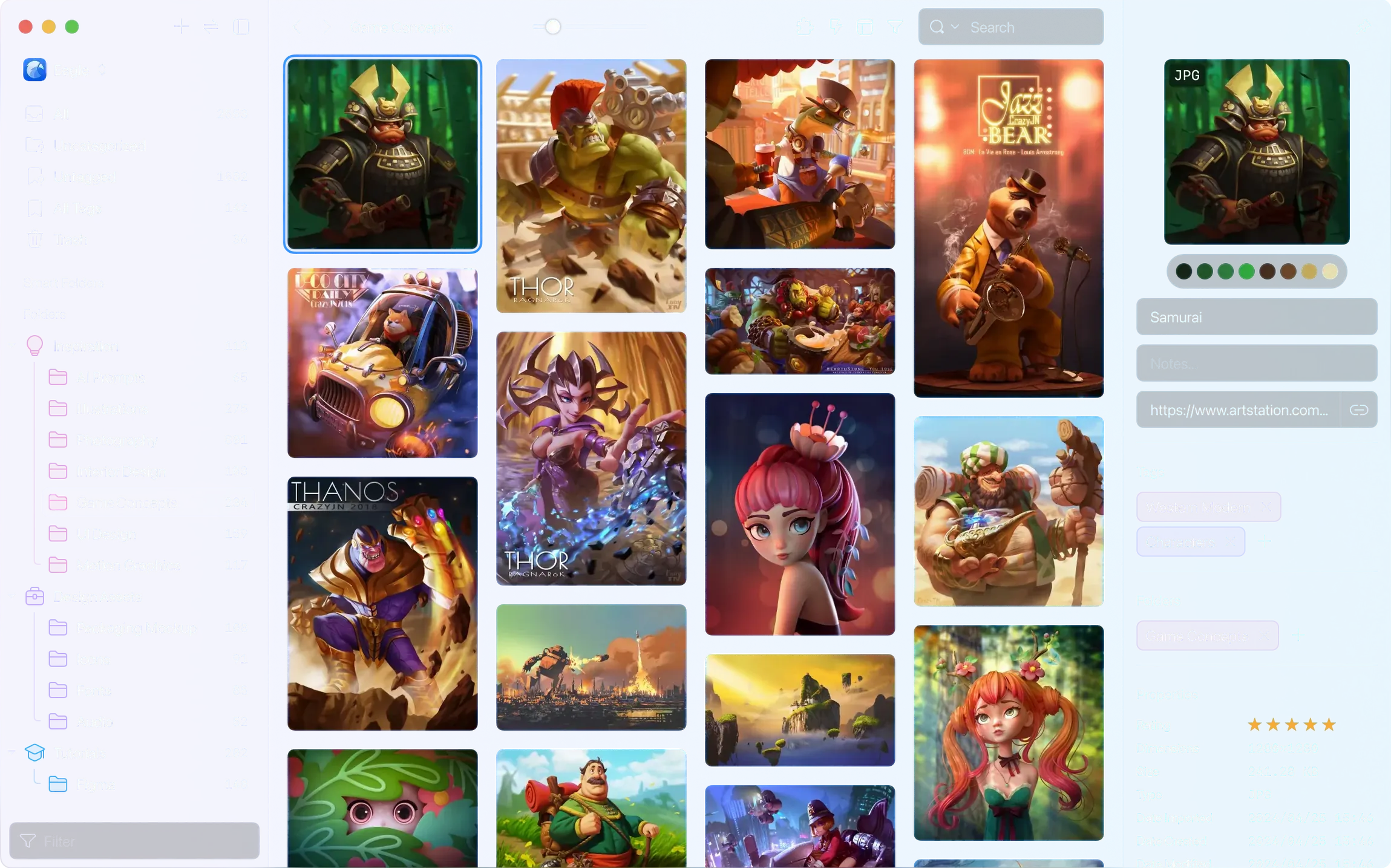
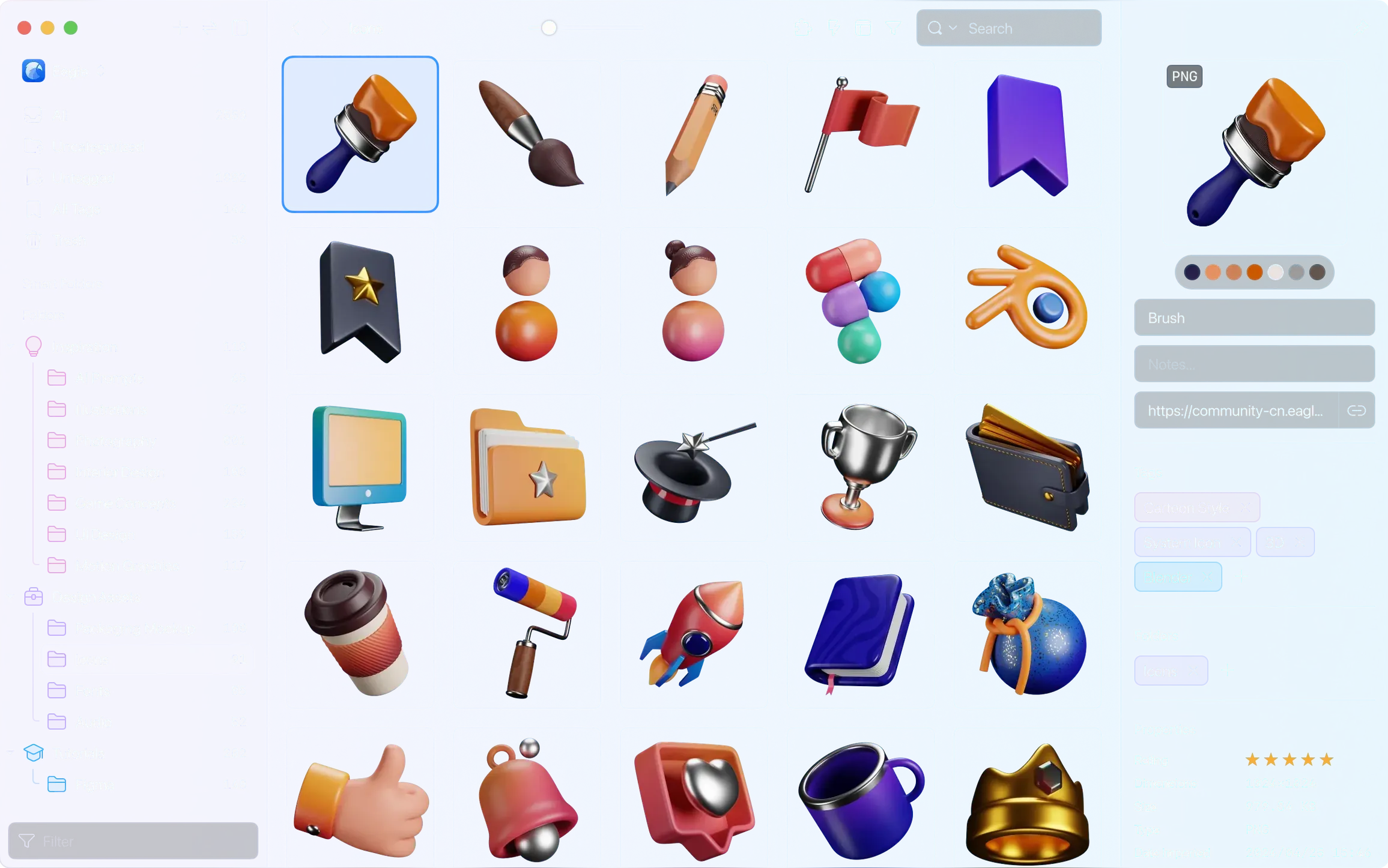
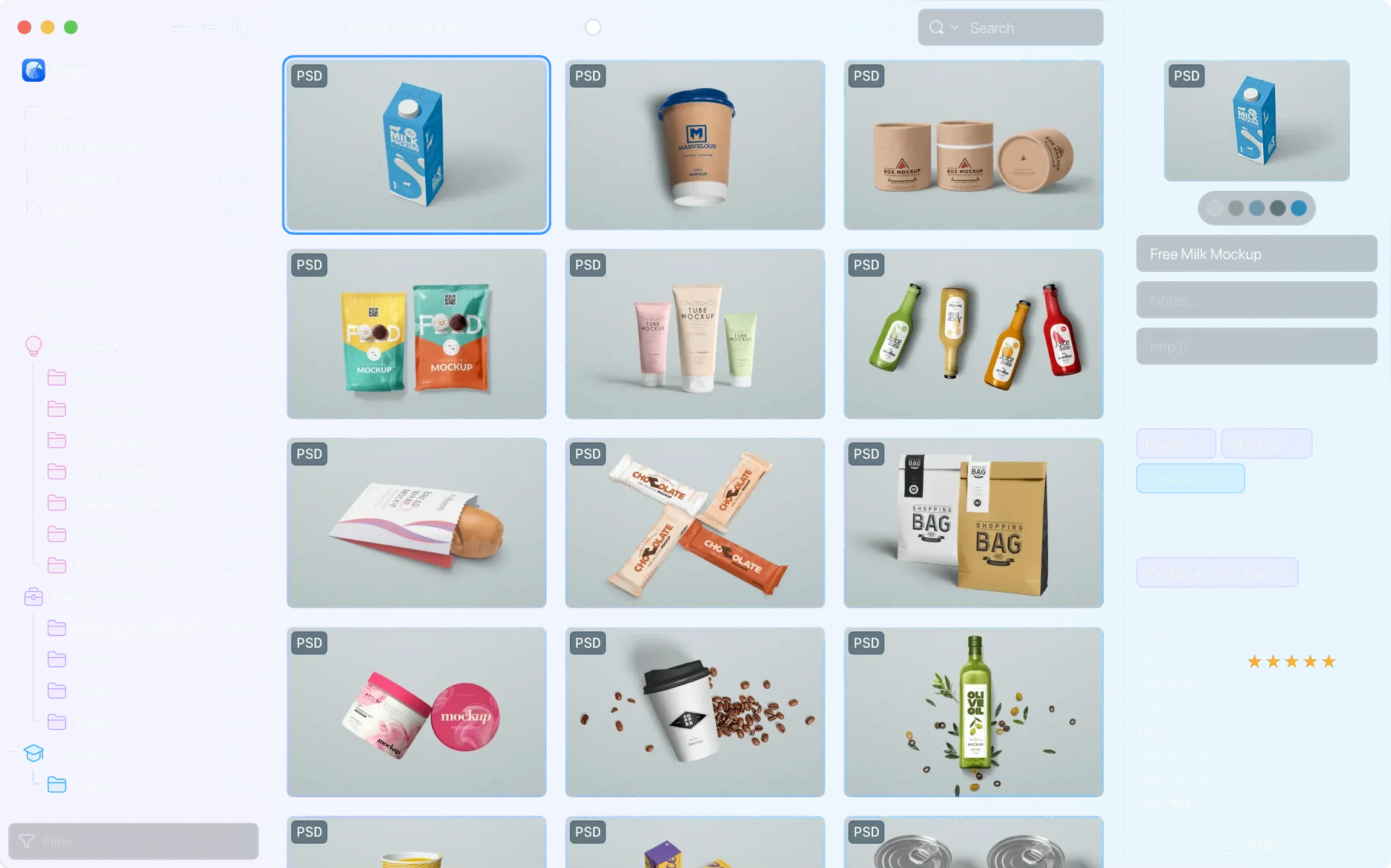
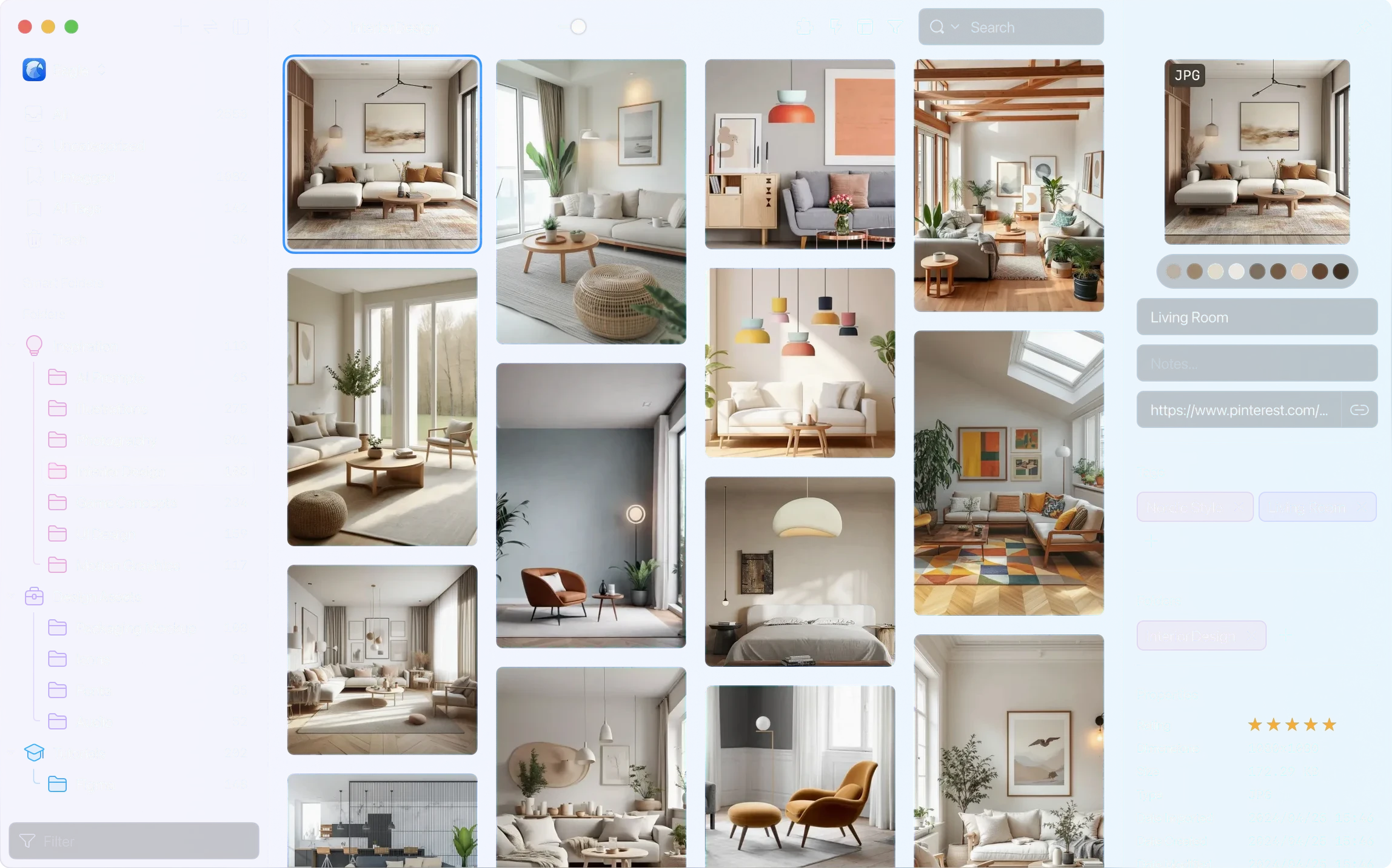
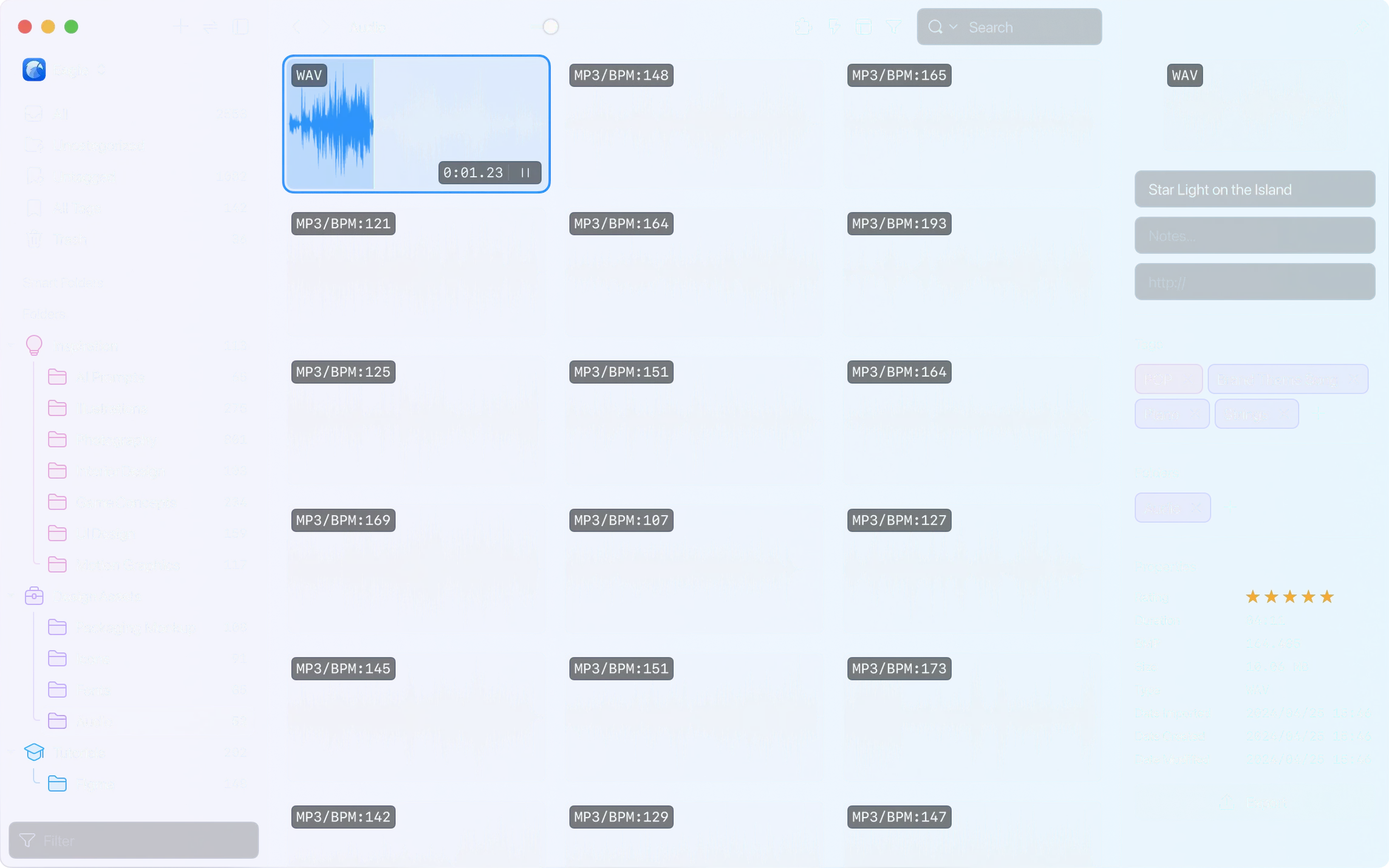
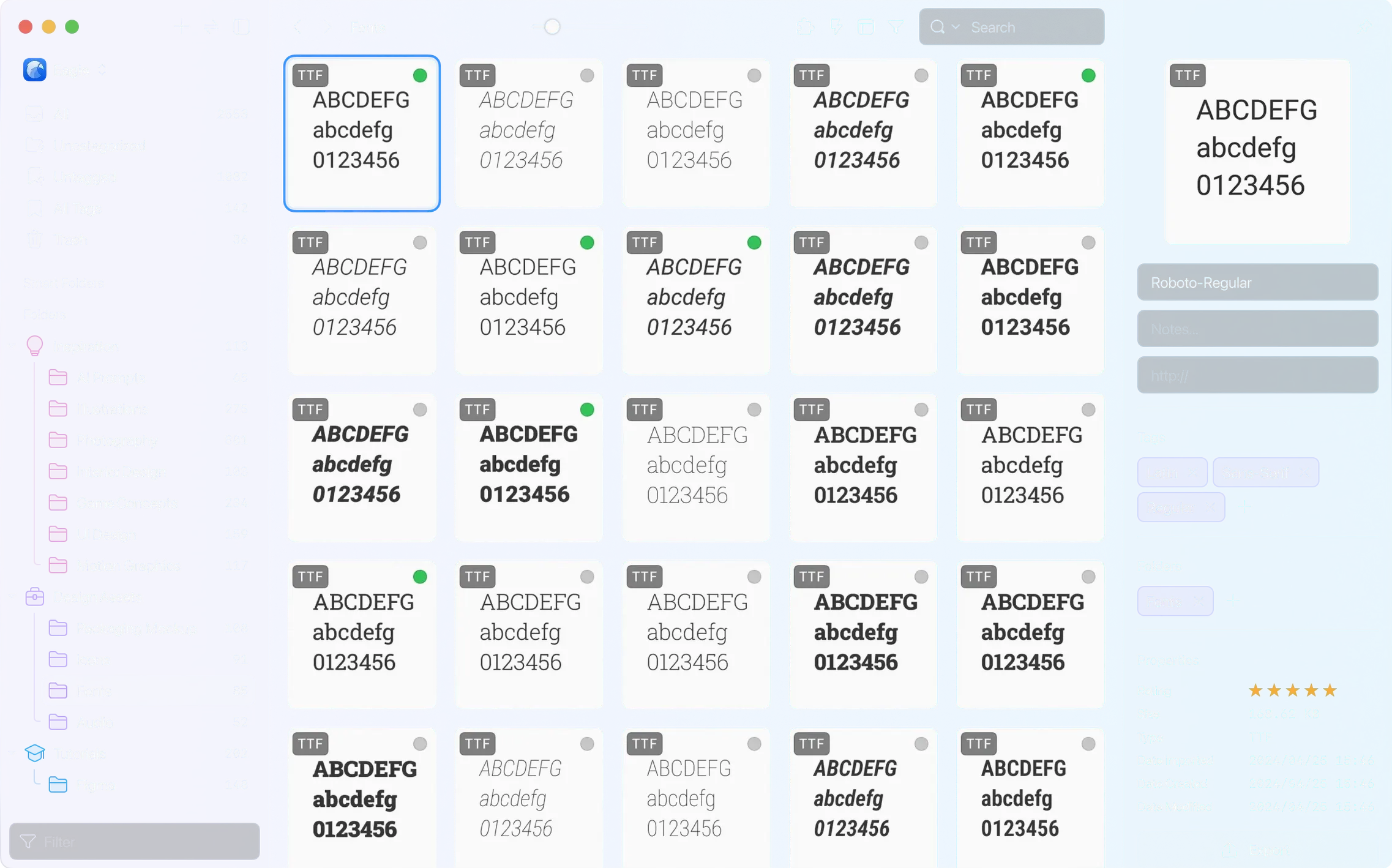
Version 4.0.0 build 11 20250627 quietly pushes Eagle deeper into the workflows of designers who live inside their reference libraries. The similar-image detection engine now accepts files up to 128 MB, and a macOS screenshot bug that yanked the main window forward has been put to rest. The layout panel also gains a thumbnail display control, giving you finer command over grid density without switching contexts.
Tag, View, and Annotate PSDs, PDFs, and Videos Side by Side
- Batch-tagging PSD, AI, Figma, and PDF files and browsing them in the built-in viewer alongside GIFs, videos, and fonts
- Building a searchable, colour-sorted asset bank with ratings, notes, and annotations drawn directly on the canvas
- Clipping full-page screenshots, videos, and images from Safari, Chrome, Edge, or Firefox without leaving the browser
- Exporting curated sets into new folder structures while preserving custom metadata across formats
Library File Size Bloat from Layered Assets and 3D Models
- An unlimited folder tree rewards discipline—without a naming and tag schema, discovery slows down
- Clipboard capture and drag-and-drop are fast, but the library file itself grows quickly when storing layered PSDs and 3D models
Hover Any Thumbnail to Peek AVIF Without Opening the Viewer
- Hover preview for AVIF — a quick pass over a thumbnail shows the image without opening the viewer. Useful when scanning large screenshot batches.
- Clipboard capture — copy an image in any app, then paste straight into a folder. No save-as detour.
- Smart folders with parentheses — combine rules like
(colour:red OR tag:moodboard) AND type:videoto build narrow sets that update on their own. - Thumbnail density control — the layout panel now lets you tighten or loosen the grid without opening preferences.
Clipping Competitor Onboarding Flows Straight from Safari
A UI designer starts Monday by clipping three competitor onboarding flows from Safari. The browser extension saves each full page into a shared library folder called Competitive audit. During review, she tags two flows with a red “drop” label and one with green “reuse.”
She drags a PSD mockup from Finder into the same library, then opens it in the built-in viewer to check layer names. Two screenshots from her phone land in the auto-import folder and appear moments later. Before the client call, she runs a search for tag:green AND type:image, adds notes on two frames, and exports the set as a clean folder for the presentation. Everything stays in one place, colour-coded and queryable.
- New — Support for audio files longer than one hour; thumbnail display control in the layout panel; hover preview for AVIF images; actions to remove a specified folder or tag.
- Fixed — A macOS issue where the main window could open unexpectedly after capturing a screenshot.
- macOS 10.15 or later
- Apple Silicon and Intel Macs
Questions I get before install
Can Eagle handle long video or audio files?
Yes, the current build supports audio files longer than one hour, alongside GIF, video, and layered PSD previews.
How does Eagle collect assets from the web?
Extensions for Safari, Chrome, Edge, and Firefox let you save images, full pages, and videos directly into your library.
What happens when I drag a file from another app?
Dragged items are ingested immediately and can be tagged, rated, and annotated without leaving Eagle’s viewer.
Comments 0
Sign in to leave a comment.Sign inCreate an account
No comments yet. If a step is still there after you install it, say so.
More in Mac Apps
All in Mac Apps DynamicLake Pro
Surfaces your next meeting and local weather in a glanceable menu-bar strip.
21 steps saved
 Easy New File
Creates new files from templates right inside Finder, skipping the round trip to an app.
4 steps saved
 Dynamic Wallpaper Engine
Replaces a static desktop with live wallpapers you switch via hotkey.
6 steps saved
 DxO PhotoLab
Corrects lens flaws and noise with lab-measured profiles built into the raw editor.
7 steps saved
 Element 3D
Imports and renders 3D objects directly inside After Effects, removing the need for external software.
11 steps saved
 Elmedia Player Pro
Plays legacy and obscure media formats that other players leave unopened.
11 steps saved
 Updated
Duplicate File Finder Pro
Finds exact file copies by content, not name, across your Mac and external drives.
8 steps saved
 Dropover
Stages scattered files on a floating shelf until you reach the destination folder.