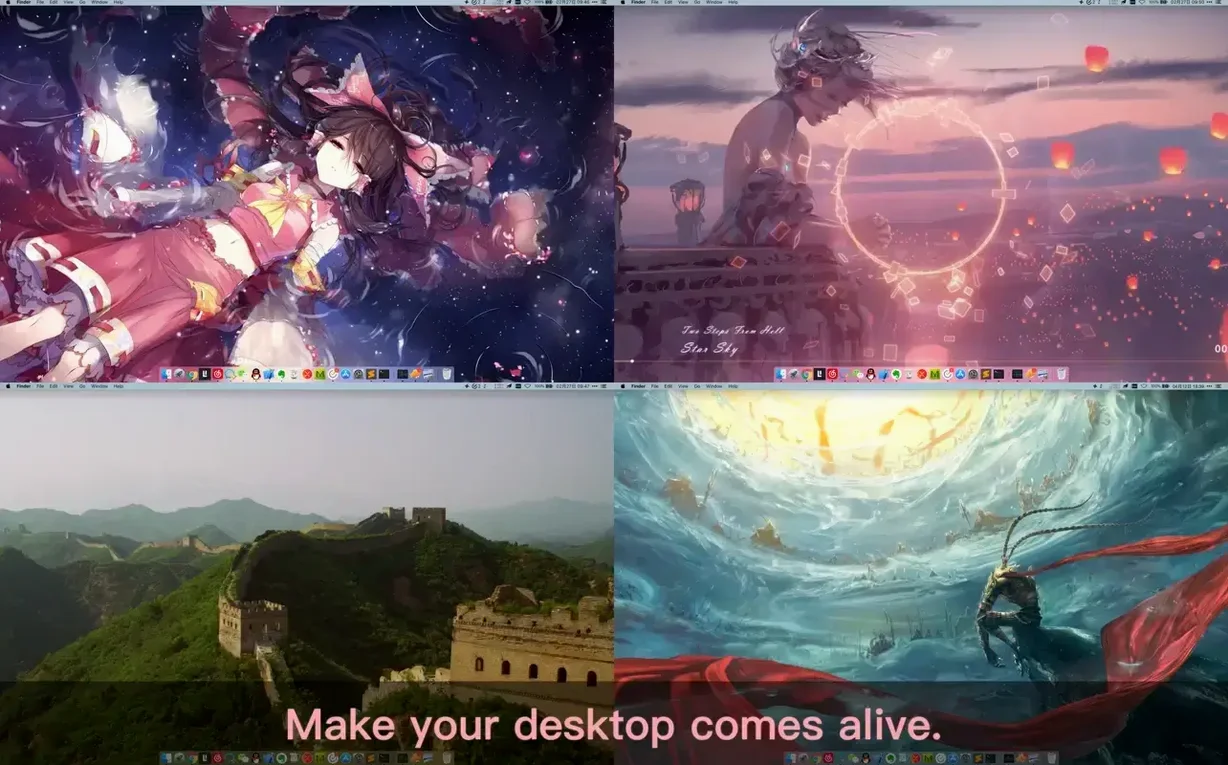
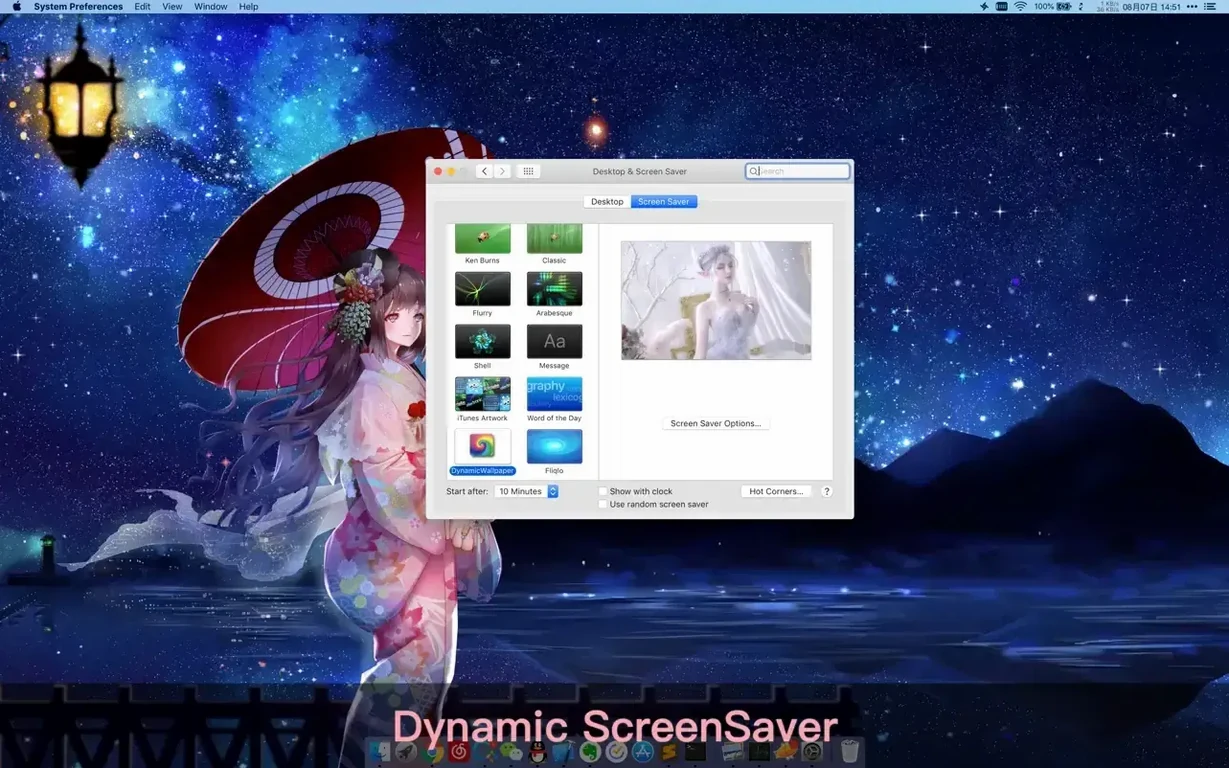
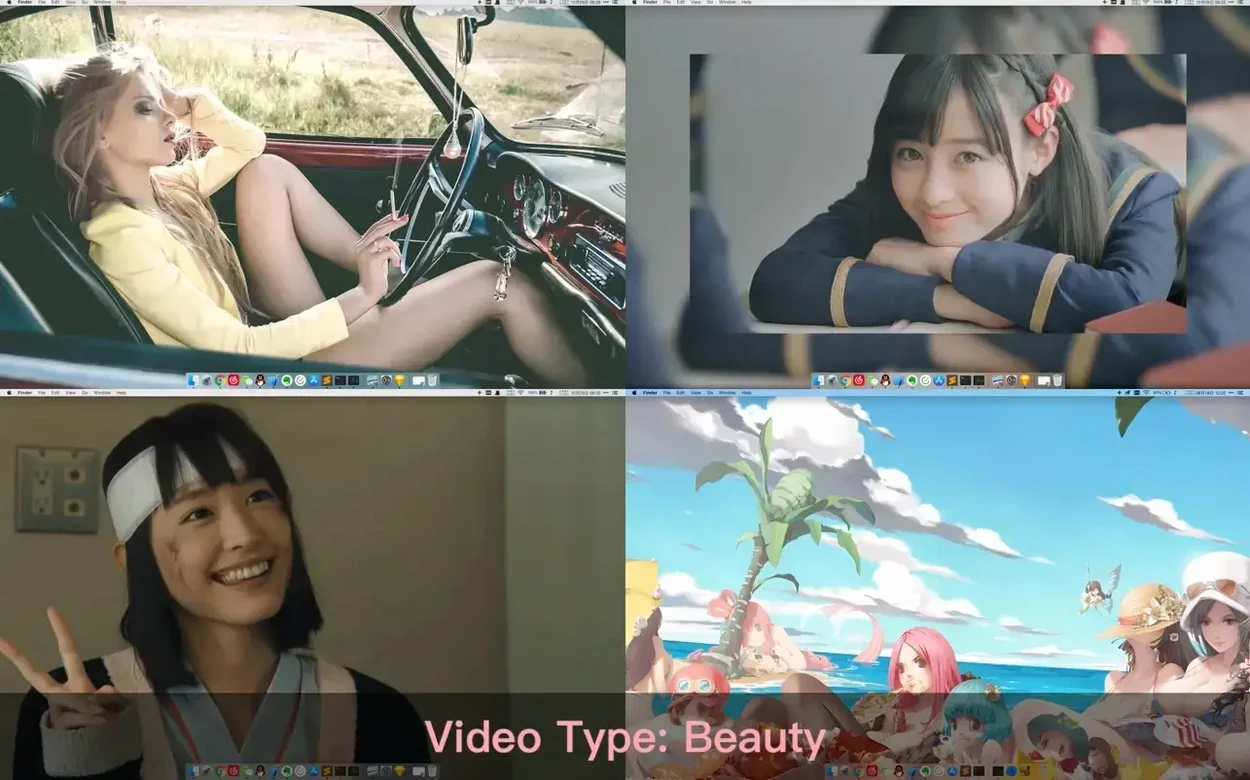
Dynamic Wallpaper Engine is for the person who refuses to let their desktop be an afterthought. It replaces a static image with a running library of live wallpapers and screensavers, then hands you the controls to shape exactly how they behave.
Global Hotkeys for Wallpaper Swapping and Screen Saver Triggers
- Setting global hotkeys to change wallpapers, hide desktop icons, or trigger the screensaver without touching a menu.
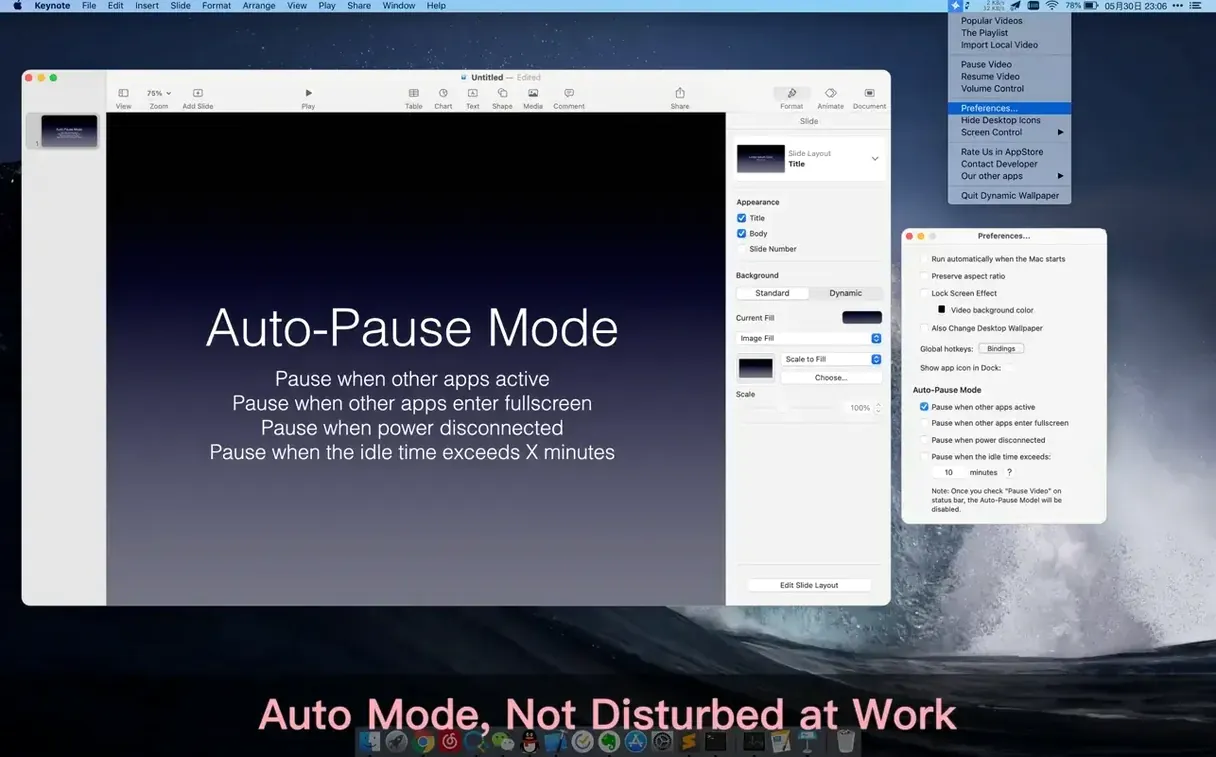
- Pausing or muting videos based on idle time—so a looping animation never distracts during a call.
- Importing your own local video files and treating them the same as the built-in library.
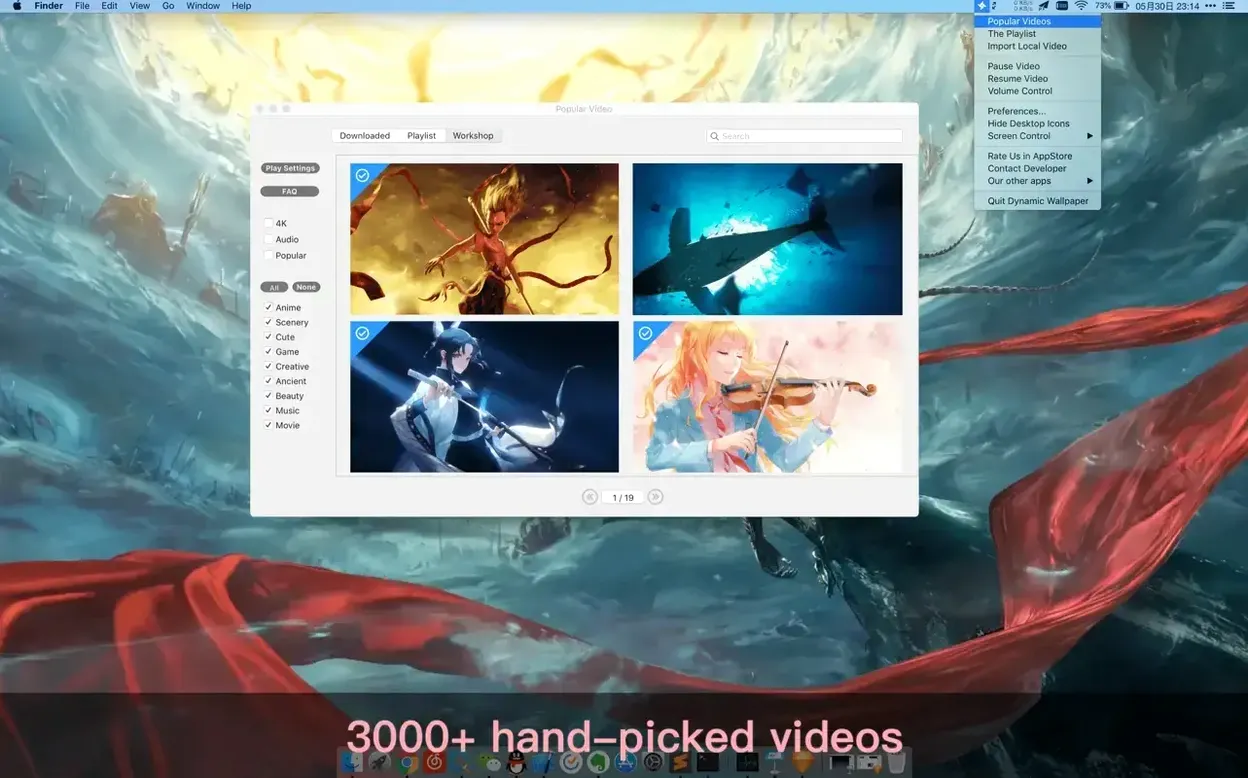
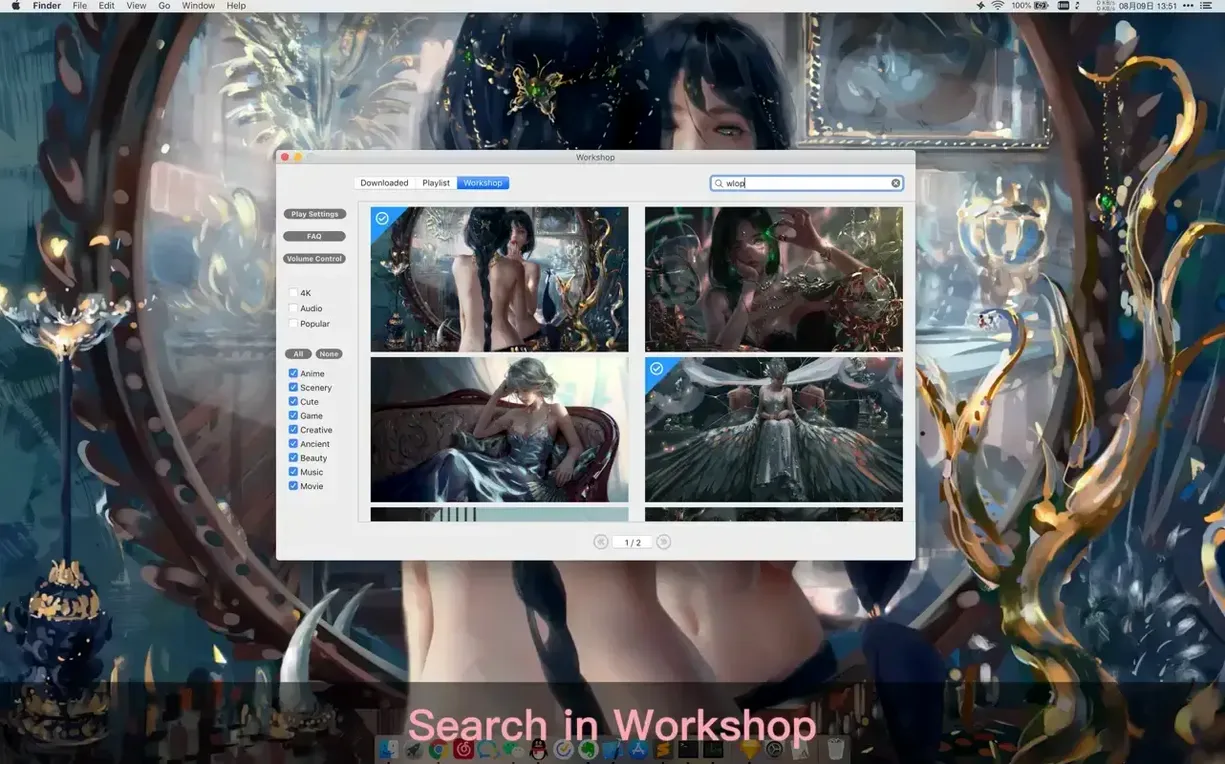
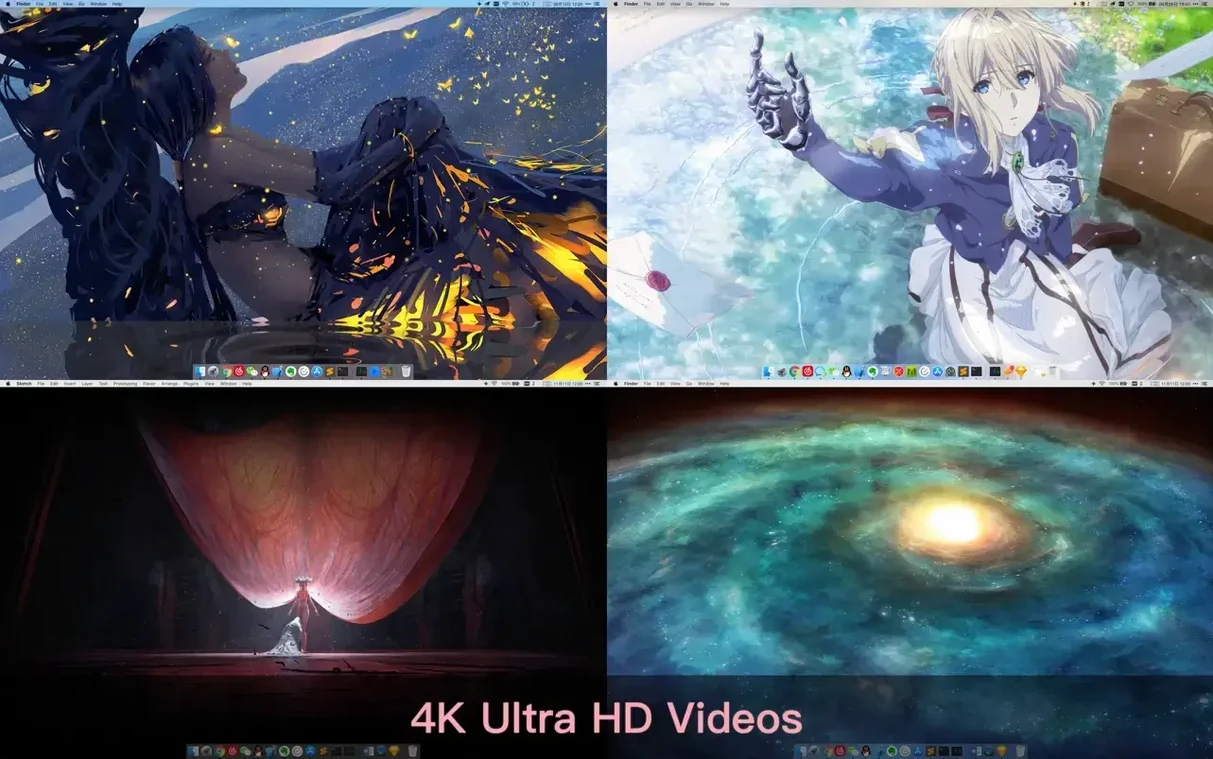
- Surfacing fresh content daily from a workshop of thousands of clips across categories like landscapes, anime, and AI art.
- Keeping work sessions sustainable with configurable rest reminders built directly into the engine.
macOS Compatibility and Manual Audio Controls
- The app requires macOS 10.12 or later and runs on both Intel and Apple Silicon Macs.
- The interface is localized in English and Simplified Chinese.
- Manual controls for pause, resume, and mute are available but must be set up to match your rhythm.
Fits with macOS
This is a Mac app in the classic sense. It sits quietly in the menu bar, hands its controls to System Settings where macOS expects wallpaper tools to live, and never fights Mission Control or Spaces. The screensaver side works with the native screensaver system, so hot corners and idle triggers continue to behave as you have them configured.
Three integration points matter most:
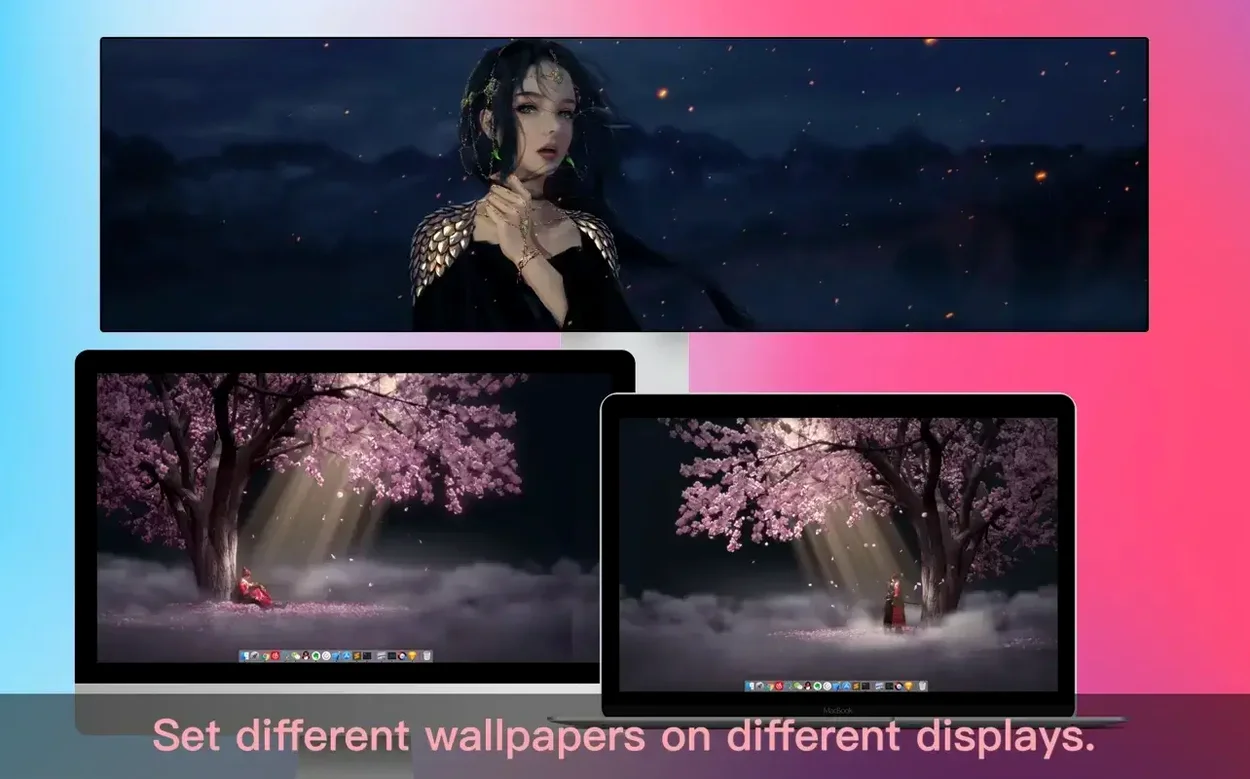
- Multiple displays — each monitor gets its own wallpaper, so an ultrawide on the left can run a slow landscape loop while a vertical display on the right plays a different ratio without stretching.
- Power awareness — when the adapter disconnects, playback pauses. No config file, no extra utility. The engine simply stops burning cycles on battery.
- Focus modes — pausing when other applications are active pairs well with full-screen writing or design tools, where desktop motion stays out of peripheral vision until you return to Finder.
For the multi-monitor developer
A developer running a three-screen setup keeps an AI art loop on the centre display, a muted landscape on the left, and local footage of a game environment on the right. Global hotkeys cycle playlists, and the idle timer pauses everything after ten minutes away from the desk. When the MacBook runs on battery, the dynamic wallpaper engine mac app suspends playback automatically. No notifications, no interruptions — just a quiet desktop until the next keystroke.
- New — Additional 4K wallpapers added to the library.
- macOS 10.12 or later
- Apple Silicon, Intel 64-bit
Comments 0
Sign in to leave a comment.Sign inCreate an account
No comments yet. If a step is still there after you install it, say so.
More in Mac Apps
All in Mac Apps DynamicLake Pro
Surfaces your next meeting and local weather in a glanceable menu-bar strip.
6 steps saved
 DxO PhotoLab
Corrects lens flaws and noise with lab-measured profiles built into the raw editor.
17 steps saved
 Eagle
Finds similar images in large reference libraries so you stay focused on design, not file wrangling.
21 steps saved
 Easy New File
Creates new files from templates right inside Finder, skipping the round trip to an app.
11 steps saved
 Updated
Duplicate File Finder Pro
Finds exact file copies by content, not name, across your Mac and external drives.
8 steps saved
 Dropover
Stages scattered files on a floating shelf until you reach the destination folder.
8 steps saved
 DriveDx
Reads full drive-health diagnostics and warns you before a disk fails silently.
7 steps saved
 Element 3D
Imports and renders 3D objects directly inside After Effects, removing the need for external software.