DxO PhotoLab 9 requires macOS 14.7. It runs natively on both Apple Silicon and Intel hardware. That single version number dictates whether the software will launch on your machine—no guessing, no workarounds.
macOS 14.7, Apple Silicon, and HEIC/ProRAW support
- macOS 14.7 or newer
- Apple Silicon or Intel processor
- Support for HEIC, HEIF, and ProRAW formats
AI noise reduction built from lab-measured camera-lens profiles
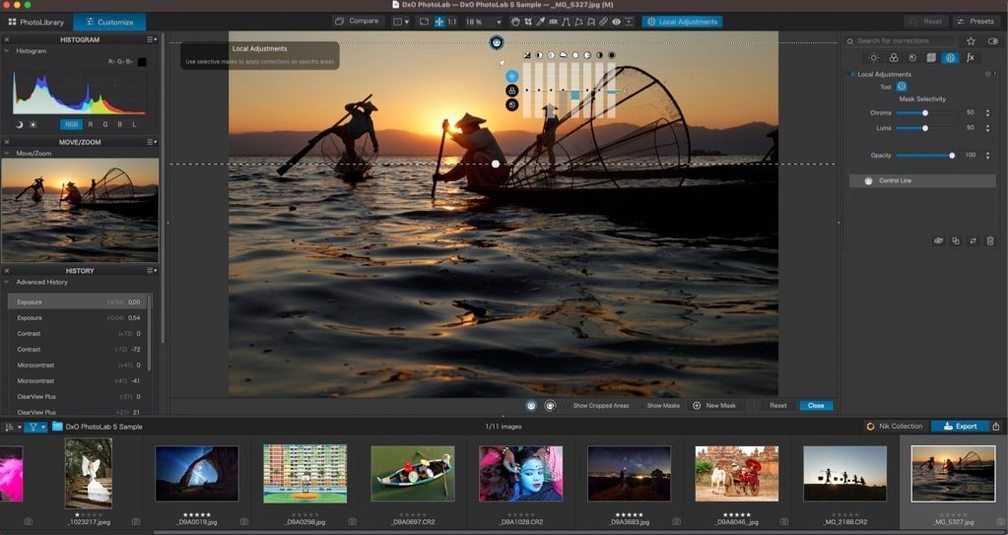
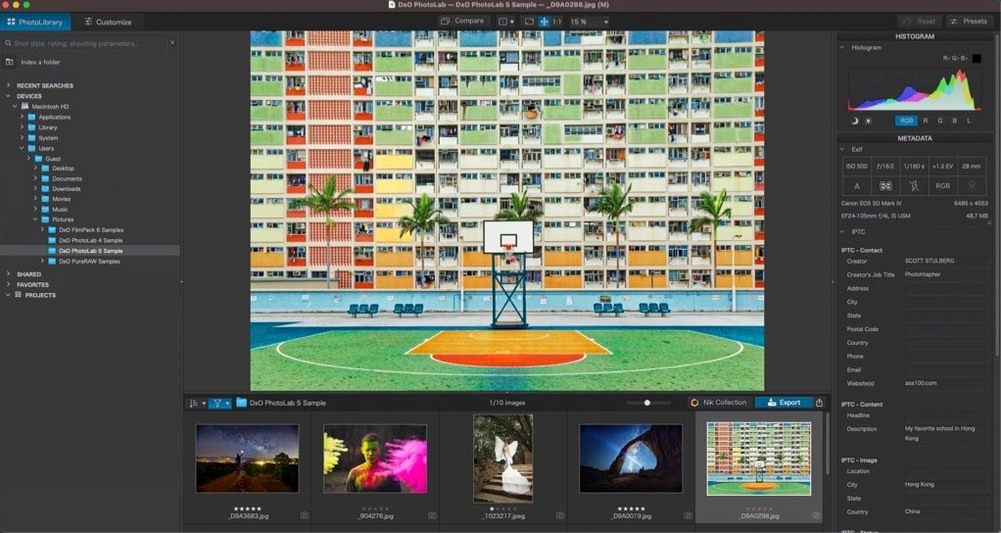
PhotoLab is DxO's flagship RAW processor. It opens your files and applies optical corrections drawn from DxO Modules—lab measurements that account for your exact camera-lens pair. DeepPRIME XD3 handles noise reduction on Bayer and X-Trans sensors with AI-driven reconstruction. For less demanding shots, DxO PRIME and DxO Smart Lighting give you manual control over automated adjustments. DxO ClearView cuts through haze without halos. The interface works the same whether you feed it a RAW from a DSLR or an HEIF from an iPhone: corrections first, creative edits second, no catalog to maintain.
DeepPRIME XD3 previews lag because processing waits for export
PhotoLab is stable, but a few issues come up often enough to plan for.
- DeepPRIME XD3 previews run slow. The neural processing happens on export, not in real time. If the preview feels sluggish, drop it to a lower quality in Preferences or edit on a smaller preview window. The final file still gets the full treatment.
- Some RAW files show as unsupported. Check that the camera appears in the DxO Modules list. If it was released after the latest module update, the file may sit unreadable until the next module pack arrives.
- U Point edits jump between images. That happens when auto-sync is on. Turn it off in the toolbar before pasting local adjustments to another photo, or the masks carry over where you did not expect them.
- HEIF files open darker than expected. DxO applies its own tone curve to HEIC and HEIF containers. Compare against the camera's embedded preview before judging exposure.
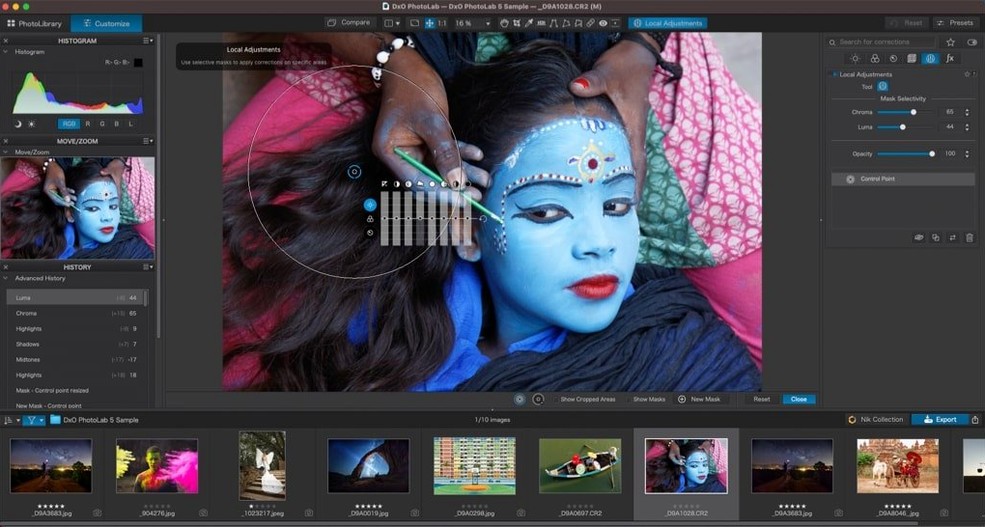
- AI Masks select too much or too little. Refine the mask with a brush or gradient after the initial subject detection. The sky and people masks are starting points, not final selections.
A wedding shooter's morning after
A photographer comes back from a Saturday ceremony with 900 frames from two bodies. One body shot into mixed window light, the other under tungsten. The files are noisy above ISO 6400, and the white balance drifts frame to frame.
In PhotoLab 9, she sorts the keepers by camera model, then applies a preset that pairs DeepPRIME XD3 with a gentle contrast curve. Optical corrections load automatically from the module for each lens. For the altar shots, she masks the couple with the people AI Mask, lifts exposure half a stop, and pastes that local adjustment across forty similar frames using the synchronization panel. The sky outside the chapel windows gets a slight blue shift through a sky mask, no manual brushing.
By noon the gallery is exported at full resolution, noise-free without looking plastic, and the local edits hold their shape in every file. The whole pass took under three hours—editing, not wrestling with corrections.
- macOS 14.7 or later
- Apple Silicon or Intel Mac
Questions I get before install
Does DxO PhotoLab support Apple ProRAW files?
Yes, it reads Apple ProRAW alongside HEIC and HEIF formats, so iPhone and Mac workflows stay in one editor.
Which sensors does DeepPRIME XD3 work with?
DeepPRIME XD3 supports both Bayer and X-Trans sensors, covering the vast majority of current digital cameras.
Comments 0
Sign in to leave a comment.Sign inCreate an account
No comments yet. If a step is still there after you install it, say so.
More in Mac Apps
All in Mac Apps Dynamic Wallpaper Engine
Replaces a static desktop with live wallpapers you switch via hotkey.
11 steps saved
 DynamicLake Pro
Surfaces your next meeting and local weather in a glanceable menu-bar strip.
17 steps saved
 Eagle
Finds similar images in large reference libraries so you stay focused on design, not file wrangling.
11 steps saved
 Updated
Duplicate File Finder Pro
Finds exact file copies by content, not name, across your Mac and external drives.
21 steps saved
 Easy New File
Creates new files from templates right inside Finder, skipping the round trip to an app.
8 steps saved
 Dropover
Stages scattered files on a floating shelf until you reach the destination folder.
8 steps saved
 DriveDx
Reads full drive-health diagnostics and warns you before a disk fails silently.
18 steps saved
 Drama
Turns a static screen design into a clickable prototype on a single canvas.