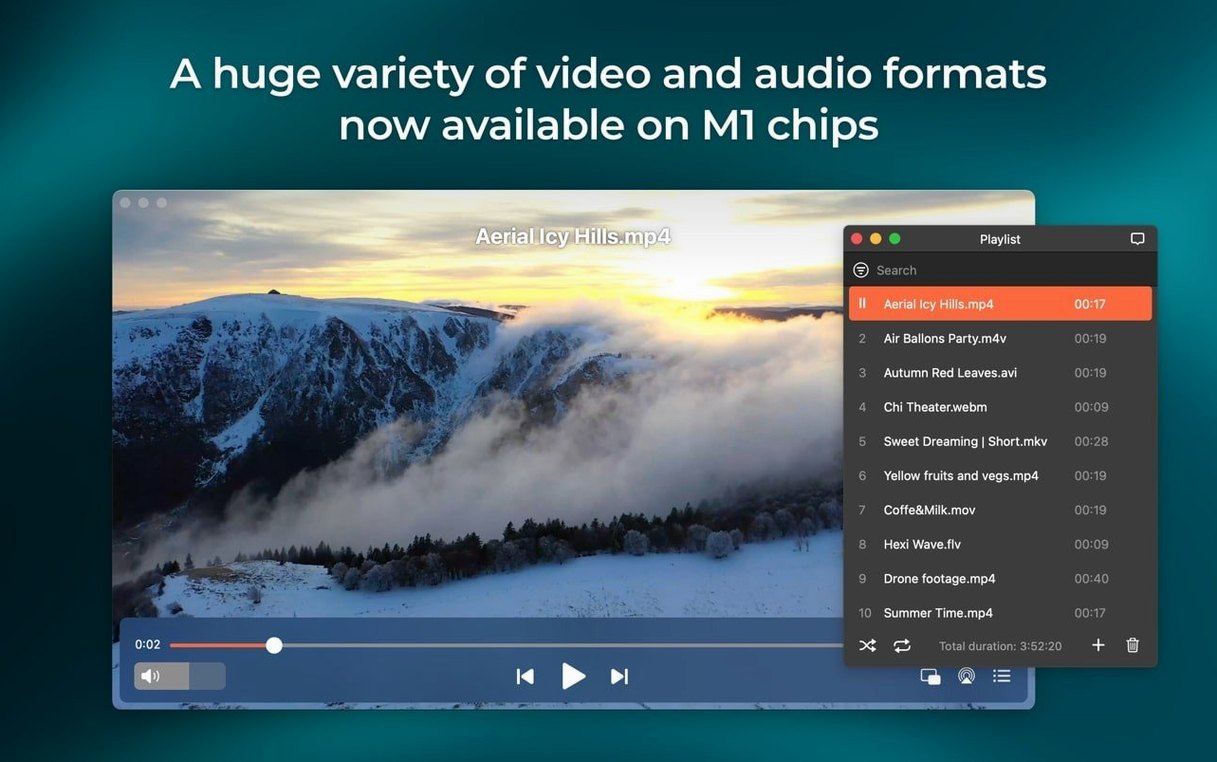
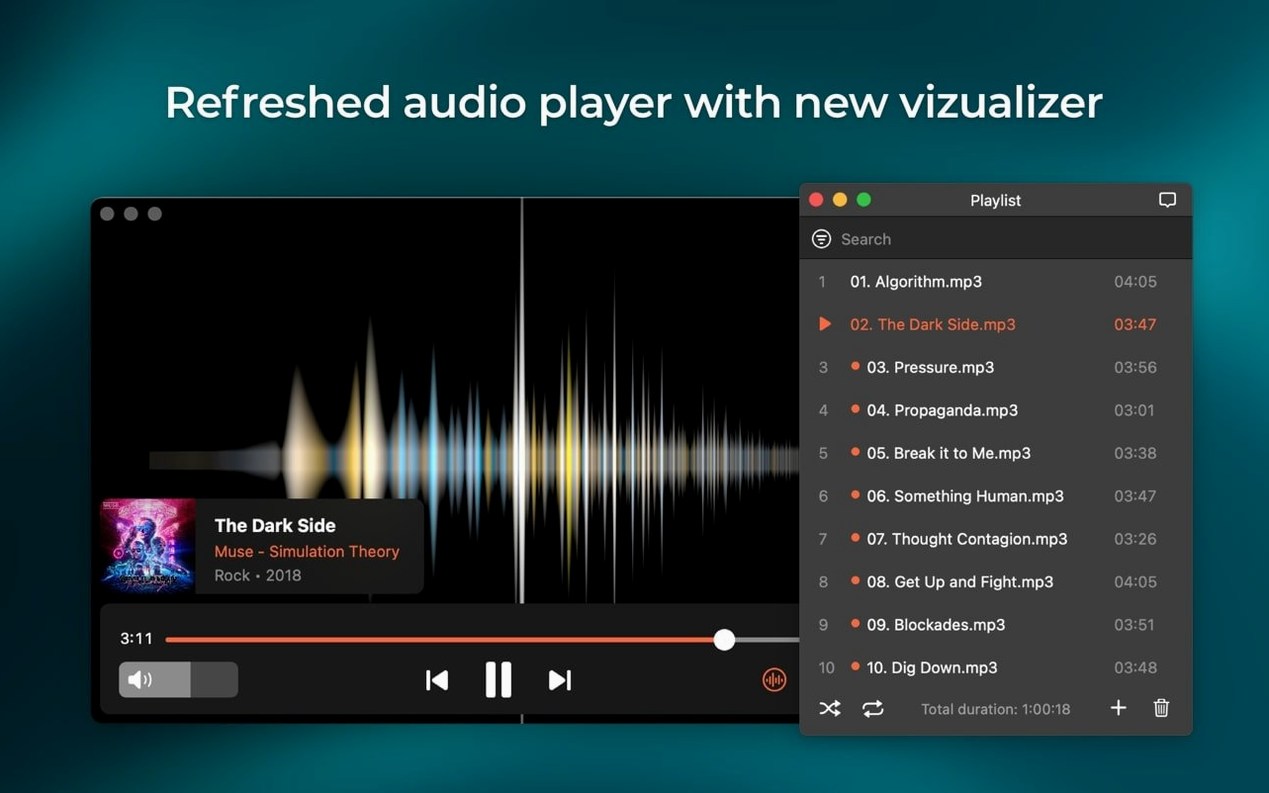
Designers reviewing SWF mockups and people with large, mixed-format media libraries reach for Elmedia Player Pro. It opens files most players ignore without a second thought.
Open the file no other player will touch
Drag in a legacy FLV, a WMV from an old drive, or an MKV with DTS audio. The player handles it. For Flash EXE files, the converter turns them into playable SWFs.
Grab a clean frame for a review
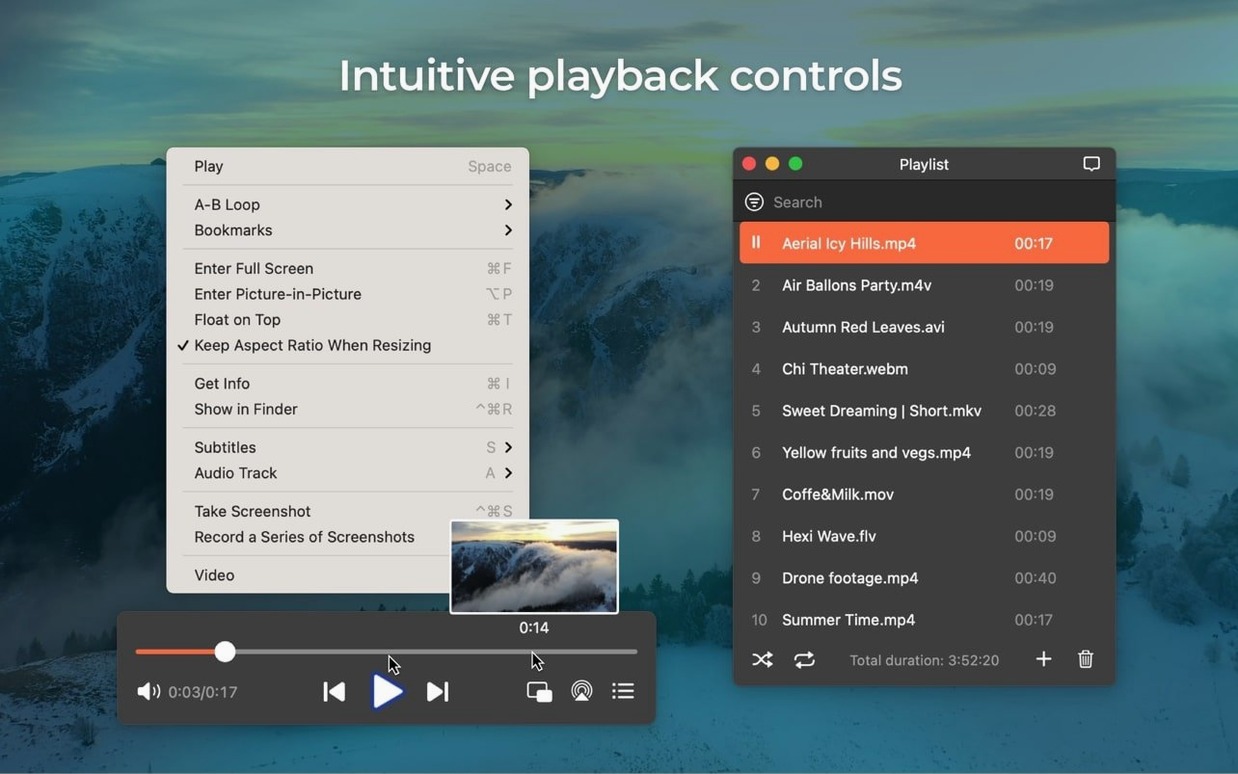
Pause the playback at the exact moment, then take a screenshot directly inside the player. No window chrome, no desktop clutter in the image.
Send the audio to another room
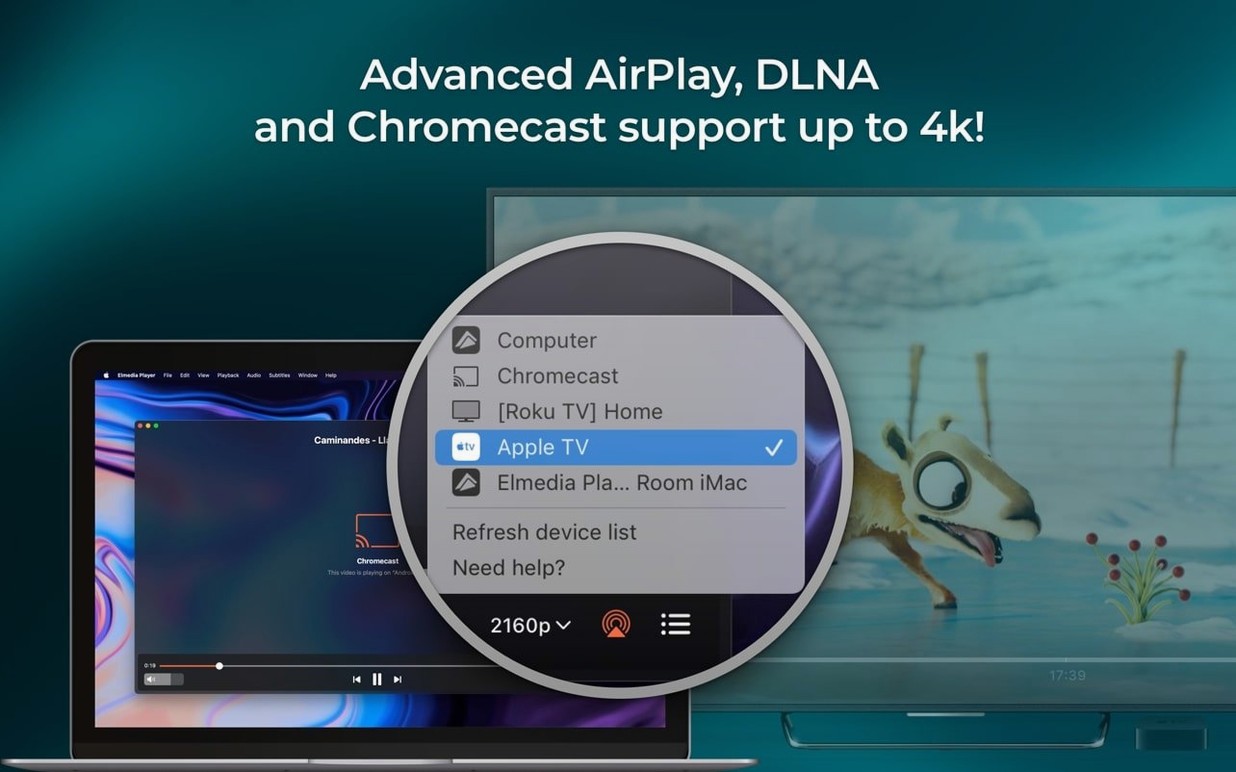
Stream video or audio to a Mac in the kitchen or an AirPlay speaker via the built-in streaming controls. AC-3 and DTS passthrough work over HDMI or S/PDIF.
M4B Audiobooks Open Directly with Chapter Markers
The December 5 release tightened a few rough edges without changing how the player feels. M4B support is the visible addition — audiobook files now open directly instead of routing through another app.
- M4B audiobooks — chapter markers and long-form audio load without conversion.
- macOS 26 compatibility — playback and window behaviour stay stable on the newest system.
- Sleep prevention — streaming sessions no longer let the Mac nod off mid-movie.
- Device list fixes — the streaming target menu opens cleanly, with no errors when scanning for speakers or other Macs.
For people who stream to an AirPlay speaker every evening, the sleep fix matters most. A two-hour film now plays through without the screen dimming or the stream dropping.
Lock In Your Audio Output Before Playing Anything
Set a few preferences before you build habits around the player.
- Pick the audio output once. Choose headphones, speakers, or an AirPlay target from the audio menu so every file opens with the right device.
- Set screenshot format to PNG for review frames or TIFF for print. GIF works when you only need a rough visual note.
- Test passthrough early. Play a DTS or AC-3 file through HDMI and confirm the receiver shows the correct format.
- Open one file of every format you keep — FLV, WMV, MKV, M4V — to see which ones need the browser-based online player and which play locally.
Hardware-accelerated decoding handles HD files on both Apple Silicon and Intel Macs without extra configuration.
Scenario: a motion designer checking old client work
A motion designer keeps an archive of Flash banners, WMV previews, and MP4 exports from the last ten years. Not every file opens in QuickTime, and the SWF files stopped working in browsers long ago.
With Elmedia Player Pro, the designer drags a 2016 Flash EXE project into the converter, opens the resulting SWF, and pauses on the exact frame the client approved. A PNG screenshot goes into the portfolio folder. Then the designer streams the latest MP4 export to the living room Apple TV to check pacing on a large screen. One player covers the whole archive.
- New — M4B audiobook file support.
- Improved — Compatibility with macOS 26. Preventing Mac sleep during streaming.
- Fixed — Streaming to certain devices. Device list errors on open.
- macOS 10.12 or later
- Apple Silicon and Intel Macs
Questions I get before install
Can Elmedia Player Pro download online video?
Yes. It can download online video and extract audio tracks from supported sites, plus save RTMP streams.
Does it support streaming to other devices?
It streams to AirPlay devices and other Macs running Elmedia, with passthrough for AC-3 and DTS over HDMI or S/PDIF.
What formats does it play?
It plays FLV, SWF, WMV, AVI, MOV, MP4, MP3, DAT, FLAC, M4V, MPG, MKV, and M4B audiobook files.
Comments 0
Sign in to leave a comment.Sign inCreate an account
No comments yet. If a step is still there after you install it, say so.
More in Mac Apps
All in Mac Apps Element 3D
Imports and renders 3D objects directly inside After Effects, removing the need for external software.
21 steps saved
 Easy New File
Creates new files from templates right inside Finder, skipping the round trip to an app.
22 steps saved
 Updated
Exposure X7
Combines RAW processing, local adjustments, and file management in a single editing workflow.
17 steps saved
 Eagle
Finds similar images in large reference libraries so you stay focused on design, not file wrangling.
11 steps saved
 DynamicLake Pro
Surfaces your next meeting and local weather in a glanceable menu-bar strip.
4 steps saved
 Dynamic Wallpaper Engine
Replaces a static desktop with live wallpapers you switch via hotkey.
6 steps saved
 DxO PhotoLab
Corrects lens flaws and noise with lab-measured profiles built into the raw editor.
11 steps saved
 Updated
Duplicate File Finder Pro
Finds exact file copies by content, not name, across your Mac and external drives.