
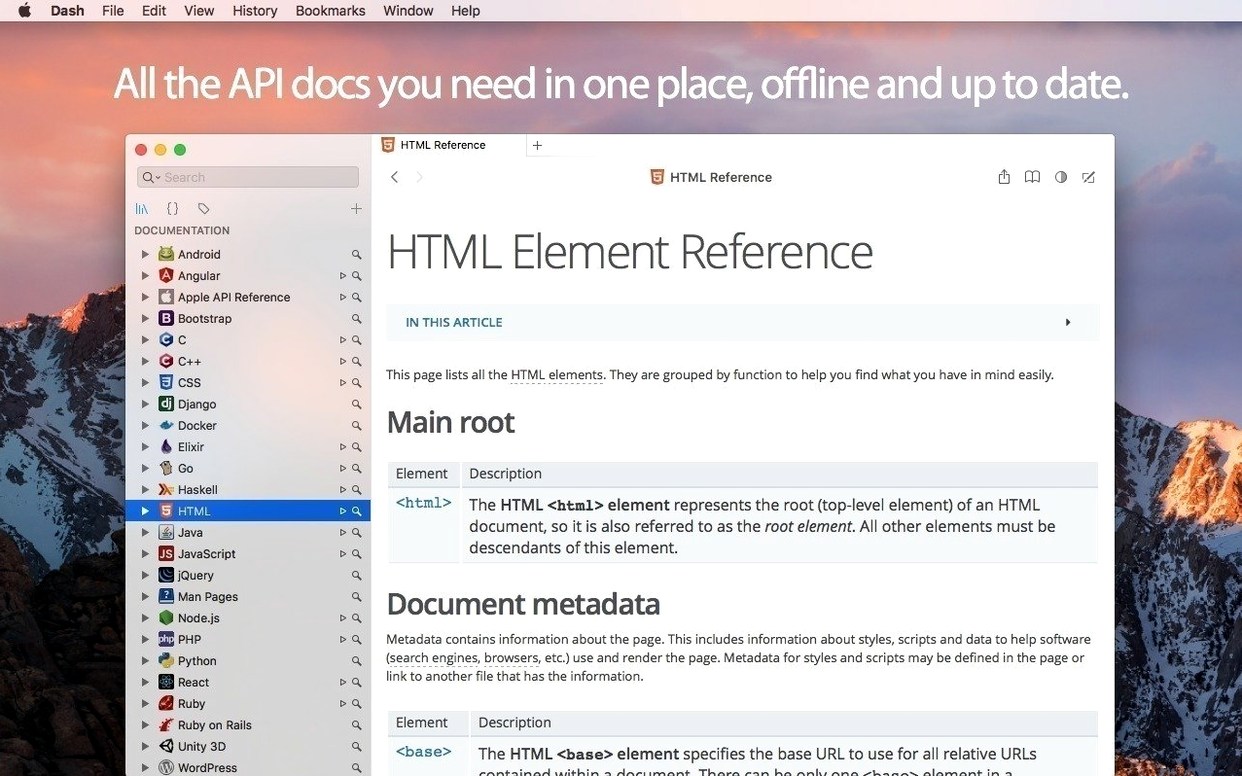
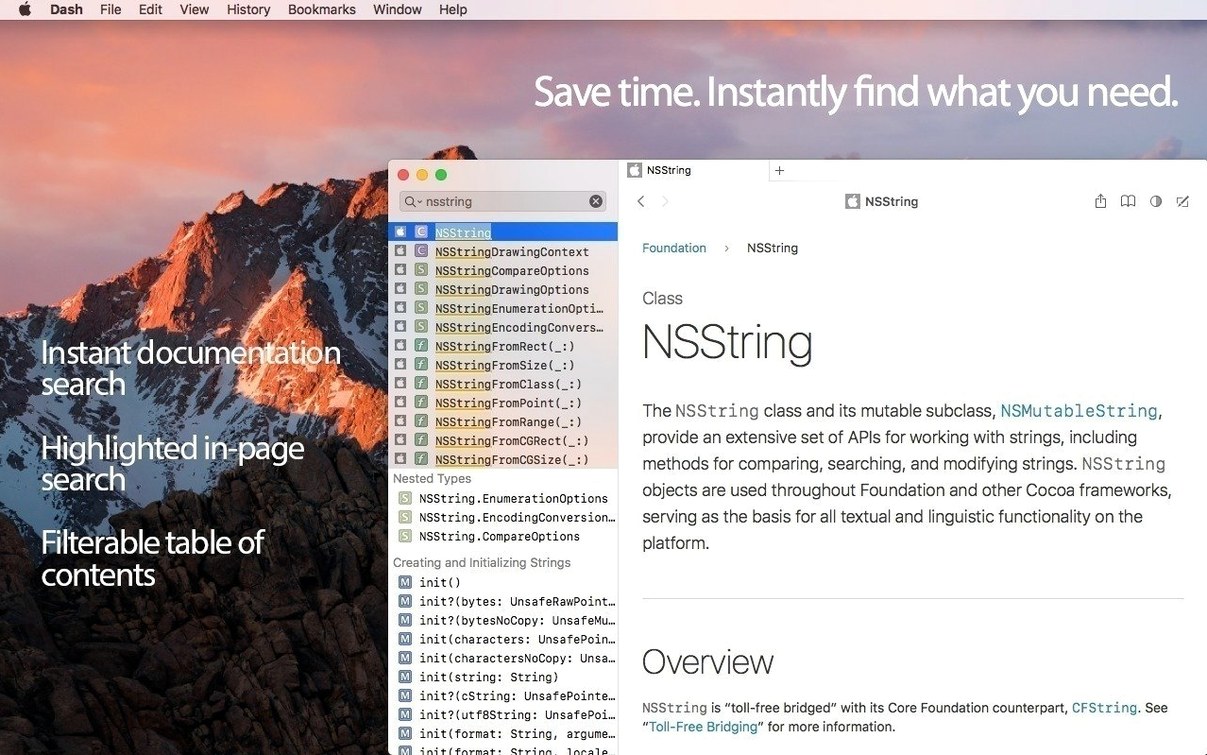
Dash 8 brought a handful of polished refinements. The results dropdown is now resizable, docset updates pause automatically when Low Data Mode is active, and keyword filters let you scope searches to specific docsets. Nothing radical — just practical adjustments that keep the browser feeling responsive.
Check system compatibility
Dash 8.1.1 requires macOS 10.14 Mojave or later. It runs natively on both Intel and Apple Silicon Macs and every interface element is retina-ready.
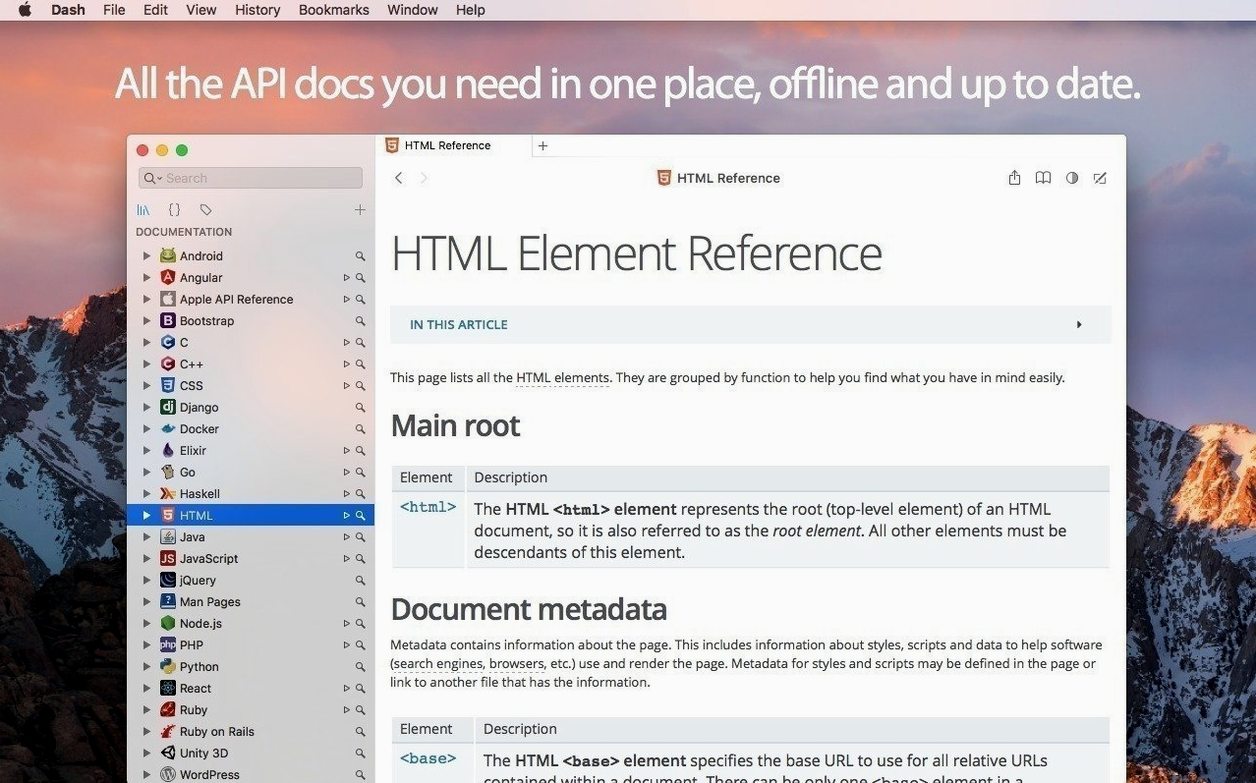
Browse API docs offline
Call up any docset and Dash displays methods in a dedicated table of contents with in-page search highlighting. Filter by keyword to search only the language or framework you need right now.
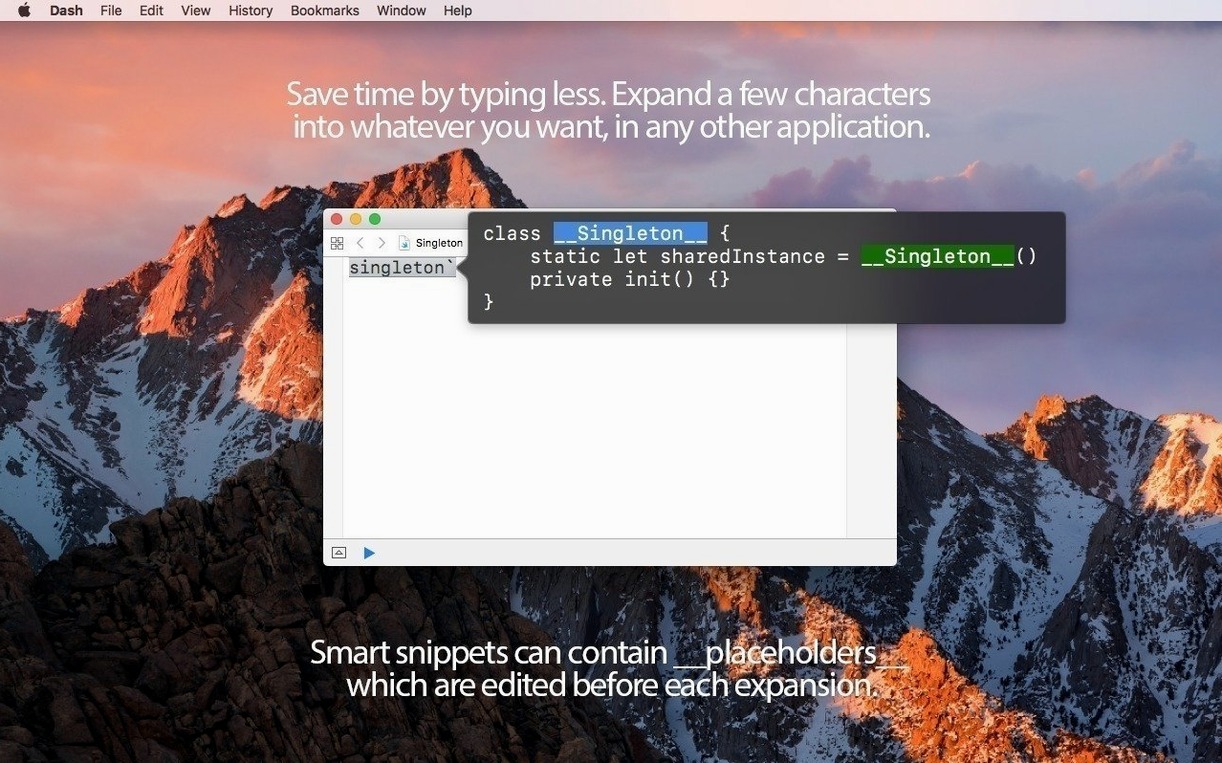
Manage and expand code snippets
The built-in snippet manager accepts variable placeholders — @clipboard, @cursor, @date, @time — that you edit before pasting. Sync the whole library with Dropbox to share snippets across machines.
First-day adjustments that pay off
Spend thirty minutes early on and Dash gets out of your way for months. Start with the search profiles pane. Create one for daily work — your main language, your secondary framework, the platform docs you check most — and give it a short keyword filter like work. A second profile named css that scopes to just CSS and SVG docsets saves you from typing language prefixes in every query.
Next, open Preferences and set Dash to run as a menu bar item. The compact panel slides out on a hotkey and vanishes after you paste. Dock mode is fine, but the menu bar keeps one hand on the keyboard.
Turn off auto-update for docsets you rarely use. The storage difference is noticeable, and Dash respects Low Data Mode if your connection is metered. Finally, place your snippet library folder in Dropbox. After the first sync, every machine you set up with dash for mac pulls the same library.
Hands-Off UIView Lookup with Keyword Filters
You are halfway through a layout component and need the exact signature for UIView.animate. Your hands stay on the keyboard.
- Tap the Dash hotkey. The search field opens.
- Type
work:followed byanimate. The keyword filter restricts results to the docsets in your work profile. - Arrow down twice to highlight the UIKit method. Press Return.
- Dash opens the documentation page. The table of contents on the left lists sibling methods — you notice
animateKeyframesand read the discussion paragraph right inside the app. - You bookmark the page with
⌘Dfor later and switch back to Xcode.
Two minutes later you need the guard-let snippet you wrote last week. Dash is still running in the menu bar. You open the snippet manager, type guard, and the list narrows to three entries. You pick the one with the @cursor placeholder, paste it into your editor, and the cursor lands exactly where you need to type the binding name. No scrolling, no website tabs, no context switch. That loop — search, read, bookmark, paste — repeats a dozen times before lunch and gets faster each round.
- macOS 10.14 or later
- Apple Silicon or Intel 64-bit
Comments 0
Sign in to leave a comment.Sign inCreate an account
No comments yet. If a step is still there after you install it, say so.
More in Mac Apps
All in Mac Apps Updated
DataGrip
Reads your database schema and catches query mistakes before you run them.
17 steps saved
 DaisyDisk
Maps disk usage as an interactive sunburst chart so you spot what is eating space in seconds.
11 steps saved
 DataSpell
Combines notebooks, datasets, and a Python console for focused data exploration.
9 steps saved
 DaVinci Resolve Studio
Covers editing, colour, effects, and audio post-production inside a single application.
4 steps saved
 Cycling '74 Max
Patches together custom audio, MIDI and visual tools from connectable objects.
21 steps saved
 Cursor Pro
Magnifies the pointer so a room follows your walkthrough without squinting.
5 steps saved
 Deep Glow
Generates physically accurate light falloff so glows bloom without clipping highlights.
21 steps saved
 Updated
Cubase
Records, arranges and mixes music with deep MIDI editing and scoring tools.