If you know PyCharm, DataSpell will feel like a focused remix. JetBrains took the same editor core and shaped it around the data-analysis loop: notebooks, datasets, and a REPL console, all in one window. The 2026.1.3 release is the last stop before the product sunsets on September 1, 2026. It leaves behind a capable tool for teams who want a single IDE for Python and R exploration.
| Detail | Note |
|---|---|
| Developer | JetBrains |
| macOS requirement | macOS 11 (Big Sur) or later; docs cite 12.0+ |
| Architecture | Separate builds for Apple Silicon and Intel |
| Sunset date | 2026-09-01 |
The questions people ask before installing usually cluster around what it actually replaces. It bundles a smart Python editor, Jupyter notebook support, an interactive console, Conda environment management, and a dataset viewer that handles CSV, Parquet, and SQL tables without switching windows. Basic R support is included too. The 2026.1 cycle added AI agents for code suggestions, PDF export for notebooks, and a handful of editor refinements that make cell-by-cell work feel less cluttered. For a team already on the JetBrains toolchain, it removes the need to juggle JupyterLab, a separate editor, and a terminal.
Notebook First, PyCharm Later—No Install Prerequisite
One question keeps surfacing: does DataSpell work as a standalone notebook environment, or must you know PyCharm first? The notebook interface stands on its own. You can open a .ipynb file, run cells with Shift+Enter, and inspect dataframes in the variable viewer without touching a single .py file. The editor skills transfer if you want them to — code completion, refactoring, and linting sit under the same roof — but they do not gatekeep the notebook experience.
Another frequent question concerns R. The R support is basic, not a full replacement for RStudio. You get a console, notebook cells that run R, and package browsing. What you do not get is an RMarkdown editor or deep plotting previews. It handles the common case — a Python analysis that calls an R snippet for a specialized statistical test — without pretending to be a two-language powerhouse.
Teams also ask about the sunset. The September 2026 end date means no patches after that, but the IDE does not phone home to deactivate. It stays functional on macOS 11 and later, on both Apple Silicon and Intel builds. The database tools plugin is included, so SQL exploration inside the same session remains available for as long as your OS supports it.
A Biotech Startup's Afternoon
Consider a small biotech team in Vancouver running a candidate-screening pipeline. A computational biologist opens DataSpell on an M3 MacBook Pro. She pulls a notebook from a shared Git repository, attaches a Conda environment with pandas and scikit‑learn, and runs a cell that queries a PostgreSQL database of assay results. The dataset viewer opens beside the notebook — no CSV export step, no Excel detour. She marks outlier wells directly in the table, writes a short Python function to flag compounds with dose‑response anomalies, and shares the updated notebook with the wet‑lab lead. The whole chain — database to decision — stays inside one application.
Attach Environment, Load Parquet, Run Cells
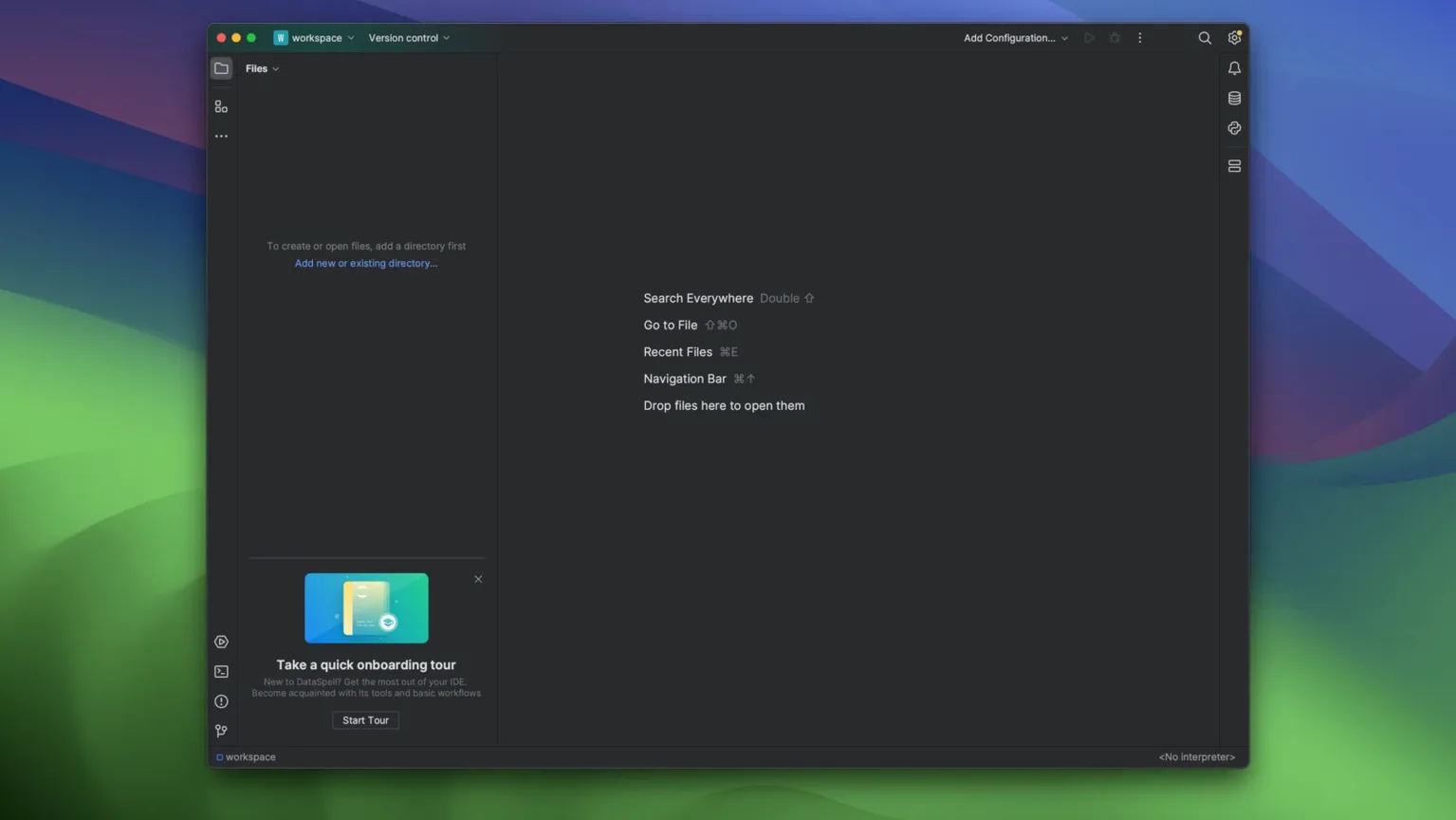
Launch DataSpell from Spotlight. The project pane on the left already shows the folder from yesterday: a mix of .ipynb files, a .py utility module, and a data/ directory of Parquet snapshots.
Step 1 — Attach the environment. Click the interpreter selector in the bottom-right corner. Pick the Conda environment named ds‑env. The status bar confirms it is active, and the package list populates in the Python Packages tool window.
Step 2 — Open a notebook and run setup. Double‑click eda.ipynb. The first cell imports pandas and sets display options. Press Shift+Enter. Output renders inline: a DataFrame with 12,000 rows, column dtypes, and a memory‑usage summary.
Step 3 — Inspect data visually. Click the table icon that appears next to the DataFrame variable name in the Jupyter Variables panel. The dataset viewer opens as a separate tab. Sort by the revenue column descending, then filter to rows where region equals "West". The filter applies instantly; no code required.
Step 4 — Write a quick plot. Back in the notebook, add a cell with a seaborn scatterplot. Run it. The chart appears inline. Adjust the figure size by editing the cell and rerunning — the plot refreshes without clearing the rest of the notebook output.
Step 5 — Export for a stakeholder. With the notebook still open, choose Export as PDF from the File menu. The 2026.1 release added this path. The PDF captures cell outputs, code, and inline charts in one scrollable document. Save it to the project folder and attach it to a Slack message.
The whole session — environment setup through export — takes under ten minutes and involves zero terminal windows. That is the loop DataSpell was built for.
- New — AI agents support for code suggestions and task completion; PDF export for notebooks.
- Improved — AI ecosystem expanded with deeper integration throughout the IDE; general editor refinements for cell-based workflows.
- macOS 11 (Big Sur) or later; macOS 12.0 or later is recommended.
- Separate builds available for Apple Silicon and Intel Macs.
- Interface: English.
Comments 0
Sign in to leave a comment.Sign inCreate an account
No comments yet. If a step is still there after you install it, say so.
More in Mac Apps
All in Mac Apps Updated
DataGrip
Reads your database schema and catches query mistakes before you run them.
17 steps saved
 Updated
Dash
Gives developers instant offline access to API docs and code snippet libraries.
9 steps saved
 DaVinci Resolve Studio
Covers editing, colour, effects, and audio post-production inside a single application.
17 steps saved
 DaisyDisk
Maps disk usage as an interactive sunburst chart so you spot what is eating space in seconds.
5 steps saved
 Deep Glow
Generates physically accurate light falloff so glows bloom without clipping highlights.
4 steps saved
 Cycling '74 Max
Patches together custom audio, MIDI and visual tools from connectable objects.
20 steps saved
 Dehancer Pro
Emulates film stock colour and grain as a plugin inside your existing editing timeline.
21 steps saved
 Cursor Pro
Magnifies the pointer so a room follows your walkthrough without squinting.