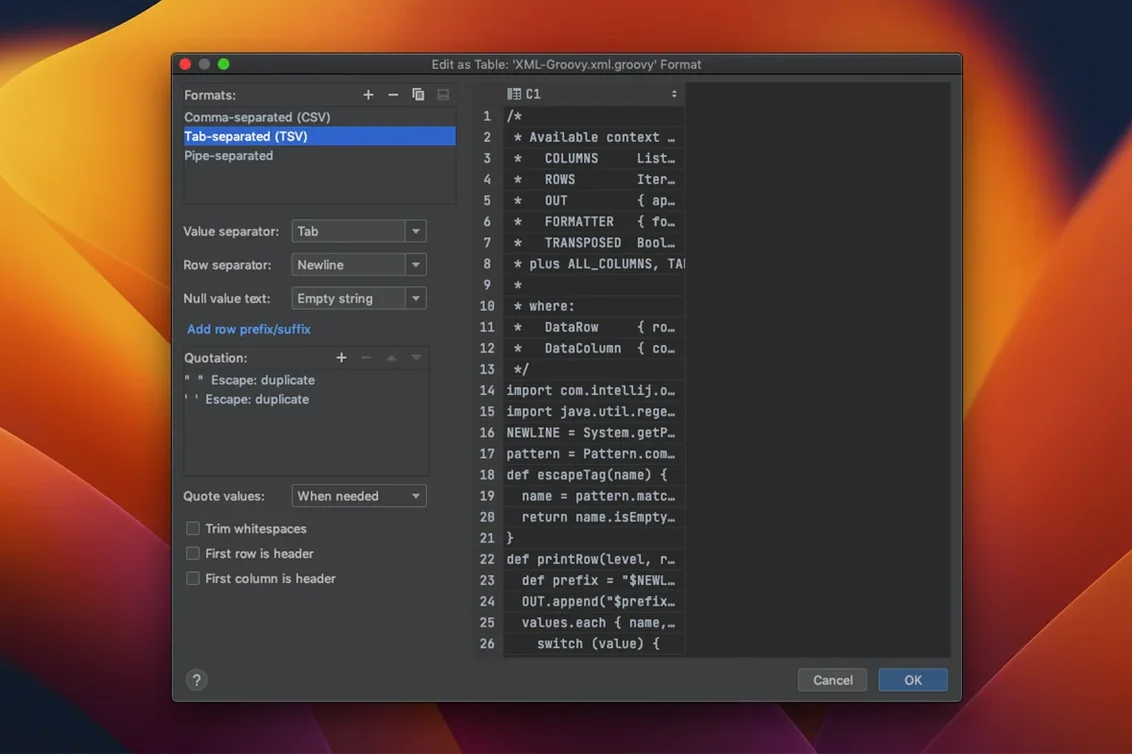
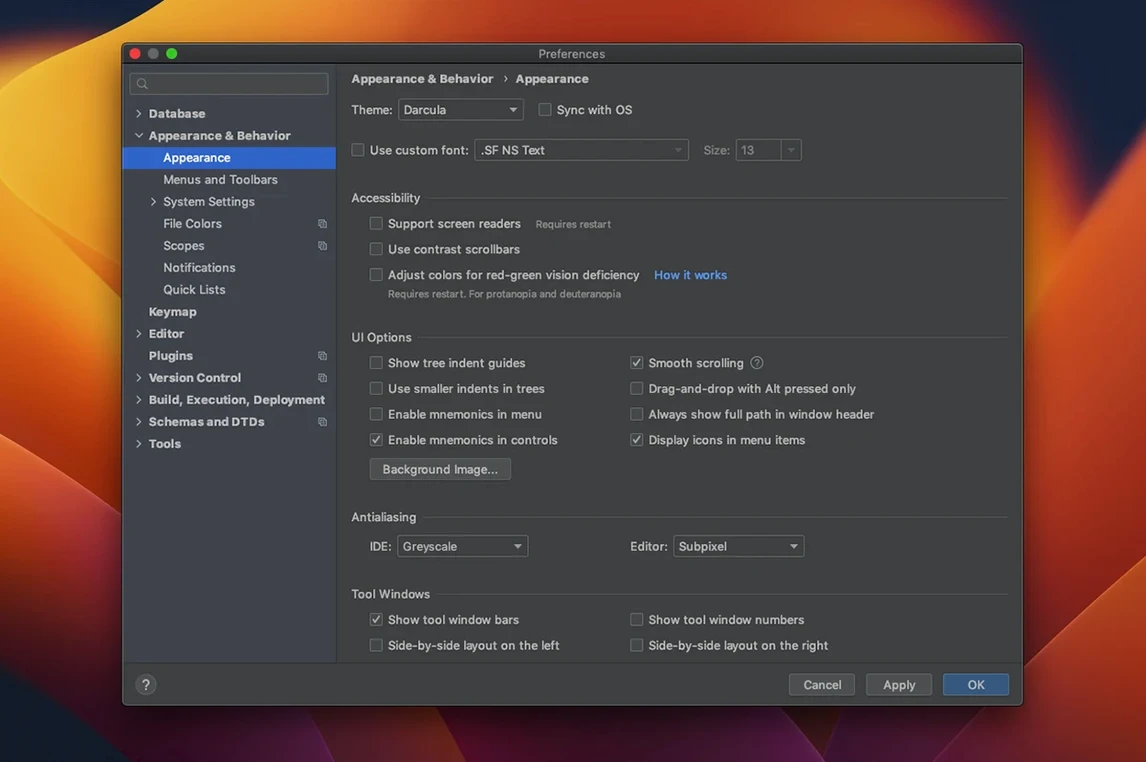
Most SQL editors stop at syntax highlighting. DataGrip reads your schema and understands what you meant to write.
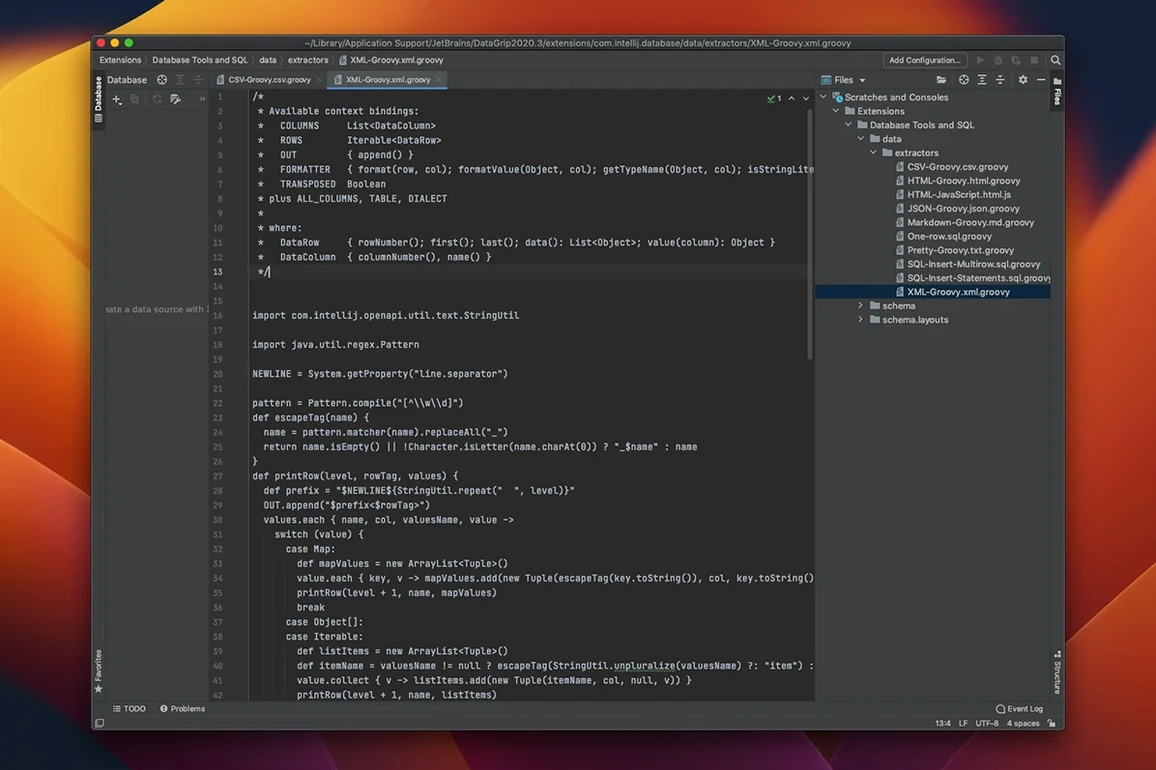
Code analysis — inspects queries as you type, flags problems, and suggests automatic fixes before you run a thing.
Query plan tools — tree and graph views of how the engine will execute a statement, so you spot the missing index instead of waiting.
Refactoring — rename an alias or variable once; DataGrip updates every usage across the project.
Object navigation — jump from any table or column reference in a script straight to its source code or live data.
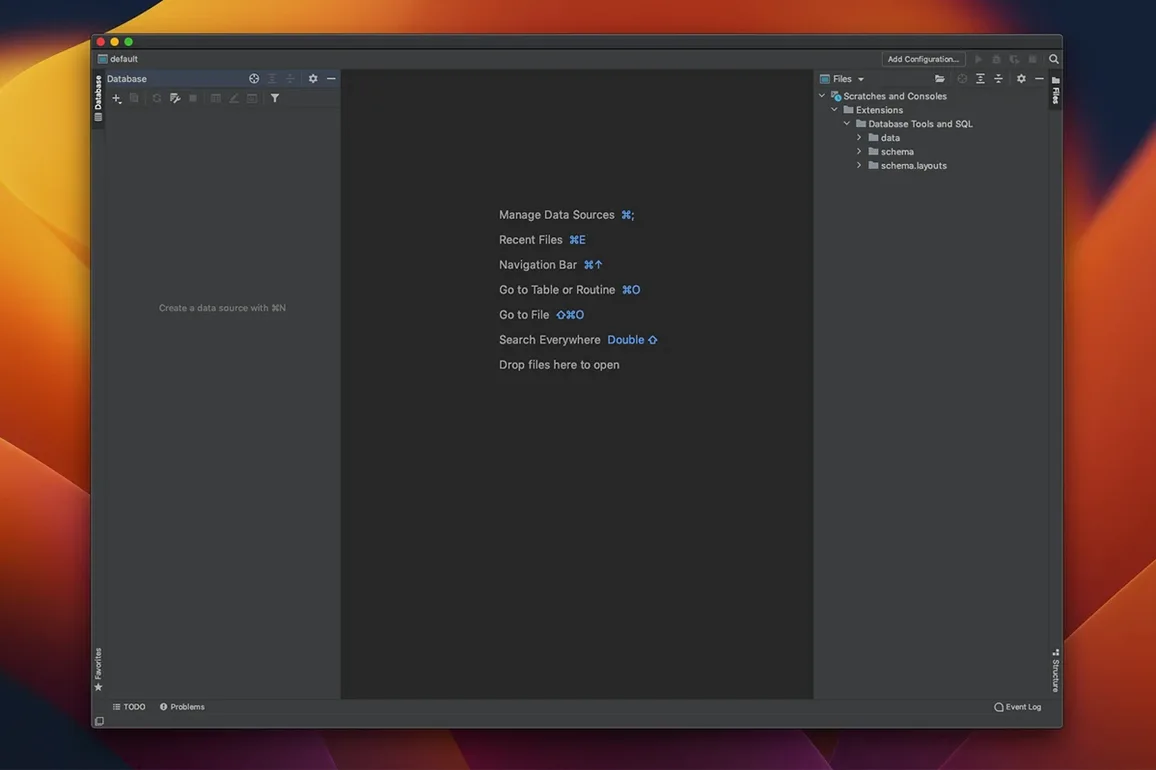
In daily use, DataGrip stays out of the way. The interface draws fast, even with a dozen consoles open across four data sources. Schema introspection runs in the background and rarely blocks typing. Memory use climbs with large result sets — holding 600,000 rows in the data editor will push it past 3 GB on Apple Silicon — but releasing the result drops the footprint back to baseline within seconds. On an M-series Mac, cold-start to connected takes under eight seconds for a local PostgreSQL instance. Query cancellation works cleanly; killing a runaway statement does not freeze the UI the way lighter editors sometimes do.
One behaviour worth knowing: the first indexing pass after connecting to a fresh database can spike CPU for a minute or two while it builds its internal schema cache. After that, navigation stays instant.
One Editor, One Keystroke Set Across Postgres, MySQL & SQL Server
- Developers juggling three or more database engines in a week. Switching between pgAdmin, MySQL Workbench and SSMS wastes mental bandwidth. One editor, one set of keyboard shortcuts, one code-completion dialect per connection.
- Data engineers who write and refactor long migration scripts. Rename a column and every reference in every file updates. The diff view before commit catches accidental drops that a text editor would miss.
- Teams that version-control schema changes. Built-in Git and Mercurial support means the DDL sits in the same repo as the application code, with blame and history for every
ALTER TABLE. - Anyone writing complex analytical queries. The query plan graph view turns an opaque planner output into something you can actually scan before the query finishes.
It is less suited to someone who connects to one database once a week to run a handful of SELECT statements — a slim free tool will feel lighter for that. But for daily, multi-database SQL work, the speed and schema awareness remove enough friction to be felt by lunchtime.
Version control — Git, SVN, Mercurial support built in, so schema changes get committed alongside application code.
Release notes for version 2026.2.6 are posted on the developer's site with the latest fixes and improvements.
- macOS 11 or later
- Apple Silicon or Intel 64-bit processor
Questions I get before install
Which databases does DataGrip work with?
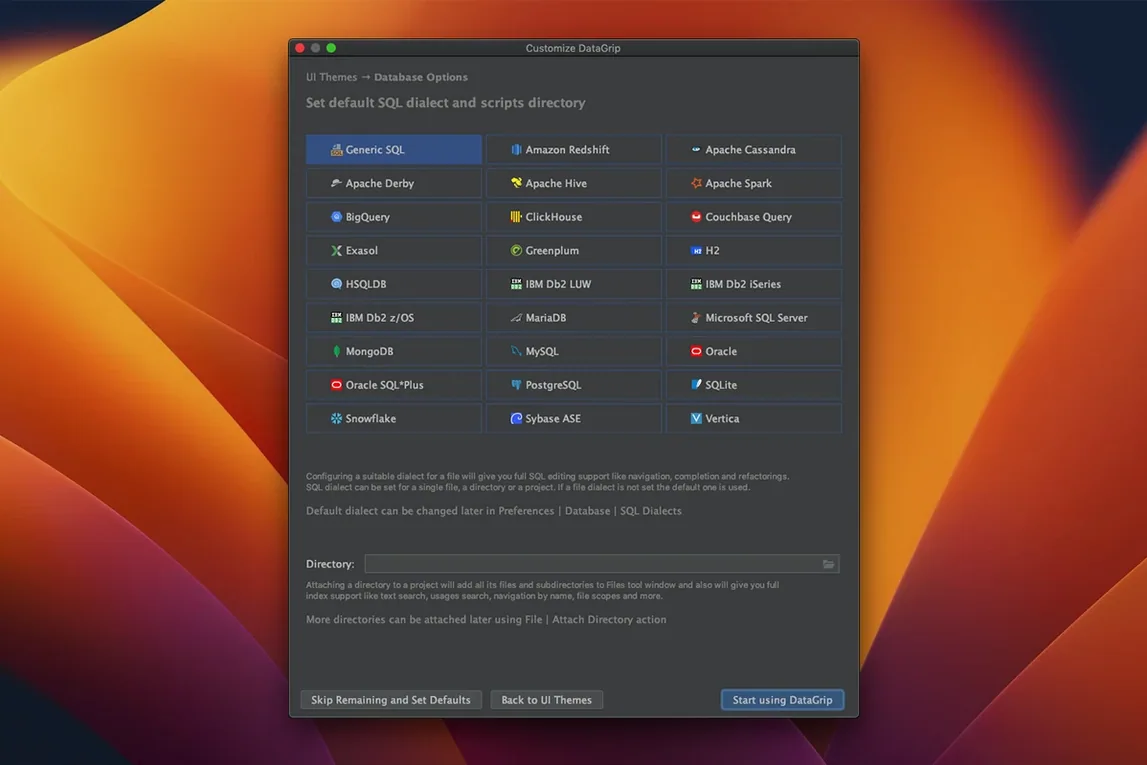
It connects to relational and NoSQL databases, handling everything from PostgreSQL and MySQL to MongoDB and Cassandra in one cross-platform IDE.
Does DataGrip run on Apple Silicon Macs?
Yes. JetBrains publishes separate ARM-only and Intel-only macOS packages, so you download the build that matches your hardware.
Can I check how a query will perform before running it?
You can. The query plan tools show tree and graph views of the execution plan, helping you catch expensive scans early.
Comments 0
Sign in to leave a comment.Sign inCreate an account
No comments yet. If a step is still there after you install it, say so.
More in Mac Apps
All in Mac Apps Updated
Dash
Gives developers instant offline access to API docs and code snippet libraries.
11 steps saved
 DataSpell
Combines notebooks, datasets, and a Python console for focused data exploration.
17 steps saved
 DaisyDisk
Maps disk usage as an interactive sunburst chart so you spot what is eating space in seconds.
9 steps saved
 DaVinci Resolve Studio
Covers editing, colour, effects, and audio post-production inside a single application.
4 steps saved
 Cycling '74 Max
Patches together custom audio, MIDI and visual tools from connectable objects.
21 steps saved
 Cursor Pro
Magnifies the pointer so a room follows your walkthrough without squinting.
5 steps saved
 Deep Glow
Generates physically accurate light falloff so glows bloom without clipping highlights.
20 steps saved
 Dehancer Pro
Emulates film stock colour and grain as a plugin inside your existing editing timeline.