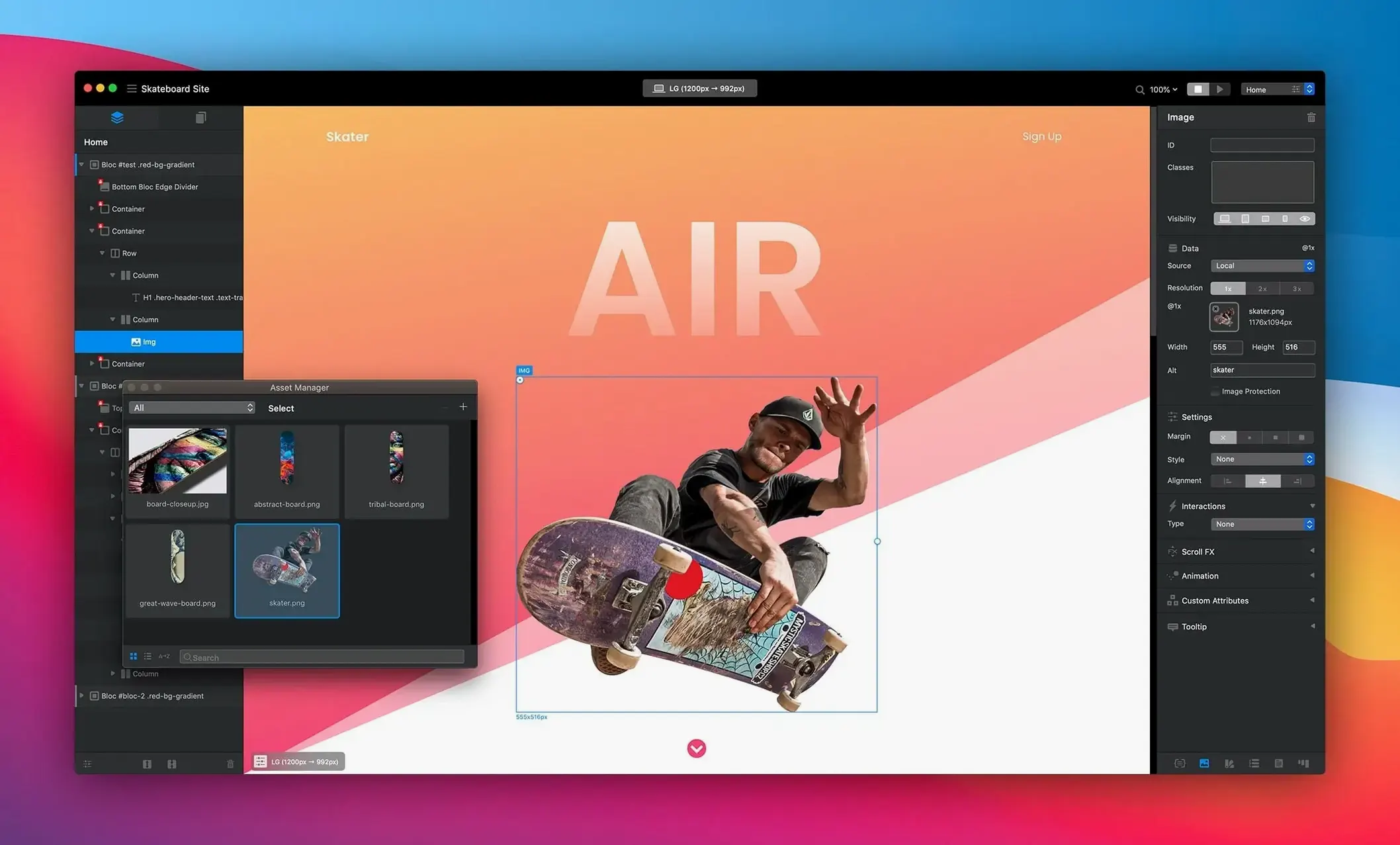
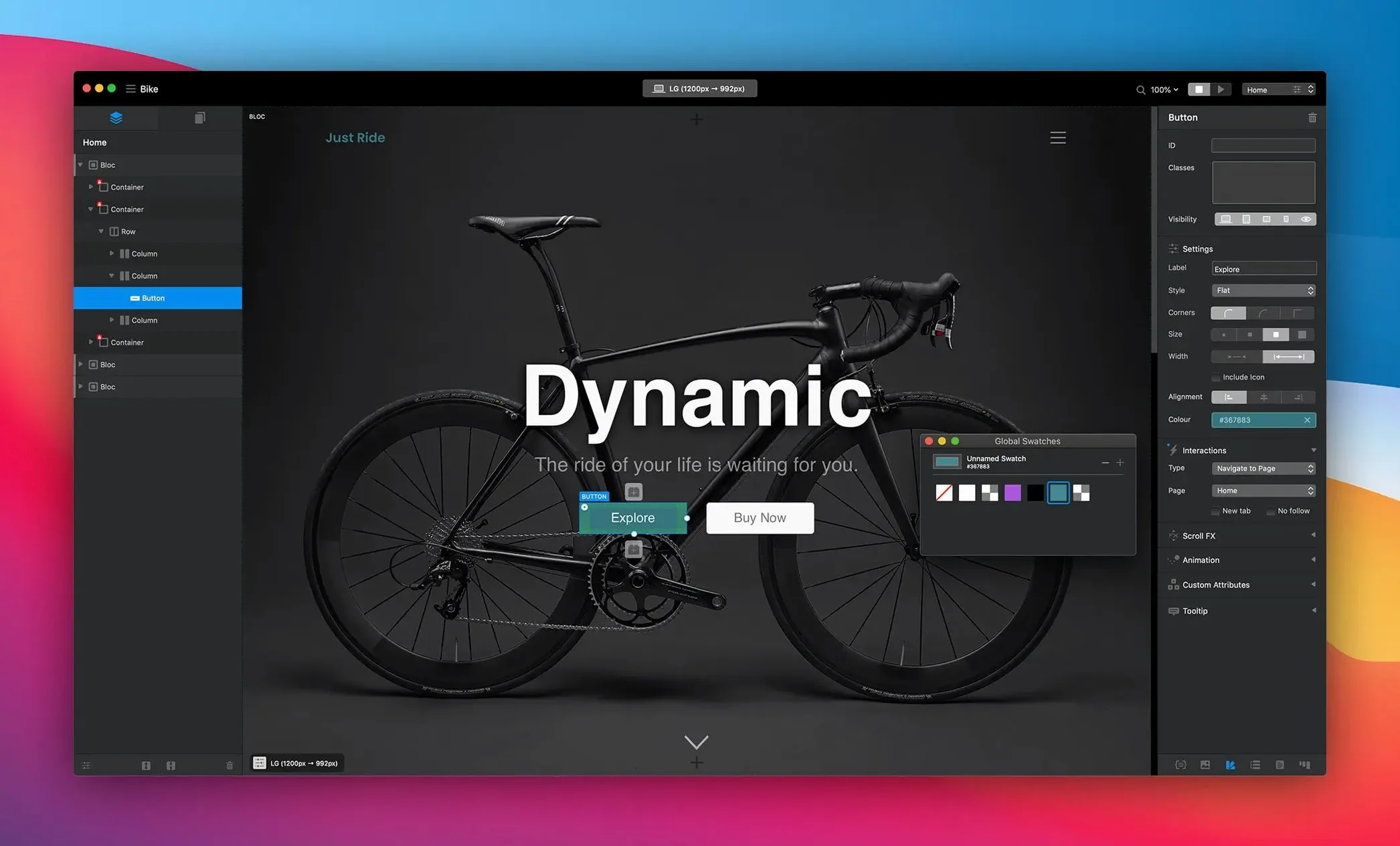
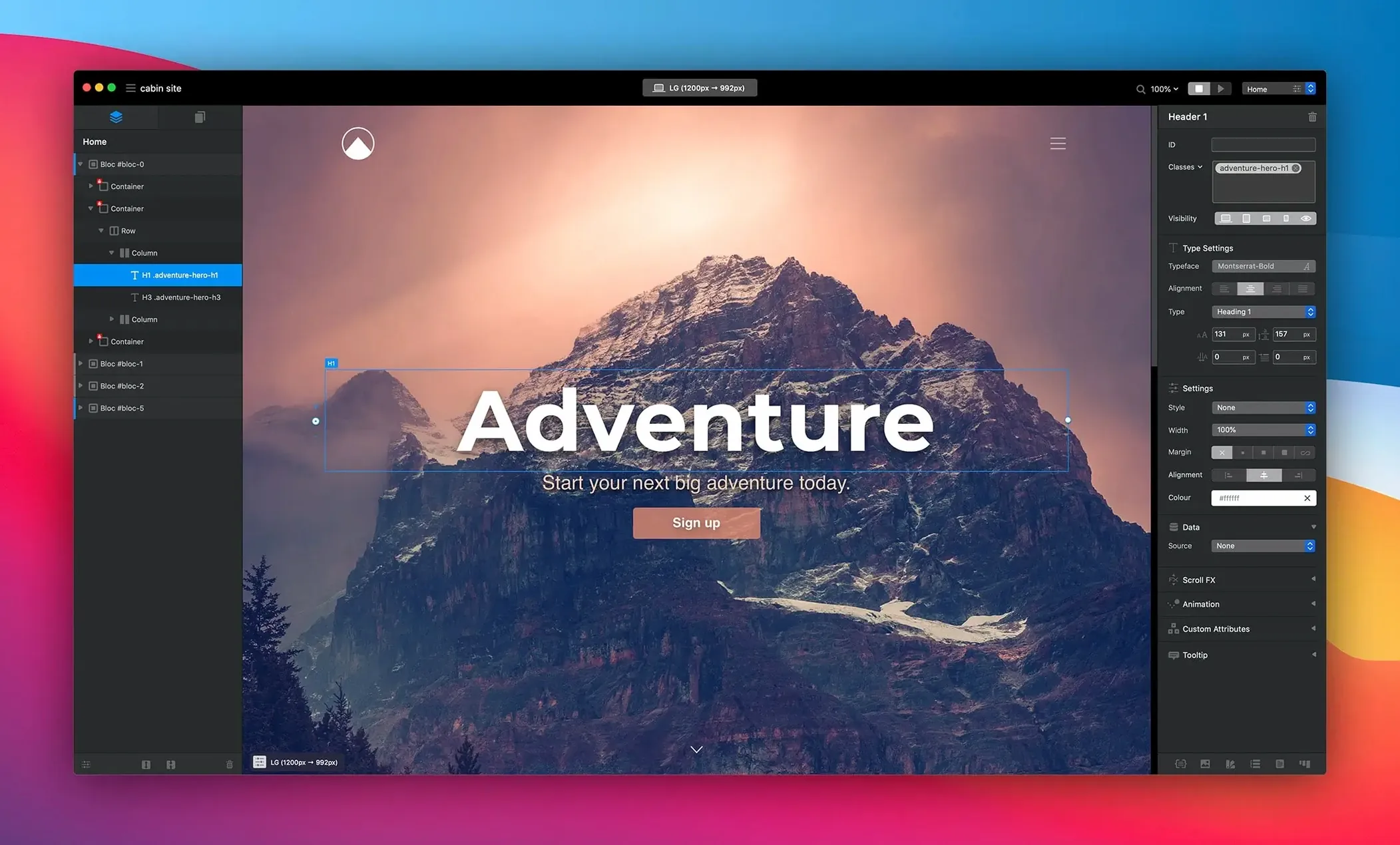
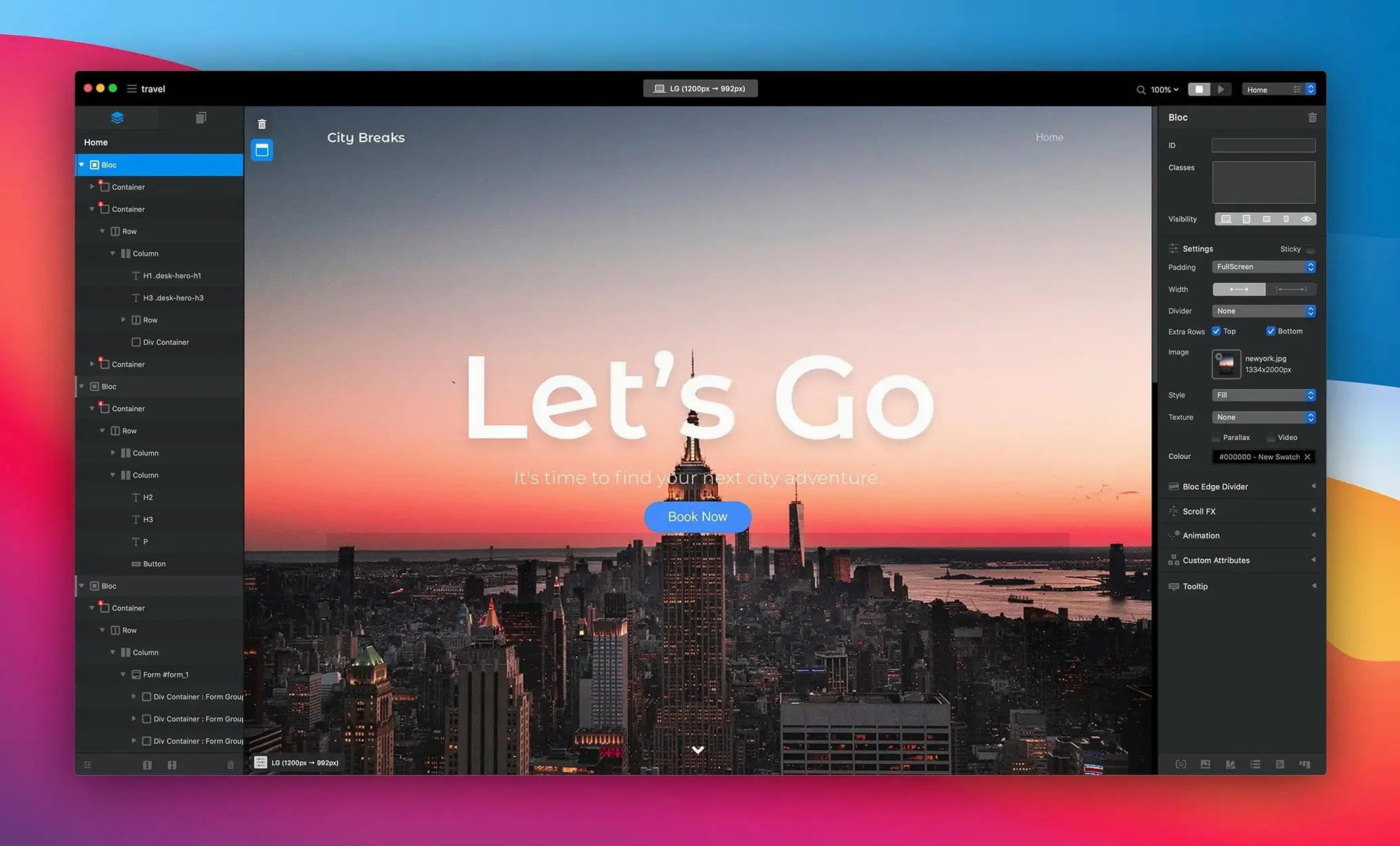
Blocs suits designers and experienced site builders who need speed without surrendering control. It strips away the code editor but keeps the logic of the box model, class system, and CMS structure close to the surface. You work visually, but the app thinks in clean, generated code — no embedded styles or unnecessary bloat.
Power tools behind the panels
Start with drawing mode to rough out layouts faster than dragging individual elements. Global swatches keep colour work consistent across dozens of pages, and automatic text colouring adjusts contrast against any background with one less thing to check manually. For movement, one-click animations apply scroll effects and transitions without touching a timeline. These aren’t beginner toys — they’re accelerators for a production workflow that already understands hierarchy, breakpoints, and reusable classes.
Integrated CMS without the mess
The CMS workflow lives inside the same interface, so content structures connect directly to your design. Build blog templates, dynamic listings, and repeatable collections while the app handles the backend logic. It’s a useful fit for client projects where handing over a static site isn’t enough, but a full custom-coded solution is overkill.
Build a single-page portfolio from zero
Open a new project in Blocs 6 and pick a blank page. Switch on drawing mode — drag three horizontal sections to form a hero, a work gallery, and a contact block. For the hero, drop an image Bric and a heading on the same row. Set a global swatch for the brand colour, then use automatic text colouring on the heading to hold contrast over a dark background image.
Build the gallery with a repeatable CMS collection. Add a new collection named “Projects,” give it an image field and a description field, then insert a dynamic Bric tied to that collection. Add three sample entries and confirm the layout responds as expected on tablet and phone breakpoints. Finish with a contact Bric — drop a form element, connect it to a mailer, and apply a one-click fade-up animation. The whole project, from empty canvas to live-ready page, takes under twenty minutes.
Manual class-naming to keep stylesheets handoff-ready
The out-of-the-box defaults work, but three adjustments tighten the workflow immediately.
- Class naming mode — set to manual in project preferences. Automatic class names stack up quickly, and manual control keeps the stylesheet readable when handing off to a developer.
- Global swatches — define a palette before placing any Brics. Applying colour changes across 30 pages later is tedious; a preset swatch set avoids rework.
- Breakpoint visibility — toggle “Show overflow” on for the tablet and phone views. Elements that clip off-canvas are easier to spot while designing rather than during QA.
- Fixed a hamburger menu display issue after toggling the navigation Bric option.
- Fixed checkbox selected-state display in the app.
- Fixed inspector options for selected radio items.
- Fixed multiple alerts when setting Blocs padding to fill inside a Bloc group.
- macOS 11 or later
- Apple Silicon or Intel processor
Questions I get before install
Does Blocs support dynamic content and CMS workflows?
Yes. Blocs includes an integrated CMS that lets you build dynamic pages, blogs, and repeatable content collections without leaving the visual editor.
Does Blocs generate clean code?
Blocs generates clean HTML and CSS without extra or embedded styles, keeping the output lean and maintainable.
Comments 0
Sign in to leave a comment.Sign inCreate an account
No comments yet. If a step is still there after you install it, say so.
More in Mac Apps
All in Mac Apps Updated
Bloom
Sorts a messy folder of mixed assets into subfolders by file type or creation date.
20 steps saved
 Bitwig Studio
Combines linear recording with a modular sound design sandbox in a single workstation.
20 steps saved
 Binary Ninja
Lets you disassemble and decompile binaries to understand what compiled code actually does.
13 steps saved
 Boom 3D
Fine-tunes system-wide output with a 31-band equalizer and volume boost.
5 steps saved
 Updated
BetterZip
Lets you preview an archive’s contents without extracting it first.
6 steps saved
 Bootstrap Studio
Builds responsive layouts on the desktop without writing repetitive HTML and CSS grids.
19 steps saved
 BetterTouchTool
Maps unused trackpad gestures and key sequences to the commands you repeat daily.
12 steps saved
 BetterDisplay Pro
Overrides the factory EDID so your screen matches the brightness and resolution you need.