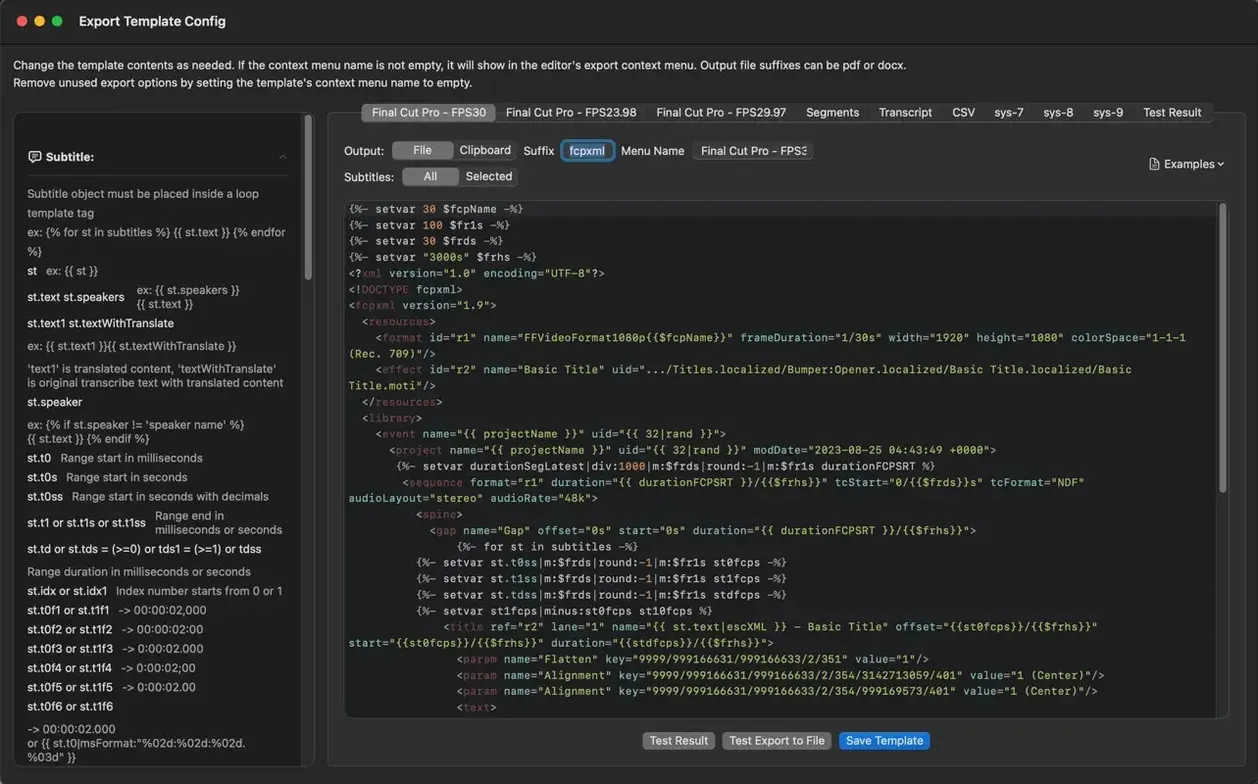
Whisper Mate runs on Apple Silicon and Intel Macs with macOS 12 or later. Here is what people ask before committing to the download.
Where does the transcription happen — On your Mac. Audio stays local. No cloud uploads.
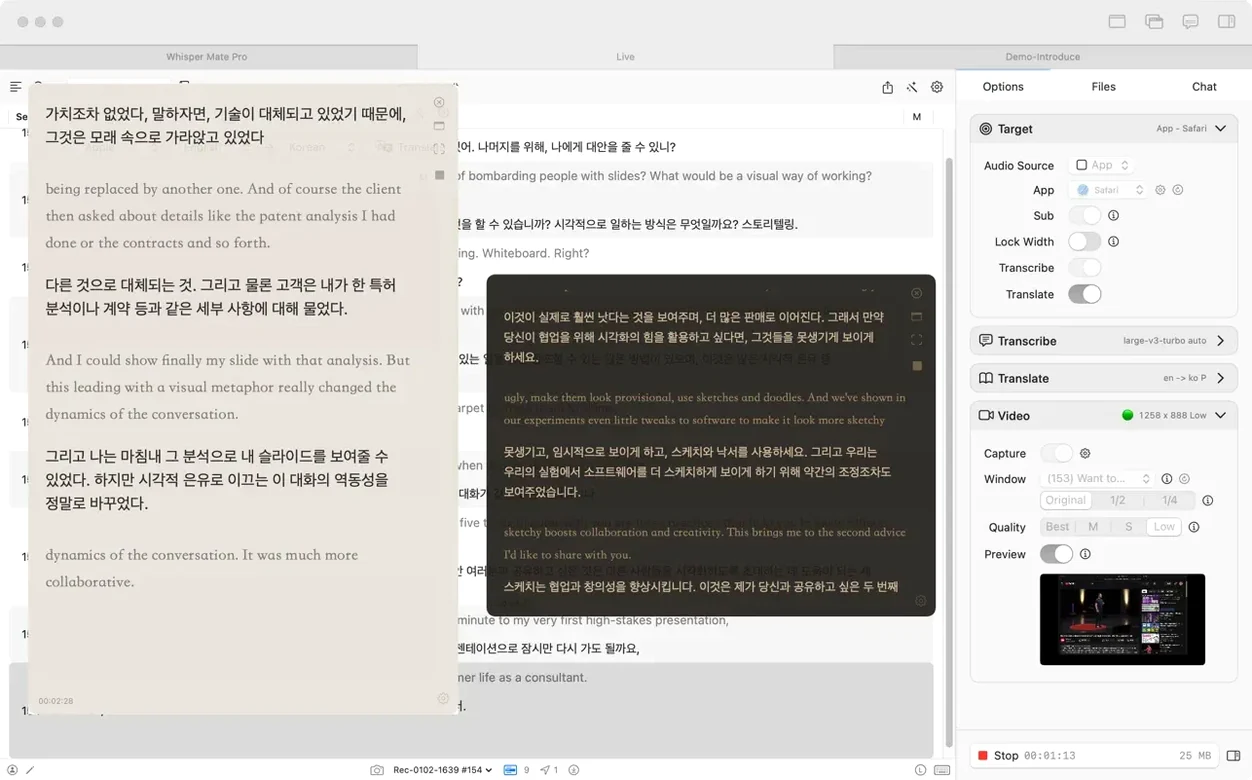
Which engine does it use — Whisper AI. Since version 9.9.8, you can optionally switch to Apple’s built-in transcription engine on macOS 26 for partial bilingual simultaneous transcription.
Does it need extra permissions — Screen recording permission if you want to capture app audio or use the capture-and-translate feature on macOS 13.0 and later.
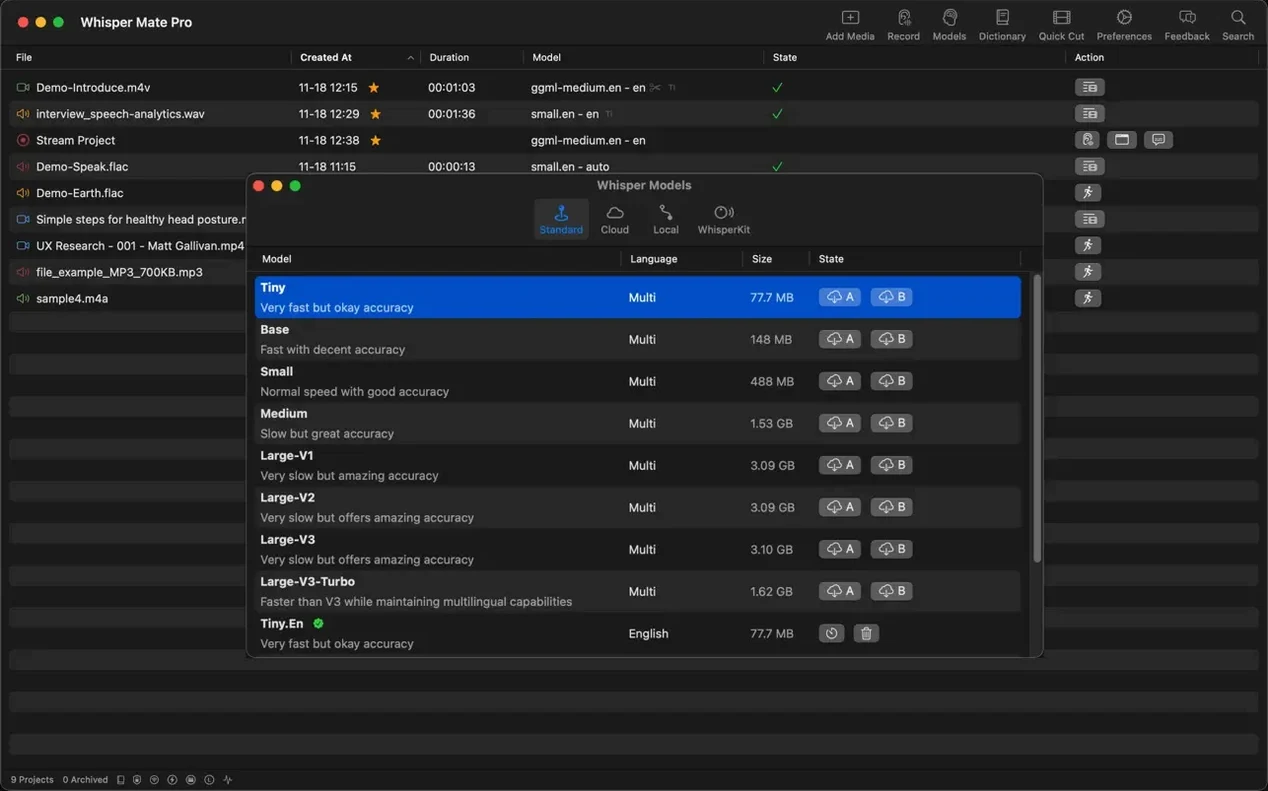
Can I see what the processor is doing — Yes. The interface shows processor usage percentage during Whisper processing.
How do I get a file in — Drag and drop audio or video onto the window.
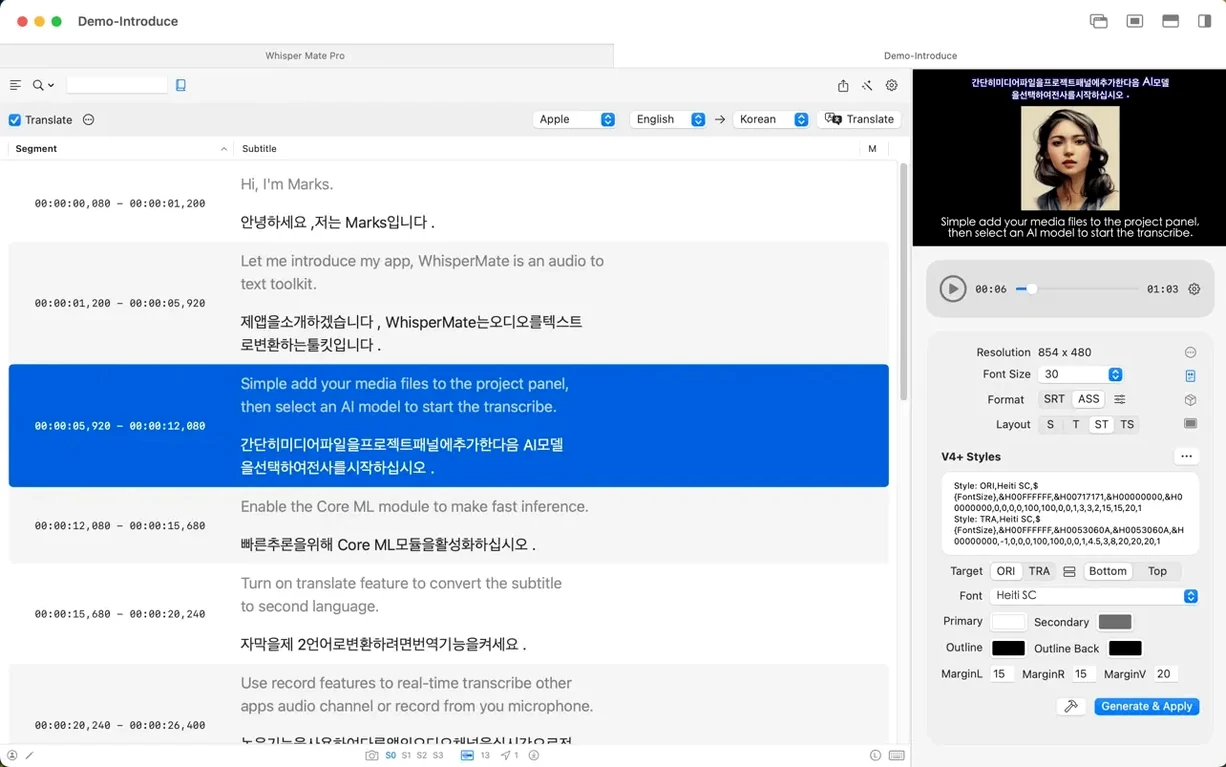
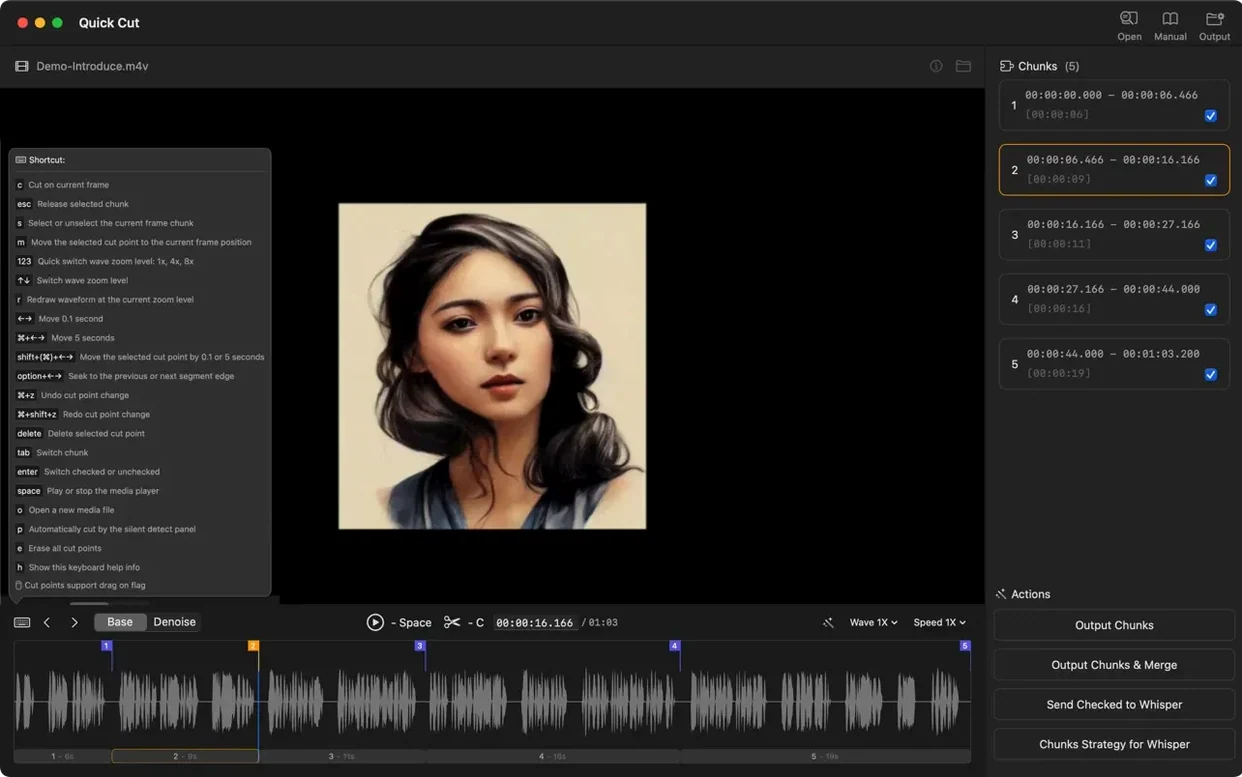
What can I do with the result — Review segment by segment in the built-in subtitle editor, assign speakers to subtitle lines, search the transcript, or export a selected subtitle range as a new media file.
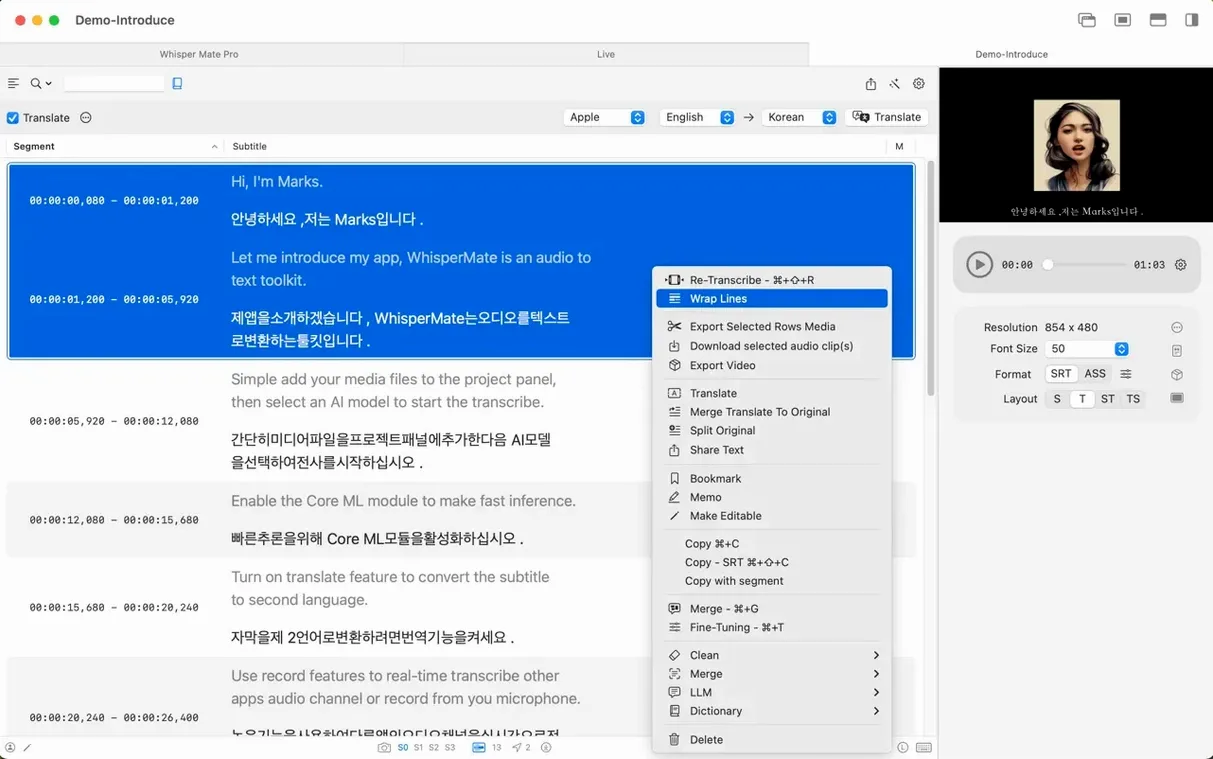
Right-click a subtitle line to duplicate it for tweaked wording
A few controls sit in plain sight but rarely get mentioned in walkthroughs.
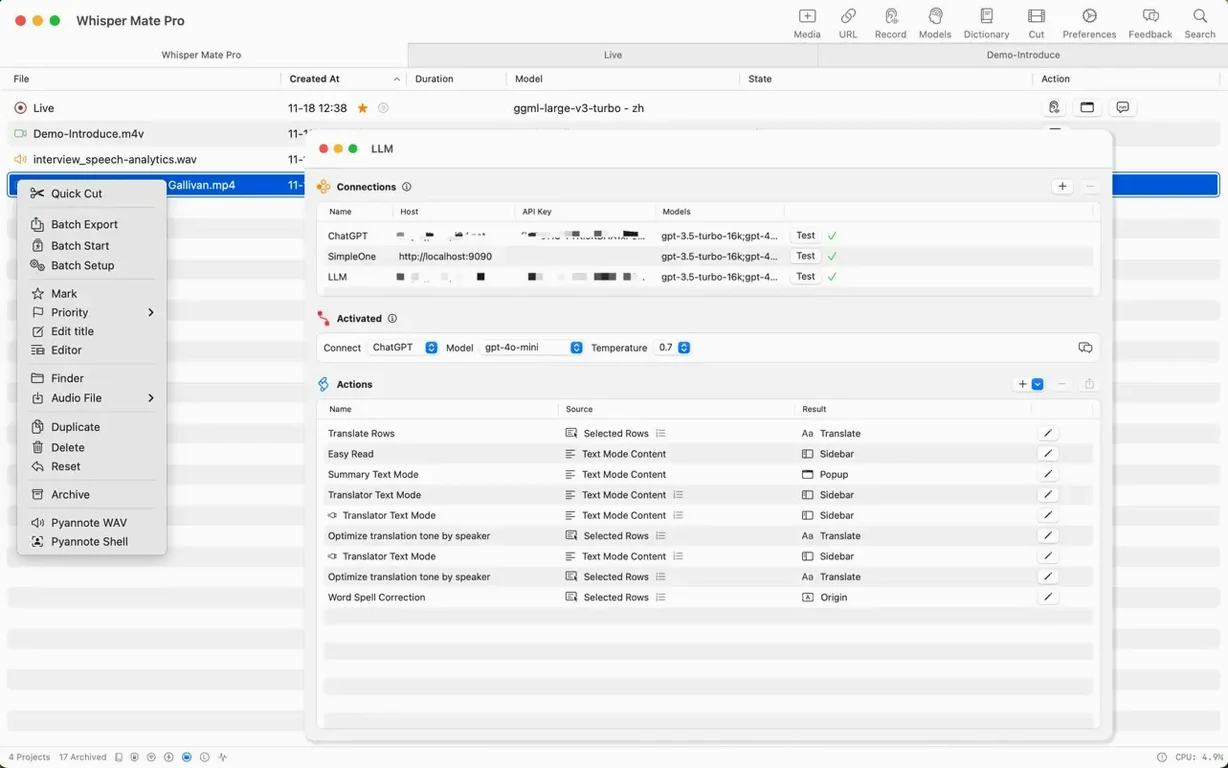
- Right-click a subtitle line to duplicate it — useful when you need the same timing block with tweaked wording or a second language entry.
- Subtitle merging — select multiple segments and merge them into one line. Cleaner exports, fewer timing gaps.
- Archive projects from the context menu — keeps the project list lean without deleting anything you might return to later.
- Playback speed control — slow down tricky sections during review without leaving the editor. Speeds up verification passes on clean audio.
- Search bar accepts plain text — type a word and jump straight to that moment in the transcript and the waveform.
- Finder integration — right-click a media file in Finder, choose Open With, and send it straight into "whisper mate" macos for a new transcription project.
Drop a 45-minute interview and watch the local processor meter kick in
You drop a 45-minute interview recording onto the window. The processor meter kicks in — Whisper AI churns locally, no network lag, no upload progress bar. While it works, you set your favourite language pair for translation and confirm the export format is SRT.
Transcription finishes. The editor opens with segments lined up in the left panel, waveform above. You tap the spacebar to play. Each subtitle block highlights as the audio reaches it. A section with two speakers is messy, so you select a few lines, right-click, and assign Speaker A. Another block gets Speaker B. The merge command cleans up a sentence split across three segments.
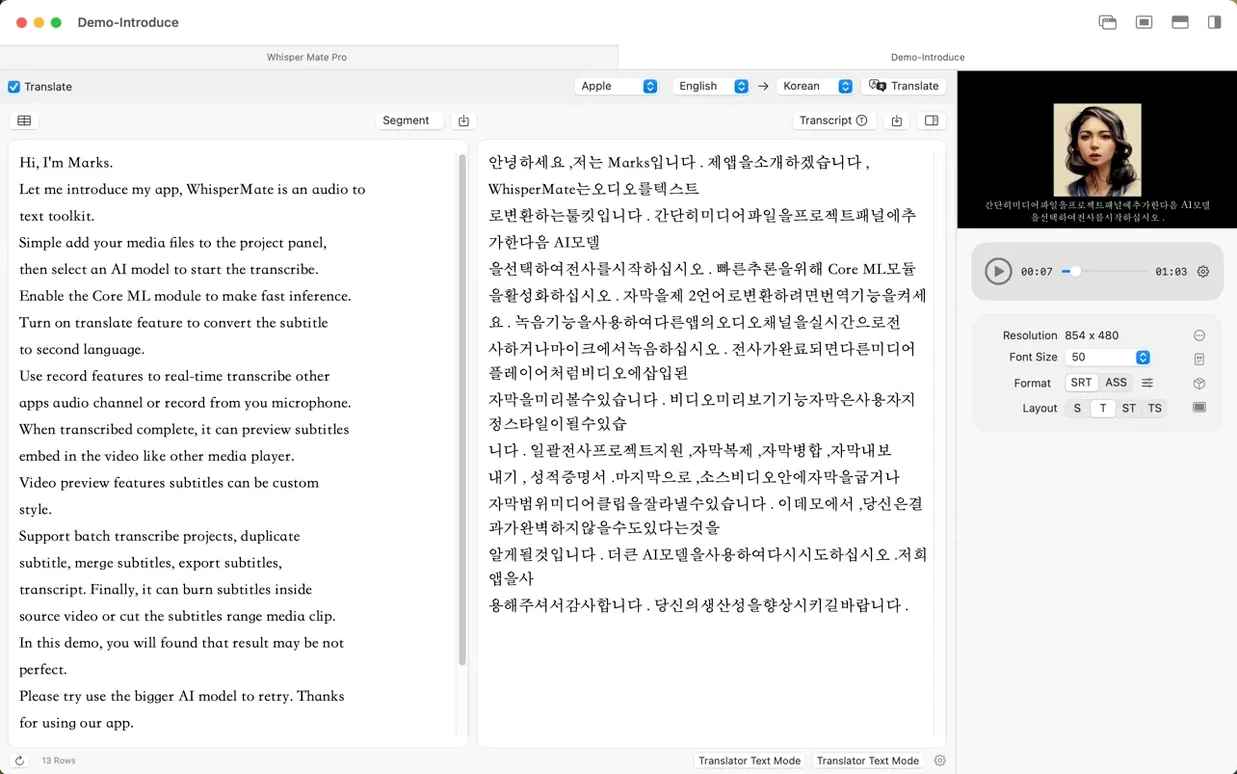
You search for a key phrase mentioned mid-interview. One click on the result, and the playback jumps to that timestamp. You drag the range handles, export the selected clip as a standalone media file, then switch to the translation tab. DeepL handles the transcript in under a minute. You skim the bilingual preview, adjust one subtitle line with the duplicate-and-edit trick, and export the final SRT.
The whole session — from raw audio to timestamped, speaker-labelled, translated subtitles — runs inside "whisper mate" mac app without opening a second tool. If you want to try the workflow yourself, just download whisper mate for mac and drag in your first file.
- New — Subtitle line translation with macOS 26’s built-in translation engine.
- New — Partial bilingual simultaneous transcription on macOS 26 when using Apple’s built-in transcription engine.
- macOS 12 or later
- Apple Silicon or Intel 64-bit processor
- Screen recording permission required for app-audio capture and translation on macOS 13.0+
Questions I get before install
Which languages does Whisper Mate transcribe?
It supports multilingual transcription with an interface available in 19 languages including English, German, Japanese, and French.
Does the app support speaker labelling?
Yes, you can assign a speaker to each subtitle line during the review process.
Can I translate subtitles inside the app?
Version 9.9.8 added subtitle line translation using macOS 26’s built-in translation engine.
Comments 0
Sign in to leave a comment.Sign inCreate an account
No comments yet. If a step is still there after you install it, say so.
More in AI Tools
All in AI Tools Topaz Photo AI
Rescues noisy or soft images with face-aware filters on your own Mac.
4 steps saved
 Updated
Topaz Gigapixel AI
Enlarges low-resolution shots while adding believable texture locally.
6 steps saved
 Updated
superwhisper
Transcribes speech locally into any text field without a cloud round-trip.
4 steps saved
 Updated
MacWhisper
Transcribes meetings and separates speakers without sending audio off your Mac.
13 steps saved
 MacGPT
Summons a ChatGPT text field over any app with a single keyboard shortcut.
4 steps saved
 Luminar AI
Edits photos with AI templates for sky, skin and light in a few clicks.
11 steps saved
 djay Pro
Separates any track into drums, bass, and vocals for live remixing on the fly.
23 steps saved
 BoltAI
Wraps AI chat in a project-aware workspace with assistants, shortcuts, and inline commands.