
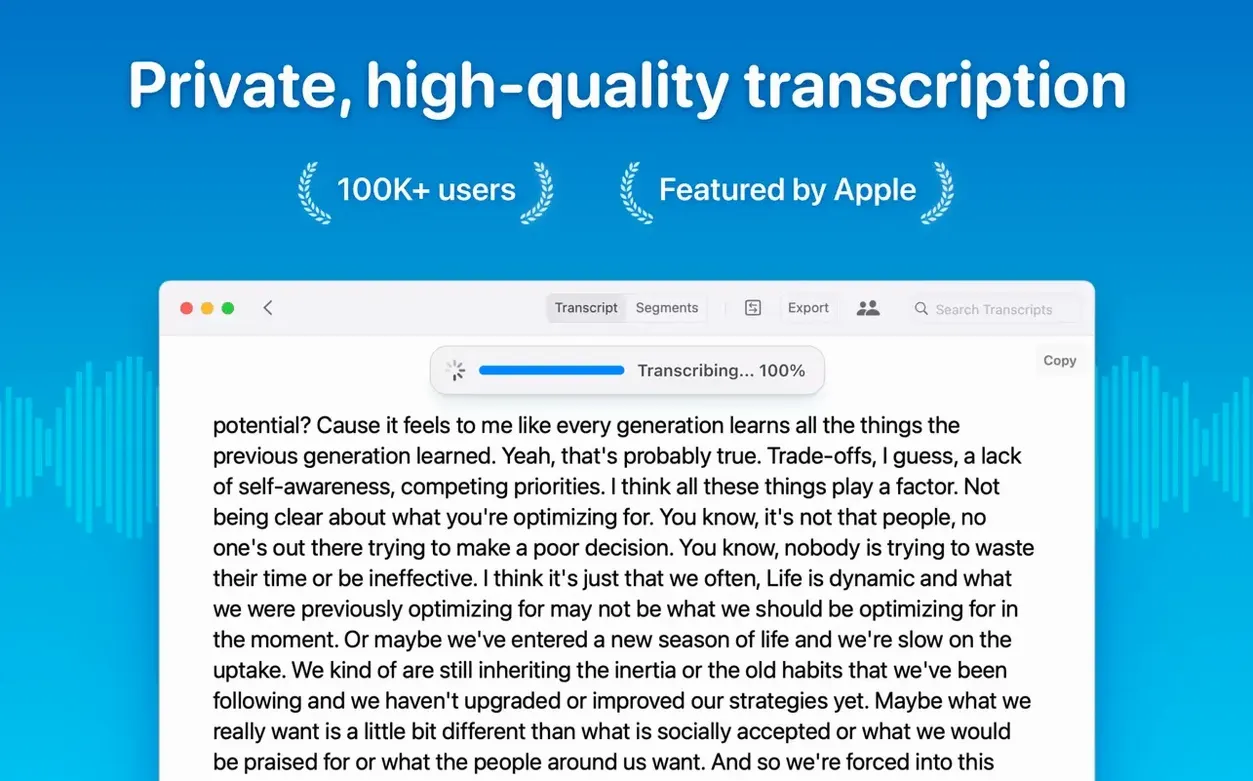
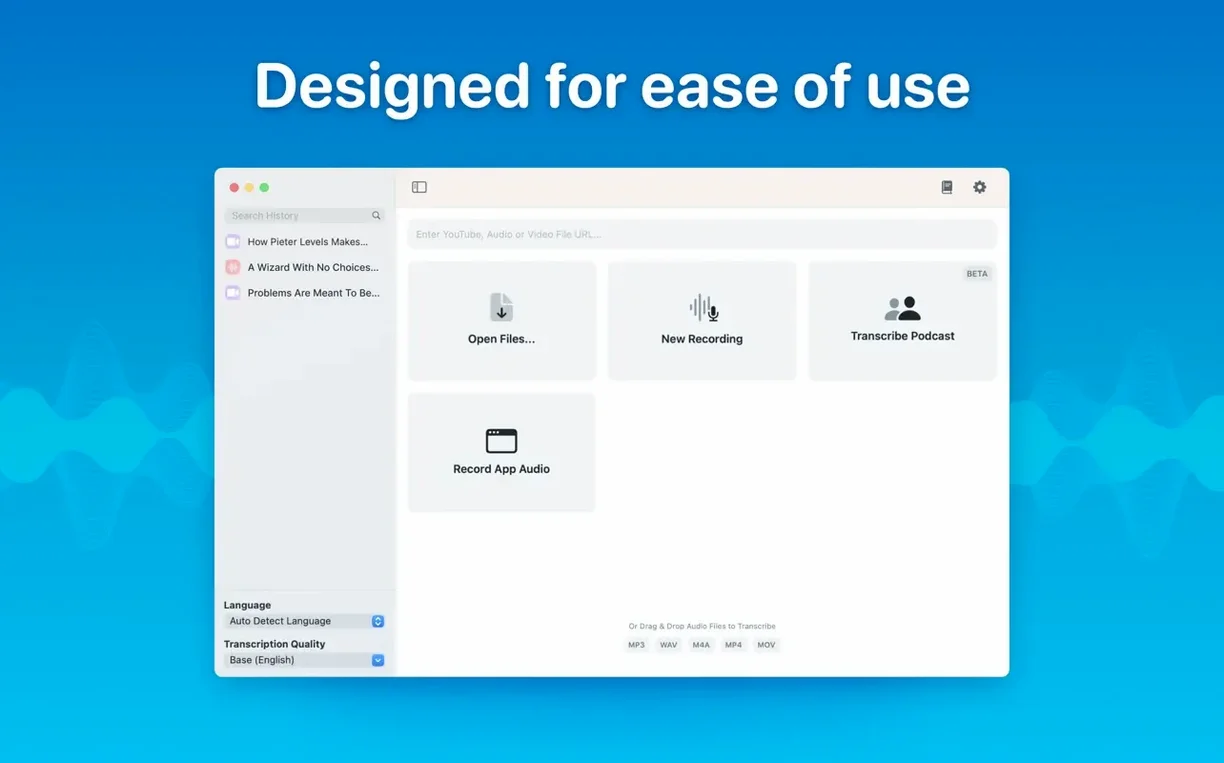
MacWhisper turns recordings and meetings into text without sending audio anywhere. Version 15.2 adds the tools that matter for meetings.
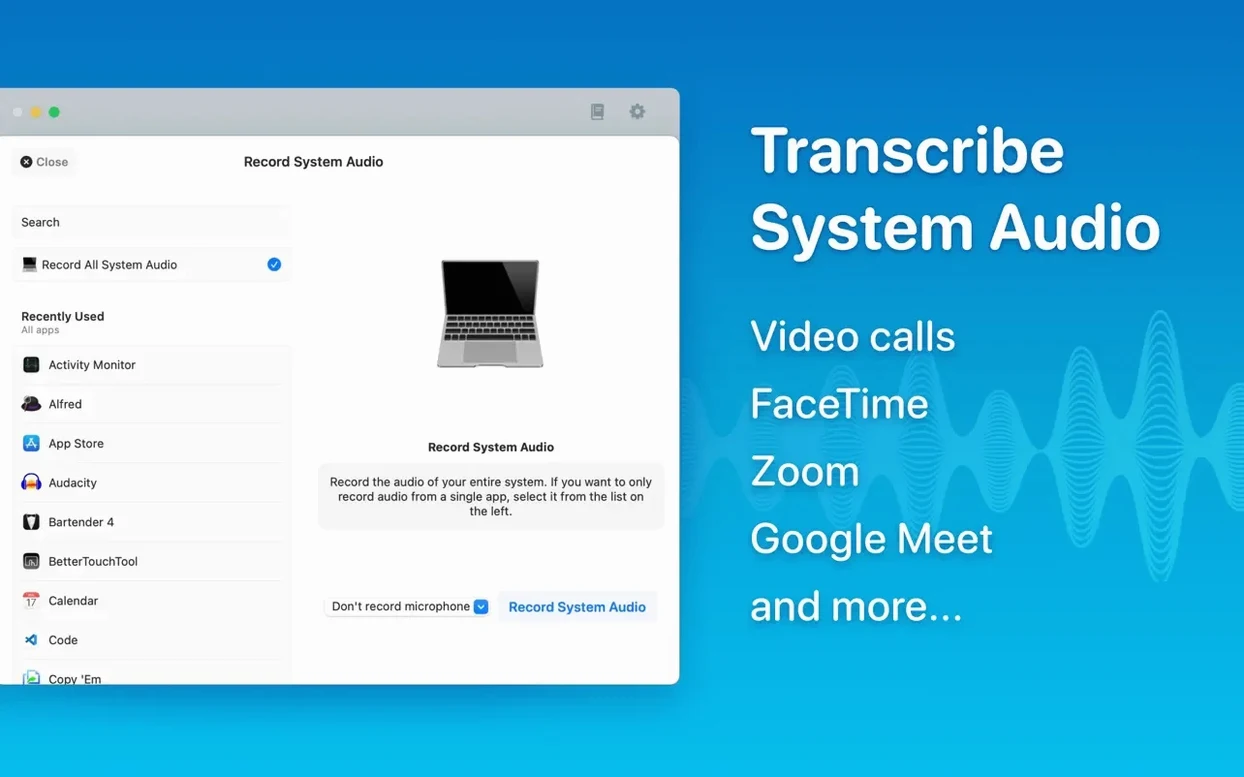
- Real-time meeting transcripts — new in this release; system audio can be transcribed too.
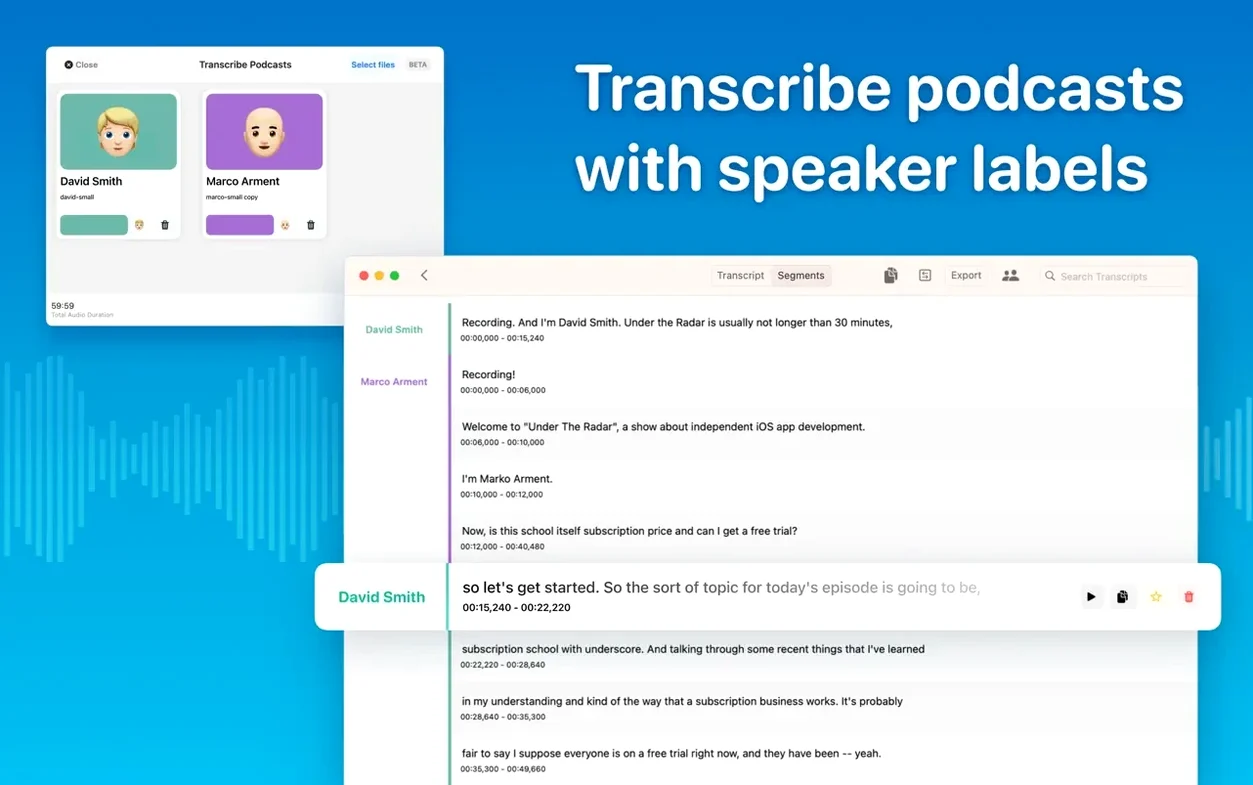
- Speaker recognition — a new diarization model separates speakers.
- Folders and subfolders — keep project transcripts apart from one-off files.
- Model choice — Tiny, Small, Base, Medium, Large-V2 and Large-V3 run locally.
- Languages — 100, with automatic detection or a manual pick.
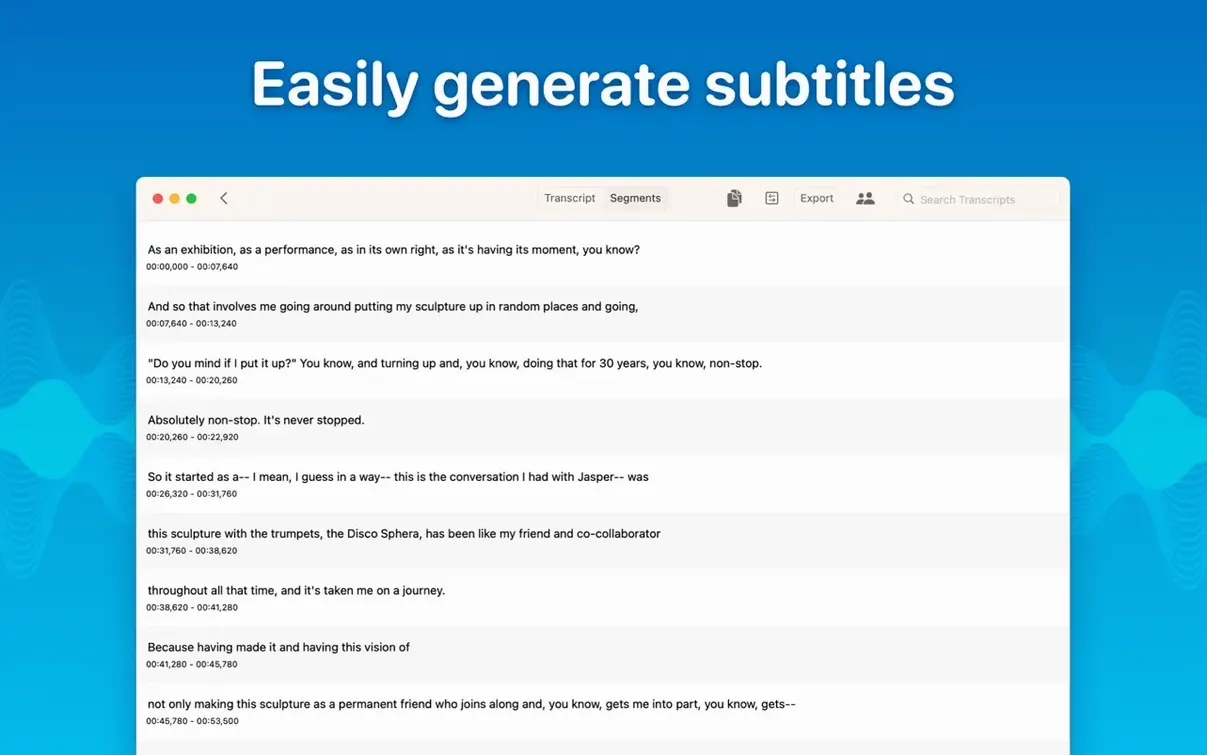
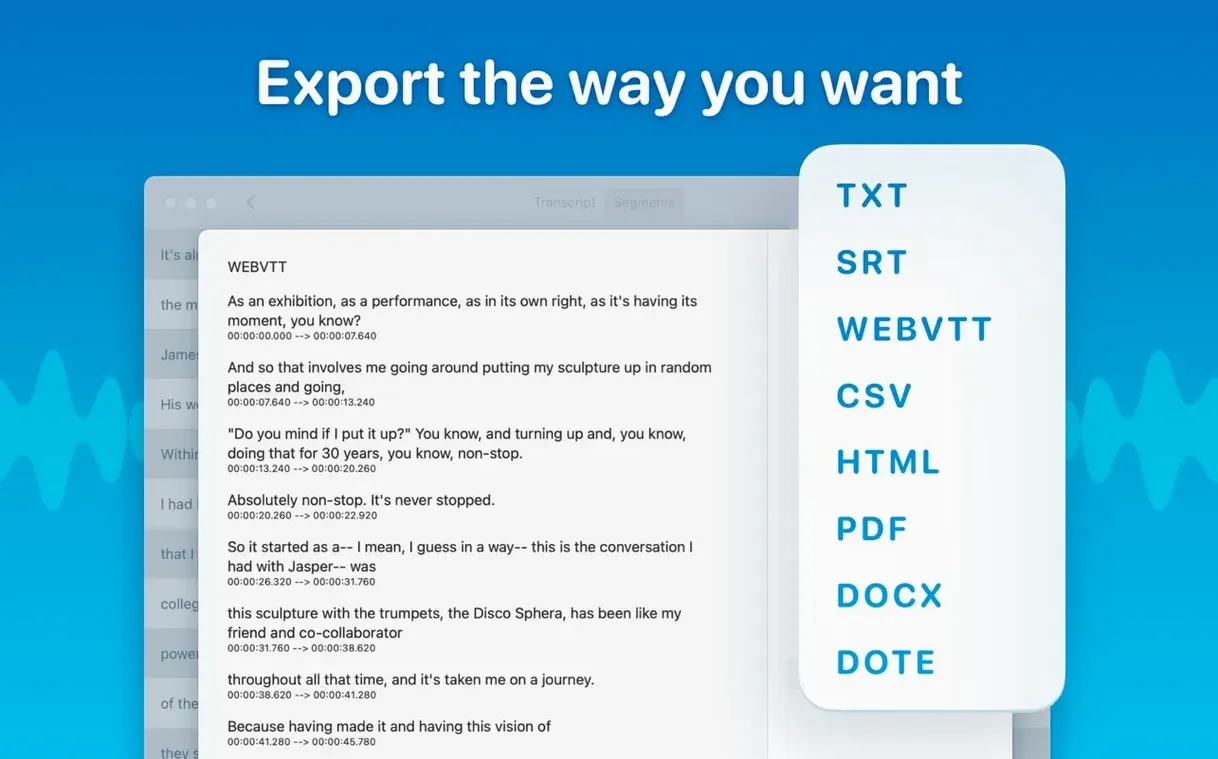
- Subtitle output — SRT and VTT, plus copying all text or only a selected section.
⌘O and ⌘R skip the import busywork
A handful of shortcuts sit just below the surface. They are not advertised loudly, but they cut friction once you know them.
- Skip the import dialog — press
⌘Oto open a file directly, or⌘Rto start recording without touching the mouse. - Jump to a segment —
⌘Jopens a small search field. Type a word and the transcript scrolls there instantly. Much faster than skimming a long scroll. - Cycle through models — hold
⌥while clicking the model selector and the list jumps between Tiny and Large-V3 with one keystroke each. Useful when you are testing which model picks up a difficult accent best. - Reading mode — toggled with
⌘E. It strips the segment markers and timestamps, leaving clean, flowing text. Good for pasting into a document or an email without cleanup. - Batch export — select multiple transcripts, right-click, and choose Export. Word, PDF, HTML, SRT, and VTT all generate in one pass. No need to export each format singly.
The segment editor also rewards a closer look. Click any line, press Space to play it back, then type to correct the text. Press Tab to move to the next segment and keep editing without reaching for the mouse. This turns a rough transcript into a clean one in half the time.
Speaker separation for rough-cut show notes
The app suits people who handle spoken content regularly and care about speed more than polish.
- Podcast editors — speaker separation with the new diarization model makes it practical to produce a rough-cut transcript for show notes. Export to SRT, tidy up the speaker labels, and the subtitle file is ready.
- University students — a recorded lecture dropped into the app returns searchable notes in minutes. The reading mode and ⌘J shortcut let you find a specific concept mid-revision without replaying the audio.
- Remote team leads — real-time meeting transcripts capture decisions as they happen. Folders keep each project's calls separate. No need for a cloud service, which matters when meeting content is sensitive.
- Journalists — drag in an interview recording, let a large model handle it, then edit the segments while playing back with the Space bar. The whole workflow stays on one screen.
People who need a polished, formatted transcript with timestamps and speaker names will still do some manual cleanup. MacWhisper gives them a fast first draft, not a finished document. That trade-off feels right for the speed it brings.
Pre-installation friction points
All transcription runs locally after one download
No. Transcription runs on-device. The models download once, then everything happens locally. The real-time meeting transcript feature also processes on the Mac. Nothing is sent to a server.
Which model should I pick?
Start with Small or Base for a first pass — they are fast and surprisingly accurate on clear speech. Move to Medium or Large-V3 when you have overlapping voices, heavy accents, or background noise. The larger models need more memory and time but catch words the smaller ones miss. Model downloads range from under 100 MB to several gigabytes, so plan accordingly on a metered connection.
Does speaker separation work on older recordings?
Yes. The new diarization model in version 15.2 applies to imported files as well as live recordings. Results are better when speakers do not talk over each other. A recording with heavy crosstalk will still show mixed labels in places.
No licence check to crack or bypass
The app does not require activation. People who search for MacWhisper crack or MacWhisper torrent will find the software runs immediately after dragging it to the Applications folder. Searches like MacWhisper Pro crack or MacWhisper Pro torrent point to the same reality — no activation step exists to bypass.
Medium model stays smooth on Apple Silicon
On Apple Silicon, even Medium runs quickly and leaves the machine responsive. Intel Macs handle Tiny and Small without issue; Medium and larger models can spike CPU and fan noise for several minutes. Close heavy apps before running a long file through a large model on an Intel machine.
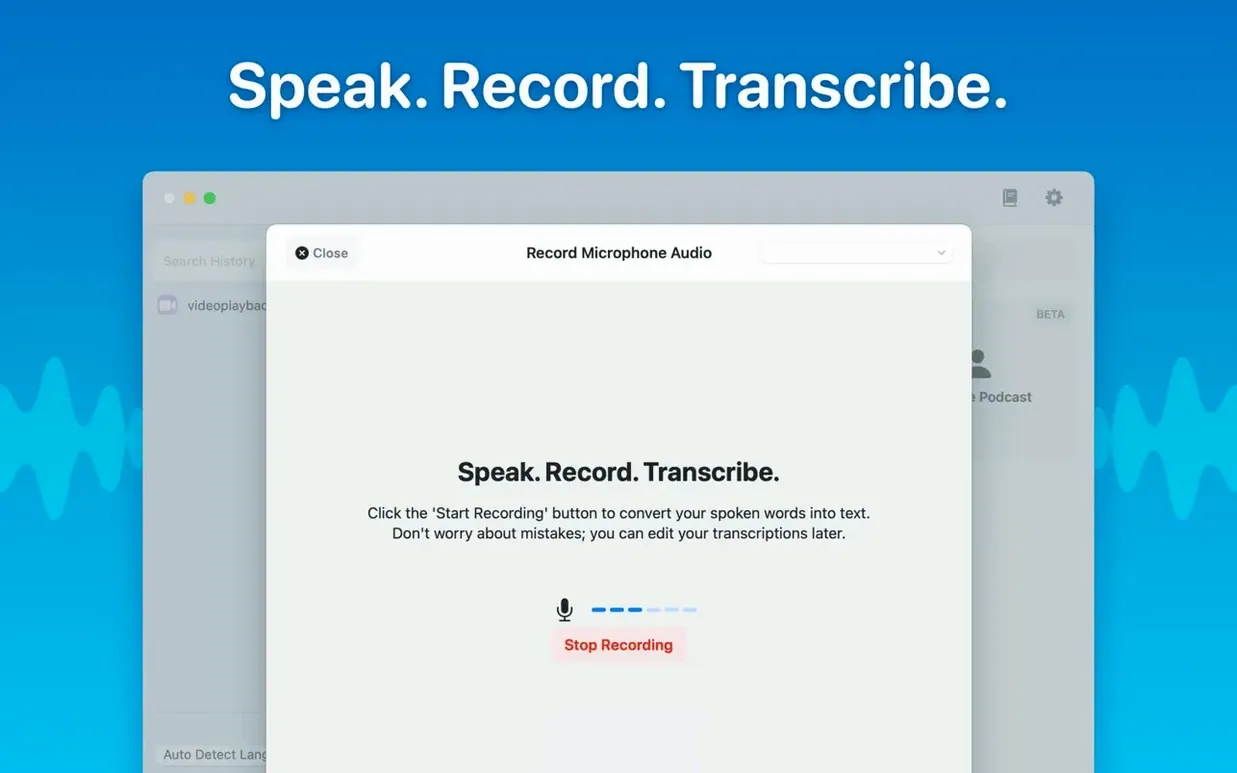
Drag an audio file onto the window to start, or record directly in the app.
Whisper Transcription 15.9 arrives as a maintenance update focused on stability under macOS 14 and newer. No feature changes this round.
- macOS 14 or later
- Apple Silicon or Intel 64-bit
Questions I get before install
Which languages can MacWhisper transcribe?
It supports transcription across 100 languages, with either automatic detection or a manually selected language.
What export formats does MacWhisper offer for subtitles?
You can export transcripts as SRT or VTT subtitle files, and copy either the full text or only a selected section.
What was changed with the Qwen3-ASR model in version 15.2?
Version 15.2.1 removed support for the Qwen3-ASR model on M1-series Macs, limiting it to M2 and later hardware.
Comments 0
Sign in to leave a comment.Sign inCreate an account
No comments yet. If a step is still there after you install it, say so.
More in AI Tools
All in AI Tools MacGPT
Summons a ChatGPT text field over any app with a single keyboard shortcut.
4 steps saved
 Luminar AI
Edits photos with AI templates for sky, skin and light in a few clicks.
11 steps saved
 Updated
djay Pro
Separates any track into drums, bass, and vocals for live remixing on the fly.
6 steps saved
 Updated
superwhisper
Transcribes speech locally into any text field without a cloud round-trip.
23 steps saved
 BoltAI
Wraps AI chat in a project-aware workspace with assistants, shortcuts, and inline commands.
4 steps saved
 Updated
Topaz Gigapixel AI
Enlarges low-resolution shots while adding believable texture locally.
10 steps saved
 Topaz Photo AI
Rescues noisy or soft images with face-aware filters on your own Mac.
20 steps saved
 AI Transcription
Turns recorded speech into searchable, editable text right on your own machine.