
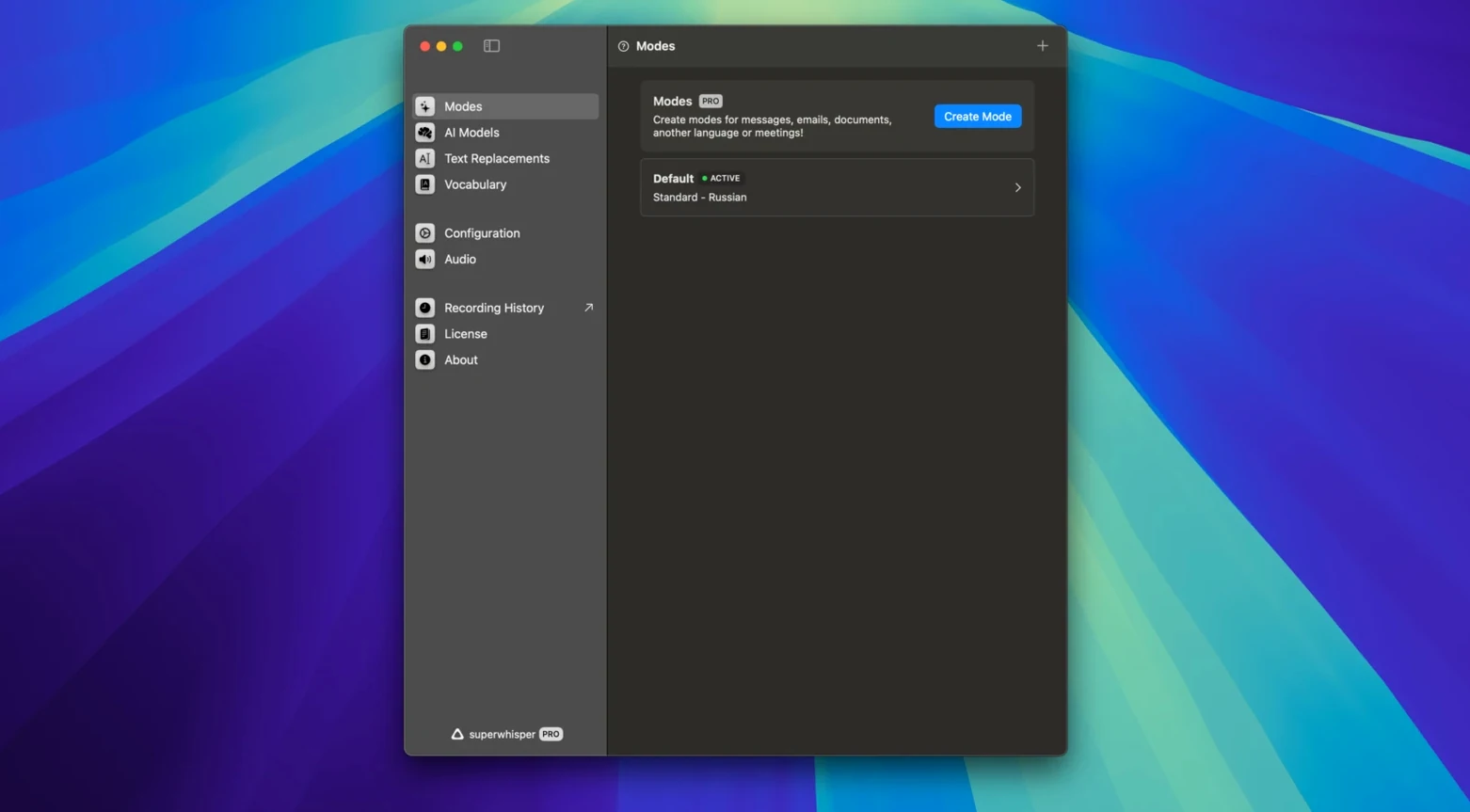
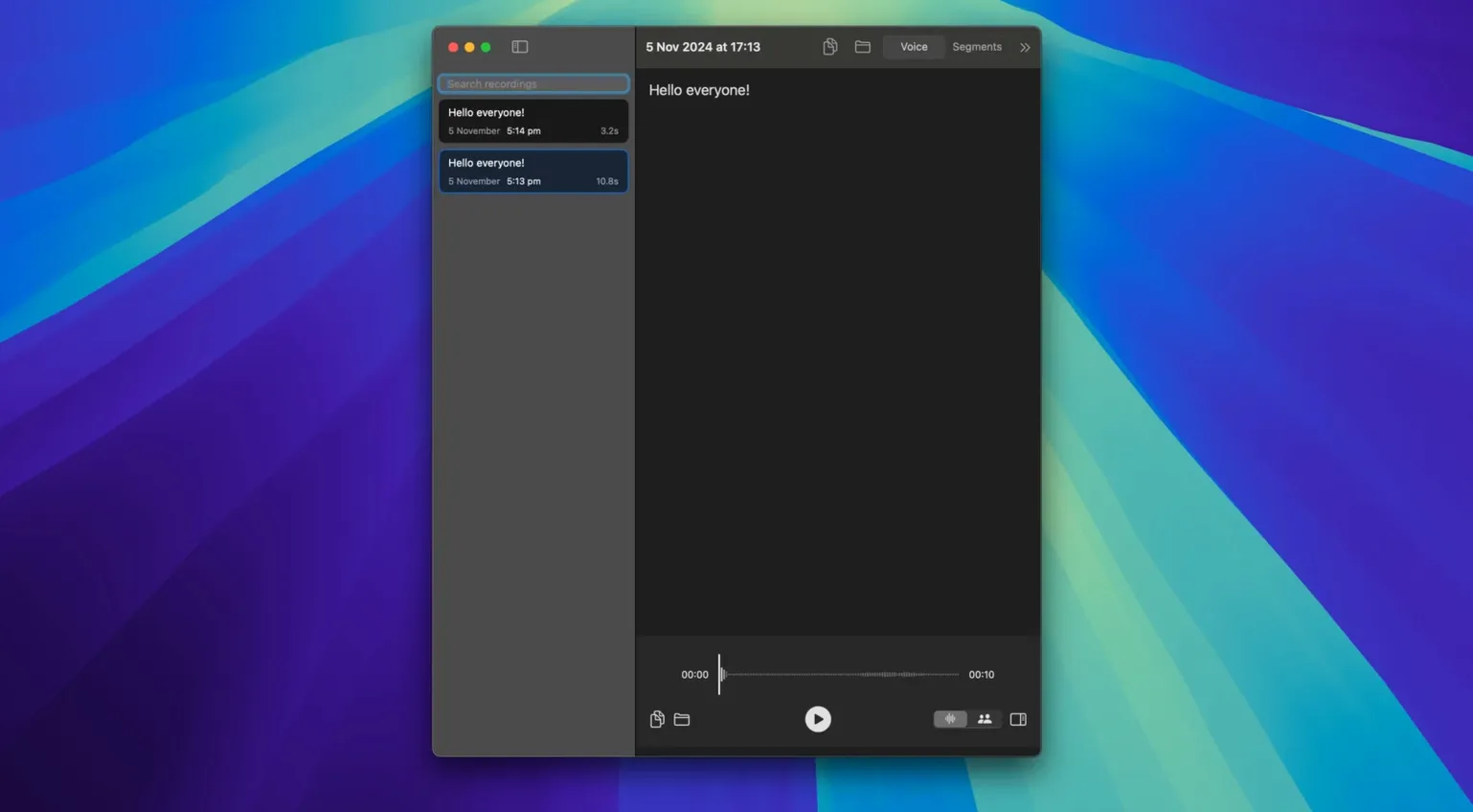
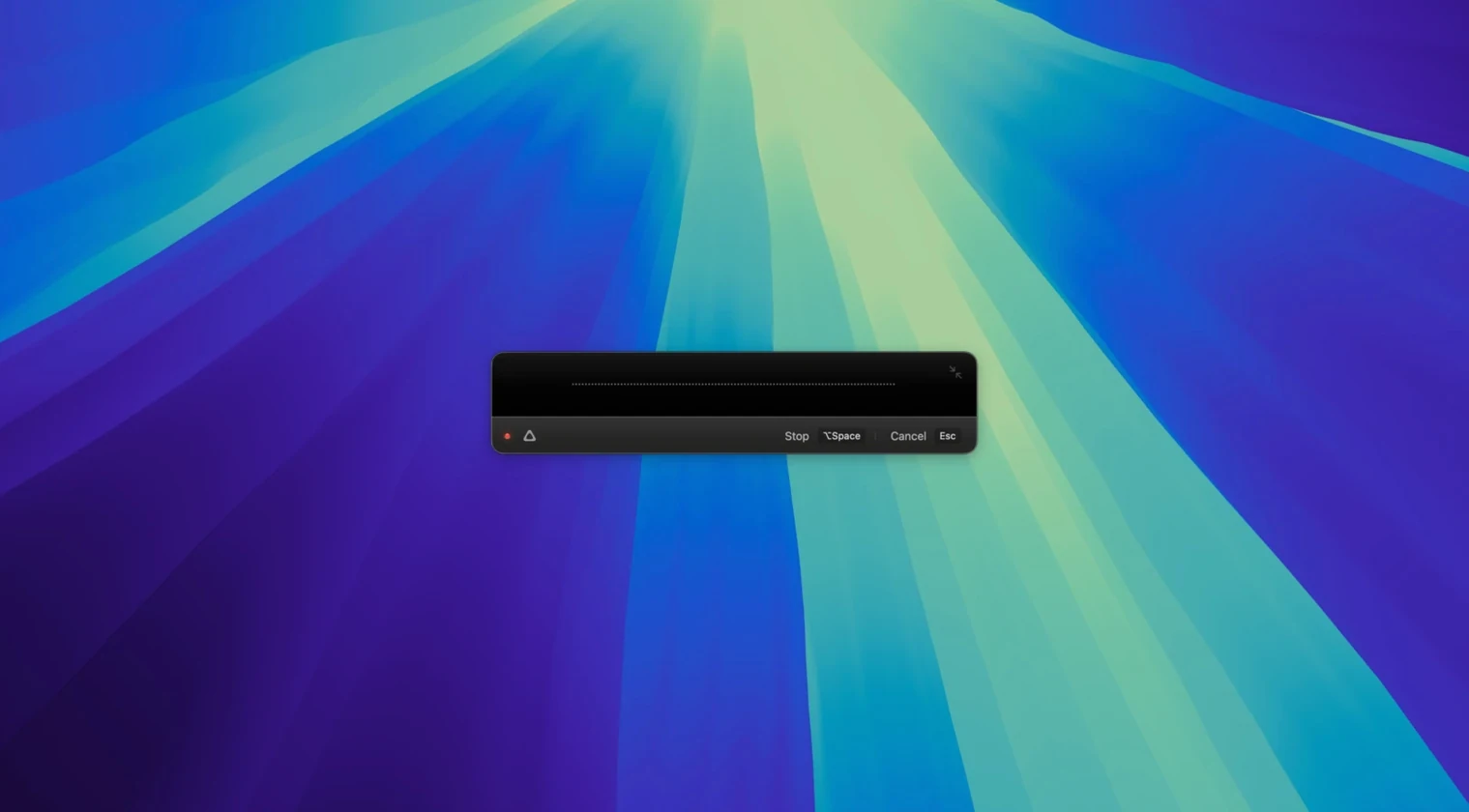
You notice the real-time transcription engine before anything else. It runs locally, handles over 100 languages, and drops text into whatever field you're working in—no cloud round-trips, no switching windows. It's the kind of utility that slots in next to your text expander and clipboard manager, handling the one task they don't.
Dictate While Your Hands Stay Elsewhere
superwhisper doesn't try to be a notes app, a writing environment, or a team hub. It does one job: speech to text. Use it to dictate a message while your hands stay on a reference doc. Fire off an email draft. Fill a form. For anyone already using tools like Alfred, Keyboard Maestro, or Raycast, it becomes the voice layer those launchers lack—offline and quiet about it.
Teach It Your Shorthand So It Works Offline
Dictation that needs a browser tab open. Voice typing that stalls without a connection. The app lets you add custom phrases, names, links, and abbreviations so it learns your shorthand. It can also translate supported languages into English, which means a single tool covers both dictation and quick cross-language capture. If you've been stitching together built-in macOS dictation and web-based translators, this consolidates them.
Feed It Names and Jargon Before You Dictate Anything Serious
Out of the box, superwhisper works. Three adjustments make it yours faster.
- Vocabulary file — add your custom phrases, team member names, and product shorthands before dictating anything serious. The app learns them immediately.
- Language model — if you installed version 2.18.4 with the S1-mini option, switch to it for tone control. It stays on-device and handles casual vs. formal output without a config file.
- Translation toggle — enable translate-to-English for just the languages you actually hear in meetings. Leaving all 100+ active adds a tiny processing lag you will feel.
Transcription Starts in Under a Second on Apple Silicon
Transcription starts under a second on Apple Silicon. On Intel, initial model loading takes about four seconds—once per session. While active, the app holds steady around 300 MB of RAM and barely touches the GPU. I have left it running across sleep/wake cycles and three-monitor setups without a crash. Earlier builds had a real-time dropout bug and a CPU spike in History playback; both are fixed in 2.18.4. For a local engine processing 100+ languages, the footprint is small enough that you forget it is running until you need it.
superwhisper 3.1.0 is available for download. The developer hasn't published a public changelog for this build.
- macOS 13 or later
- Apple Silicon or Intel 64-bit processor
Comments 0
Sign in to leave a comment.Sign inCreate an account
No comments yet. If a step is still there after you install it, say so.
More in AI Tools
All in AI Tools Updated
Topaz Gigapixel AI
Enlarges low-resolution shots while adding believable texture locally.
10 steps saved
 Topaz Photo AI
Rescues noisy or soft images with face-aware filters on your own Mac.
14 steps saved
 Whisper Mate
Transcribes audio locally on your Mac using Whisper AI with no cloud uploads.
4 steps saved
 Updated
MacWhisper
Transcribes meetings and separates speakers without sending audio off your Mac.
13 steps saved
 MacGPT
Summons a ChatGPT text field over any app with a single keyboard shortcut.
4 steps saved
 Luminar AI
Edits photos with AI templates for sky, skin and light in a few clicks.
11 steps saved
 djay Pro
Separates any track into drums, bass, and vocals for live remixing on the fly.
23 steps saved
 BoltAI
Wraps AI chat in a project-aware workspace with assistants, shortcuts, and inline commands.