
BoltAI is a native macOS client that turns AI chat into a structured, project-aware workspace.
| Fact | Detail |
|---|---|
| Storage | Keys kept in Apple Keychain |
| Analytics | No in-app tracking |
| Image generation | Stable Diffusion support |
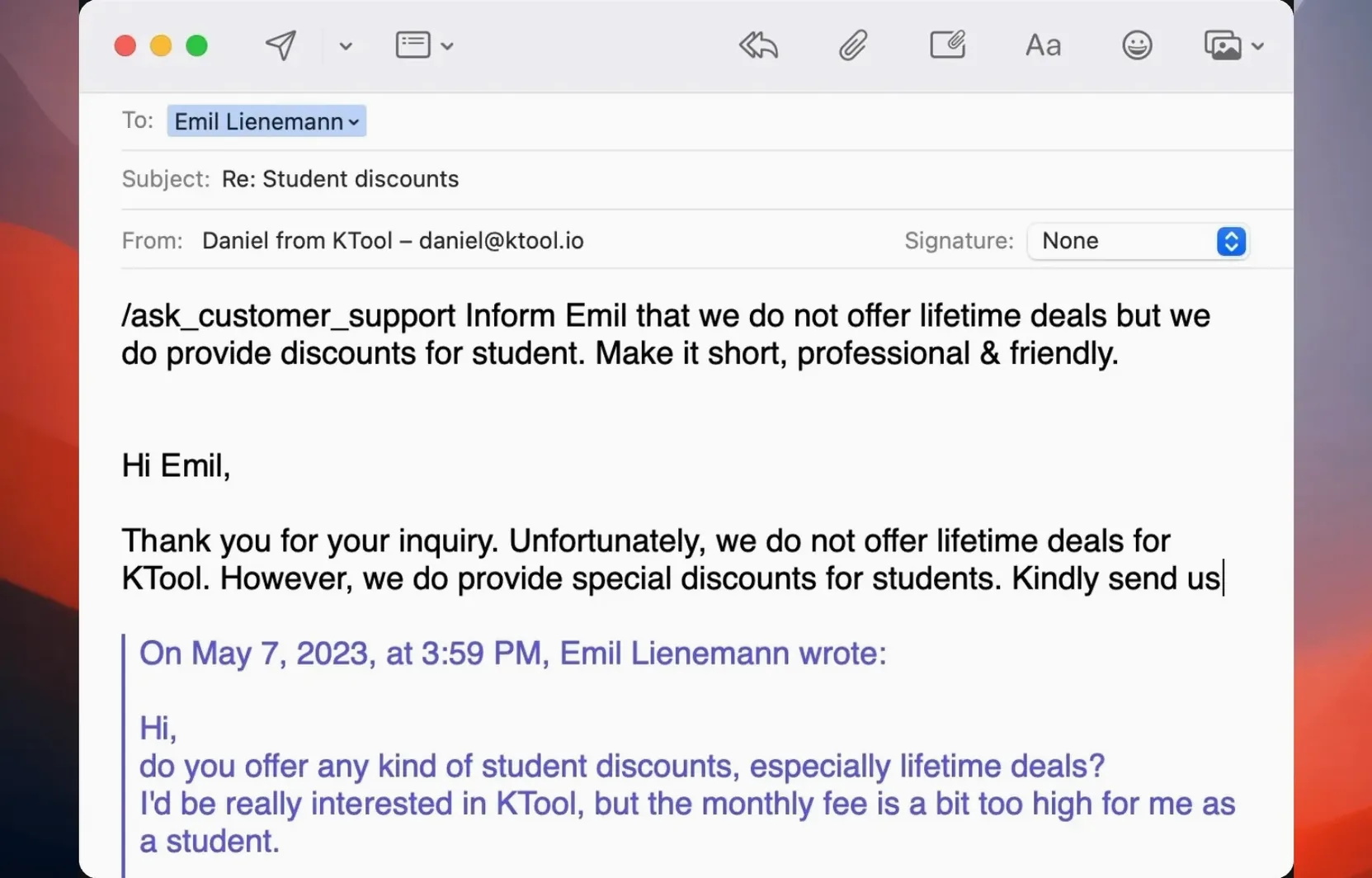
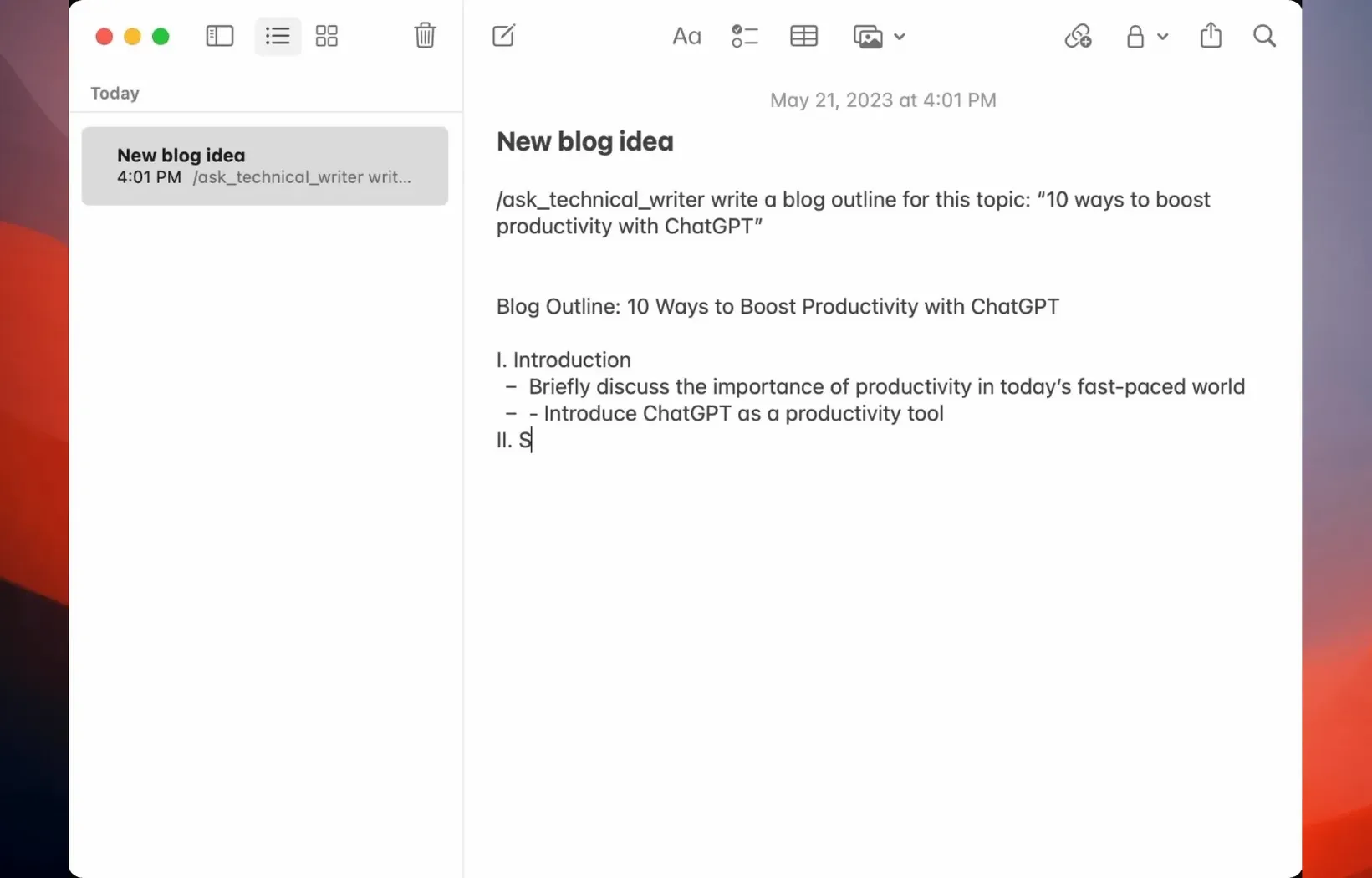
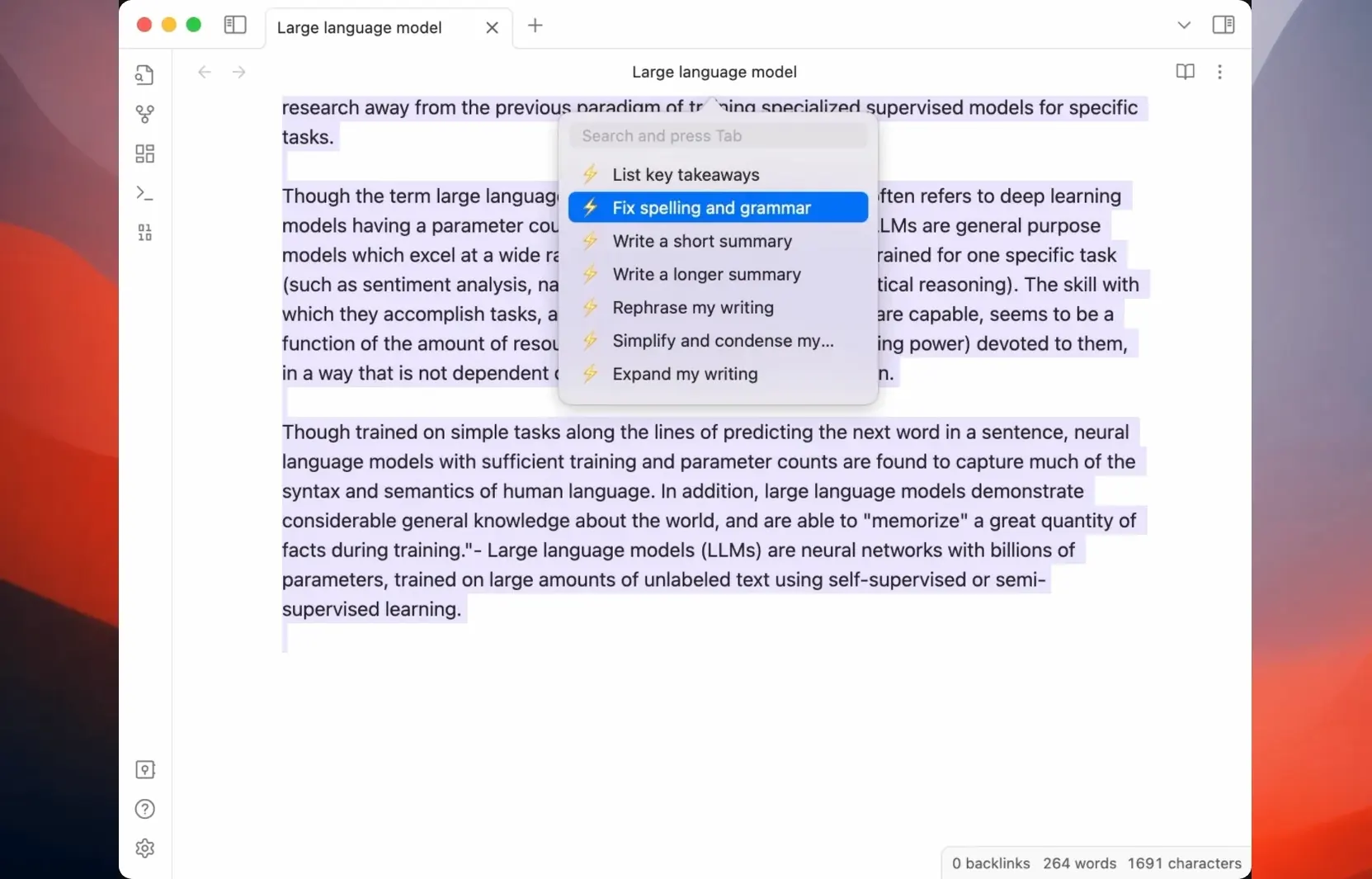
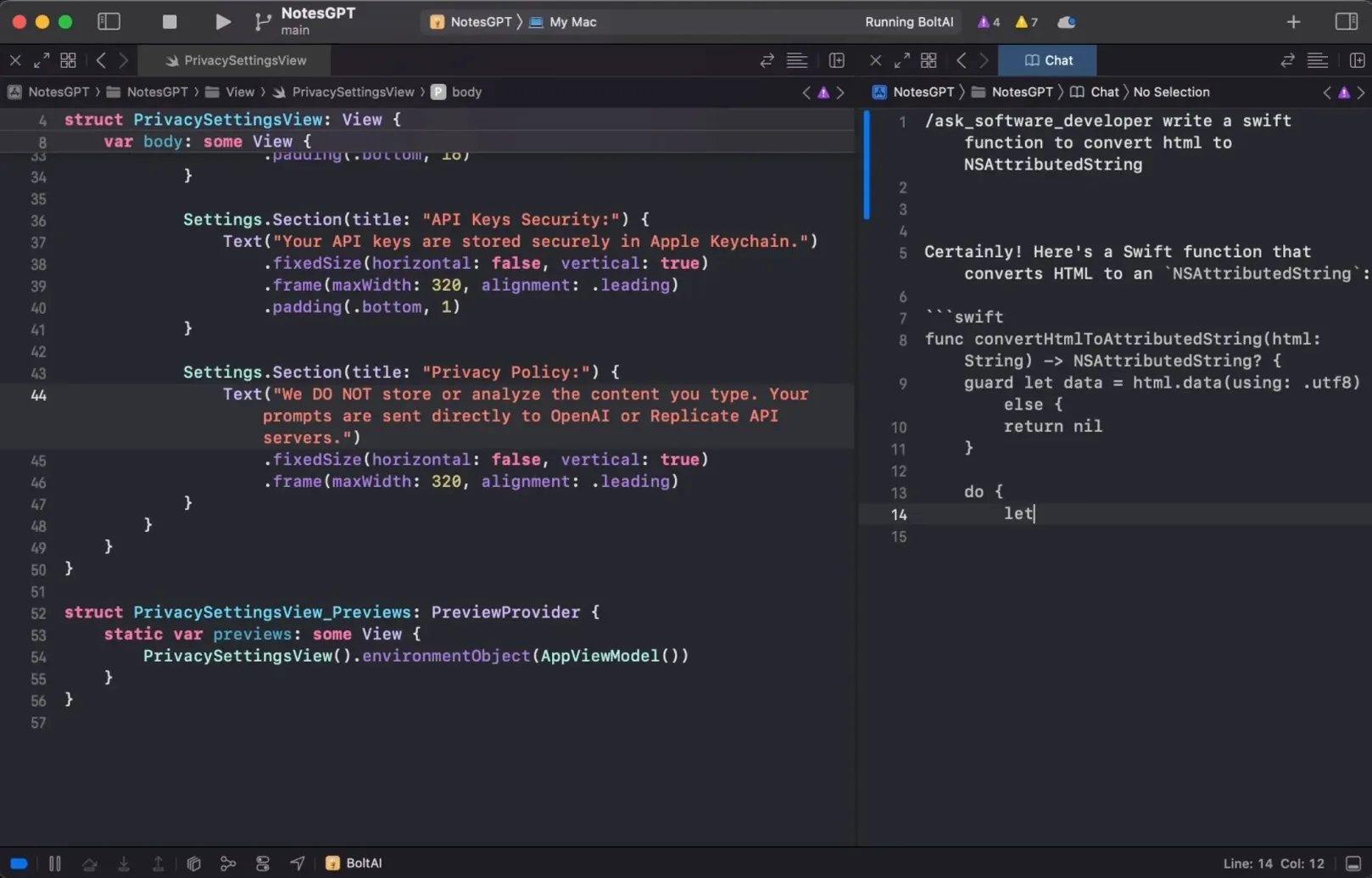
Experienced users will care less about the chat window and more about the scaffolding around it. BoltAI lets each project carry its own default agent, so a writing project opens with an editor-minded assistant while a coding workspace pulls up a technical one. Linked files and folders turn the assistant into something that reads your actual context, not just your prompt. Custom assistants lock in tone, instructions, and tool access for repeatable results. The automatic redaction engine strips credentials, keys, and other confidential data from prompts before they leave your machine. Integration hooks connect the assistant to your familiar macOS apps, keeping the work in your existing flow instead of a separate browser tab. It’s chat, but organised like a tool you’d actually rely on day after day.
Switch Projects and the Repo Context Follows
Developers who juggle multiple codebases. Each project folder links directly into BoltAI, so the assistant already knows the repo structure when you ask for a refactor plan or a tricky regex. Switch projects, and the context switches with you.
Writers and editors running several long-form pieces. A style guide lives in the project folder, a custom assistant enforces house tone, and the prompt library holds your go-to revision checks. You stop retyping the same setup instructions.
Anyone handling sensitive data regularly — accountants, legal researchers, medical writers. The redaction engine runs locally, catching patterns like API keys and account numbers before the request hits OpenAI. Combined with zero in-app analytics, it fits workflows where confidentiality isn't optional.
Drop a Folder to Skip the File Picker
- Drag to create. Drop a folder onto the new-project window and BoltAI reads its contents immediately. No file-picker dialogue, no hunting through Finder.
- Model picker cleanup. If you only use GPT-4 and never touch half a dozen other providers, disable them in settings. The picker shrinks to what you actually choose from.
- Keychain-first storage. Your API key never sits in a plaintext config file. It goes straight to Apple Keychain, and BoltAI reads it from there at launch.
- Agent-per-project default. Set a default agent once in project settings, and every new conversation inside that project picks it up automatically. No reassigning tabs.
- Prompt library as muscle memory. Save the prompts you reuse across projects — code reviews, first-draft critiques, SQL explanations — and trigger them from one place instead of copying from sticky notes.
- macOS 13 or later
- Apple Silicon and Intel supported
Comments 0
Sign in to leave a comment.Sign inCreate an account
No comments yet. If a step is still there after you install it, say so.
More in AI Tools
All in AI Tools AI Transcription
Turns recorded speech into searchable, editable text right on your own machine.
11 steps saved
 djay Pro
Separates any track into drums, bass, and vocals for live remixing on the fly.
4 steps saved
 Luminar AI
Edits photos with AI templates for sky, skin and light in a few clicks.
13 steps saved
 MacGPT
Summons a ChatGPT text field over any app with a single keyboard shortcut.
4 steps saved
 Updated
MacWhisper
Transcribes meetings and separates speakers without sending audio off your Mac.
6 steps saved
 Updated
superwhisper
Transcribes speech locally into any text field without a cloud round-trip.
4 steps saved
 Updated
Topaz Gigapixel AI
Enlarges low-resolution shots while adding believable texture locally.
10 steps saved
 Topaz Photo AI
Rescues noisy or soft images with face-aware filters on your own Mac.