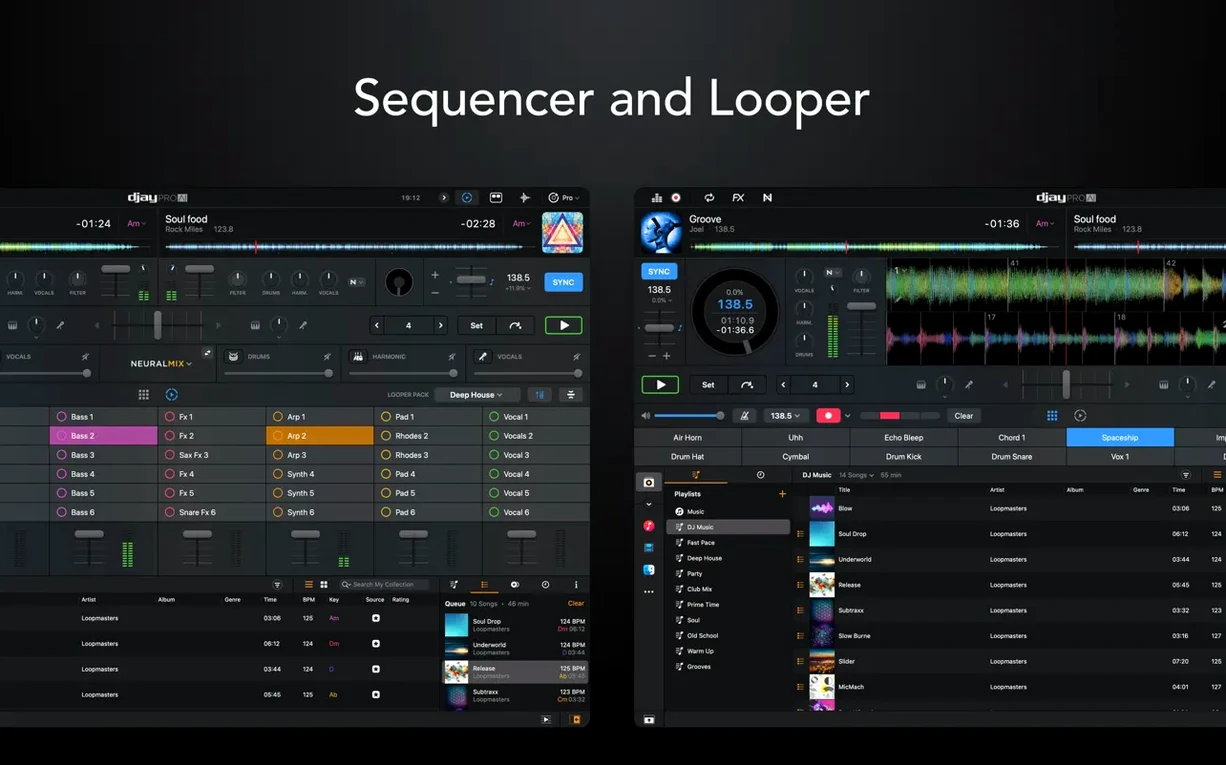
Version 5.6.9 lands with native display support for the RANE System One controller. You also get fresh MIDI actions that let you change beat jump duration on the fly. The media library playlist view on CDJs is cleaner now, too — easier to scan when you are in the middle of a set.
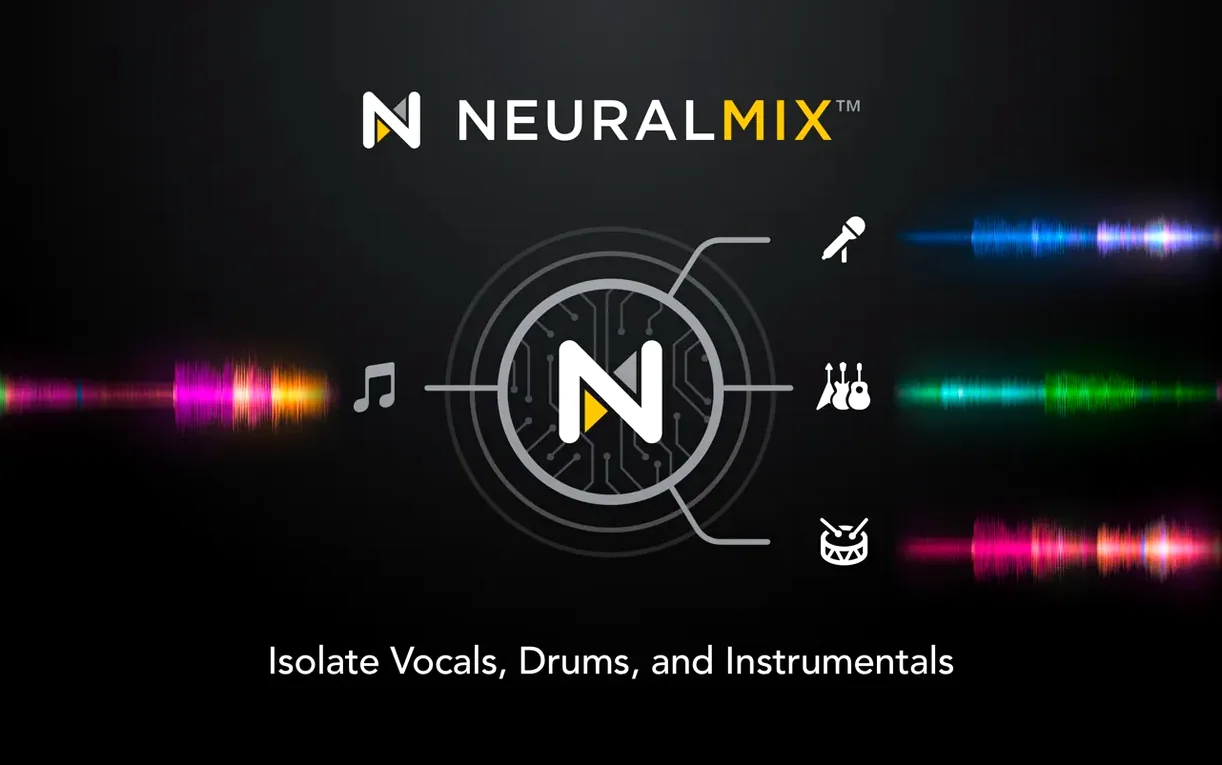
The stem separation engine remains the core of the app. One tap isolates vocals, drums, bass, or instrumental parts from any track. That capability did not change in this update, and neither did the looper, which still serves up to 48 loops per track. Video mixing and Ableton Link sync continue to work as before.
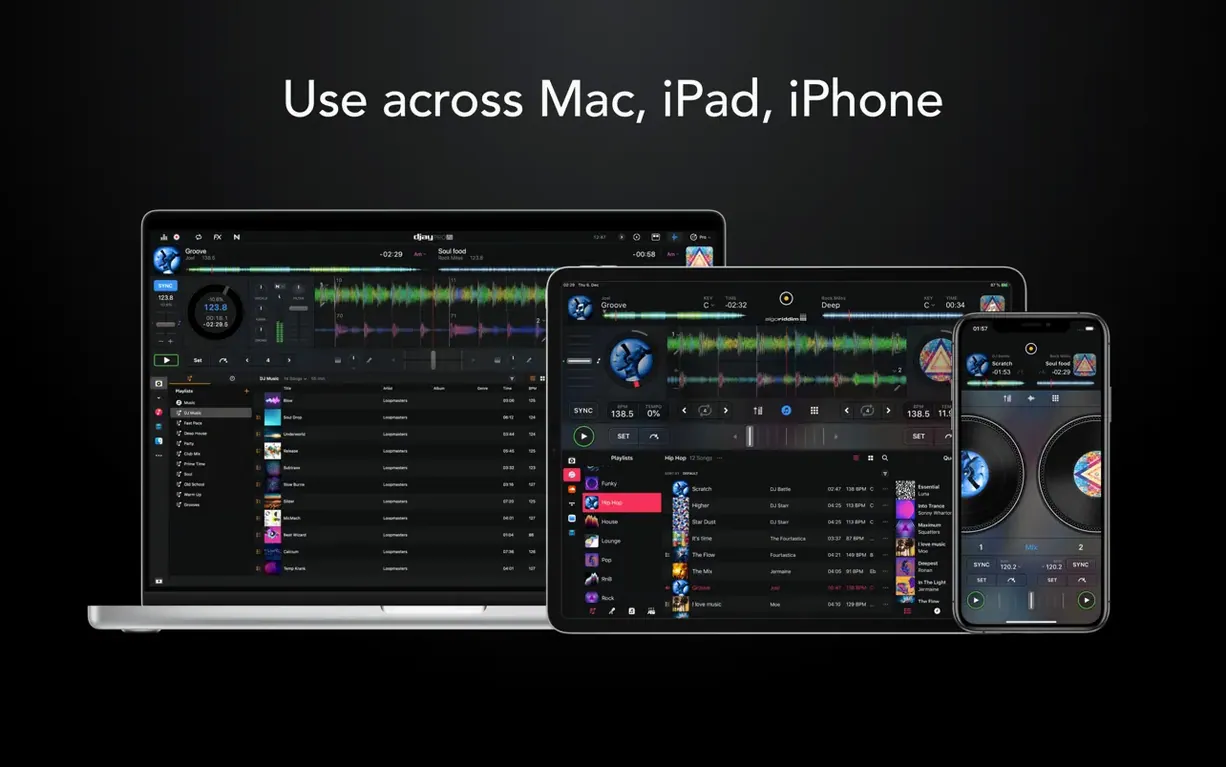
Algoriddim keeps the hardware support wide. Over 100 MIDI controllers are recognised out of the box, and the app runs natively on both Apple Silicon and 64-bit Intel Macs. macOS 10.15 is still the baseline requirement, with the interface available in English, German, Spanish, Italian, French, and Japanese.
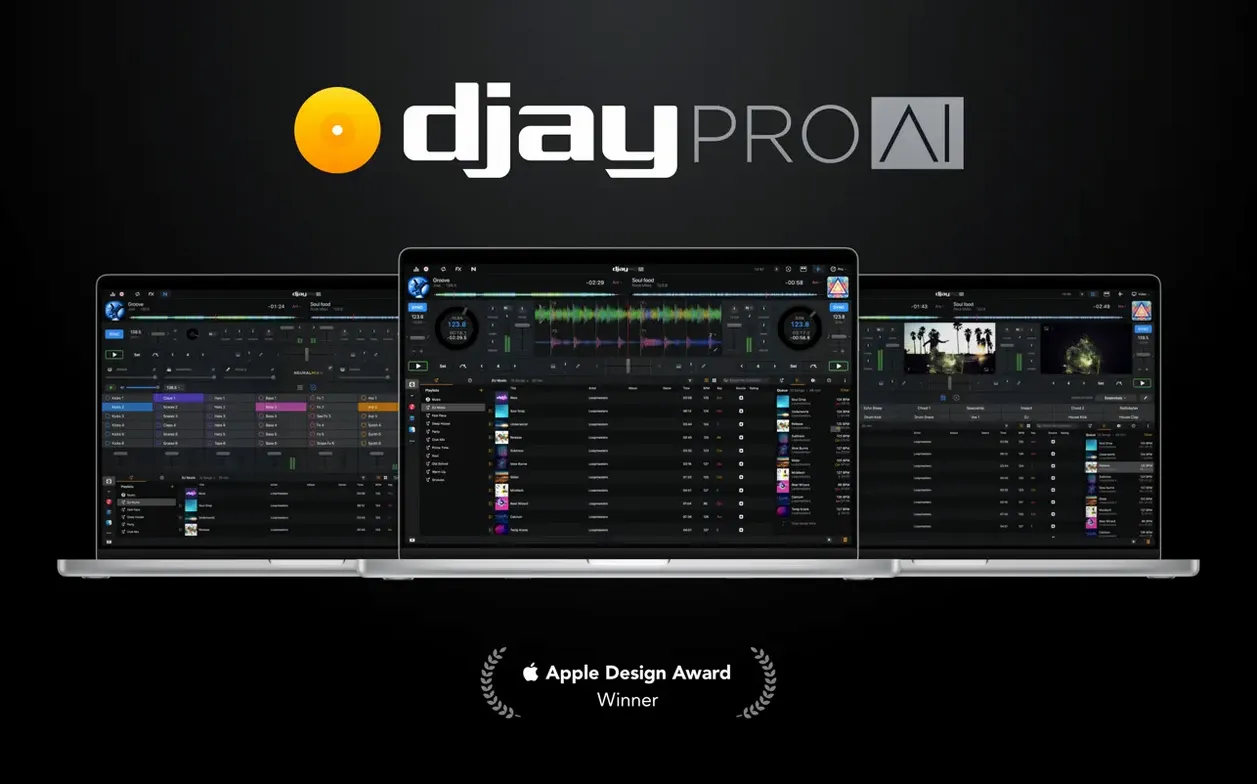
Under the hood, it is the same djay Pro that handles live performance, video, and stems in one workspace. The 5.6.9 update simply tightens a few screws for controller users and CDJ workflows.
First Days With djay Pro — Where to Start
Install it, open it, and you will see a workspace that can feel oversized. That is normal. The quickest way to shrink the learning curve is to ignore three-quarters of the interface for the first two sessions.
Pick one deck, not four. Load tracks from the Media Library and practise the transport controls — play, cue, tempo fader — until your hand knows where they sit. Once that muscle memory forms, add the second deck. The four-deck layout can wait.
Spend ten minutes with Neural Mix on a single vocal track. Tap the vocal icon to cut the voice out, tap the drum icon to isolate the rhythm, then blend two stems back in. Doing this on one track teaches you how the separation sounds on your own material before you try it in a transition.
A practical habit for the first week: build a small crate of twenty tracks you know cold. Not a playlist for a crowd — a practice crate. Use it to test Automix, to experiment with the looper, and to learn how waveforms behave when you nudge the jog wheels. Keeping the library tiny removes decision fatigue while you learn the tools.
Kill the Auto-Crossfade for Manual Blends
Three preferences make an immediate difference to everyday use.
General > Default Transition — the factory setting applies a short crossfade. Change it to None if you want full manual control, or pick a longer curve if you rely on Automix between sets. Either way, know it is there; new users often wonder why tracks blend automatically.
Audio > Output — the app defaults to the built-in speakers. If you use an external interface or a controller with a sound card, switch the output here before you load a track. Doing it later mid-session produces a brief silence that can break concentration.
Library > Analyse on Import — leave it on. djay Pro writes BPM and key data when tracks first appear. Turn it off and you will have to analyse manually later, which slows down crate building for no good reason.
One more worth checking: Controllers > MIDI Learn. If your controller is not in the supported list, or you want to remap a pad, open this panel, click the function, and press the hardware control. It saves the mapping instantly. No config files to edit.
Launch and Library Scan Timings on Intel vs. Apple Silicon
On an Apple Silicon Mac, the app launches in under four seconds. Intel machines add a couple of seconds; still fast enough that you can open it between tracks if you ever need to restart. Library scanning stays responsive even with 10,000-plus files — the waveforms draw progressively and do not block the interface while they render.
Neural Mix is the real test. Isolating stems in real time demands CPU headroom. On M-series chips the analysis completes in roughly one to two seconds per track; the separation sounds clean, with only slight artefacts on dense rock mixes. Intel Macs take closer to four seconds, and the fan may spin up if you stack effects on top of stem playback. In practice, once a track is analysed, switching stems is instant. No stutter, no drop-out.
Memory use hovers around 400–500 MB with two decks running and Neural Mix active. Video mixing pushes that closer to 800 MB. For a Mac with 8 GB of RAM, that still leaves comfortable room for a browser and a recording app in the background. I have not seen a crash during a four-deck session, though disconnecting a controller mid-set can briefly freeze the waveform display. Reconnecting the cable restores it within a few seconds.
The 5.6.9 build feels settled. Controller integration with RANE hardware is tight — platter response on motorized decks tracks accurately, and cue point jumping while scratching no longer drifts the way it did in earlier releases. If you rely on CDJs for playlist navigation, the cleaner library layout is a small but genuine quality-of-life improvement that reduces squinting at small screens in dark booths.
For anyone searching djay pro mac free download full version, know that the build you install matches what the developer ships — same Neural Mix engine, same controller support, same performance profile. The app runs locally; no account login required to mix tracks. That keeps startup fast and the resource footprint predictable.
Version 5.6.10 [MAS] is available now. Algoriddim hasn't published a change log for this update, so the tweaks remain under the hood.
- macOS 10.15 or later
- Apple Silicon or Intel 64-bit
Questions I get before install
Does djay Pro separate stems in real time?
Yes. The app can isolate vocals, drums, bass, and instrumental parts from any track during playback.
Which macOS versions does the current release support?
It requires macOS 10.15 or later and runs natively on both Apple Silicon and 64-bit Intel Macs.
How many loops can the looper hold per track?
The built-in looper supports up to 48 loops per track.
Comments 0
Sign in to leave a comment.Sign inCreate an account
No comments yet. If a step is still there after you install it, say so.
More in AI Tools
All in AI Tools BoltAI
Wraps AI chat in a project-aware workspace with assistants, shortcuts, and inline commands.
20 steps saved
 AI Transcription
Turns recorded speech into searchable, editable text right on your own machine.
4 steps saved
 Luminar AI
Edits photos with AI templates for sky, skin and light in a few clicks.
13 steps saved
 MacGPT
Summons a ChatGPT text field over any app with a single keyboard shortcut.
4 steps saved
 Updated
MacWhisper
Transcribes meetings and separates speakers without sending audio off your Mac.
6 steps saved
 Updated
superwhisper
Transcribes speech locally into any text field without a cloud round-trip.
4 steps saved
 Updated
Topaz Gigapixel AI
Enlarges low-resolution shots while adding believable texture locally.
10 steps saved
 Topaz Photo AI
Rescues noisy or soft images with face-aware filters on your own Mac.