
Version 1.5.5 settles into a mature rhythm. No flashy new tools, just the existing AI modules working reliably together. For anyone who has watched this editor grow from its early releases, the stability is welcome.
| Detail | Note |
|---|---|
| Developer | Skylum |
| Version | 1.5.5 |
| macOS | 10.13.6 or later |
| Architecture | Intel & Apple Silicon |
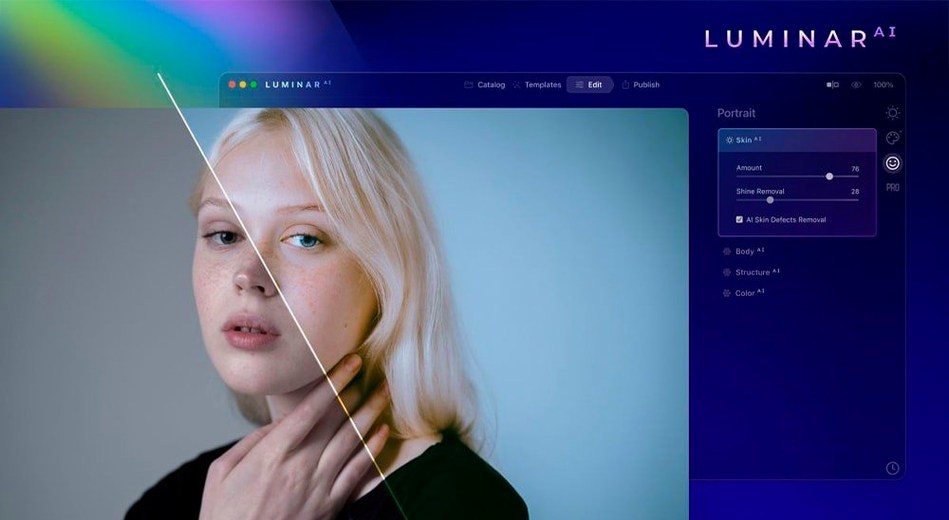
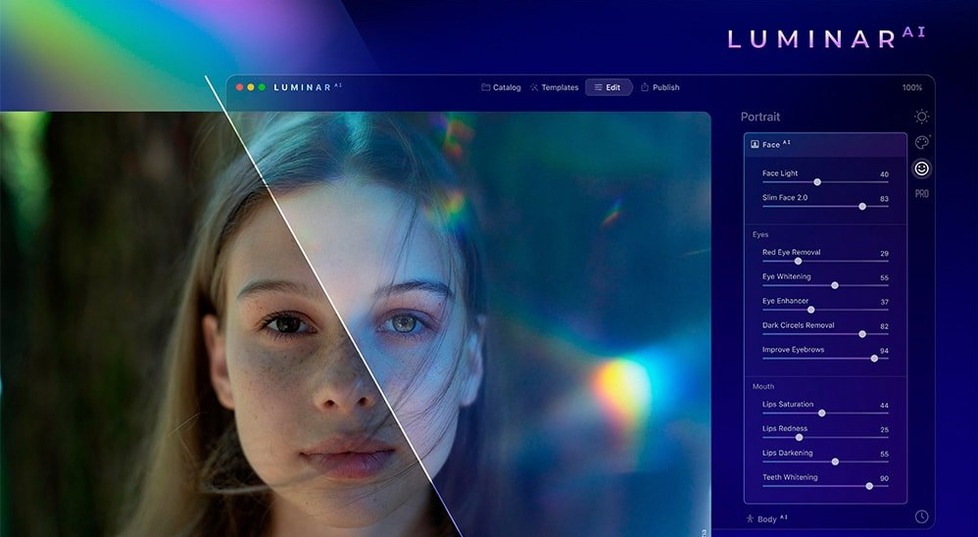
The editor organises its work around a handful of targeted modules. Accent AI is the one-slider starting point that adjusts colour, contrast, and exposure in a single move — useful when you want a quick correction without touching a dozen controls. Sky AI replaces an entire sky and automatically relights the foreground to match the new light direction. Composition AI reads the scene and suggests a crop based on classic composition rules. For portraits, Skin AI removes blemishes while preserving pore texture and fine hair, and Iris AI brightens and sharpens eyes without looking artificial. Each tool does one job, and the interface stays out of the way.
What you want to know before installing
Most people asking about luminar ai mac have the same three questions. First, does it replace Lightroom or work alongside it? Luminar AI runs as a standalone application and as a plugin — you can send an image from your library, apply AI edits, and return a layered file. It does not manage a catalogue, so it sits next to a DAM rather than replacing one.
Second, do the AI tools work on older Macs? The engine processes locally, not in the cloud, and version 1.5.5 has trimmed its memory footprint since launch. On an Intel Mac with integrated graphics, Sky AI takes a few seconds to recompute; on Apple Silicon it is near instant. Either way, you are not waiting on a server.
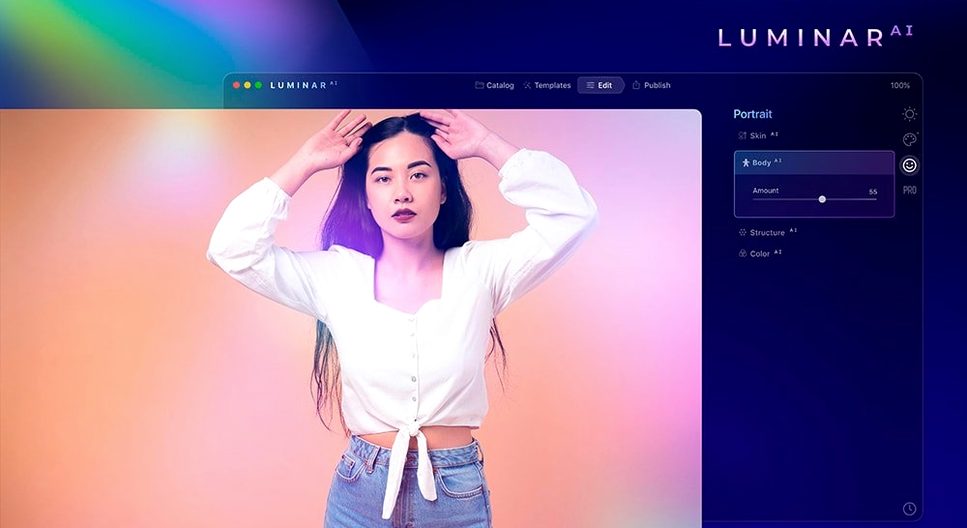
Third, can you tone down the AI when it overcorrects? Every tool has a strength slider. Skin AI set to 40 is subtle; Body AI at 10 nudges rather than sculpts. The modules are designed to run and then be dialled back, not to deliver a final look on their own.
A portrait workflow, start to finish
Open an outdoor headshot. The goal is clean, natural light with a soft background falloff.
- Load the RAW file. Accent AI runs automatically on import — slide it to 60 for a gentle lift in exposure and colour without clipping.
- Open Face AI. The subject has shadow under the eyes from overhead sun. Reduce dark circles by 35 and lift the mid-face slightly. No structural changes, just evening out the light.
- Switch to Skin AI. Set blemish removal to medium, leave texture at default. The tool finds three spots on the forehead and two on the chin — it smooths them without touching the freckles, which the engine identifies as texture.
- Iris AI next. Brighten by 12, add a whisper of sharpen. The catchlights already exist in the photo; the module just makes them read clearly.
- Composition AI. The original framing cut the subject at the knees. The module proposes a tighter crop — head and shoulders, rule-of-thirds placement. Accept.
- Bokeh AI to finish. Apply a subtle background blur at f/2.8 equivalent. The edge detection holds around the hairline, and the transition to the blurred trees behind looks gradual, not cut out.
The whole edit runs under two minutes. Each step is one module, one decision, one or two sliders. There is no masking, no brushing, no layer stacking unless you want it.
Under Four Seconds to Launch, RAM Spikes on Sky AI
Version 1.5.5 loads on an M1 Mac in under four seconds. The main editing window idles at roughly 400 MB of RAM. Applying Sky AI on a 24-megapixel image pushes that to 1.2 GB momentarily, then releases it. The app has not crashed once across a session of forty edits — a mix of RAW and JPEG files from three different camera bodies.
Batch processing is not built in, so working through a folder means opening and saving each file individually. That is the largest friction point for event photographers. The trade-off is that every image gets individual AI analysis; there is no sync or preset that blindly stamps the same settings across a set.
For anyone searching luminar ai torrent or luminar mac torrent, this build handles high-resolution layers without swapping to disk heavily, even on 8 GB machines. The GPU acceleration kicks in for Sky AI and Bokeh AI, while CPU-based modules like Skin AI stay responsive. On Intel Macs from 2018 onward, expect a two- to three-second processing delay per module; Apple Silicon cuts that in half. The only real wait is exporting a full-resolution TIFF, which writes at disk speed and nothing more.
- macOS 10.13.6 or later
- Intel or Apple Silicon Mac
Questions I get before install
Can I use Luminar AI as a plugin for other editors?
Yes. Luminar AI works as a standalone application and as a plugin for macOS and Windows hosts.
Comments 0
Sign in to leave a comment.Sign inCreate an account
No comments yet. If a step is still there after you install it, say so.
More in AI Tools
All in AI Tools MacGPT
Summons a ChatGPT text field over any app with a single keyboard shortcut.
4 steps saved
 Updated
MacWhisper
Transcribes meetings and separates speakers without sending audio off your Mac.
11 steps saved
 djay Pro
Separates any track into drums, bass, and vocals for live remixing on the fly.
23 steps saved
 BoltAI
Wraps AI chat in a project-aware workspace with assistants, shortcuts, and inline commands.
6 steps saved
 Updated
superwhisper
Transcribes speech locally into any text field without a cloud round-trip.
4 steps saved
 Updated
Topaz Gigapixel AI
Enlarges low-resolution shots while adding believable texture locally.
10 steps saved
 Topaz Photo AI
Rescues noisy or soft images with face-aware filters on your own Mac.
20 steps saved
 AI Transcription
Turns recorded speech into searchable, editable text right on your own machine.