
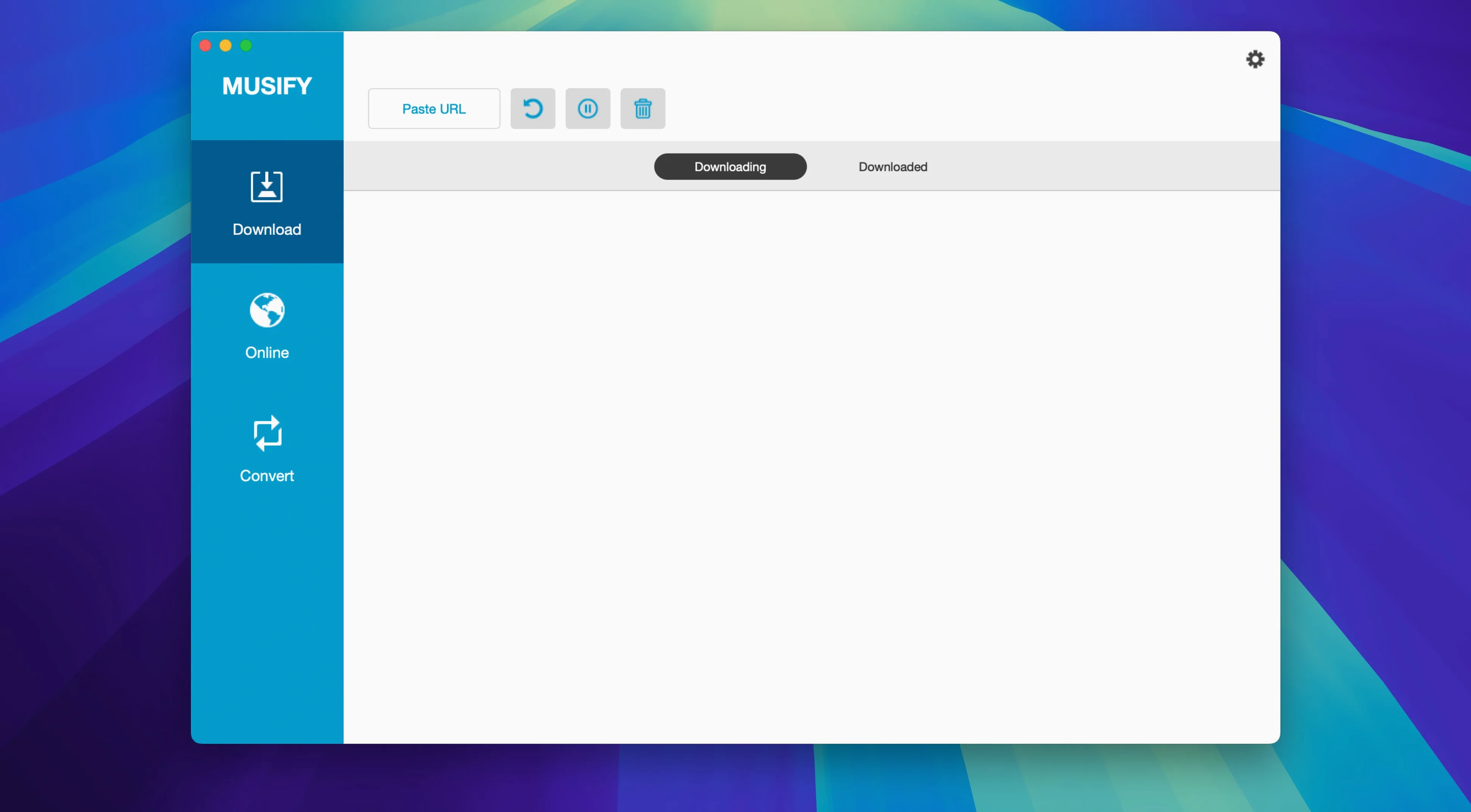
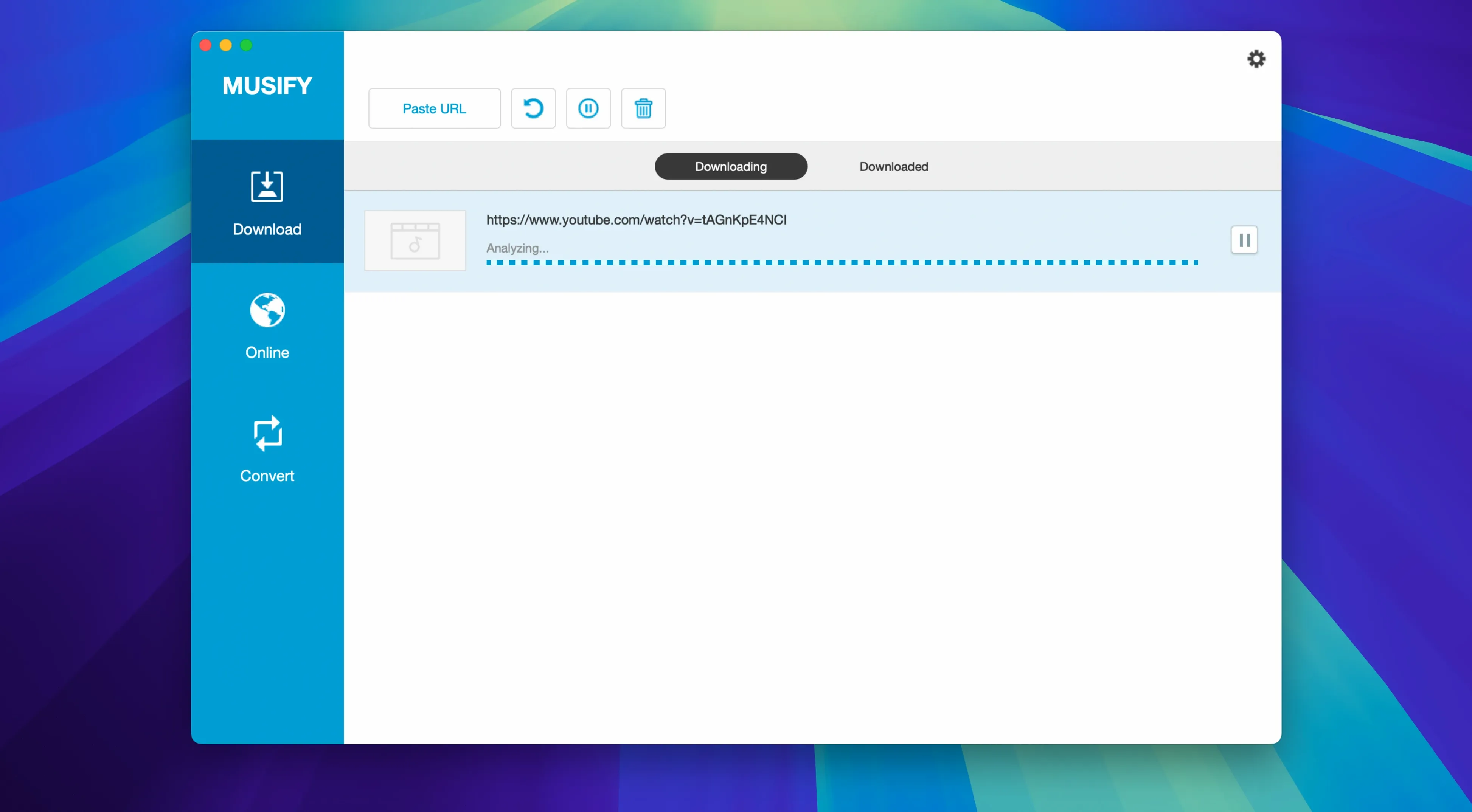
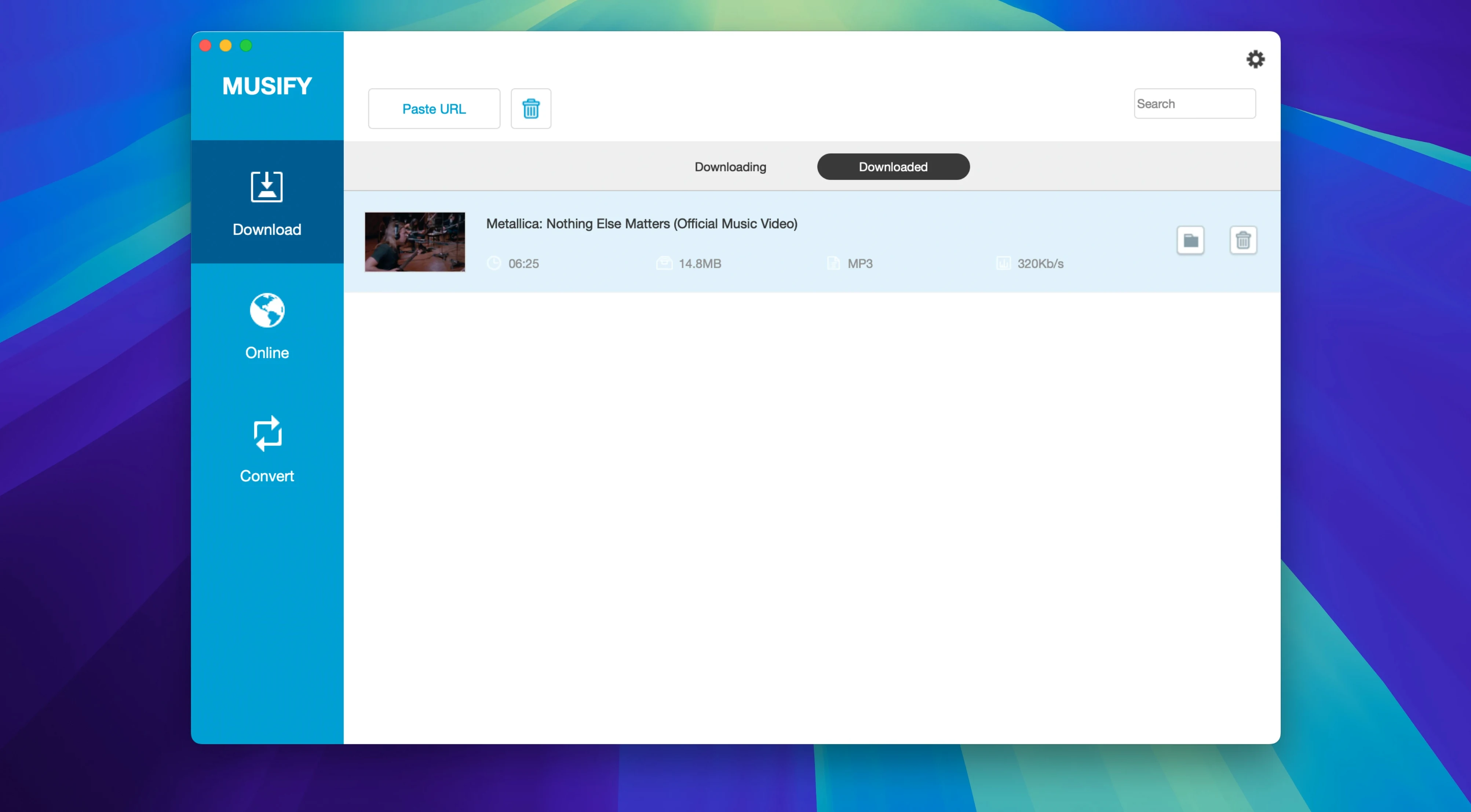
Musify downloads music from more than 1000 music and video sites and saves it as MP3. Version 5.3.0 is an Intel (64-bit) build for macOS 10.12 or later.
Grab a full playlist
Start with a playlist. Paste a link from YouTube, Spotify, SoundCloud or Bandcamp and Musify pulls every track in one pass — no clicking through individual songs.
Convert to MP3
Turn any YouTube video into a standalone MP3. The converter handles single files or batches, so a dozen tracks finish together while you work on something else.
Queue up bulk conversions
Drop multiple audio files into the queue and convert them all at once. Same format, same settings, one action — useful when cleaning up a scattered music library.
Drop a URL Anywhere, No Paste Needed
A few conveniences sit just outside the main workflow. Knowing they exist saves time.
- Drag a link anywhere — no need to use the paste button. Drop a URL straight onto the Musify window and it starts processing.
- Metadata stays put — track title, artist and album art usually survive the conversion, so your offline library doesn't turn into a pile of untitled files.
- Format picker remembers your last choice — set MP3 once and Musify reuses it for the next batch unless you switch.
- Device transfer — the iOS and Android export option copies finished tracks to a connected phone without extra software.
Pasting a Channel Link Instead of a Video or Playlist URL
Most early problems come from rushing the first run.
- Pasting a channel URL instead of a video or playlist URL — Musify works with links to specific content, not profile pages. Open the video or playlist first, then copy the address.
- Converting before checking the output format — the default is usually MP3, but if a previous session ended in WAV or M4A, the next download follows that setting.
- Ignoring the Gatekeeper step — on first launch, macOS may block the app. The disk image includes an “Open Gatekeeper friendly” helper; running it and pressing Enter in Terminal clears the restriction before you drag Musify to Applications.
- Expecting Spotify links to behave like YouTube links — Spotify support is real but depends on the content being publicly reachable. Private or region-locked tracks often fail silently.
Musify vs similar Mac apps
Musify vs Downie
Downie casts a wider net for video formats and screen recording, while Musify stays focused on audio. For someone converting YouTube playlists to MP3 and moving files to a phone, Musify has fewer menus and fewer decisions. Downie makes more sense when video files are part of the job.
Musify vs 4K YouTube to MP3
4K YouTube to MP3 does one thing well: single YouTube links become audio fast. Musify 5.3.0 covers that same ground and adds playlist handling, batch conversion and support for SoundCloud, Bandcamp and other sources. If you only ever download one track at a time, the simpler tool works. If you manage an offline library, Musify replaces several steps.
Musify vs MediaHuman YouTube to MP3
MediaHuman is light and quick for YouTube audio, but its format choices and device transfer are thinner. Musify adds WAV and M4A output, metadata preservation and direct iOS/Android transfer. MediaHuman suits a minimal conversion habit; Musify suits a small team or a serious collector keeping a managed library on macOS.
- Note — No change notes were published for 5.3.0.
- macOS 10.12 or later
- 64-bit Intel processor
- Interface language: English
Comments 0
Sign in to leave a comment.Sign inCreate an account
No comments yet. If a step is still there after you install it, say so.
More in Video Downloaders
All in Video Downloaders PullTube
Saves online video and audio in the quality you pick, with trimming built in.
10 steps saved
 iTubeGo
Grabs entire playlists at speed and converts each file in the background queue.
4 steps saved
 iDownerGo
Captures streaming media in the background without hunting for a download link.
11 steps saved
 SiteSucker Pro
Downloads an entire website, including embedded videos, for offline viewing.
5 steps saved
 HarborDrop
Resumes partial downloads so a dropped packet doesn't scrap the whole file.
7 steps saved
 Folx Pro
Splits downloads into parallel threads to reduce wait times.
17 steps saved
 Downie
Downloads a video from any major site to your desktop after you paste the link.
12 steps saved
 YT Saver
Downloads online video and converts it straight into a deck-ready or trim-ready format.