
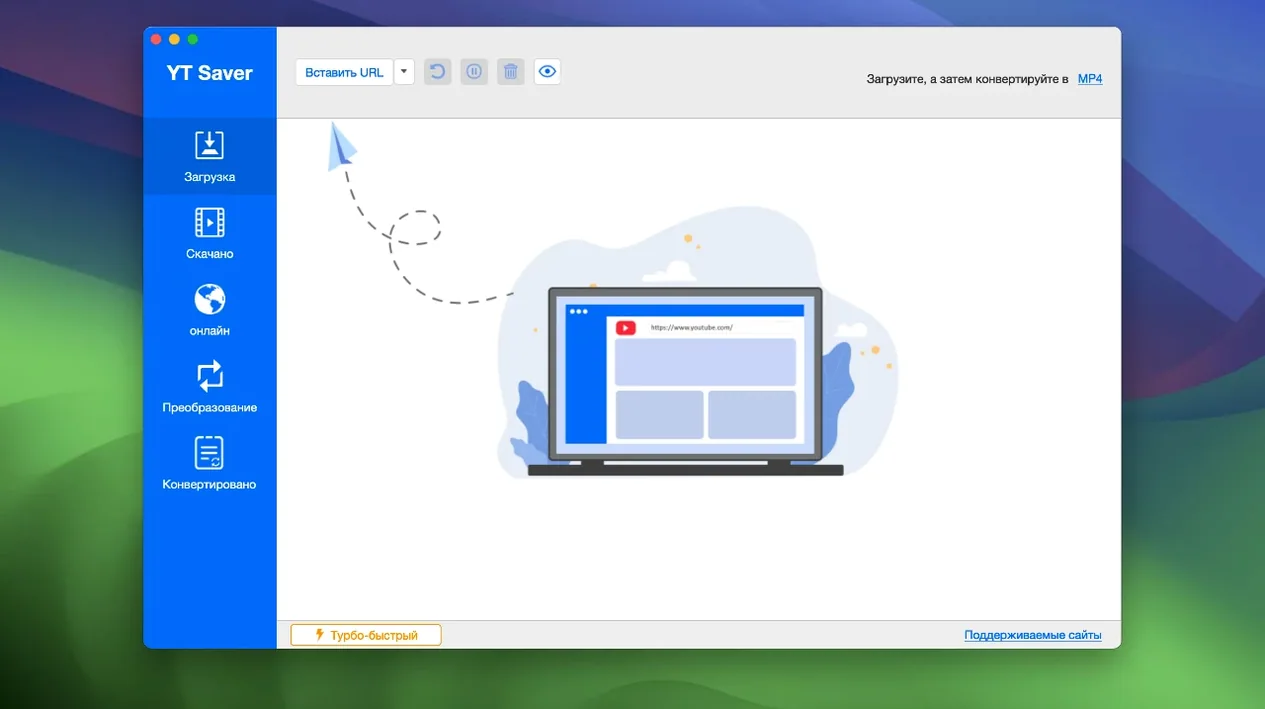
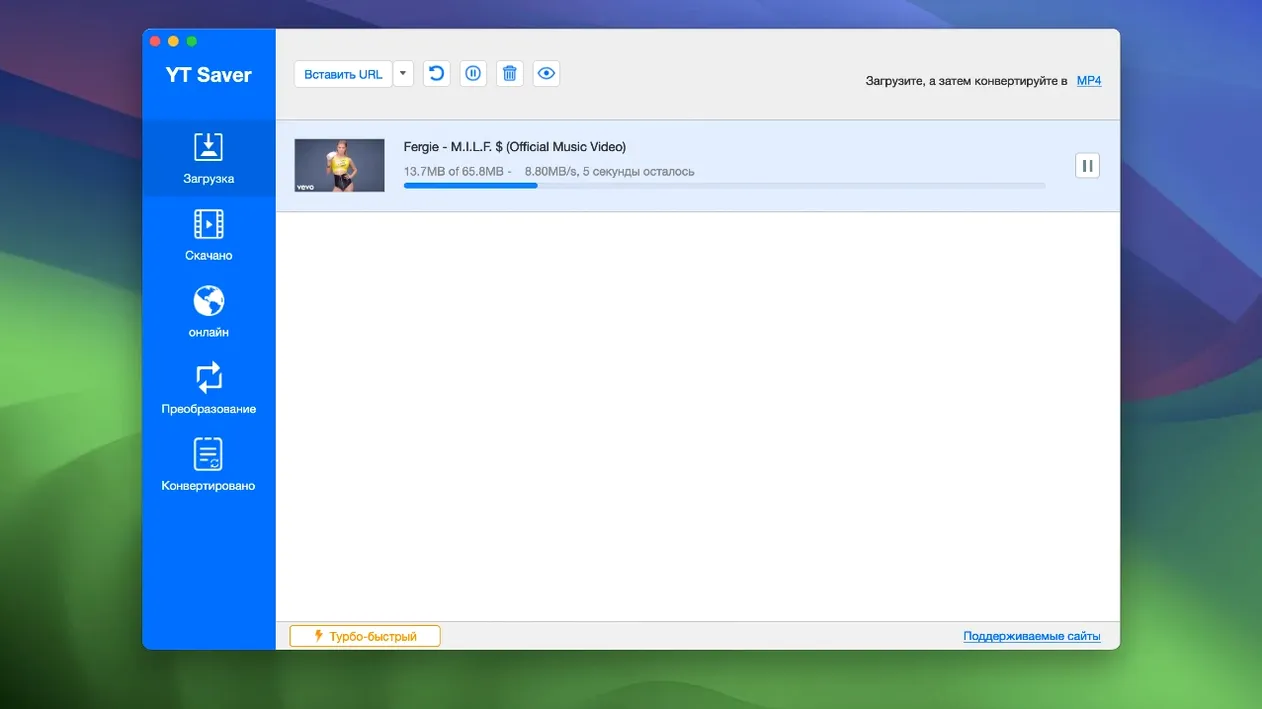
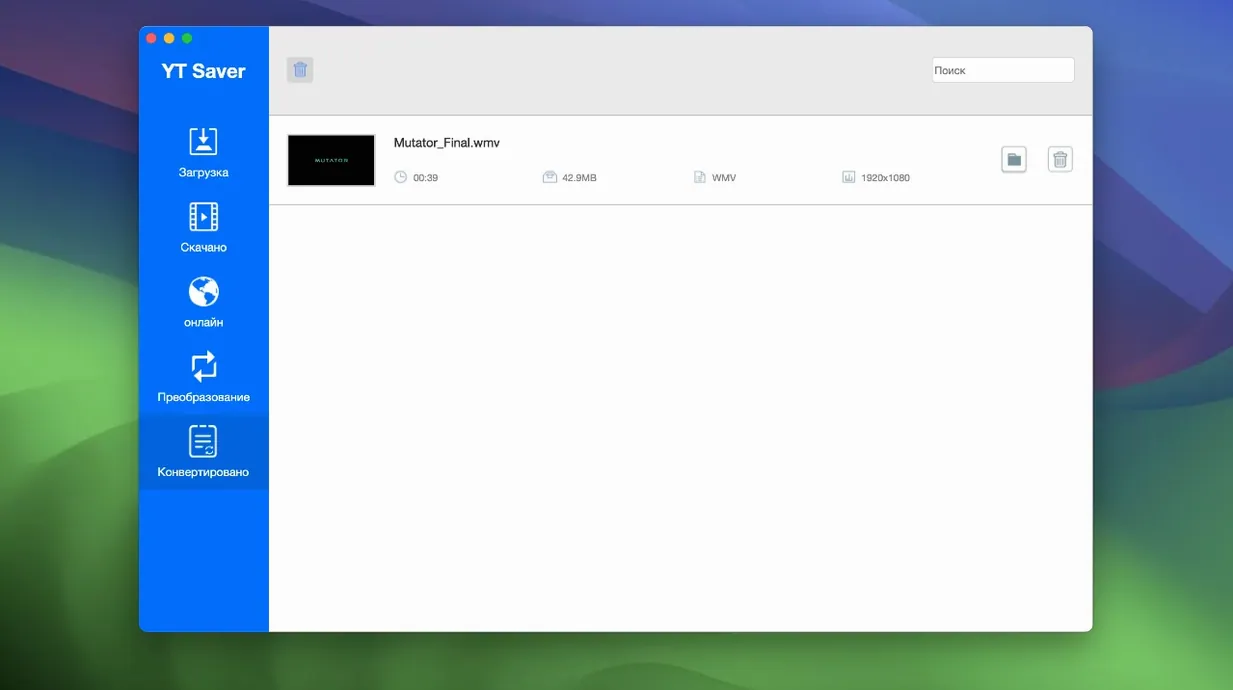
YT Saver is a Mac app that downloads online video and audio, then converts it into a format your other tools can use immediately.
Grab a video in a format Keynote or QuickTime can open
Set the output to MP4 or MOV before you even start. The file lands on your drive ready to drop into a deck or trim in QuickTime Player without a separate converter.
Pull just the audio for a voice memo or transcription workflow
Export as M4A, WAV, or AAC. The extracted track imports directly into apps like Audacity or Otter without extra cleanup steps.
Queue a batch while you work in something else
Line up several videos at once and let them download in parallel. The built-in browser keeps the search and grab inside one window, so your main browser stays clear for actual work.
Downloads That Fail or Hang and How to Fix Them
Download stalls partway through a long playlist
A weak Wi‑Fi handshake or aggressive site throttling usually causes it. Pause the queue, wait thirty seconds, then resume. If the site still refuses, switch the built‑in browser’s user agent to a mobile string — many streaming platforms serve lighter chunks to mobile requests and resume more smoothly.
Audio-only export lands as a silent file
Some sites multiplex audio into a secondary stream. Open the download settings before you start, tick Extract audio track, and choose AAC or WAV. The M4A wrapper alone won’t force the demux — the explicit extraction switch does the heavy lifting.
Built‑in browser refuses to load a video page
Clear the app’s cache folder, then enable the built‑in browser’s private session toggle. Logging into a site inside the app can trigger aggressive bot detection; a fresh private session avoids the fingerprint leftover from your main browser.
Workflow: download a conference talk, trim it, and share a clip
- Open the built‑in browser, paste the talk’s URL, and play it once so YT Saver reads the stream.
- Choose MP4 – 1080p as the output and tick Download subtitles if the talk includes a caption track.
- Hit download, then rename the file immediately with the speaker’s name and the timestamp.
- Open the MP4 in QuickTime Player, use Edit > Trim to isolate the 90‑second takeaway, and save.
- Drop the trimmed clip into a shared folder or a Slack message. The original full talk stays on an external drive as an archive reference.
Private Downloads Stay Hidden Behind a Password Gate
Does the private mode folder actually lock the files?
Yes — it places downloaded content behind a password gate inside the app’s own storage. Finder won’t show the folder until you authenticate inside YT Saver, which keeps a shared workspace machine tidy.
Can I convert a video I already have on disk?
Absolutely. Drag an existing file into the conversion queue without touching the downloader. The app reads MP4, MKV, AVI, MOV, FLV, WEBM, WMV, and more, then exports to formats suited for an iPad, Android tablet, or a straight HEVC MKV for archival.
Why pick this over a command‑line tool like yt‑dlp?
You get a browser, queue management, format presets, and a private vault in a single window — no terminal flags to memorise when you need a quick MP3 for a presentation. People who want a yt saver full version usually value that visual queue over script maintenance.
- OS X 10.10 or later
- Intel processor (Rosetta 2 on Apple Silicon)
- Interface: English, French, German, Japanese, Korean, Portuguese, Russian, Simplified Chinese, Spanish, Traditional Chinese, Indonesian, Italian
Questions I get before install
Can YT Saver download from sites other than YouTube?
Yes, the app is built to handle downloads from a range of streaming platforms, not just one.
Does it keep the original quality?
It preserves the source quality and lets you choose from multiple output presets, including HEVC MP4 and MKV.
Comments 0
Sign in to leave a comment.Sign inCreate an account
No comments yet. If a step is still there after you install it, say so.
More in Video Downloaders
All in Video Downloaders YTD Video Downloader PRO
Grabs video links the moment you copy them and saves files for offline playback.
11 steps saved
 SiteSucker Pro
Downloads an entire website, including embedded videos, for offline viewing.
5 steps saved
 PullTube
Saves online video and audio in the quality you pick, with trimming built in.
20 steps saved
 Musify
Downloads full playlists from music sites and saves them as MP3 files.
10 steps saved
 iTubeGo
Grabs entire playlists at speed and converts each file in the background queue.
4 steps saved
 iDownerGo
Captures streaming media in the background without hunting for a download link.
5 steps saved
 HarborDrop
Resumes partial downloads so a dropped packet doesn't scrap the whole file.
7 steps saved
 Folx Pro
Splits downloads into parallel threads to reduce wait times.