
Think of the share sheet on your phone, but for a Mac desktop workflow. PullTube is a dedicated media downloader that grabs online video and audio from a short list of supported sites.
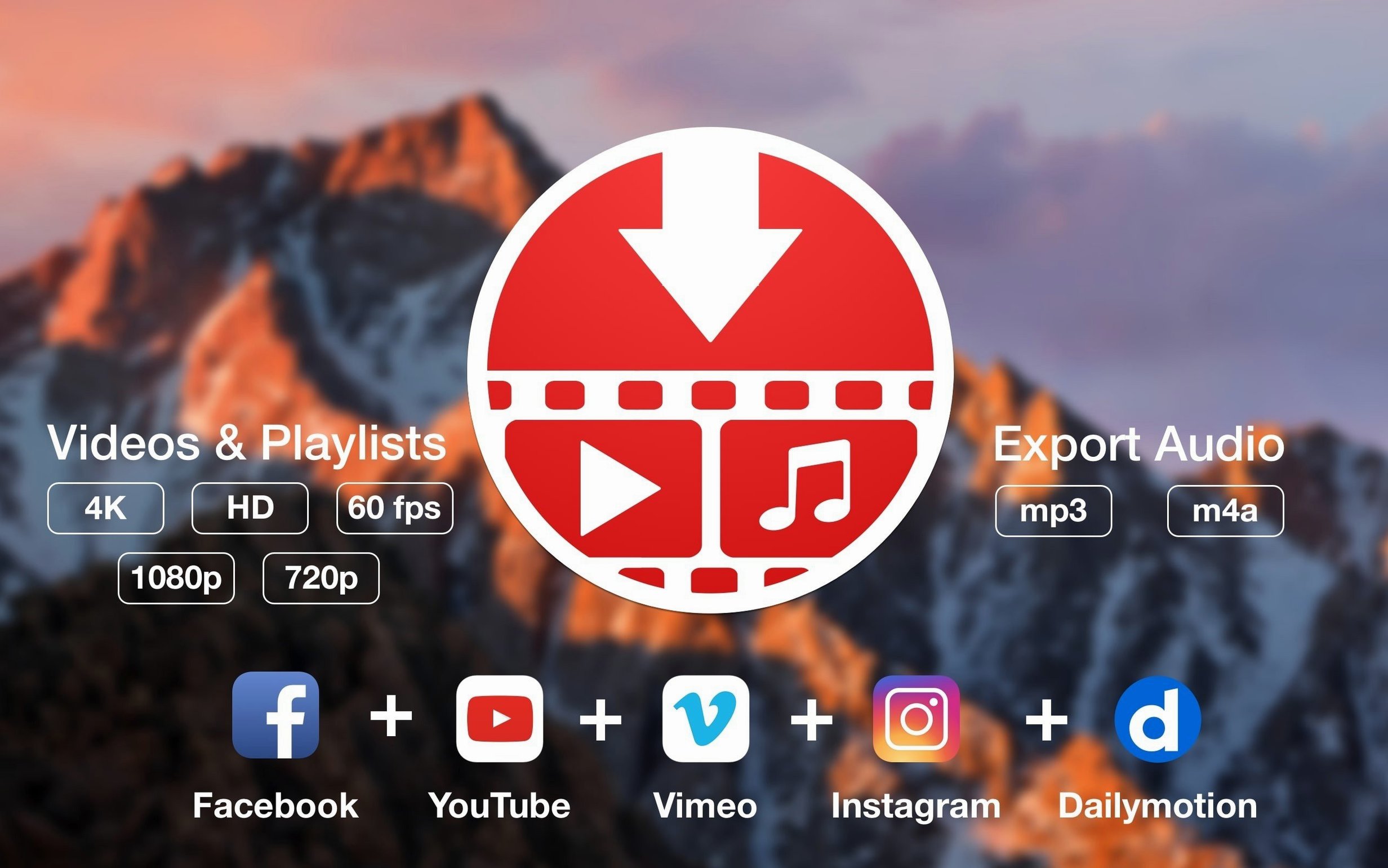
Supported sites — YouTube, TikTok, Twitch, Facebook, Vimeo, Instagram, Bilibili, and SoundCloud.
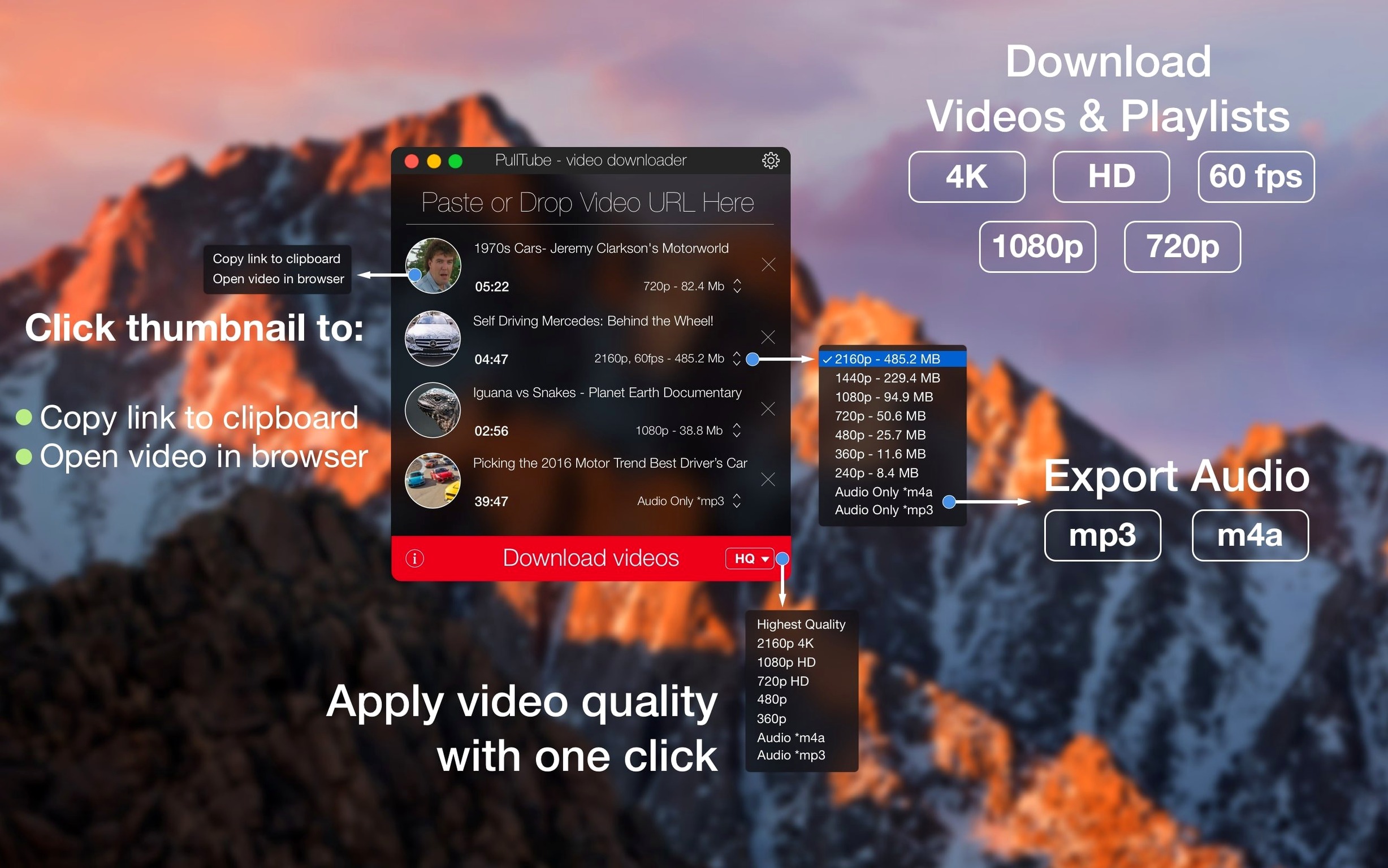
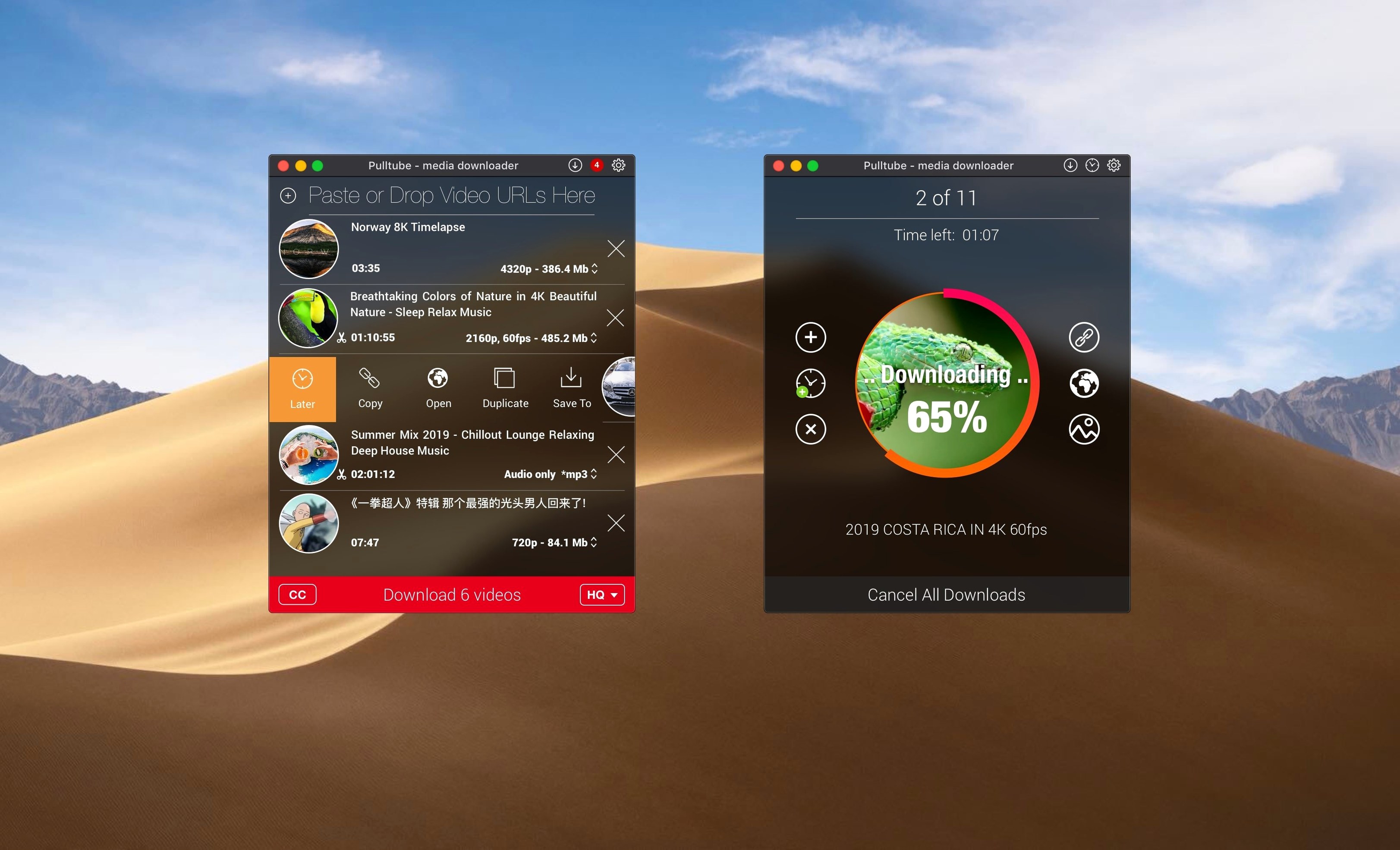
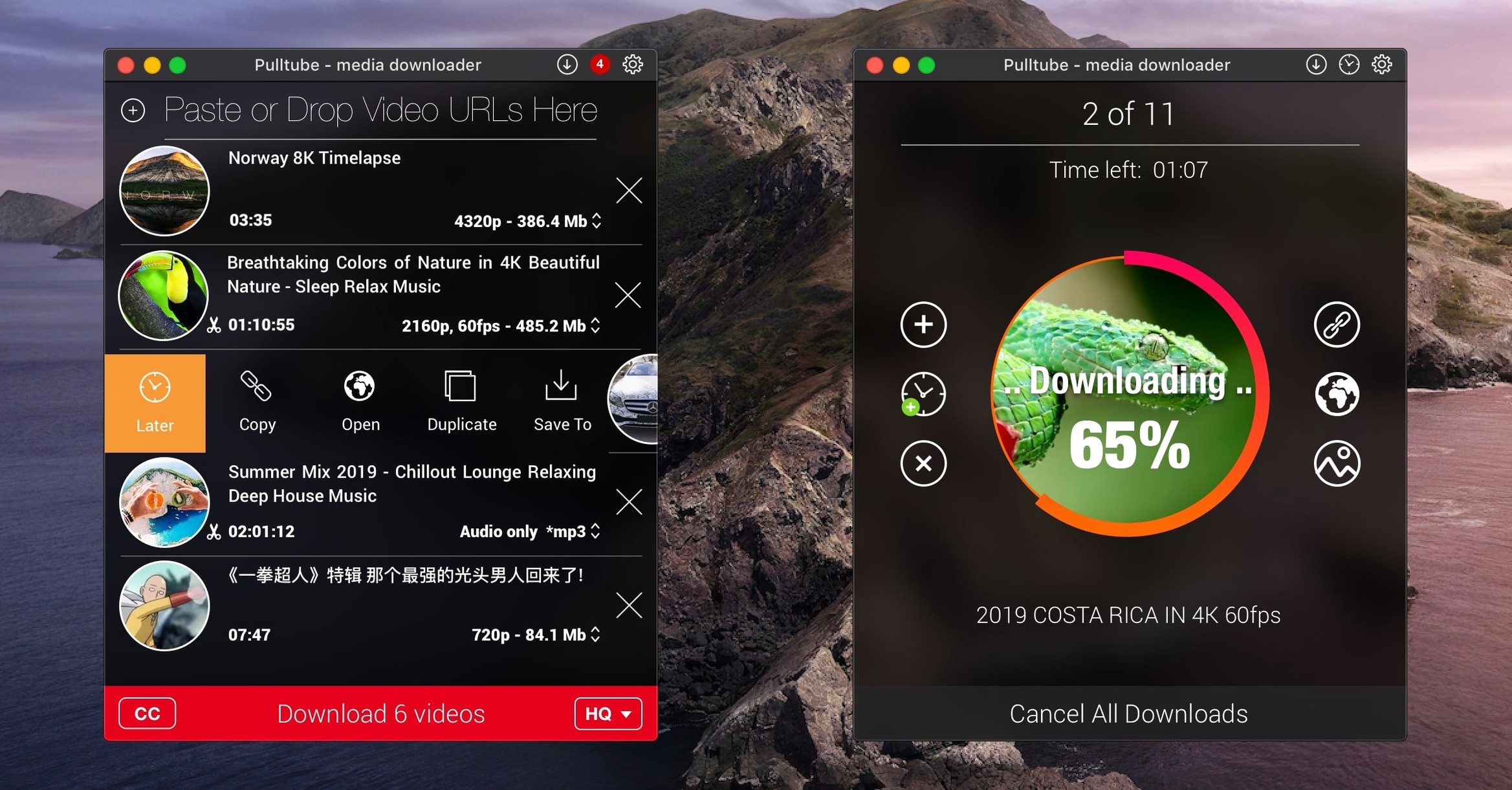
Preview panel — shows the video title, duration, and a thumbnail before the download starts.
Quality selector — pick the output resolution you need.
Audio-only mode — save just the audio track and skip the video file entirely.
Auto-quit — the app can close itself once all downloads finish.
Apple silicon & Intel — runs natively on both Mac architectures under macOS 11 or later.
A playlist-to-audio workflow
PullTube’s strongest daily use case is turning a long video playlist into a folder of audio files. The process takes under a minute once you know the sequence.
- Copy the playlist URL from your browser.
- Switch to PullTube. The app detects the playlist automatically and lists every item in the main window.
- Set the format dropdown to MP3 under the audio options.
- Choose a sensible quality — 256 kbps keeps files compact without sounding thin.
- Pick a destination folder. A dedicated
~/Music/Inboxfolder works well if you plan to sort the files later in Music or a tag editor. - Start the download. PullTube queues the whole list and works through it in order, one file after another.
If you leave the Mac unattended, enable Quit when finished from the app menu. The window closes itself after the last file lands. For long playlists, this avoids a half-finished download sitting open overnight.
Faster Playlist Previews Arrive
Version 1.8.6.40 keeps the interface mostly familiar, but the practical details have shifted in ways that matter during regular use.
- Playlist detection — pasted links now resolve faster, and the preview panel fills in item titles before you commit to a full queue.
- Audio extraction — MP3 and M4A output remains stable across the supported sites, with fewer silent failures on long videos.
- File naming — quality tags can be appended automatically, so two downloads of the same video at different resolutions no longer overwrite each other.
- Apple silicon behaviour — the app runs without Rosetta on M-series Macs, and memory use stays flat during batch downloads.
None of this changes the core loop: paste a link, pick a format, download. What improved is the quiet reliability around that loop — fewer retries, clearer previews, and less cleanup after a batch finishes.
Quit Treating It Like a Browser Extension
Most first-run confusion with PullTube comes from treating it like a browser extension. It is not one, and a few habits will save you repeated frustration.
- Expecting every site to work — the developer lists broad support, but the app’s strongest, most predictable results come from the named sites: YouTube, Vimeo, SoundCloud, Bilibili, and the social platforms. Smaller or heavily protected sites may fail silently.
- Ignoring the preview panel — if the title or duration looks wrong before you click download, cancel and re-paste the link. The preview is the last clear signal you get before the file is written.
- Downloading video when you only need audio — the audio-only toggle is easy to miss. Grabbing a 4K video file because you wanted one song wastes disk space and time.
- Skipping the quality check on playlists — a mixed playlist can default every item to the same output setting. Check the dropdown once for the first item and the app applies it to the batch.
- Dragging links from the wrong spot — drag and drop works best from the address bar or a plain text selection. Dragging a thumbnail from a search results page often brings along extra page data that confuses the parser.
PullTube rewards a tidy handoff: copy the link, confirm the preview, set format and destination once, then let the queue run. The app is at its best when you treat it as a small batch processor rather than a one-off download button.
PullTube 1.8.6.41 ships with targeted corrections and performance adjustments from the developer.
- macOS 11 or later
- Apple Silicon or Intel 64-bit
Questions I get before install
Can PullTube save just the audio from a video?
Yes. Choose the audio-only option and PullTube will download the track without the video file.
Comments 0
Sign in to leave a comment.Sign inCreate an account
No comments yet. If a step is still there after you install it, say so.
More in Video Downloaders
All in Video Downloaders SiteSucker Pro
Downloads an entire website, including embedded videos, for offline viewing.
20 steps saved
 Musify
Downloads full playlists from music sites and saves them as MP3 files.
10 steps saved
 iTubeGo
Grabs entire playlists at speed and converts each file in the background queue.
12 steps saved
 YT Saver
Downloads online video and converts it straight into a deck-ready or trim-ready format.
4 steps saved
 YTD Video Downloader PRO
Grabs video links the moment you copy them and saves files for offline playback.
4 steps saved
 iDownerGo
Captures streaming media in the background without hunting for a download link.
5 steps saved
 HarborDrop
Resumes partial downloads so a dropped packet doesn't scrap the whole file.
7 steps saved
 Folx Pro
Splits downloads into parallel threads to reduce wait times.