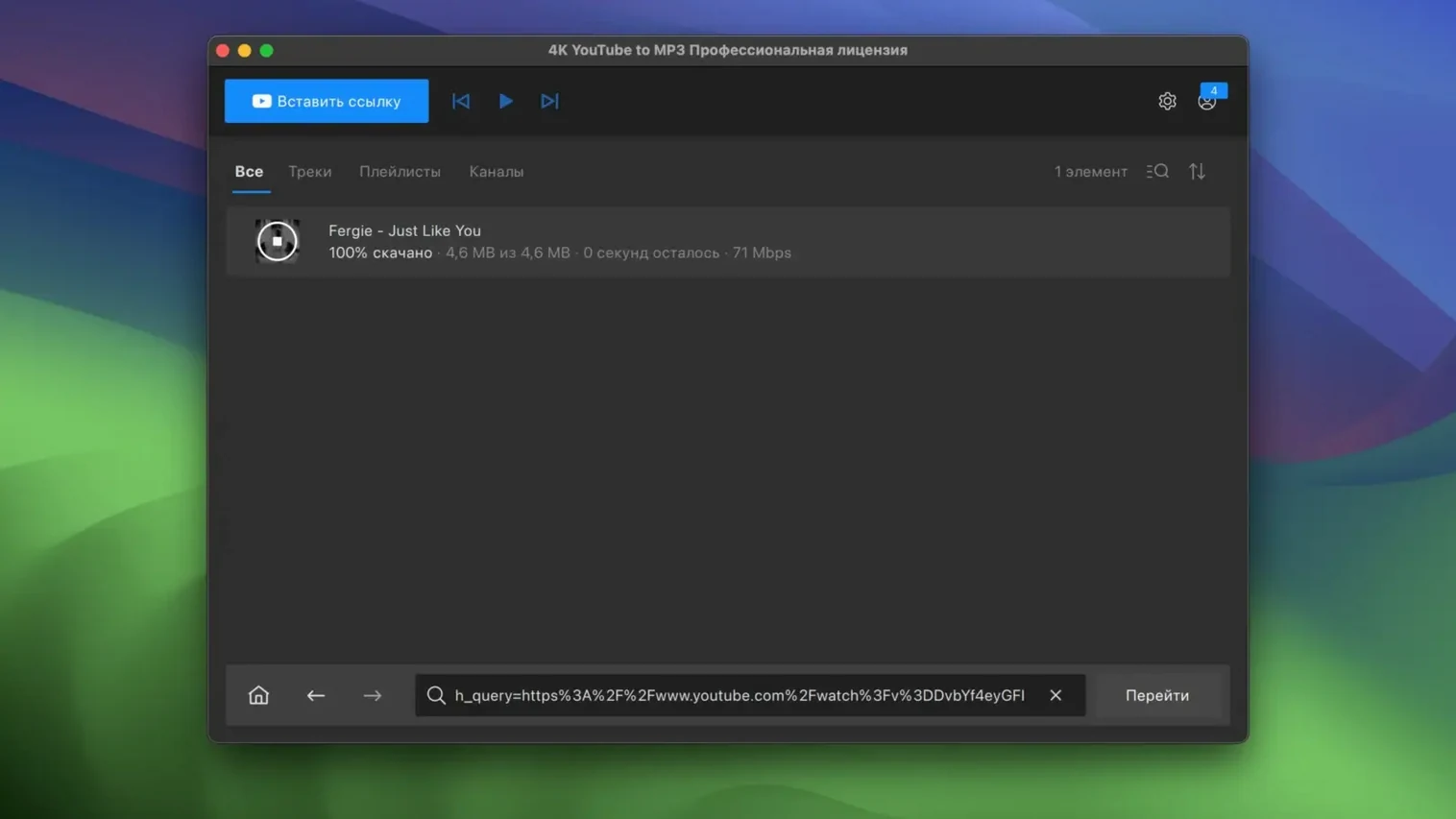
Need the sound, not the video? 4K YouTube to MP3 pulls audio from online video and saves it as a ready-to-play file.
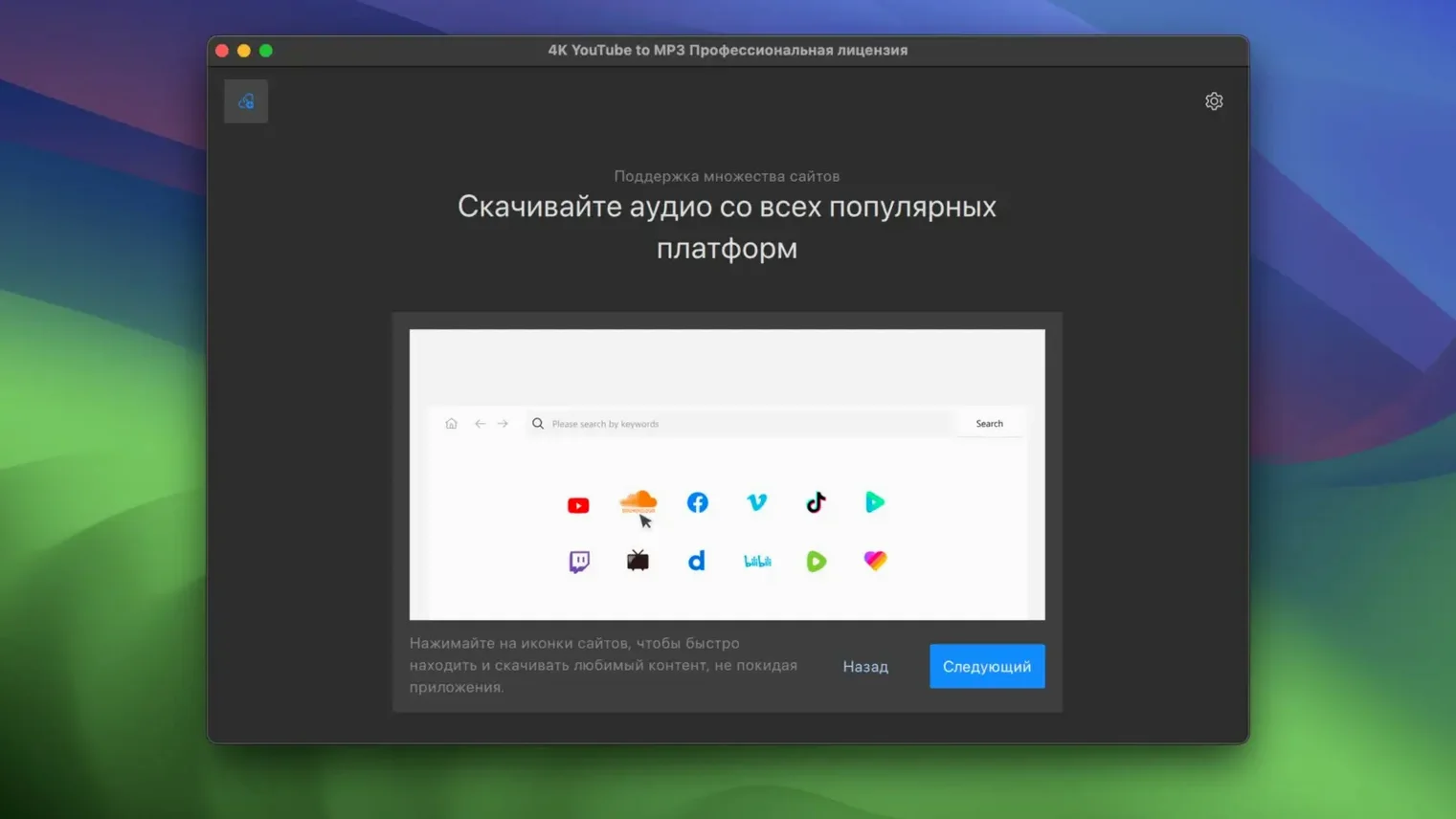
- Sources — YouTube, VEVO, SoundCloud and Facebook.
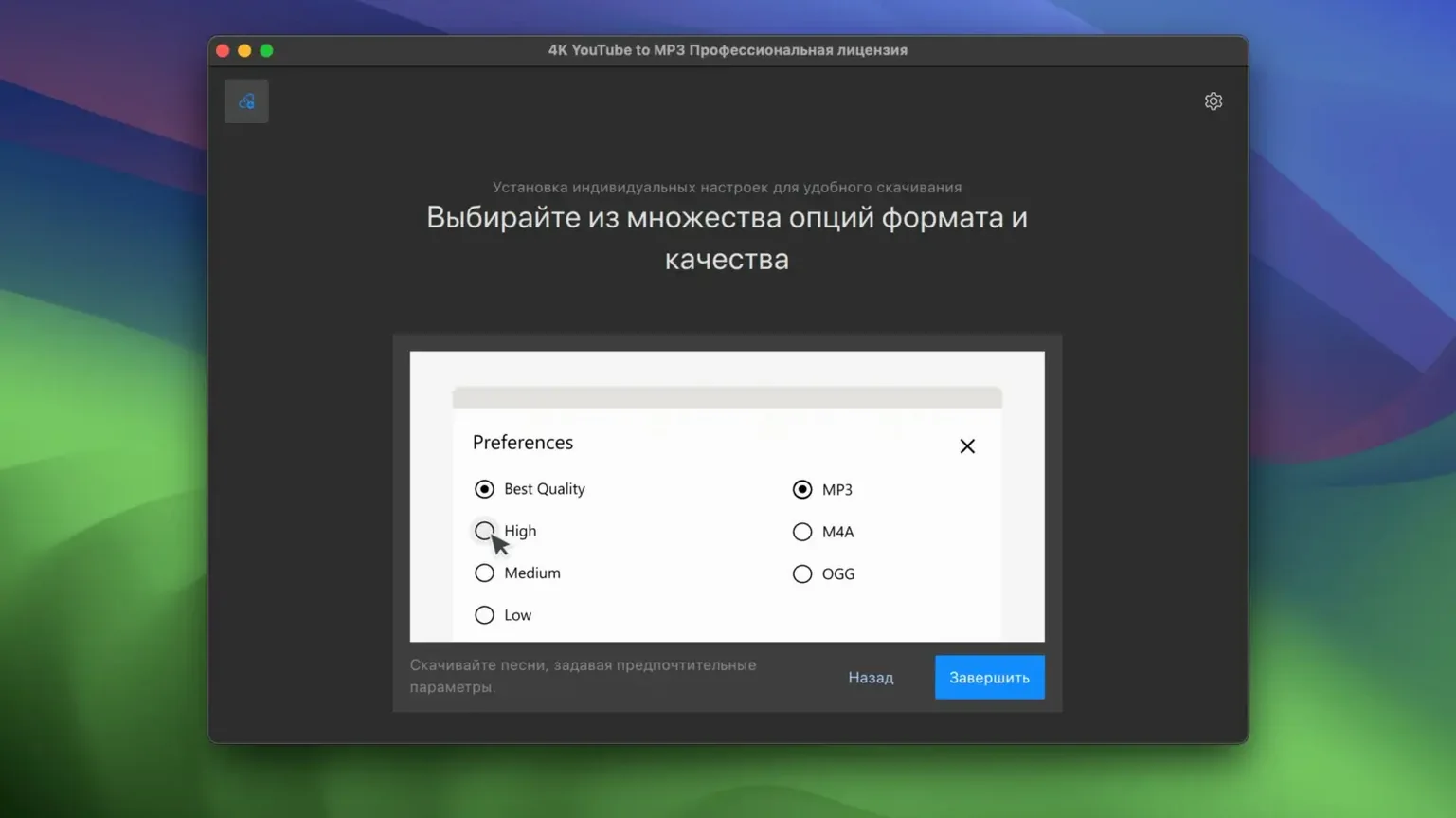
- Formats — MP3, M4A or OGG, chosen before conversion.
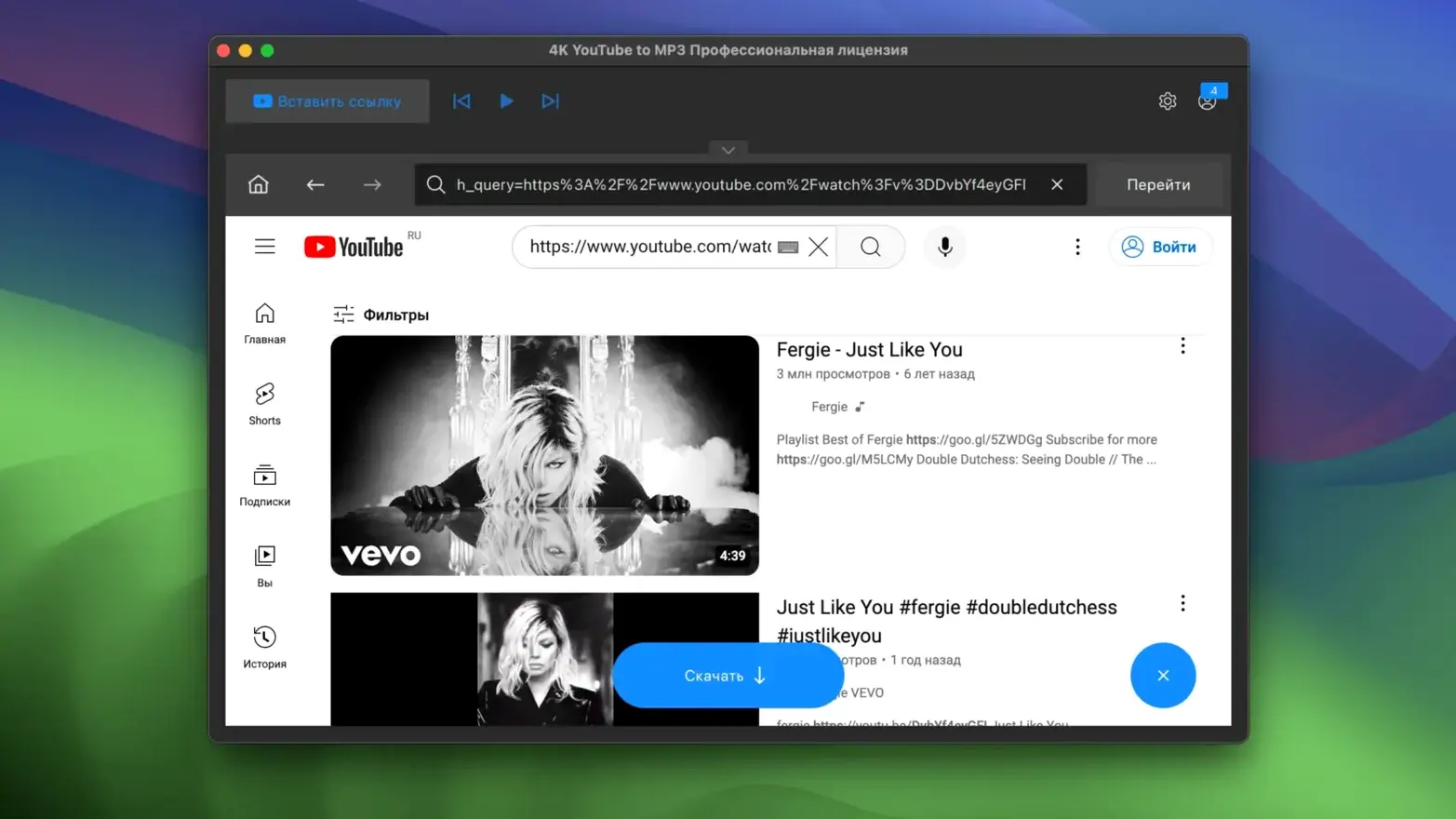
- Workflow — paste a link, pick a format, convert.
Audio-Only Extraction for Playlist and Mix Collectors
Anyone searching for a 4K YouTube video downloader who only needs the audio track. The video app is a separate product from the same developer, OpenMedia; this one saves sound only.
macOS Native Support Without a Video Converter Footprint
How It Connects to Other Apps
4K YouTube to MP3 doesn't exist in a bubble. It slots into a workflow that touches several corners of macOS.
After conversion, files land wherever you direct them. Point the output folder at an Automatically Add to Music folder and new tracks appear in the Music app without extra steps. For podcast-style listening, set the output to a folder watched by Overcast or Pocket Casts via their file-sharing interfaces.
The Share menu inside Safari hands links directly to the app. Right-click a YouTube URL on any page, choose Share, and 4K YouTube to MP3 appears in the destination list if enabled in System Settings > Extensions. This bypasses copy-paste for single tracks.
Finder tags work as expected. Assign a "To sort" tag on the output folder and your converted MP3 files inherit it, ready for a batch renamer like A Better Finder Rename or manual triage in column view.
For anyone maintaining a local library that syncs to a Plex server, naming matters. The app's preferences let you build a filename template — artist, title, album — so Plex matches metadata without guesswork.
Clipboard Parses Your Ambient Mix URL Instantly
You find a three-hour ambient mix on YouTube you want for a long flight. The video tab is open; you copy the URL.
Switch to 4K YouTube to MP3. The app reads the clipboard automatically and parses the link within a second. It shows the video title and length — enough to confirm it grabbed the right source. You leave the format on MP3 and hit Extract Audio.
A progress bar fills, then the app plays a quick chime. You open the output folder from the Completed tab with one click. The file sits there, correctly named, ready to drag into Music.
Before closing the app, you notice the mix was part of a playlist. Back in the browser you copy the playlist URL. The app resolves all forty-two entries in a few seconds. You uncheck three tracks you already own and start the batch. Five minutes later the whole playlist sits in a dated subfolder.
For a one-off MP3, the whole interaction lasts under ten seconds. For a playlist, it runs unattended while you work elsewhere.
Bitrate Lock Applies to Every Conversion Without Re-Prompting
- Paste and auto-detect — dropping a link into the window triggers parsing immediately. No extra click on a "Paste" button.
- Quality lock — once you set a preferred bitrate in preferences, every conversion respects it. You don't reselect per download.
- Smart playlist handling — the app numbers tracks sequentially when a source provides no metadata. You won't end up with forty files named "Untitled."
- Single-key start — pressing
Returnafter pasting a URL begins extraction. The mouse is optional for the core loop. - History retention — the Completed tab keeps a dated log of past conversions. A month later you can check whether a track came from SoundCloud or VEVO without digging through files.
- Clipboard awareness at launch — if you copy a link before opening the app, the URL field is already populated when the window appears.
These details add up. None of them demands attention, but together they make the app feel like a tool, not a toy — especially when a quick search for youtube mp3 converter 4k surfaces plenty that do less.
Version 26.3.5 is an Intel (x86 64-bit) build for macOS 12 or later. On M-series Macs it runs through Rosetta 2.
- macOS 12 or newer
- Intel processor (x86 64-bit)
- Works on Apple Silicon via Rosetta 2
Questions I get before install
What formats can 4K YouTube to MP3 save audio in?
It saves extracted audio as MP3, M4A, or OGG — you pick the format before converting.
Which sites does the Mac version work with?
It extracts audio from YouTube, VEVO, SoundCloud and Facebook.
Comments 0
Sign in to leave a comment.Sign inCreate an account
No comments yet. If a step is still there after you install it, say so.
More in Video Downloaders
All in Video Downloaders 4K Video Downloader
Saves online videos, playlists and channels as local files for offline work.
16 steps saved
 AmpliTube
Stacks amps, cabs, and stompboxes into a record-ready guitar rig on your Mac.
17 steps saved
 Downie
Downloads a video from any major site to your desktop after you paste the link.
7 steps saved
 Folx Pro
Splits downloads into parallel threads to reduce wait times.
5 steps saved
 HarborDrop
Resumes partial downloads so a dropped packet doesn't scrap the whole file.
4 steps saved
 iDownerGo
Captures streaming media in the background without hunting for a download link.
10 steps saved
 iTubeGo
Grabs entire playlists at speed and converts each file in the background queue.
20 steps saved
 Musify
Downloads full playlists from music sites and saves them as MP3 files.