
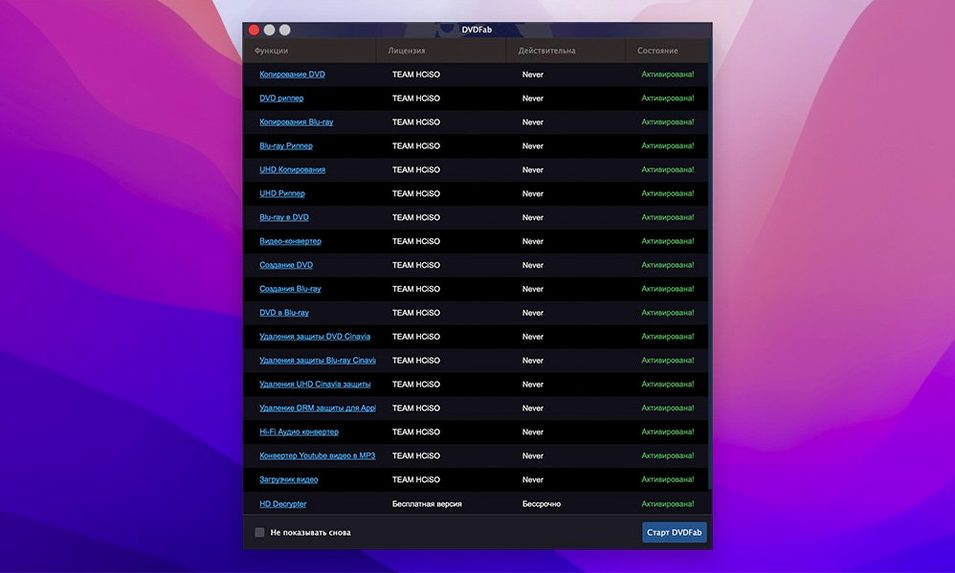
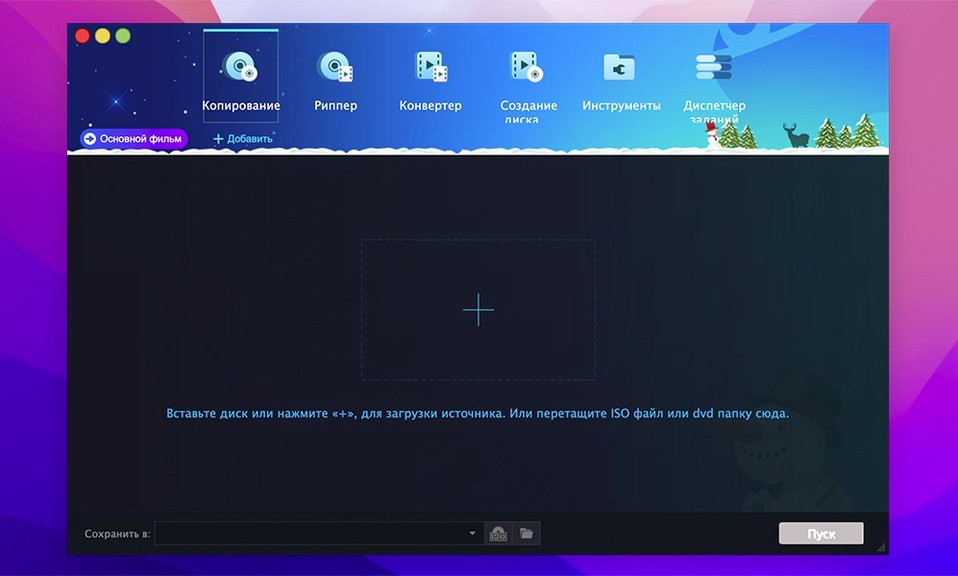
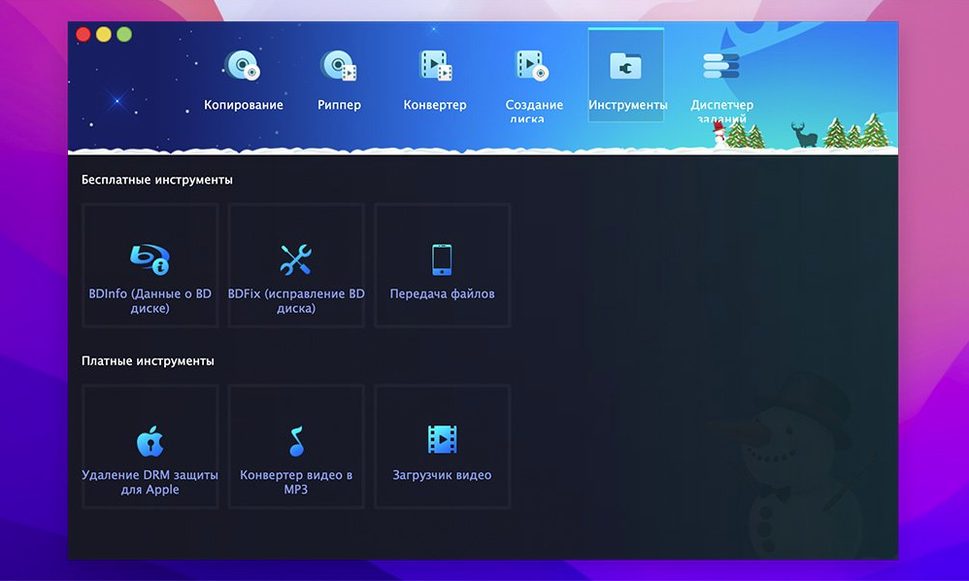
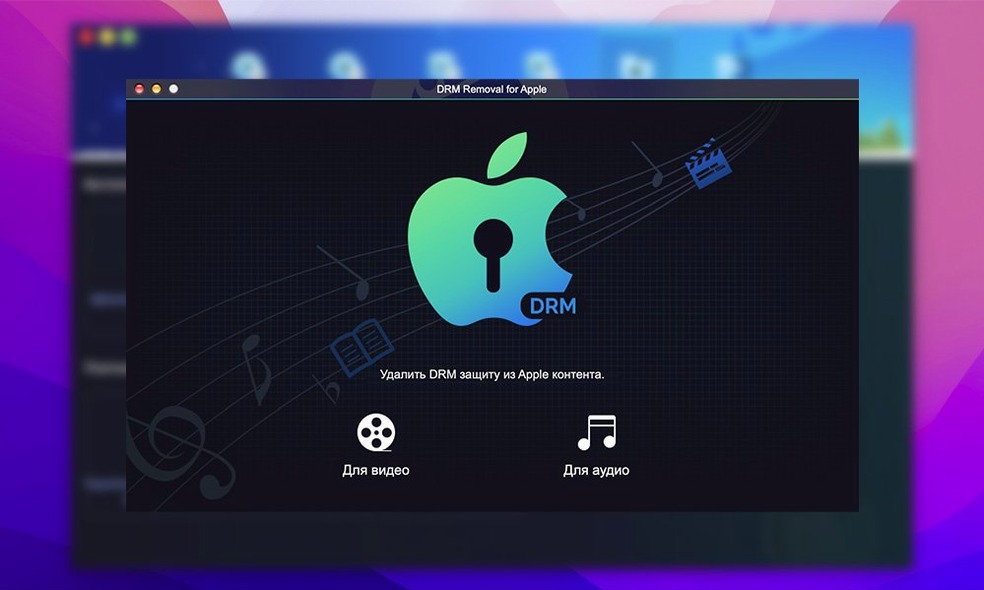
If you remember the utility of HandBrake but wish it handled disc protections and full-disc cloning in one place, DVDFab picks up where that leaves off. It is a multi-tool for optical media that combines a decrypter, a ripper, and a burner. Here are the answers to the most common pre-install questions.
- Can it remove copy protections? Yes. It strips CSS, Region Code, RCE, Macrovision, and UOPs during the copy process.
- Does it make a perfect clone? The 1:1 copy mode preserves the original menus, trailers, and chapter stops in an identical folder or ISO image.
- Can it burn a disc? You can burn a DVD folder or ISO straight to a blank DVD, supporting both NTSC and PAL standards.
- What about merging clips? The suite can combine multiple titles from different sources into a single DVD compilation.
- Is it still maintained for older macOS? DVDFab 12 is listed for OS X 10.10 through macOS 15.x, separately from the newer 13.x branch.
Version 12.0.8.2 ships as a single suite that covers backup, ripping, authoring, and burning. Localized in twenty-six languages, it fits right into a multi-region workflow without needing extra decryption add-ons.
Interface Opens Fast, Queue Stays Responsive
DVDFab 12.0.8.2 runs without background bloat. On both Apple Silicon and 64-bit Intel Macs, the interface opens quickly, and the copy queue stays responsive while a disc is being read. Memory use stays modest for a media suite — expect it to sit comfortably under typical browser tabs during a Full Disc job.
Read speed is disc-dependent. A clean DVD-5 usually copies faster than a scratched DVD-9 with unreadable IFO data. When the IFO is damaged, DVDFab still attempts a rebuild before the job starts; the result depends on the disc condition, not on the app giving up early.
Stability holds up over long sessions. Batch conversions to older device profiles — iPod, PSP, Zune — do not cause progressive slowdown. The app logs errors plainly, and a failed burn does not lock the queue.
Clone Skips Cleanup on Scratched Discs
- Choosing Clone for a scratched disc. Clone mode skips the cleanup passes. Use Full Disc or Main Movie for damaged media, so the protection scans and error handling stay active.
- Ignoring the target size indicator. A DVD-9 source will not fit a DVD-5 blank unless you pick Split or Customize. The indicator turns red before you waste a disc.
- Leaving the default menu settings in Customize mode. If you select titles but forget to toggle the original menu, the output plays as a title-only disc. Check that switch before starting the job.
- Burning an ISO without verifying the source. A corrupted ISO burns fine and fails at playback. Test the image by mounting it first.
- Insert a region-locked DVD-9. DVDFab scans it and lists eight copy methods across the top.
- Pick Split. The source is a two-layer disc, and the only blanks on hand are DVD-5.
- Set the output to a DVD folder. DVDFab shows the split point and estimated size for each half.
- Start the job. The log panel tracks the CSS and region removal first, then the video stream.
- While disc one copies, open the Converter module. Queue a Main Movie rip to an MP4 profile for an old iPod.
- When the split finishes, burn both folders to two blanks. Label them A and B; the second picks up where the first leaves off.
Splitting a Region-Locked DVD-9 to DVD-5 Blanks
That is the normal rhythm — one disc in, a queue running, and the next job already set. For a dvdfab mac workflow, this is as close to set-and-forget as optical media gets.
- OS X 10.10 or later (12.x branch listed up to macOS 15)
- Intel and Apple Silicon Macs
Questions I get before install
What disc protections does DVDFab for Mac handle?
It removes CSS, Region Code, RCE, Macrovision, and UOPs, letting you copy or rip protected commercial DVDs.
Comments 0
Sign in to leave a comment.Sign inCreate an account
No comments yet. If a step is still there after you install it, say so.
More in Video Converters
All in Video Converters EditReady
Converts raw camera footage into edit-ready clips without the clutter of a general converter.
8 steps saved
 dBpoweramp Music Converter
Converts audio batches between formats while writing consistent metadata to every file.
14 steps saved
 Compressor
Queues a batch and hands encoding to the Mac’s hardware encoders.
19 steps saved
 Macxvideo AI
Upscales and cleans up footage while handling format conversions in one go.
9 steps saved
 Adobe Media Encoder
Queues exports from Premiere or After Effects so you keep editing without waiting.
9 steps saved
 Movavi Video Converter
Reshapes video, audio, and image files for a different screen or editor.
11 steps saved
 Permute
Converts batches of media files to one format without repeated prompts.
15 steps saved
 VideoByte BD-DVD Ripper
Converts a Blu-ray disc into a compact MP4 ready for Plex or a tablet.