
Office is the default choice for teams that trade documents, spreadsheets, and presentations daily. It lands on your Mac with six core tools: Word, Excel, PowerPoint, Outlook, OneNote, and OneDrive.
Tracked changes that survive client PCs
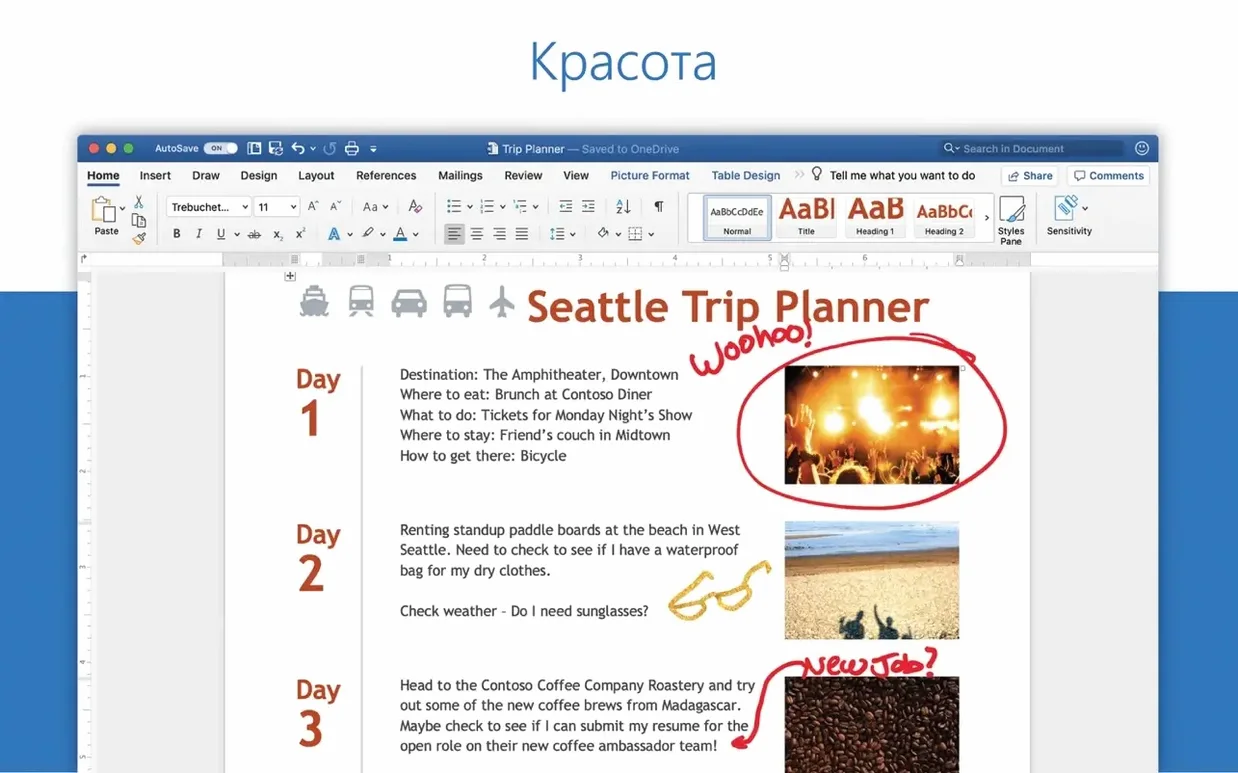
- Document consistency — Word handles tracked changes, comments, and formatting that survive a round-trip to a client's PC.
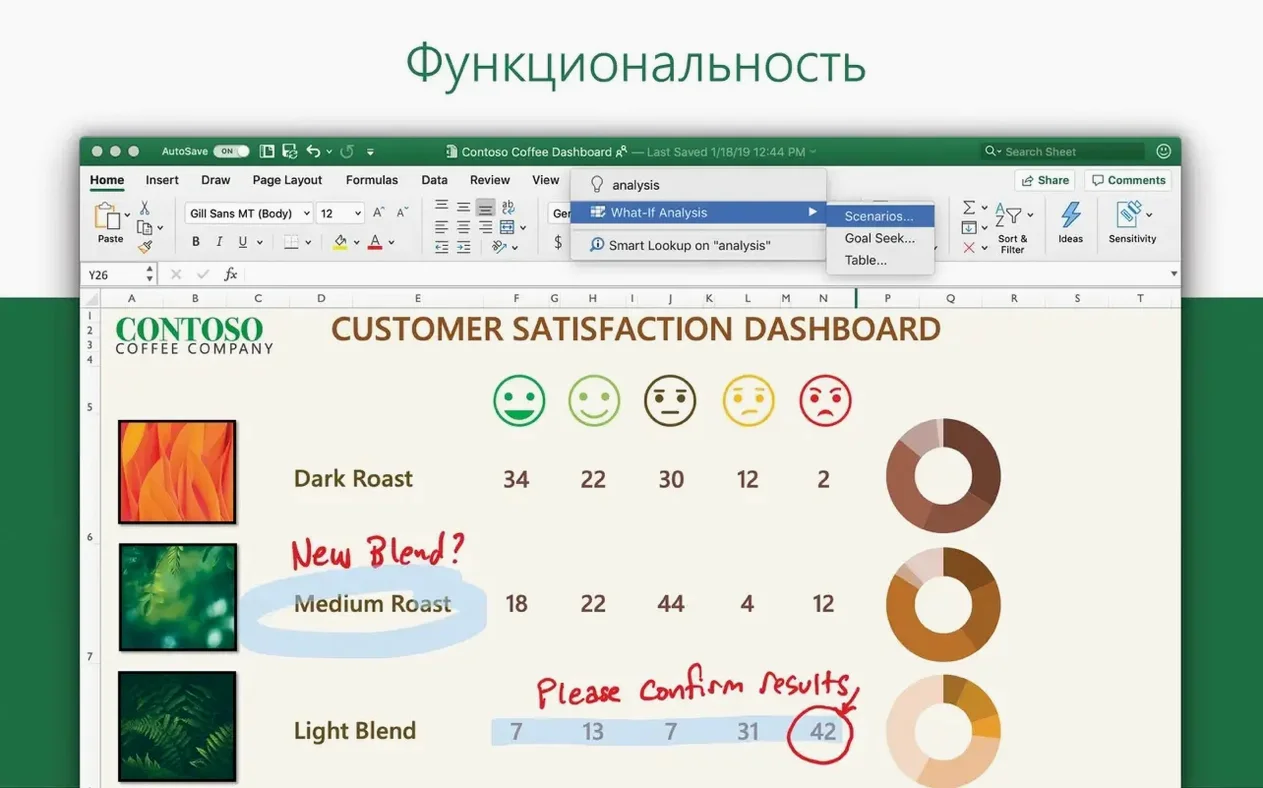
- Data work — Excel goes beyond grids with charts and an Ideas feature that surfaces trends you might miss.
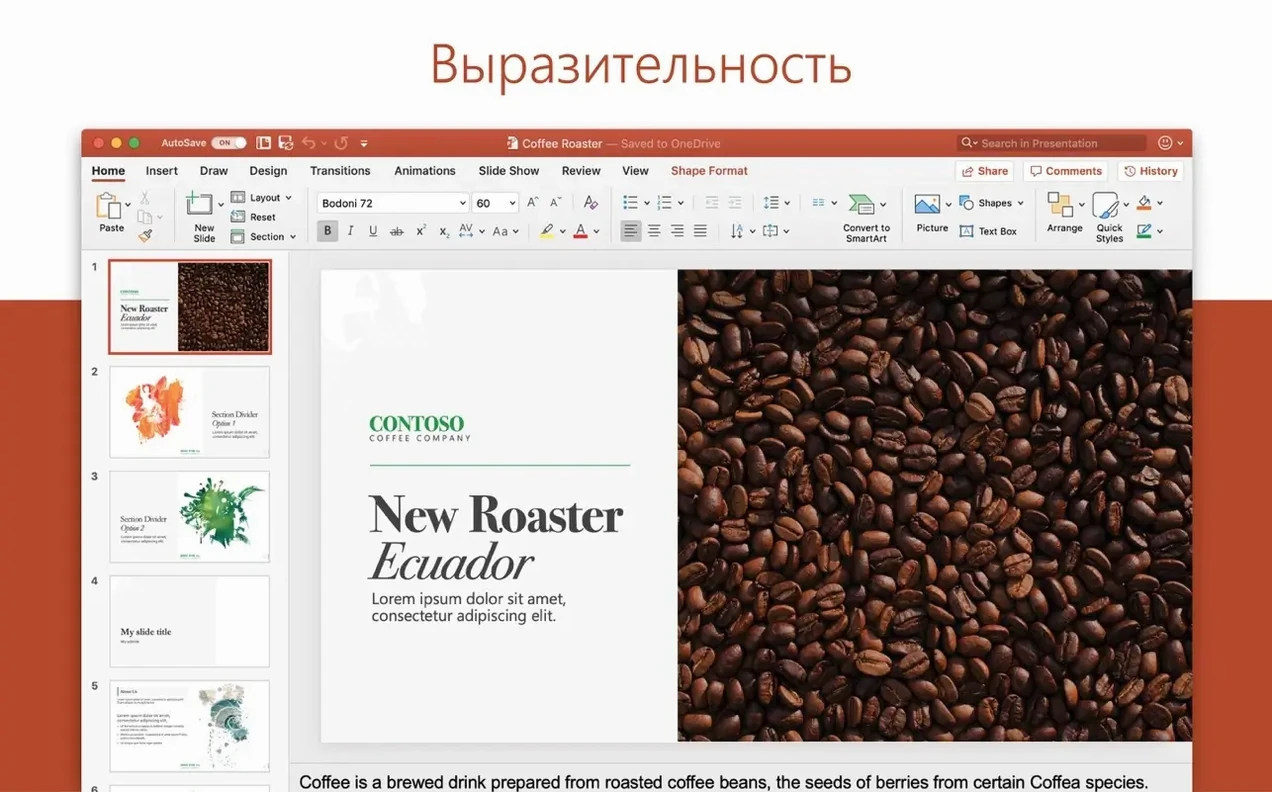
- Presentation polish — PowerPoint supports 3D models, motion camera effects, and a clean icon library for building decks quickly.
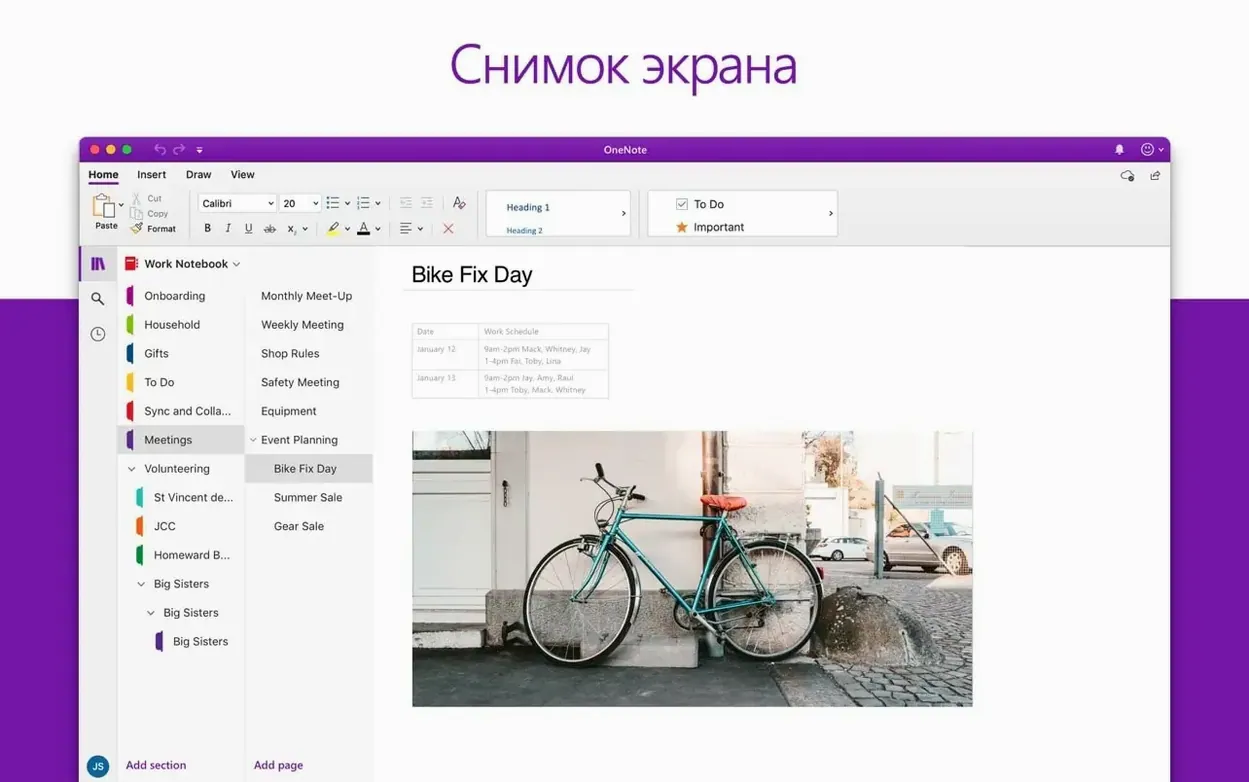
- Shared notebooks — OneNote keeps project plans and meeting notes in one searchable space.
- Co-authoring — OneDrive links Word, Excel, and PowerPoint files so multiple people can edit the same document in real time.
64-bit only with OneDrive as collab backbone
- All apps are 64-bit only.
- The suite follows the 16.x major version track across current Microsoft 365 and LTSC 2021/2024 releases.
- OneDrive integration is the backbone for real-time collaboration.
Outlook pings, Excel finishes recalculating a pivot table in seconds
Tuesday morning. Outlook pings with a budget spreadsheet attached. You open it, and within seconds Excel finishes its recalculation dance — a few thousand rows, conditional formatting, and a pivot table that a colleague in accounting built on their Windows laptop. The file looks exactly right. No shifted charts, no broken references.
You add a column for Q3 projections, drop in a quick SUMIFS formula, and share the file through OneDrive before lunch. The link copies to your clipboard. You paste it into a Teams chat, and two minutes later a tiny coloured flag appears beside a cell — your manager is already editing the same sheet from another floor. Their cursor moves in real time. You watch them highlight a number, type a correction, and the figure turns green the moment they press Enter.
After lunch you switch to Word. The communications draft landed while you were away. You turn on Track Changes, tighten three paragraphs, add a comment about the opening section, and save. No local copy required — it writes straight back to the cloud. Later, you open OneNote to pull meeting notes from last Thursday. A quick search finds the action items, you copy two bullets into an email draft in Outlook, schedule a follow-up for Friday, and close the lid. The whole session moved across five apps without a single file export or version-rename headache like "budget_FINAL_v3_ACTUAL.xlsx".
Word launches in four seconds, Excel closer to three
Performance lands in a comfortable middle ground. This is not a featherweight native Mac app — Word launches in about four seconds on Apple Silicon, Excel closer to three. Once open, scrolling through long documents stays smooth. Spreadsheets with thousands of formulas can hitch briefly during a full recalc, but nothing freezes. On Intel Macs, fans might wake up when PowerPoint renders a slide full of hi-res 3D models. That's the price of parity with the Windows renderer.
Memory use is what you expect from a full desktop suite: Word sits around 300–400 MB with a heavy document; Excel goes higher with large data sets. The suite respects macOS memory compression well. You can keep all six apps open alongside a browser and a design tool without swapping pressure on 16 GB of RAM. Stability improved noticeably through the 16.x releases — crashes are rare now, mostly tied to outdated add-ins rather than the apps themselves.
Updates land roughly monthly. The Microsoft AutoUpdate tool runs in the background, downloads quietly, and prompts only when it needs a restart. You are never more than a few weeks behind bug fixes. For anyone who last touched a mac office torrent version and remembers activation headaches or broken fonts, the current 16.x line feels like a different product.
Activation drift after a macOS point update
Activation drift is the first pain point people notice. The VL Serializer occasionally loses its grip after a macOS point update. The fix is straightforward: remove the suite entirely with the Office removal tool, restart, and reinstall the core package plus the serializer. It adds fifteen minutes to your morning but restores everything cleanly. Files and preferences survive if you back up ~/Library/Group Containers/UBF8T346G9.Office beforehand.
OneDrive sign-in loops happen when the token cache gets stale. Open Keychain Access, search for "Microsoft Office" and "adal" or "OneDrive," delete those entries, and sign in fresh. It clears up within two attempts for most setups.
Font substitution still trips people sending documents between Mac and Windows. If a PC colleague complains about missing fonts, check Word's font substitution table under Compatibility preferences. Swap Calibri or Cambria for something both platforms ship — your layout survives the trip intact.
Excel will sometimes refuse to open a file downloaded from a browser, citing protected view. Right-click the file in Finder, choose Get Info, and check the "locked" attribute if present. Unlock it, and the sheet opens normally. This is a macOS quarantine flag, not an Office bug.
For anyone moving off an older Office torrent release like an Office 2016 Mac torrent stuck on version 15.x, the jump to 16.93 may surface macro compatibility warnings. Enable the "Disable all macros with notification" setting in Word or Excel preferences — you get a clickable banner per document instead of a silent block.
Point Word to OneDrive on first launch
- Default file location
- Point Word, Excel, and PowerPoint to a OneDrive folder on first launch. It removes the "save a local copy by accident" problem and makes co-authoring instant.
- Ribbon collapse behaviour
- Each app ships with the full ribbon visible. Switch to "Show tabs only" under Preferences > Ribbon if you work on a 13-inch screen. Extra vertical space for content.
- Outlook notifications
- Turn off "New mail sound" and limit alerts to "Focused Inbox only" in Notifications preferences. Otherwise every newsletter and cc will ping you through a work session.
- AutoSave toggle
- On by default for OneDrive files. If you prefer explicit saves during heavy editing sessions, switch it off in Word's Save preferences. You can flip it back per document.
- Excel calculation threads
- Under Formulas preferences, set calculation to "Automatic except for data tables" if your sheets include large what-if tables. Cuts recalculation time without breaking formula updates.
- OneNote dark mode
- Not synced with the system setting — you turn it on separately under OneNote > Preferences > General. Worth doing if the rest of your Mac runs dark.
- New — Version 16.93 ships as the unified Office suite build for Word, Excel, PowerPoint, Outlook, and OneNote.
- macOS: 13 or later
- Architecture: Intel and Apple Silicon
- Note: 64-bit only
Questions I get before install
Which apps come with the Office suite?
Word, Excel, PowerPoint, Outlook, OneNote, and OneDrive for Mac.
How does real-time collaboration work?
OneDrive connects Word, Excel, and PowerPoint files so multiple people can edit and share them at the same time.
Does Excel only handle basic spreadsheets?
No. It includes full charting tools and an Ideas feature that helps visualize data patterns and trends.
Comments 0
Sign in to leave a comment.Sign inCreate an account
No comments yet. If a step is still there after you install it, say so.
More in Office
All in Office Microsoft Excel
Builds budgets, forecasts and reports in spreadsheets the whole team can edit.
13 steps saved
 Microsoft Outlook
Puts mail and calendar in one window so you stop switching apps.
11 steps saved
 Microsoft PowerPoint
Builds presentation decks that move past static bullet points.
8 steps saved
 Microsoft Word
Writes and reviews documents with tracked changes that open the same anywhere.
7 steps saved
 OmniFocus Pro
Flattens vague plans into tagged, location-aware actions you can actually complete.
13 steps saved
 OmniPlan Pro
Breaks a complex initiative into trackable tasks linked by dependencies and resources.
9 steps saved
 OmniReader Pro
Opens PDFs, ebooks and documents in one reader with notes and reading modes.
22 steps saved
 Updated
iA Writer
Strips away formatting so you focus on structure and phrasing, then export to any format.