
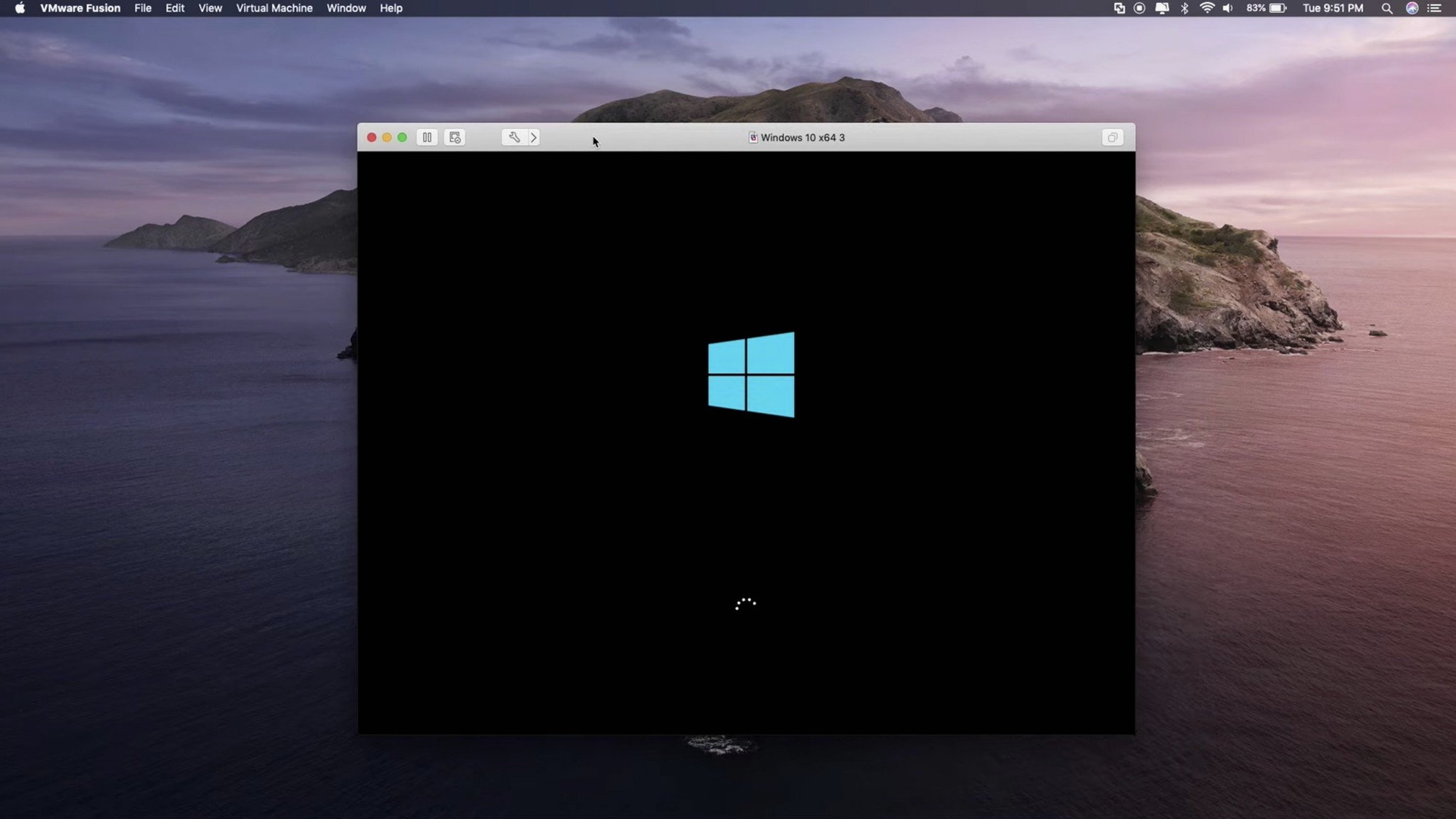
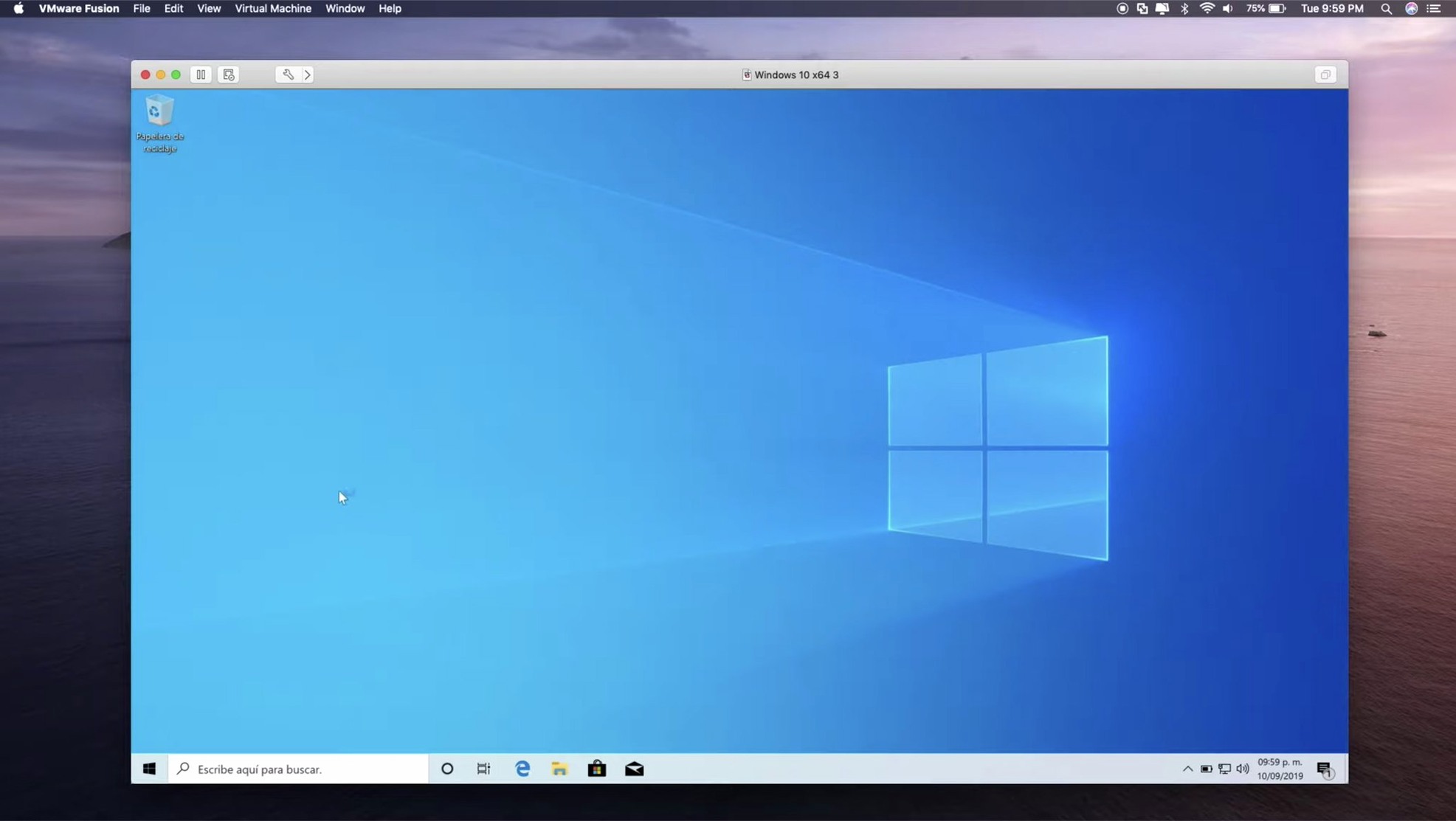
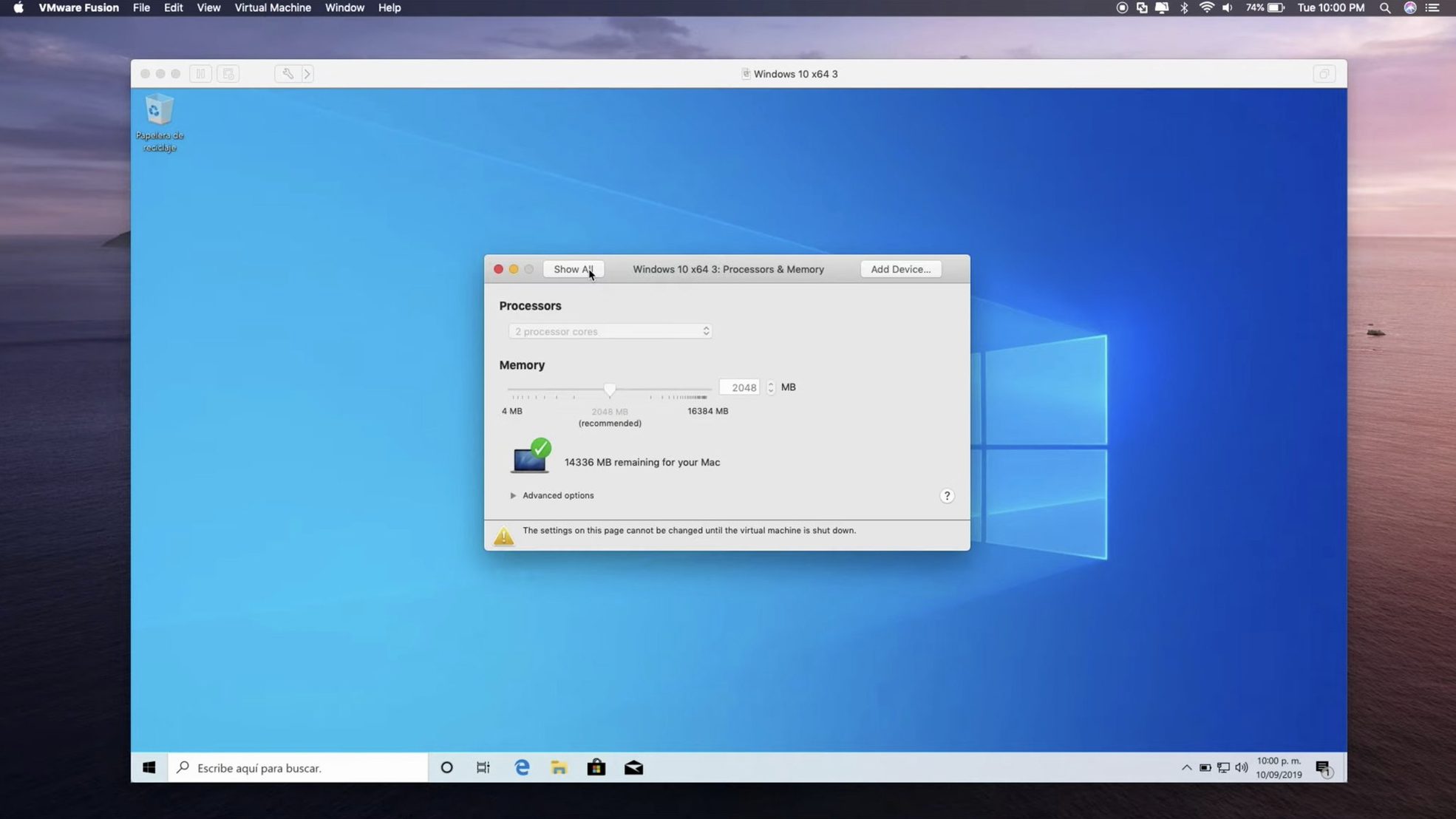
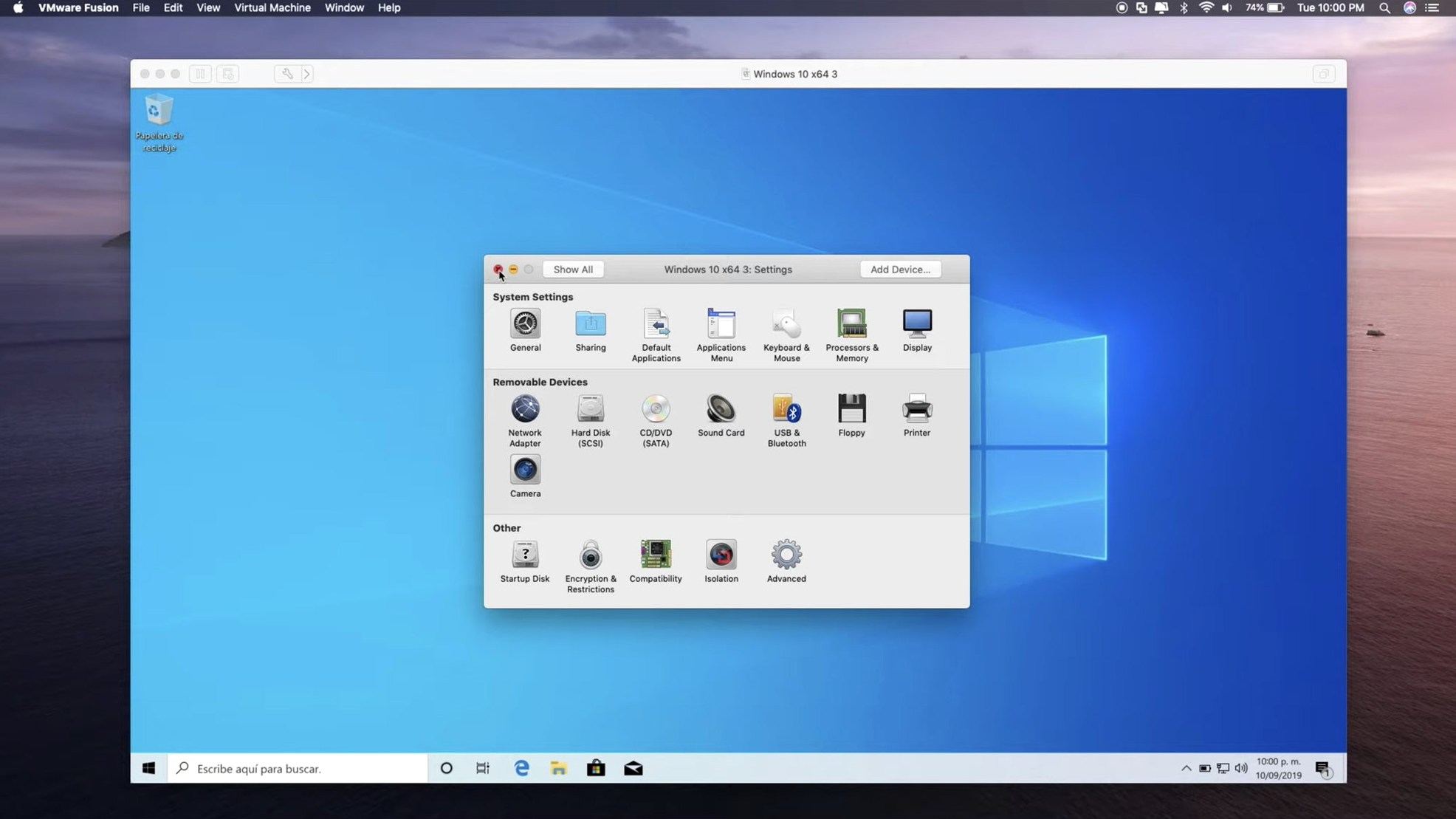
Think of it as the engine room adjacent to your regular Mac desktop — a place where whole other operating systems boot up in their own windows. VMware Fusion 26H1 keeps that separation clean while tightening the links to infrastructure you might already manage.
Connect to ARM-based ESX hosts
Remote administration now reaches ARM servers, not just x86. Manage VMs on the host directly from your Mac.
Run containers and local clusters
Pull OCI containers from a command-line interface or spin up a local Kubernetes cluster for testing. The hypervisor handles the isolation; you control it from the terminal.
Time-stamp your virtual machines
What changed with 26H1 in everyday use
The timestamps alone change morning triage. Open the virtual machine library, sort by last power-on, and you see which Windows 10 test environment sat idle for three weeks. Right-click, delete, reclaim the disk space before lunch.
Connecting to ARM-based ESX hosts removes a friction point that used to force admins back to a Windows box or a web client. Now you pull up the same Fusion interface you already know, point it at a remote ARM host, and drag a VM from the datacentre onto your local Mac for debugging.
Guest OS support expanded in practical directions. Ubuntu 26.04 LTS lands as the new long-term anchor for Linux dev work. Fedora 43 and 44 cover the enthusiasts who stay close to the upstream kernel. SUSE Linux Enterprise 16 and openSUSE 16.0 speak to the enterprise Linux crowd. FreeBSD 15.0 keeps the networking and storage testers happy. None of these are filler — each one maps to a distinct group of people who build or break things inside VMs.
How Fusion fits with other apps and macOS
Fusion plays well with the Mac clipboard and file system, but its real integration points sit deeper. Drag a file from Finder into a Windows VM and it copies cleanly. Shared folders show up as network drives inside the guest. For developers, the vmrun command-line tool lets shell scripts start, stop, and snapshot VMs — tie that into a Makefile or a CI runner and you have reproducible build environments without touching the GUI.
On Apple Silicon Macs, Fusion runs ARM Windows 11 and ARM Linux distributions natively. Rosetta 2 handles the occasional x86 binary inside the guest, and Fusion passes through the host GPU for DirectX 11 workloads — useful for CAD viewers or older engineering tools that refuse to run under macOS.
External hardware stays available. Plug in a USB 3.1 drive or an eGPU enclosure, and Fusion can connect it directly to the guest OS instead of routing through the macOS driver stack. That matters for firmware updaters, hardware diagnostics, and any peripheral whose software only ships as a Windows executable.
Networking modes let you isolate a VM entirely, bridge it onto the same subnet as your Mac, or share the Mac’s connection via NAT. Testing a server configuration? Bridge mode puts the VM on the LAN with its own IP address, reachable from other machines in the office — no extra routing tricks required.
Blending Windows apps onto the Mac dock vs. VMware’s vSphere familiarity
Next to Parallels Desktop, Fusion feels more at home in a mixed VMware environment. Parallels leans into consumer polish — Coherence mode blends Windows apps into the Mac dock, setup wizards hold your hand. Fusion assumes you know what a virtual switch is and gives you the controls without decorating them. If your company standardises on ESX hosts, vSphere, and .vmx files, Fusion saves you from converting disk images or learning a second hypervisor’s quirks.
UTM offers a free, open-source alternative built on QEMU. It handles ARM and x86 guests and runs on Apple Silicon without fuss. Where Fusion pulls ahead is GPU acceleration and enterprise connectivity. UTM lacks DirectX 11 support and has no equivalent to Fusion’s remote ESX host management. For a quick Linux sandbox, UTM works fine. For a Windows VM that drives two displays and connects to a corporate vCenter, Fusion is the tool that exists for that job.
VirtualBox sits somewhere in the middle — free, cross-platform, and capable enough for basic Windows and Linux guests. But on Apple Silicon Macs, VirtualBox remains a non-starter; there is no native ARM build. Fusion runs on both architectures, taps the host GPU, and handles USB 3.1 devices at full speed. The gap widens the moment you need more than a single isolated VM.
Fusion now records creation time and last power-on for each VM. Quick to spot stale machines you should archive or delete.
- New — Remote connections to ARM-based ESX hosts.
- New — Guest OS support for Ubuntu 26.04 LTS, Fedora 43, Fedora 44, SUSE Linux Enterprise 16, openSUSE 16.0, and FreeBSD 15.0.
- New — Timestamps for virtual machine creation and last power-on time.
- macOS 13 or later
- Apple Silicon or Intel Mac
Questions I get before install
Which guest operating systems does Fusion 26H1 add support for?
The update adds guest OS support for Ubuntu 26.04 LTS, Fedora 43, Fedora 44, SUSE Linux Enterprise 16, openSUSE 16.0, and FreeBSD 15.0.
Does VMware Fusion Pro support DirectX 11?
Yes, DirectX 11 hardware acceleration is supported in Windows 10 virtual machines.
Can I use USB 3.1 devices with my virtual machines?
Yes, Fusion Pro supports passing USB 3.1 devices through to your guest operating system.
Comments 0
Sign in to leave a comment.Sign inCreate an account
No comments yet. If a step is still there after you install it, say so.
More in Mac Apps
All in Mac Apps Wallspace
Replaces static desktop images with a catalogue of live 4K wallpapers.
19 steps saved
 WALTR PRO
Converts and places any media file into the right Apple app on the target device.
16 steps saved
 Updated
Vibe Island
Lets you approve agent actions from the Mac notch while coding.
18 steps saved
 Viaduct
Converts an unpacked Chrome extension into a signed Safari extension.
17 steps saved
 Vector Magic
Converts a pixelated logo into a clean SVG or PDF without an online upload.
6 steps saved
 Updated
WhatCable Pro
Decodes a USB-C cable's hidden speed and power ratings from its e-marker chip.
5 steps saved
 WidgetWall
Adds a collection of functional widgets and stickers right onto your desktop.
10 steps saved
 Winclone Pro
Backs up only the blocks that changed in your Windows partition for faster, smaller snapshots.