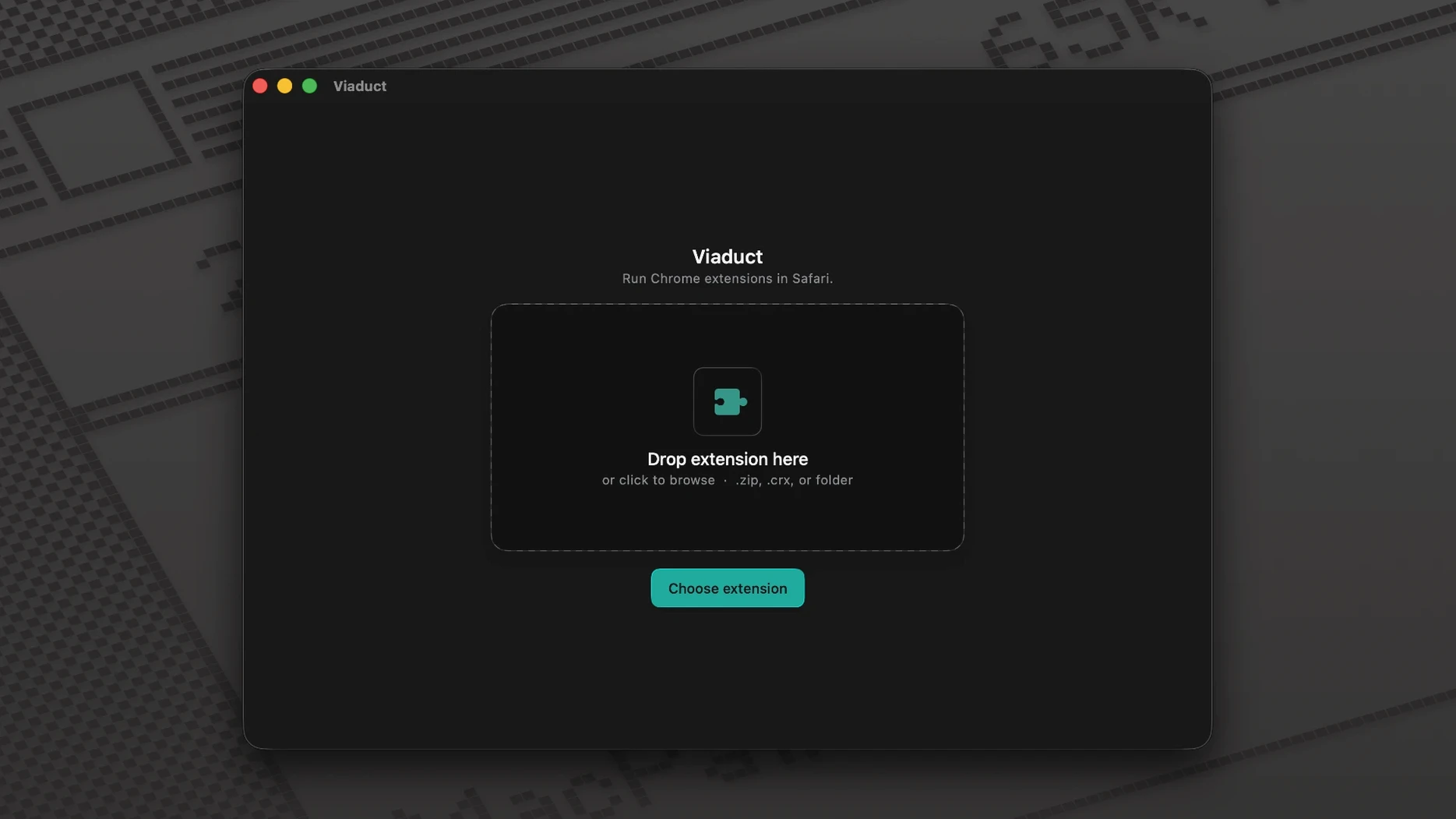
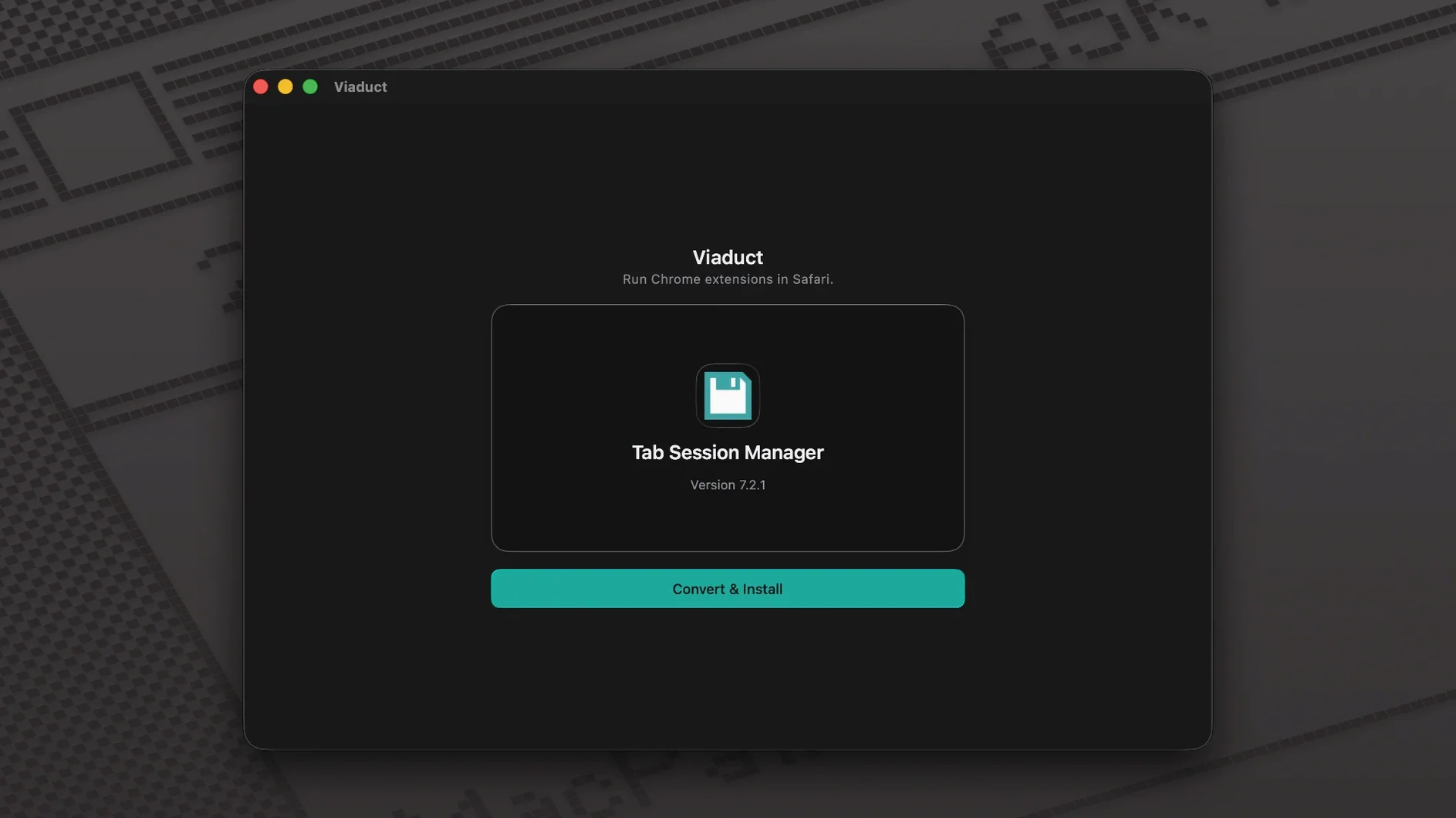
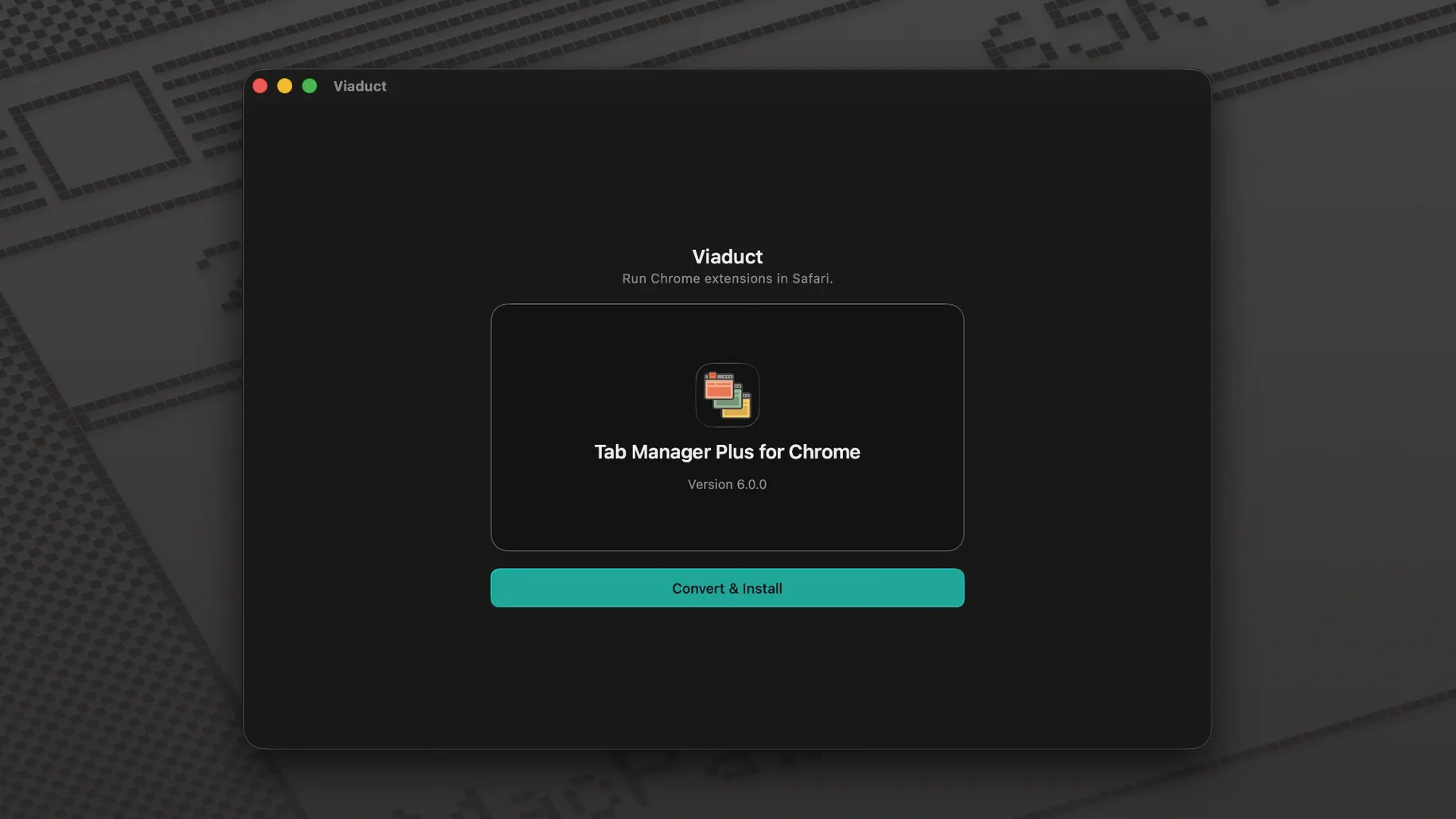
You have a handful of Chrome extensions that shape how you work—colour-pickers, tab managers, writing aids. Safari is your main browser, but those extensions never got a Safari version. Drag the unpacked Chrome extension folder onto Viaduct. The app converts it into a native Safari extension, signs it, and installs it. Nothing to configure, no manual packaging step.
That core loop stays unchanged in version 1.3.0. Viaduct still creates extensions Safari can run now, not a year from now after a developer decides to port them. What changed under the hood is the re-signing logic. Extensions degrade over time as their signatures expire. Viaduct catches that before it becomes a problem, re-signing extensions ahead of expiry so they keep working without you noticing.
The conversion itself is quiet and fast. App language is English. It runs on any Mac with macOS 13 or later, Apple Silicon and Intel alike.
Auto-sign extensions so they survive a relaunch
Viaduct keeps it simple—there is no preferences window and no buried settings pane. The two behaviours you want to tweak happen right in the main window.
- Re-sign automatically — Turn this on if you keep extensions permanently. When enabled, Viaduct checks installed extensions periodically and refreshes signatures before they expire. Leave it off if you only convert one-off tools and remove them within a day.
- Conversion output folder — By default the app drops the signed Safari extension next to the original. Change it to a dedicated folder if you convert the same extension repeatedly across updates. You will always know where the latest signed copy lives.
- Quit after install — A small checkbox that suits the “convert once, move on” crowd. Tick it, and the app closes the moment the extension lands in Safari. Handy when you batch a few extensions in sequence and want zero lingering windows.
If an extension fails conversion, Viaduct writes a short log to the output folder. That log is the quickest way to learn whether the issue is a missing manifest key or an API Safari does not support. No setting to enable it—it just writes when there is a problem.
Safari loyalists who need one absent Chrome extension
Three groups benefit more than most.
Safari-only holdouts. People who prefer Safari’s energy profile, iCloud tab sync, or simply want one browser on their Mac. If a niche Chrome extension does one job—say, stripping tracking parameters from URLs—and has no Safari counterpart, Viaduct bridges the gap without switching browsers.
Internal-tool teams. Small shops that build private Chrome extensions for their own workflows. Marketing teams with a custom link shortener, support teams with a ticket highlighter. These extensions rarely justify a full Safari port on the roadmap. Viaduct handles the conversion locally; the team keeps working in the browser they actually use.
Extension hoarders who test before committing. Some users collect extensions the way others collect menu bar apps. Viaduct lets them try a Chrome extension inside Safari for a week before deciding to keep it. The re-signing feature means the trial does not quietly break on day eight.
What these groups share is a low tolerance for busywork. They want a viaduct macos free path from a Chrome extension folder to a working Safari extension, and they want it to stay working. That is the app’s entire remit.
- macOS 13 or later
- Apple Silicon or Intel processor
- Interface language: English
Questions I get before install
Does Viaduct handle the code signing for the Safari extension?
Yes. It signs every extension it creates and re-signs them before the signature expires, so they stay functional.
What macOS version does Viaduct require?
It requires macOS 13 (Ventura) or later and runs on both Apple Silicon and Intel Macs.
Comments 0
Sign in to leave a comment.Sign inCreate an account
No comments yet. If a step is still there after you install it, say so.
More in Mac Apps
All in Mac Apps Updated
Vibe Island
Lets you approve agent actions from the Mac notch while coding.
17 steps saved
 Vector Magic
Converts a pixelated logo into a clean SVG or PDF without an online upload.
7 steps saved
 VMware Fusion Pro
Runs Windows and Linux virtual machines in a window beside macOS.
23 steps saved
 Wallspace
Replaces static desktop images with a catalogue of live 4K wallpapers.
19 steps saved
 WALTR PRO
Converts and places any media file into the right Apple app on the target device.
15 steps saved
 Updated
Typeface
Replaces Apple’s Font Book with fast browsing and comparison of every installed font.
18 steps saved
 Tuxera NTFS
Lets you read and write NTFS drives on a Mac without workarounds.
19 steps saved
 TunesKit iPhone Unlocker
Removes screen passcodes, Apple ID and MDM locks from a locked iOS device.