
Version 1.0.51 sharpens the tool with Latin American Spanish, more reliable SSH remote recovery, and cleaner OpenCode 2 conversation handling. The panel now behaves better on hover and no longer grabs text selections by accident.
Approve Agent Actions from the Notch
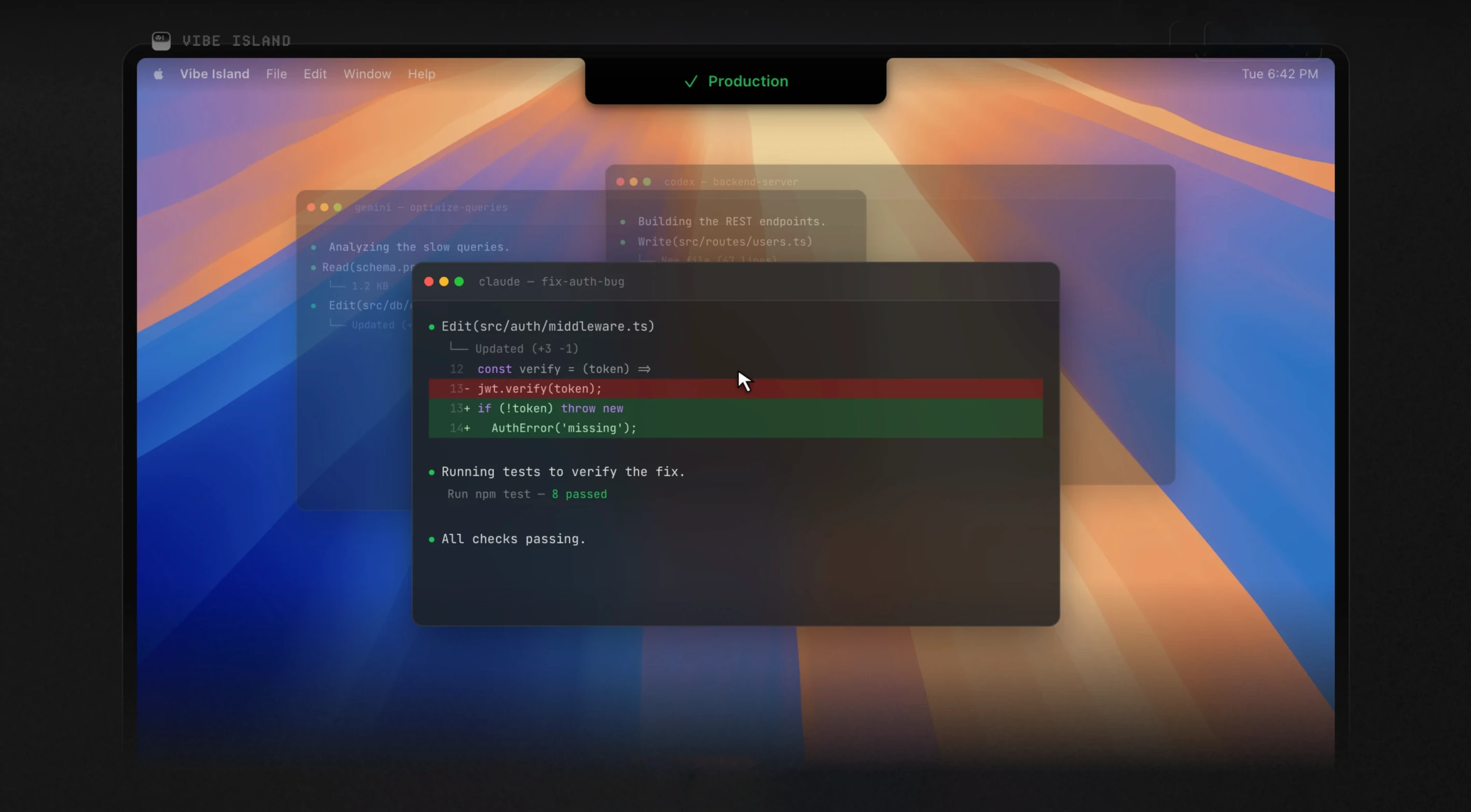
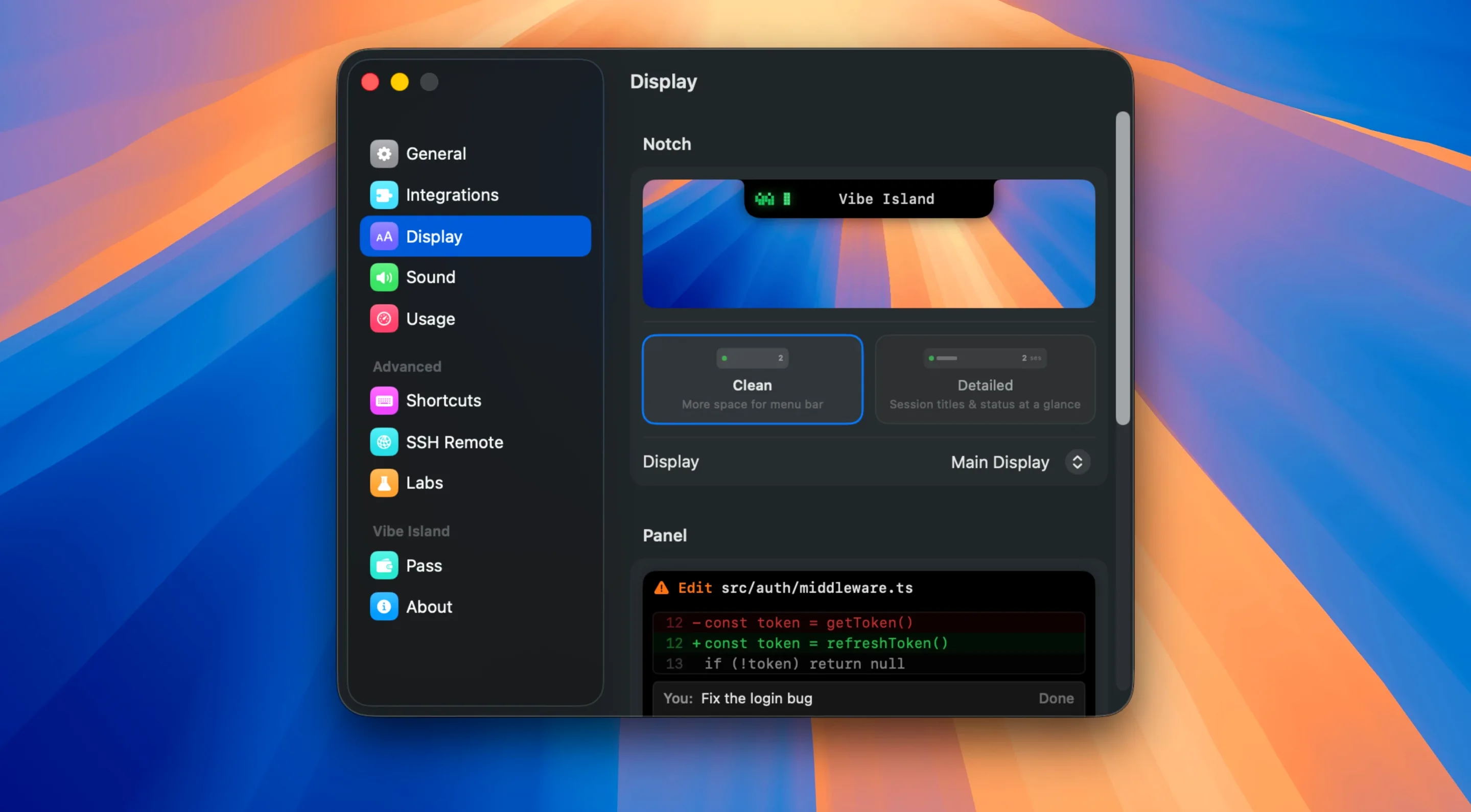
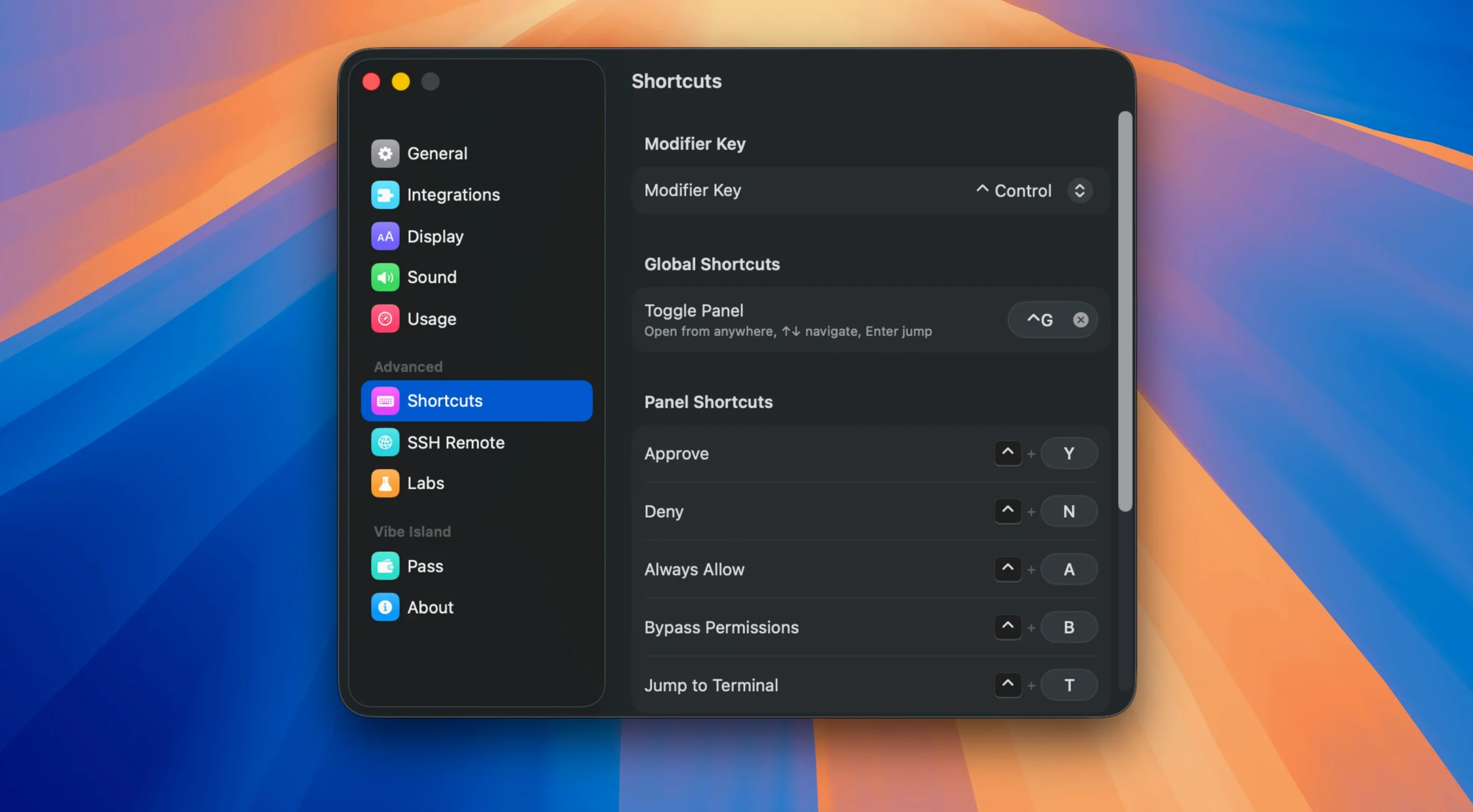
Vibe Island lives in the Mac notch and surfaces what usually stays hidden in a terminal or web tab. Approvals, agent questions, and finished tasks appear right where you glance. You can approve an action without switching windows, which keeps your flow intact.
Which AI tools does it track?
It shows live request quotas for Claude, Codex, and Kimi. The count sits in the notch, so you know at a glance when you are nearing a limit instead of hitting it mid-task.
SSH Session Recovery Across Machines
Yes. SSH remote runs are supported, with monitoring directed to your Mac. The latest version improves setup recovery when a remote session drops and handles approval context more clearly across machines.
What does it ask of the system?
It is a native macOS app — no Electron — built for Apple Silicon and Intel Macs running macOS 14. Memory use stays under 100 MB, so it tucks in next to your editor, browser, and terminal without pushing the machine.
A typical afternoon for a remote-first developer
You SSH into a staging box from Ghostty, fire up Claude Code on a long refactor, and switch back to VS Code for a parallel feature branch. In the old workflow, you would babysit two terminal tabs, miss a quota warning, and return to a timed-out approval. With Vibe Island, the notch lights up when Claude needs a decision. A Markdown plan renders inline. You tap to approve and jump straight to the correct tmux pane — no hunting. The remaining Kimi quota sits visible the whole time, so you pace the session without surprises. The app does not interrupt; it just removes the friction of context-switching across local and remote tools.
Silent Until You Add Your Terminal
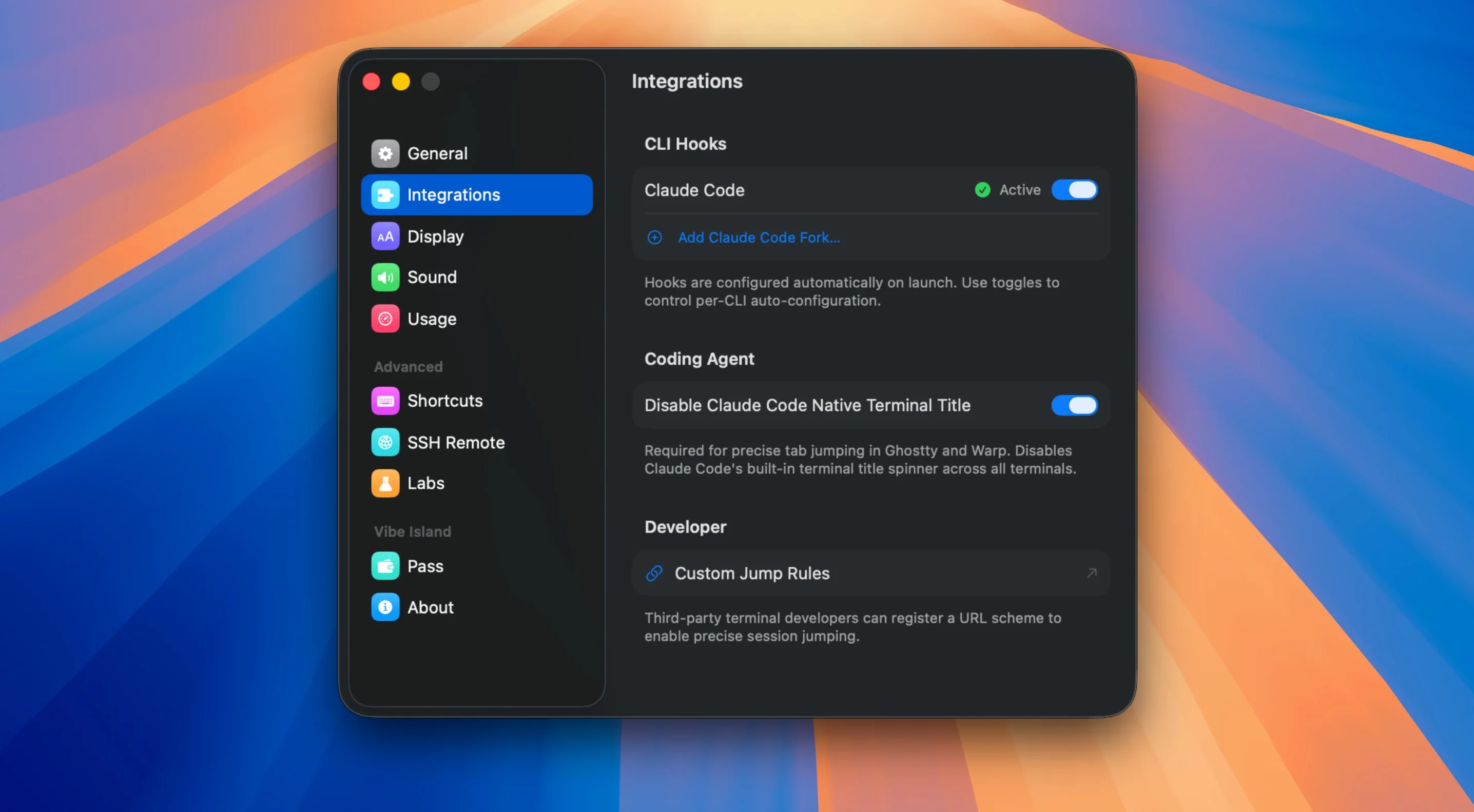
- Assuming every terminal is auto-detected. Vibe Island supports 13+ terminals, but if yours is not in the list, activity stays invisible. Check the supported terminals list before assuming the app is silent.
- Ignoring the quota display until it hits zero. The notch shows remaining requests for a reason. New users often glance past it, then wonder why an agent stopped responding mid-task.
- Treating SSH sessions as local runs. Remote sessions need explicit setup. If you skip the SSH configuration step, the Mac notch will not mirror agent activity from the remote machine.
- Clicking the notch panel repeatedly. The panel is designed for quick glances and deliberate taps. Rapid clicks during hover-sensitive moments can dismiss an approval prompt before you read the Markdown plan.
- macOS 14 or later
- Apple Silicon or Intel 64-bit
Comments 0
Sign in to leave a comment.Sign inCreate an account
No comments yet. If a step is still there after you install it, say so.
More in Mac Apps
All in Mac Apps Viaduct
Converts an unpacked Chrome extension into a signed Safari extension.
17 steps saved
 Vector Magic
Converts a pixelated logo into a clean SVG or PDF without an online upload.
7 steps saved
 VMware Fusion Pro
Runs Windows and Linux virtual machines in a window beside macOS.
23 steps saved
 Wallspace
Replaces static desktop images with a catalogue of live 4K wallpapers.
19 steps saved
 WALTR PRO
Converts and places any media file into the right Apple app on the target device.
15 steps saved
 Updated
Typeface
Replaces Apple’s Font Book with fast browsing and comparison of every installed font.
18 steps saved
 Tuxera NTFS
Lets you read and write NTFS drives on a Mac without workarounds.
19 steps saved
 TunesKit iPhone Unlocker
Removes screen passcodes, Apple ID and MDM locks from a locked iOS device.