
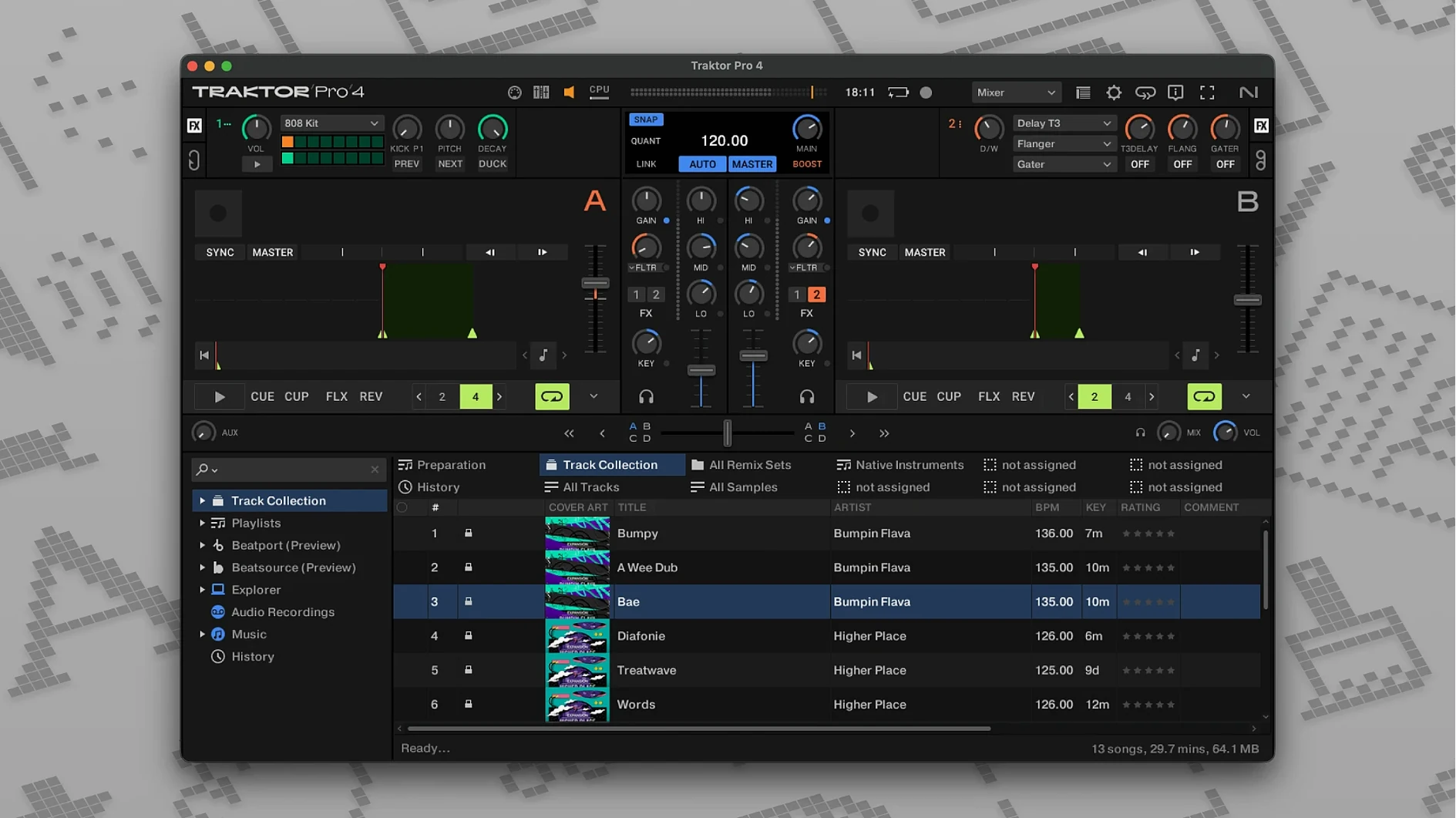
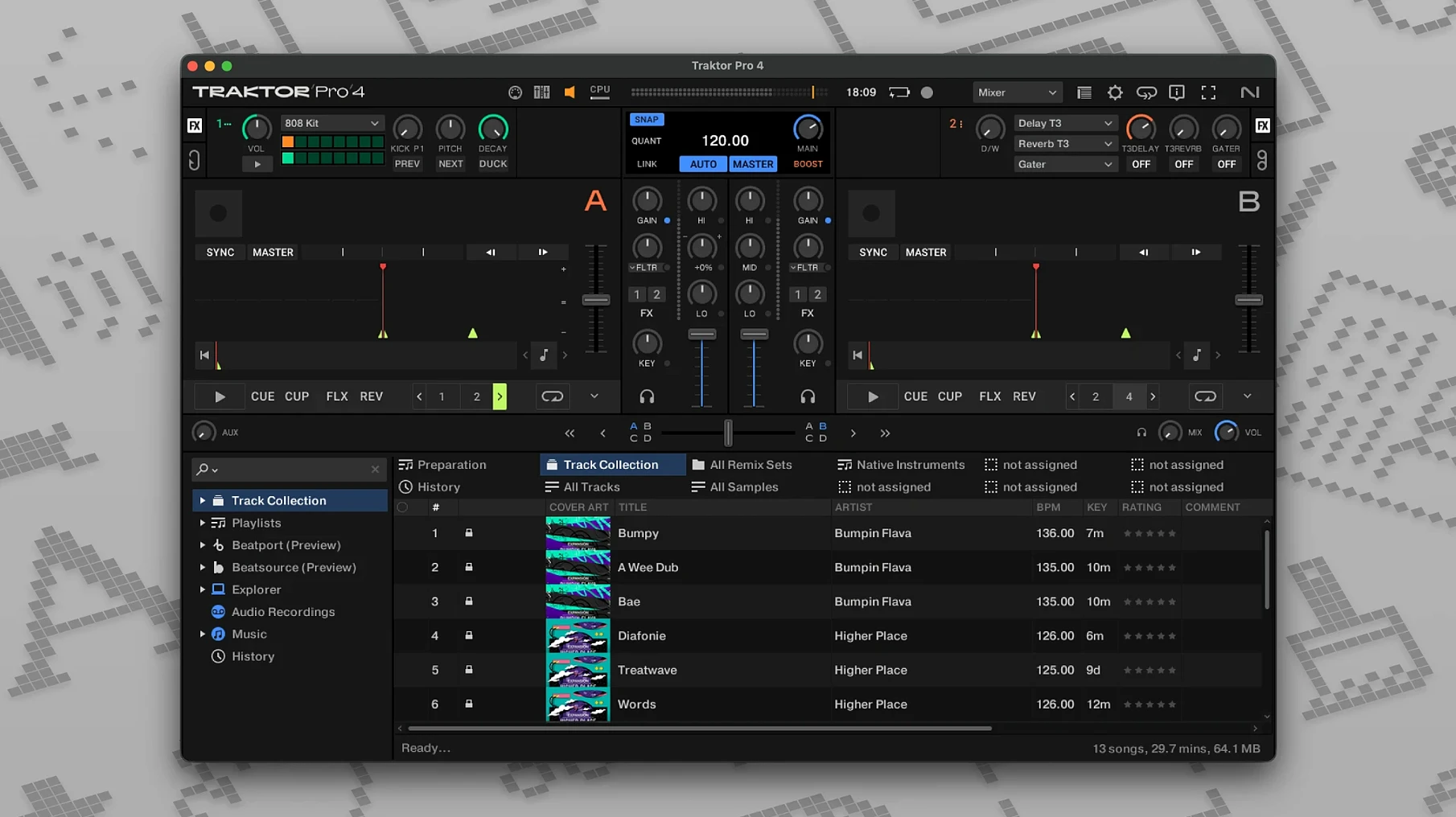
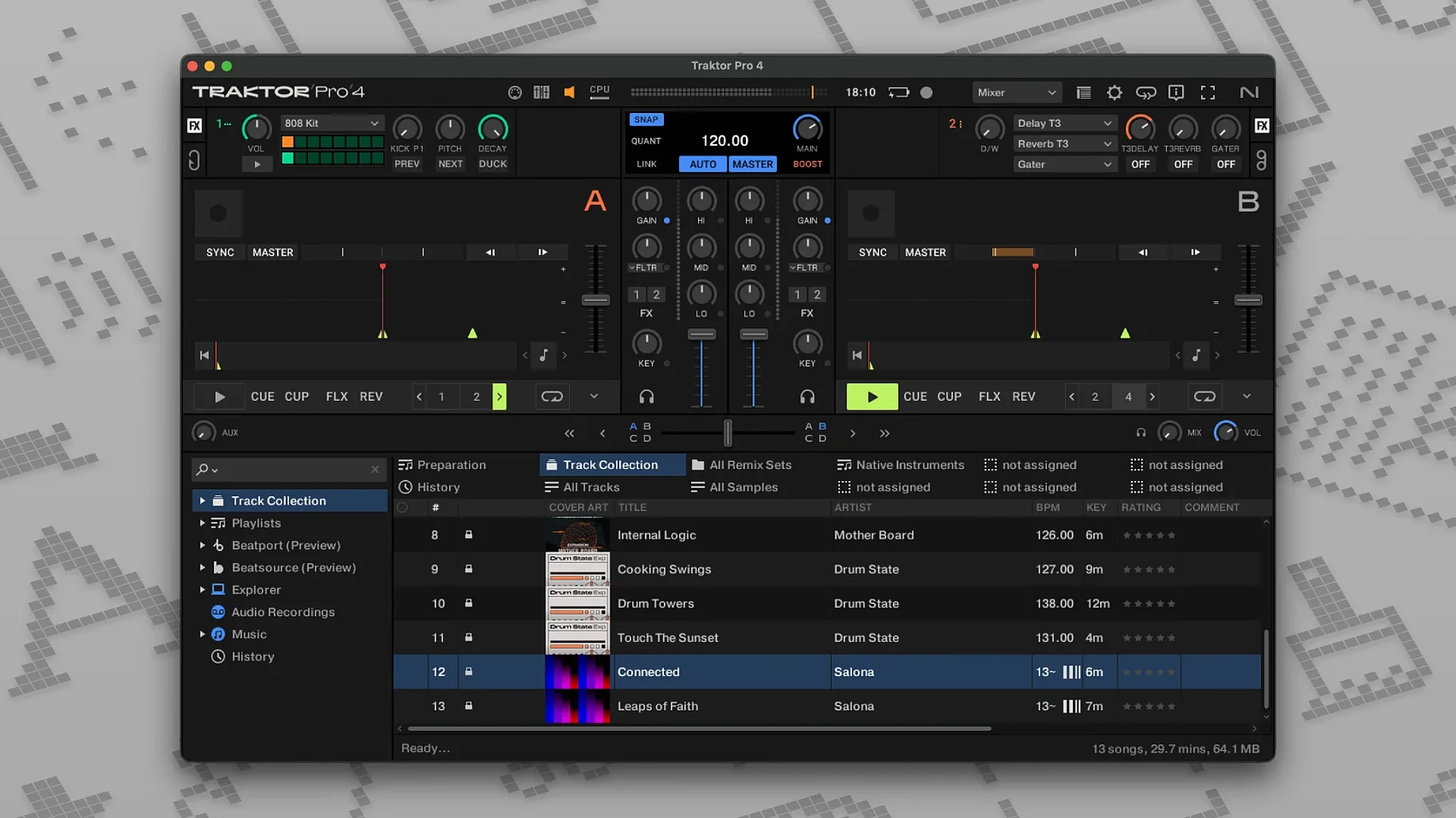
Stem separation lands first, letting you isolate drums, bass or vocals on the fly. That is the kind of control Traktor Pro builds its four-deck layout around. Native Instruments designed it for mixing, not just playing tracks — cue points, reverse playback and external mixer routing all sit close to the surface.
Four virtual decks, MIDI mapping, and ID3 tag editing
- DJs who want four virtual decks and manual control over mappings
- Sets that rely on MIDI hardware or an external DJ mixer
- Synchronizing gear via OSC or MIDI Clock
- Saving ID3 tags directly from the interface
English-only interface and macOS 12 requirement
- The interface language is English only
- Requires macOS 12 or later
- Traktor Pro 3 is the earlier-generation version
Faster stem triggers and more predictable deck-type switching
Version 4.5.1.21 tightens a few things that matter during a set. Stem separation got faster to trigger, and the four-deck layout feels more predictable when you switch deck types mid-mix. Beatport streaming behaves better on slow connections — search results no longer stall the browser panel while a track loads.
Earlier 4.x releases set the direction: stem separation arrived first, followed by refinements to Remix Deck behaviour and Live Input routing. The current build is more about stability than new tricks. Mapping files from Traktor Pro 3 still import, but you may need to reassign a few controls after the first launch.
Kontrol-connected four-deck session loading a vocal house track
You open Traktor Pro with a Kontrol controller already connected. The layout loads in Track Deck mode, four decks visible. You pull a vocal house track into Deck A, then drag a drum-heavy techno cut into Deck B. Beatgridding is automatic; you nudge the grid once to line up a delayed snare.
You press the stem button on Deck A. Vocals drop out. The bassline keeps rolling while you bring Deck B's kick into the mix. That is the moment the four-deck setup earns its space — no need to stop and export stems in another program.
Twenty minutes in, you add a Remix Deck. One-shots and loops sit on the grid, triggered from the controller's pads. You sync everything through MIDI Clock so a drum machine follows the master tempo. Then you hit record. The set saves as a WAV file with ID3 tags written from your playlist data.
Manually re-import a greyed controller mapping file
- Controller not responding — open Preferences, then Controller Manager, and check that the mapping file loaded. If Traktor Pro 3 mappings appear greyed out, re-import them manually.
- Stem separation sounds thin — the algorithm works best on full-range tracks. Low-bitrate rips and heavily compressed files separate with more artefacts. Use lossless sources for cleaner results.
- Beatport tracks won't load — log out of streaming in Preferences, restart the app, log back in. A stale session token is usually the cause.
- Recording stops unexpectedly — check the external audio interface sample rate. Traktor Pro and the interface need to match, or the recorder drops out without warning.
- MIDI Clock drifts — route MIDI Clock from a dedicated output port, not the same one carrying controller data. Latency stacks quickly otherwise.
Mouse and keyboard can run transport, but a Kontrol unlocks stems
Do I need hardware to use it? No. The software runs with mouse and keyboard, and custom keyboard shortcuts cover most transport controls. But the four-deck workflow opens up properly with a Kontrol controller, especially for stem triggering and Remix Deck pads.
Will my old playlists come over? Yes. The app reads iTunes tags on first launch, and ID3 edits made inside Traktor Pro carry back into your library. If you used Traktor Pro 3, collection files migrate without extra steps.
Can I run it on an older Mac? Only if the Mac runs macOS 12 or later. Both Intel and Apple Silicon are supported, and the ARM build runs natively without Rosetta for most setups.
Is the interface available in other languages? No. English is the only language. Keyboard shortcuts and controller mappings remain language-neutral, but every label and preference panel reads in English.
How does it compare to the previous version? Traktor Pro 3 covers the basics well, but stem separation and the revised Remix Deck are the main reasons to move up. The four-deck layout exists in both, yet the current version handles deck-type switching with less friction during a live set.
Notes for macOS users
Some DJs search for terms like traktor pro torrent or traktor pro 2 download mac when setting up a second machine. The current build installs from a standard disk image — open it, run the installer, and the app lands in Applications. No extra drivers are needed for most controllers, though Native Instruments recommends its hardware service for firmware updates.
If you see mentions of traktor crack mac or traktor pro 4 cracked, those builds may ship with older mapping files or stripped stem engines — check that the full content folder is present and stem separation initialises correctly. The version discussed here, 4.5.1.21, includes the full feature set and both architecture builds. A clean install helps maintain library integrity, which is especially useful with patched copies.
- macOS 12 or later
- Intel and Apple Silicon supported
Comments 0
Sign in to leave a comment.Sign inCreate an account
No comments yet. If a step is still there after you install it, say so.
More in Mac Apps
All in Mac Apps Tower PRO
Puts Git branches, history and merges into a clear visual client.
19 steps saved
 Transmit
Moves files to multiple servers at once from a single split view.
19 steps saved
 TunesKit iPhone Unlocker
Removes screen passcodes, Apple ID and MDM locks from a locked iOS device.
18 steps saved
 Tuxera NTFS
Lets you read and write NTFS drives on a Mac without workarounds.
4 steps saved
 Updated
Topaz Video AI
Upscales, denoises, and stabilizes video footage using local AI models.
15 steps saved
 Updated
Typeface
Replaces Apple’s Font Book with fast browsing and comparison of every installed font.
18 steps saved
 Updated
Topaz Photo
Sharpens, denoises, and upscales photos by targeting the real cause of softness.
17 steps saved
 Vector Magic
Converts a pixelated logo into a clean SVG or PDF without an online upload.