
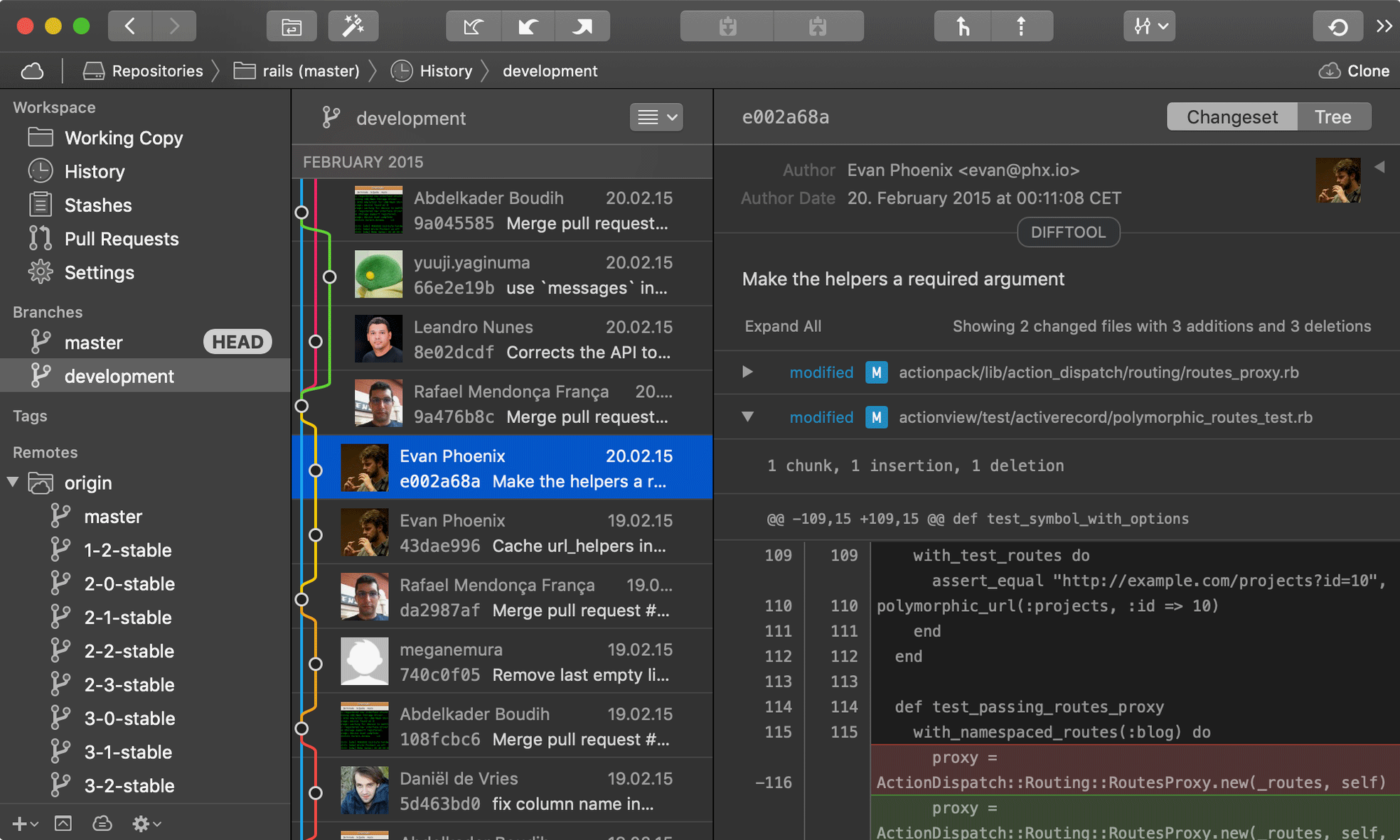
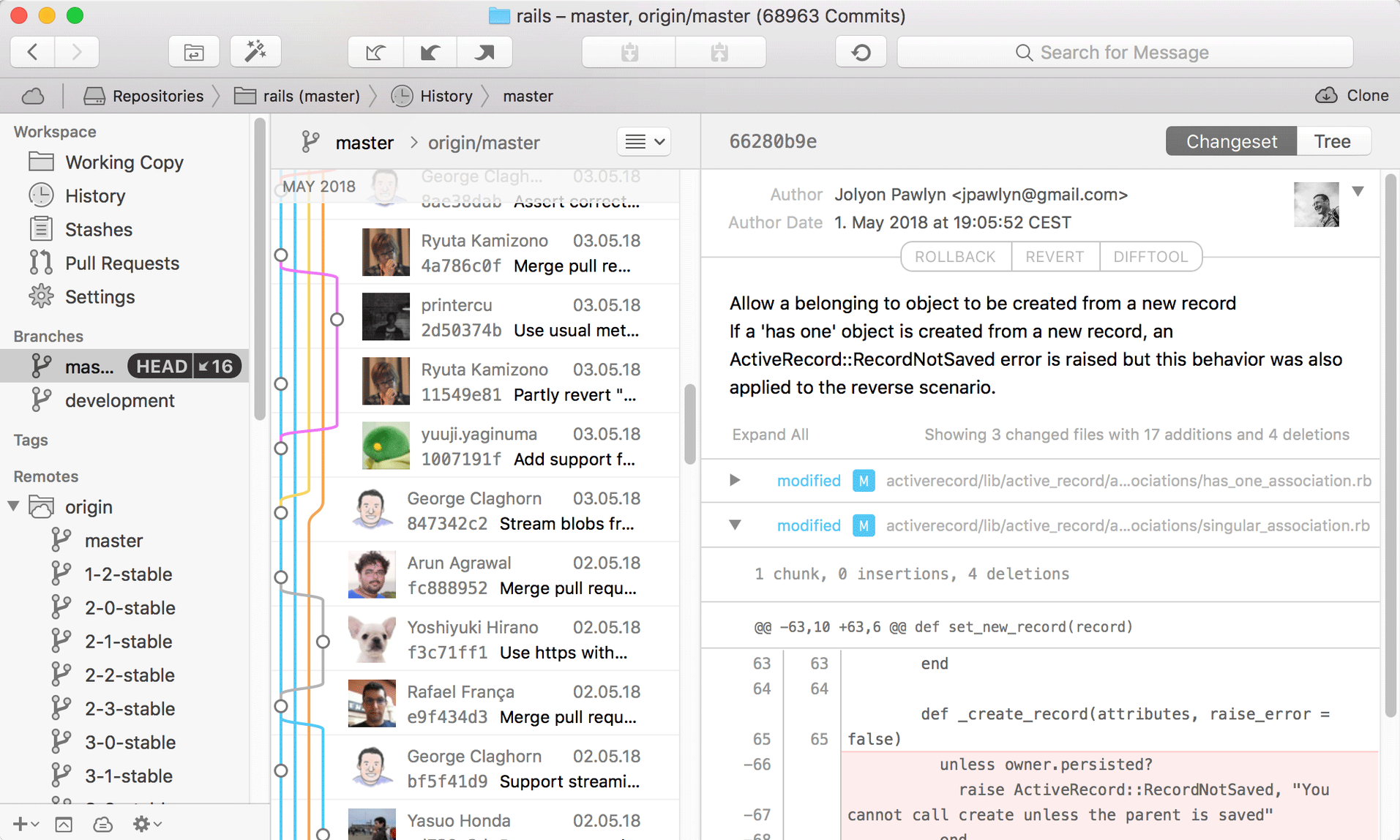
Runs on Apple Silicon and Intel Macs with macOS 12 or later.
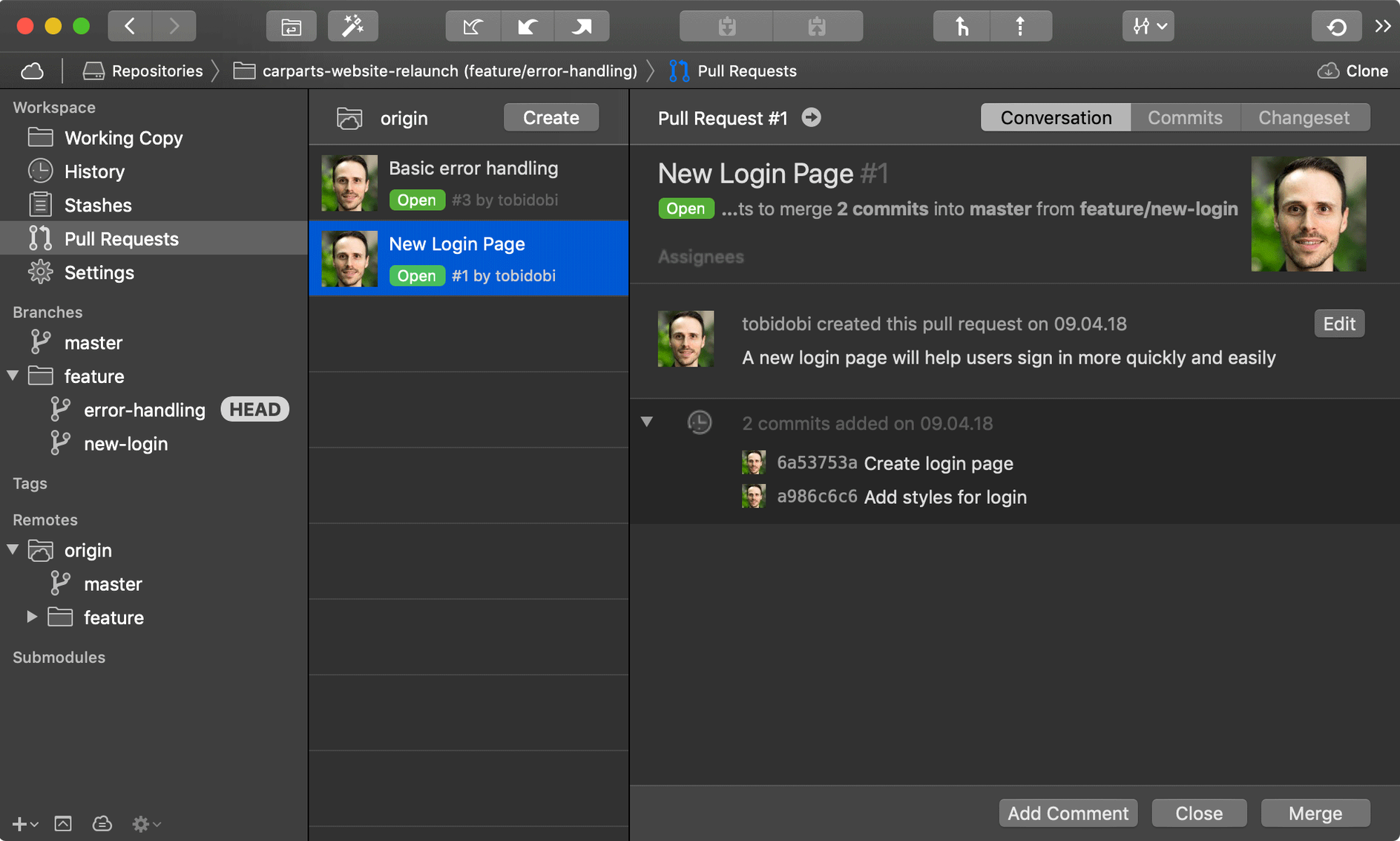
Fully Merged detection — local branches are matched against merged pull requests from hosting services like GitHub and GitLab. A branch can now earn this badge after squash or rebase merges, not just standard merges.
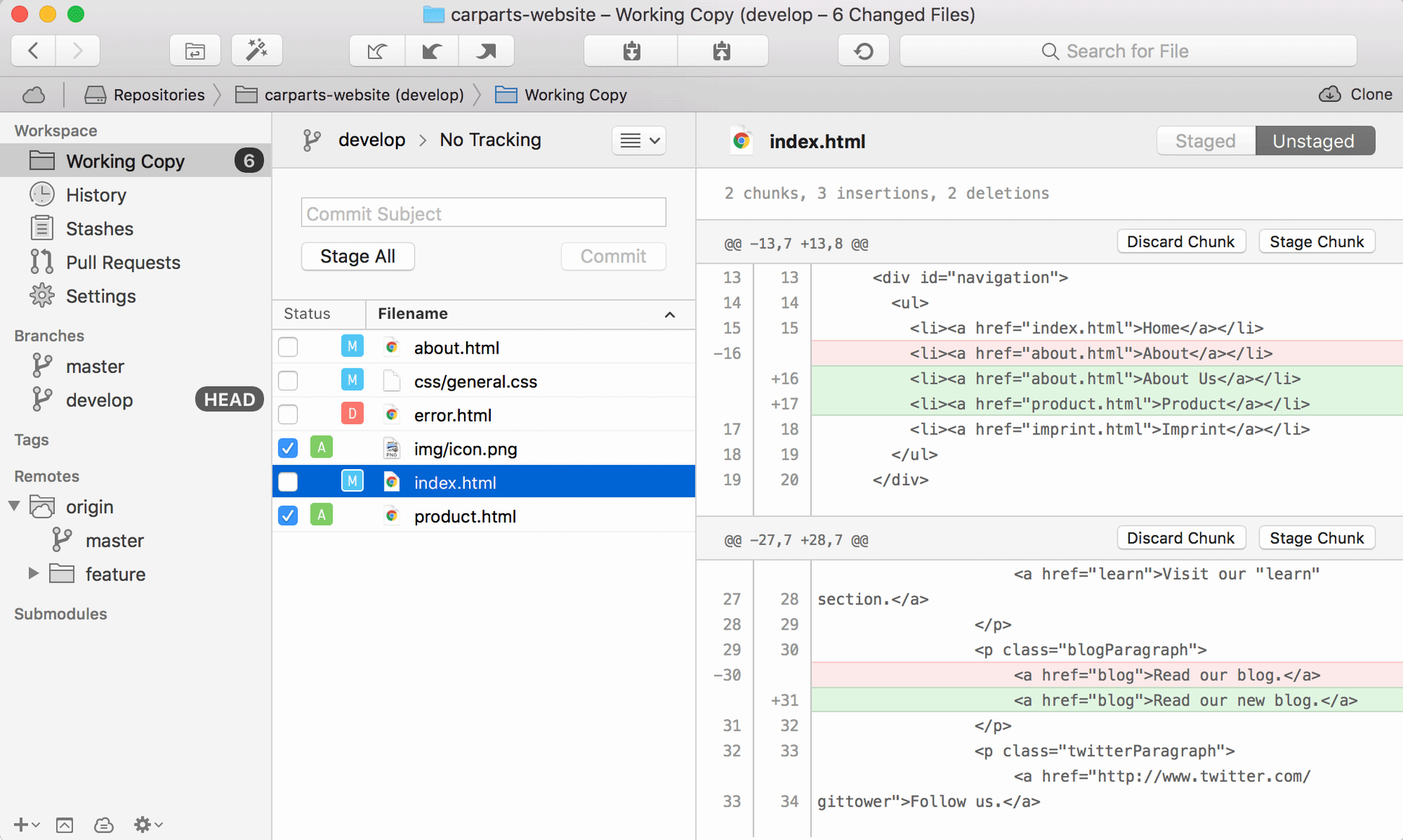
One-line staging — stage individual lines without committing the whole file.
Native Git client — a complete graphical interface for Git, built for macOS.
Interface language — English.
Picking Up Where Yesterday Left Off in Three Branches
Open Tower PRO after a morning of edits. The sidebar shows three branches with uncommitted changes, so start with the feature branch that has been sitting since yesterday.
- Click the branch name. The working copy view opens with modified files grouped by folder.
- Select a file to see the diff. Two hunks look ready; one contains a debug line that should not ship.
- Use one-line staging to add only the clean hunks, leaving the debug line unstaged.
- Write a commit message, commit, then drag the branch onto
mainto start a merge. - Open the pull request from the branch badge. The hosting service shows the PR, and Tower marks the local branch Fully Merged once it goes in.
The whole session takes under ten minutes. No terminal, no half-remembered flags.
When the Merged Badge or One-Line Stage Goes Missing
- Fully Merged badge missing — make sure the hosting service account is connected under Settings. The badge appears only after Tower checks the remote, which happens on fetch or pull.
- One-line staging greyed out — the file must be tracked and the diff view open. Untracked files stage as a whole first.
- Drag and drop not responding — drag the branch onto the target branch name in the sidebar, not onto the commit list.
- Merge conflicts — Tower opens the conflict resolver automatically. Pick a side or edit the file, then mark as resolved from the same panel.
- Submodule changes missing — click the submodule row to open its own working copy view. Tower tracks nested repositories separately by design.
Fits with macOS and other tools
Tower PRO works alongside Xcode, BBEdit and other editors: when either app saves changes, Tower refreshes the working copy view. External diff tools can be set in Preferences for file comparisons that need more context.
The app respects macOS conventions — Quick Look previews files from the working copy, Spotlight finds recent repositories, and drag and drop extends to Finder, where dropping a folder onto the Dock icon opens it as a repository. Services like GitHub, GitLab and Bitbucket connect through built-in account support, while tower pro macos free searches often surface this release for teams testing a cleaner Git workflow on existing hardware.
- New — Fully Merged detection now matches local branches against merged pull requests from hosting services.
- Improved — a branch can receive a Fully Merged badge after squash or rebase merges.
- macOS 12 or later
- Apple Silicon or Intel Mac
- Interface language: English
Questions I get before install
What changed in Fully Merged detection in Tower 17?
Tower now matches local branches against pull requests from GitHub, GitLab, and other hosting services, and correctly marks branches as merged after squash or rebase merges.
Does Tower run on Apple Silicon Macs?
Yes, Tower is a native Git client that runs on both Apple Silicon and Intel Macs with macOS 12 or later.
Comments 0
Sign in to leave a comment.Sign inCreate an account
No comments yet. If a step is still there after you install it, say so.
More in Mac Apps
All in Mac Apps Traktor Pro
Isolates drums, bass or vocals live while mixing across four decks.
19 steps saved
 Transmit
Moves files to multiple servers at once from a single split view.
19 steps saved
 TunesKit iPhone Unlocker
Removes screen passcodes, Apple ID and MDM locks from a locked iOS device.
4 steps saved
 Updated
Topaz Video AI
Upscales, denoises, and stabilizes video footage using local AI models.
18 steps saved
 Tuxera NTFS
Lets you read and write NTFS drives on a Mac without workarounds.
18 steps saved
 Updated
Topaz Photo
Sharpens, denoises, and upscales photos by targeting the real cause of softness.
15 steps saved
 Updated
Typeface
Replaces Apple’s Font Book with fast browsing and comparison of every installed font.
17 steps saved
 Vector Magic
Converts a pixelated logo into a clean SVG or PDF without an online upload.