
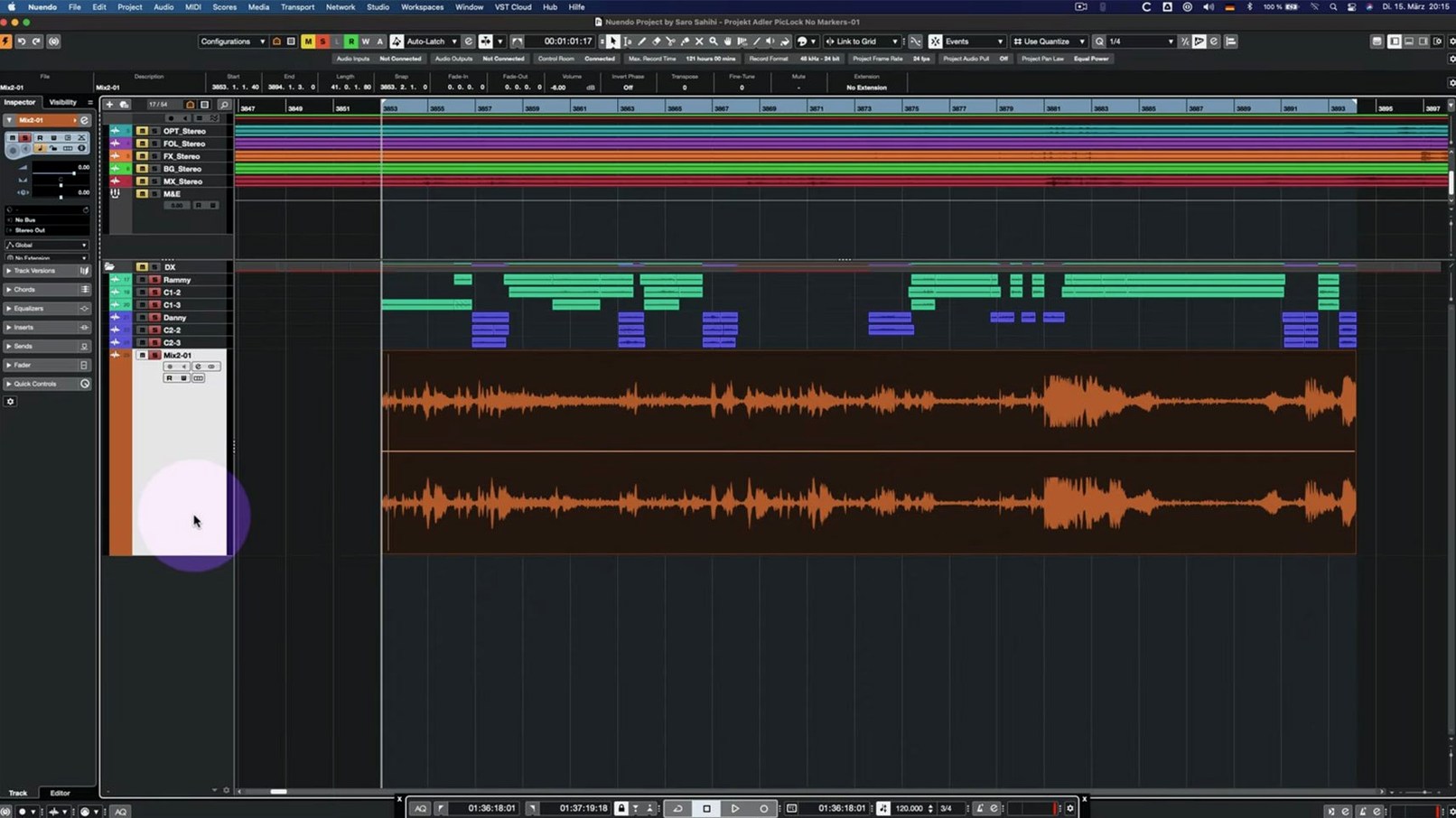
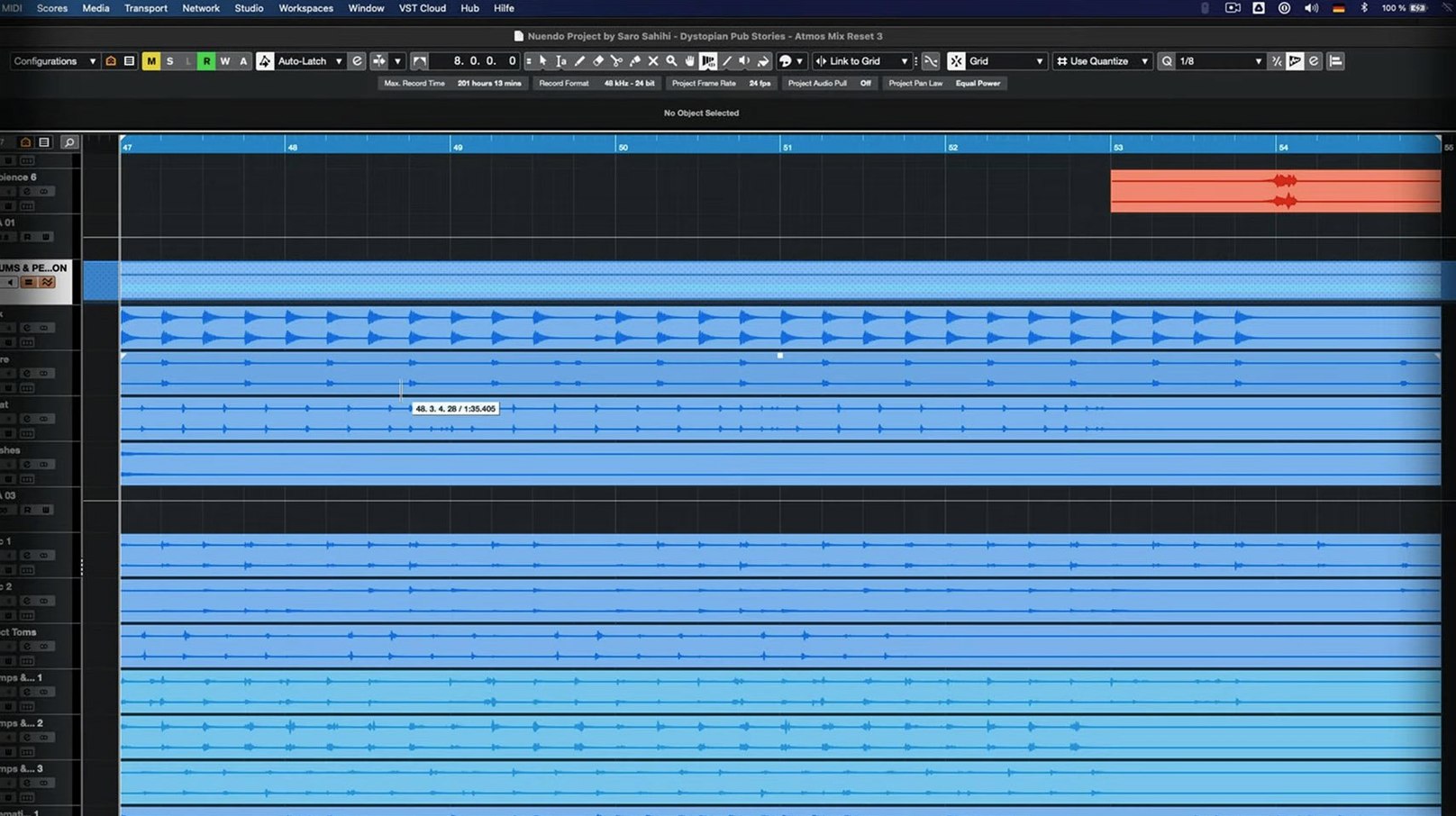
Re-recording mixers, sound designers, dialogue editors and game audio directors rely on Nuendo. It is a dedicated audio post-production workstation, not a general-purpose DAW retrofitted for picture. The 15.0.30 build runs on macOS, Windows x64, and Windows on Arm.
Built for Dialogue, Atmos, and Game Audio Pipelines
- Film and television post — editing, mixing, and delivering to broadcast specs.
- Game audio — integrating with middleware, handling complex asset pipelines.
- Immersive audio — native support for Dolby Atmos, Ambisonics, and multi-channel formats.
- Dialogue and ADR — tight integration with picture makes spotting and cueing quick.
- Large sessions — track archives and folder routing keep big projects navigable.
Overkill for Casual Production, Under 1.8 GB Without Libraries
- It is a deep workstation. Casual music production is better served by Cubase.
- The download is under 1.8 GB, but full content libraries add significant space.
- Requires macOS 11 or newer; Intel and Apple Silicon are both supported.
- Interface is English only.
- Not a simple recorder — expect to invest time learning the toolset.
Where Nuendo sits in a working post suite
Nuendo is rarely the only application open on screen. A typical setup pairs it with video playback through its built-in Video Track, fed by an AAF or XML from the picture editor's NLE. Field recorder audio conforms inside the session using the integrated MediaBay, and ADR cues get spotted directly against picture without exporting to a separate cueing app.
On the hardware side, Nuendo talks to Dante and MADI interfaces for multi-channel routing to a console or monitor controller. Control room integration handles talkback, cue mixes, and downmix fold-downs. The new folder track routing and Group Channel behaviour in 15.0.30 tightens this further — submix stems can feed into a folder that acts as a group, saving an extra bus layer.
macOS features slot in naturally. Nuendo respects Core Audio aggregate devices for complex interface setups, and its preference panes mirror the system's Audio MIDI Setup. Drag-and-drop from the Finder into the Project window imports audio and video files. Quick Look previews of assets in MediaBay are a small but real time-saver when hunting through a session's worth of spot effects.
For game audio shops, Nuendo's Game Audio Connect links directly to Audiokinetic Wwise, letting sound designers audition and push assets without manual export-import cycles. That middleware bridge is one of the reasons dedicated game studios keep a Nuendo seat even when the rest of the team runs a different DAW.
A dialogue editing session, minute by minute
Open the project. The video track sits at the top of the timeline, locked, with a reference mix down on an adjacent guide track. The dialogue editor starts by importing the day's production sound from the sound report — MediaBay filters by scene, take, and microphone, pulling only the ISO tracks needed.
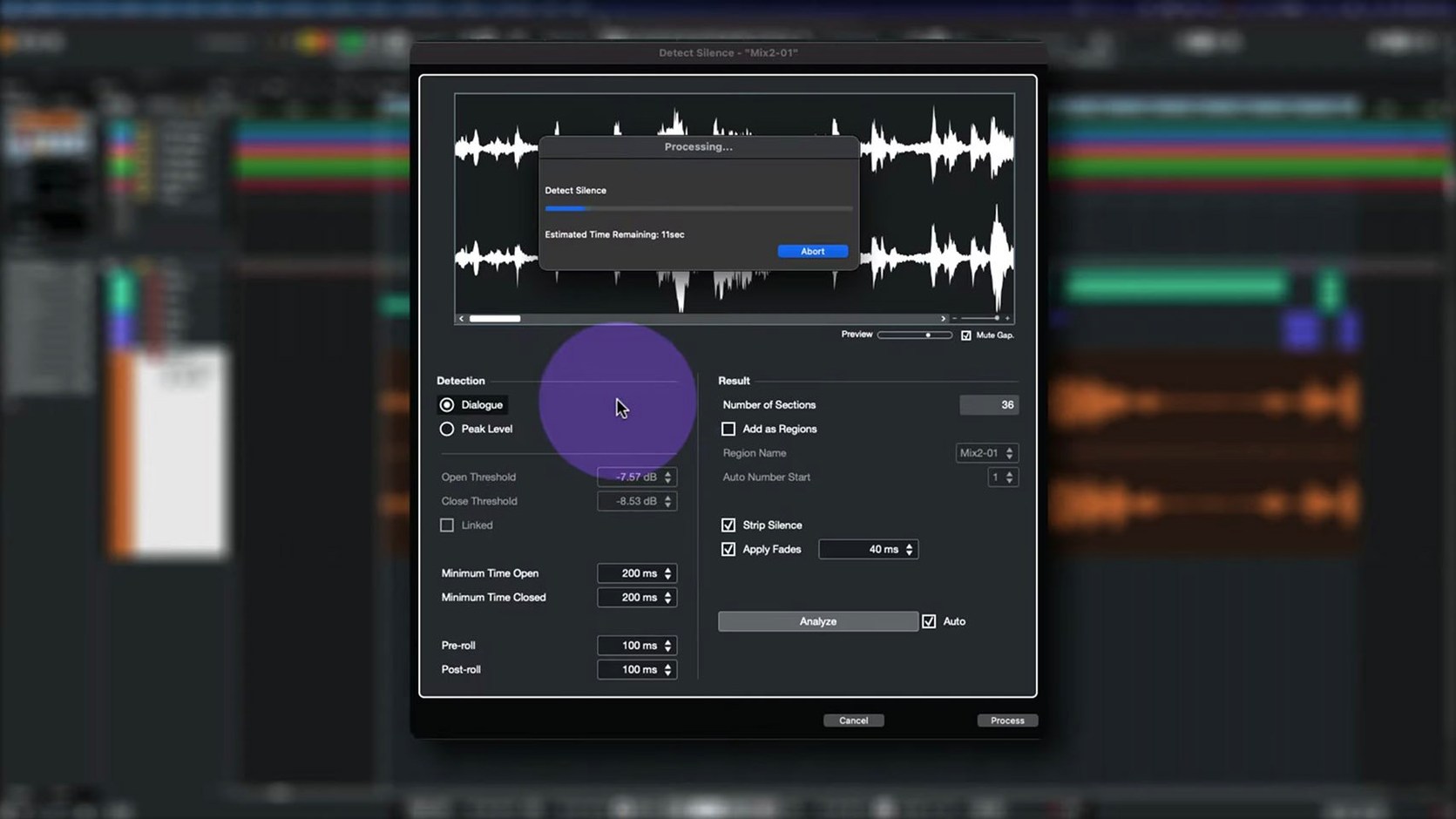
First pass: strip silence across the dialogue tracks. The editor listens in segments, using the Comp Tool with Group Editing to assemble the best takes. A boom track and two lavaliers stay grouped, so cutting between them keeps phase coherence. The recent 15.0.30 fixes to the Comp Tool mean grouped tracks no longer drift out of sync when trimming a comp event.
Second pass: cleanup. The editor drops RX Connect as an external editor on clip selections, sending noisy sections out for spectral repair and pulling them back into the timeline without leaving the session. The Analyzer track — updated in 15.0.30 — sits on a second monitor, showing real-time spectral content for a dialogue bus. A low hum at 60 Hz shows up immediately; a notch EQ on the dialogue group removes it.
Third pass: fill and room tone. The editor pulls ambience from the production tracks, extending handles and crossfading to smooth the background. Nuendo's event envelope handles make quick work of level dips between phrases. Once the dialogue edit is locked, the session is saved as a track archive — the 15.0.30 improvements to archive handling mean imported archives now respect their original routing, so the re-recording mixer downstream gets exactly what the editor heard.
Scene: a game audio designer preparing vehicle assets
A sound designer on a racing title needs to deliver 40 vehicle engine loops, each with multiple RPM layers, to the Wwise project before Friday. The source recordings are a mix of on-set field audio and a library session captured months earlier.
She starts in MediaBay, tagging and rating takes. The search filters narrow 300 recordings to 12 candidates per vehicle in under a minute. She drags the best into the Project window and lines them up on separate tracks, each with its own pitch envelope.
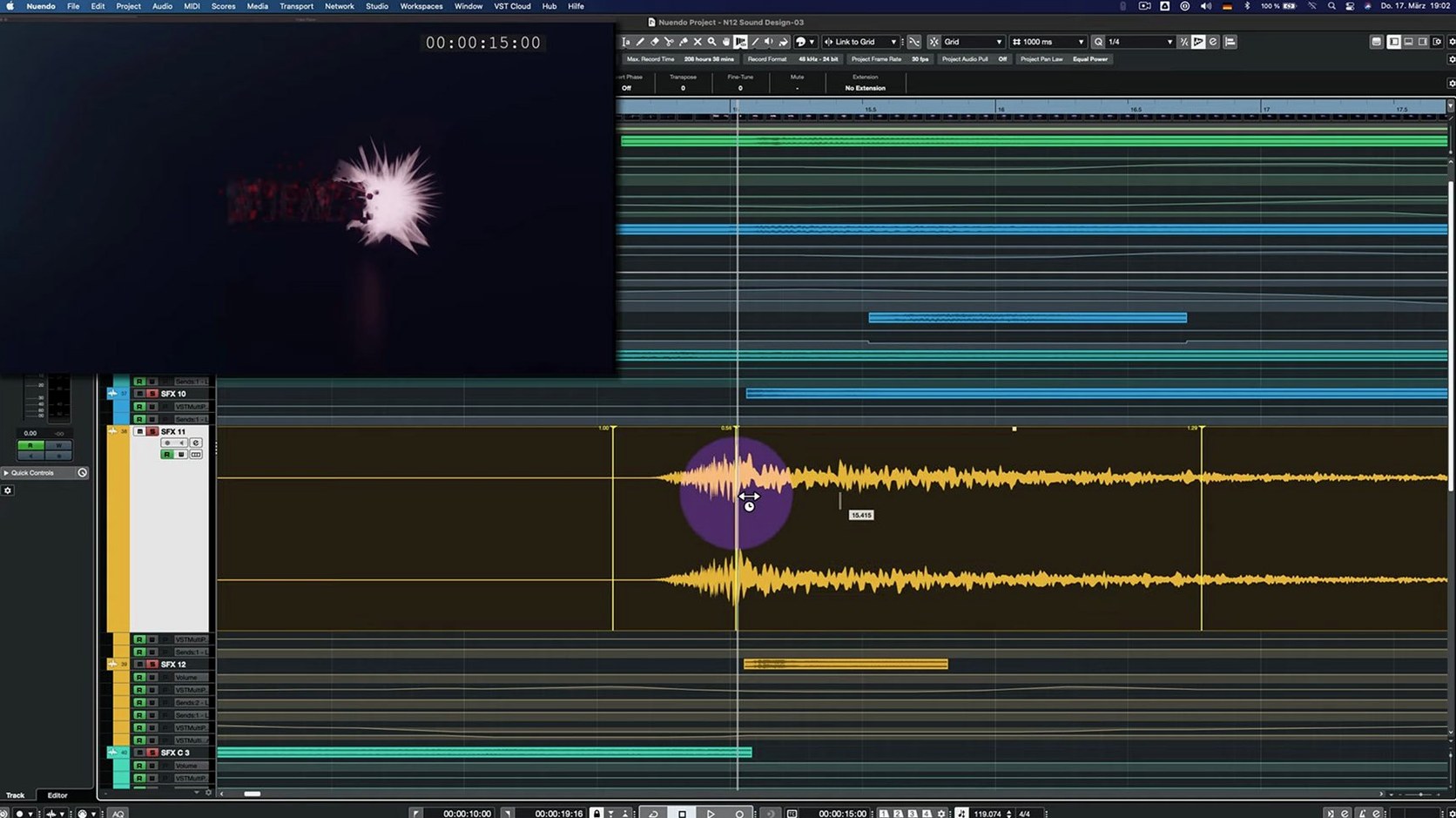
Nuendo's VariAudio gives her visual feedback on each clip's pitch contour, letting her align the loops so the RPM transition points match across layers. She groups the layers and uses the Direct Offline Processing window to apply a chain — high-pass filter, subtle saturation, Multiband Envelope Shaper for transient control (the bypass performance fix in 15.0.30 means toggling the effect no longer causes a CPU spike). The interface for VST Bass Amp and VST Amp Rack now behaves correctly in the Offline Processing window too, so she previews with and without amp colour without glitches.
She opens Game Audio Connect, selects the vehicle set, and pushes the assets straight into Wwise. The Wwise project updates live on a second machine running the game build. She tests the transition from idle to full-throttle in-engine, catches a loop point that clicks, adjusts it in Nuendo, and repushes. The whole round-trip takes thirty seconds.
By end of day, all 40 vehicles are integrated and tested. The session is archived as a track archive for next year's DLC pack, routing intact.
- New — Analyzer track changes.
- Improved — Imported track settings and track archive handling. Folder track routing and Group Channel behaviour updated. Quick Link and MIDI port or channel adjustments.
- Fixed — Comp Tool with Group Editing. Score Editor behaviour with locked global tracks. Direct Offline Processing interface for VST Bass Amp and VST Amp Rack. Multiband Envelope Shaper bypass performance optimized.
- macOS 11 or later
- Intel or Apple Silicon Mac
- Under 1.8 GB disk space for the application
Comments 0
Sign in to leave a comment.Sign inCreate an account
No comments yet. If a step is still there after you install it, say so.
More in Mac Apps
All in Mac Apps Updated
SoundSource
Routes every app's audio to a different output from the menu bar.
23 steps saved
 Studio One
Records, arranges and mixes music in a fast drag-and-drop DAW.
17 steps saved
 Sublime Text
Edits code and text fast with multiple cursors and instant project search.
14 steps saved
 Updated
Super Vectorizer Pro
Converts a flat raster logo into a scalable vector for print or CNC work.
21 steps saved
 SuperDuper!
Creates a full, bootable clone of your entire drive on any modern Mac.
18 steps saved
 Updated
Smooze Pro
Customizes scrolling behaviour and button assignments for any application.
17 steps saved
 Slidepad
Keeps web apps accessible in a slide-over panel that hides at the screen edge.
10 steps saved
 Swinsian
Plays a large local music library with smart playlists and wide format support.