
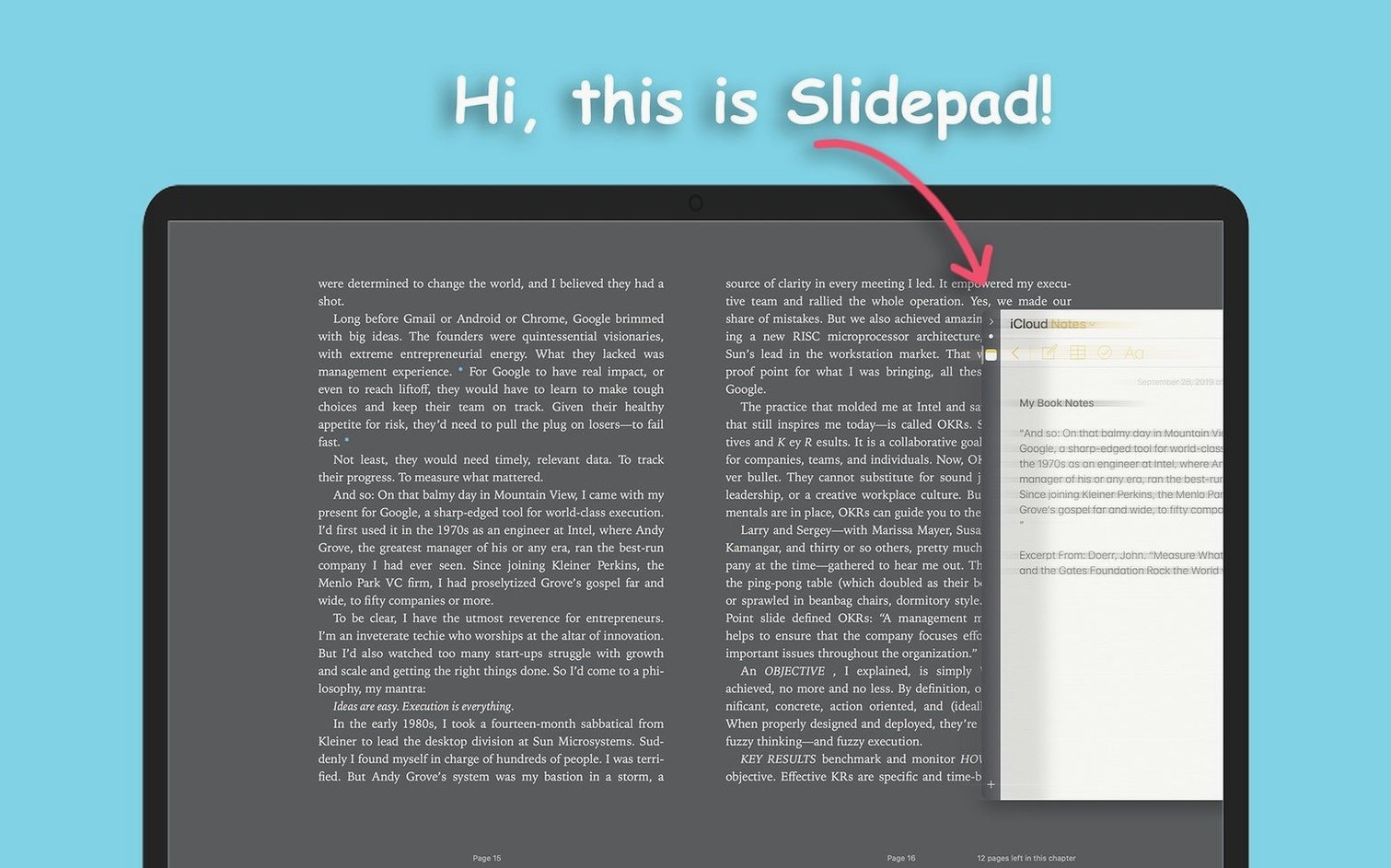
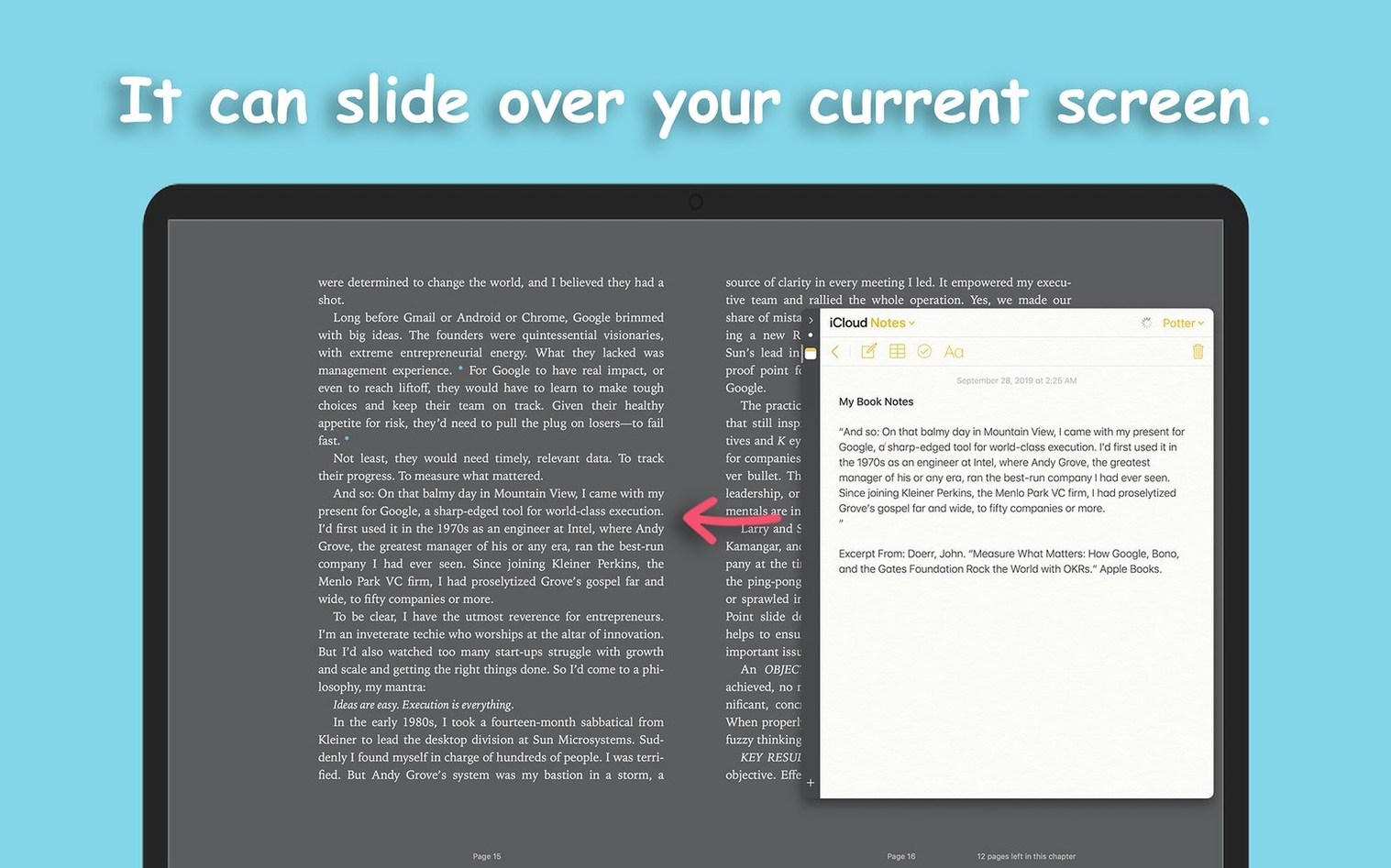
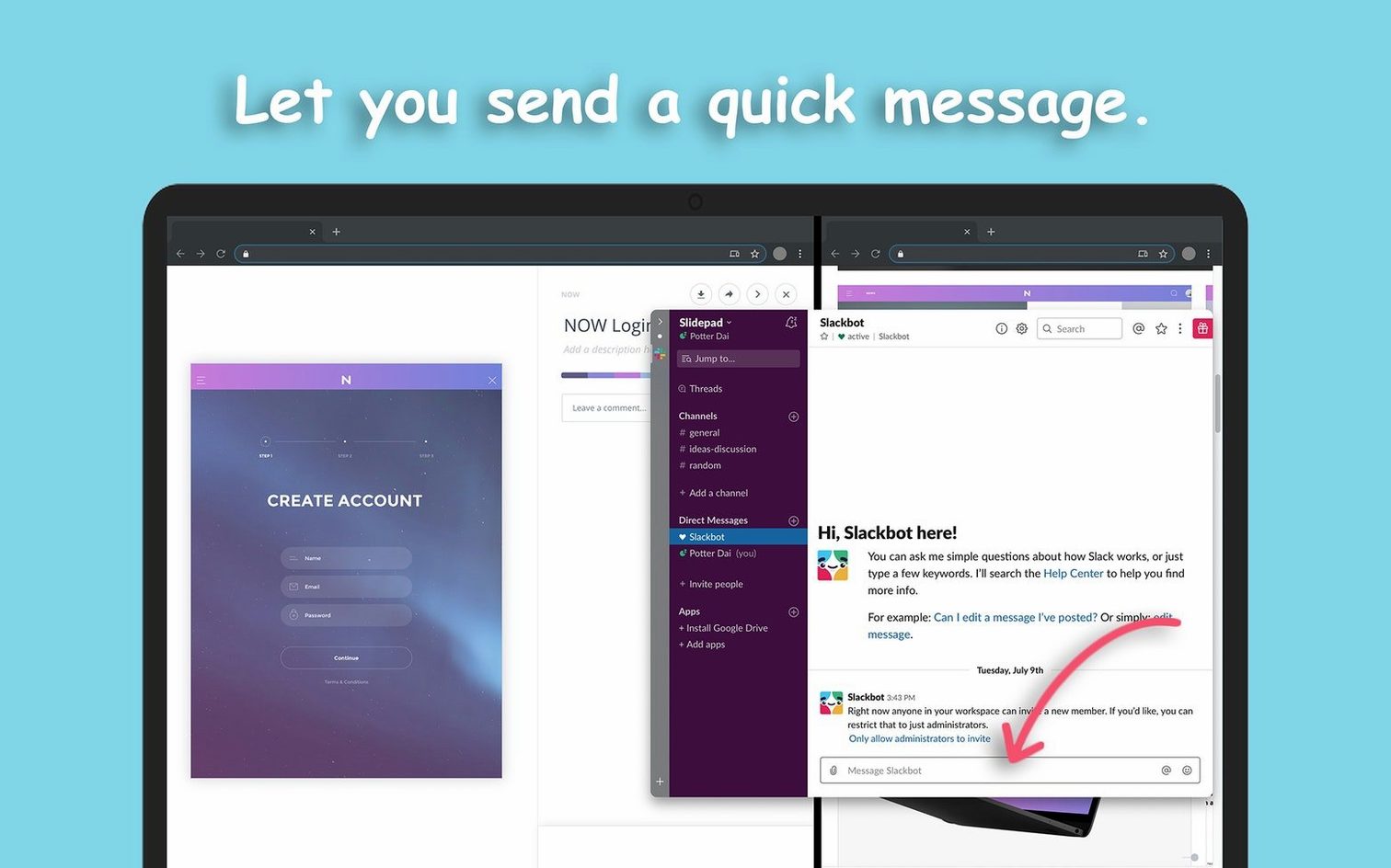
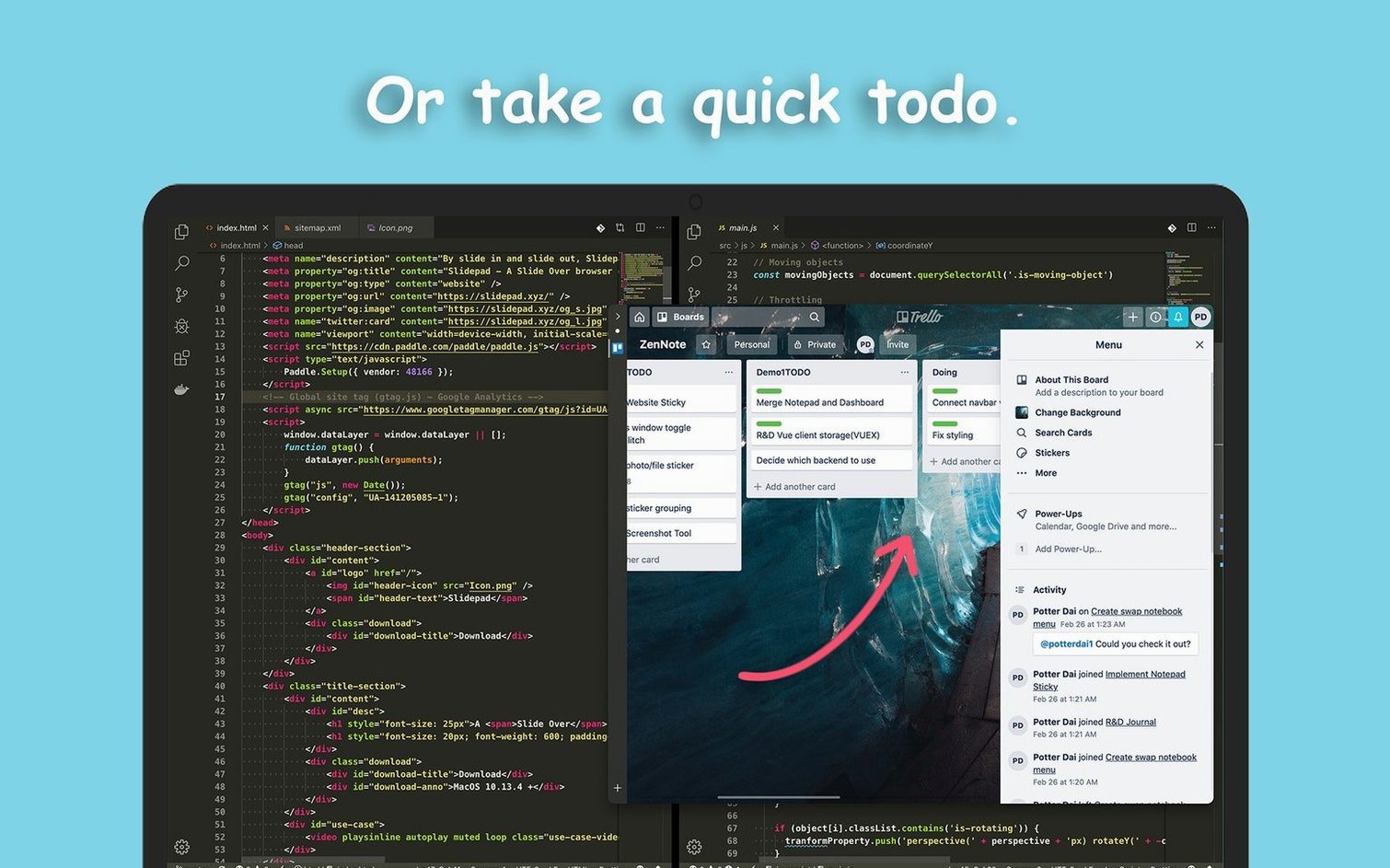
Slidepad is a slide-over browser that lives at the edge of your screen. It keeps web apps within reach without burying them in tabs. A single gesture or click pulls it out; another tucks it away. The panel holds frequently used sites—email, Slack, a calendar, YouTube—and remembers browsing history so nothing gets lost between sessions. Dark mode support lands cleanly on macOS 10.14 and later, and the omnibox accepts URLs or search keywords, whichever you type first. Picture-in-picture video pops out and stays visible over other windows, and notification sounds are customizable per app. When clutter builds up, clearing cache and cookies from the menu bar takes seconds. Inspired by iPad Slide Over and desktop aggregators like Franz and Station, Slidepad keeps the panel light and focused on one job: giving web apps a permanent side door.
| Detail | Info |
|---|---|
| Current version | 1.6.2 |
| macOS requirement | macOS 11+ |
| Architecture | Intel & Apple Silicon |
| Interface language | English |
Version 1.6.2 stabilizes the core panel behaviour while leaving the feature set intact. Dark mode support, the omnibox, picture-in-picture and per-site notification controls all carry forward unchanged. The update focuses on compatibility with recent macOS releases and keeps the panel responsive under load. What stayed the same matters as much as what moved: Slidepad still switches between web apps without touching a browser tab, still saves history, and still treats the side panel as a dedicated lane for quick-access tools. No bloat, no reinvention—just a tighter build of the same sharp idea.
People Who Live in a Handful of Web Apps
People who live in a handful of web apps notice the difference first. Project managers flipping between a task board, a calendar and a messaging tool stop treating their main browser like a messy desk. Writers and researchers who keep a dictionary, a notes app and a reference site open alongside their editor find the panel keeps the workspace calm. Support agents monitoring a ticket queue and a knowledge base in the same glance also benefit. The panel thrives when web apps function as tools, not destinations you browse. Casual multi-taskers who just want YouTube or a news feed tucked at the side gain the same quick-in, quick-out rhythm without rearranging windows.
A Dedicated Panel With Its Own Cookie Jar
Does it work like an extra browser window? No. Slidepad operates as a dedicated panel, not a detached browser tab. It has its own history, its own cookie jar and its own set of sites. Clearing data from the menu bar affects only the panel, never your main browser.
Will it slow down an older Mac? On macOS 11 and later, the panel stays light. Adding a dozen web apps does not spawn a dozen heavy processes—the architecture keeps memory use predictable. Picture-in-picture video and auto-mute settings help you control what demands attention.
Can I try it without committing to a setup? The slidepad macos free download lets you add a few sites and test the workflow. Keep what works, remove what does not, and the panel adapts to how you actually switch between tools during a workday.
- Fixed — Panel stability under heavy web-app load on macOS 11 and later.
- Improved — Compatibility refinements for recent macOS versions without altering the existing feature set.
- macOS 11 or later
- Intel or Apple Silicon Mac
Questions I get before install
Does Slidepad replace my regular browser?
No. It works alongside your main browser as a slide-over panel for frequently used web apps, so you can switch between them without changing tabs elsewhere.
Can I watch video in a floating window?
Yes. Slidepad supports picture-in-picture video that detaches and stays visible over other windows while you work in other apps.
Comments 0
Sign in to leave a comment.Sign inCreate an account
No comments yet. If a step is still there after you install it, say so.
More in Mac Apps
All in Mac Apps Updated
Smooze Pro
Customizes scrolling behaviour and button assignments for any application.
15 steps saved
 SlapMac
Triggers a custom action when you tap your MacBook with a set sensitivity.
12 steps saved
 Updated
SoundSource
Routes every app's audio to a different output from the menu bar.
15 steps saved
 Sketch
Moves a design from a blank artboard to reusable, scalable components.
19 steps saved
 Shottr
Floats a fast, local markup tool over your screen without switching contexts.
23 steps saved
 Steinberg Nuendo
Provides a dedicated audio post-production workstation built for dialogue, Atmos, and game audio.
19 steps saved
 Shadowrocket
Routes your Mac's network requests through different proxies based on custom rules.
23 steps saved
 Studio One
Records, arranges and mixes music in a fast drag-and-drop DAW.