
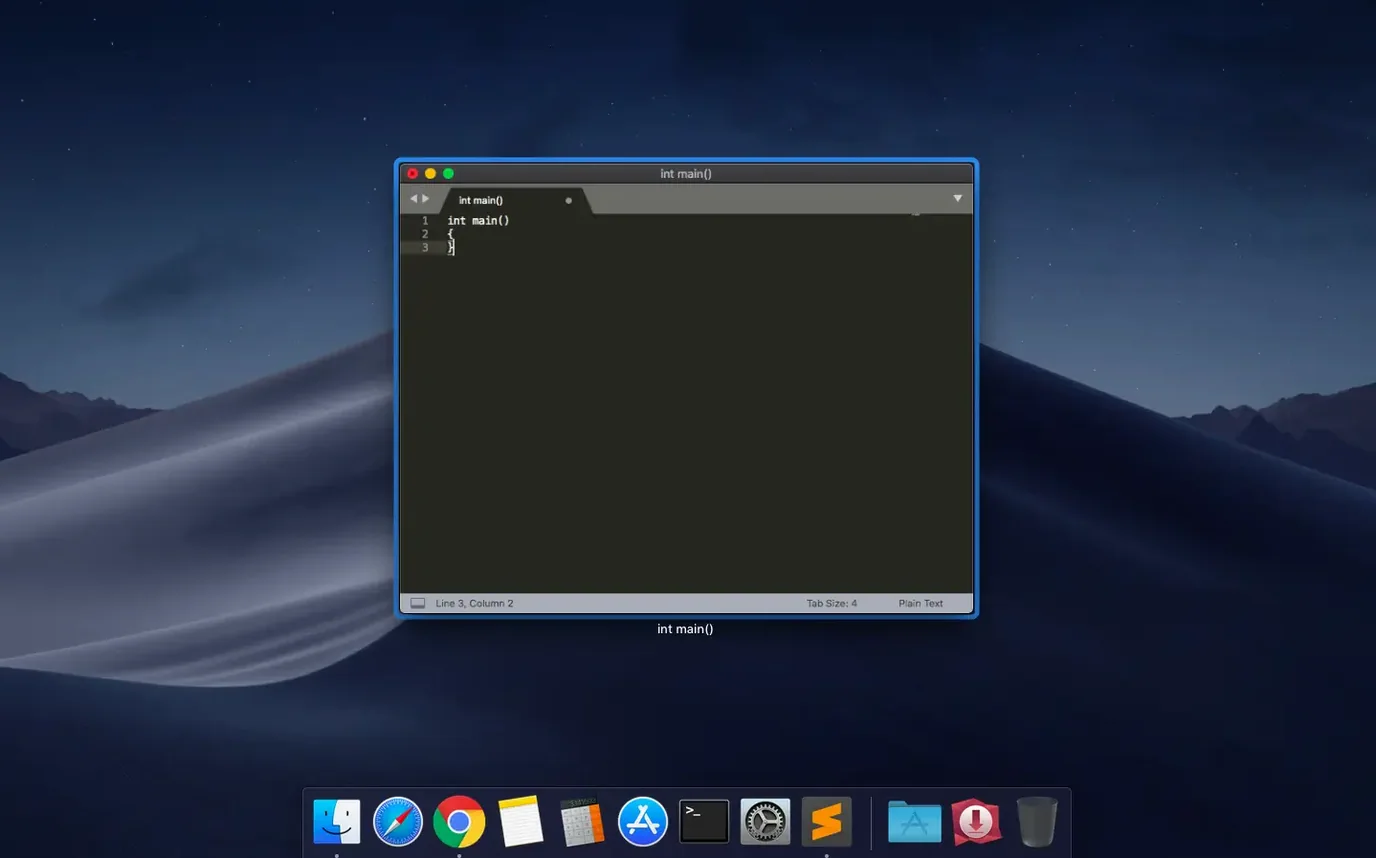
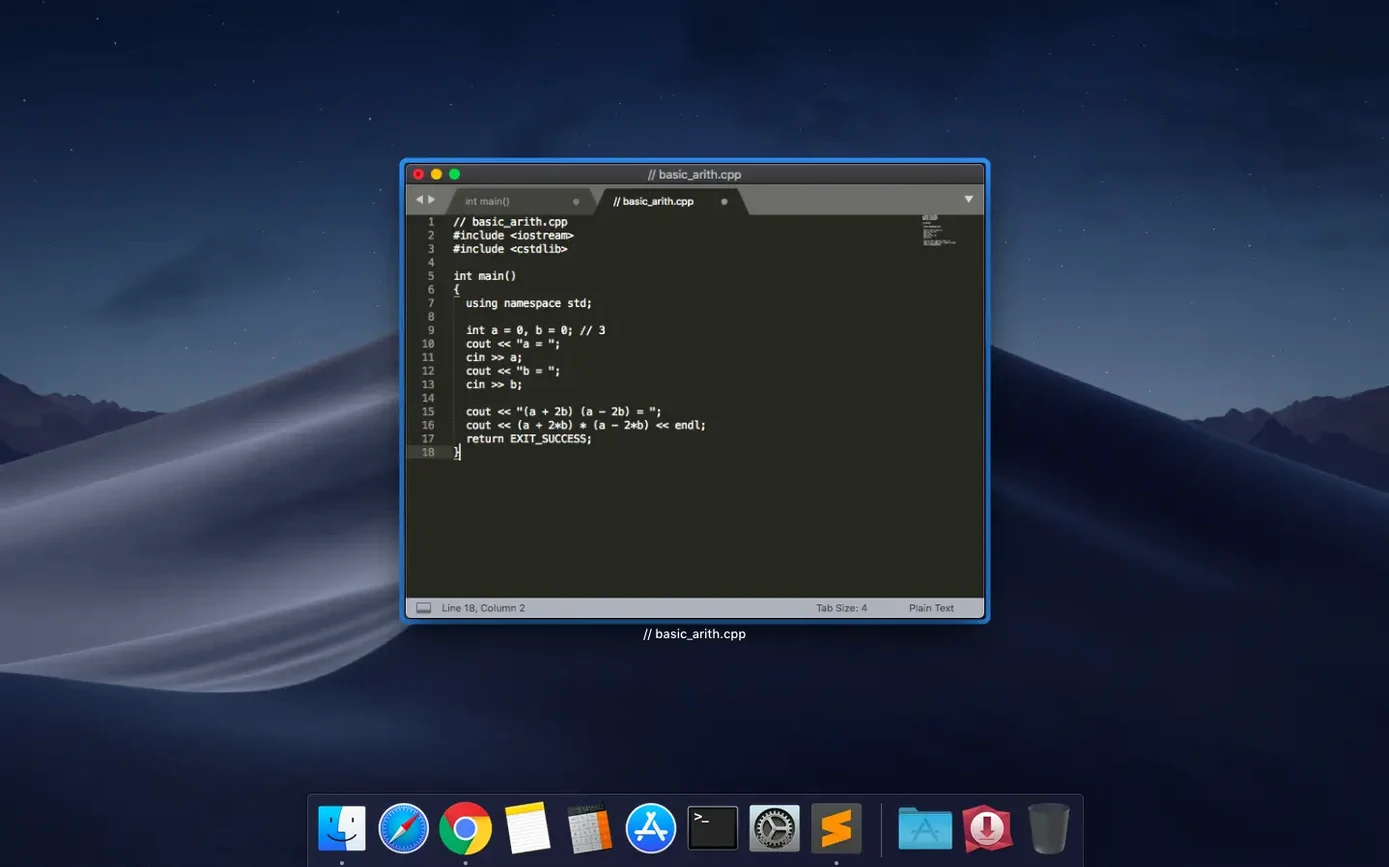
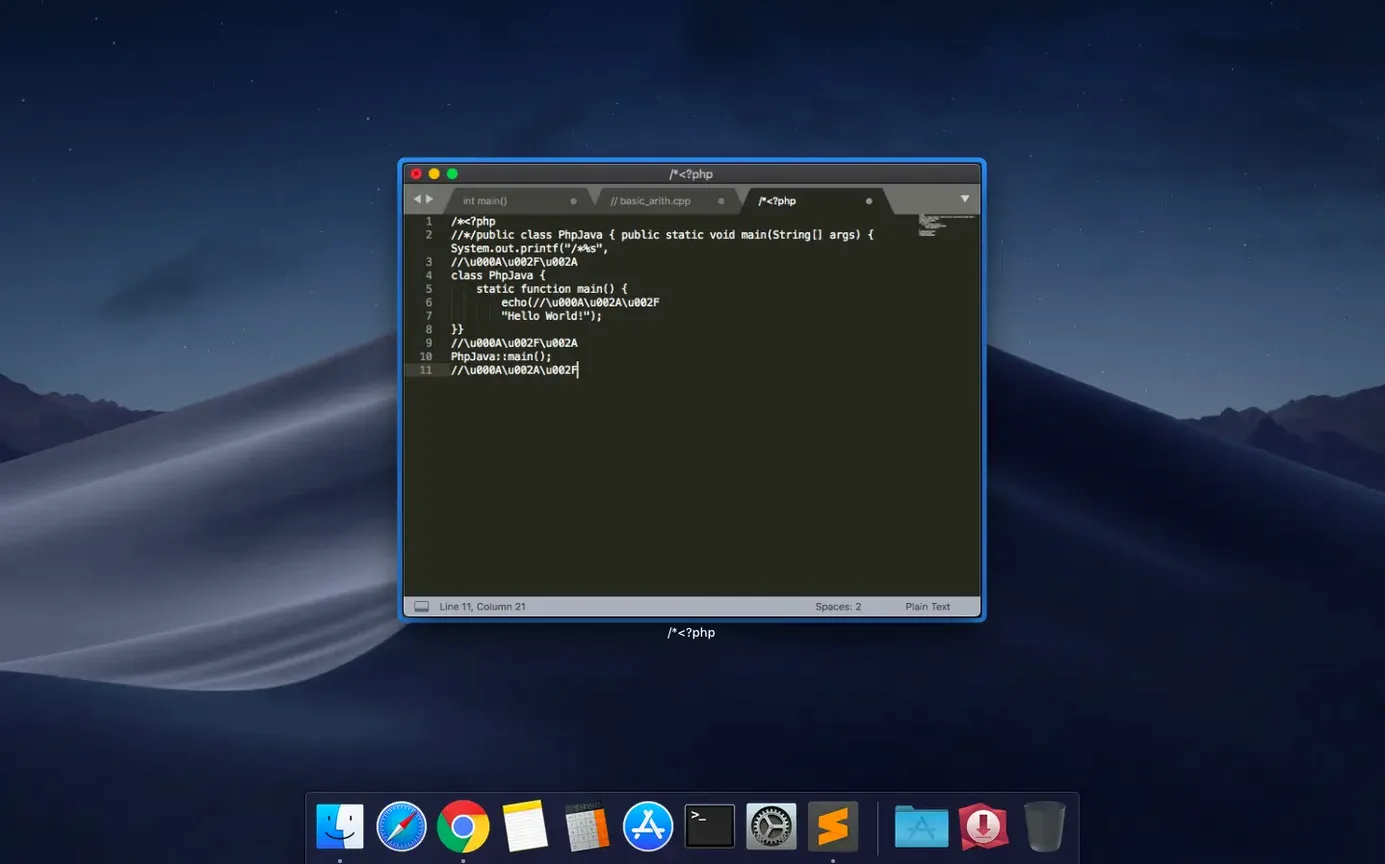
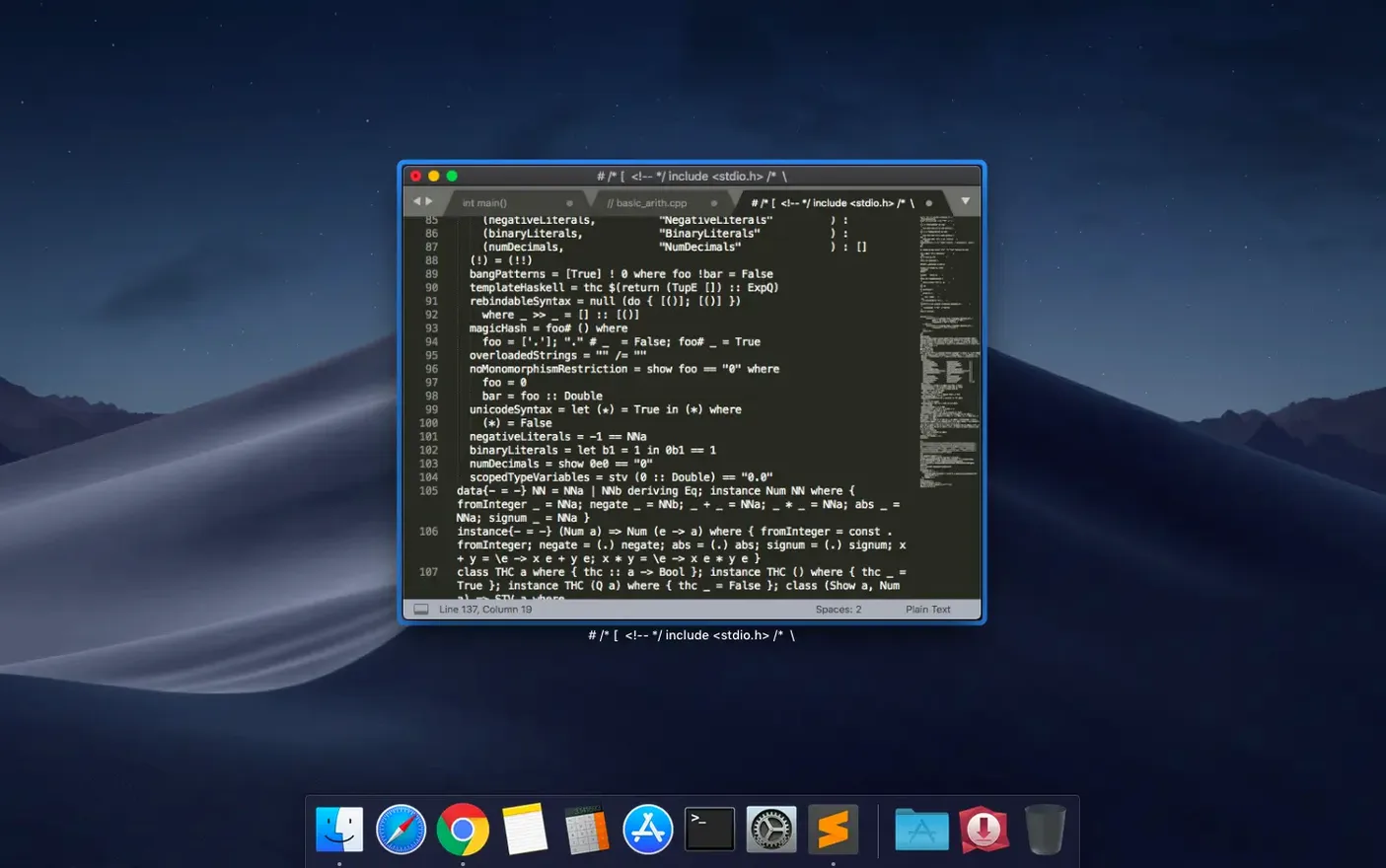
Build 4215 landed 2026-09-25 with fixes for macOS 10.13 and 10.14 compatibility, and the vintage M command.
Multi-pane editing — Split your window into one to four panes for viewing up to four files at once.
Syntax highlighting — Native support for C++, Java, Python, Markdown, LaTeX, and many more. Plugins extend this further.
Snippets & autocomplete — Store reusable code fragments and trigger them with short tokens. Typed code and user-defined variables complete as you work.
Text commands — Indentation, paragraph reformatting, and line joining keep prose and markup tidy.
Split focus in practice
Open a Python script in pane one. Add a Markdown readme in pane two, and a CSS file in pane three. With four panes, you can pin reference material from a Lua module. No tab switching. Each pane holds its own layout while you edit across the grid. Plugins for additional language support load without restarting the workspace.
A technical writer's morning
A documentation lead opens a Markdown file for the API reference, a YAML config for the static site generator, and a diff of last week's edits — three panes side by side. The minimap on the right shows exactly where the build-system instructions sit. She highlights a variable name, hits Ctrl+D three times to select every occurrence, and renames them all at once. Snippets insert the standard callout block she uses across forty pages. The fuzzy file picker finds authentication.md in two keystrokes. No distractions, no layout resets when she drags a pane wider.
How Sublime Text compares
VS Code — Electron-based, heavier on RAM, ships with more out-of-the-box tooling. Sublime Text loads instantly. You add only the packages you need. VS Code's integrated terminal and debugger are absent here; the trade-off is a lighter, snappier workspace that favours keyboard-driven workflows.
BBEdit — A macOS-native editor with deep text-processing tools. BBEdit excels at HTML tidying, grep-powered search, and large-file handling. Sublime Text offers a wider plugin ecosystem, a minimap, and multi-cursor editing that BBEdit doesn't match. Both feel native. BBEdit leans toward writers and web developers; Sublime Text leans toward polyglot programmers.
Nova — A Mac-first editor with built-in file management and remote publishing. Nova's UI is more graphical; its extension library is smaller. Sublime Text runs faster on older hardware and handles four-pane layouts without lag. If you want a project sidebar you can drive entirely from the keyboard, Sublime Text wins.
Give the minimap a highlight you can actually see
- Mini map viewport colour — Open
Preferences: Sublime Text Settingsand set"minimap_highlight_color"to something visible against your theme. The default washes out in dark modes. - Auto-save on focus lost — Add
"save_on_focus_lost": true. Every switch to Terminal or browser commits your changes. Works like an undo safety net. - Indent guides —
"draw_indent_guides": trueand"indent_guide_options": ["draw_normal", "draw_active"]. The active-indent highlight tracks your nesting level across long blocks. - Scroll past end —
"scroll_past_end": truelets you centre the last lines of a file vertically instead of squinting at the bottom edge. - Tab size per file type — In a syntax-specific settings file (e.g.,
Python.sublime-settings), set"tab_size": 4and"translate_tabs_to_spaces": true. Markdown can stay at 2. No more mixing spaces and tabs by accident.
The package manager updates everything in the background. A clean install holds nothing back — themes, linters, and language servers arrive in seconds. If you carry a sublime text 4200 license key mac configuration between machines, the entire setup migrates inside a single User folder.
- Fixed the vintage M command not working.
- Fixed a compatibility issue with macOS 10.13 and 10.14.
- macOS: 10.13 or later
- Architecture: Intel and Apple Silicon
Questions I get before install
Does Sublime Text 4 support Apple Silicon Macs?
Yes. Sublime Text 4 runs natively on both Intel and Apple Silicon Macs.
What macOS version is required for Build 4215?
macOS 10.13 is the minimum required version, and this build also fixed a compatibility issue with 10.13 and 10.14.
Comments 0
Sign in to leave a comment.Sign inCreate an account
No comments yet. If a step is still there after you install it, say so.
More in Mac Apps
All in Mac Apps Studio One
Records, arranges and mixes music in a fast drag-and-drop DAW.
14 steps saved
 Updated
Super Vectorizer Pro
Converts a flat raster logo into a scalable vector for print or CNC work.
21 steps saved
 SuperDuper!
Creates a full, bootable clone of your entire drive on any modern Mac.
10 steps saved
 Swinsian
Plays a large local music library with smart playlists and wide format support.
23 steps saved
 Steinberg Nuendo
Provides a dedicated audio post-production workstation built for dialogue, Atmos, and game audio.
17 steps saved
 Swish
Snaps windows and switches spaces with gestures on a Magic Trackpad or Magic Mouse.
17 steps saved
 SwitchResX
Unlocks hidden screen resolutions and saves complete monitor configurations per setup.
12 steps saved
 Updated
SoundSource
Routes every app's audio to a different output from the menu bar.